 OEBS Studios


🎬 Scene Retimer
Fix the pacing of your entire animated scene—without re-animating it. ⏱️
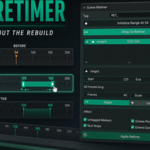
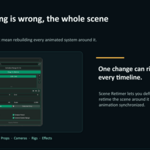
Animation timing is the heartbeat of an animation scene. When a shot feels rushed, an impact misses its mark, or a final beat needs more breathing room. Scene Retimer lets you reshape the timing of an entire Blender scene using simple timeline markers.
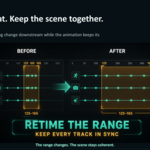
Mark a range, choose its new duration, and retime the scene in seconds—keeping your characters, props, cameras, rigs, and effects while keeping everything synchronized. ✨
🚀 What you can do
- Stretch or squash sections of animation
- Ripple everything downstream automatically
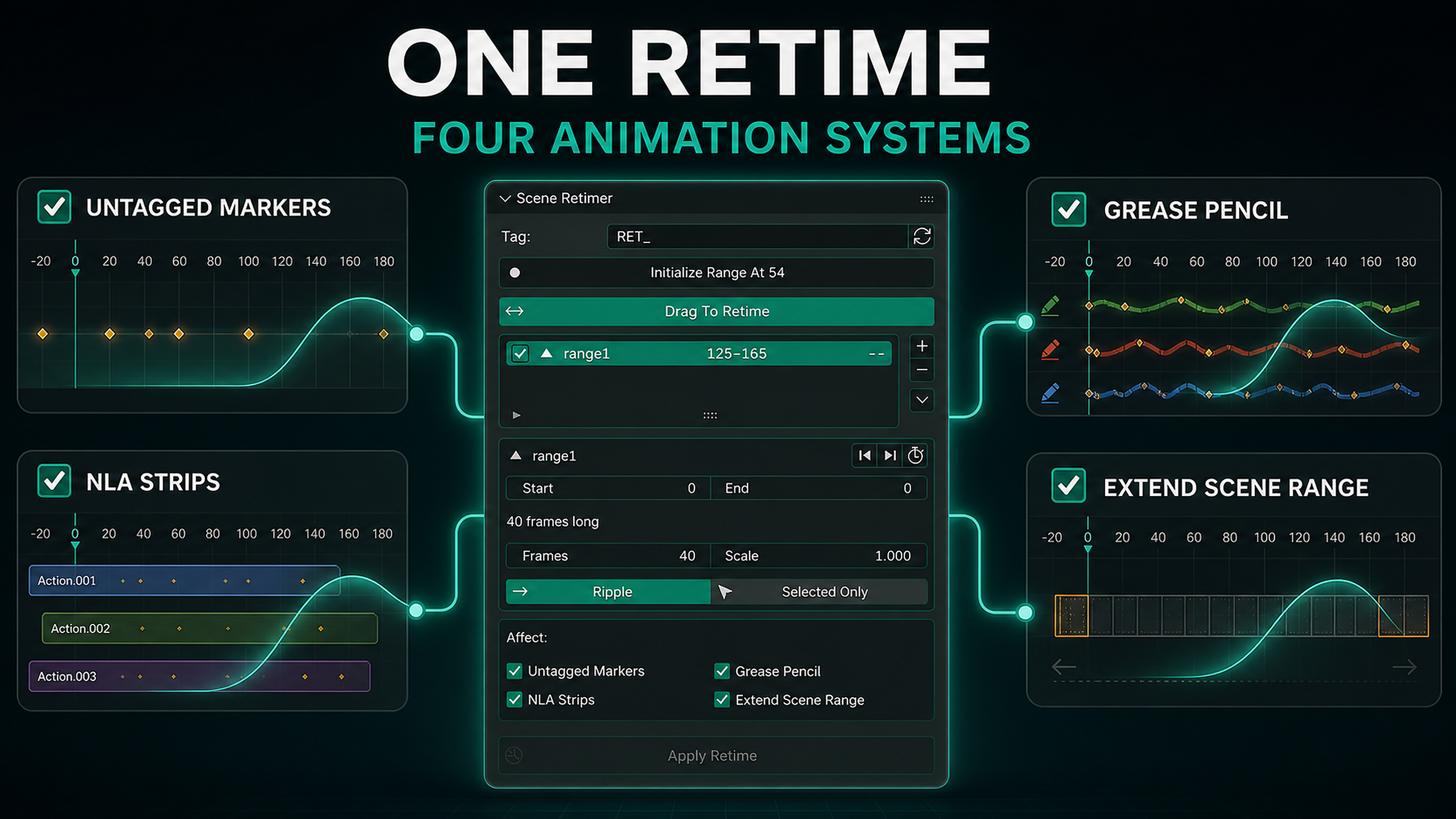
- Retiming across objects, rigs, shape keys, materials, particles, and node trees
- Support for NLA strips and Grease Pencil frames
- Retiming for camera markers and timeline markers
- Retiming for selected objects only
- Preserve Bezier easing and animation flow
- Extend the scene range automatically
- Preview timing changes before applying them
- Drag markers to retime interactively
- Snap markers to existing keyframes
- Use Blender’s normal Undo system
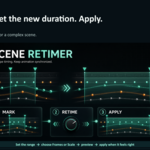
🛠️ A simple workflow
- Place start and end markers around the section you want to change.
- Set the desired duration or scale.
- Choose Ripple or Selected Only.
- Preview the result.
- Press Apply Retime.
Scene Retimer reshapes the timing while keeping your animation synchronized.
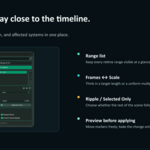
Designed for precision
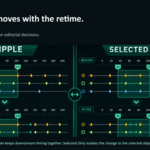
Use Ripple mode when everything after the edited section should move with it.
Use Selected Only when you want to retime a specific camera, rig, prop, or object independently.
Markers remain visible and editable, making it easy to refine your timing pass until the scene feels right.
Important notes
Scene Retimer intentionally leaves drivers untouched because driver values are not animation time.
Ranges cannot overlap, and applying a retime changes keyframe timing destructively. Save your Blender file before making major timing passes.
Compatibility
Blender 4.2 and newer, including Blender 5.x.
License
GPL-3.0-or-later.
Free and Open Source
Scene Retimer is free to use and available on GitHub.
You can also purchase it on Superhive to support its ongoing maintenance and development. Thank you! 🙏
