Oebs Scene Retimer
 OEBS Studios


How do I create a retime range?
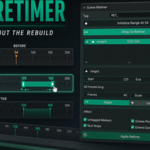
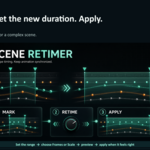
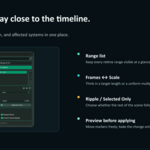
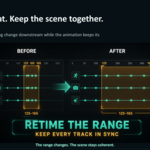
Move to the starting frame and click Initialize Range At Current Frame. Move to the desired ending frame, then click Set Range End. You can then adjust the target duration using Frames or Scale.
What is the difference between Ripple and Selected Only?
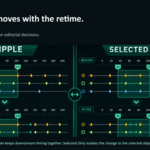
Ripple retimes the range and shifts everything after it. Selected Only affects only the objects you have selected.
Are changes applied immediately?
No. You can preview and adjust the range before committing. The animation is changed only when you click Apply Retime.
Which Blender versions are supported?
Scene Retimer supports Blender 4.2 and later, including Blender 5.x.
Is Scene Retimer free?
Yes. Scene Retimer is free on GitHub. Purchasing it on Superhive is optional and helps support future maintenance and development.
$10
Have questions about this product?
Login to message
| Blender Extension Compatible | Yes |
| Published | about 2 months ago |
| Blender Version | 4.2 - 5.2 |
| Extension Type | Add-on |
| Render Engine Used | Cycles, Eevee |
| License | GPL |

Discover more products like this
keyframes timeline Motion design dope sheet NLA Animation Workflow animation rigging Grease Pencil retiming cameras Timeline Markers