Oh My Gear 2 - Geometry Nodes Gear Generator
 DrBlender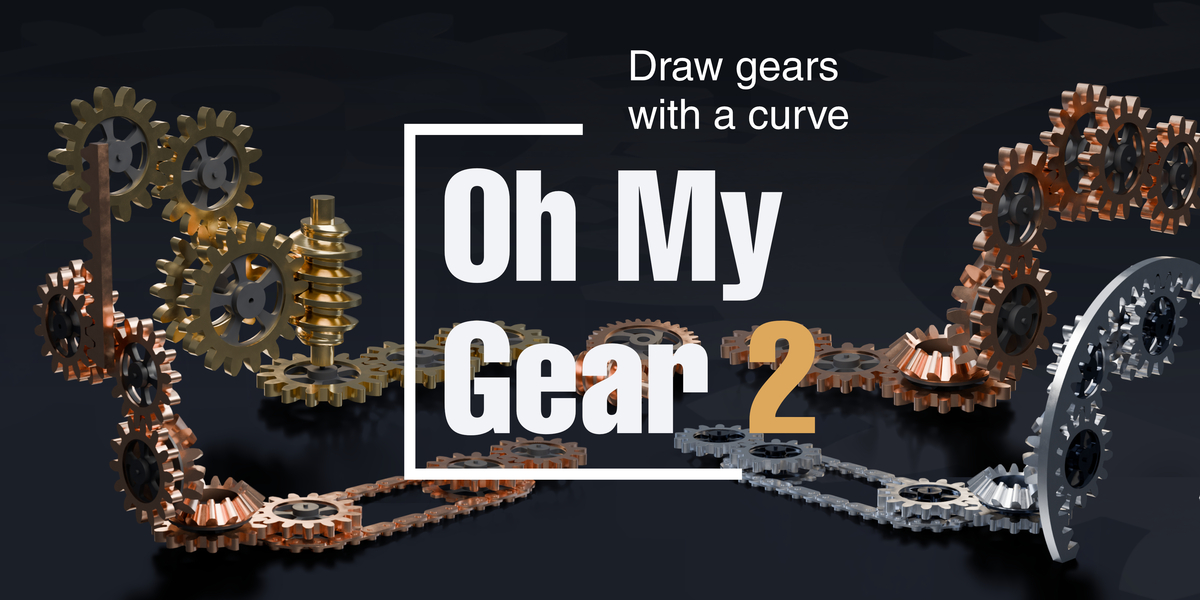


Is this an add-on I have to install?
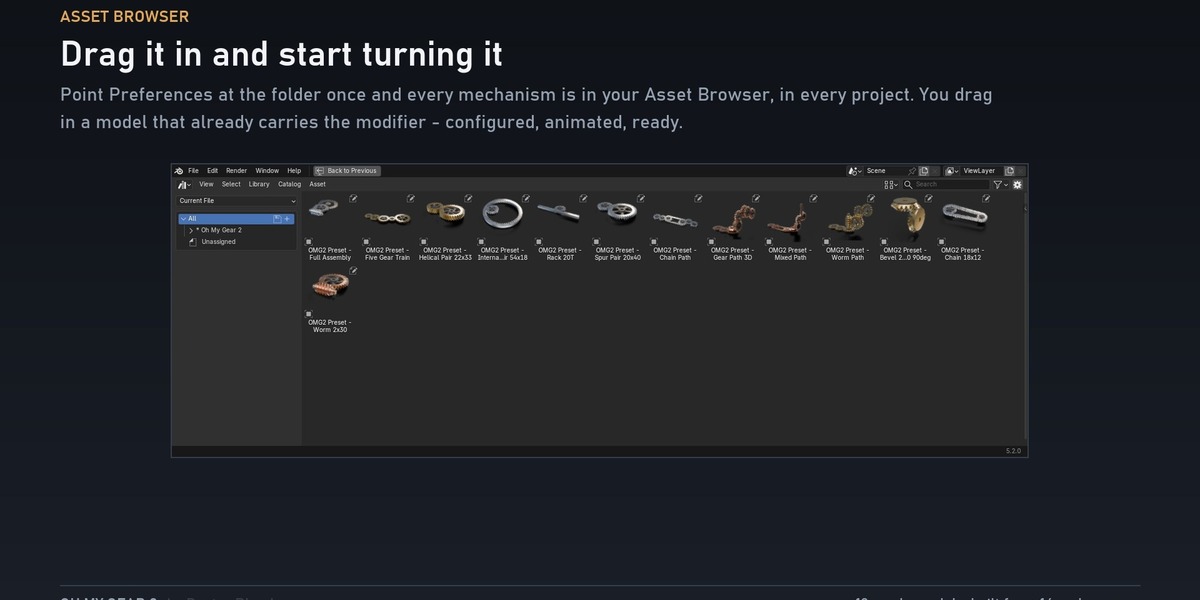
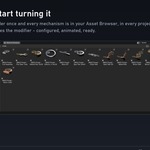
No. It is a .blend asset library, so there is nothing to register and nothing that can break when you update Blender. Either open the file and work in it, or point Edit → Preferences → File Paths → Asset Libraries at the folder once and every model and material shows up in your Asset Browser, in every project you ever open.
What do I actually drag into my scene?
A finished object with the Geometry Nodes modifier already on it, already configured and already animated. Not a bare node group you have to wire up. Drop it in, press play, and it turns. Then open the modifier and change whatever you like — the values are all on one panel.
Which Blender version do I need?
5.2 LTS or 4.5 LTS. A .blend saved by 5.2 cannot be opened by 4.5, so the download holds one file for each — open the one that matches your Blender and ignore the other. They contain exactly the same library.
What is the difference between Core and Complete?
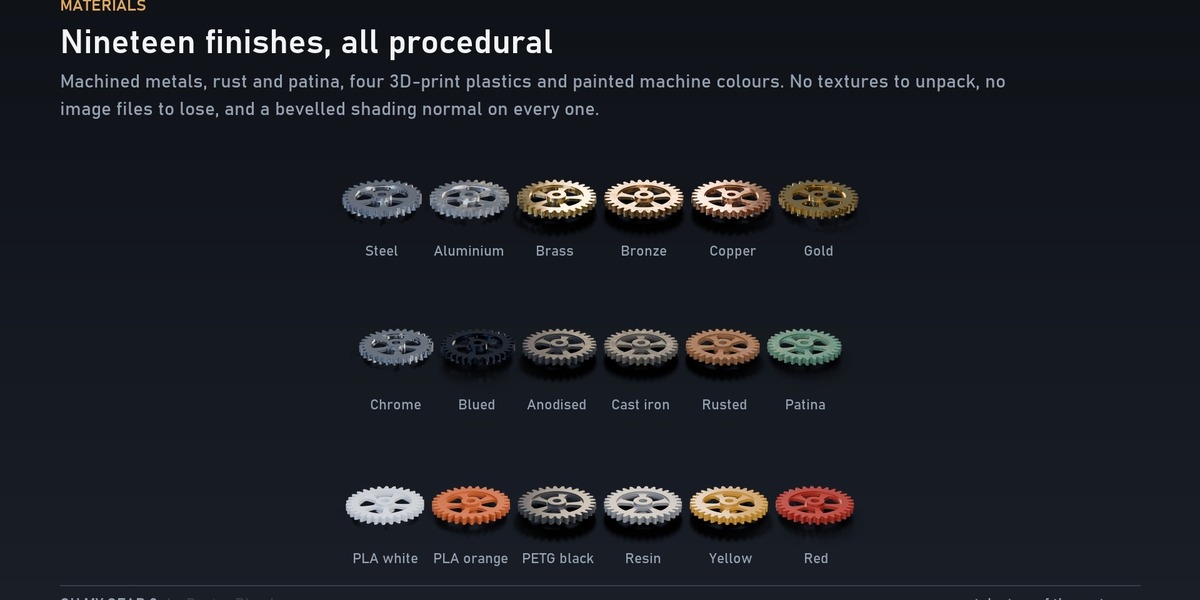
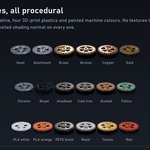
Core is plain gears on a curve: Core_Gear, Mesh_Pairing, Curve_Layout and Gear_Train — four node groups, three ready models — with all five body styles and all nineteen materials.
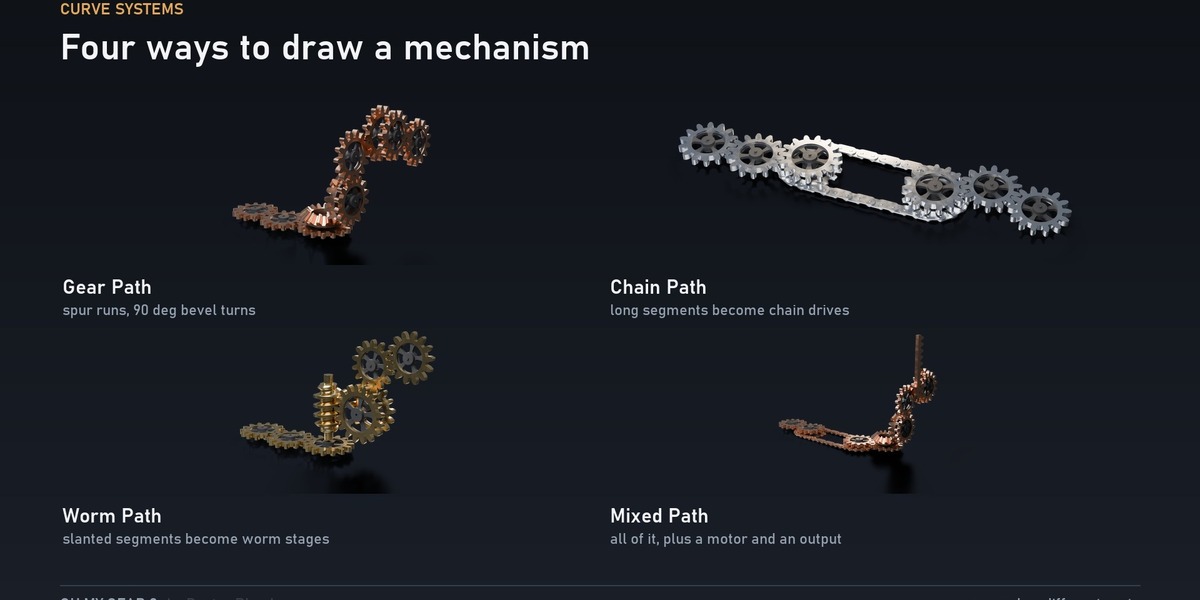
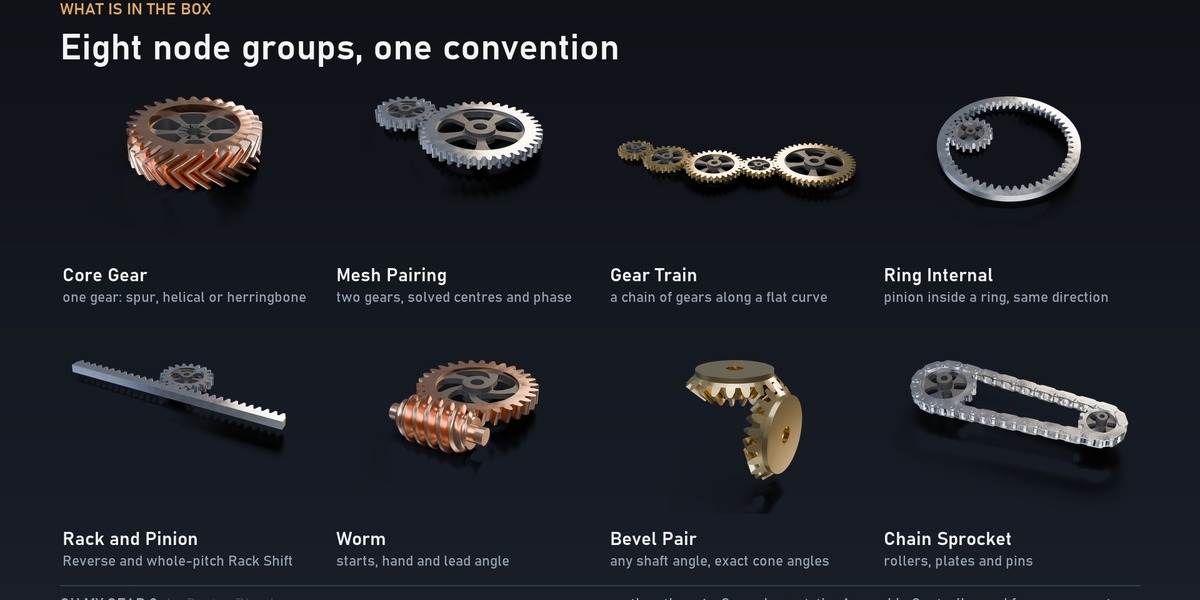
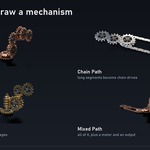
Complete adds everything else: the four 3D curve systems (Gear Path, Chain Path, Worm Path, Mixed Path), the ring gear, the rack and pinion, the worm, the bevel pair, the chain sprocket and the Assembly Controller. Ten more mechanisms, thirteen ready models in total.
Which one should I buy?
If you want gears that mesh and turn — a pair, a train, a row following a curve — Core is the whole job and it is the cheaper file. If you want the mechanism to climb a wall, turn a corner, drive a chain or end in a worm, that is Complete. The upgrade costs the difference at any time, so starting with Core costs you nothing but a message later.
I already own the first Oh My Gear.
Complete is free in your downloads. Nothing to buy, nothing to claim. Redownload and you have it.
How does the curve thing actually work?
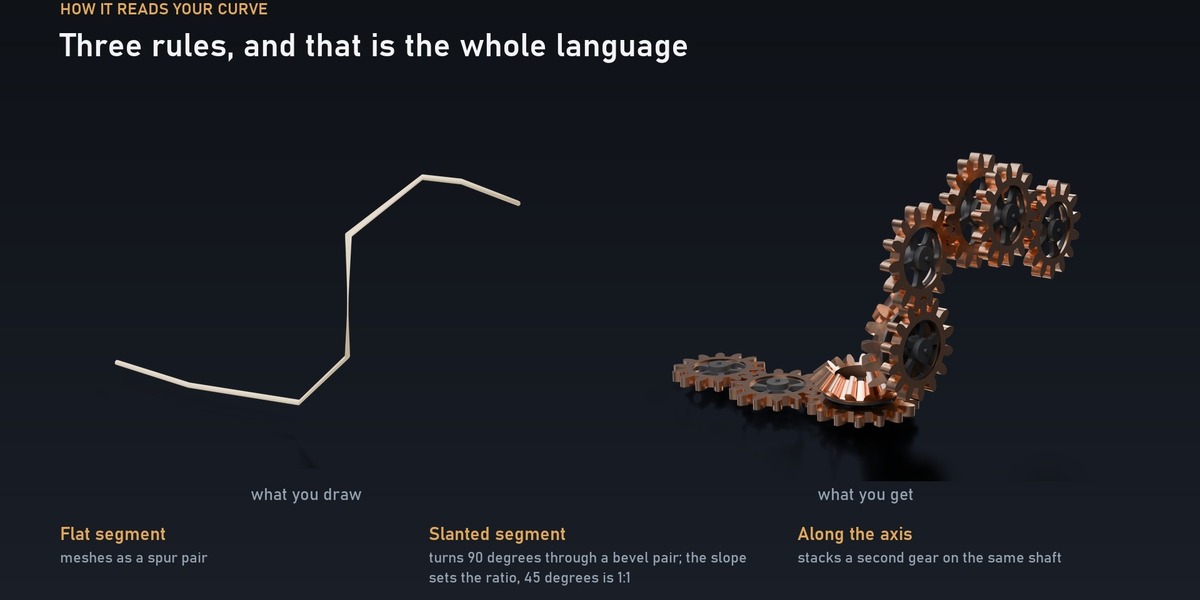
Put the modifier on a curve. Every control point becomes a shaft. Then the segment between two points decides what goes there:
a flat segment meshes as ordinary spur gears
a slanted segment turns the drive through 90 degrees with a bevel pair, and the path carries on in the new plane
a segment running along the shaft axis stacks a compound gear on the same shaft
So you draw the layout and the solver works out module, integer tooth counts, corrected centre distances, direction and mesh phase. You are drawing the mechanism, not building it.
Can I control the speed of each gear separately?
You drive the whole mechanism with one input, Drive, in turns — set it to 2 and everything has made two revolutions of the input shaft. Every other gear follows at the ratio the geometry demands, which is what makes it look real. Where a mechanism genuinely has more than one input, the group exposes it.
How do I animate it?
Click the Drive field, type #frame/96 and press Enter. That is a full input revolution every 96 frames, and the whole train follows. The ready models in the Asset Browser arrive with this already done, so a dragged-in preset turns the moment you press play.
How many gears can it handle before it crawls?
Every preset in the library evaluates in single-digit milliseconds, and there is a Body Resolution input for when you want to push a train further. The heavy settings are on the shipped presets, not hidden behind them, so what you see on the page is what you get.
Are the teeth real involute teeth, or a lookalike?
Real ones. The flank is the analytic involute curve and it matches to better than one millionth of a radian from 13 to 120 teeth, for spur, helical, internal and rack teeth. Meshing is verified by a test suite that builds a collision tree per part and asserts that no triangle of one gear ever crosses a triangle of its partner, across a full revolution.
Worm thread flank, chain link shape and bevel tooth flank are preview geometry — correct kinematics and correct nominal dimensions, but not manufacturing profiles. The node output flags them, it does not hide them.
Can I put two materials on one gear?
Yes. Material is the toothed rim; switch on Two Materials and Body Material takes the hub, the web and the spokes.
Can I change the look of the gear body?
Five styles — round holes, sculpted spokes, curved spokes, radial slots, solid web — plus a window shape control that morphs between them. They are one input, not five separate ass
Can I 3D print these?
Carefully. The nominal dimensions are exact and the mesh is clean, but the rim, web and hub overlap as separate solids rather than being booleaned into one watertight shell, and there is no profile shift. Union them yourself and check tolerance, backlash and clearance against your printer and your process. This is a starting point, not a part drawing.
What can it not do?
No profile shift (addendum modification). A curve path is a single chain of shafts, not a branching tree. Chain is verified for ratio, centre distance, link count and loop closure, but not at tooth level. All of it is on the page above, before you buy, rather than in an email afterwards.
Something does not appear when I add the modifier.
That is usually the group telling you it cannot build what you asked for. Every public group outputs Valid and a Warning Code, and returns empty geometry rather than a plausible-looking mechanism that does not actually mesh. Check those two outputs — the code says which input is the problem. Section 11 of the user guide lists every code.
-
$24
Draw a curve, get a working gear train. Flat segments mesh as spur gears, slanted ones turn 90 degrees through a bevel pair, and the path climbs the wall.
-
$15
The smaller package. Same library, same quality, fewer groups — and the one curve system that does the thing the whole library is famous for.
Have questions about this product?
Login to message
| Sales | 100+ |
| Rating | 1 ratings |
| Dev Fund Contributor | |
| Published | almost 4 years ago |
| Blender Version | 4.5 - 5.2 |
| Render Engine Used | Cycles, Eevee |
| License | Royalty Free |
Discover more products like this
transmission gears Geonodes curve geometry node Gear gearbox machinery drive curve-generator geometry node blender procedural geometrynode