DrBlender
almost 3 years ago
Now it works with every curve at active element.
This item has an average rating of 4 from 2 ratings by the community.
Purchase this item to leave a review!
absolutely essential if you want any kind of speed in animating.
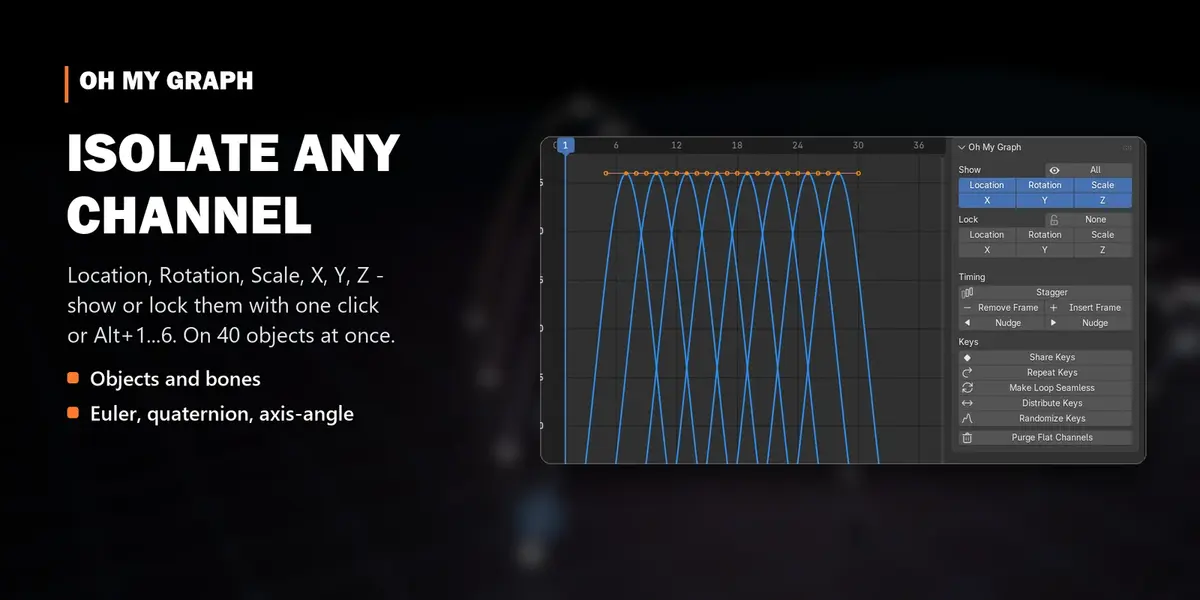
Hunting for the curves in the convoluted list attached to vanilla Blender is a chore, this takes your mind off of it.
My only possible suggestion was to cater more to the muscle memory type users, like me... assign ROT/LOC/SCAL as their own separate rows of coloured buttons, allowing us to go full mind-empty mode when we're in the zone instead of having to toggle which transform we want, and then which channel. It may LOOK more cluttered, but usage-wise, it'd be much faster.
Regardless this is invaluable and it's a vital part of my workflow!
It doesn't work with 2 or more curves at the same time. Is it possible to do?
DrBlender
almost 3 years ago
Now it works with every curve at active element.
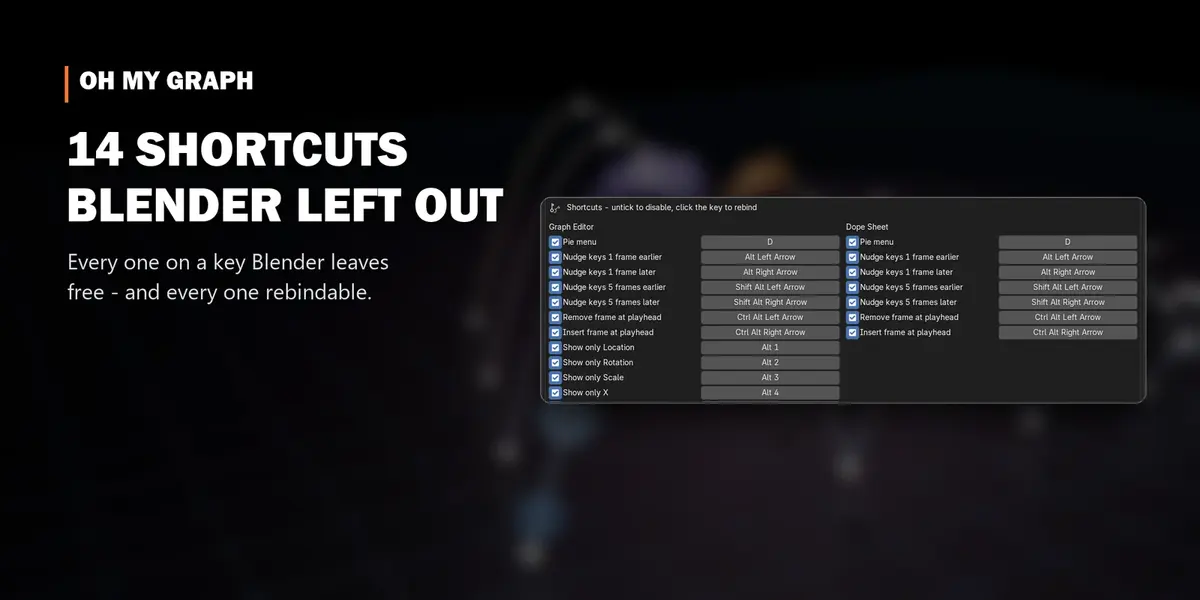
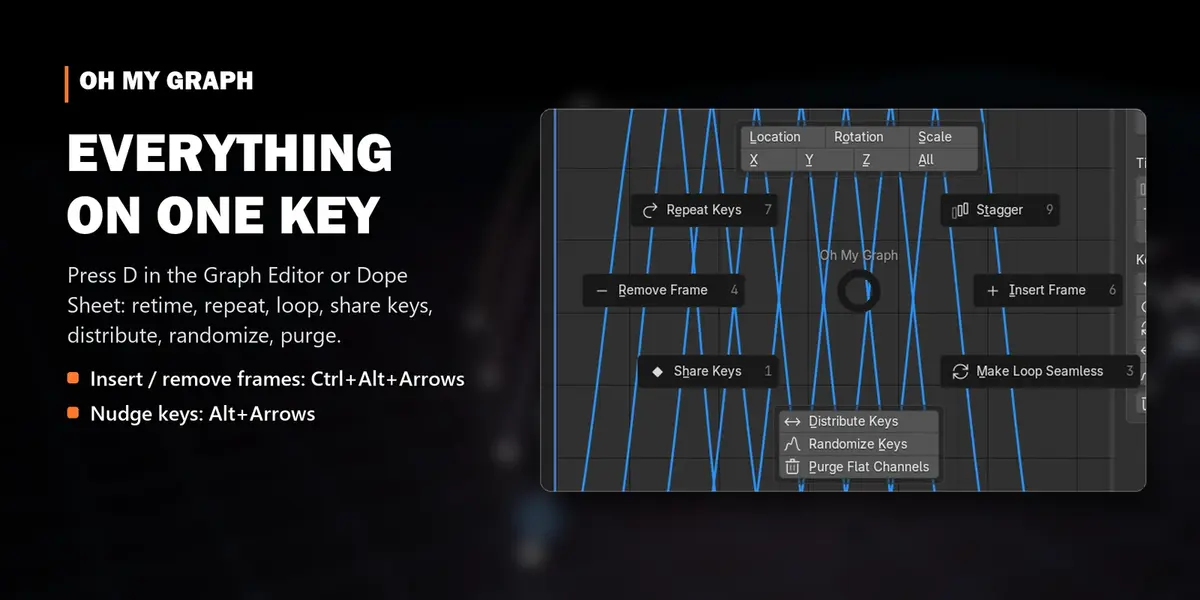
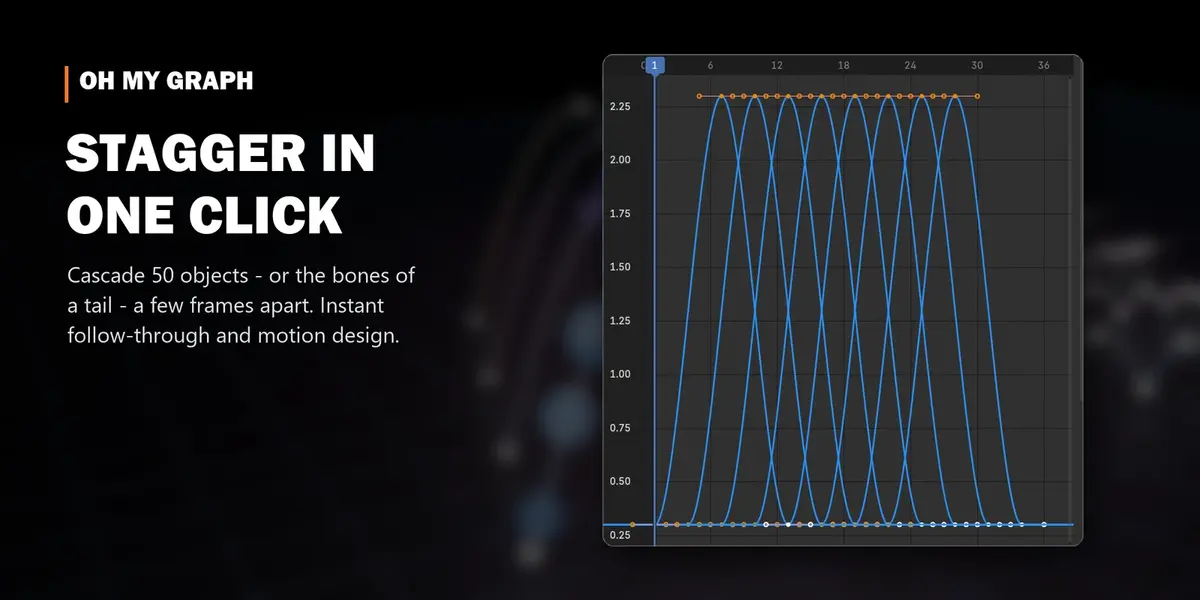
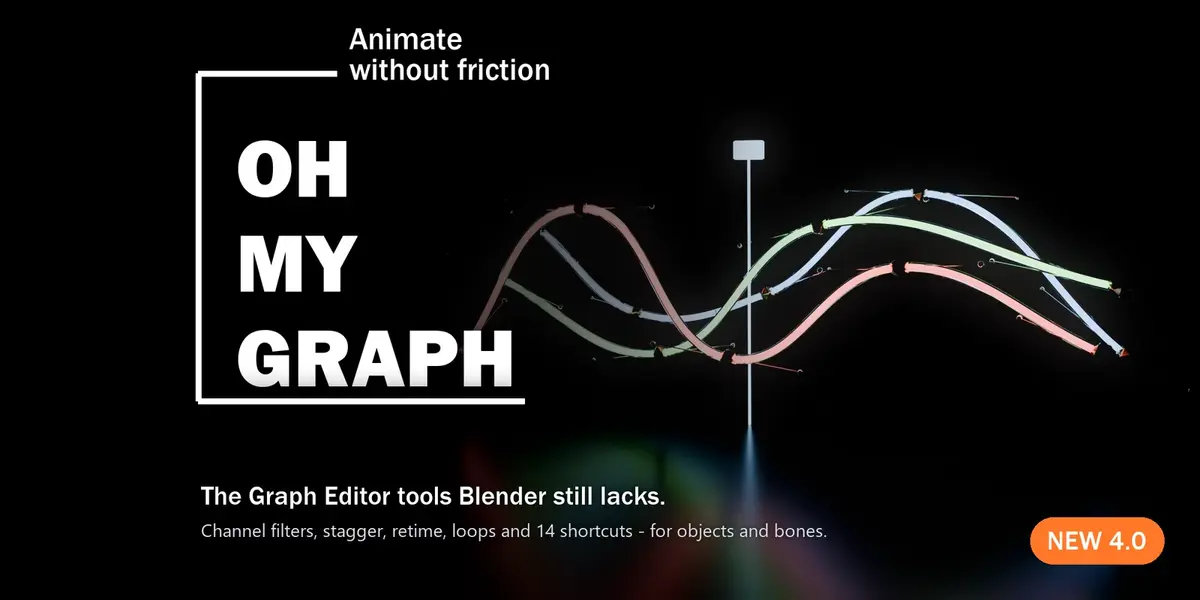
animation shortcuts graph editor animation tools Stagger loop Workflow Retime keyframes dope sheet bones f-curves