 DrBlender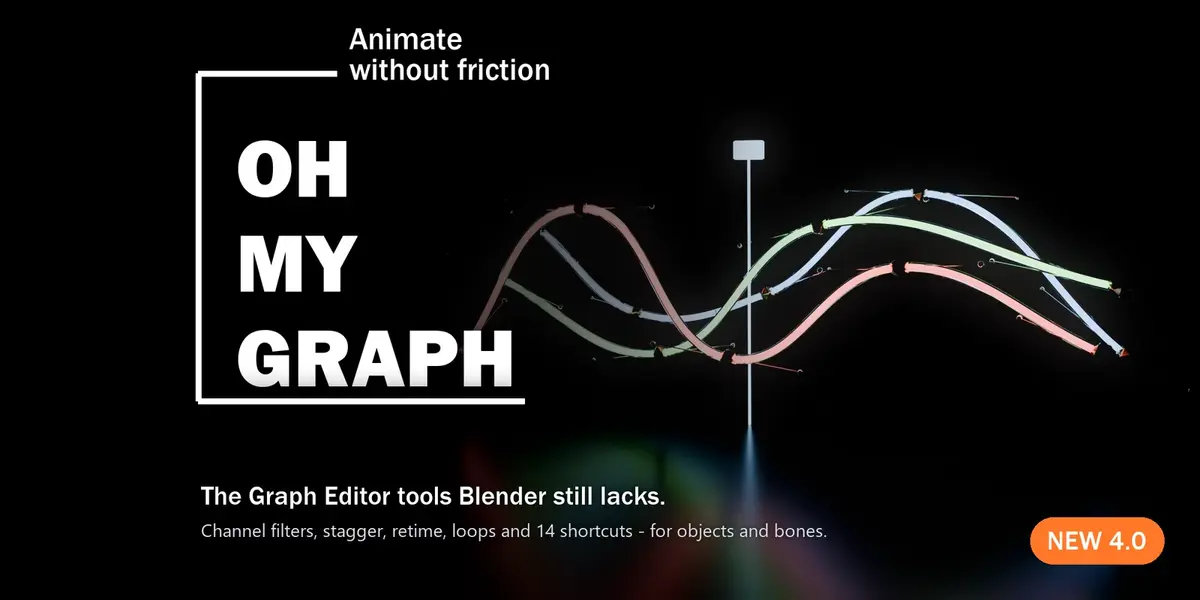
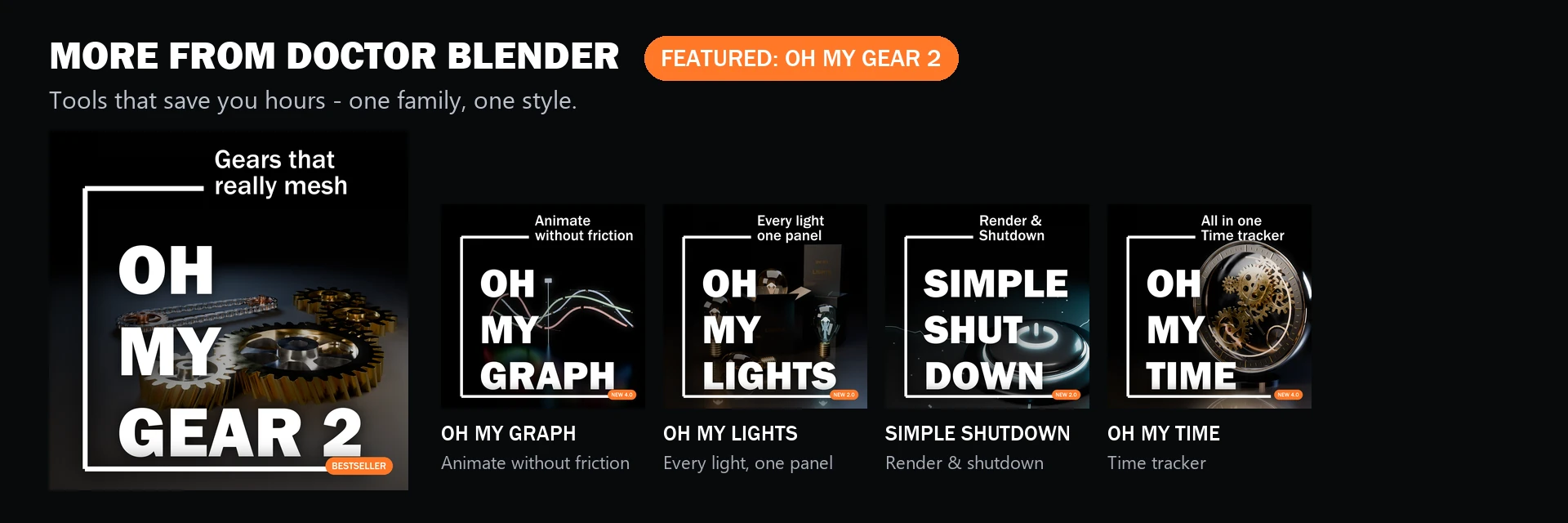
Featured: Oh My Gear 2 - true involute gears, trains, worms and chains from a curve. 100+ sales, rated 5/5.
Also: Oh My Lights · Simple Shutdown · Oh My Time · All tools on Superhive and Gumroad
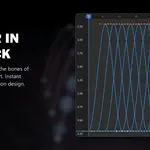
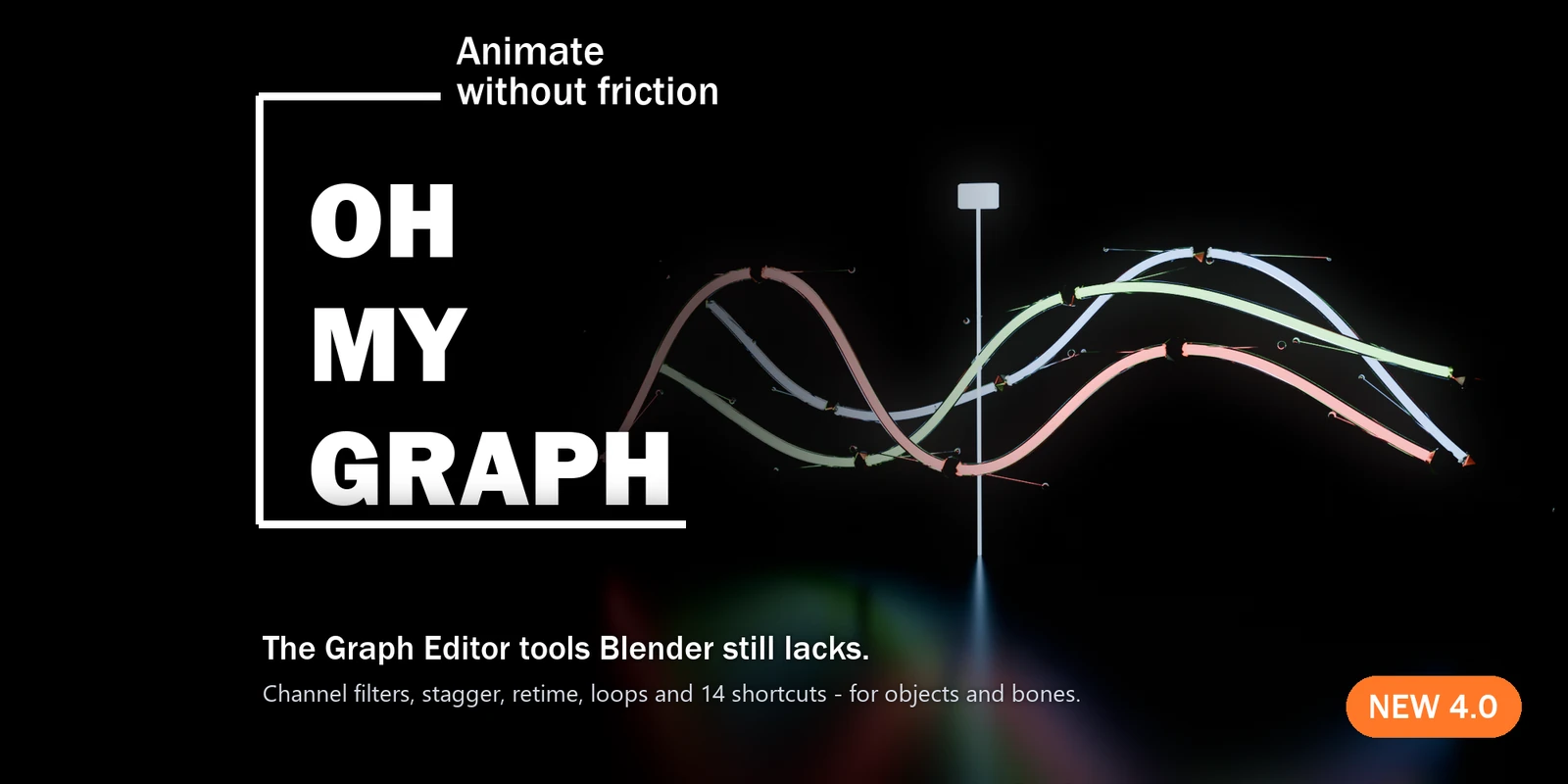
The Graph Editor tools Blender still lacks.
Channel filters, stagger, retime, loops and 14 shortcuts, for objects and bones.Blender 4.5 LTS and 5.2 LTS.
Small frictions eat your day
You want to polish only the Z location of 40 objects, and you dig through a channel list a mile long.
You need everything after frame 120 two frames later, so you box-select, grab and hope you didn't miss a key.Fifty objects should bounce one after another, and you offset them one by one.
None of this is hard. It's just slow, and it breaks your flow a hundred times a day.Oh My Graph turns each of these into one click or one key.
What you get
-
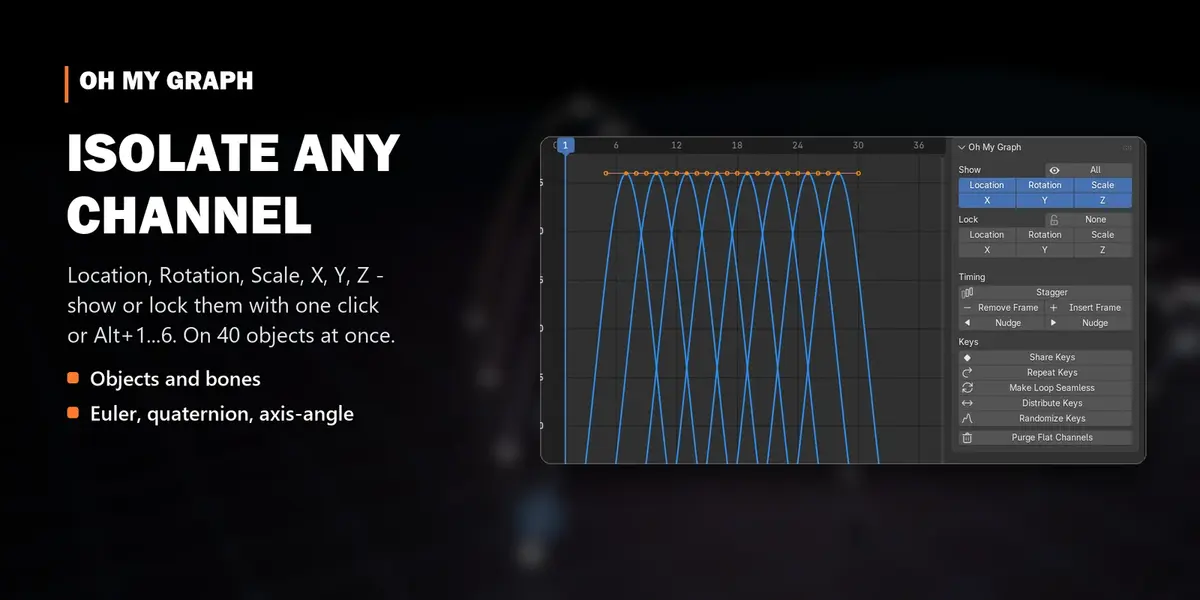
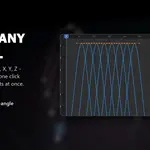
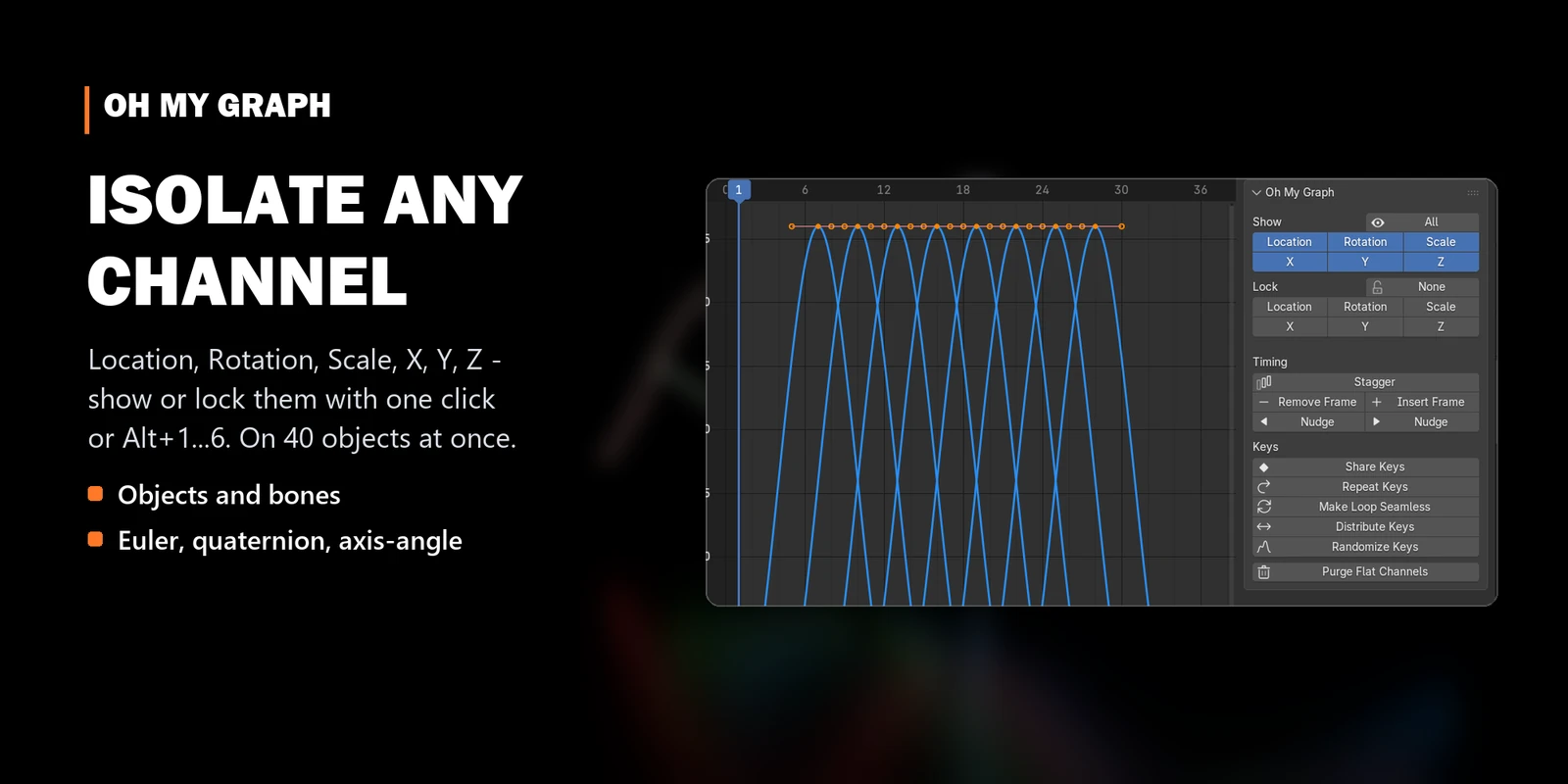
Isolate any channel. Location, Rotation, Scale, X, Y, Z with one click or
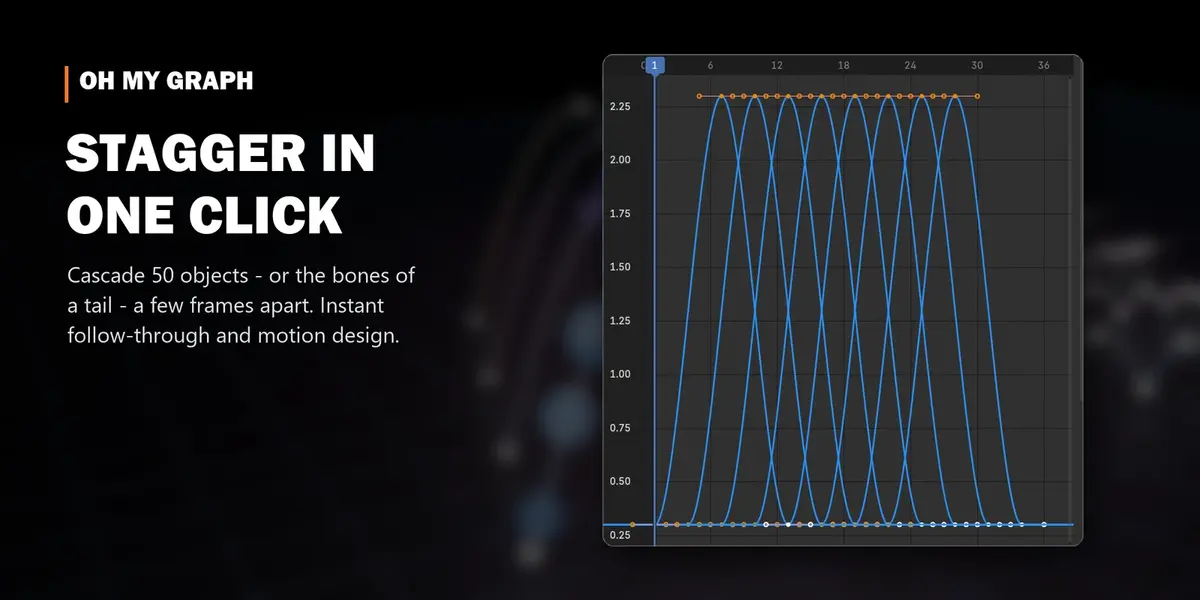
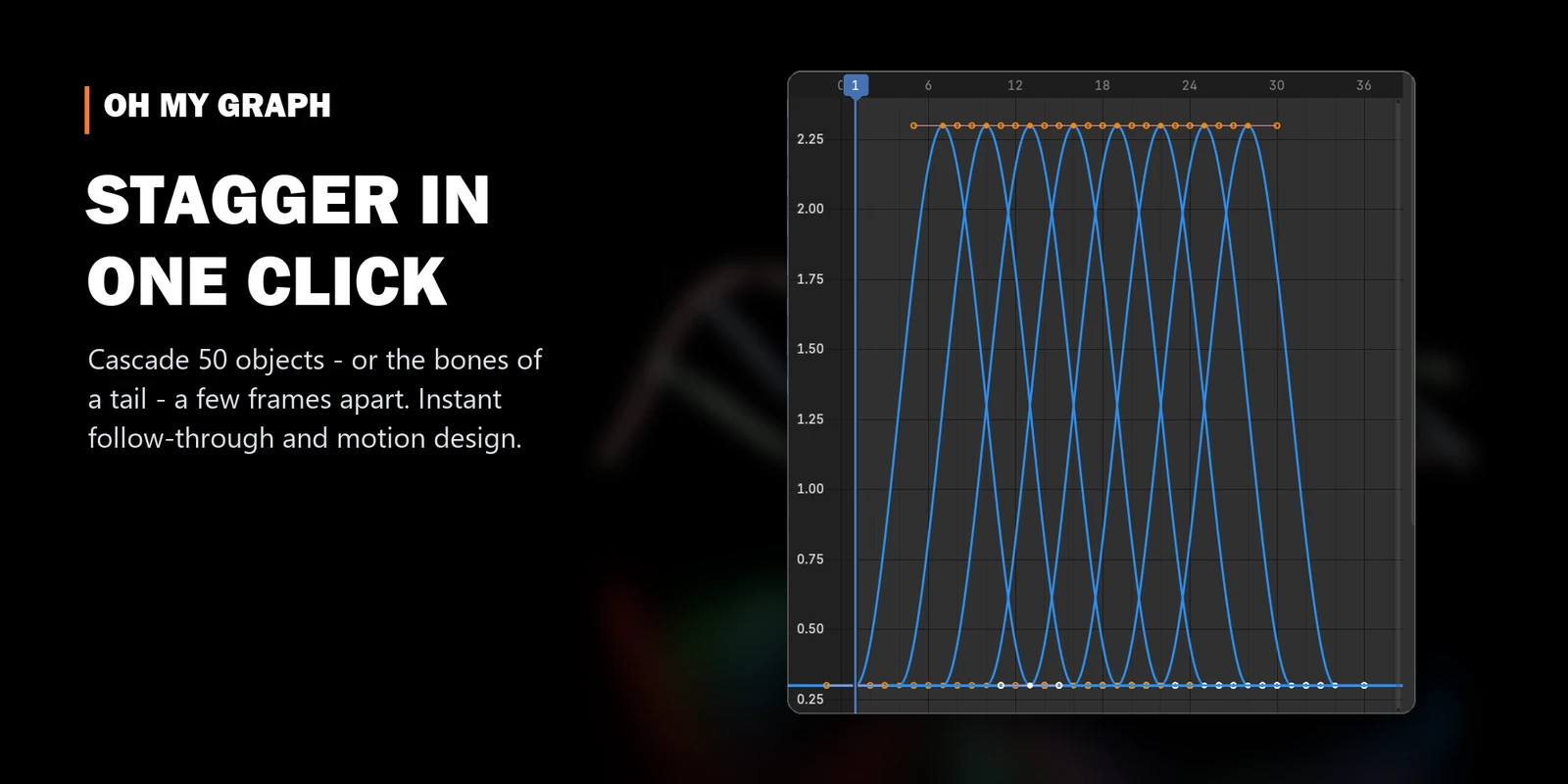
Alt+1…6. Lock them the same way. Works on objects and bones, Euler, quaternion and axis-angle. - Stagger in one click. Cascade 50 objects, or the bones of a tail, a few frames apart. Order by hierarchy, name, distance, axis or random.
-
Retime without selecting a key.
Ctrl+Alt+→inserts a frame at the playhead,Ctrl+Alt+←removes one. It never crushes existing keys. -
Nudge keys with
Alt+←/→(with Shift for 5 frames), like every other animation package. - Loops and cycles. Repeat keys with a value offset for walk cycles. Make Loop Seamless gives you a perfect loop in one click.
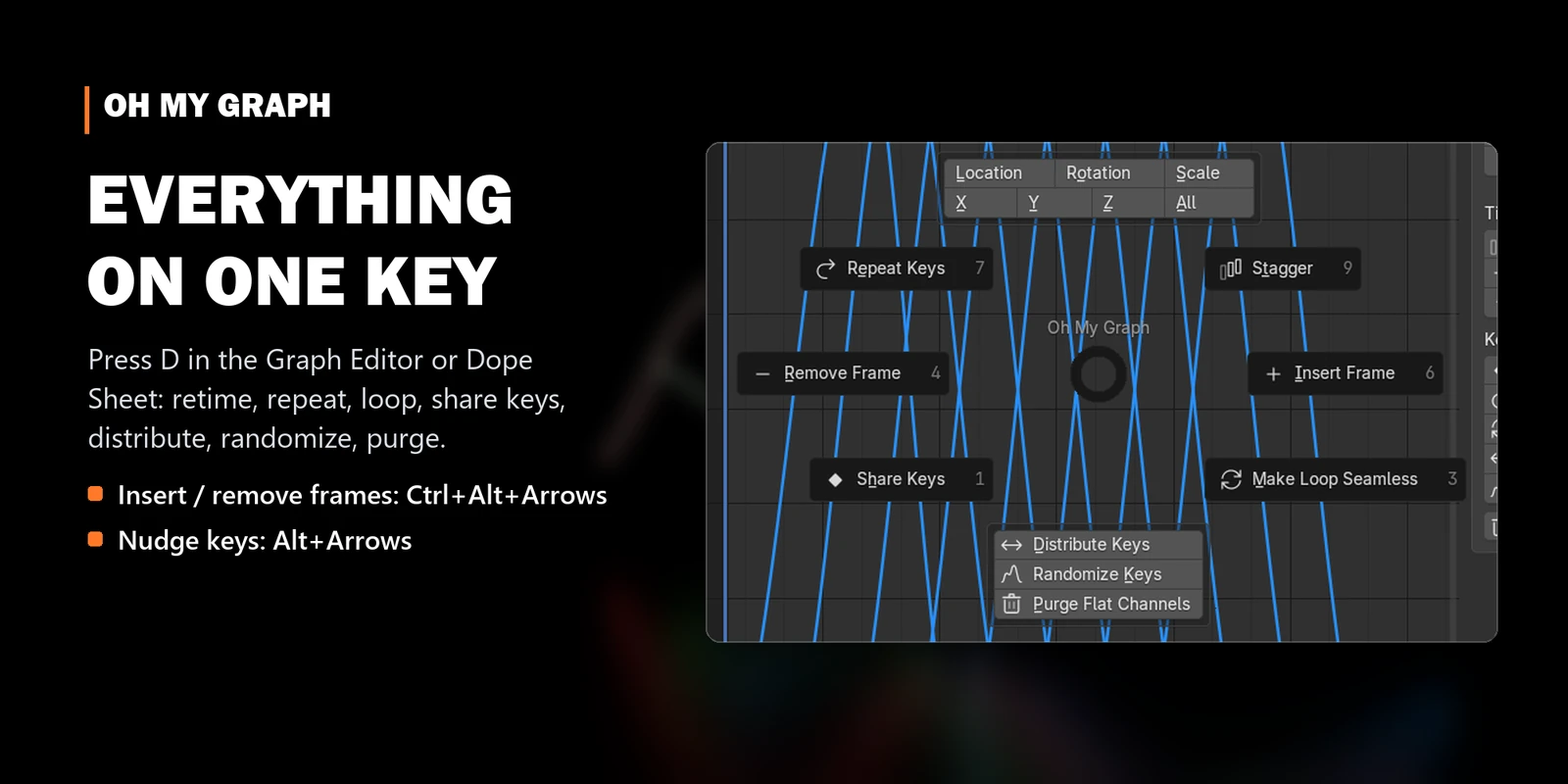
- Clean poses. Share Keys, Distribute, Randomize (value and timing, with a seed), Purge Flat Channels.
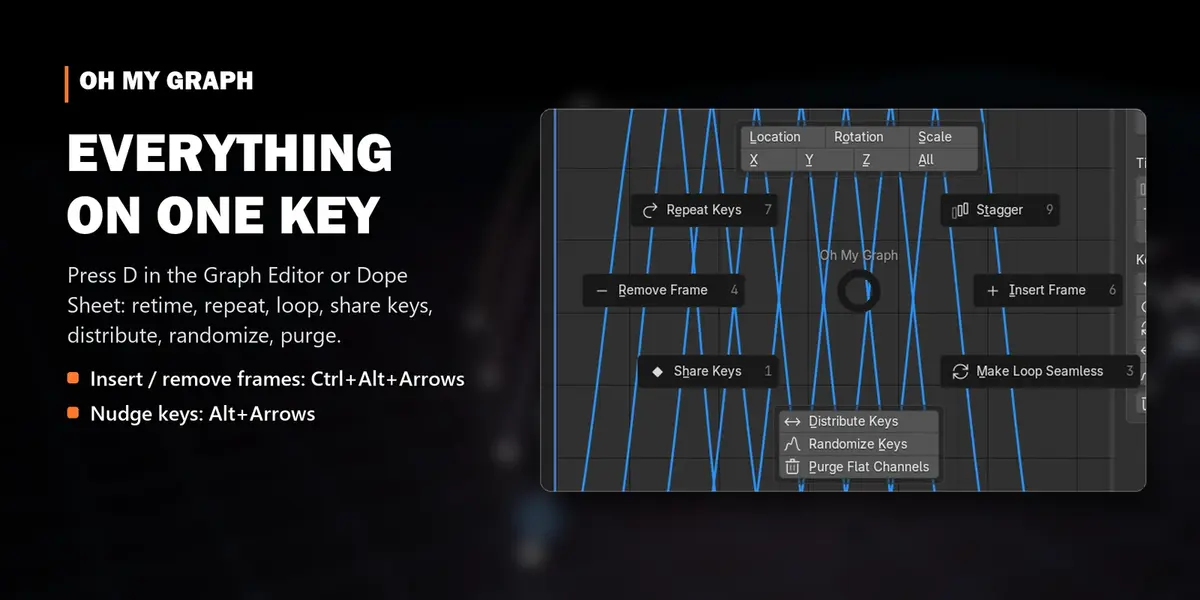
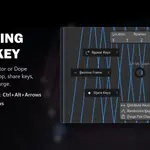
- Everything on D. A pie menu in the Graph Editor and Dope Sheet, and nowhere else.
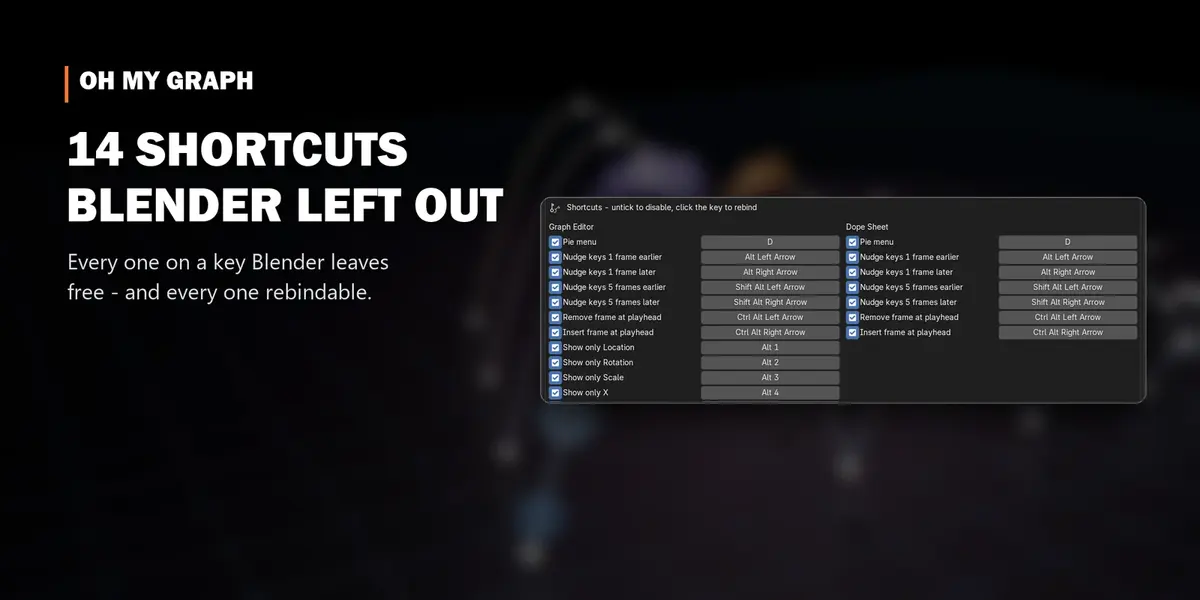
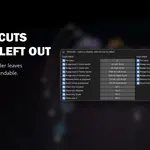
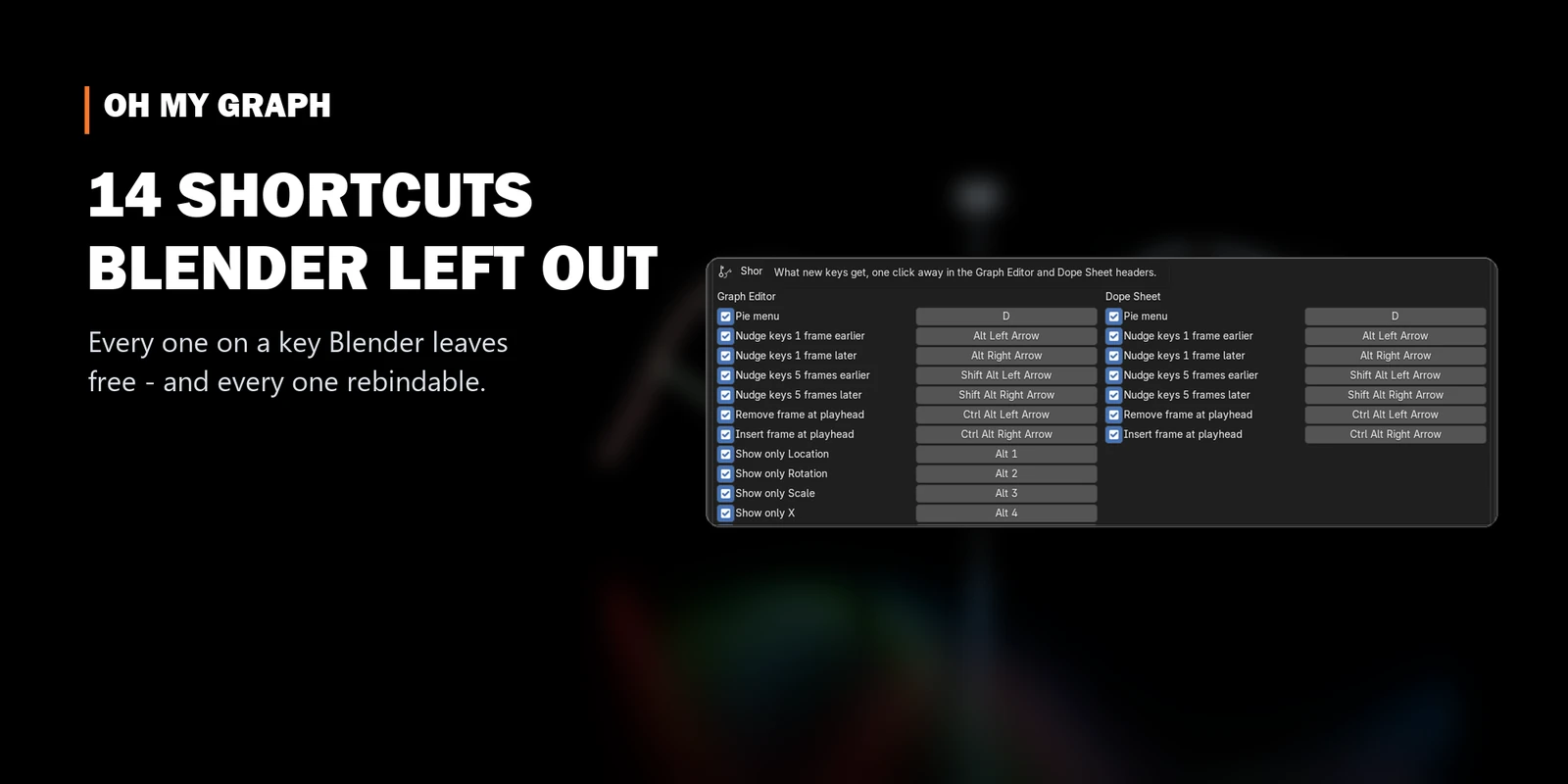
14 shortcuts Blender left out
| Shortcut | Action |
|---|---|
D |
Oh My Graph pie menu |
Alt+←/→ · Shift+Alt+←/→
|
nudge keys 1 / 5 frames |
Ctrl+Alt+←/→ |
remove / insert a frame at the playhead |
Alt+1/2/3 |
show only Location / Rotation / Scale |
Alt+4/5/6 |
show only X / Y / Z |
Alt+0 |
show all channels |
All on keys Blender leaves free, active only in the Graph Editor and Dope Sheet, and each one can berebound or switched off.
Why I made it
Oh My Graph was meant to be my big mission. Luckily and unluckily at the same time, Blender itself added most of the features I had planned, and for a while that took the wind out of my sails. But I came back with a new goal: make an animator's life easier wherever Blender still leaves a gap.
Before every release it is installed into a clean Blender 4.5 and 5.2 and checked by an automated test suite on Windows and Linux.
Details
| Blender | 4.5 LTS and 5.2 LTS, including layered (slotted) actions |
| Editors | Graph Editor and Dope Sheet: sidebar tab + D pie |
| Works on | objects and armature bones |
| New in 4.0 | Stagger for objects and bones, Insert/Remove Frame, Nudge, Share Keys, Make Loop Seamless, Repeat with offset, Randomize timing, Shift+click isolate, 14 shortcuts, Dope Sheet panel |
Get back to animating.
Get Oh My Graph and let the Graph Editor keep up with you.
More tools by Doctor Blender
- Oh My Gear 2 - true involute gears, trains, worms and chains from a curve
- Oh My Lights - every light of the scene in one sidebar list
- Simple Shutdown - save the render, then turn the computer off
- Oh My Time - time tracker for every project and .blend