Oh My Lights - Pro Light Manager for Blender
 DrBlender

How do I install Oh My Lights?
Edit ▸ Preferences ▸ Get Extensions ▸ ⌄ ▸ Install from Disk… and pick the zip, without unzipping it.
Where do I find it?
3D Viewport ▸ press N ▸ OhMyTools tab.
Does it show lights from all collections?
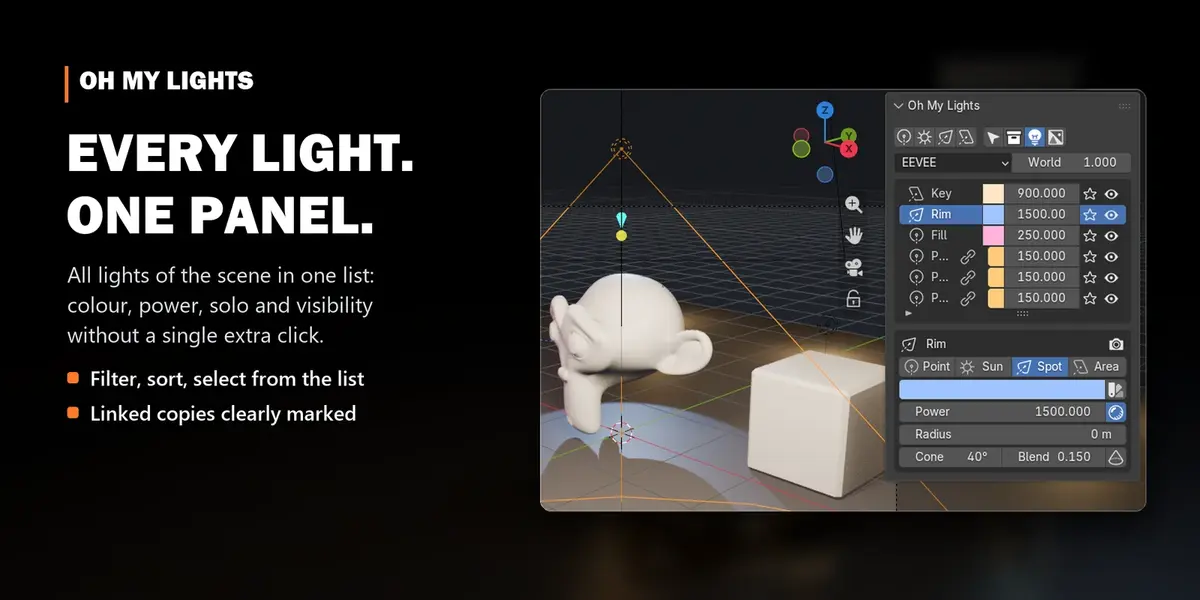
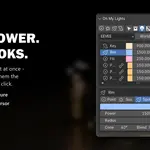
Yes. Every light of the current view layer is in one list, whatever collection it's in.
How do I change a light without selecting it?
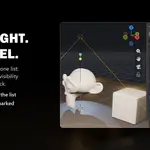
Colour, power, visibility and solo work directly in its row. Click the name only when you need the full settings.
What does the star do?
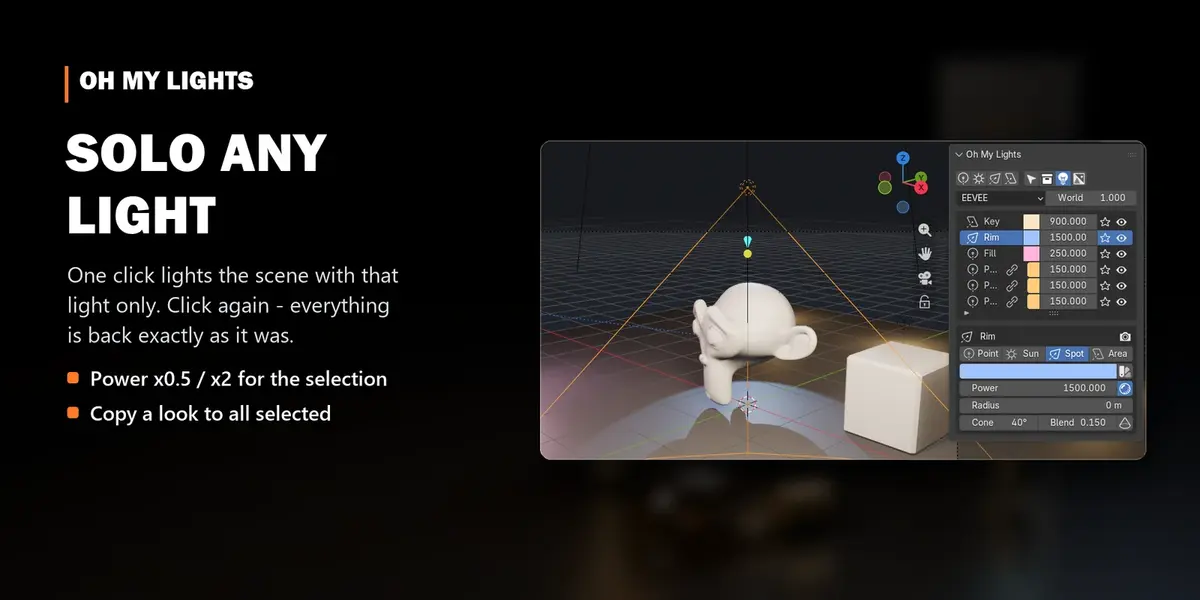
Solo: the scene is lit by that light only. Click it again and every light returns to exactly how it was.
What is the chain icon?
The light shares its data with others (Alt+D). An edit changes all of them. Make Independent splits it off.
Can I change several lights at once?
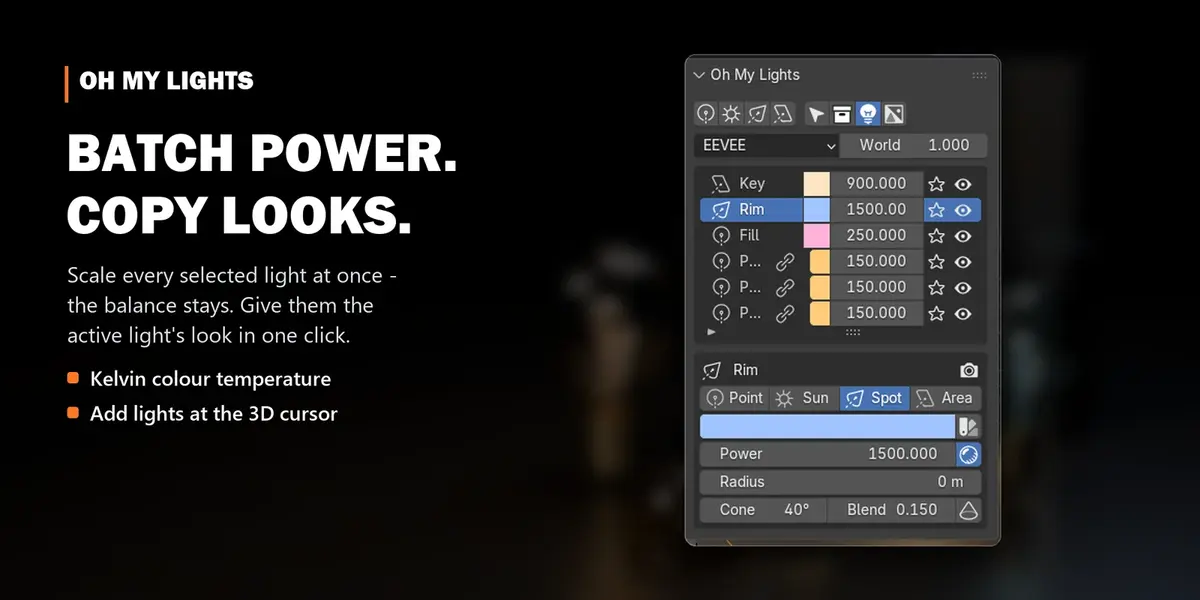
Select them. Scale power with ×0.5 to ×2, give them the active light's look with Copy to Selected, or link them.
Can I use colour temperature?
Yes. Click the sun/palette icon next to the colour and set Kelvin directly.
Does it work with Cycles?
Yes, EEVEE and Cycles, and it's fast even with hundreds of lights.
What about my Oh My Lights 1 settings?
Version 1 used EEVEE Legacy settings that no longer exist. Remove it, install 2.0, and your lights appear in the list as they are.
Have questions about this product?
Login to message
| Blender Extension Compatible | Yes |
| Sales | 40+ |
| Dev Fund Contributor | |
| Published | almost 4 years ago |
| Blender Version | 4.5 - 5.2 |
| Extension Type | Add-on |
| Render Engine Used | Cycles, Eevee |
| License | GPL |
Discover more products like this
look development Studio Lighting rendering Sidebar eevee light setup product-visualization Workflow Lighting lights Cycles light manager