 KewlSheet


Blender 4.2+ • Mesh filling • One hotkey

Select a hole, press F.
Press it again for the next pattern. Scroll to tune it.
Seven ways to fill, one key.
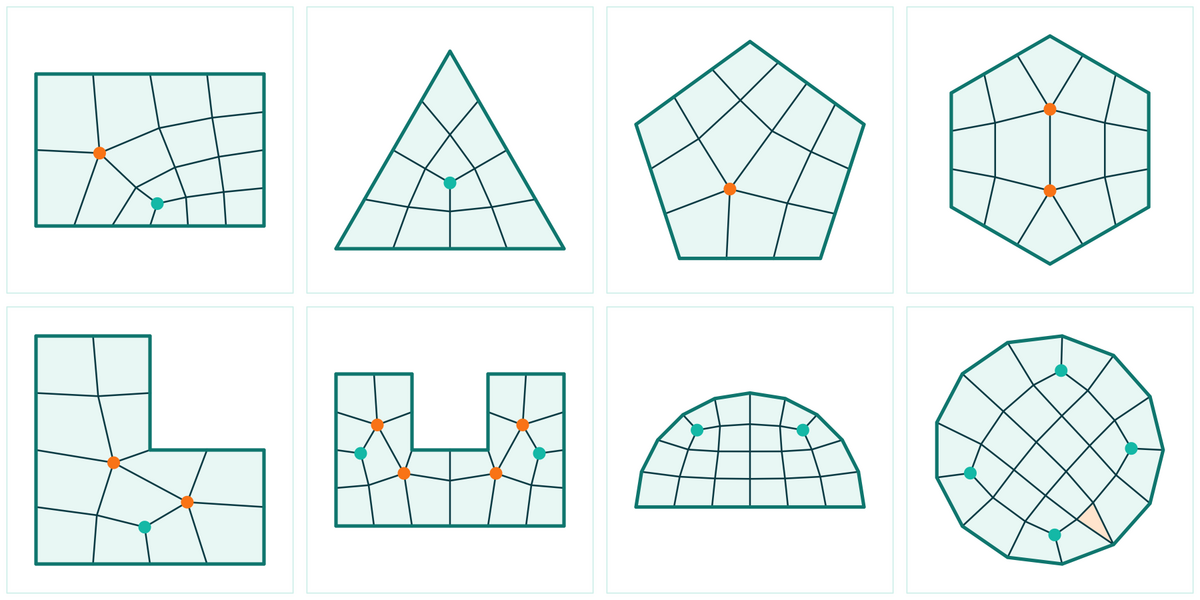
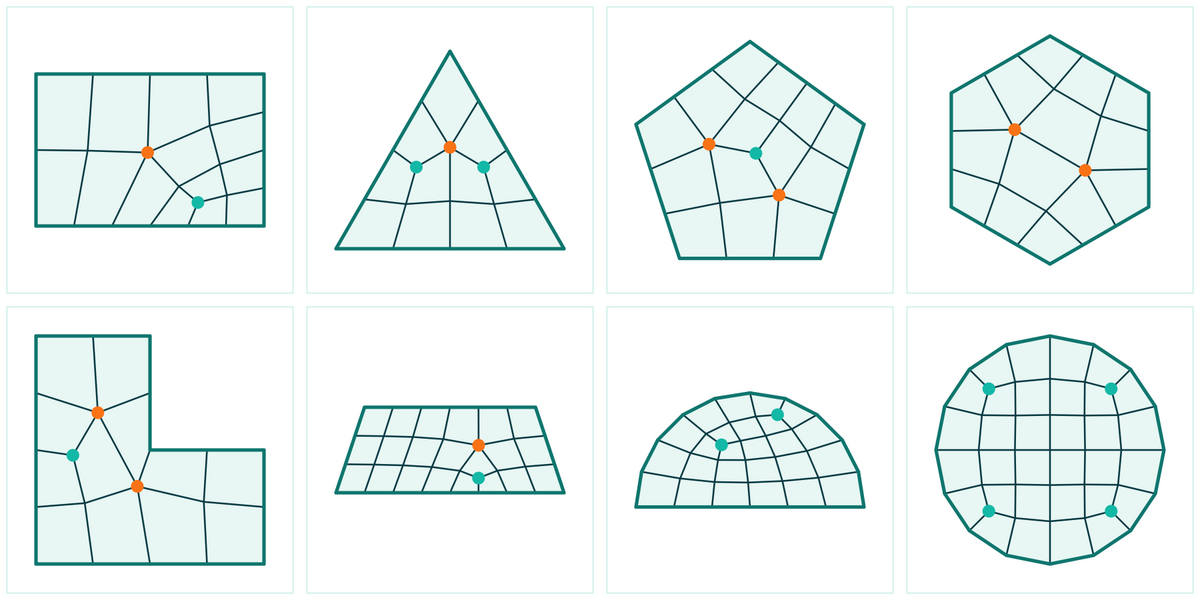
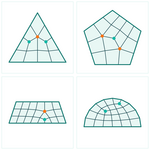
Taka patchesAll-quad patch tessellation that places the singularities where they belong.
Leads on loops with 3 to 6 corners, and the pattern rotates on the wheel. | |||||||||||
Grid FillBlender native grid, with offset and span on the wheel. | |||||||||||
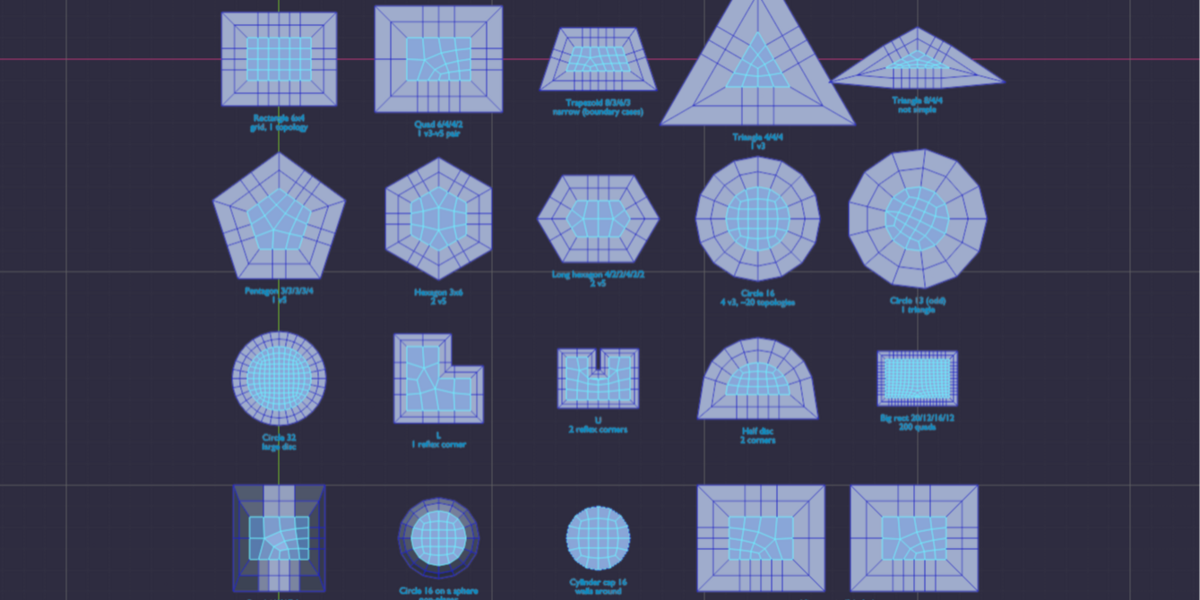
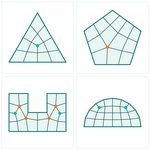
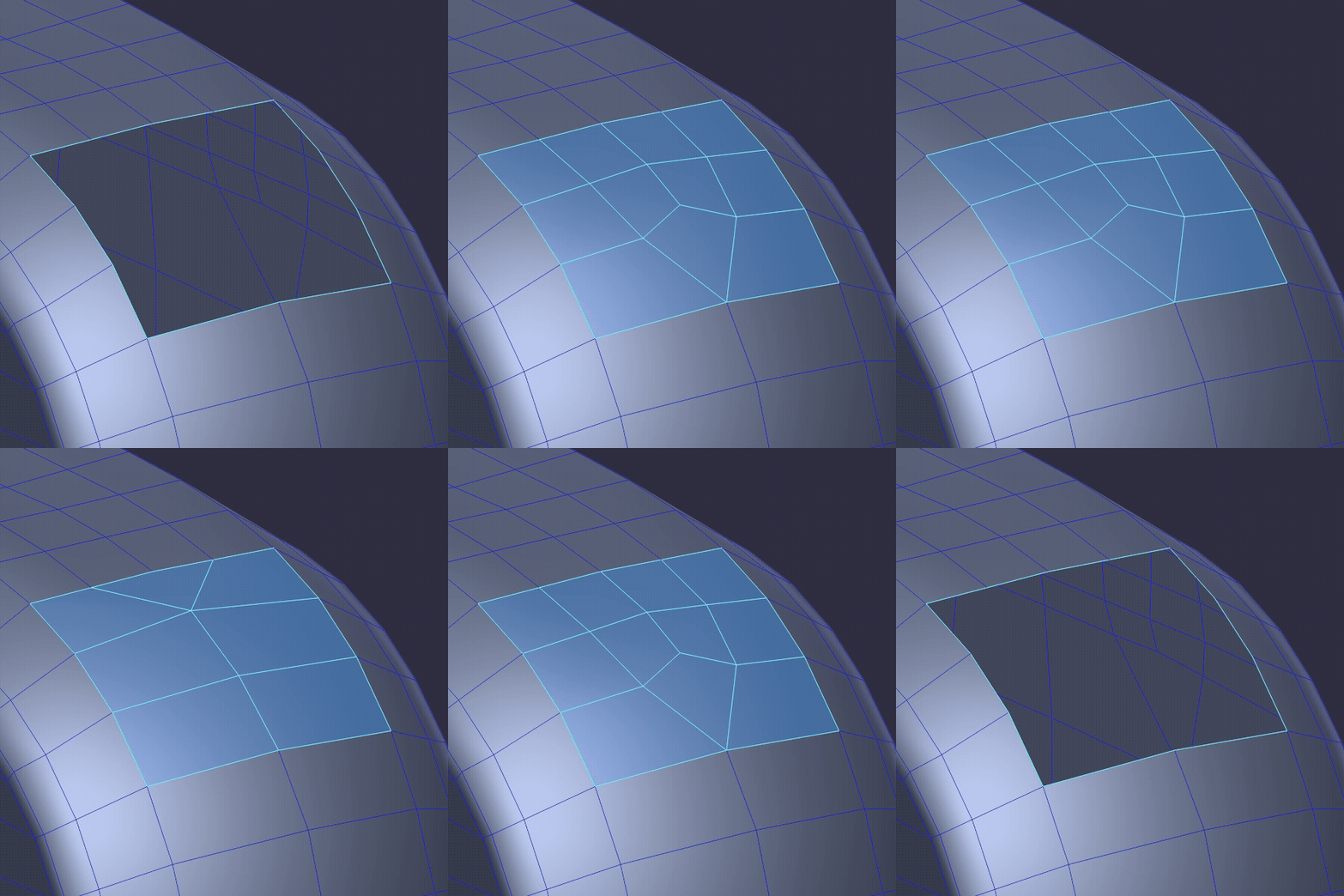
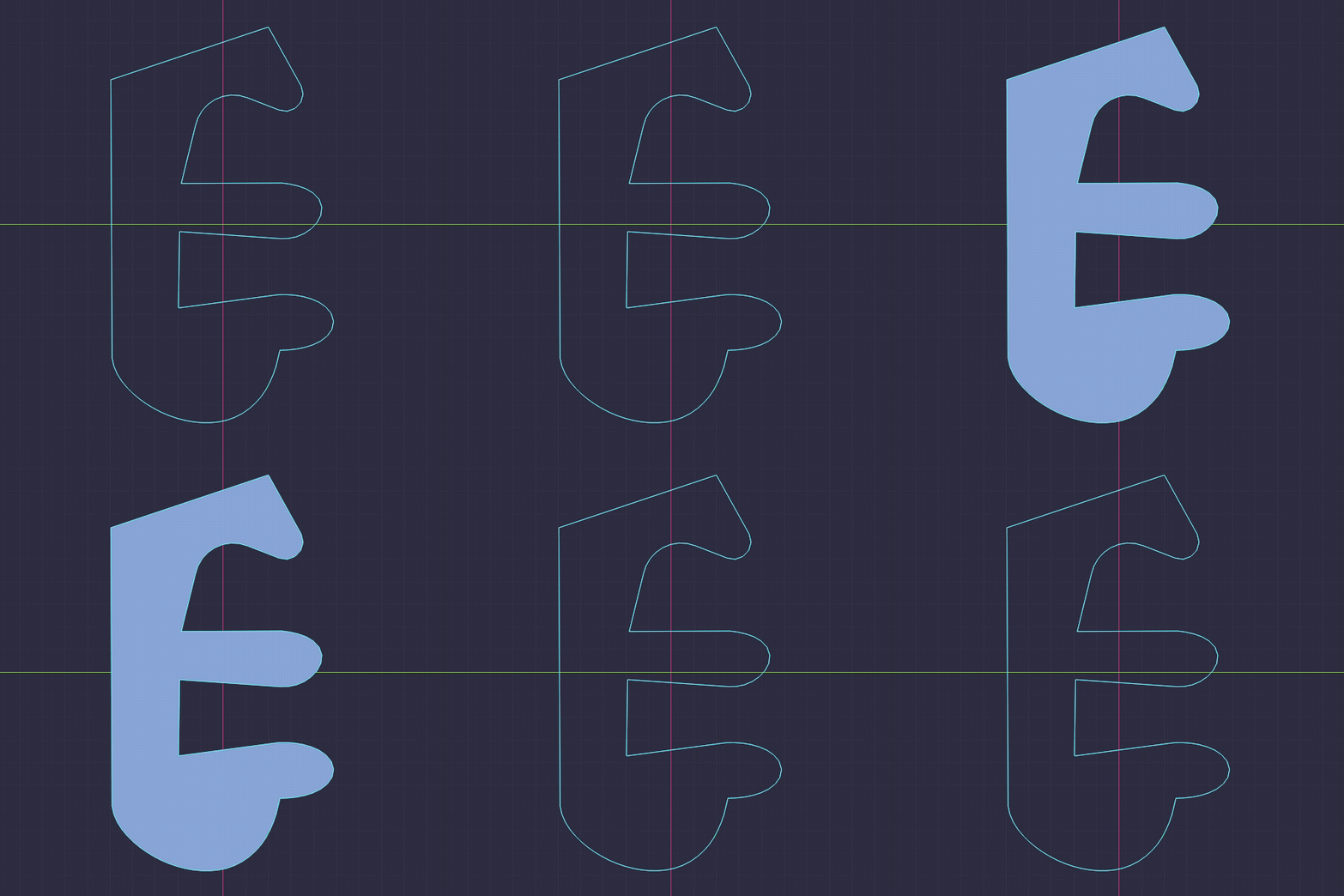
PepeMastaNot one quad layout: every layout the outline allows. WHAT PEPEMASTA FINDS Ctrl + wheel walks the layouts, Shift + wheel asks for up to 3 extra v3-v5 pole pairs.
| |||||||||||
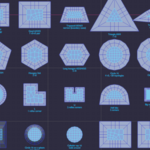
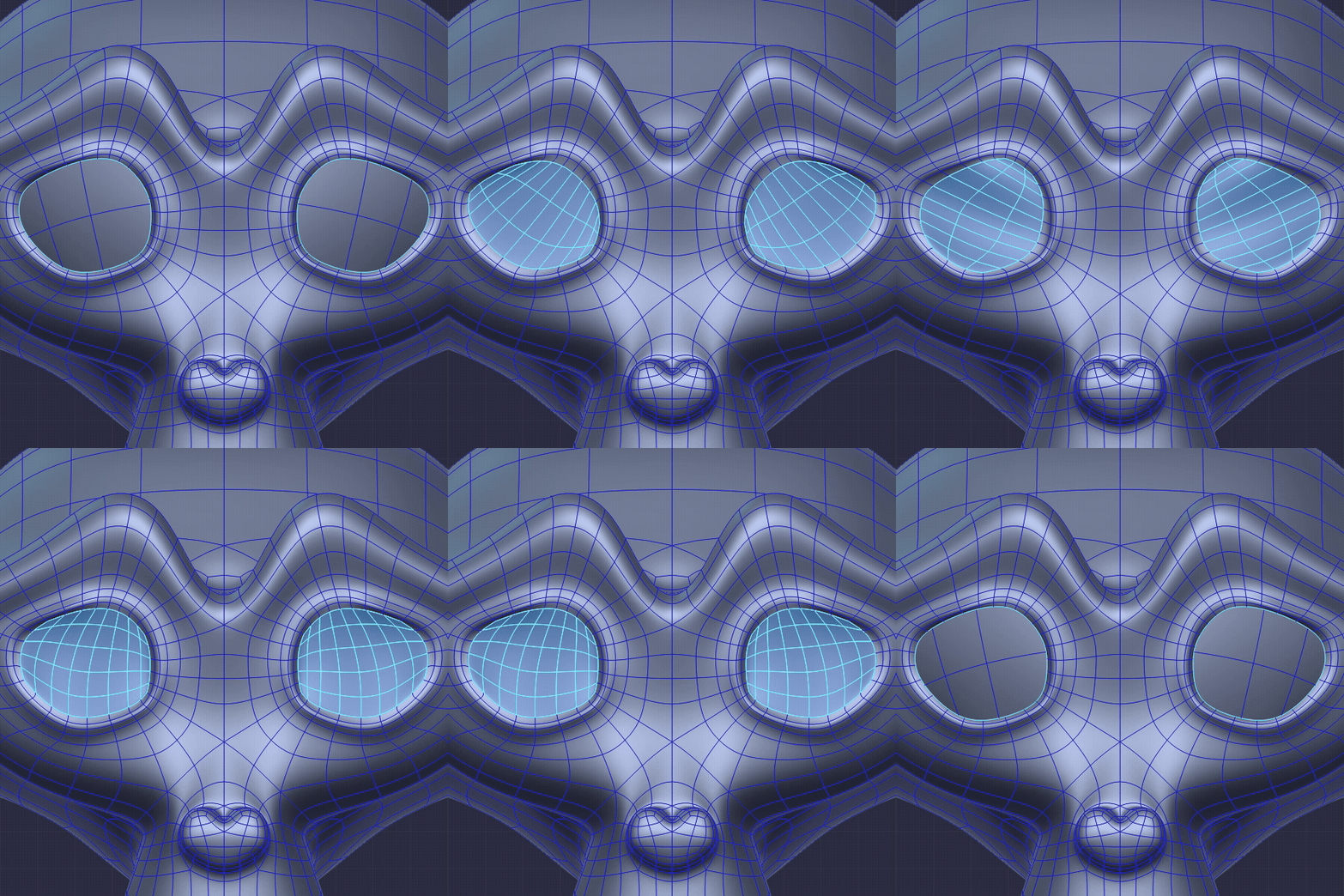
Apex QuadA quad remesher for any outline. Set the quad size, ask for even sizes, | |||||||||||
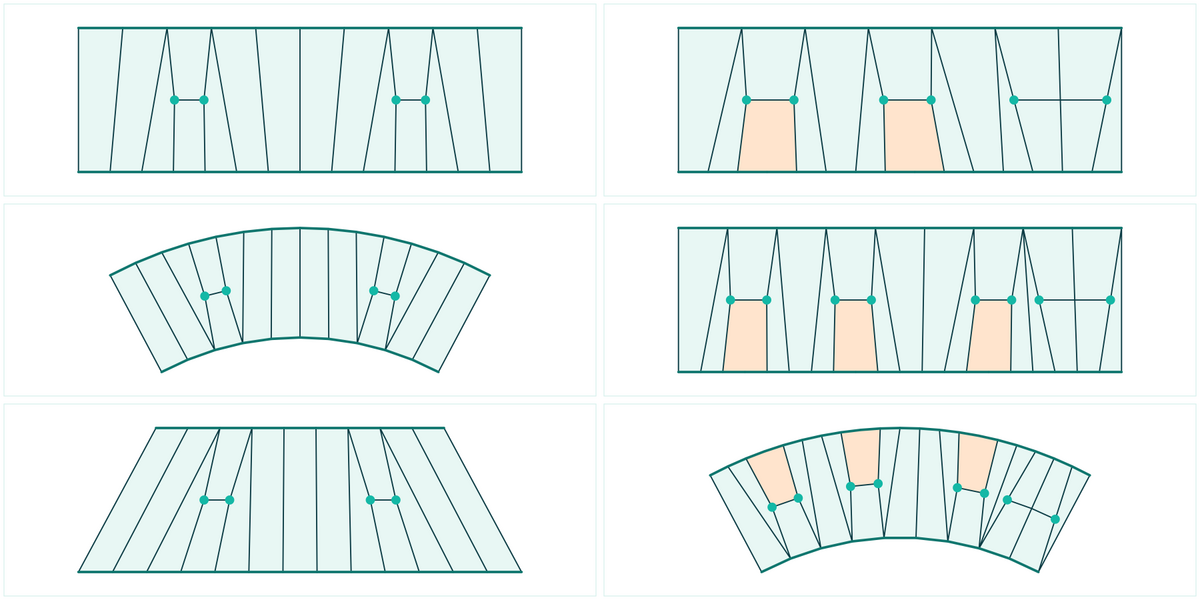
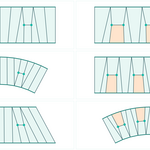
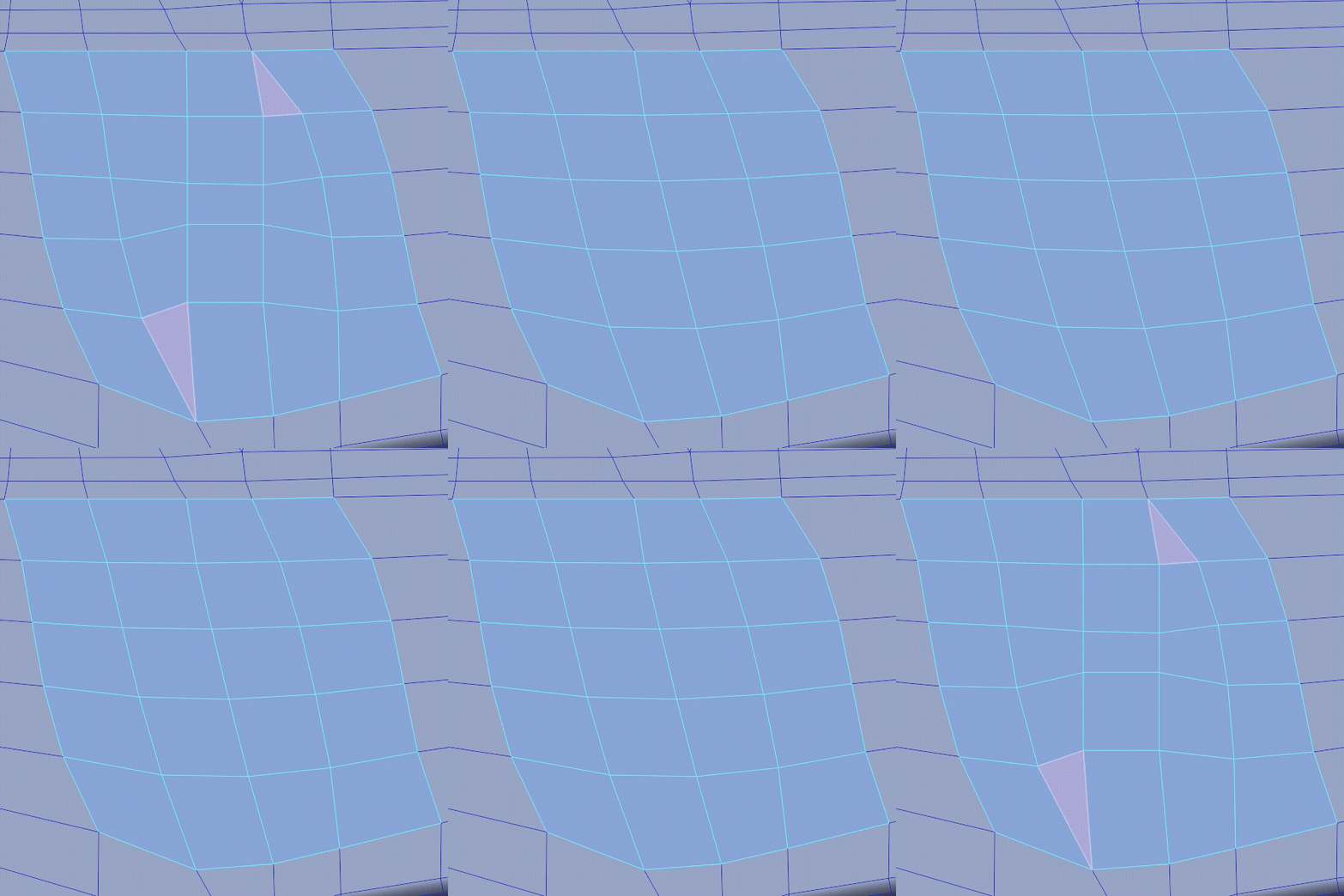
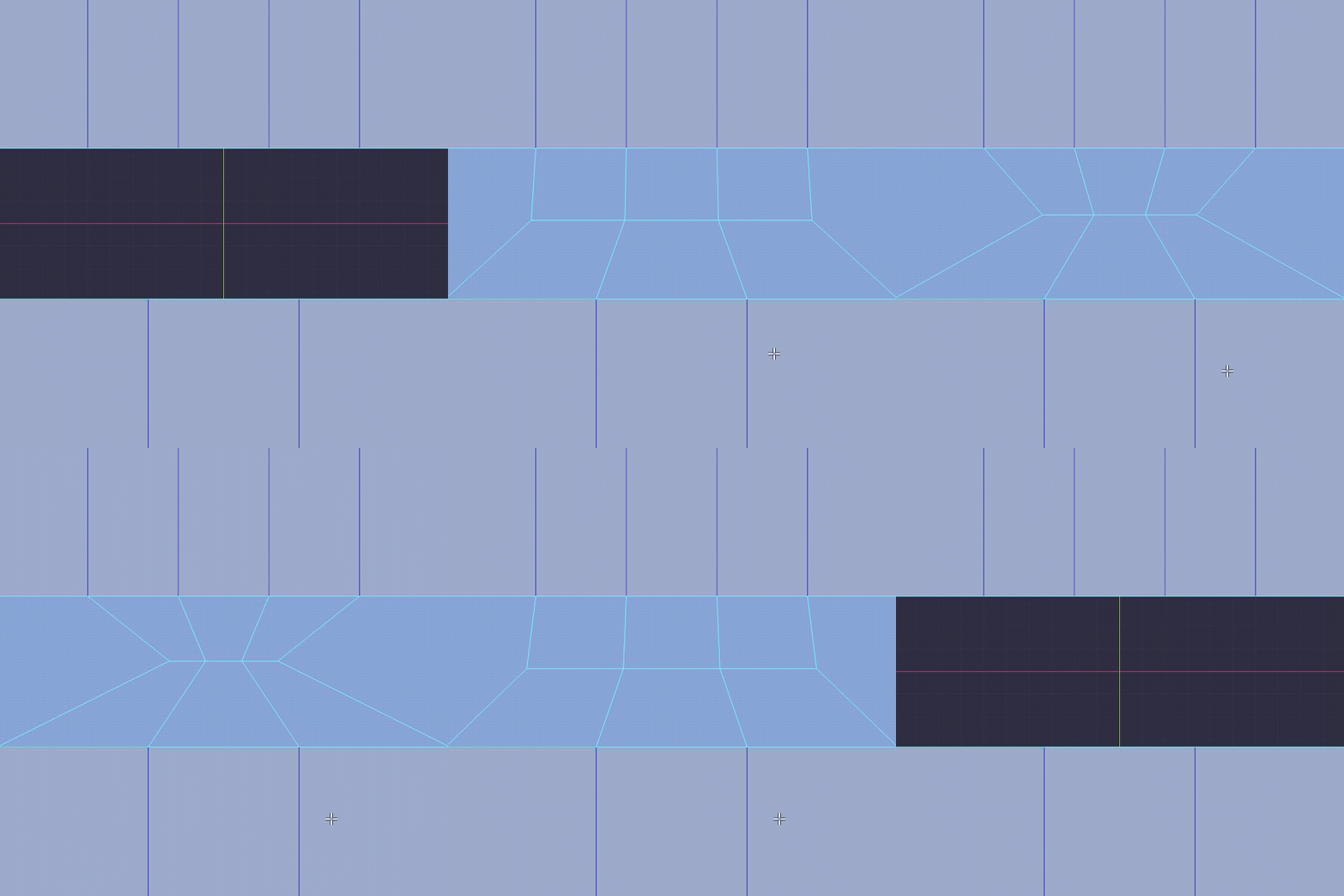
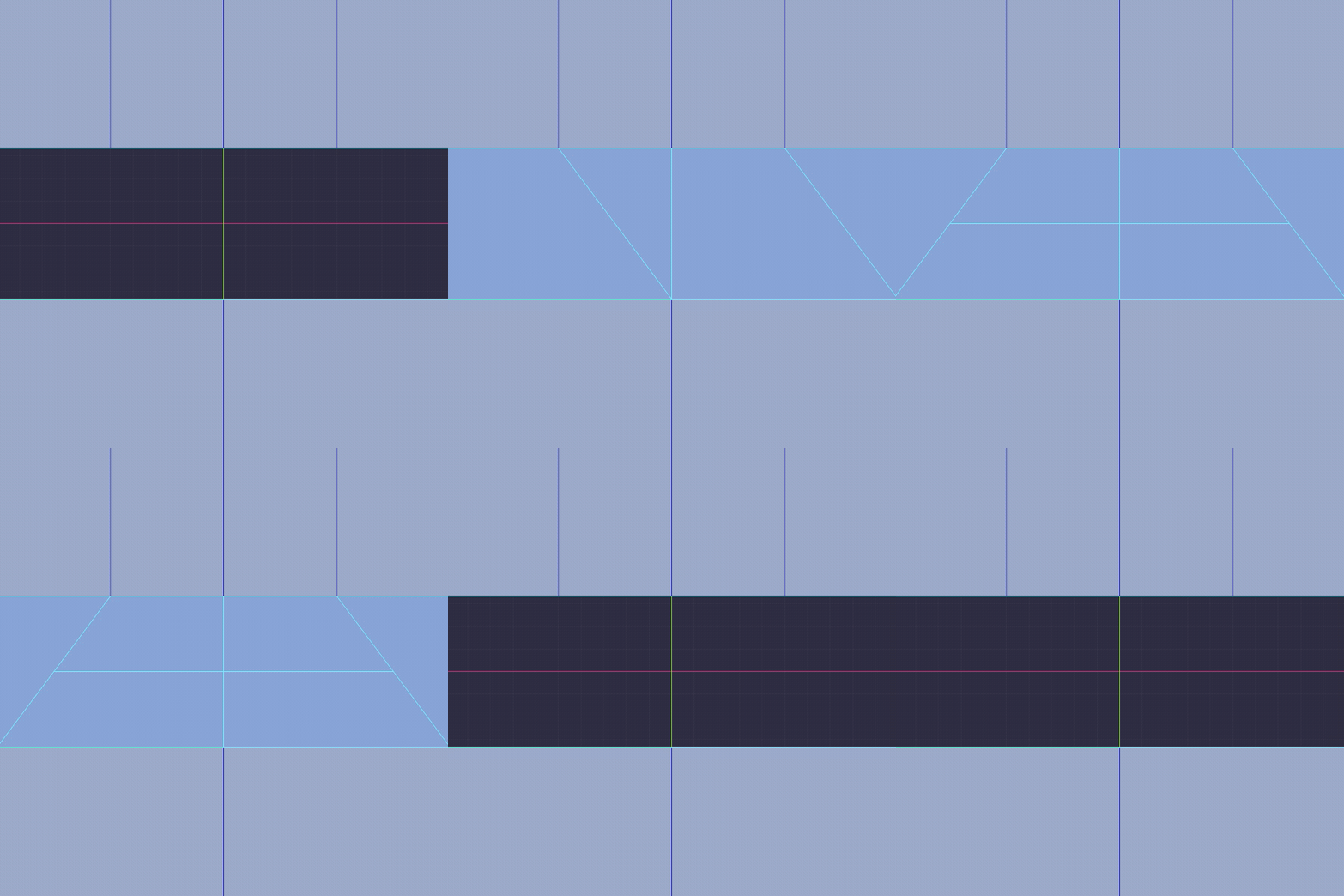
EdgeMastaBridges two chains with different edge counts using clean quad reductions (5 to 3, 4 to 2, 3 to 1...). | |||||||||||
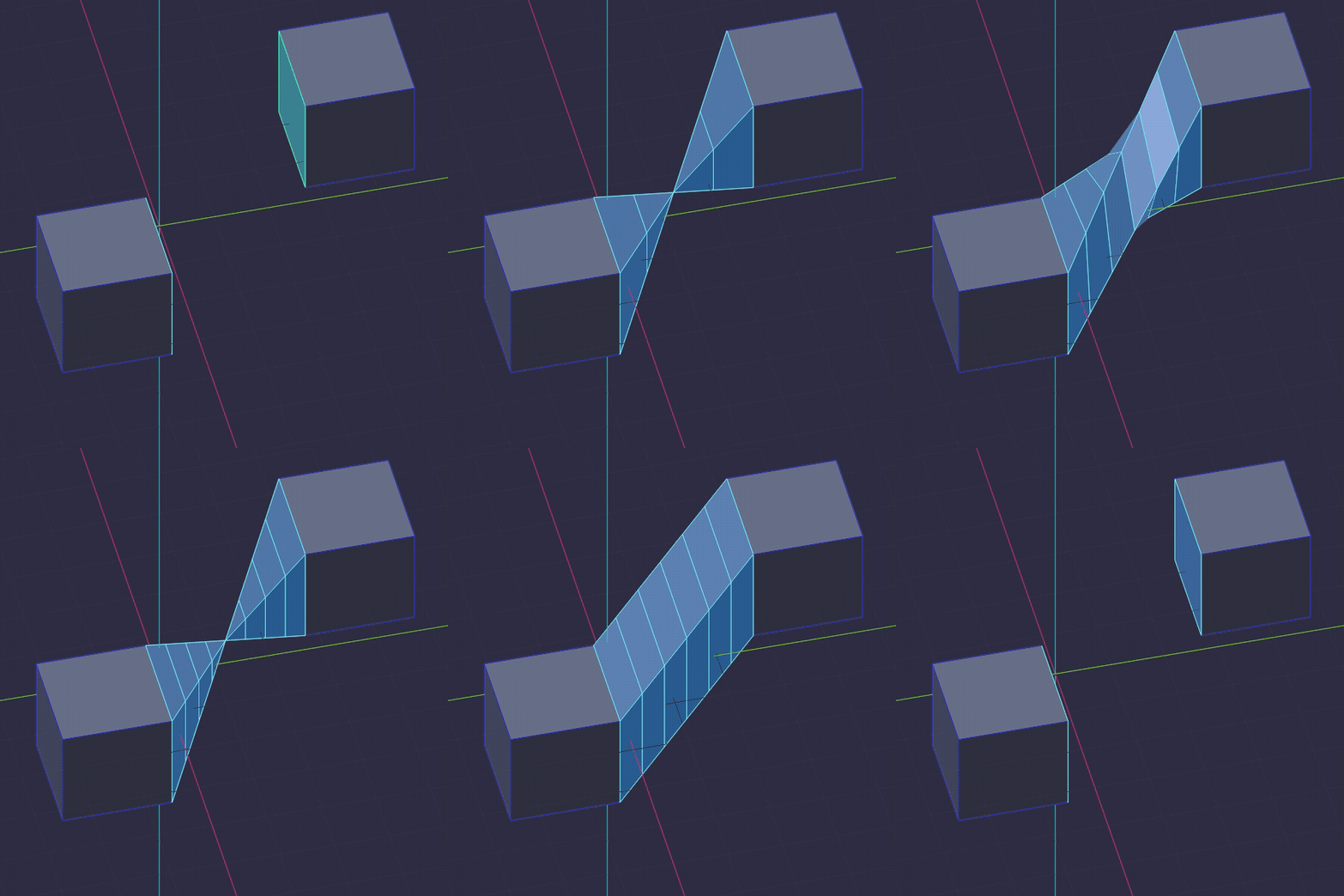
BridgeBridge Edge Loops | Plain face F still does what F always did, | ||||||||||
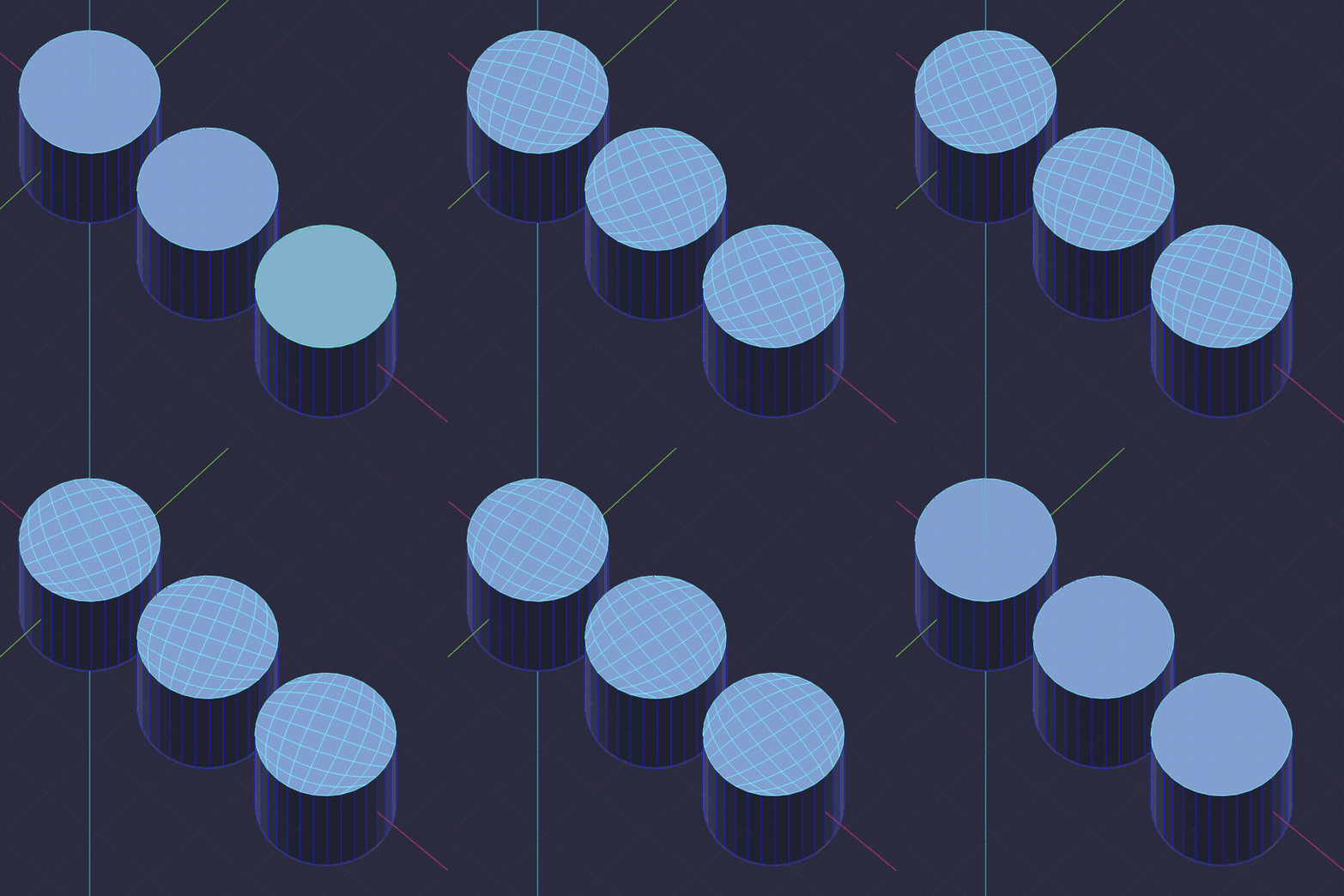
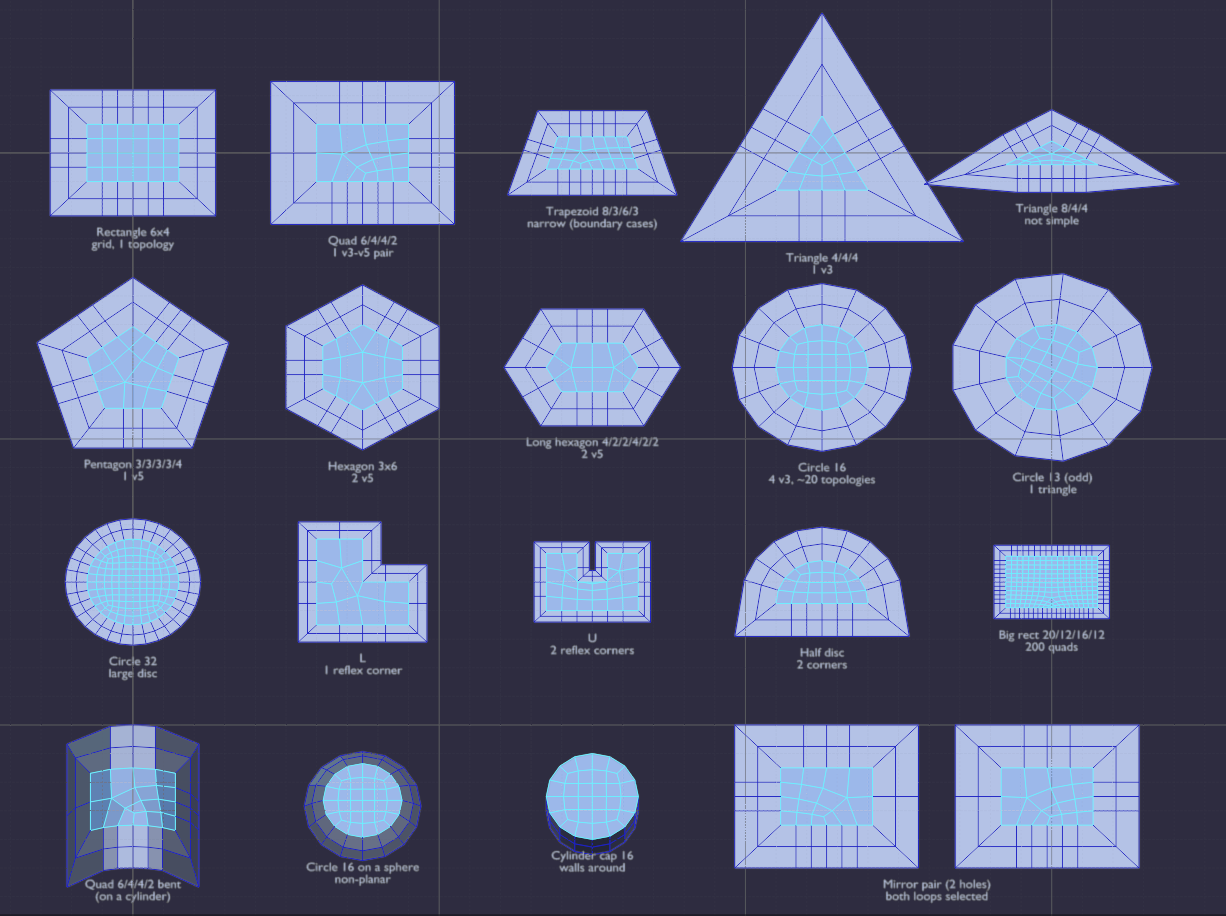
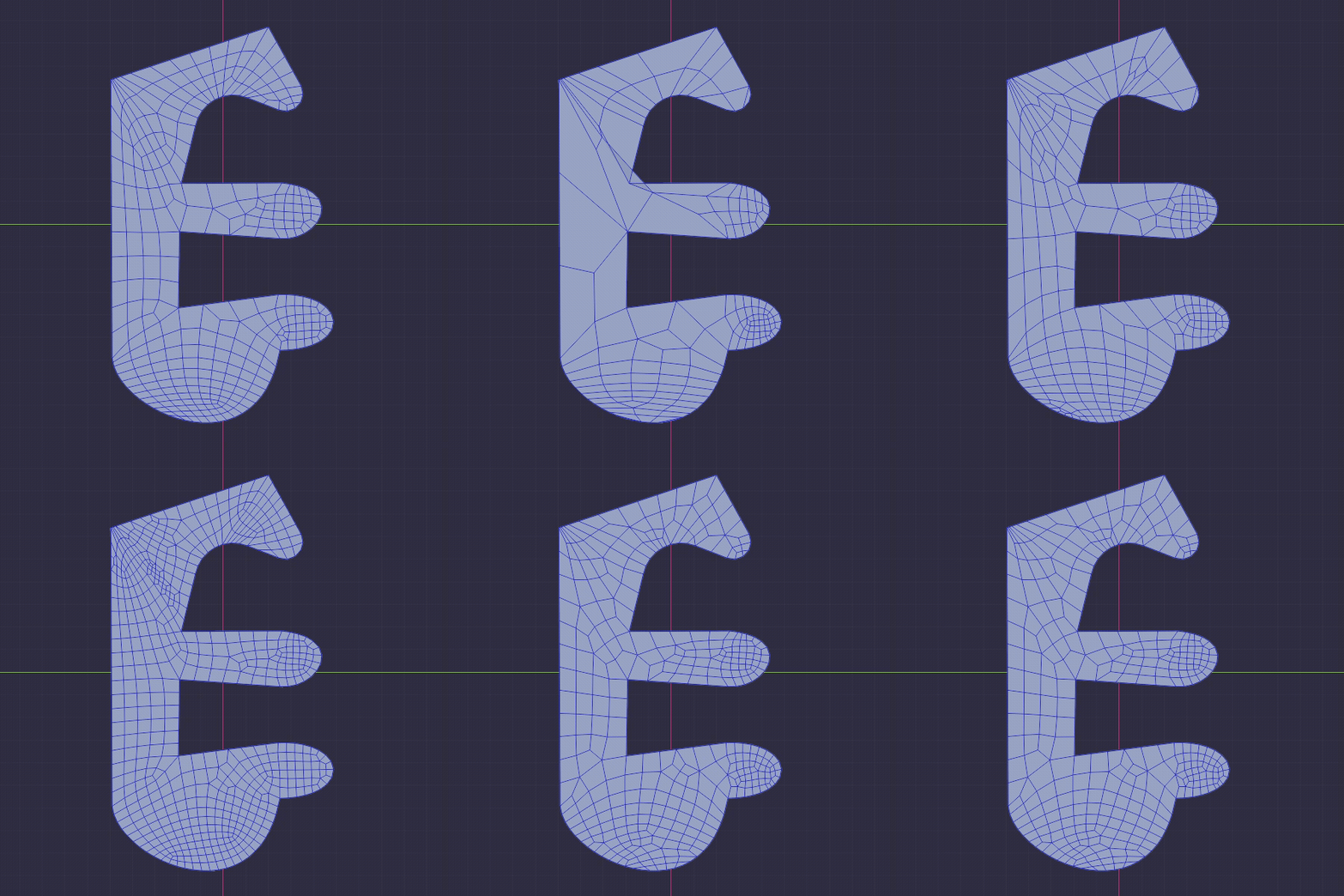
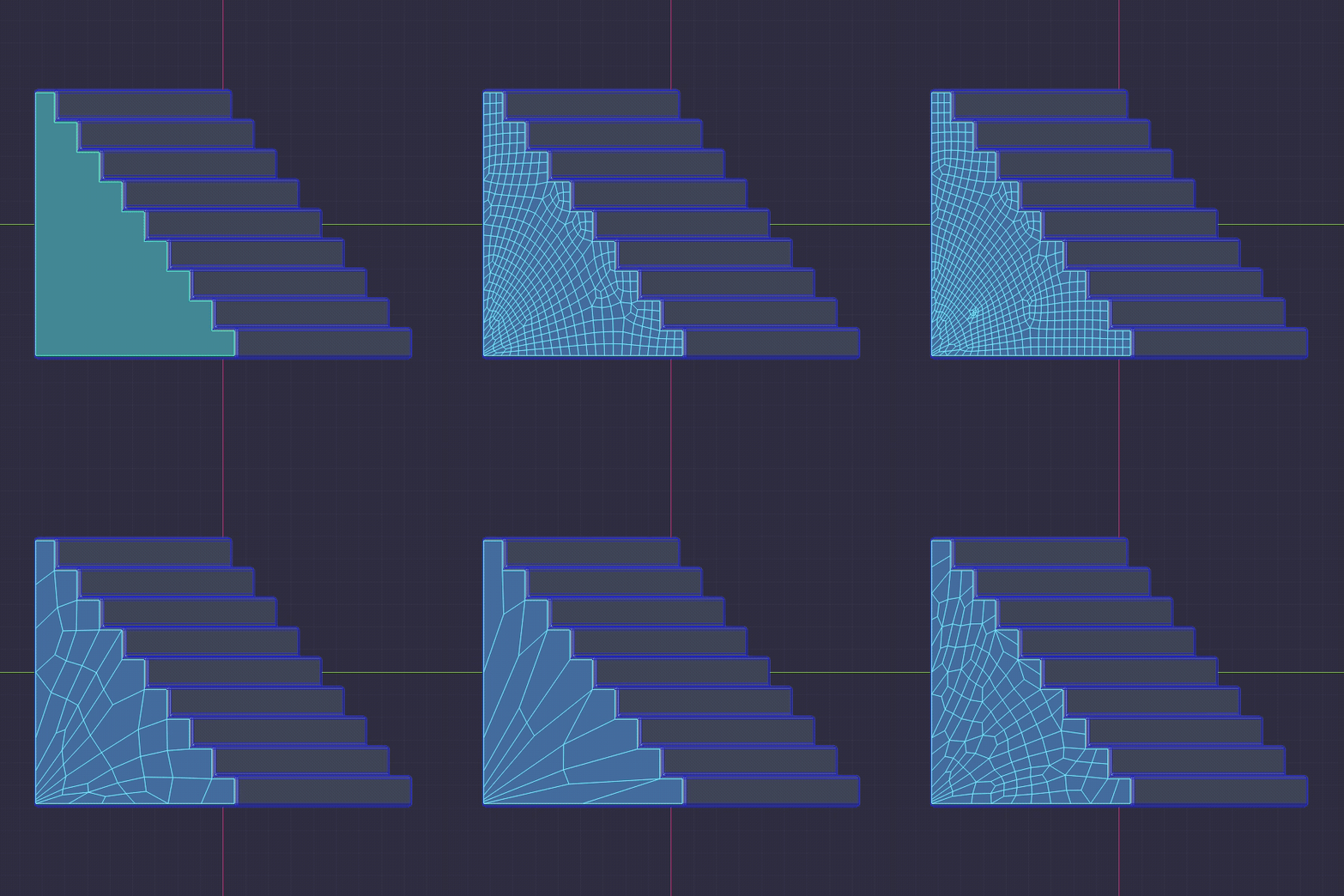
What F does, by selection
Vertex, edge or face mode, OmniFill looks at the shape of what you picked.
| One edge or two verts | Make edge / face, the classic F. |
| One closed loop, cornered | Taka → Grid Fill → PepeMasta → Apex Quad → face. |
| One closed loop, round | Grid Fill → Taka → PepeMasta → Apex Quad → face. |
| Two loops or two islands | Bridge → EdgeMasta → Grid Fill → face. |
| Selected faces | Refills the island from its outline. Every press starts from the same boundary, so nothing drifts. |
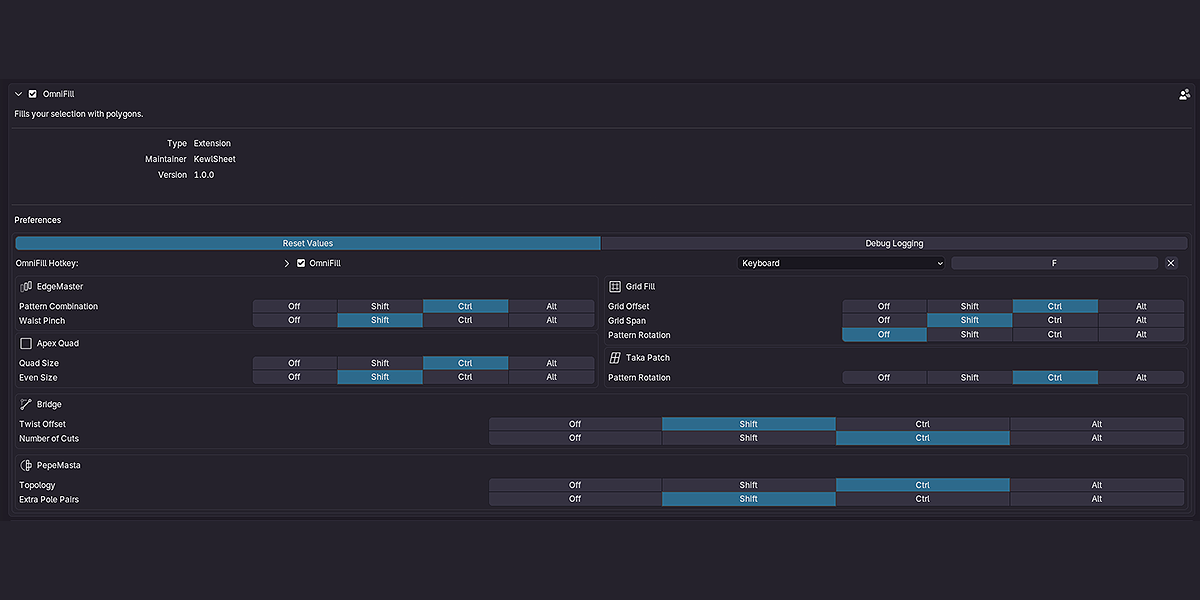
| Shift / Ctrl / Alt + wheel | Tweaks the fill you just made. What each modifier drives is set per pattern in the preferences. |
Default wheel bindings
| Pattern | Shift | Ctrl | Alt |
| Bridge | Twist | Cuts | — |
| Grid Fill | Span | Offset | — |
| Taka | — | Pattern | — |
| PepeMasta | Extra pole pairs | Topology | — |
| EdgeMasta | Waist pinch | Pattern | — |
| Apex Quad | Even size | Quad size | — |
Specs
| Blender | 4.2 and up — installs as a Blender Extension (drag the .zip in) |
| Platforms | Windows, Linux (x64 and ARM) and macOS (Intel and Apple Silicon) |
| Native core | Patch smoothing runs in compiled Rust: up to 20× faster on dense fills. |
| Hotkey | F in Edit Mode, rebindable in the add-on preferences |
| Options | Properties dialog after each fill, mouse wheel on or off, reset values, per-pattern wheel table |
| Licence | GPL-2.0-or-later |
| Support | Discord — discord.gg/jfDPKf5ju2 |
Questions you are about to ask
Does it replace my F key?
Yes, and it keeps what F did: with one edge or two vertices you still get a plain edge or face.
The binding is editable in the preferences.
What if Grid Fill refuses the hole?
OmniFill catches it and builds a Taka patch instead.
Taka or PepeMasta?
Taka gives you one pattern per rotation, fast and predictable.
PepeMasta lists every layout the outline allows and ranks them, for when where the poles land matters.
Can I redo a bad area?
The outline is remembered, so cycling or scrolling never piles extra vertices on the border.
Two loops with different vertex counts?
That is what the EdgeMasta is for: quad reductions instead of triangles.
Does it slow down on big holes?
No. The smoothing that shapes Taka, PepeMasta and Apex Quad patches runs in native Rust.
Select, press F, scroll.
