 ZEG
See all my Blender addons on Superhive >
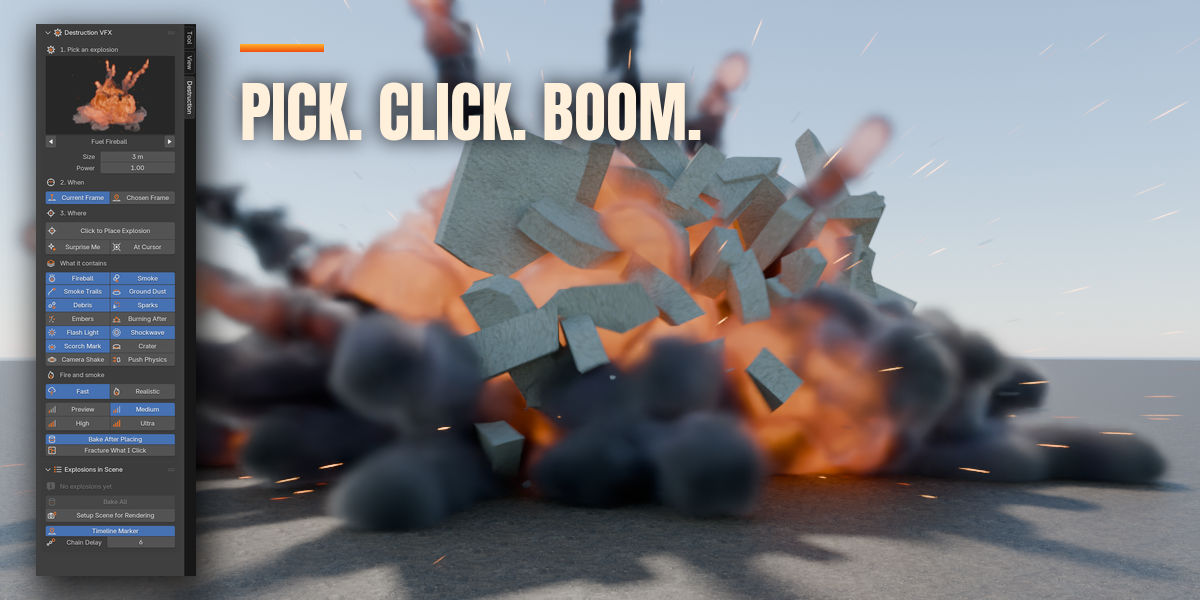
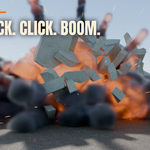
One Click Destruction VFX puts a full, photoreal explosion into your Blender scene with a single click. Pick one of 14 explosion types, click a point in the 3D viewport and the blast goes off there, at the frame you are on or at any frame you choose. Fire, smoke, dust, debris, sparks, light, shockwave and marks on the ground are all built, timed and simulated for you.
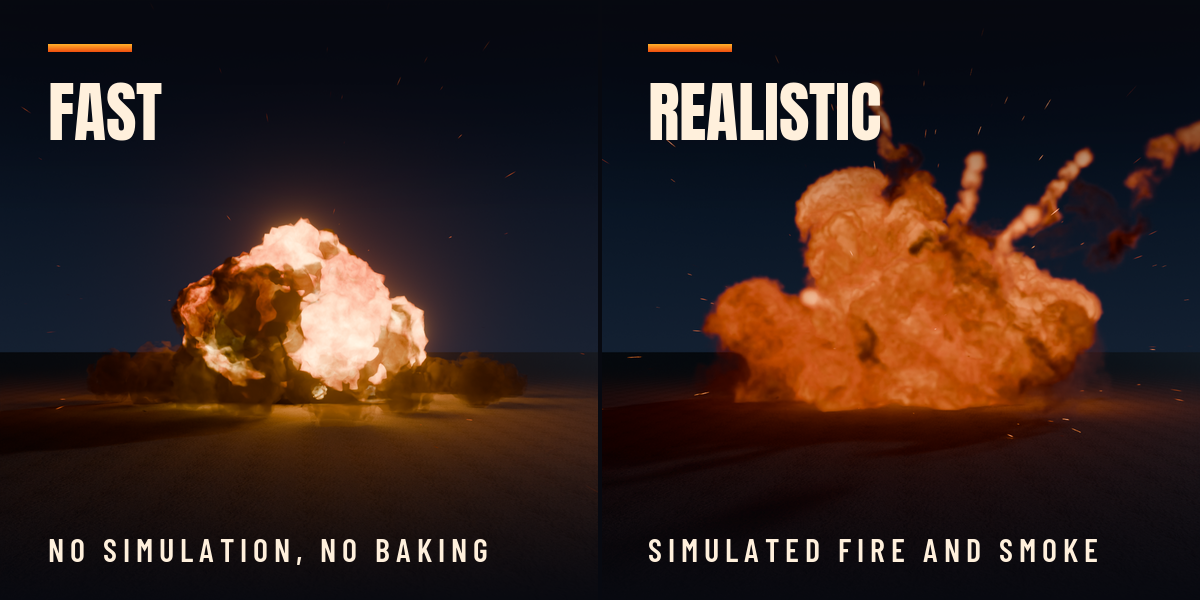
Two modes, one click to switch
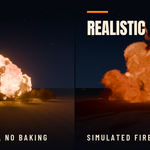
- Fast: fire and smoke are animated in real time with no simulation and no baking. The explosion is there the moment you click, you can scrub to any frame, and it renders in EEVEE and Cycles
- Realistic: a real Mantaflow fire and smoke simulation for hero shots. The addon builds the domain, the emitters and the volume material, sizes everything to the blast and bakes it for you, so you never have to open the physics tab
Each explosion follows the surface you clicked: on a wall it blows outward, on the ground it rises. And your scene stays tidy: every explosion is one single object in the outliner, an instance of its own collection.
Nothing is locked after creation. Select an explosion and every part is still a switch or a slider: turn the fireball, smoke, debris or shockwave off, make it bigger, slower, dirtier or longer, and only the parts that changed are rebuilt.
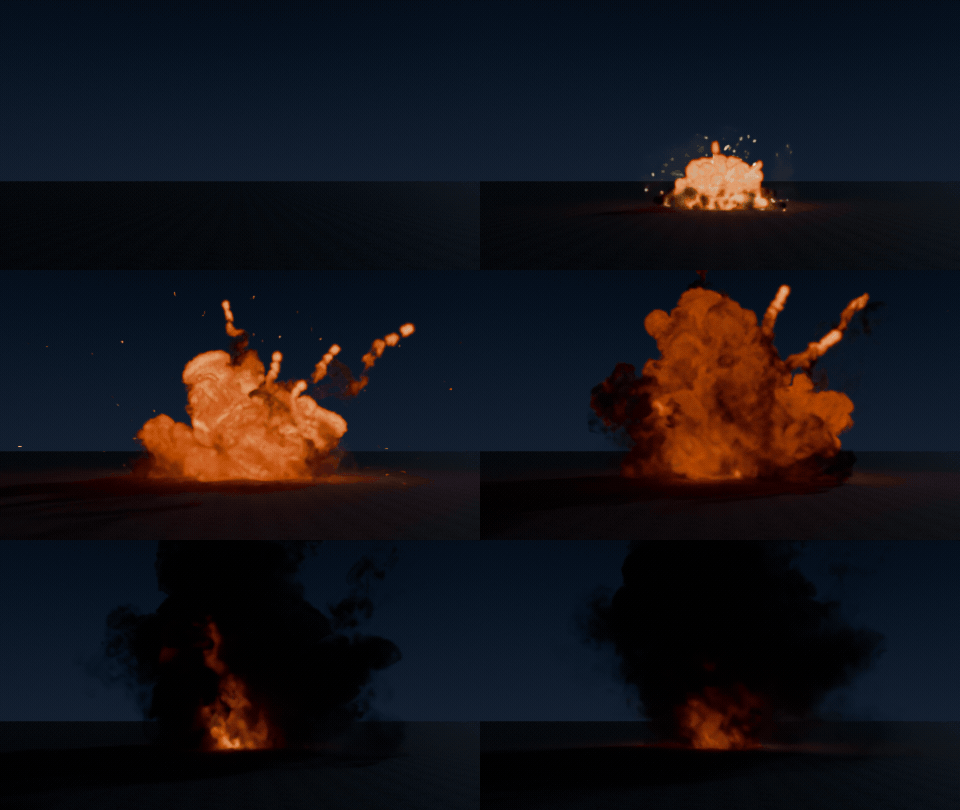
One click, one explosion
Pick a type, click a point in the viewport and the blast goes off there, with fire, smoke, debris, sparks and light.
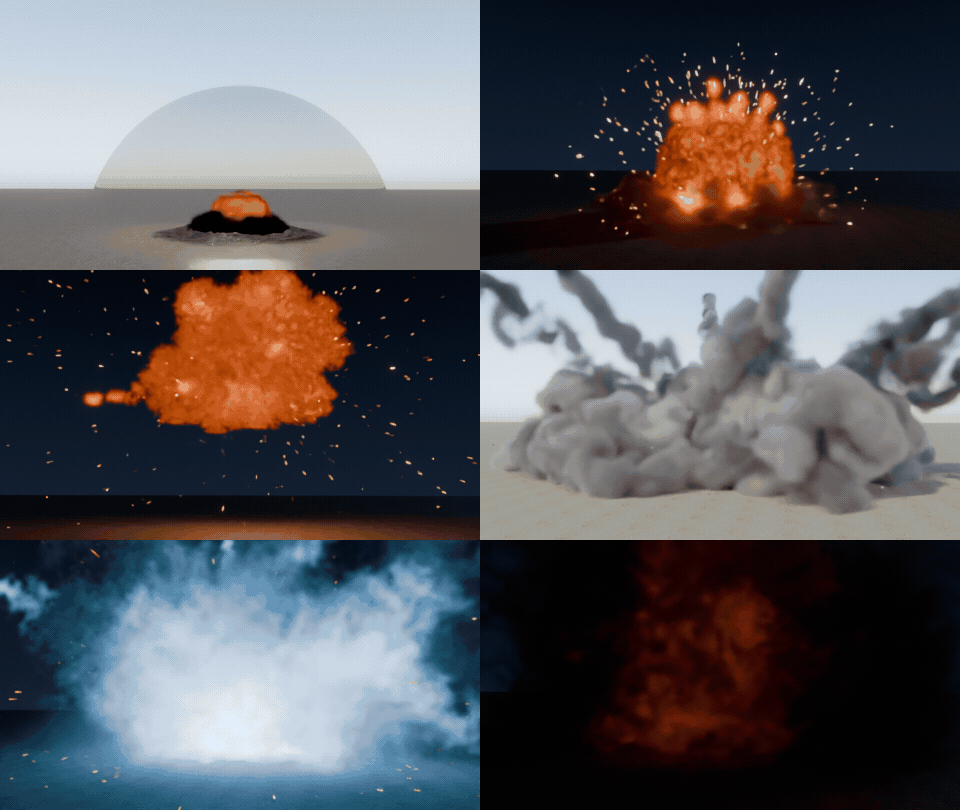
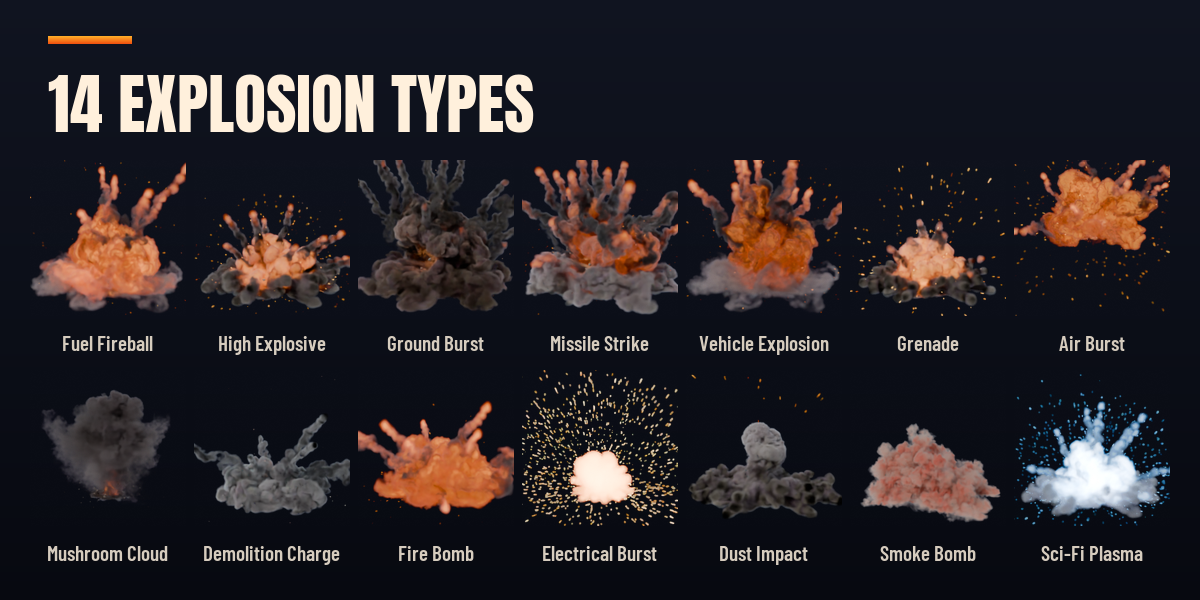
14 explosion types
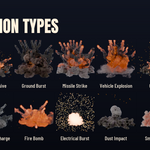
Fuel fireballs, high explosives, ground bursts, missile strikes, mushroom clouds, demolition dust, fire bombs, spark bursts, smoke bombs and sci-fi plasma.
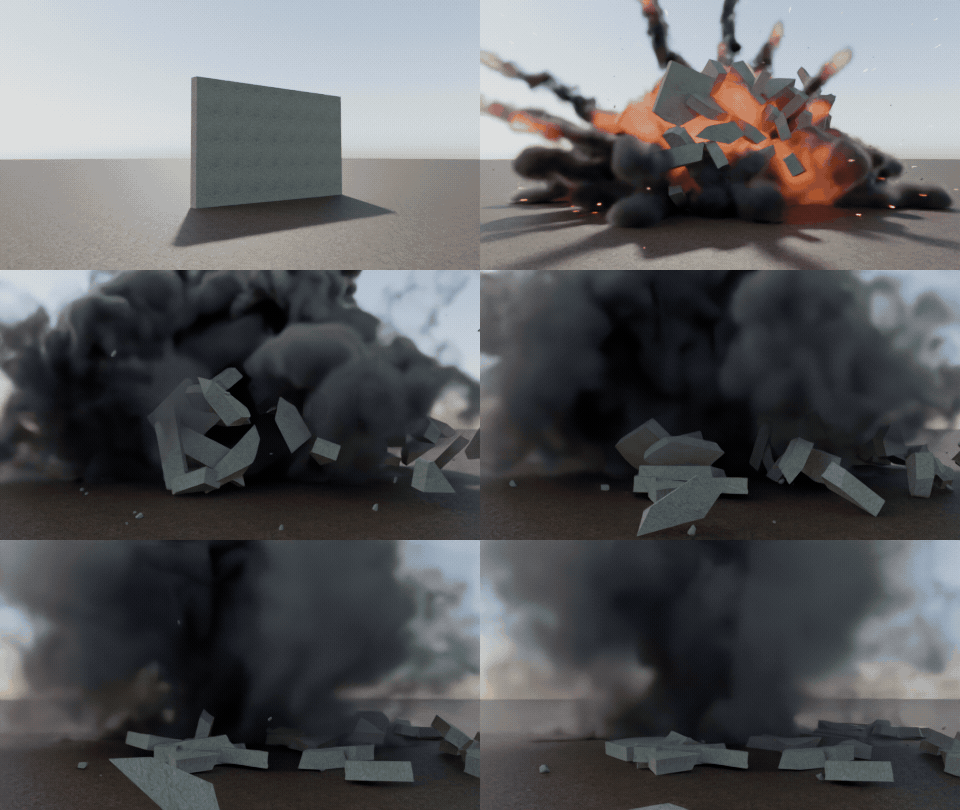
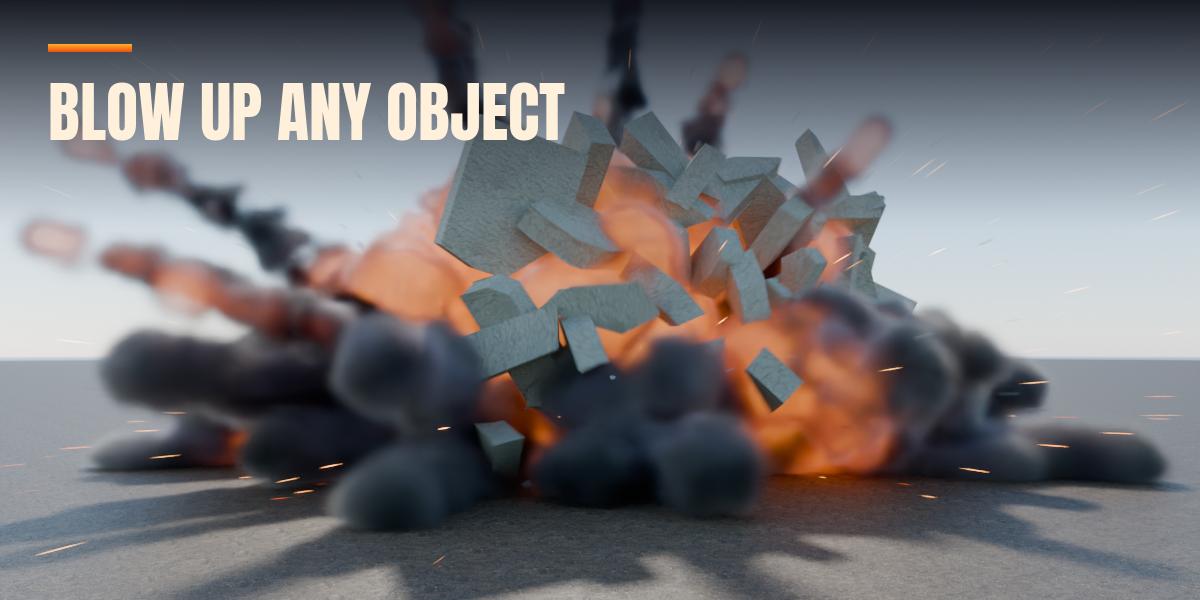
Blow up your own objects
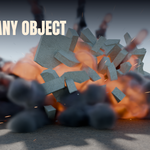
Shift+Click any object and it shatters into pieces that fly from the blast, as instant keyframes or rigid bodies.
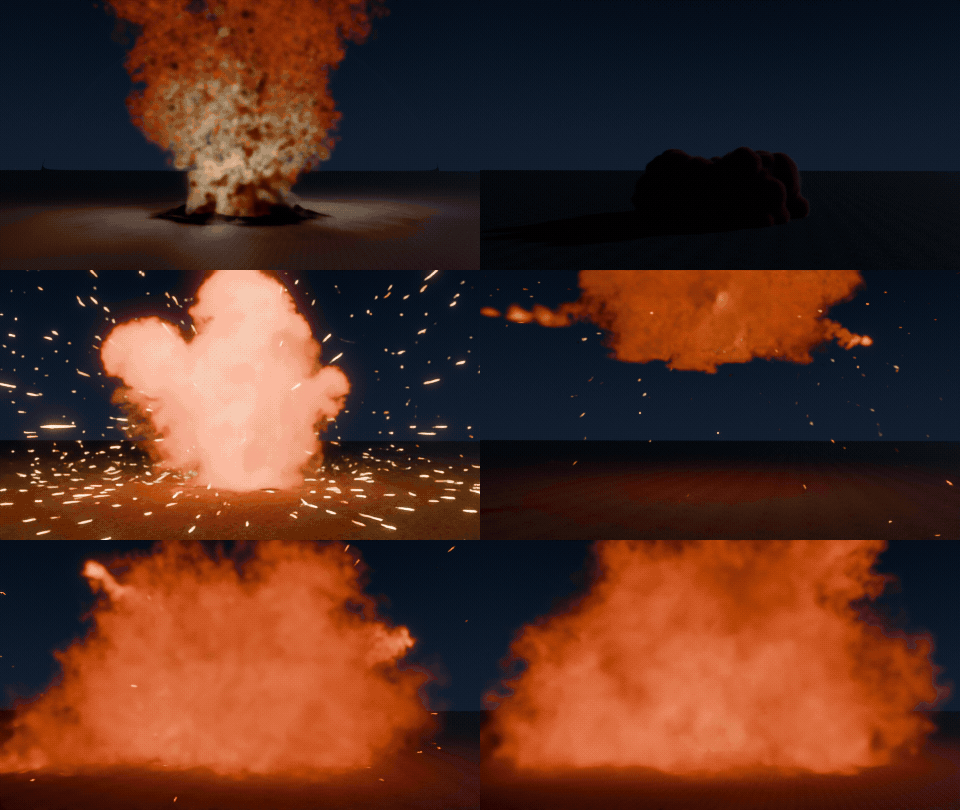
Surprise Me
One button randomizes the selected explosion in place, for a new blast every time.
14 explosion types
- Fuel Fireball, High Explosive, Ground Burst, Missile Strike and Vehicle Explosion
- Grenade, Air Burst, Mushroom Cloud, Demolition Charge and Fire Bomb
- Electrical Burst, Dust Impact, Smoke Bomb and Sci-Fi Plasma
- Each type is a starting look based on how the real thing behaves; every value stays editable
What every explosion can contain
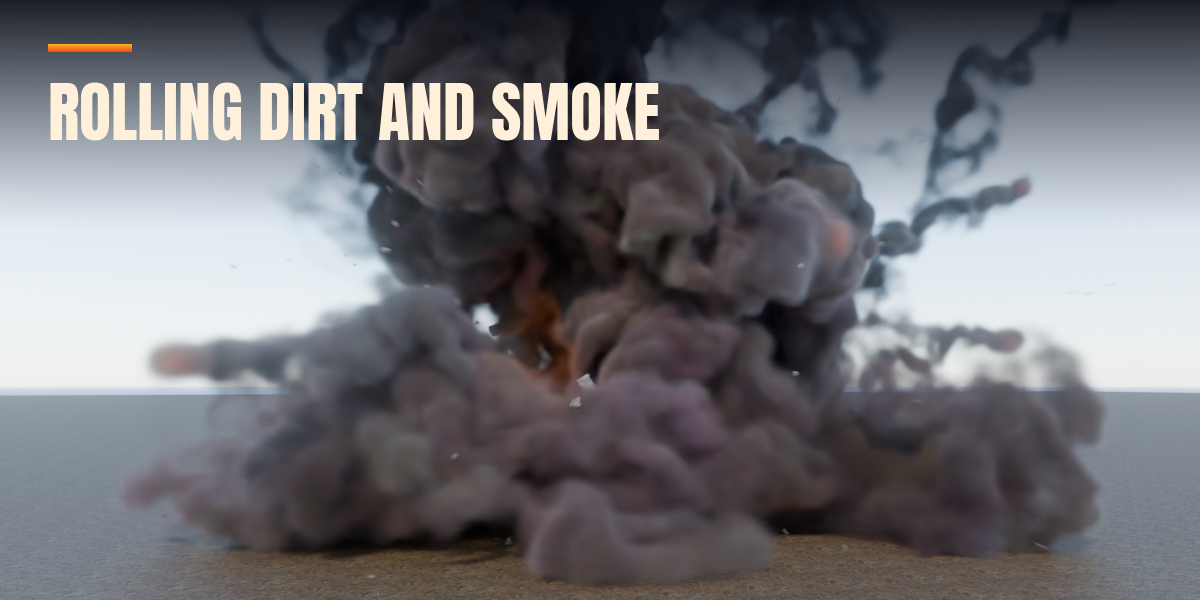
- Fireball, smoke, ground dust and smoke trails, with smoke color, rise, fade and wind
- Custom fire color for magic and sci-fi blasts
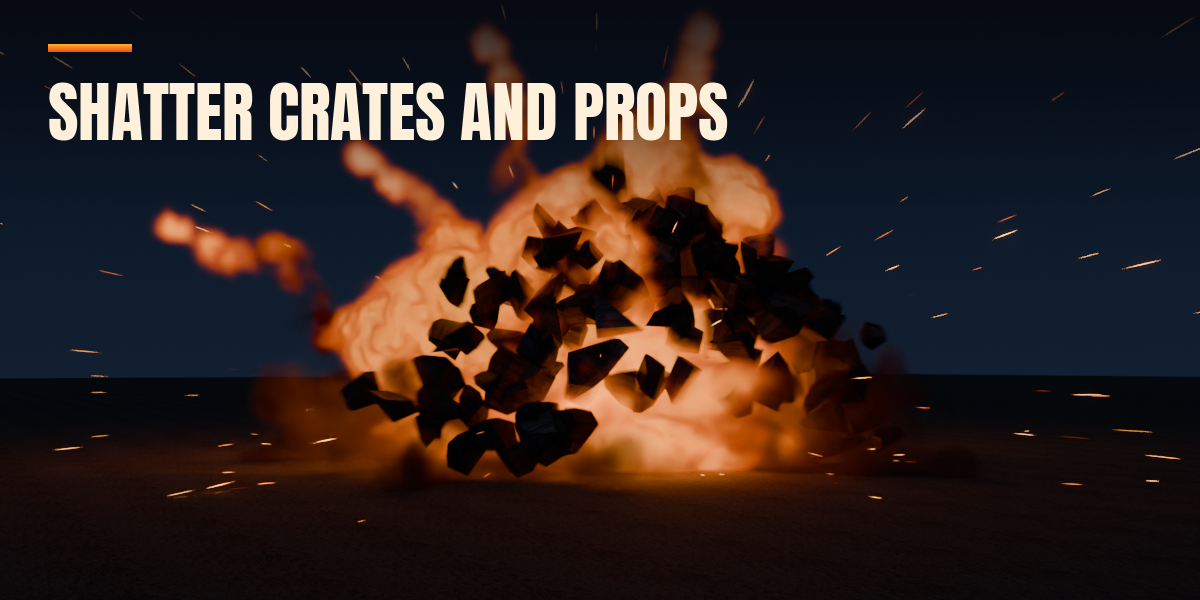
- PBR debris in concrete, rock, dirt, brick, metal, wood, glass or a mix, in Clean, Dusty or Charred condition, glowing hot and cooling down
- Fast sparks and slow floating embers that land and bounce on your scene's collision objects (one button adds collision to the selected objects)
- Scorch mark decals and a real crater cut into the ground
- Shockwave with air distortion and a ground ring
- Flash light that lights your scene
- Camera shake on the scene camera
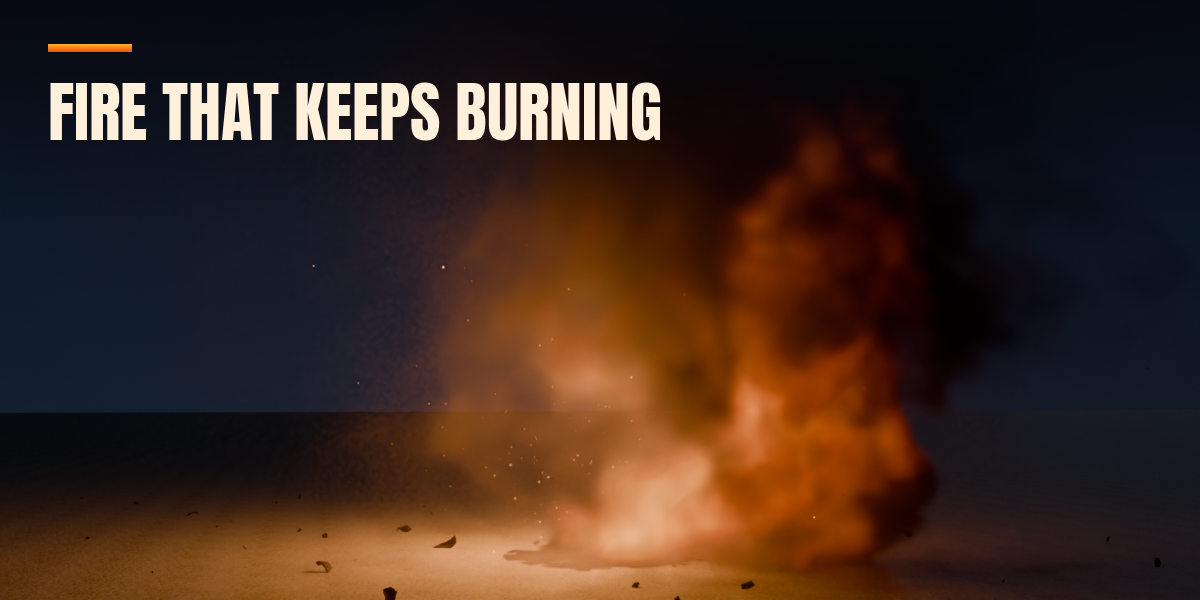
- Fires that keep burning afterwards
- A force field that pushes your own rigid bodies, cloth, hair and particles
Blow up your own objects
- Shift+Click an object while placing, or use Blow Up Selected Objects, and it shatters into Voronoi pieces with smaller pieces near the blast
- Instant motion: ballistic keyframes, no baking, exports anywhere
- Rigid Body motion: pieces collide with each other and the scene
- Inside faces get a matching concrete, rock, brick, wood, metal or glass material
- Removing an object from the list restores the original
Fast to direct
- Ctrl+Click places a chain of explosions a few frames apart
- Speed slider for slow motion of the whole explosion
- Four quality presets from Preview to Ultra for the Realistic simulation
- Surprise Me randomizes the selected explosion in place, or makes a new one
- Move, duplicate and delete explosions, with a list of every explosion in the scene and timeline markers
- Setup Scene for Rendering tunes Cycles or EEVEE for fire and smoke in one click
Works in Cycles and EEVEE. No other addons needed.
Requires Blender 4.2 or newer. Tested on Blender 4.2 LTS, 4.5 LTS, 5.2 LTS and 5.3.
