 ZEG
Blender 4.2 and newer. It is tested on Blender 4.2 LTS, 4.5 LTS, 5.2 LTS and 5.3.
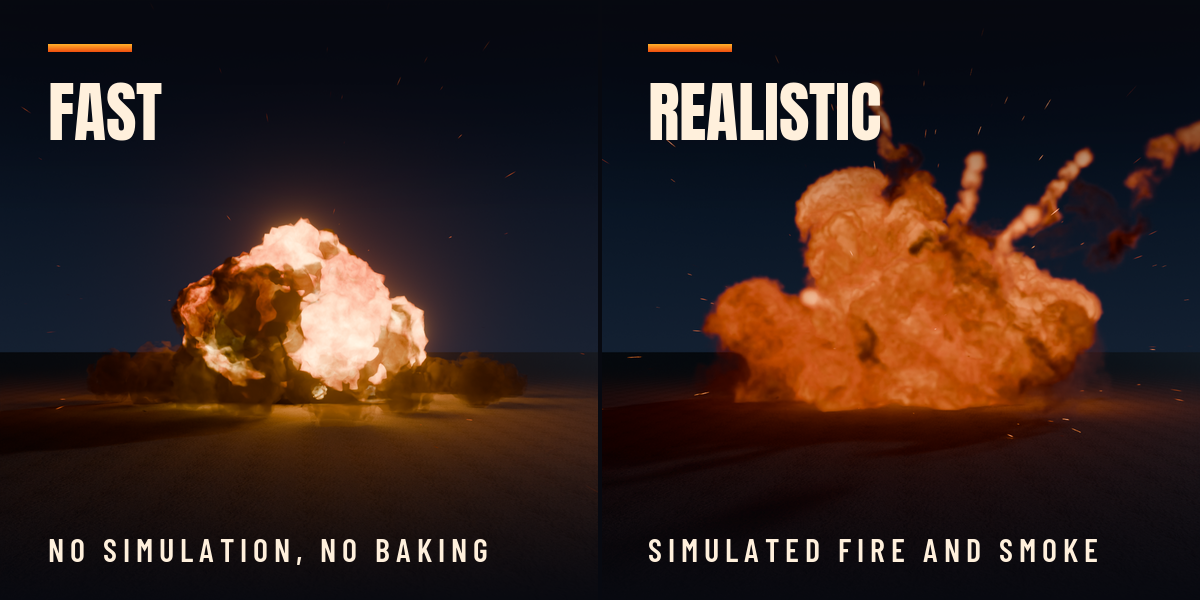
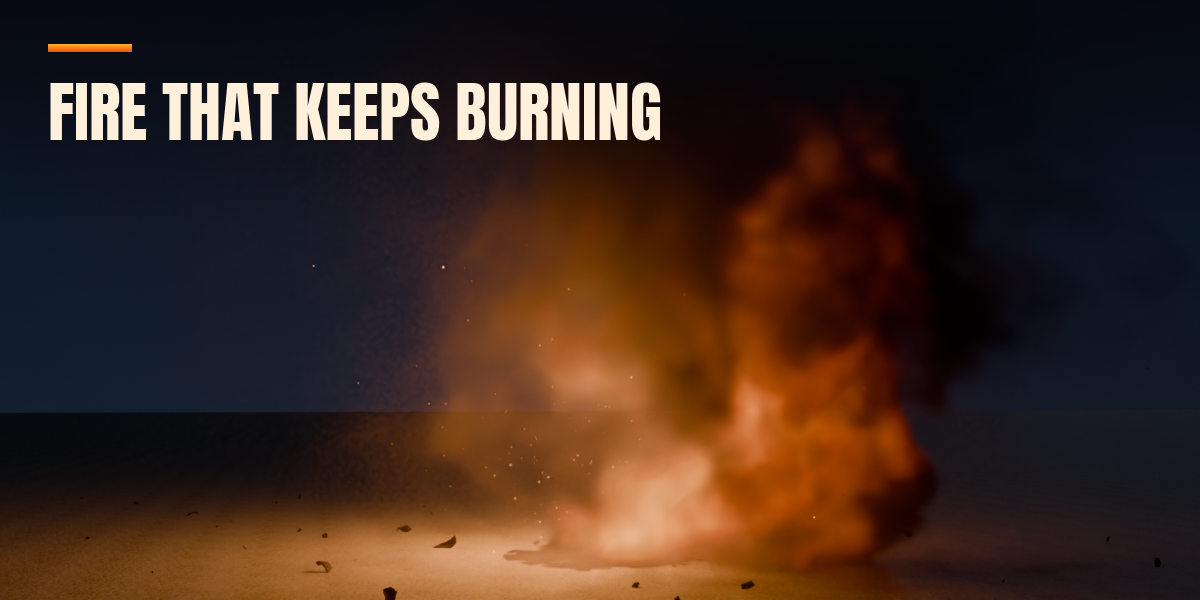
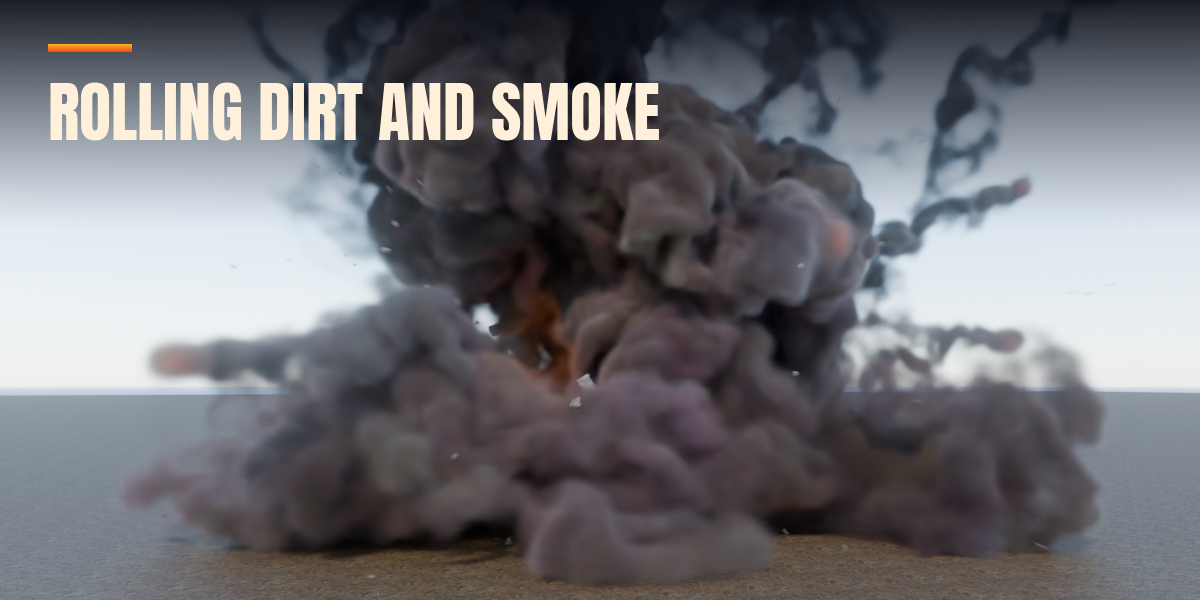
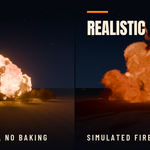
Fast mode needs no bake at all: fire and smoke appear the moment you click. In Realistic mode it depends on the quality preset, the length of the explosion and your computer. Preview is made for blocking and timing and bakes quickly; Medium suits most shots; High and Ultra give fine detail for hero shots and take clearly longer. Lights, decals, the shockwave and Instant fracture need no bake at all.
No. Everything uses Blender's own tools: Geometry Nodes for Fast mode, Mantaflow for Realistic fire and smoke, particle systems for debris and sparks, rigid bodies for fracture. The PBR debris textures are included.
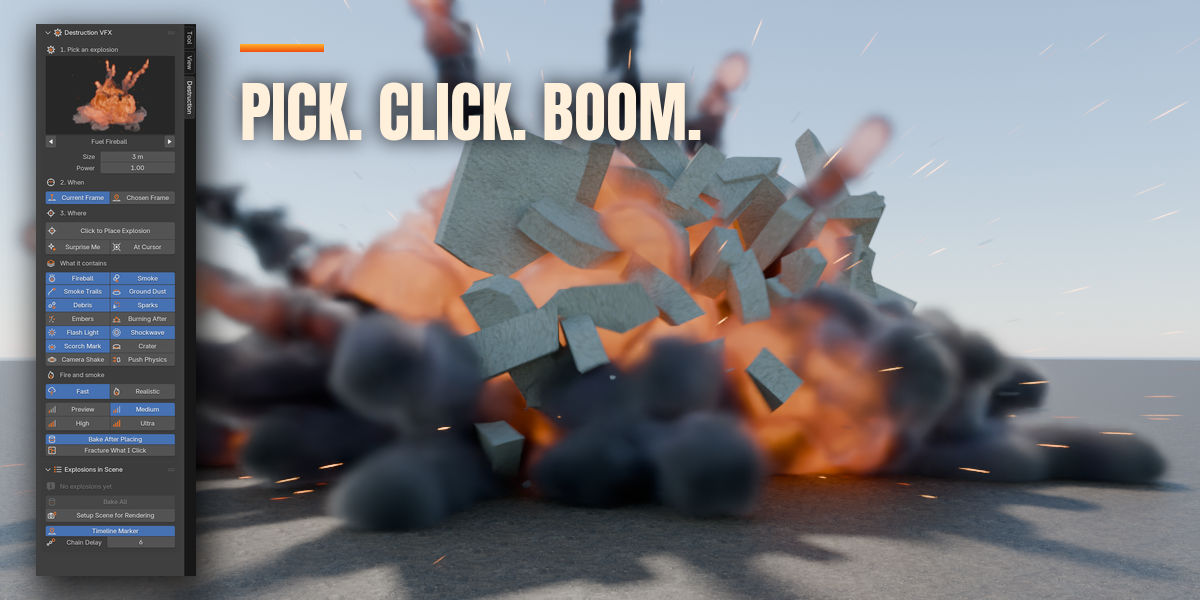
Yes. Select it and every setting is still there: type, size, power, frame, speed, and each part can be switched on or off. Only the parts you change are rebuilt, and you can move, duplicate or delete it at any time.
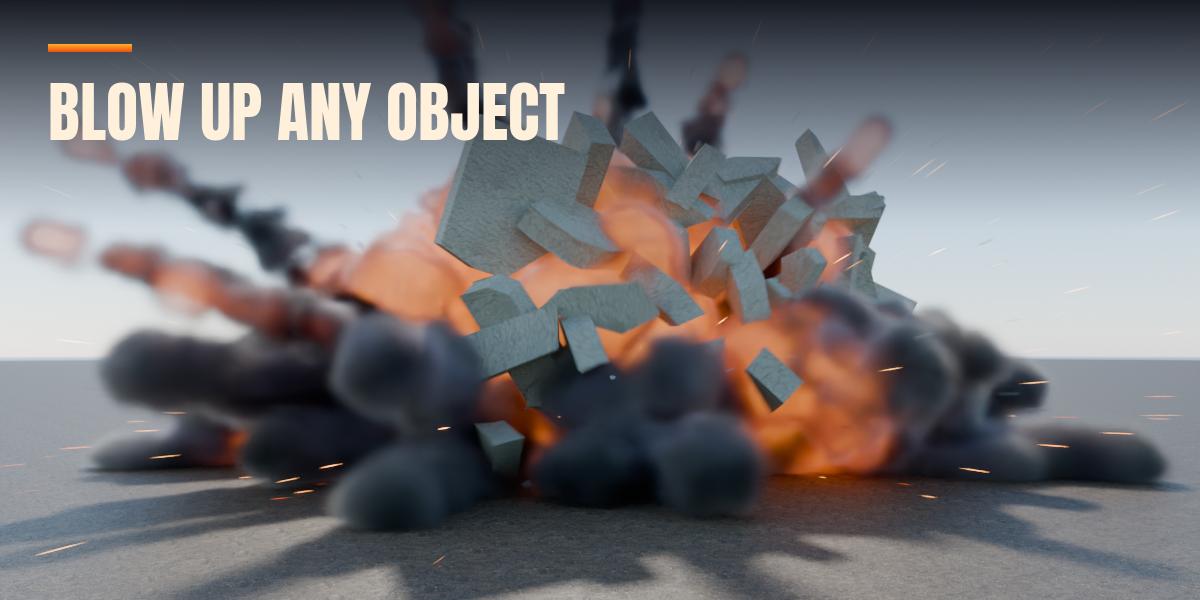
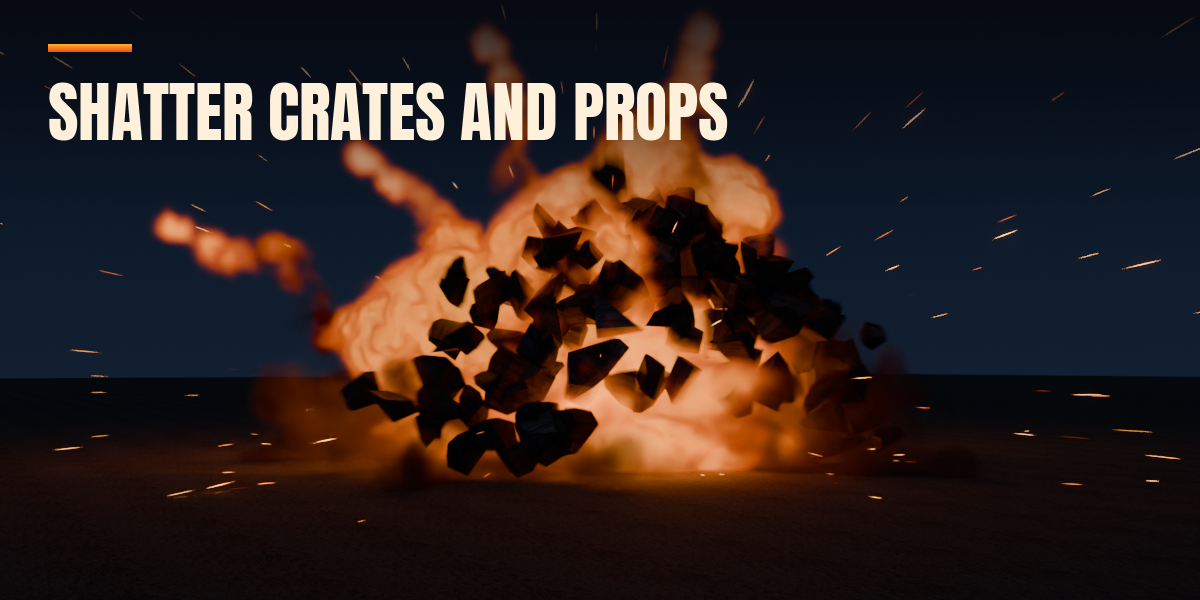
The fractured pieces are real mesh objects with PBR materials; with Instant motion they are plain keyframes that export with FBX or glTF. Realistic fire and smoke are volumes, saved as an OpenVDB cache that tools with OpenVDB support can read. Debris and sparks are Blender particle systems and need converting to objects first.
Yes, in both Cycles and EEVEE. Setup Scene for Rendering sets the volume, light and ray tracing settings for the engine you use. Fast mode is made to render quickly in both; Realistic mode in Cycles gives the most lifelike fire and smoke.
Have questions about this product?
Login to message
| Blender Extension Compatible | Yes |
| Published | 1 day ago |
| Blender Version | 4.2 - 5.2 |
| Extension Type | Add-on |
| Render Engine Used | Cycles, Eevee |
| License | GPL |
