 Mamba CG
Procedural fire, smoke and sparks for Blender
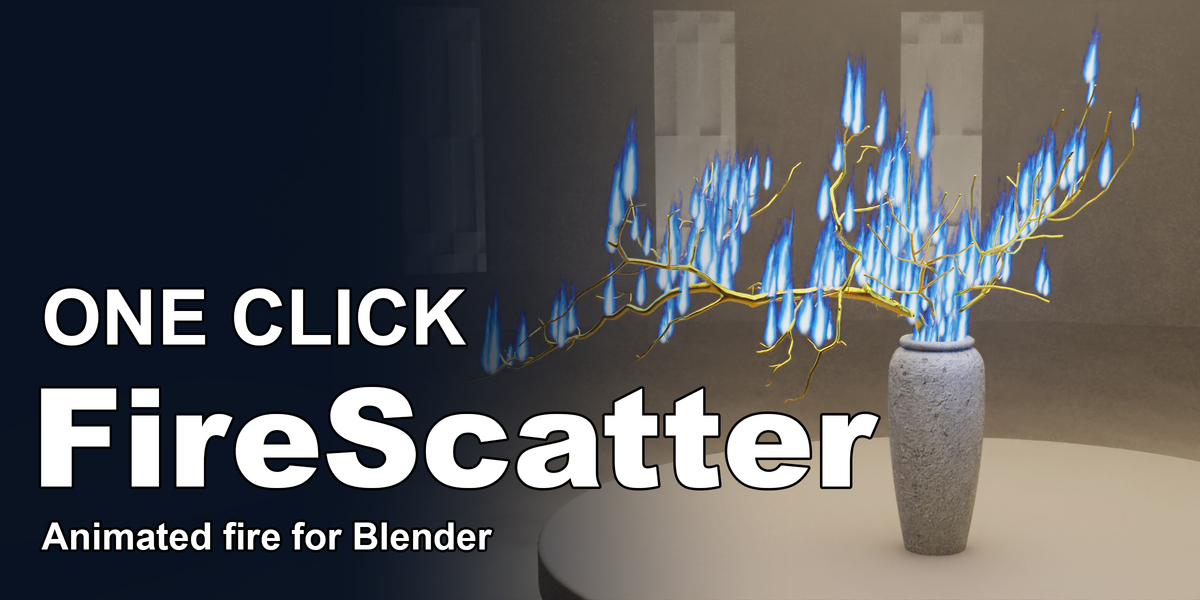
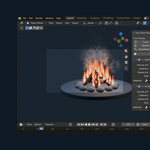
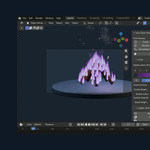
One Click FireScatter is a Blender fire add-on that turns a mesh into a source for animated flames, smoke and sparks. Select an object, pick a preset in the 3D Viewport sidebar and scrub the timeline. Geometry Nodes generate the effect without a fluid simulation bake.
Use it for a torch in a game cinematic, a campfire in an environment render, blue flames on a gas burner or a spreading fire that leaves scorched wood behind. The original mesh stays editable under the FireScatter modifier.
Six fire presets for different surfaces
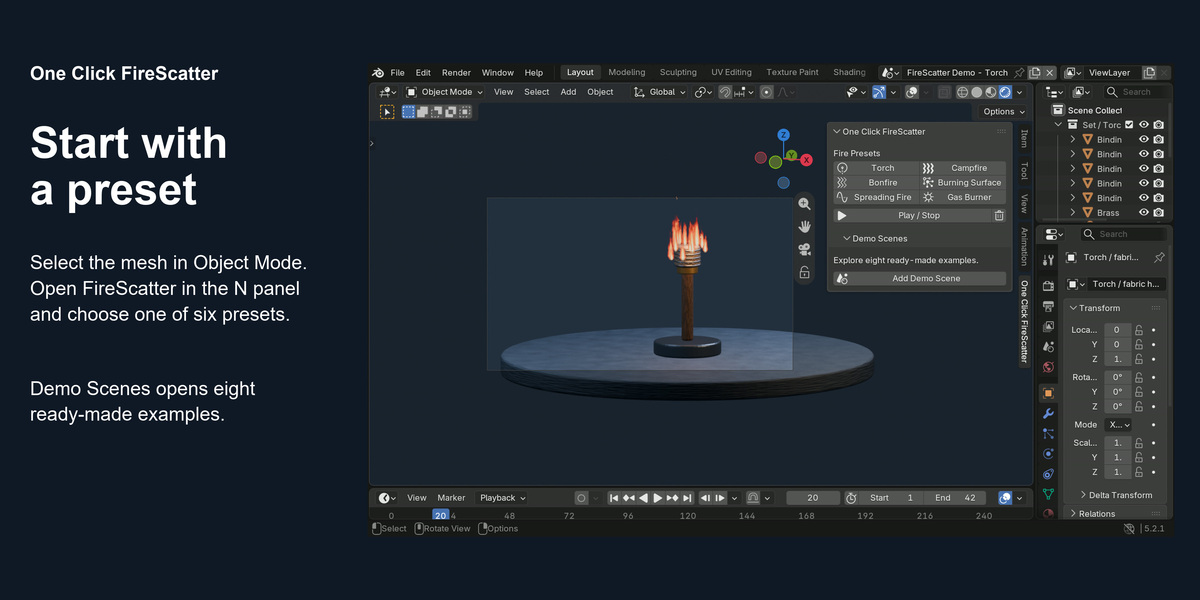
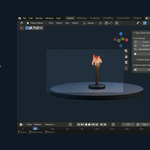
- Torch: compact flames for torch heads, candles and lanterns.
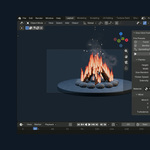
- Campfire: medium flames with sparks and light smoke for logs and fire pits.
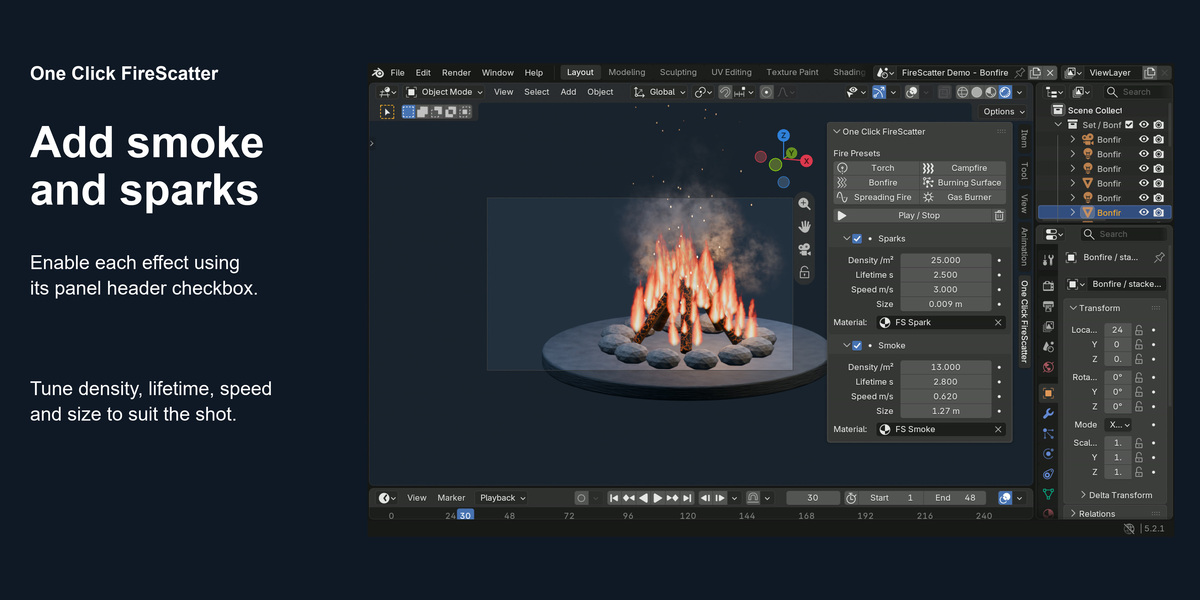
- Bonfire: taller flames, stronger sparks and a heavier smoke plume.
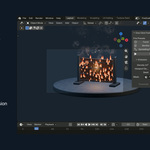
- Burning Surface: scatter flames across mesh surfaces, including walls and props.
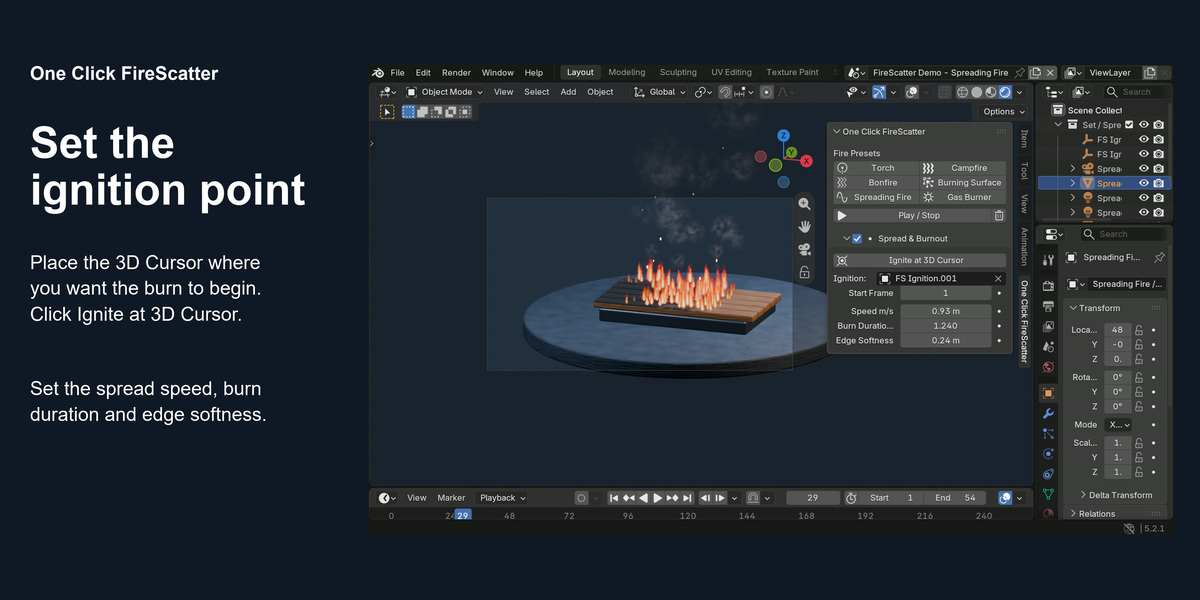
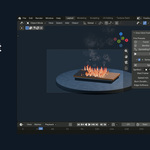
- Spreading Fire: pick an ignition point and control how the fire spreads and burns out.
- Gas Burner: short blue flames with smoke and sparks disabled by default.
Control where the fire burns
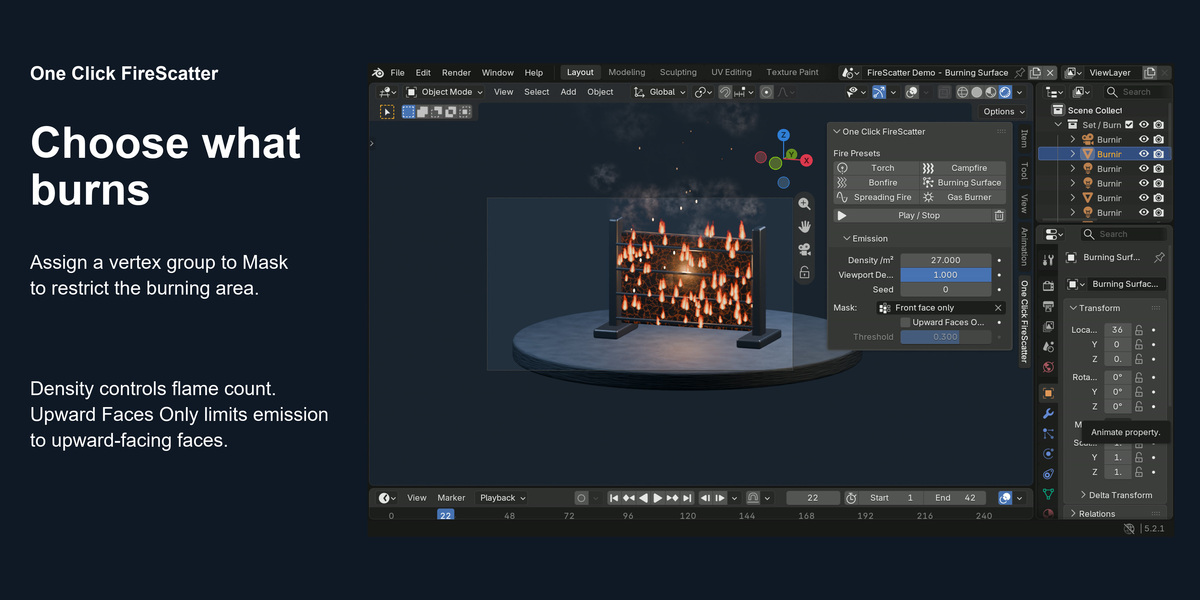
Use a vertex group mask to keep the flames on a torch head, the front of a panel or a specific part of a prop. Limit emission to upward-facing faces, or adjust density, height, width, flicker speed and turbulence to fit the scale of your scene.
Animate fire with Blender keyframes
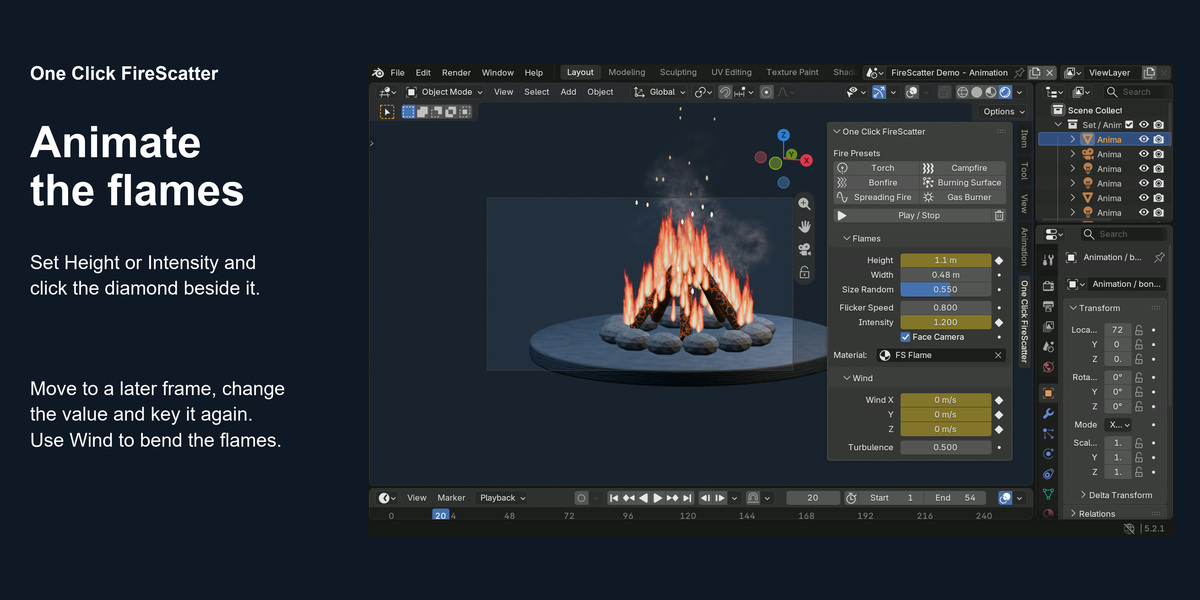
Keyframe supported parameters such as flame height, intensity and wind from the sidebar. Build a flare-up, bend the fire with a gust or fade the flames over time. With Spreading Fire, you can also set the ignition frame, spread speed, burn duration and edge softness.
Light, shade and render the effect
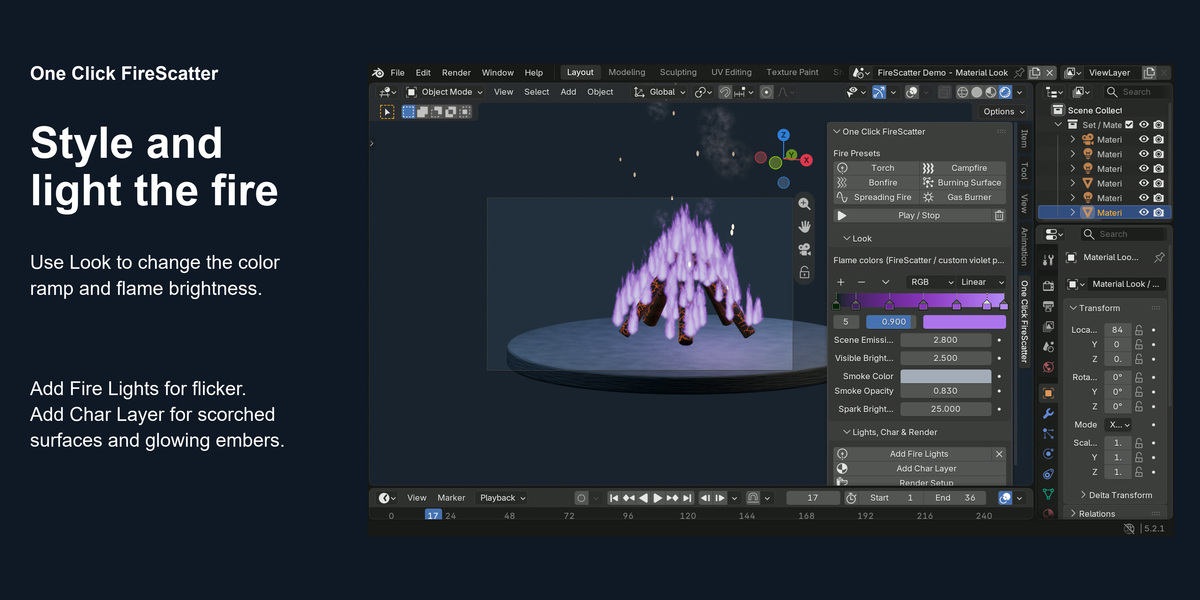
Adjust the flame color ramp, smoke opacity and spark brightness. Add flickering fire lights to illuminate nearby objects, or apply a char layer to compatible materials for dark scorch marks and glowing embers. Render in Eevee or Cycles and use Render Setup to prepare transparency settings.
Eight editable Blender demo scenes included
Expand Demo Scenes and click Add Demo Scene to explore the six presets, a keyframe animation and a custom flame material. FireScatter adds the demos as separate scenes in your current file so you can switch between them and your own work.
Requirements: Blender 4.2 or later. The download includes the Blender extension ZIP, editable demo library, and installation instructions.