 Mamba CG
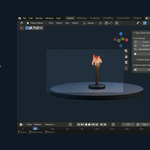
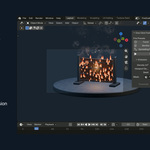
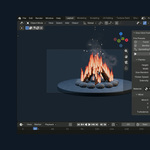
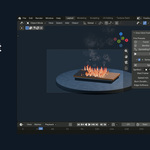
Where are the demo scenes, and will they replace my scene?
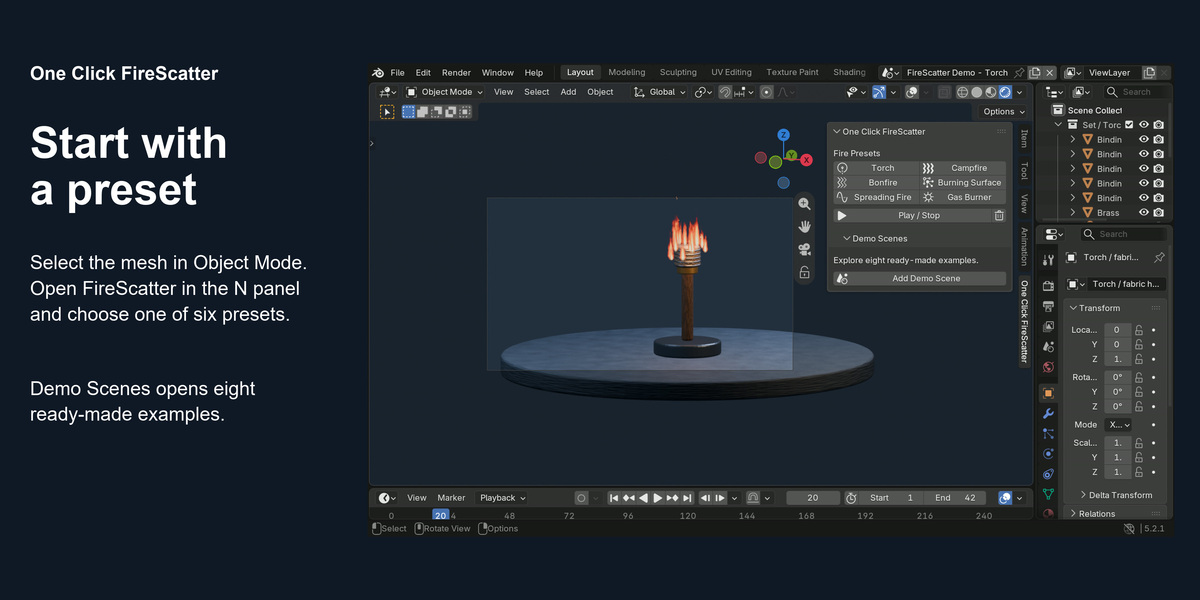
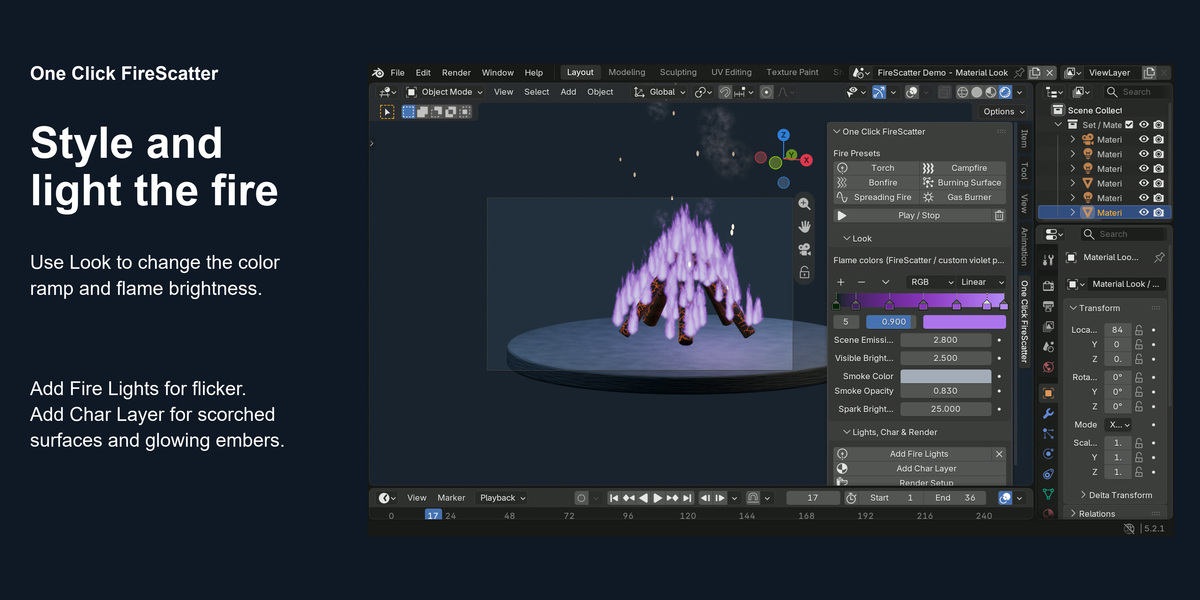
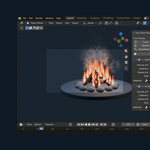
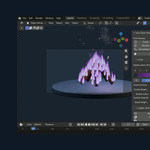
Open the One Click FireScatter sidebar, expand Demo Scenes and click Add Demo Scene. The eight demos are added as separate scenes in your current file. Torch opens first, and you can return to your original scene with Blender's scene selector.
Can I animate the intensity or make the fire spread and burn out?
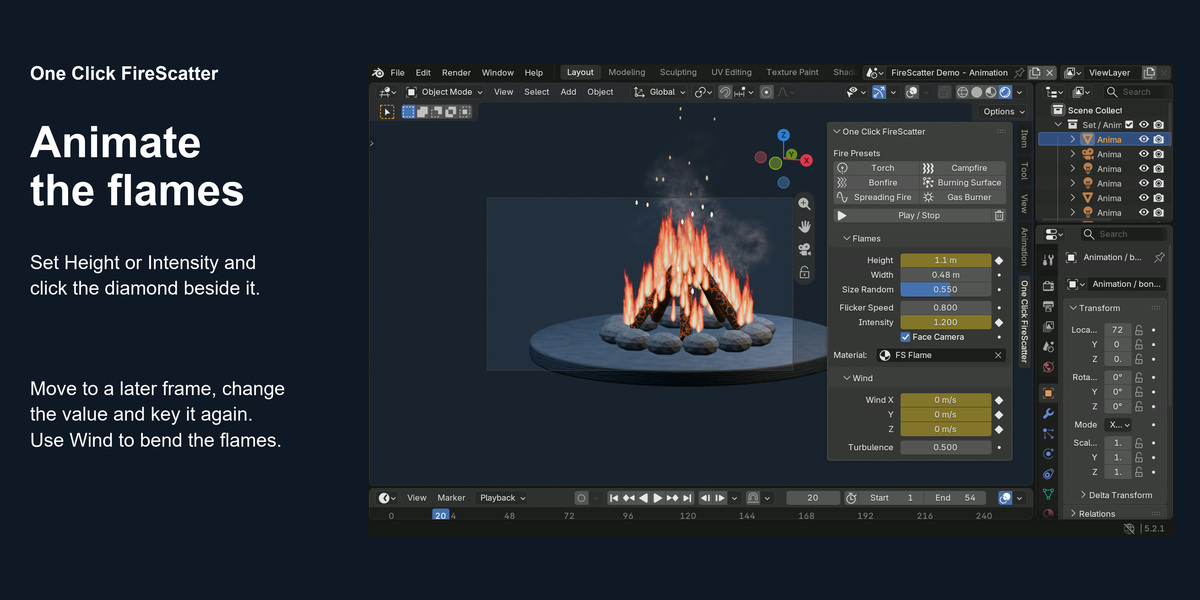
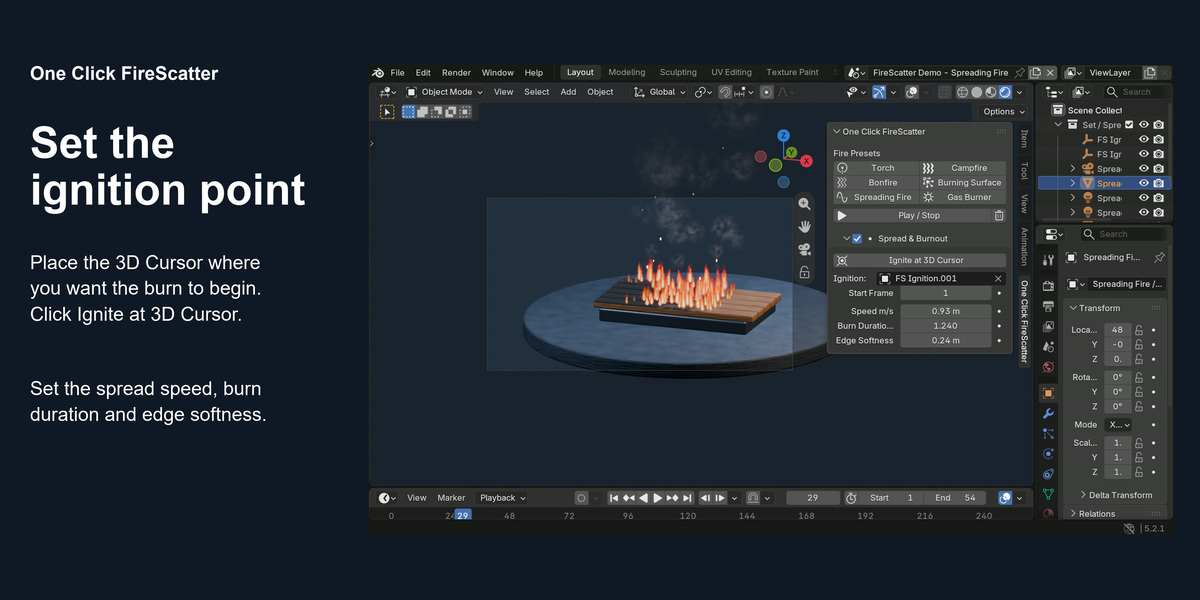
Yes. Use the keyframe diamonds beside supported settings such as Height, Intensity and Wind. For propagation, choose Spreading Fire, place the ignition point, and adjust the start frame, spread speed and burn duration. A positive duration makes each ignited area burn out.
How do I make only part of a mesh burn?
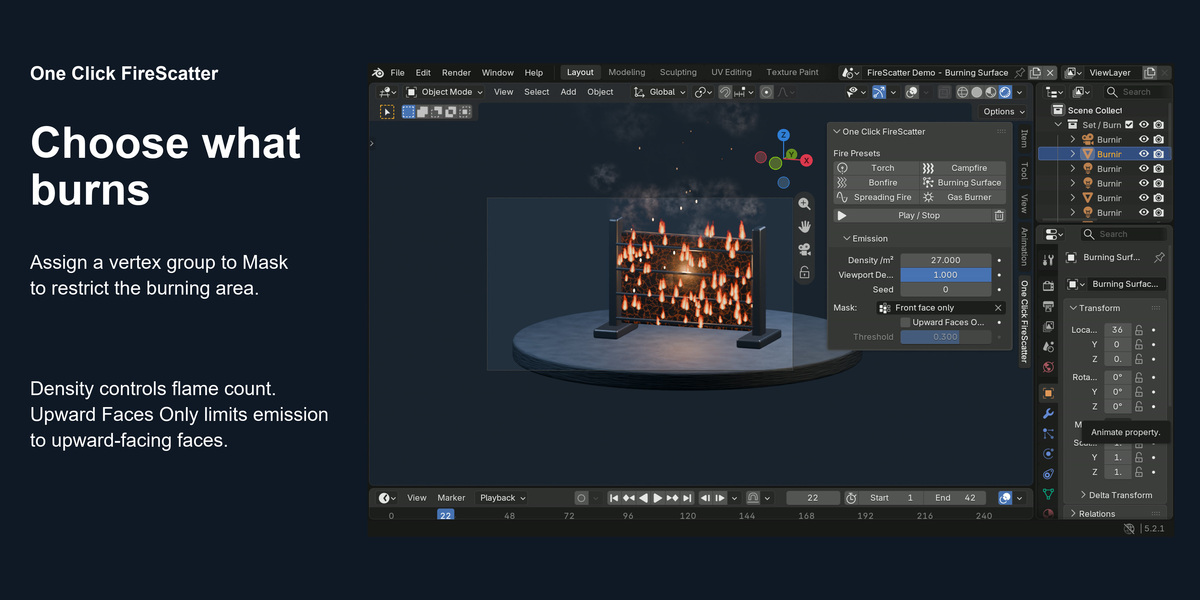
Create a vertex group on the mesh and assign weights to the burning area. In Emission, choose that group in Mask. Upward Faces Only can further restrict the flames to faces pointing upward.
Do I need to bake a fluid simulation?
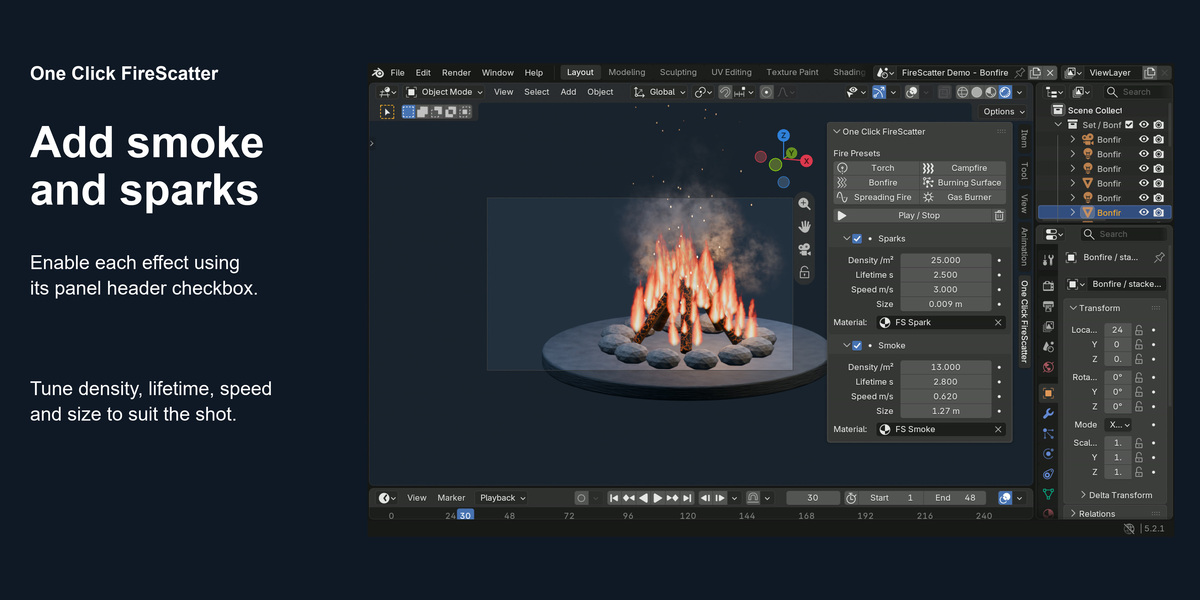
FireScatter uses Geometry Nodes and procedural materials, so you can preview flames, sparks, smoke and spreading fire by playing or scrubbing the Timeline. A fluid simulation bake is unnecessary.
Which Blender versions and render engines are supported?
FireScatter 2.1.1 requires Blender 4.2 or later. Installation and demo import were verified in Blender 4.2.11 and 5.2.1. The effect can be rendered in Eevee and Cycles. Use Render Setup to prepare transparency settings.
Have questions about this product?
Login to message
| Blender Extension Compatible | Yes |
| Published | about 5 hours ago |
| Blender Version | 4.2 - 5.3 |
| Extension Type | Add-on |
| Render Engine Used | Cycles, Eevee |
| License | GPL |