One Click Sculpt Brush Maker: Turn Any Image Into a Sculpt Brush
 Salman Animator
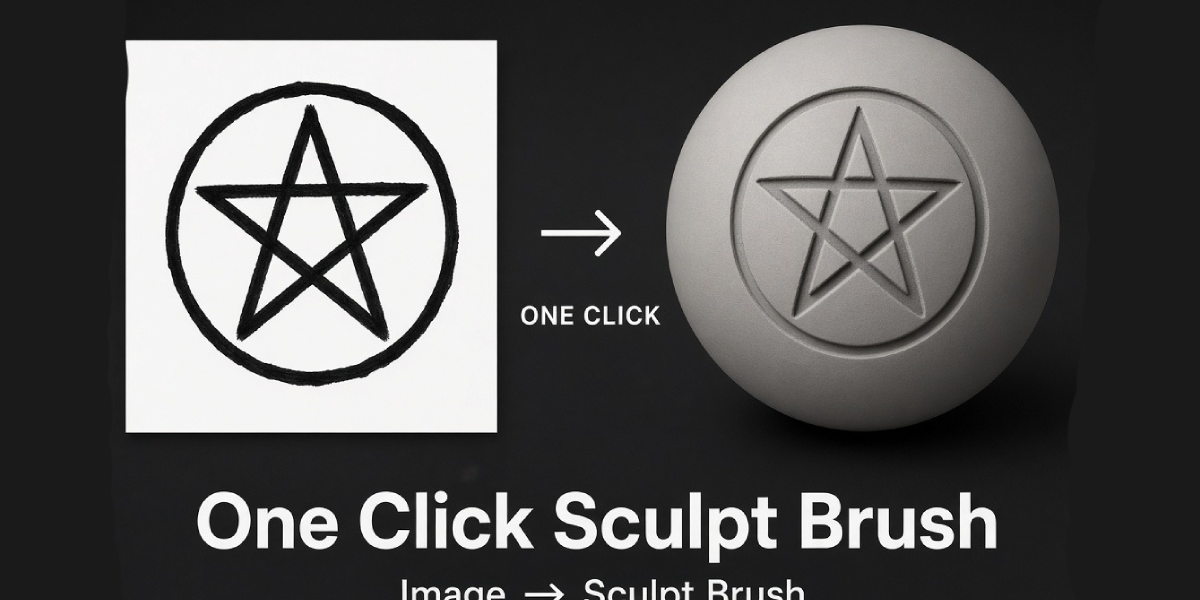
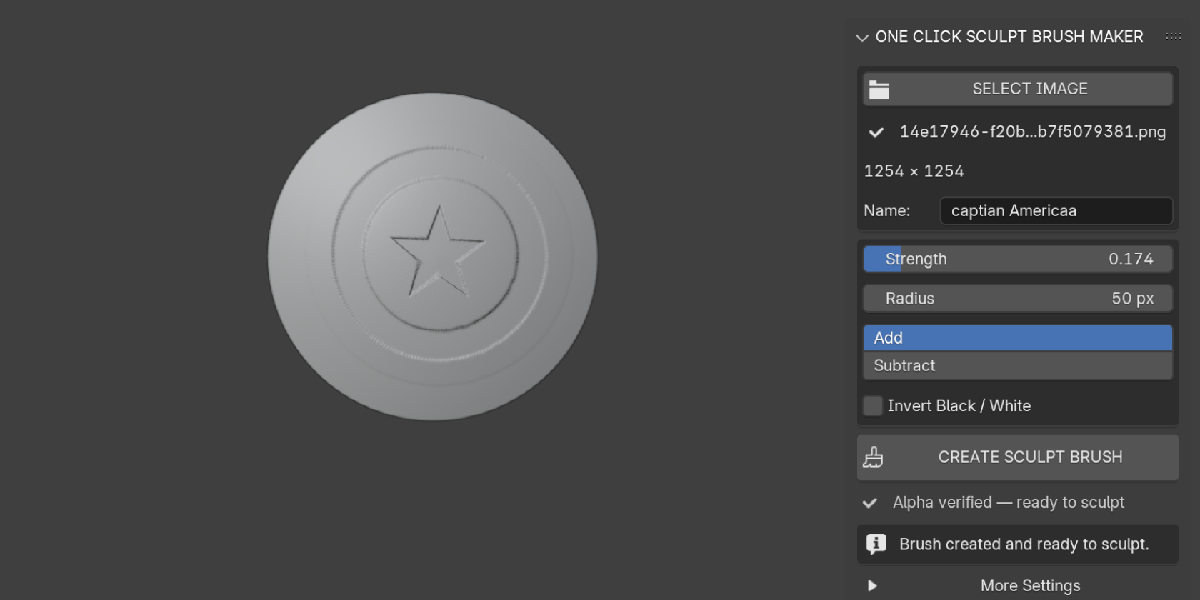
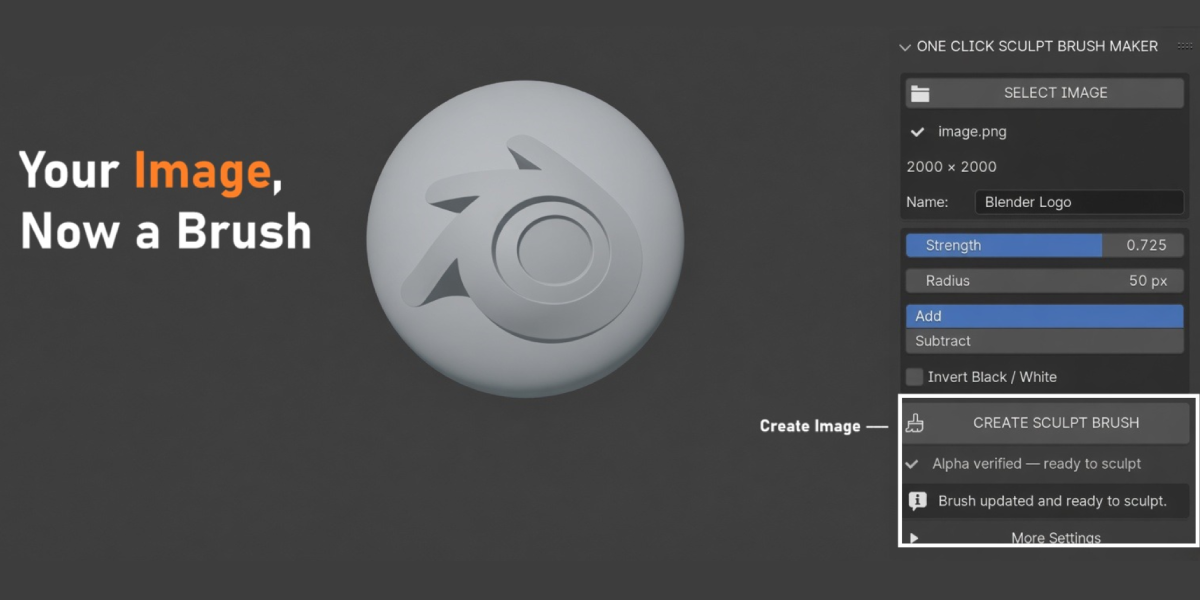
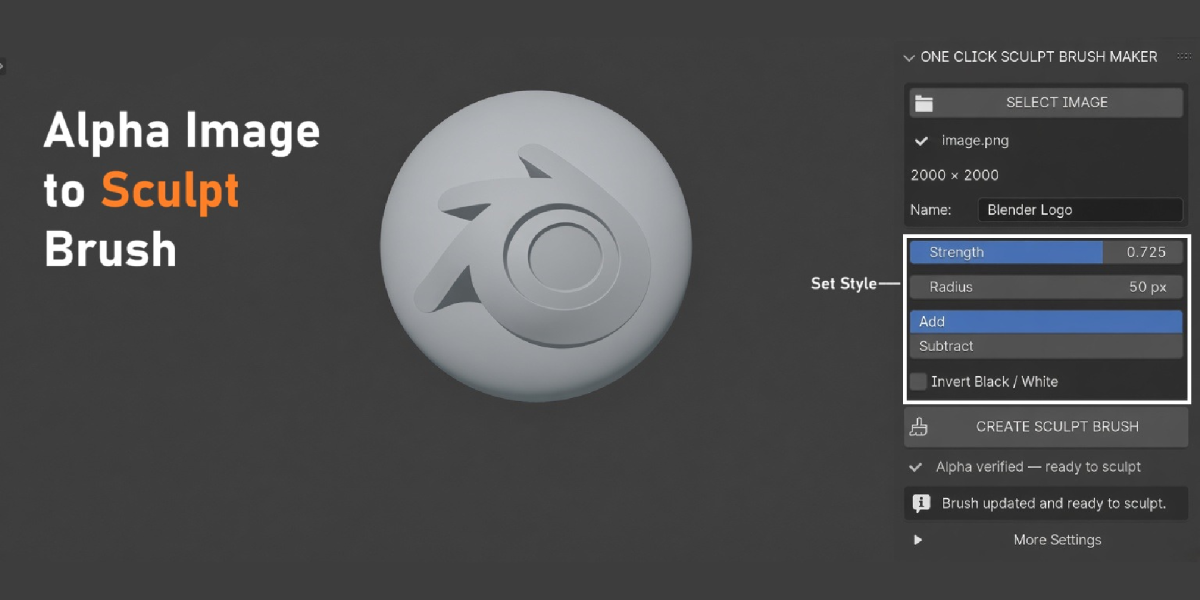
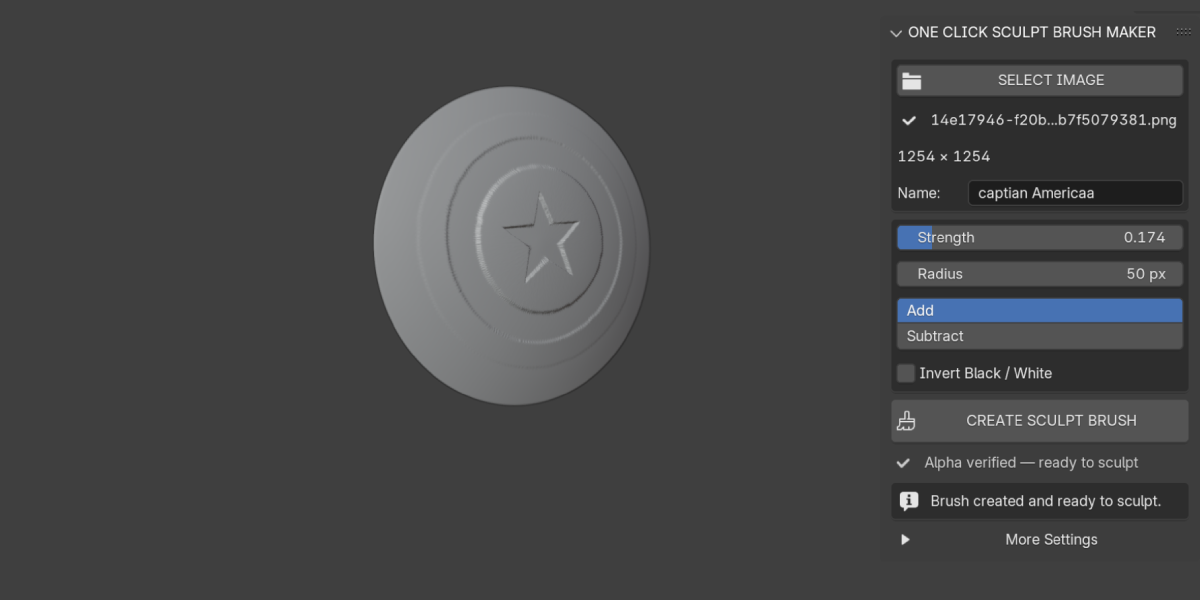
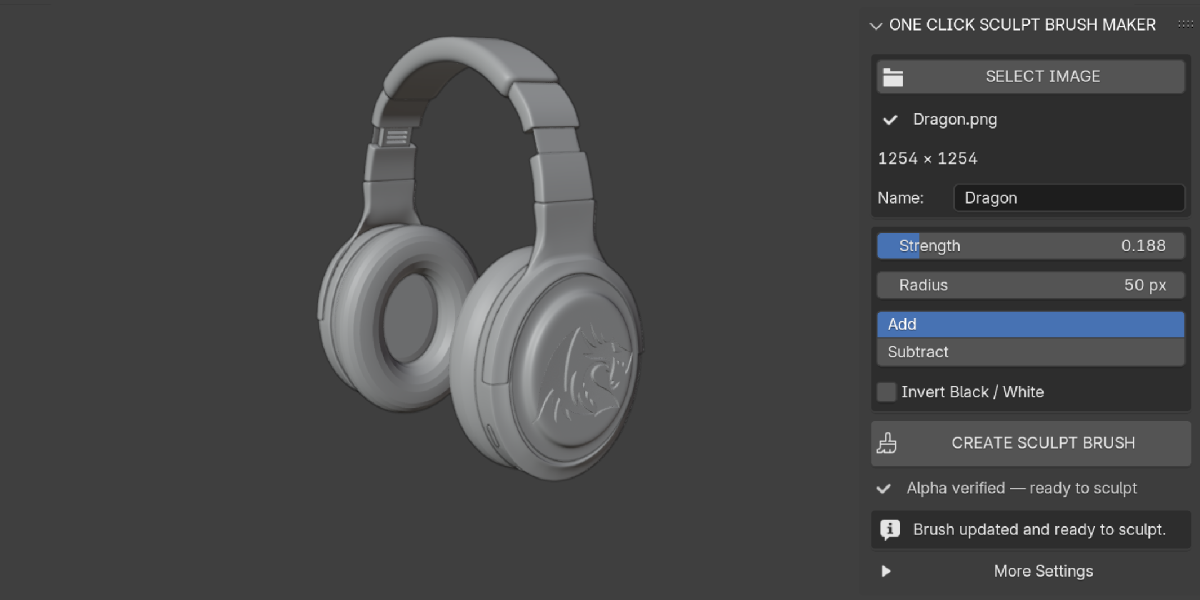
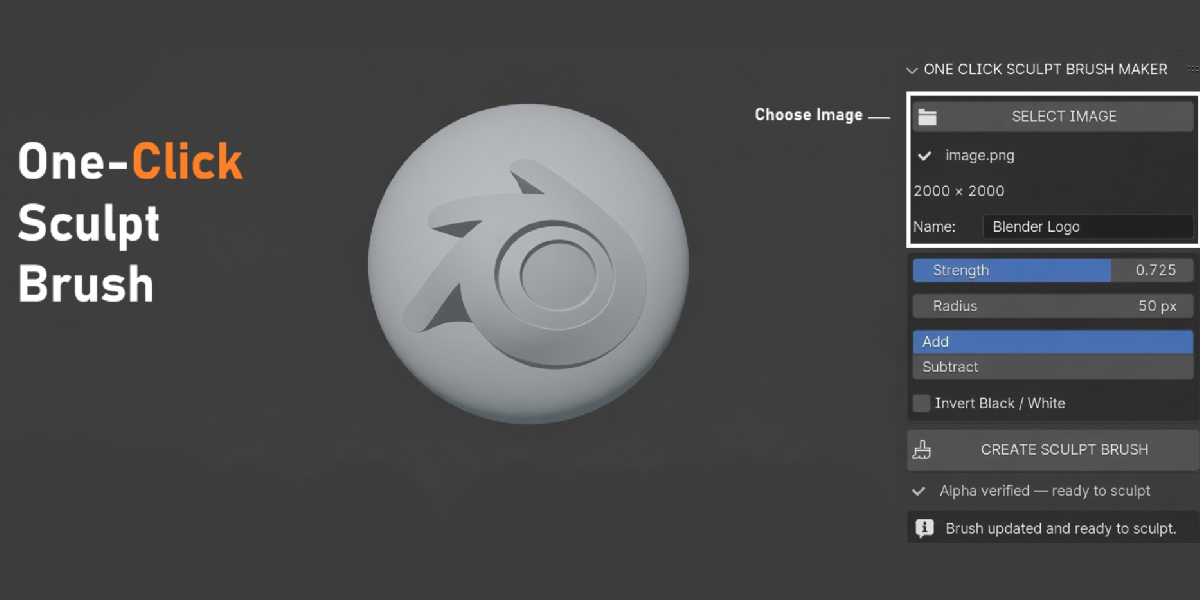
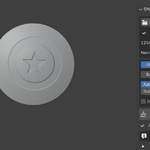
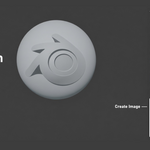
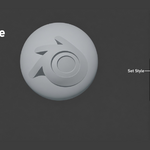
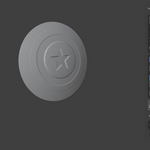
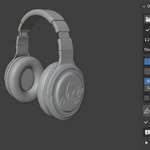
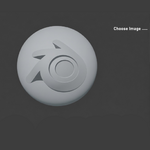
Install the add-on, open N Sidebar > Brush Maker, click SELECT IMAGE, then CREATE / UPDATE SCULPT BRUSH. The brush is built and ready to sculpt.
Yes. Transparency is baked into the alpha, so only the logo shape sculpts.
Blender 3.6 and newer. It was tested on 3.6, 4.3, 4.4 and 5.0.
No. The image is processed into a new packed image inside your .blend. The source file stays untouched.
Your mesh needs more vertices. Subdivide, Remesh or use Dyntopo.
Yes. Use Save Brush as Asset to export them to an asset library, or append the brush from a saved .blend.
Yes. Pressure Strength and Pressure Size are on by default.
Yes. Change settings and click Create again with the same name and image, or use More Settings > Update.
GPL-3.0-or-later. Use it in personal and commercial work.
Contact Salman Animator through https://superhivemarket.com/creators/salmananimator with your Blender version and the error message.
Have questions about this product?
Login to message
| Blender Extension Compatible | Yes |
| Published | about 6 hours ago |
| Blender Version | 3.6 - 5.0 |
| Extension Type | Add-on |
| Render Engine Used | Cycles, Eevee |
| License | GPL |

Discover more products like this
engrave sculpt brush png to brush custom sculpt brush sculpt stamp sculpting blender alpha image to sculpt brush emboss alpha brush brush maker logo stamp