 Arun C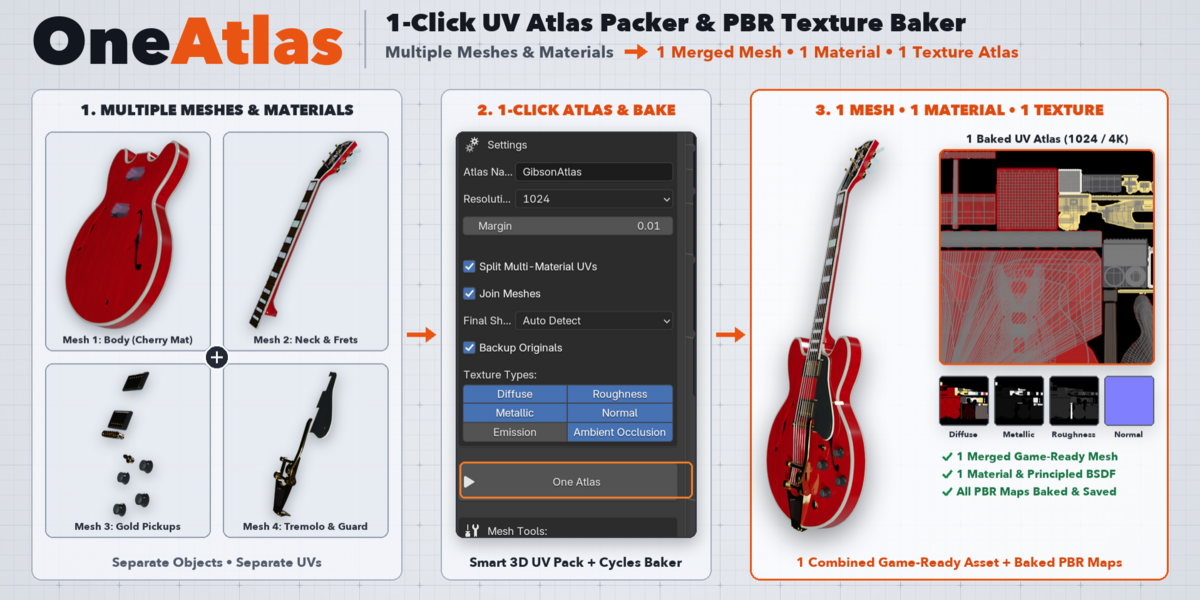
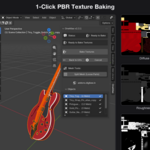
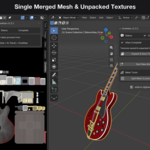
Turn Multiple Meshes & Materials into 1 Game-Ready Asset — in 1 Click.
Preparing multi-part 3D assets for Unreal Engine, Unity, Godot, WebGL, or mobile games in Blender usually takes 15–30 minutes of tedious manual setup per model: creating new UV maps, separating multi-material faces, scaling UV islands to match texel density, creating blank image textures for every material node tree, baking each PBR channel one by one in Cycles, joining meshes, and wiring up a new Principled BSDF shader.
OneAtlas automates the entire pipeline into a single click. Select your objects, choose your PBR texture maps, and click One Atlas.
What OneAtlas Does Automatically
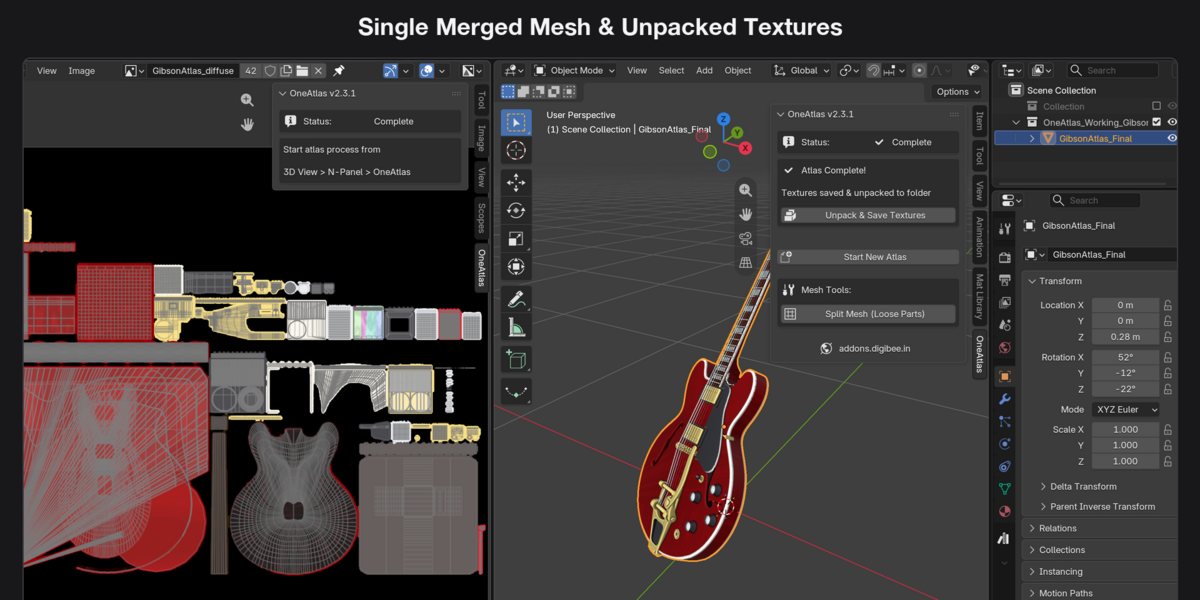
- Multiple Meshes → 1 Merged Mesh: Combines all selected mesh objects into a single clean, game-ready mesh at the end of the bake.
- Multiple Materials → 1 Unified Material: Consolidates complex multi-material objects and procedural node setups into one clean Principled BSDF material with all baked textures connected.
-
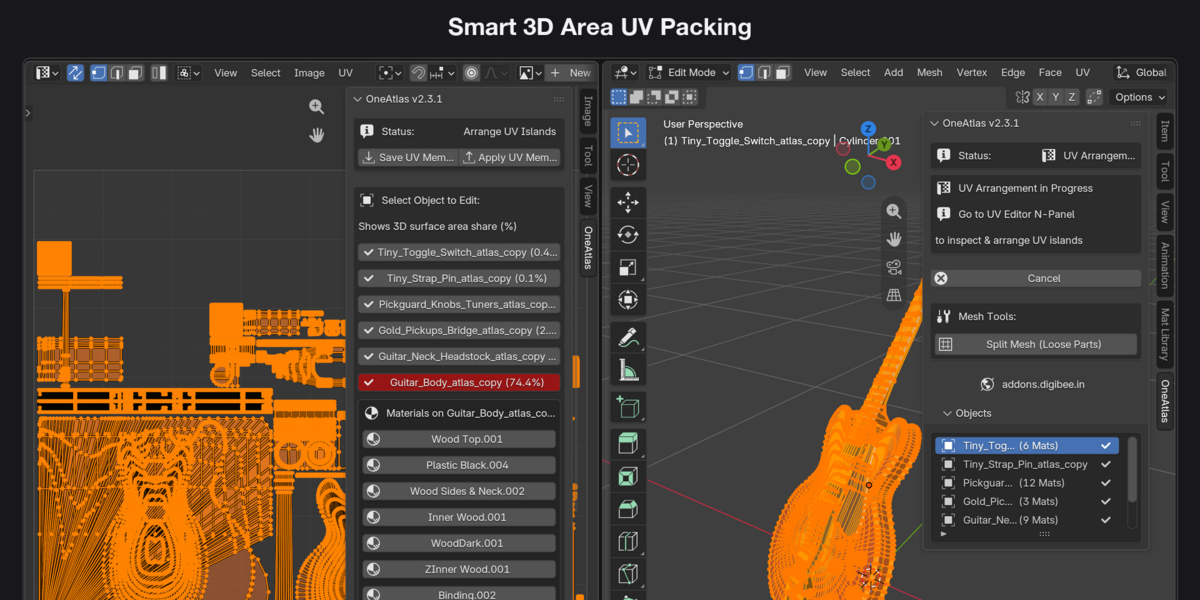
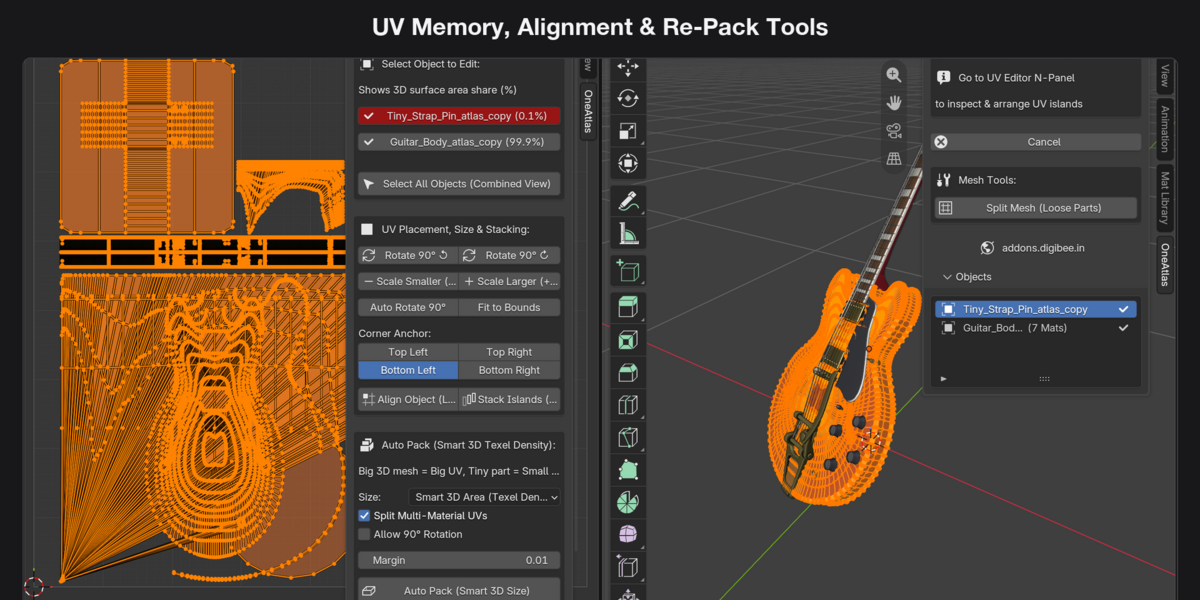
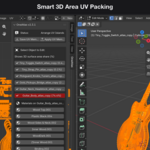
Smart 3D Surface Area UV Packing: Calculates the real-world 3D surface area of every object and material zone (
%area share) and packs them proportionally into a single0–1UV Atlas (AtlasUV) so large meshes get high resolution and tiny parts don't waste texture space.
Key Features
1. Smart 3D Surface Area UV Packing
- Automatically weights UV space by true 3D surface area (
%share displayed live in the UI) or Equal Grid mode. - Configurable Resolution (
512,1024,2048,4096) and UV Island Margin. -
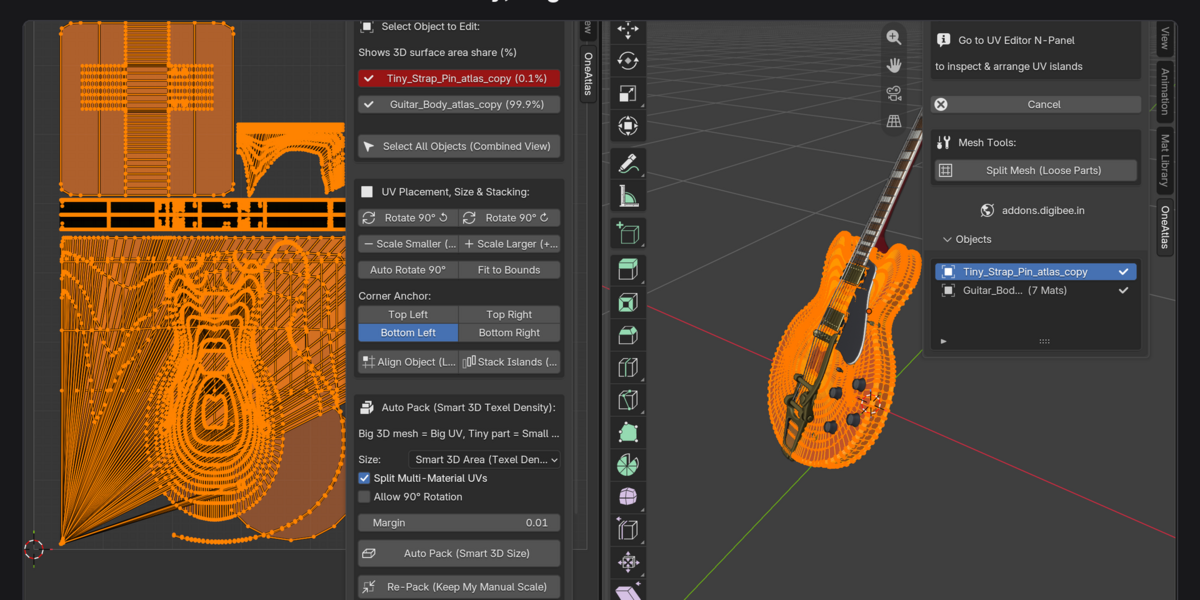
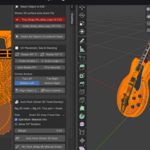
2-Stage Interactive Mode: Preview and tweak the packed
AtlasUVlayout in the UV Editor before baking.
2. Multi-Material UV Splitting & Interactive Selector
- Automatically detects objects with multiple material slots (
[2Mats],[3Mats]) and gives each material zone its own non-overlapping region inside the UV Atlas. - Interactive Material UV Selector: Click any material slot in the OneAtlas panel while in Edit Mode to isolate, scale, or move that material's UV islands independently.
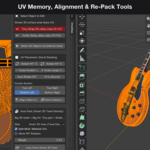
3. Precision UV Tools & UV Memory
- UV Memory (Save UVs / Restore UVs): Save a snapshot of your UV coordinates before experimenting and restore them in one click.
-
Alignment & Transform Tools:
Align 90°(auto-straighten rotated islands),Rotate 90°,Flip H / Flip V,Box Fit, andWeld. -
Smart Re-Pack: Re-pack only selected islands into their existing bounding box (
Re-Pack Area) or re-pack the full0–1UV space (Full Re-Pack). -
Mesh Tools:
Split Mesh (Loose Parts)with automatic camera-ray / backface visibility filtering to separate complex kitbashed models cleanly.
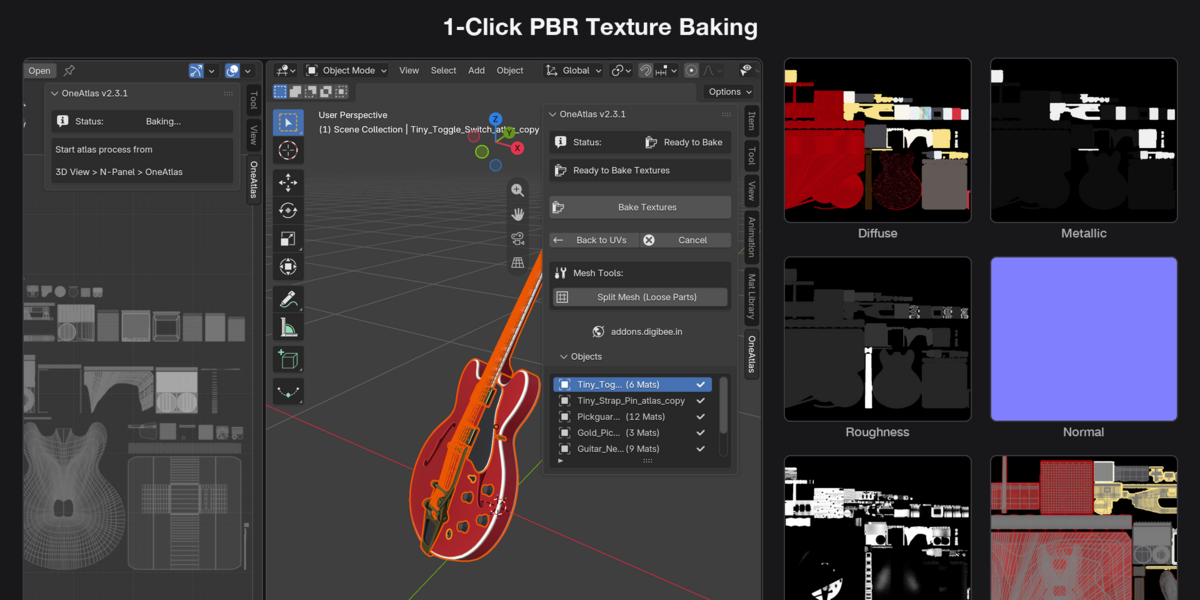
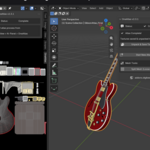
4. 1-Click Automated Cycles PBR Baking
- Bakes Diffuse (Base Color), Roughness, Metallic, Normal, Emission, and Ambient Occlusion (AO) automatically.
- Smart Shader Mode (Auto Detect): Automatically routes unlit/emissive materials cleanly while baking full PBR Principled BSDF channels for standard materials.
-
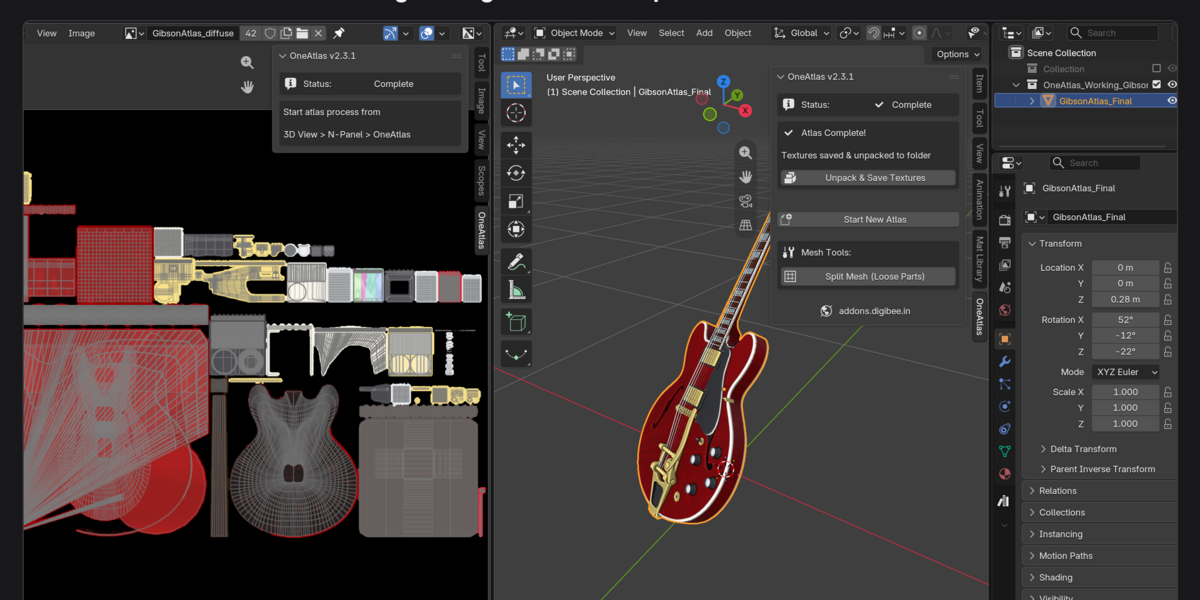
Auto-Unpack to Disk: Automatically saves all baked
.pngtextures into anUnpacked_Textures/folder right next to your.blendfile. -
100% Non-Destructive Backup: Moves original source meshes into a hidden
Atlas_Backupcollection so you can revert or re-bake anytime.
Compatibility
- Blender Versions: Blender 3.0 – 4.x – 5.x+ (Fully compatible with Blender 4.0+ Principled BSDF and Blender 5.0+ UV APIs)
- Render Engines: Works with Cycles and EEVEE scenes (automatically switches to Cycles internally during baking and restores your viewport afterward)
-
Location in Blender:
3D Viewport&UV Editor→Sidebar (N-Panel)→OneAtlas

