 one99addons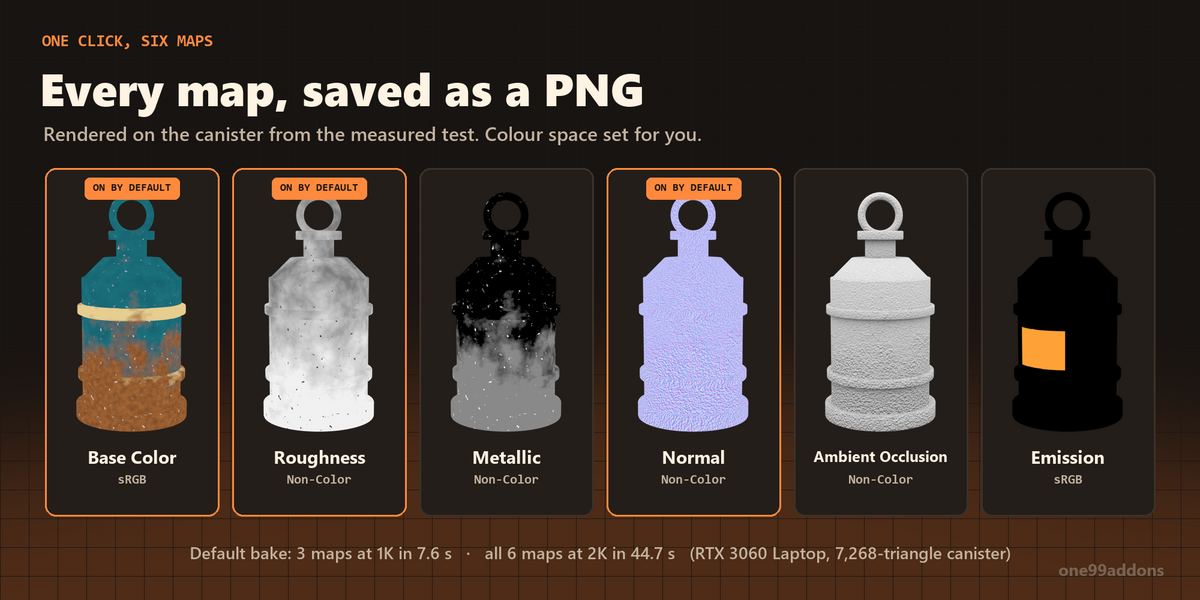
🍪 OneClick Bake
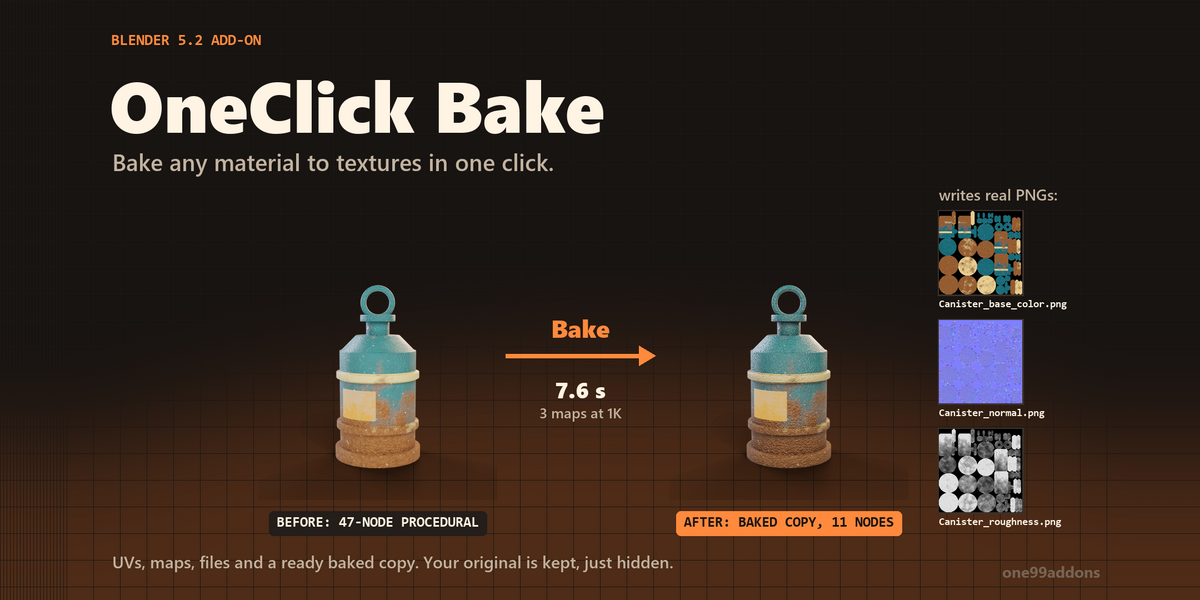
Bake any material to textures in one click: UVs, maps, PNG files and a ready baked copy.
Select your objects, tick the maps you want and press Bake. OneClick Bake makes the UVs, switches to Cycles, bakes each map, saves the PNGs next to your .blend and puts a light baked copy of the object in your scene. Your original is kept, just hidden.
The problem
Baking by hand in Blender takes a lot of steps: make a UV map, add an empty image node to every material, pick the right bake type and colour space, bake, save, repeat for every map, then wire up a new material. Base color from a metallic material bakes black unless you rewire the shader. Click the wrong node and the bake lands in the wrong image.
What it does
- One button. Bake N Objects bakes every selected mesh, each one to its own set of textures.
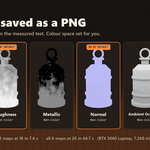
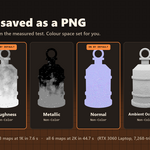
- Six maps. Base Color, Roughness, Metallic, Normal (tangent space), Ambient Occlusion and Emission. Base Color, Roughness and Normal are on by default.
- Clean channel bakes. Base Color, Roughness and Metallic are read straight from the Principled BSDF inputs (with the textures and nodes plugged into them), so metal does not bake black and no lighting gets baked in.
- Automatic UVs. Uses the object's UV map if it has one, otherwise makes a new BakeUV map with Smart UV Project. Your original UV map stays the render UV, so the original material keeps working.
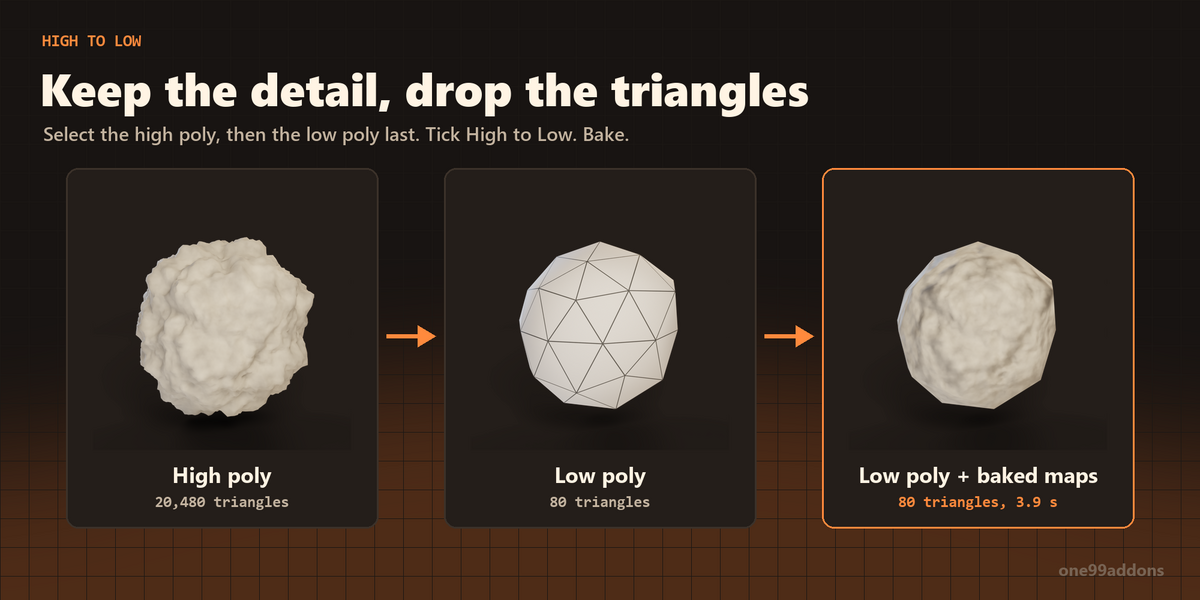
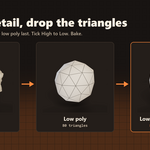
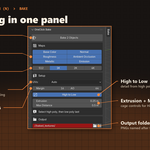
- High to Low. Bake the detail of a high poly model onto a low poly one, with Extrusion and Max Distance controls.
- Saved to disk. Every map is written as a PNG named after the object (for example Canister_normal.png) into //baked_textures/ next to your .blend. The folder button opens it.
-
Ready baked copy. A copy called _baked gets a fresh material with every map wired up (AO multiplied into the color, normal map node set up) and goes into an OneClick Bake collection. The original is hidden, not deleted. Bake again and the old copy is replaced.
- Puts everything back. Render engine, device, samples, bake settings and your selection are restored after the bake. Temporary nodes and materials are removed.
Settings
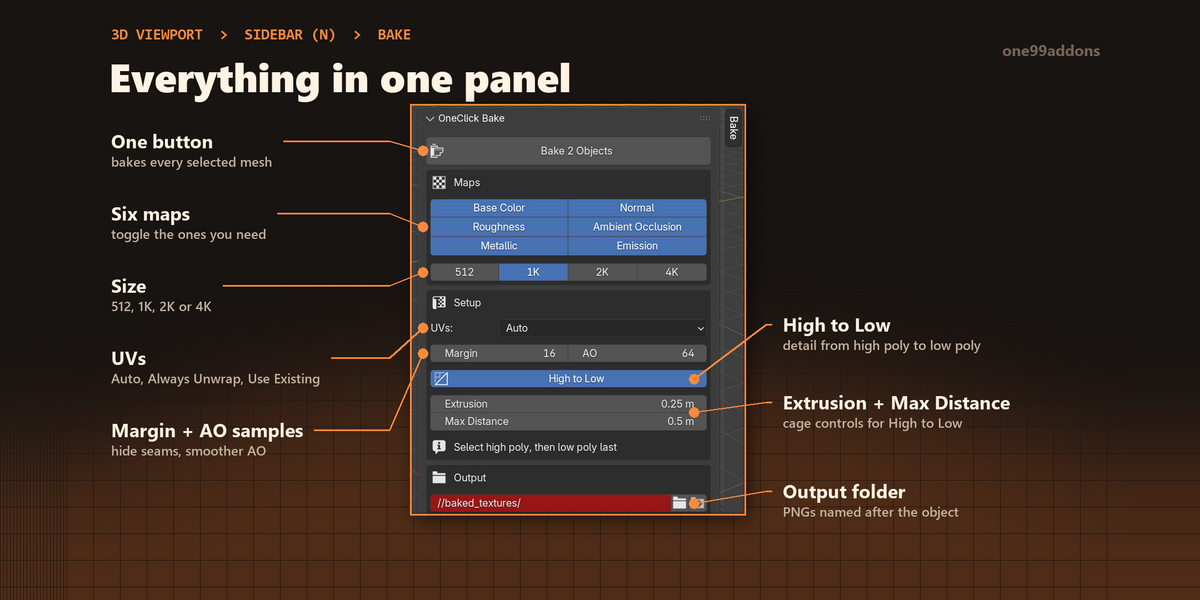
Everything is in 3D Viewport > Sidebar (N) > Bake tab.
- Maps: six toggle buttons, one per map.
- Size: 512, 1K (default), 2K or 4K, square.
- UVs: Auto (default), Always Unwrap or Use Existing.
- Margin: 0 to 64 px of color bleed around UV islands (default 16), hides seams.
- AO Samples: 1 to 4096 (default 64).
- High to Low: with Extrusion (default 0.05) and Max Distance.
- Folder: where the PNGs go (default //baked_textures/).
- Make Baked Copy (on by default) and Use GPU (on by default).
Good to know
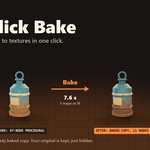
- Measured on an RTX 3060 Laptop GPU with a 7,268-triangle canister and a 47-node procedural rust and paint material: the default bake (3 maps at 1K) took 7.6 s, all 6 maps at 2K took 44.7 s. The baked copy's material has 11 nodes instead of 47.
- High to Low test: a 20,480-triangle rock baked onto an 80-triangle low poly in 3.9 s (3 maps at 1K).
- Roughness, Metallic, Normal and AO are saved as Non-Color data, Base Color and Emission as sRGB.
- File not saved yet? The textures are packed into the .blend instead, and the panel reminds you to save first to get PNG files.
- Objects without a material get a temporary grey one for the bake, removed afterwards.
- Undo (Ctrl+Z) works.
Tips
- Mirrored or overlapping UVs? Set UVs to Always Unwrap so every face gets its own space.
- Thin lines along the seams? Raise Margin.
- High to Low: select the high poly object(s) first, the low poly one last. Holes or dark spots? Raise Extrusion.
- For game engines, 1K or 2K is usually plenty.
Requirements and install
Blender 5.2 or newer (tested on 5.2, Windows). The bake runs in Cycles (switched on for the bake and back afterwards); the baked copy works in Cycles and Eevee. No internet, no external libraries.
- Download oneclick_bake_v1.0.0.zip (do not unzip it).
- In Blender: Edit > Preferences > Add-ons, open the drop-down arrow at the top right, choose Install from Disk... and pick the zip.
- Tick OneClick Bake. Then press N in the 3D Viewport and open the Bake tab.
Limits
Mesh objects only. Base Color, Roughness and Metallic come from a Principled BSDF: other shaders (like two shaders mixed together) use the first Principled BSDF found, or a flat default if there is none. Maps are square. Normal maps are tangent space only. The baked copy gets one material for the whole object. Blender is busy while it bakes, so big sizes and many objects take a while.
Made by one99addons.