 Lewis Martin




Fade Anything in Blender.
One Slider.
One Slider.
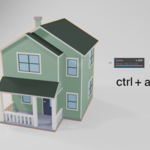
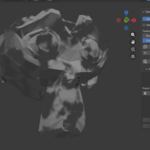
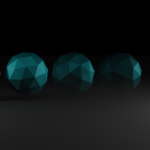
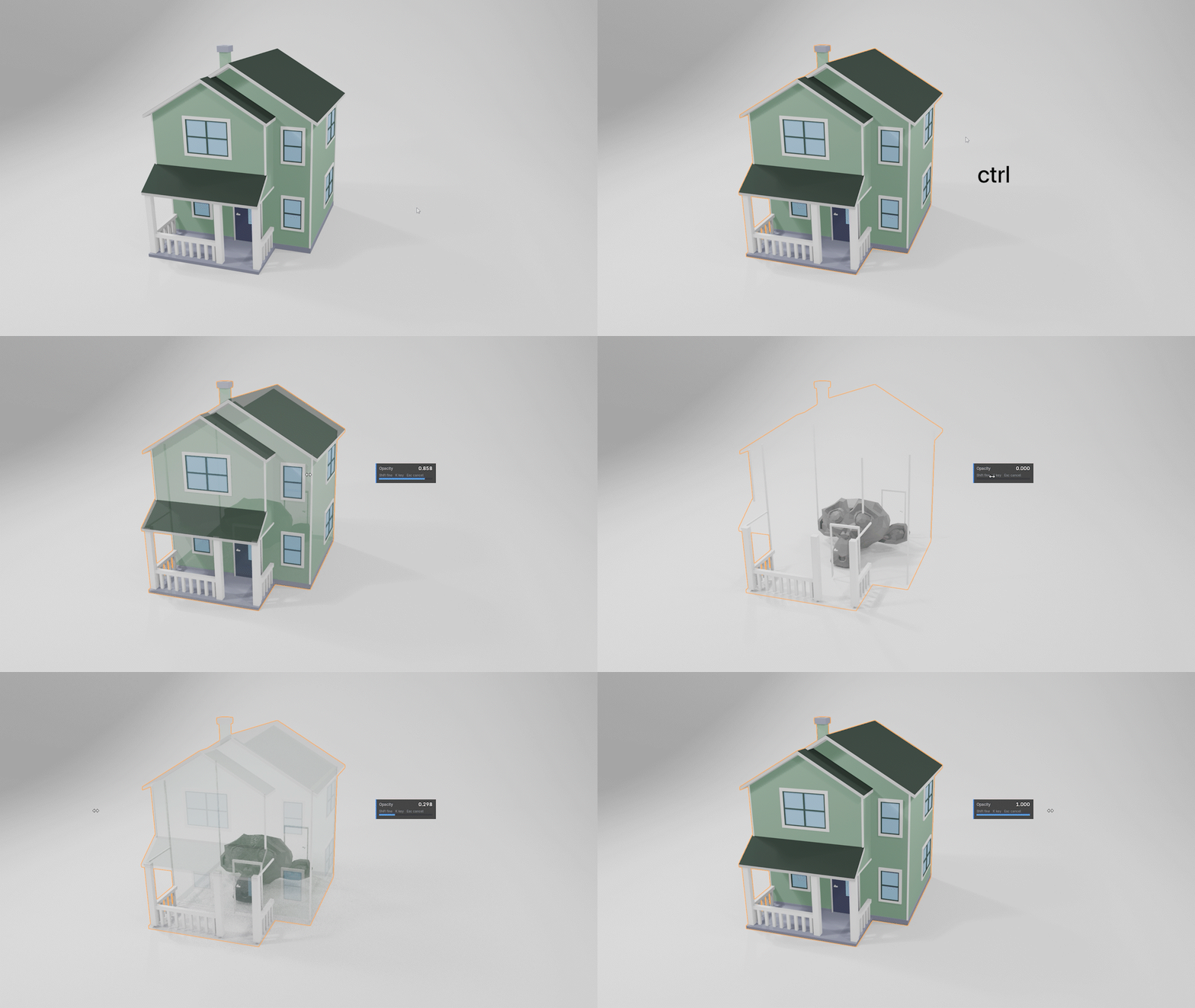
Select an object, press a hotkey, drag. It fades in the viewport and in the final render, in EEVEE and Cycles, with no shader editor and no node wrangling. Fully animatable.
★★★★★
"I have to say the creator of this very useful product helped me through an issue without question. I have enjoyed his previous product, Cinepack immensely as I expect to enjoy using Opacityflow."
Mark Willner
★★★★★
"Works well!"
Silvermannik
Latest Update
OpacityFlow Pro
6 Geometry Node Presets: Molecular, Dust, Wireframe, Water, Cut and Shatter. These don't fade the surface — they rebuild the geometry as the reveal passes, so they show up in Solid viewport shading and cast correct shadows.

Molecular
The object assembles itself out of particles that land flush against its surface. Six particle shapes — cube, sphere, crystal, rod, hex plate and panel — with control over density, size variation, scatter distance, spin and alignment, plus an emissive glow with its own colour.
Cut
A hard slice from any angle. Faces past the edge are removed rather than faded, so the shadow stays crisp and it works in Solid viewport shading. Optionally cap the cut so the object reads as solid where it's been sliced, and add edge roughness for a crumbling boundary.


Wireframe
Past the reveal edge the surface becomes wire, then vanishes. Solid geometry materialising out of a hologram. Control the wire thickness and how far the band runs ahead of the solid.
Water
A faked fluid reveal. Points are scattered through the band, given falling and swirling motion, then turned into a volume and meshed — so blobs merge, necks stretch and droplets separate the way they do in a real fluid mesh. It re-solves every frame and keeps moving even on a held frame.

Shatter
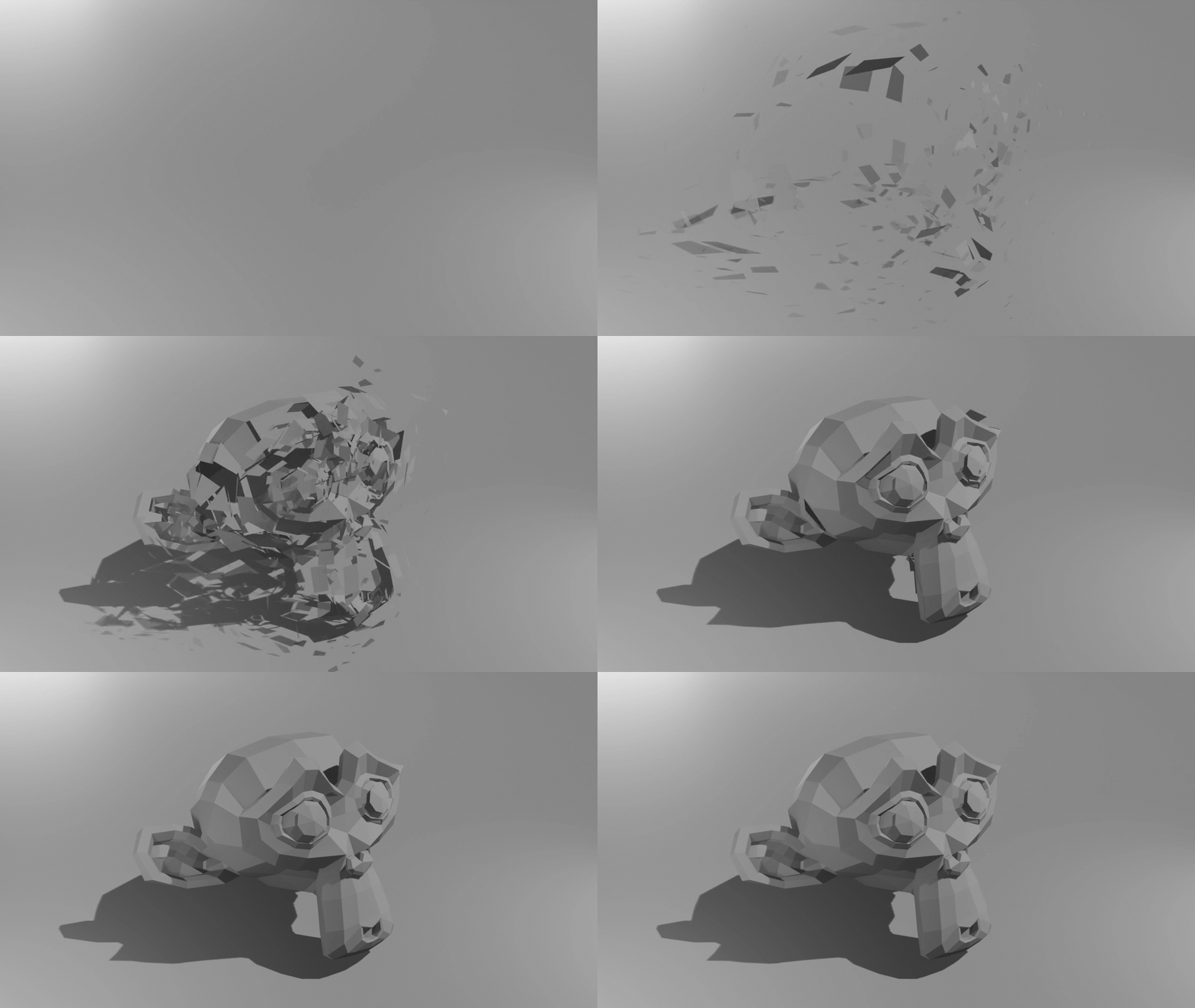
Faces break off, drift, spin, shrink and fade away. Spread, drift, scatter, spin, shrink and seed are all independent sliders, and one button reverts the whole template to its defaults.
Dust
The surface turns to a cloud of drifting particles that rise, swirl and fade. Gravity, turbulence, particle size variation and density are all on sliders, with the same emissive glow available as Molecular.

Four Ways to Drive Any Reveal
Every template above can be driven four different ways. Same effect, completely different shot.
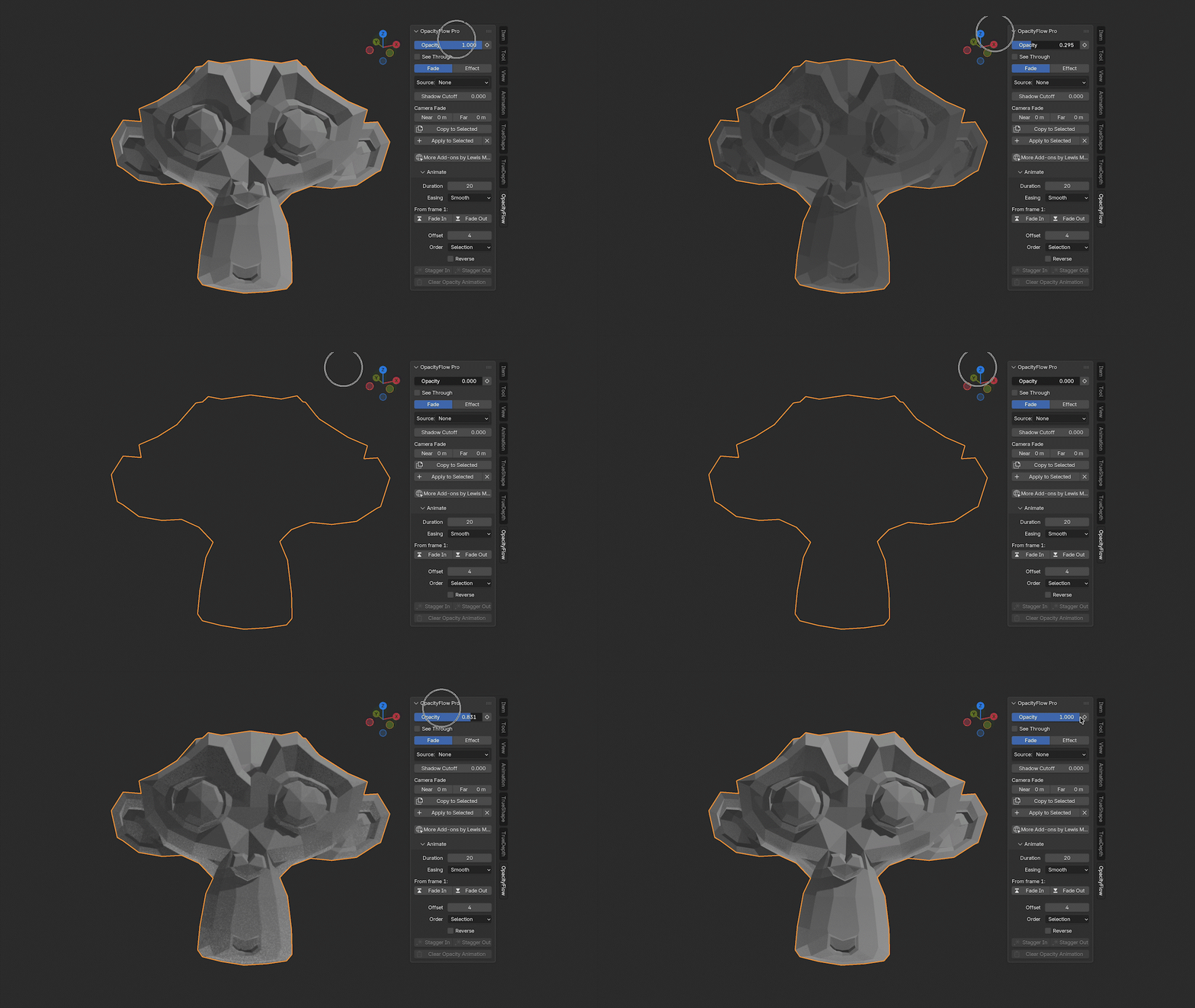
Uniform
The whole object at once.
Texture
Eight procedural patterns.
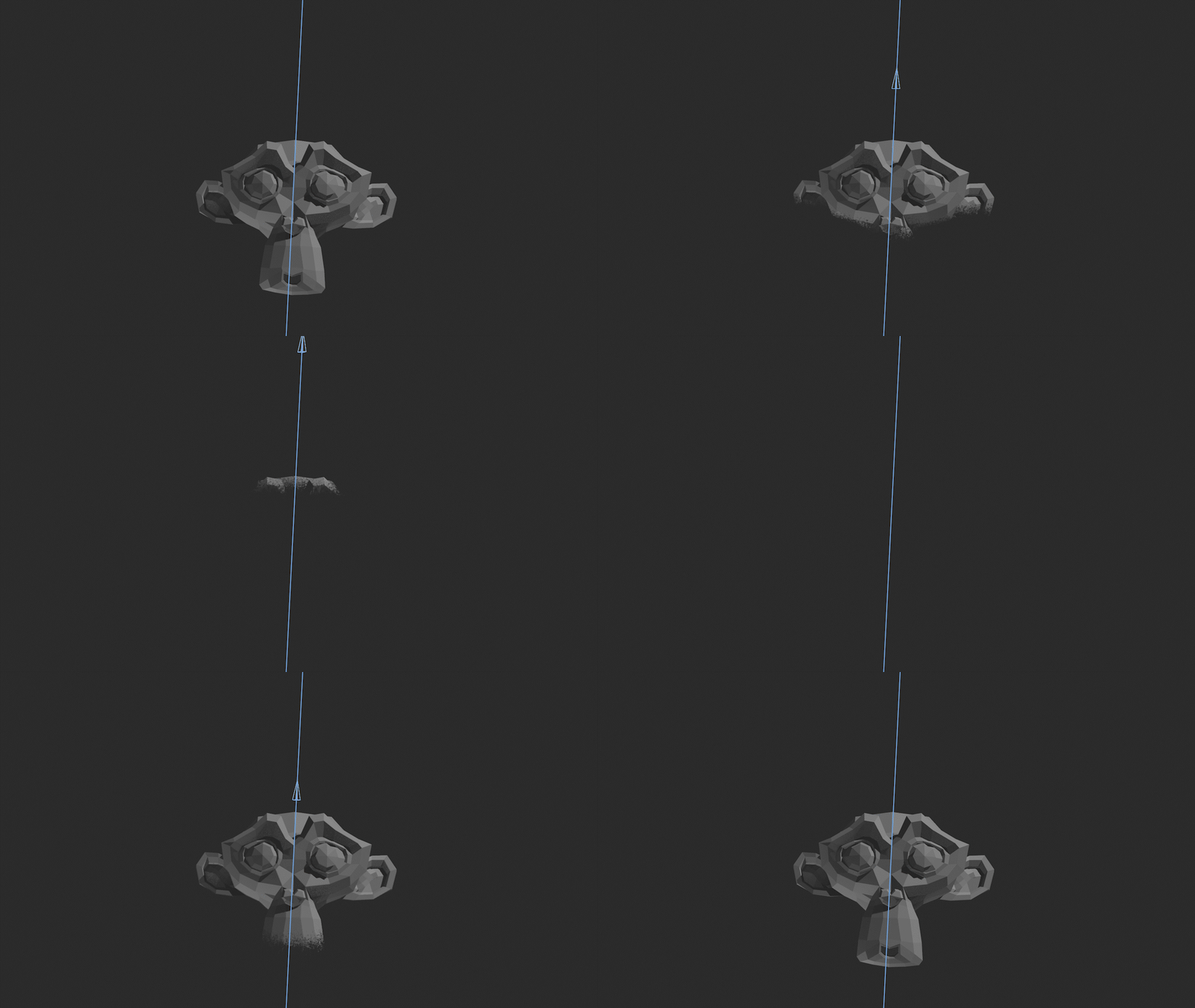
Field
An empty you animate along a path.

Paint
A vertex group you paint by hand.
Included in Both Versions
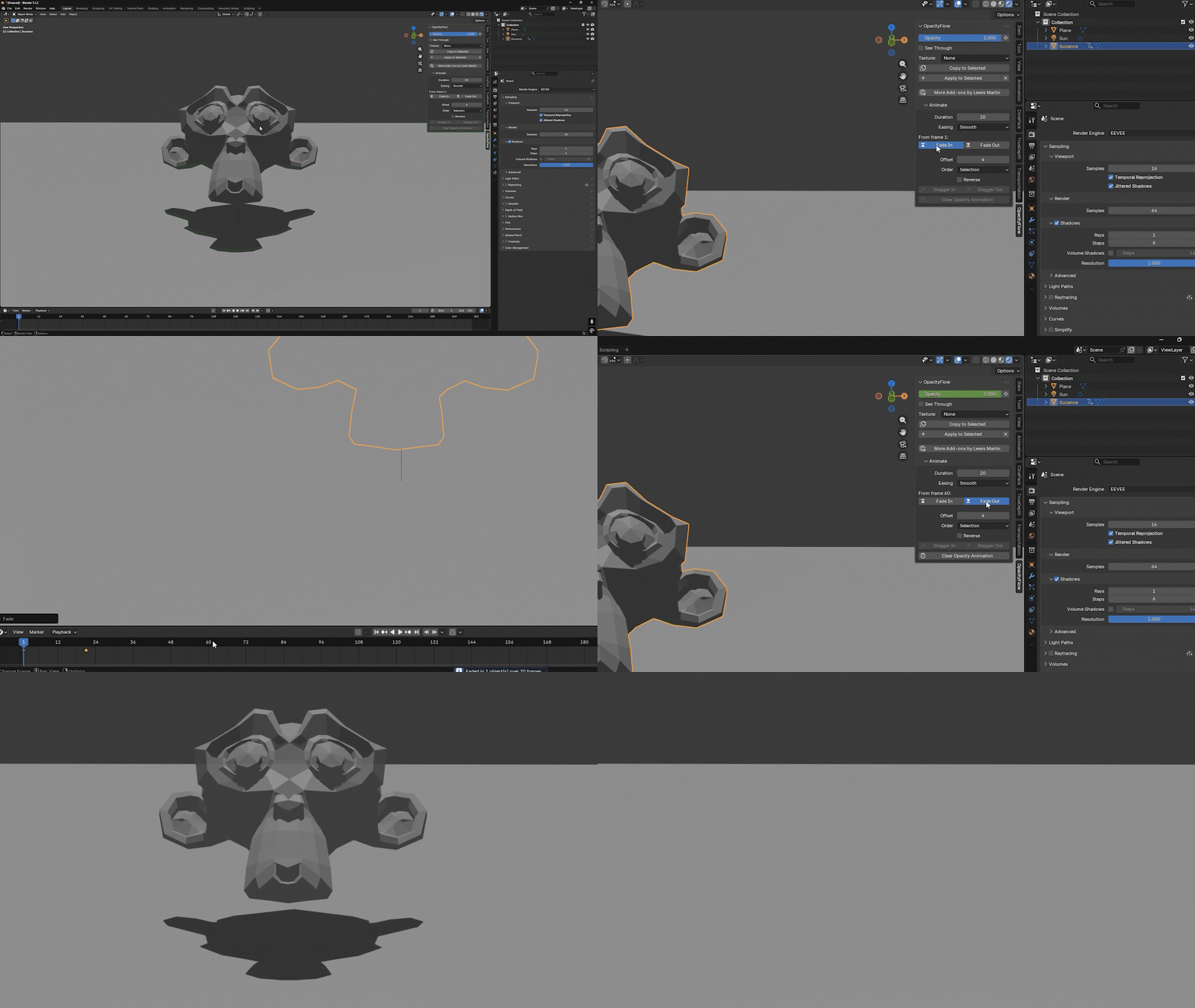
Fade In and Fade Out
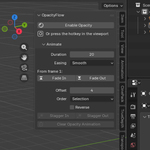
Set a duration, pick your easing, press the button. Two correctly eased keyframes land on every selected object, starting at the playhead — in the Dope Sheet alongside everything else.
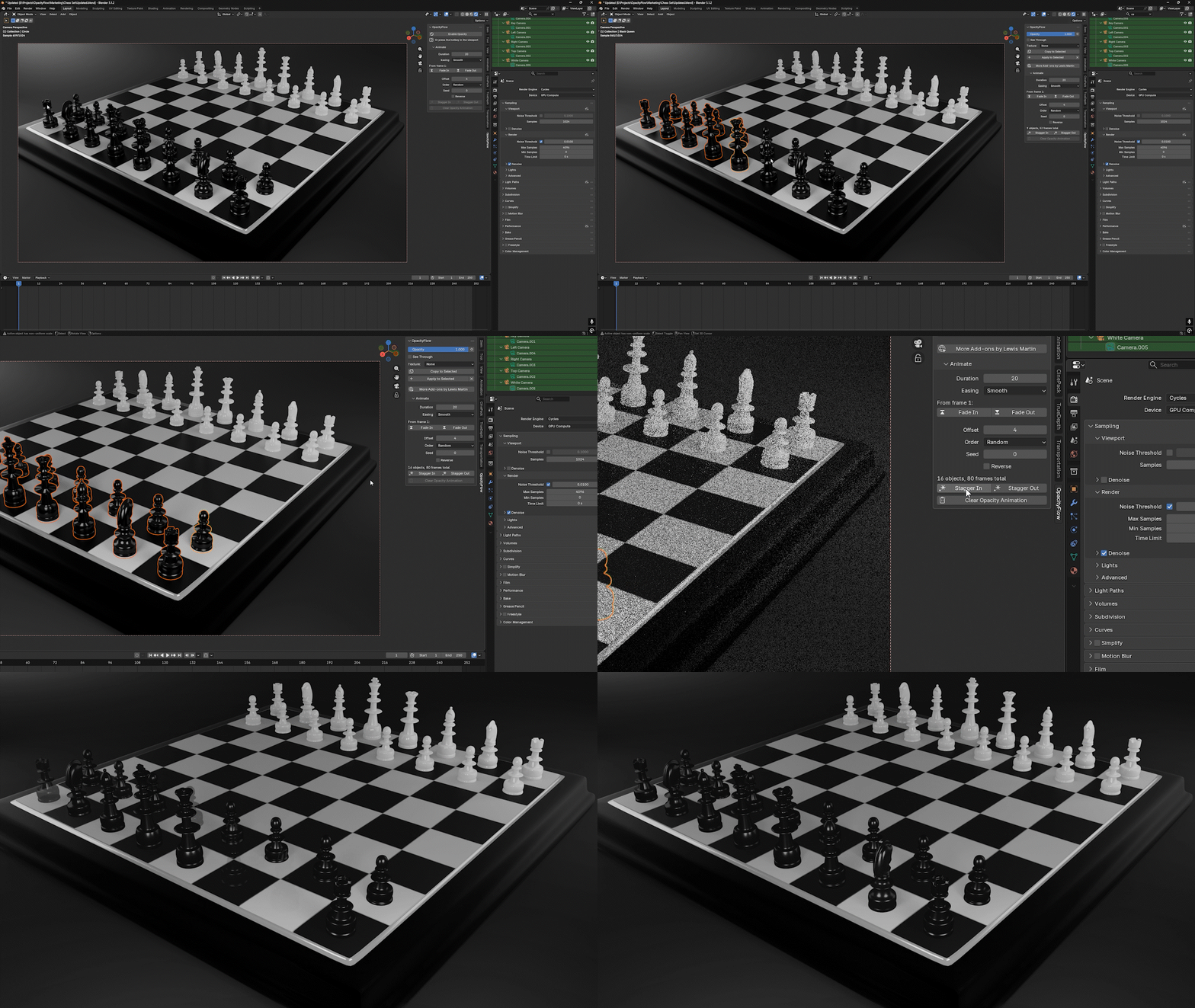
Staggered Reveals
Select twenty objects, press one button, and they cascade into existence in sequence. Order by position, name, distance from the active object, or shuffle them.
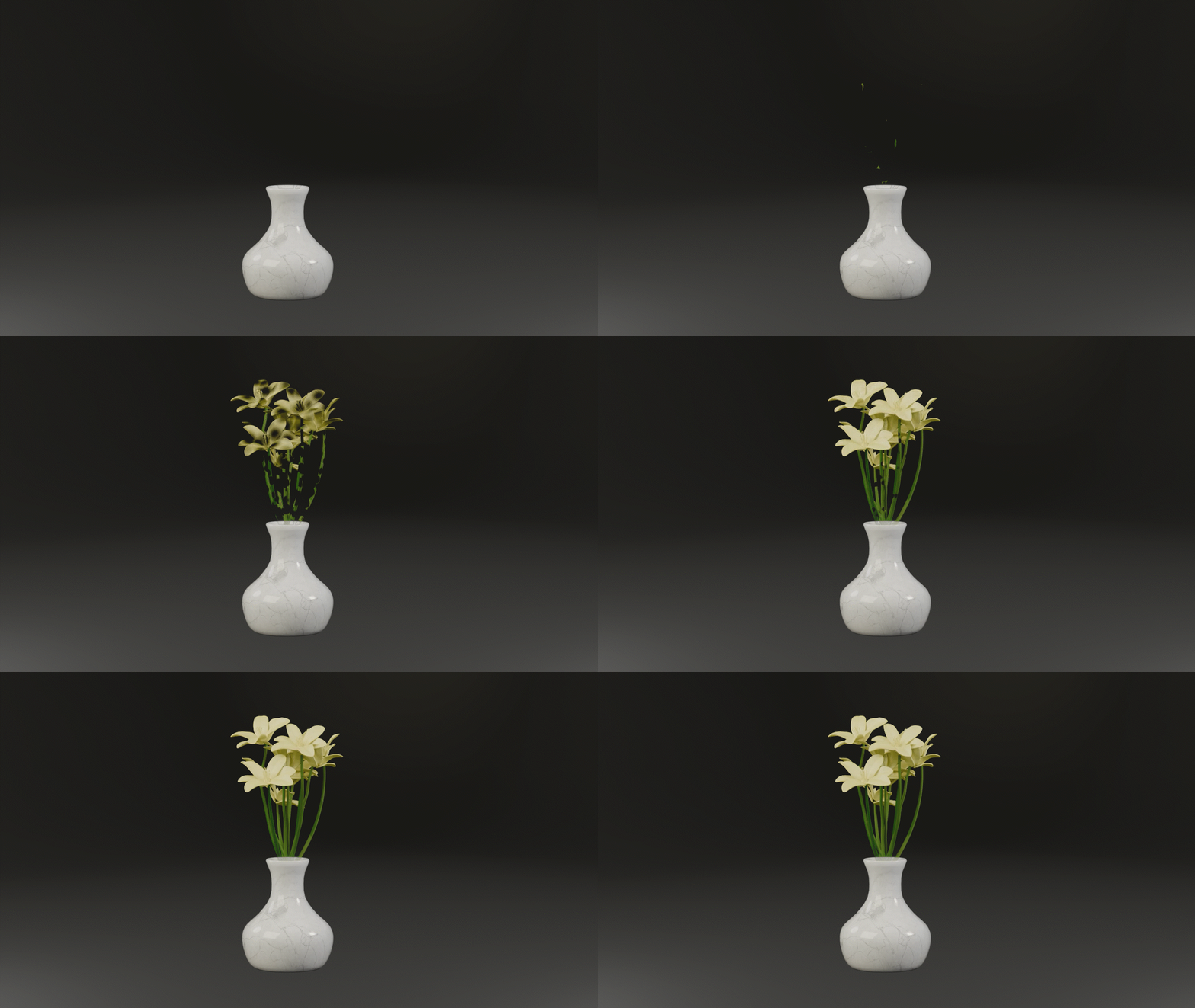
Textured Dissolves
Push the fade through one of eight patterns and the object breaks apart as it goes — crumbling through voronoi, dissolving through cloud noise, or wiping cleanly from one side.
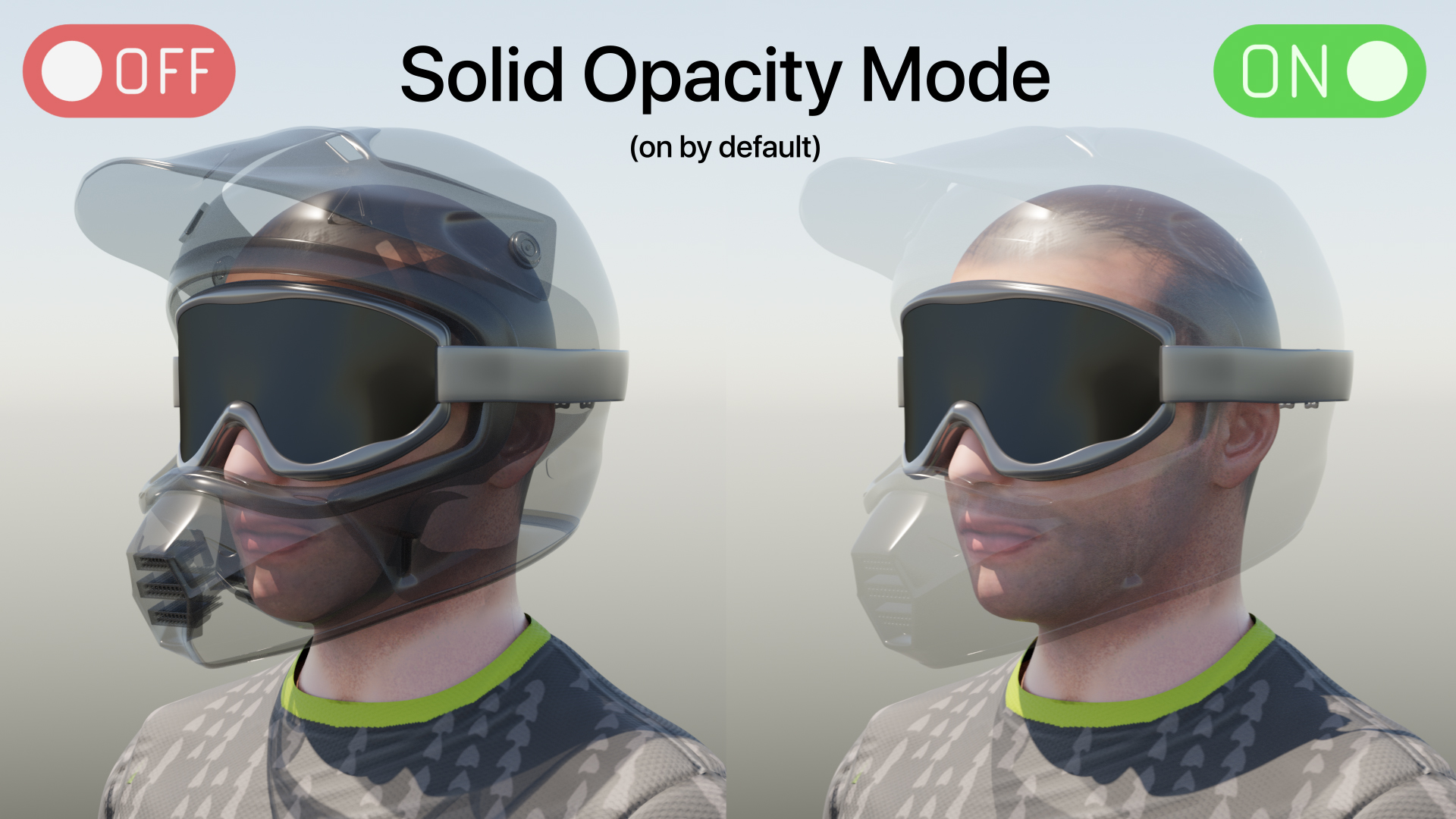
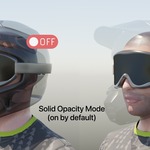
Objects Fade Solid
Fade a closed object normally and you see through its front faces into its own interior. Fixing that properly means a Light Path setup most people never build. OpacityFlow does it by default.
Works in EEVEE and Cycles
No per-engine setup and no surprises when you switch renderer halfway through a project. Works whichever you choose to use.
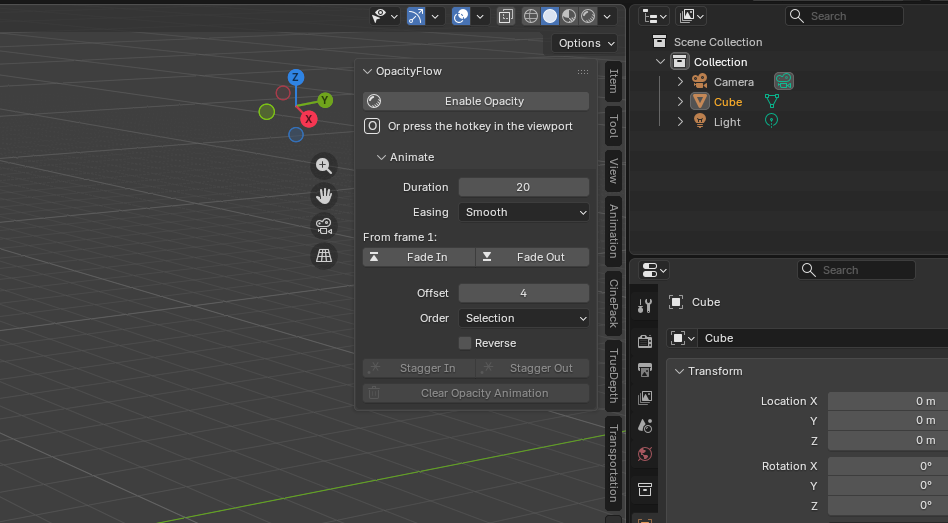
Everything in One Panel
In the sidebar where you already work. No modal windows, no separate editor, nothing to configure before you can start.
Non-Destructive, and Safe to Send
Everything OpacityFlow does is reversible with one button — it removes its nodes, reconnects your original shader and restores every setting it touched. Files also render correctly on machines that don't have it installed, so render farms, clients and collaborators are unaffected.
Which one do I need?
Choose the version that fits your work
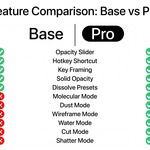
OpacityFlow
The slider, the keyframes, the dissolves
- One-slider opacity and hotkey drag
- Keyframing, Fade In / Out, easing
- Staggered reveals across a selection
- Eight textured dissolve patterns
- Solid silhouette fading
- Multi-material and shared-material support
- Free lifetime updates
OpacityFlow Pro
Everything on the left, plus the reveals
- Six Geometry Nodes templates
- Molecular, Dust, Wireframe, Water, Cut, Shatter
- Shows in Solid viewport shading
- Correct shadows from real geometry
- Animated field controller
- Hand-painted reveal maps
- Glowing reveal edge and particle glow
Common Questions
Does it work on objects that share a material?
Yes, and without duplicating anything. Each object carries its own opacity value, so ten objects on one shared material can all be at different opacities at once.
What about objects with several material slots?
Handled. Every slot is set up together and fades as one object. If a slot can't be faded for some reason, the panel tells you which one and why.
Can I send the file to someone without the add-on?
Yes. The setup lives in the file as ordinary nodes and drivers, so render farms, clients and collaborators get correct results with nothing installed.
Is it destructive?
No. One button removes the nodes, reconnects your original shader and restores every setting it touched.
Do the Pro reveals slow the viewport down?
They generate real geometry, so density is the dial that costs you. Start low and raise it — the panel suggests sensible values based on your object.
Compatibility
| Blender | 4.2 – 5.2 |
| Operating system | Windows, macOS, Linux |
| Render engines | EEVEE and Cycles |
| Dependencies | None. Pure Python — nothing to install or compile |
Full documentation covers installation, every feature, recipes and troubleshooting.
Questions or feature requests? Message me through the button on this page — I answer everything.
More Add-ons
Questions or feature requests? Message me through the button on this page — I answer everything.
