OpenFrame: Parametric Doors, Windows, Skylights & Balustrades
 Virtual Lens
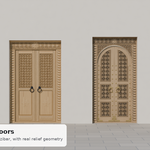
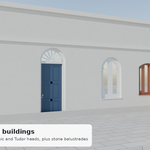
Installation
- In Blender, open Edit > Preferences > Get Extensions.
- Open the dropdown at the top right and choose Install from Disk.
- Select the OpenFrame .zip file you downloaded (don't unzip it).
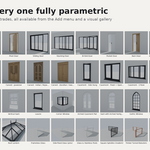
- Find OpenFrame in the 3D Viewport sidebar (N) under the Openings tab, or under Shift+A > Doors, Windows & Balustrades.
Putting a door or window into a wall
- Click the wall to select it.
- Shift + right-click on the wall face where the opening should go, to place the 3D cursor.
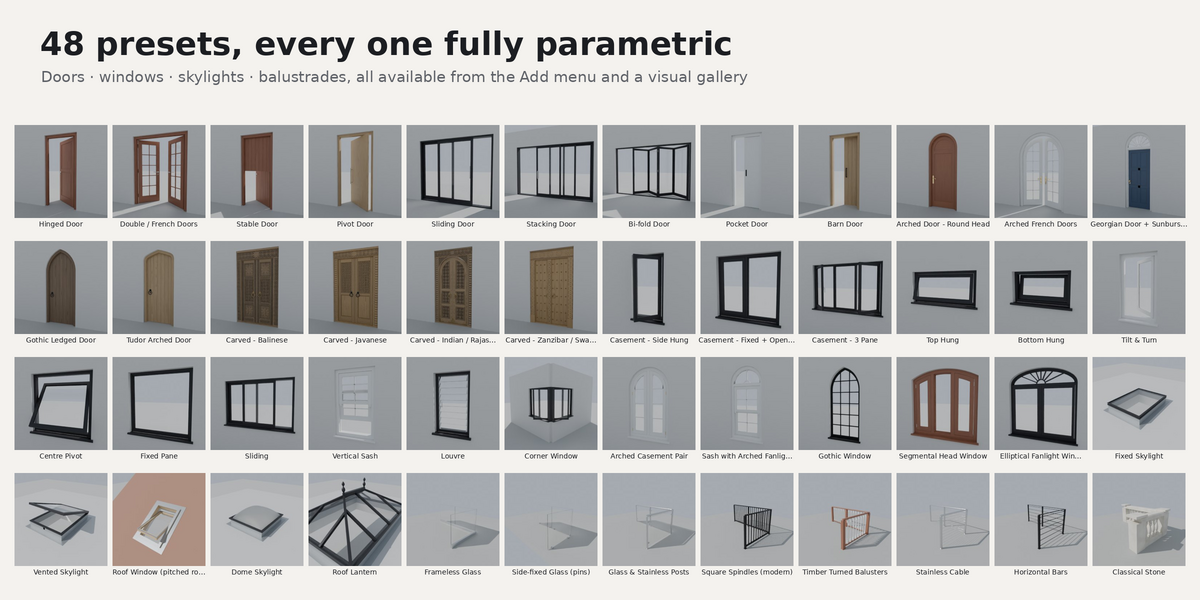
- Add a door or window from Shift+A > Doors, Windows & Balustrades, or from the gallery in the Openings tab.
- In the Openings panel, check the wall picker shows your wall, then click Fit to Selected Wall. The opening matches the wall thickness, centres itself and cuts the hole.
Skylights
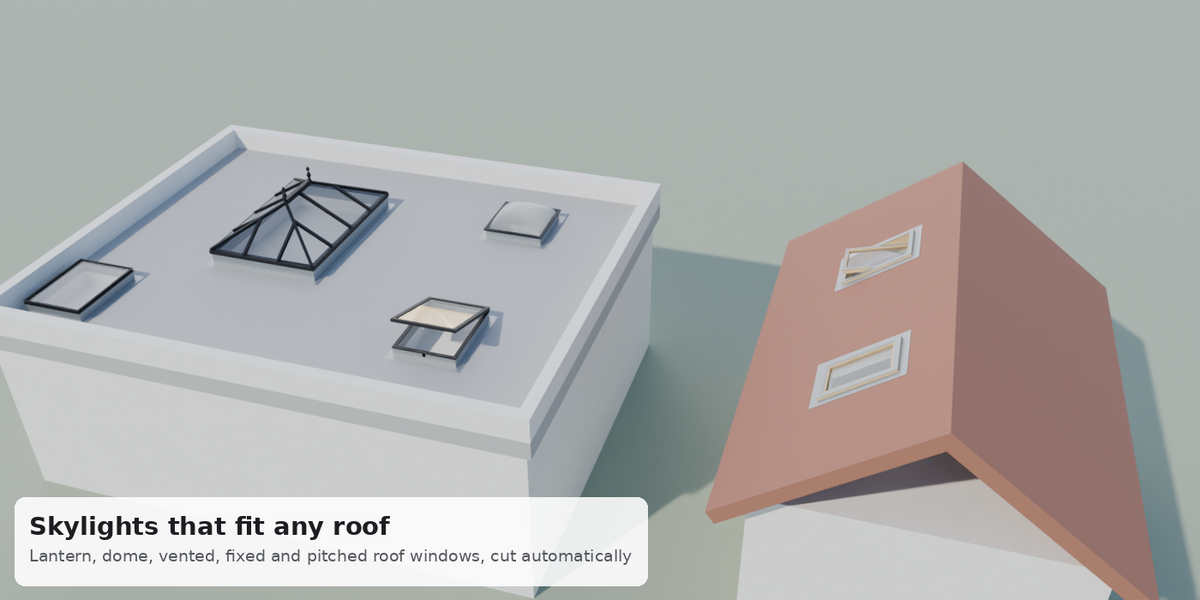
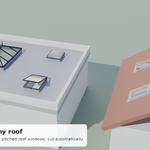
Select the roof, place the 3D cursor on the roof face, add a skylight and click Fit to Selected Wall. Skylights follow the roof slope and cut the roof; the roof mesh needs thickness to cut into. Reveal lining is optional.
Balustrades
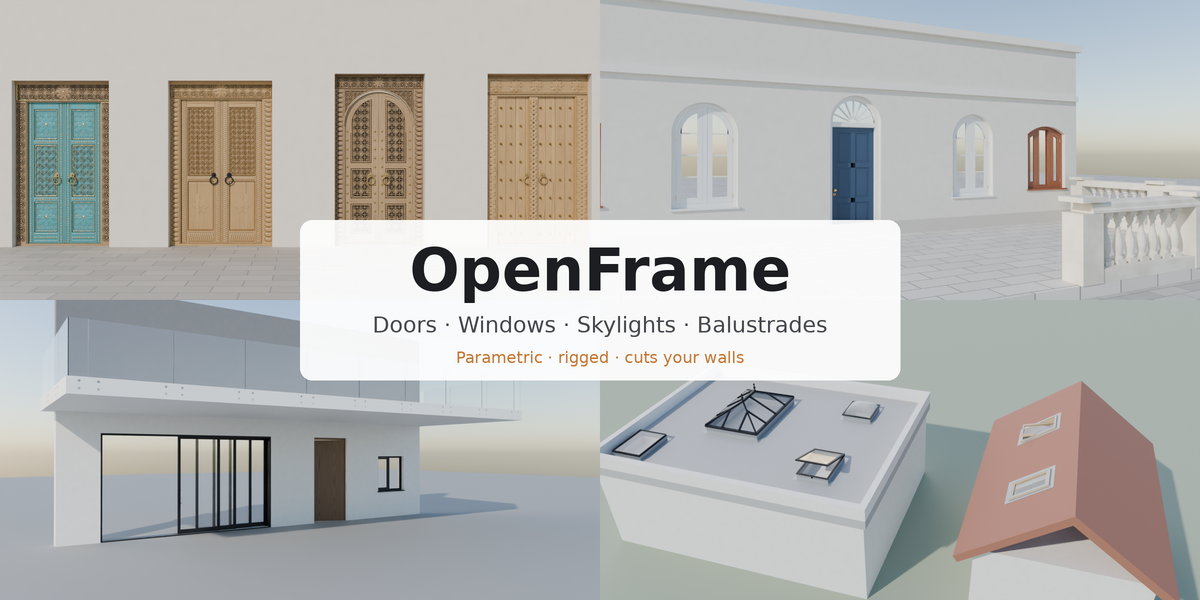
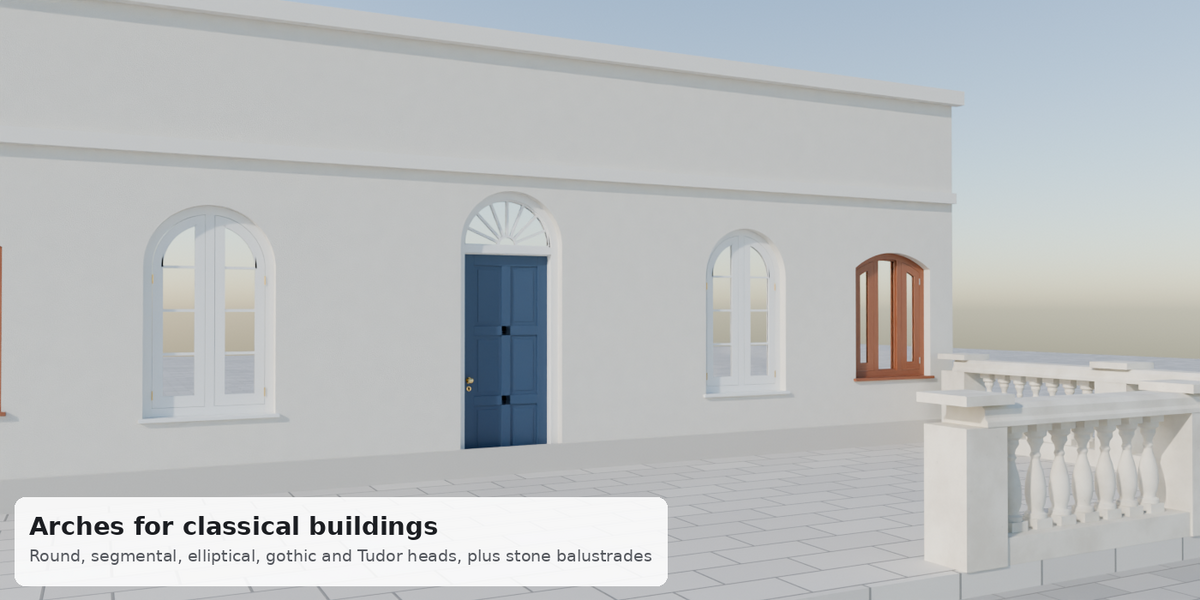
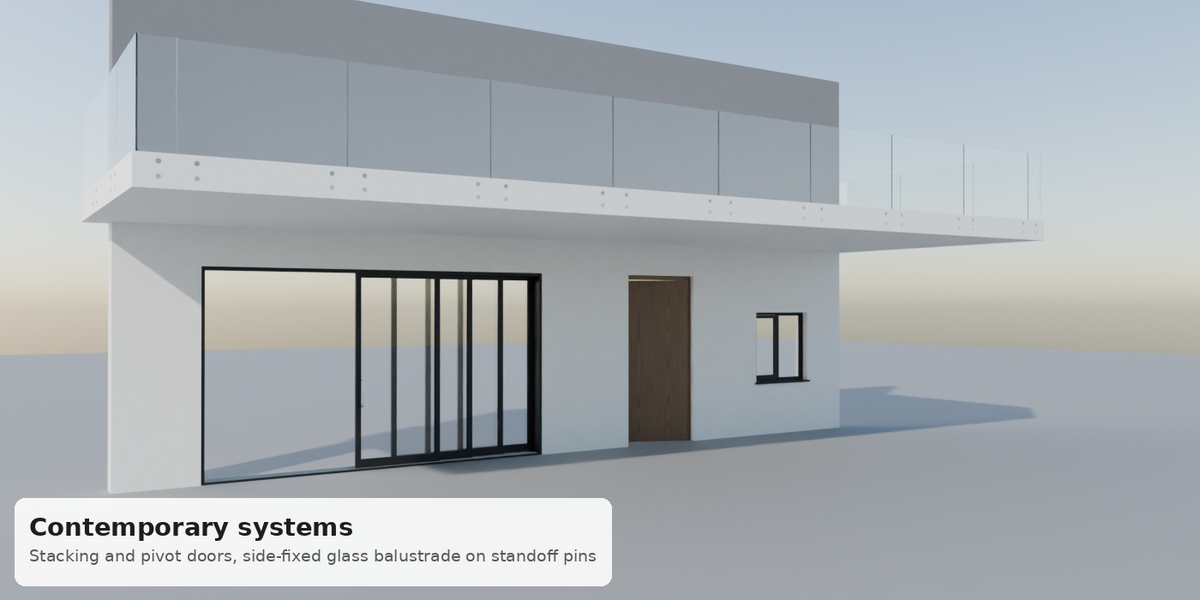
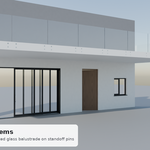
Balustrades can be drawn along any curve and update live as you edit it. Straight runs can be raked for stairs. Choose the infill (frameless glass, glass on standoffs, glass between posts, balusters, cable, bars or stone) in the panel.
Opening and animating
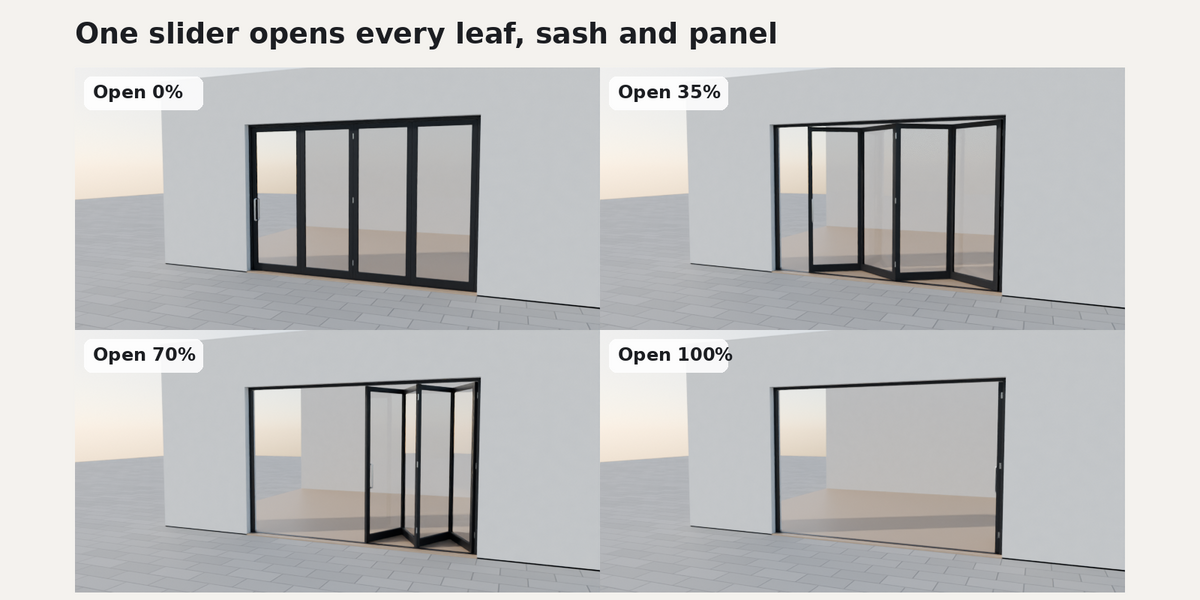
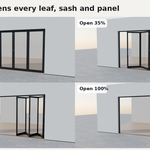
Every moving part has an Open slider in the panel. Right-click the slider and choose Insert Keyframe to animate.
Materials
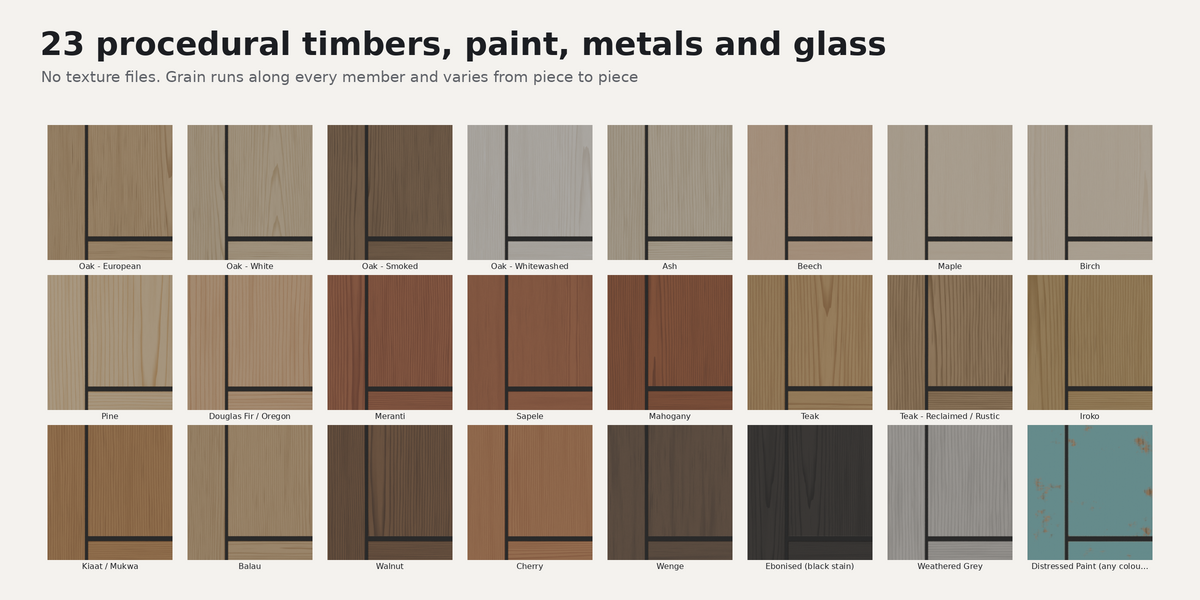
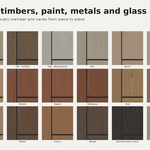
All 23 timbers, paints, metals, stone and glass are procedural and UV-mapped, so no textures need to be managed. Glass lets sunlight through in Cycles and EEVEE; one click applies the same fix to your own glass materials.
Full manual
The illustrated OpenFrame User Manual (PDF, 11 pages) is included in the download and covers installation, placing openings, every system and a full FAQ.
Requirements
Blender 4.2 or newer (tested on 4.2, 4.5 LTS, 5.0 and 5.2 LTS). Works with Cycles and EEVEE. Wall and roof meshes should be closed solids for clean cuts.
 Included
Includes 12 months of
- Support from Virtual Lens
- Product updates
Extend this product’s Support Period +12 months: 50% of product price
Have questions before purchasing?
Login to message
| Blender Extension Compatible | Yes |
| Published | about 10 hours ago |
| Blender Version | 4.2 - 5.2 |
| Extension Type | Add-on |
| Render Engine Used | Cycles, Eevee |
| License | GPL |
Discover more products like this
window doors Interior windows ArchViz parametric balustrade architecture skylight door building railing