OpenFrame: Parametric Doors, Windows, Skylights & Balustrades
 Virtual Lens
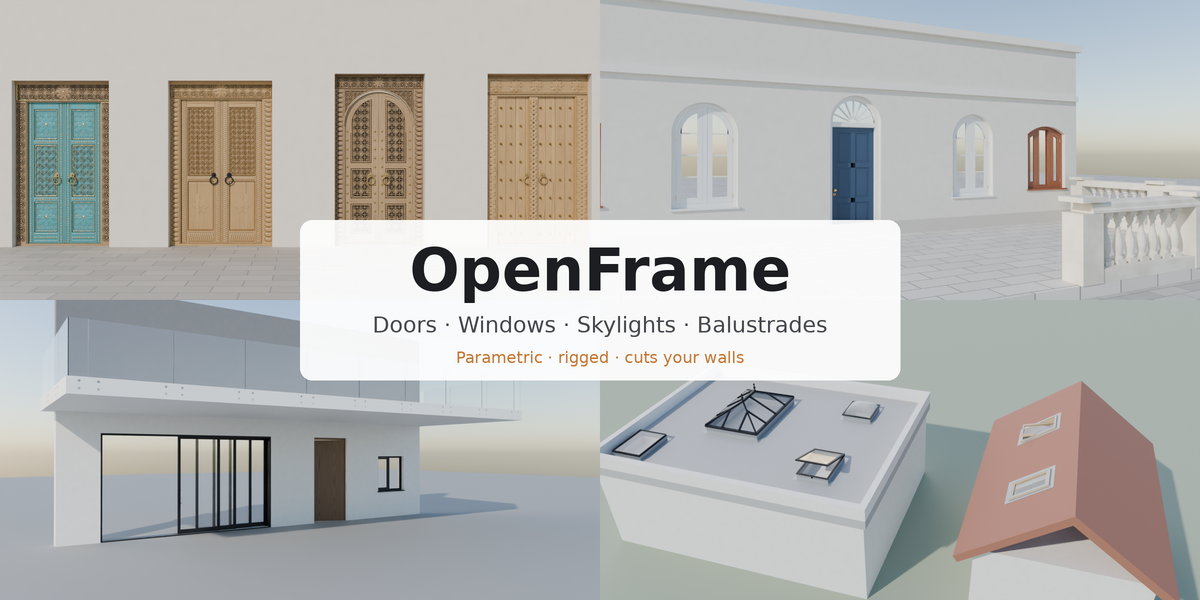
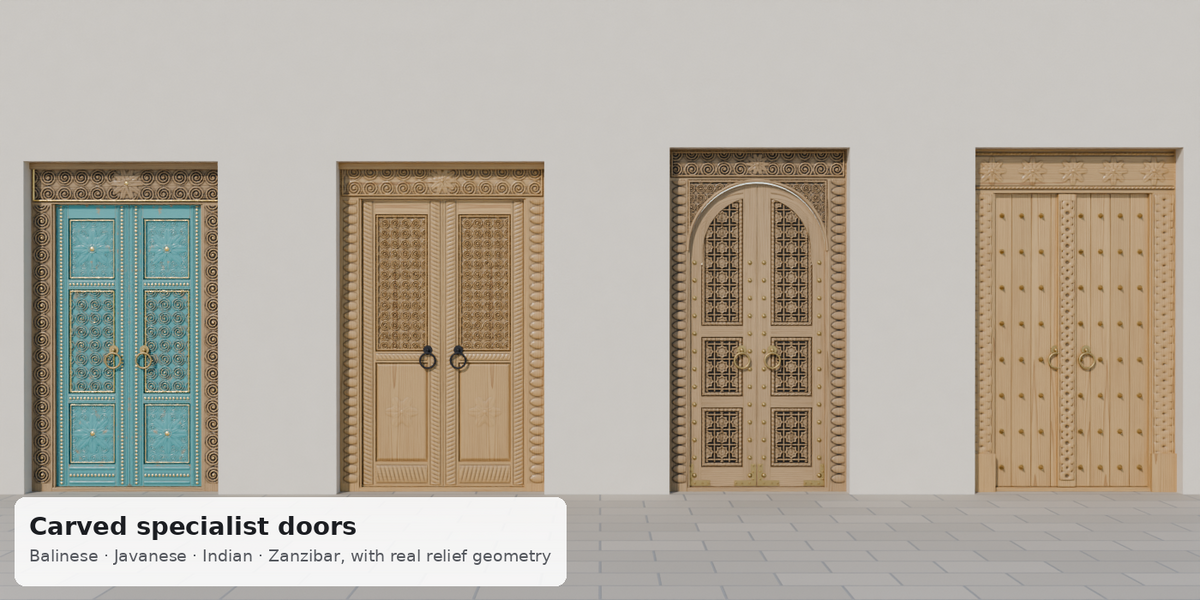
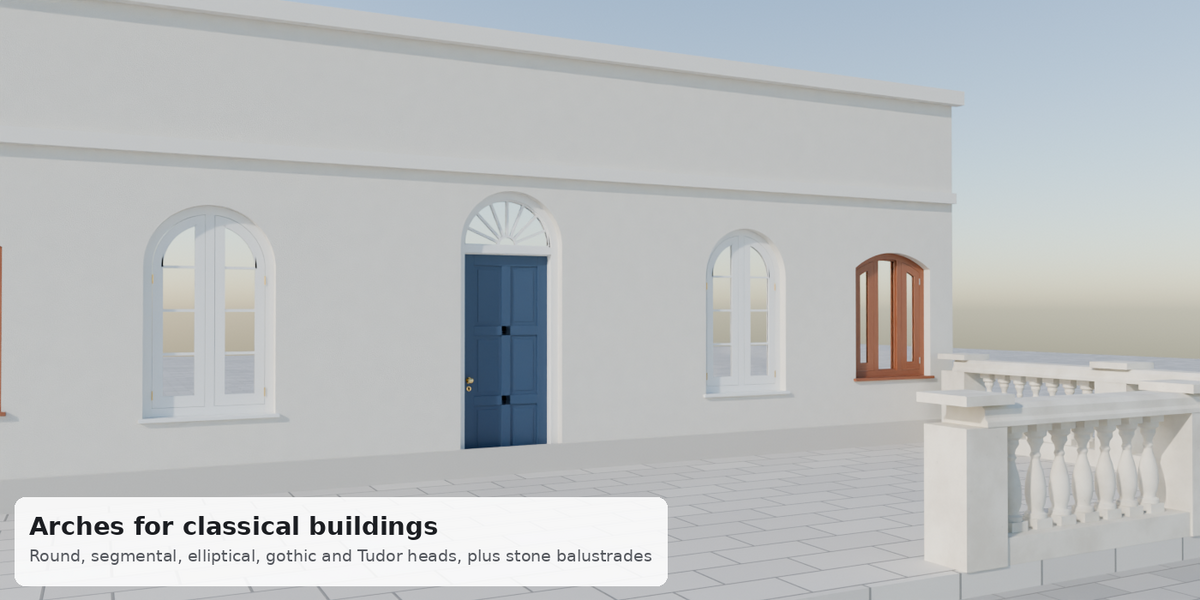
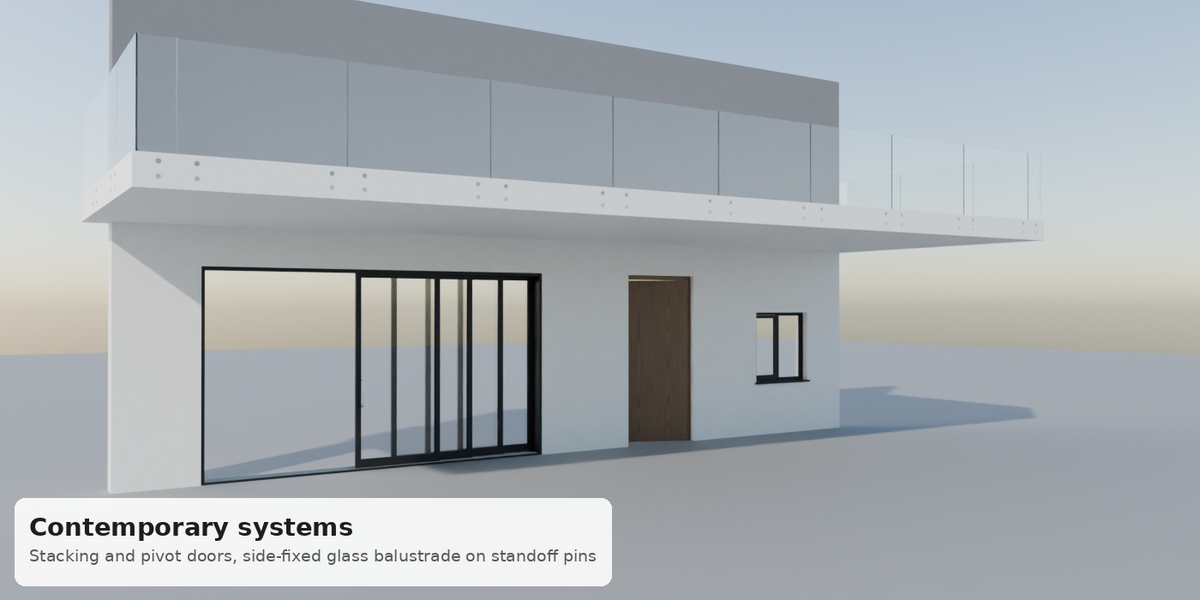
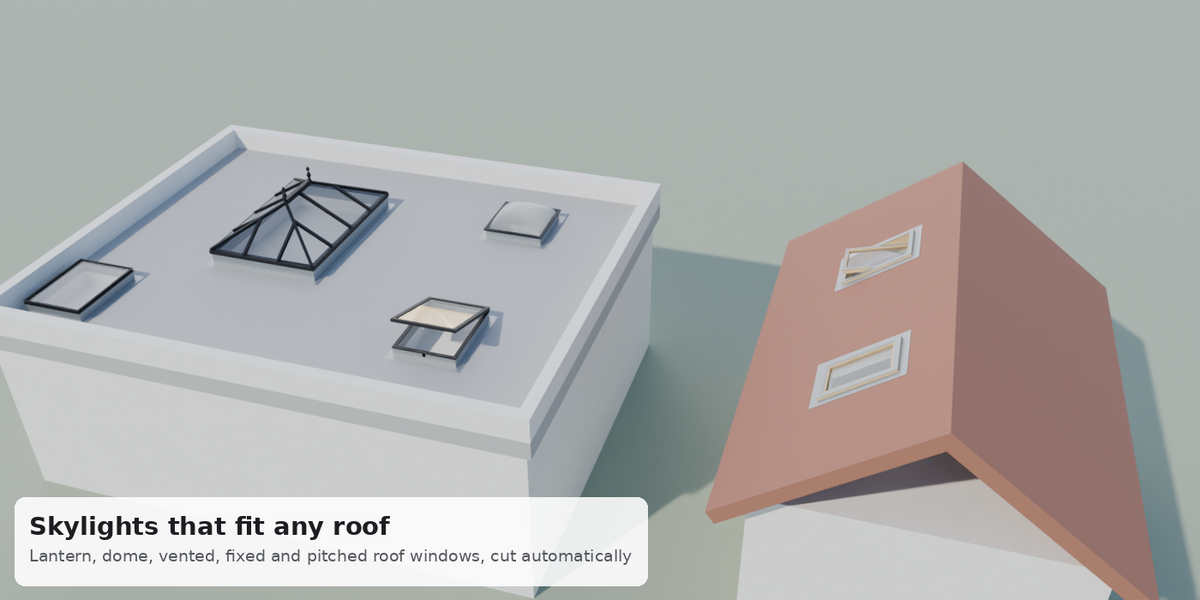
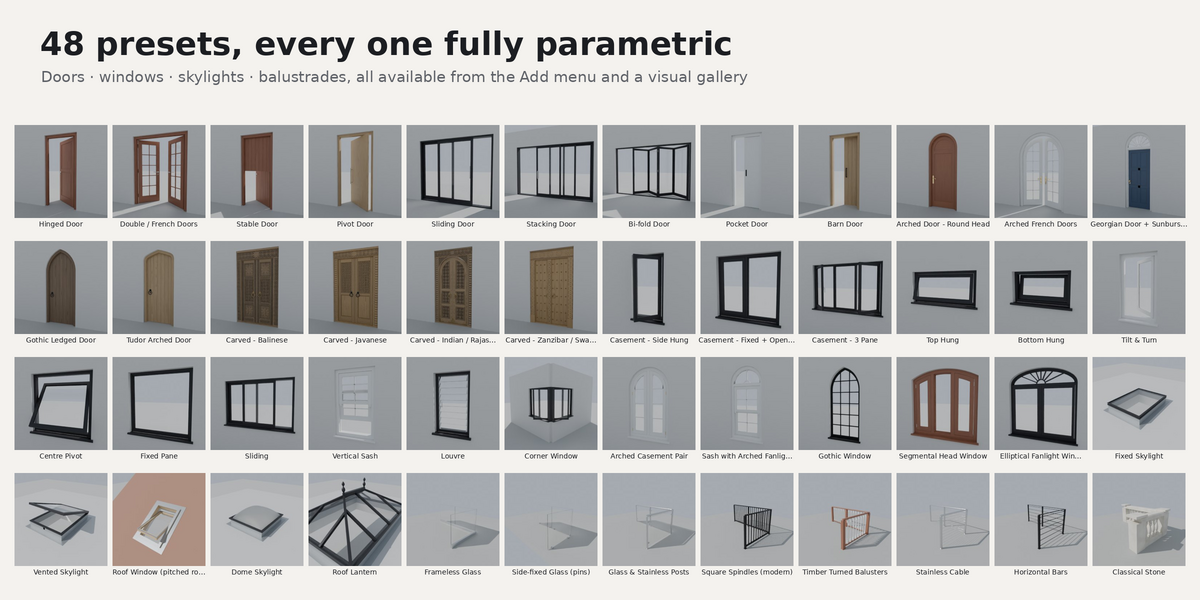
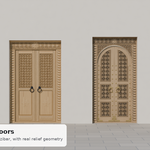
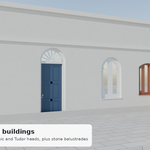
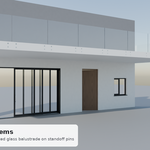
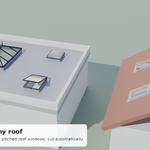
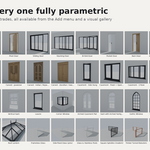
Make sure the wall is picked in the Openings panel and click Fit to Selected Wall. The wall mesh needs to be closed (a solid with thickness, not a single plane). Skylights likewise need a roof with thickness to cut into.
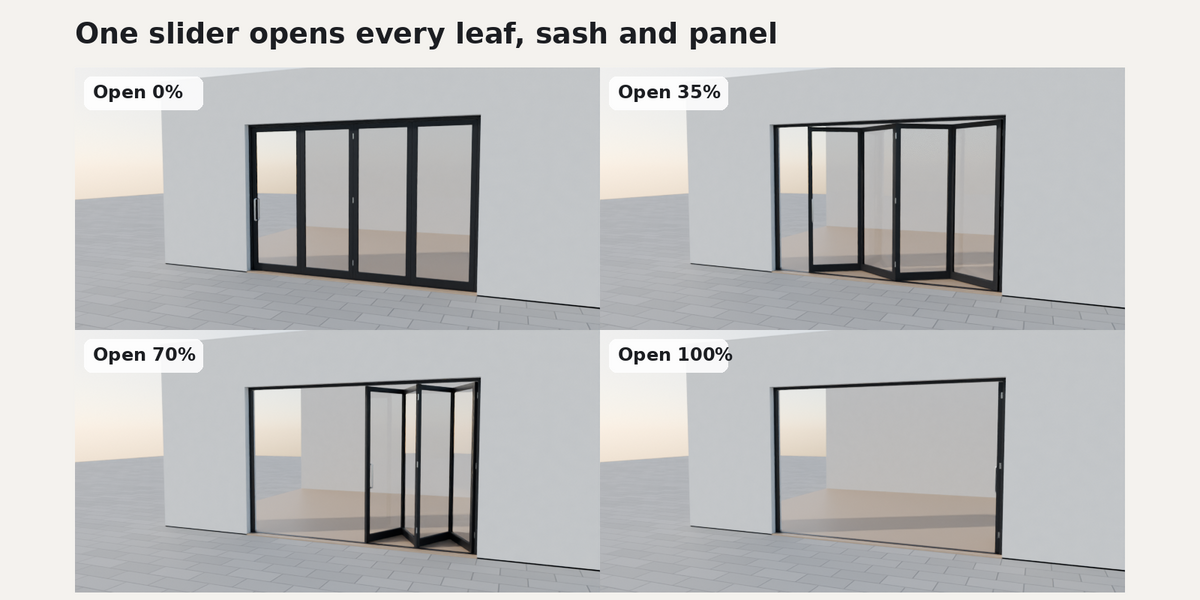
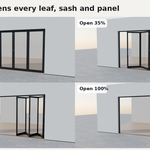
Drag the Open slider in the Openings panel. Right-click the slider and choose Insert Keyframe to animate it.
Openings are regenerated whenever you change a setting, so hand edits to the generated parts are overwritten. Change things through the panel instead. If you need a static mesh, duplicate the object and convert the copy.
Blender 4.2 or newer, tested on 4.2, 4.5 LTS, 5.0 and 5.2 LTS. Works with Cycles and EEVEE. Glass lets sunlight through in both engines.
 Included
Includes 12 months of
- Support from Virtual Lens
- Product updates
Extend this product’s Support Period +12 months: 50% of product price
Have questions before purchasing?
Login to message
| Blender Extension Compatible | Yes |
| Published | about 10 hours ago |
| Blender Version | 4.2 - 5.2 |
| Extension Type | Add-on |
| Render Engine Used | Cycles, Eevee |
| License | GPL |
Discover more products like this
skylight windows balustrade parametric railing ArchViz window building doors architecture Interior door