 Salman Naseem


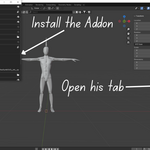
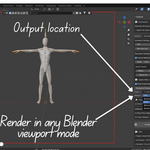
Orbit360 is the ultimate Blender add-on for creating 360° turnaround animations instantly. Whether you’re showcasing models for your portfolio, product demos, client reviews, or e-commerce stores, Orbit360 helps you create professional animations with just a few clicks.
No more manual camera setups or complicated exports Orbit360 automates the entire process while giving you complete control over quality, resolution, shading modes, and export formats.
🎯 Perfect For
-
Portfolio Presentations – Showcase your models in style
-
Product Visualization – Create engaging product turntables
-
Social Media Sharing – GIFs and videos for Instagram, Twitter, ArtStation
-
Client Reviews – Quick turnaround previews for approval
-
Technical Documentation – Clean reference turnarounds for assets
-
E-commerce – 360° product spins for online stores
✨ Key Features
🔹 Multiple Export Formats
-
PNG Sequence – Individual frames with maximum flexibility
-
Animated GIF – Web-ready and social media friendly
-
MP4 Video (H.264) – High-quality video export with smart encoding
🔹 Smart & Reliable MP4 Export
Triple fallback system ensures your export never fails:
-
imageio – Fast & modern (auto-installed)
-
FFmpeg – Industry-standard encoder
-
Blender Sequencer – Built-in compositor as backup
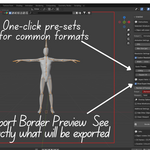
🔹 Instant Resolution Presets
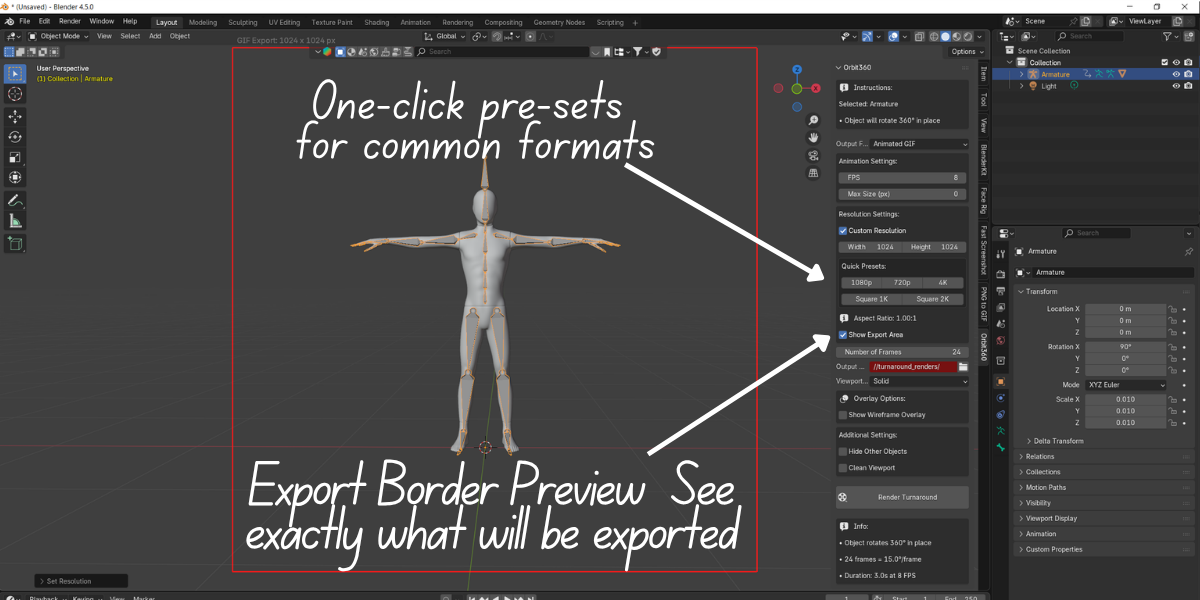
One-click output sizes for any need:
-
1080p (1920×1080) – Standard HD
-
720p (1280×720) – Web optimized
-
4K (3840×2160) – Ultra-high quality
-
Square 1K (1024×1024) – Instagram-ready
-
Square 2K (2048×2048) – High-resolution square
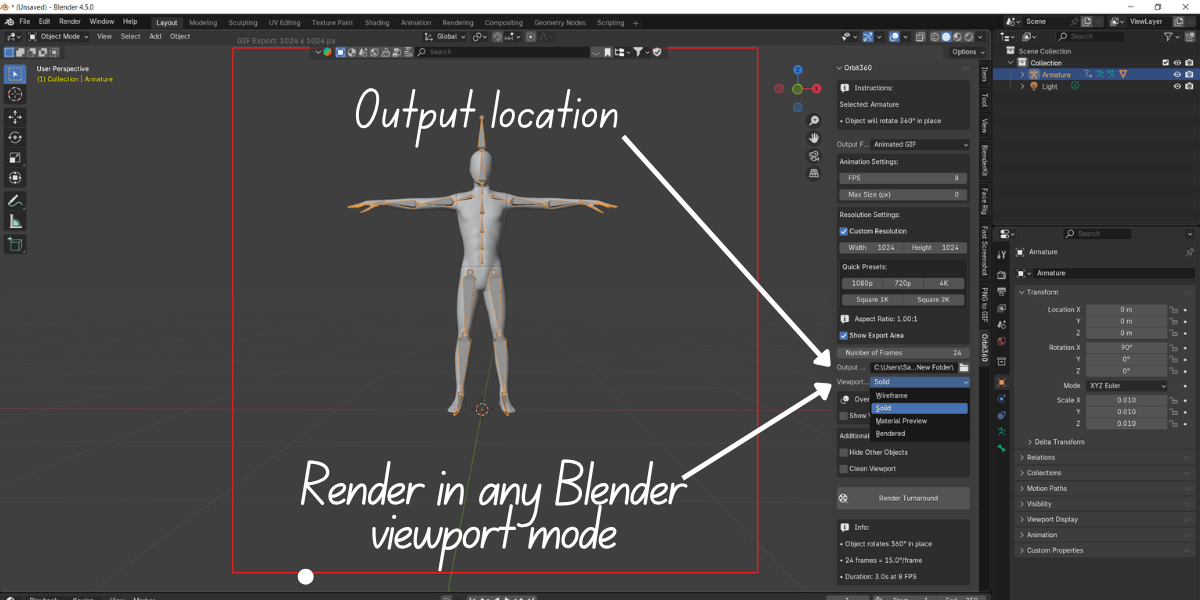
🔹 All Viewport Shading Modes
Render in any style you prefer:
-
Wireframe – With custom colors for technical looks
-
Solid – Fast and clean shading
-
Material Preview – Quick material visualization
-
Rendered – Full-quality render engine output
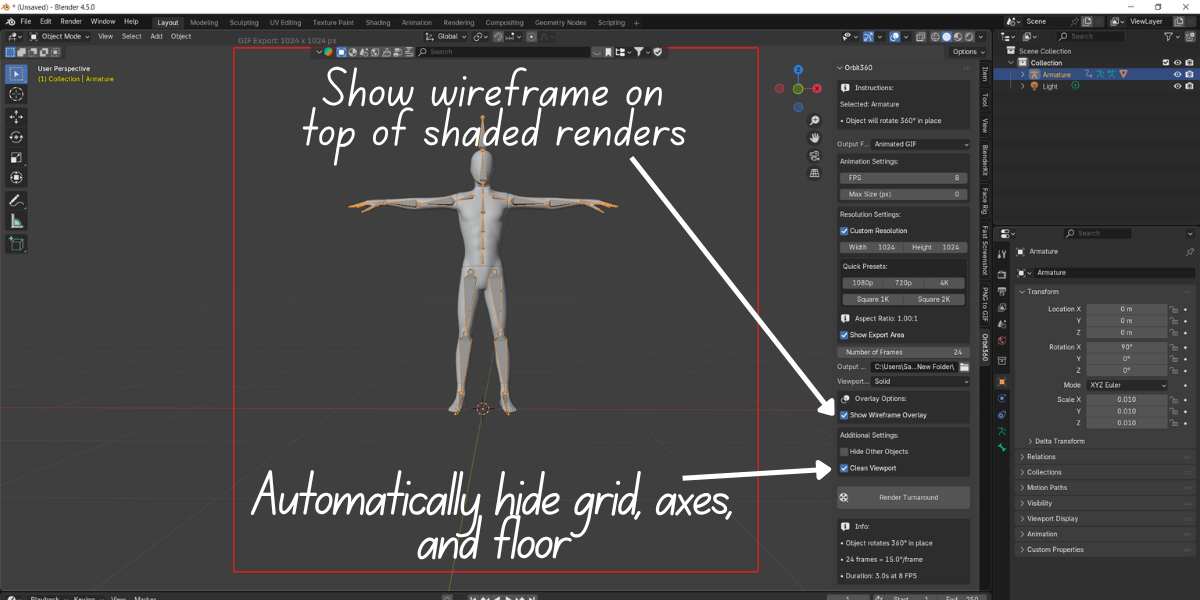
🔹 Professional Wireframe Control
-
Custom viewport background color
-
Custom wireframe line color
-
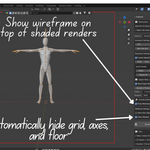
Overlay wireframe on shaded views
-
Perfect for blueprints, tech art, and documentation
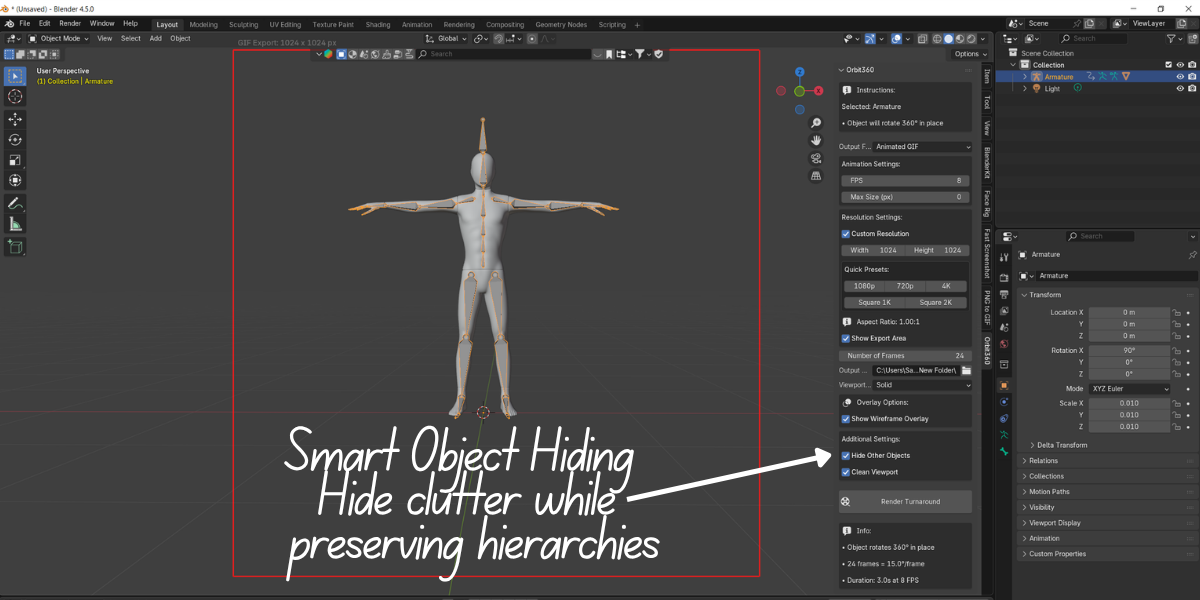
🔹 Clean, Professional Output
-
Hide grid, axes, and floor automatically
-
Export border preview before rendering
-
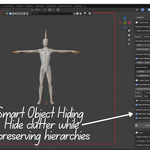
Smart object hiding (preserves hierarchy)
🚀 How It Works
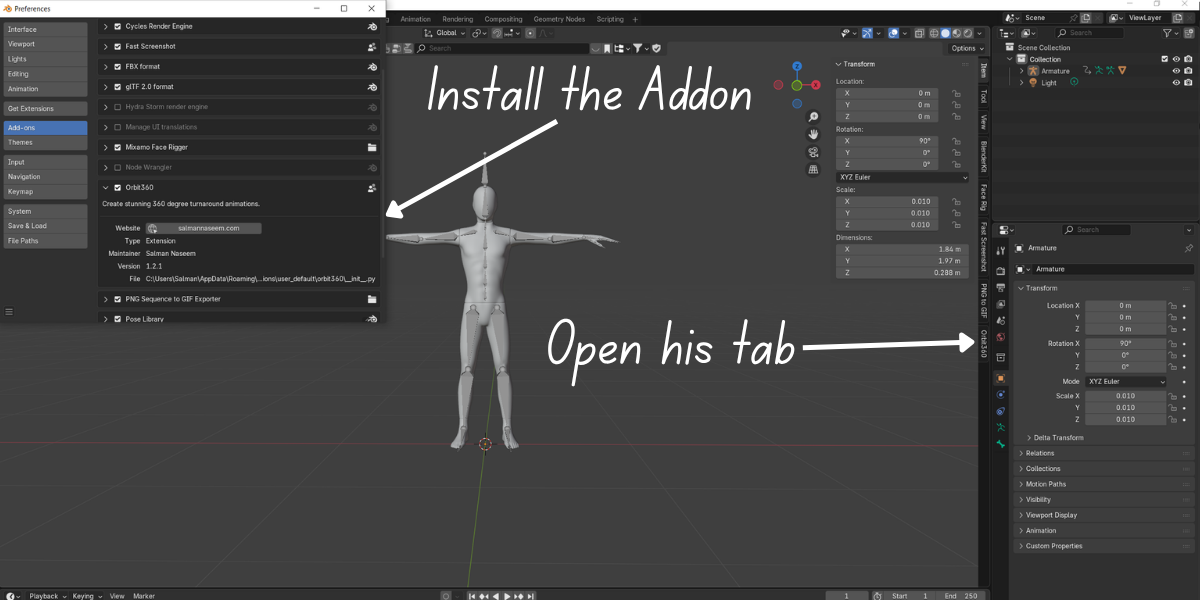
Creating a professional 360° turnaround is as easy as five steps:
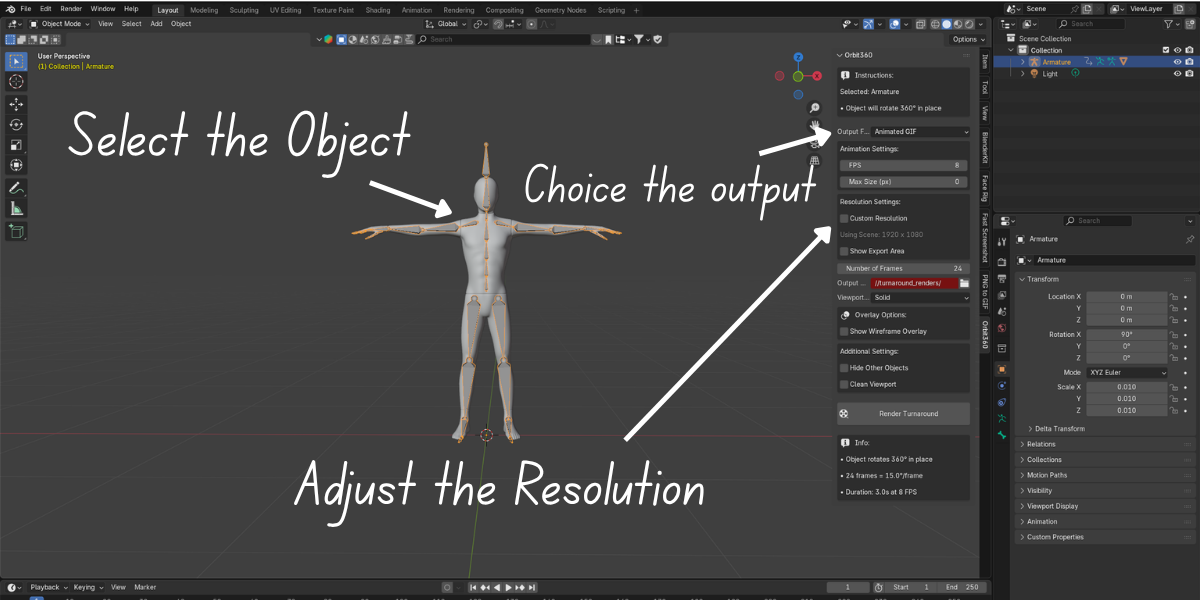
1️⃣ Select Your Object – Pick the model you want to showcase in the viewport
2️⃣ Position Your Camera – Frame the subject exactly how you want it
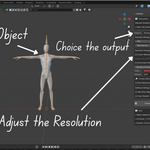
3️⃣ Choose Output Format – Export as GIF, MP4, or PNG sequence
4️⃣ Configure Settings – Resolution, frame count, shading mode & more
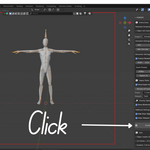
5️⃣ Click "Render Turnaround" – Orbit360 does the rest automatically✅ Your turnaround is instantly saved in a timestamped folder, with all frames neatly organized and ready to use.


🖼️ Why Choose Orbit360?
✔ Save hours of setup time
✔ Always get reliable exports with fallback system
✔ Optimized for professionals and content creators
✔ Perfect balance of speed, control, and quality
-
