 sarmad domit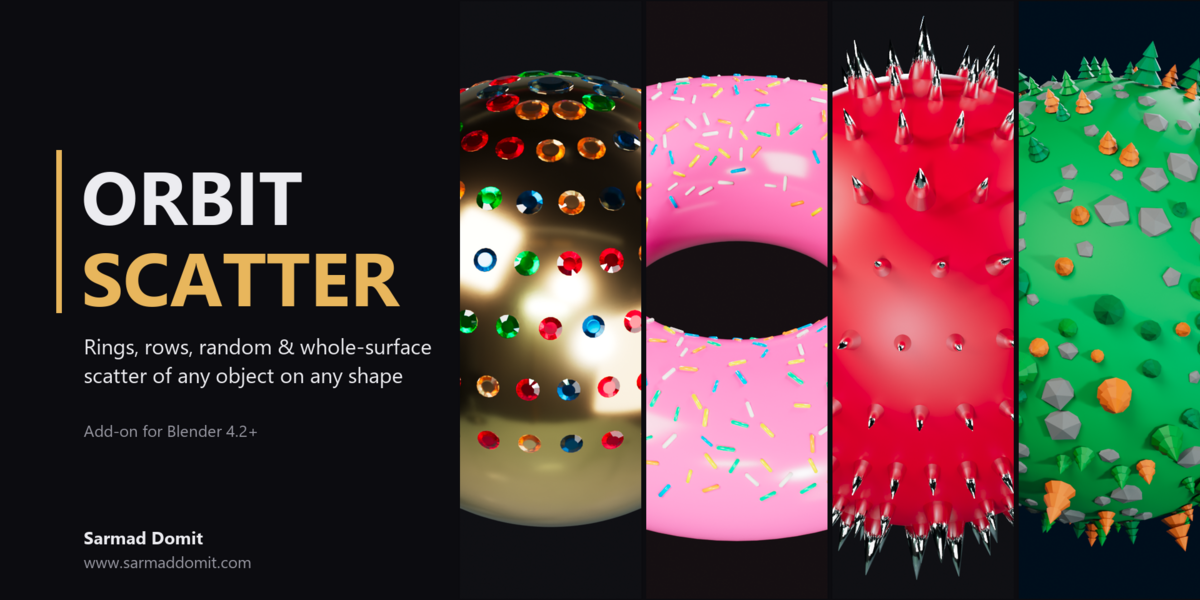





# Orbit Scatter
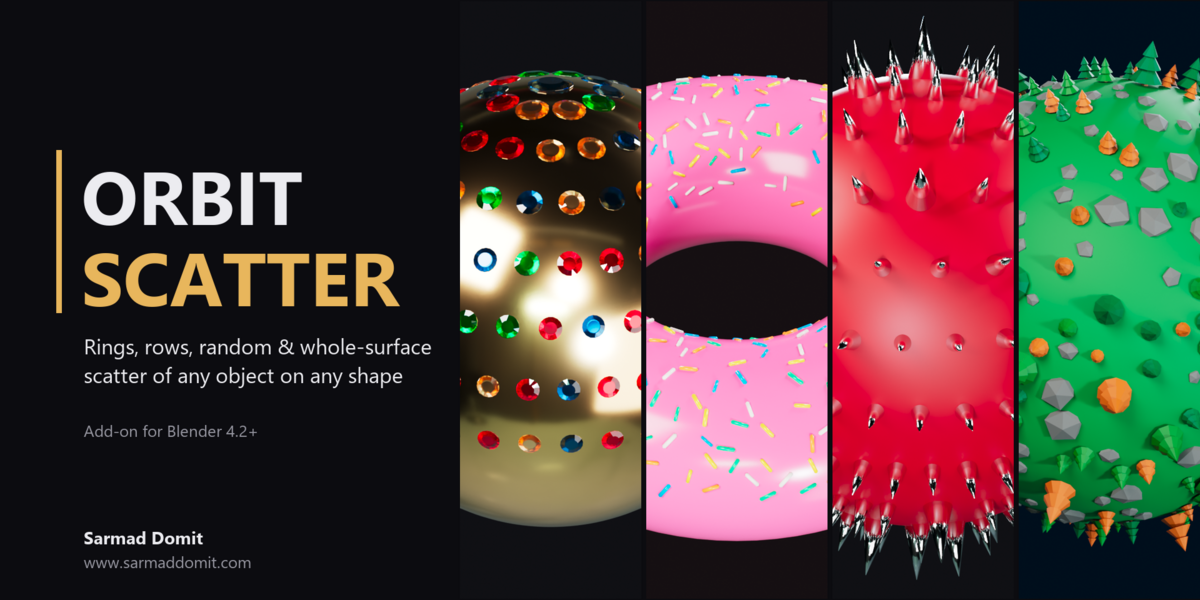
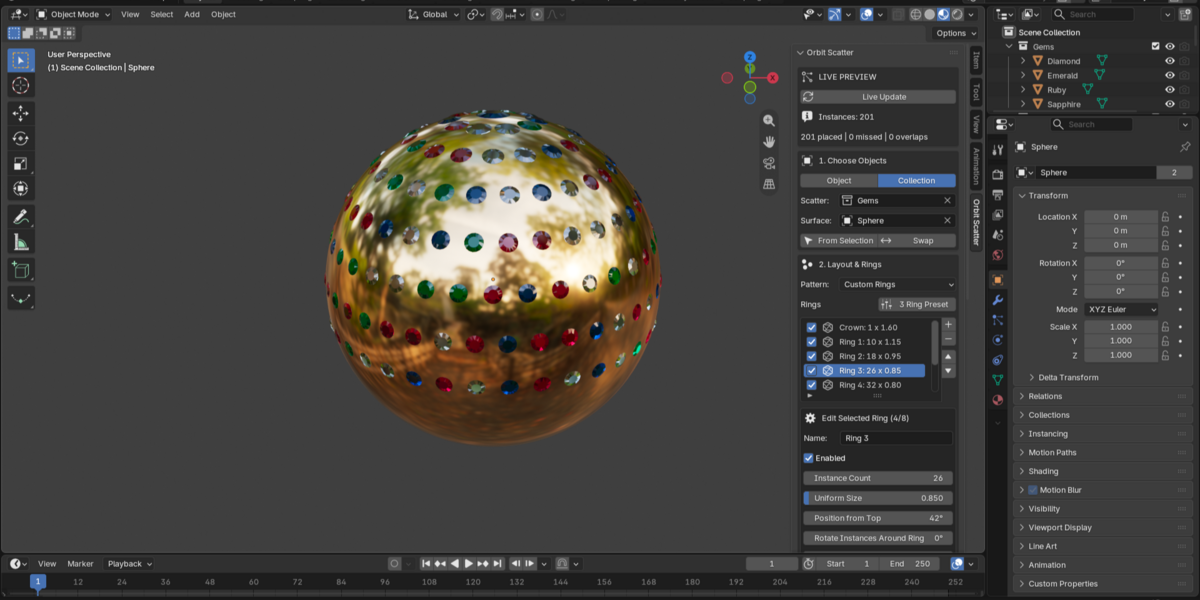
Live-updating scatter tool for Blender. Distribute any object, or a whole collection of objects, over any mesh surface using individually controlled rings, procedural rows, random distribution or whole-surface scatter that works on any shape, and see the result update while you drag sliders.
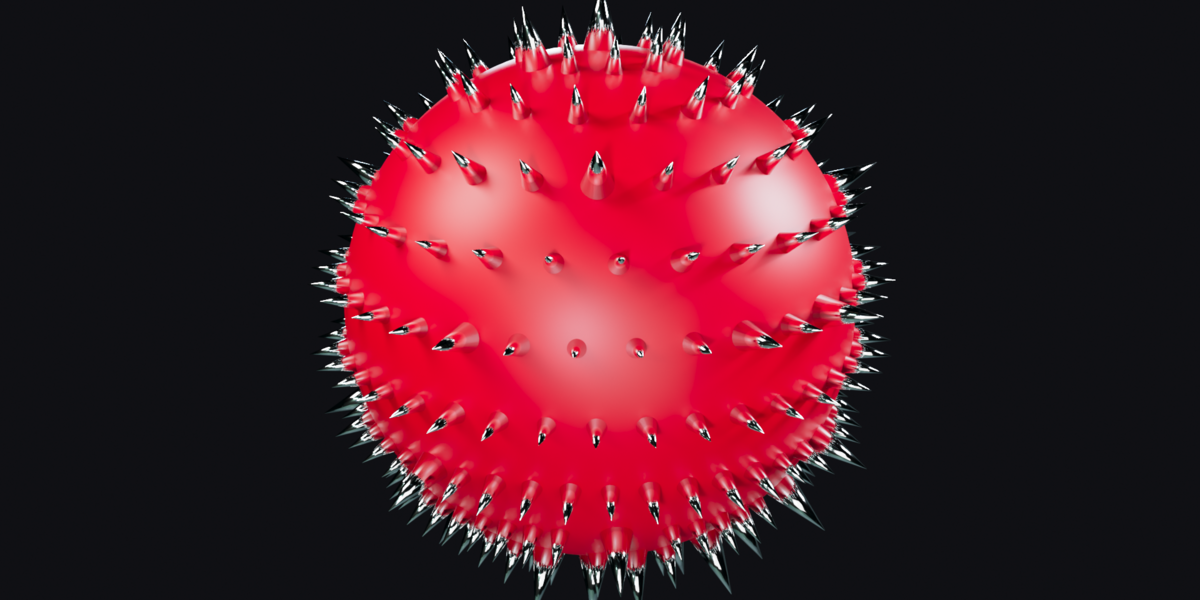
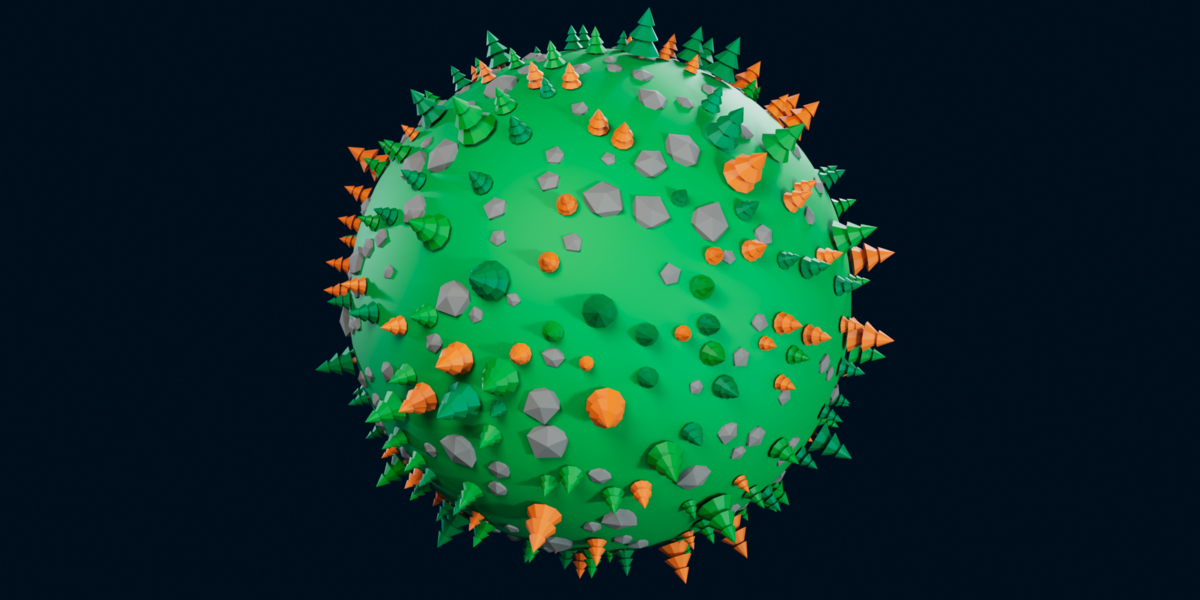
Gemstones on jewelry, sprinkles on donuts, studs and spikes on props, rivets on hulls, rocks and trees on terrain or stylized planets: one tool, one panel.
Developed by **Sarmad Domit** - [www.sarmaddomit.com](https://www.sarmaddomit.com)
## Features
- **Live Update**: placements refresh automatically shortly after each slider change (debounced, main-thread safe).
- **Any source**: scatter a mesh, curve, text, metaball or hair-curves object, or pick objects at random from a collection.
- **Custom Rings**: unlimited independent rings, each with its own count, uniform size, latitude, phase, tilt, surface offset and twist. Includes a 3-ring preset.
- **Auto Rows**: latitude rows with growing counts, stagger and jitter for dense, even coverage.
- **Random**: area-uniform random scatter inside a chosen angular band.
- **Whole Surface**: random points spread over every face of the mesh, weighted by face size. Works on any shape: tori, planes, terrain, characters, open or thick objects. Optional slope limit keeps instances on upward-facing areas.
- **Size variation**: small / large size ranges with a large-instance probability.
- **Overlap prevention**: spatial-hash spacing check with a minimum gap; largest instances are placed first.
- **Surface fit**: align to face normal or radially from the center, choose the object's up axis, surface offset (negative values embed instances), random twist, modifier-aware surface evaluation.
- **Non-destructive**: copies are linked duplicates sharing the original object data, kept in their own collection and optionally parented to the surface. Originals are never modified.
## Requirements
Blender 4.2 or newer.
## Installation
1. In Blender open **Edit > Preferences > Get Extensions**.
2. Open the drop-down menu (top right) and choose **Install from Disk...**.
3. Select `orbit_scatter-1.0.0.zip`.
You can also drag and drop the zip file into the Blender window.
## Quick Start
1. Select the object to scatter, then Shift-select the surface mesh so it is active.
2. In the 3D Viewport press **N** and open the **Orbit Scatter** tab.
3. Click **From Selection**. To scatter several different objects, set **Source** to **Collection** and pick the collection.
4. Choose a pattern (Custom Rings, Auto Rows, Random or Whole Surface) and adjust the sliders.
5. Set **Up Axis** to the local axis of your object that should point away from the surface (usually +Z).
Use **Refresh Now** to rebuild manually, or **Remove Generated Instances** to delete only the copies created by the add-on.
## How placement works
- **Whole Surface** samples the mesh faces directly, so it works on any shape, including planes, terrain, tori, characters and the inside of thick objects. Instances follow each face's normal, so keep the surface normals pointing outward (Mesh > Normals > Recalculate Outside).
- **Custom Rings, Auto Rows and Random** are radial: positions are directions from a scatter center (the surface's origin or bounding-box center) projected onto the outermost surface. They are designed for closed, rounded shapes such as spheres, beads, ring heads, pendants, rocks and planets. Angles are measured in the surface object's local space; 0 degrees is the top (+Z), 90 degrees is the equator.
## Tips
- Apply rotation and scale on the source objects (Ctrl+A) for accurate spacing.
- With a collection source, each object's own size is used for spacing.
- Live updates rebuild the active scene only.
## Support
Questions and bug reports: [www.sarmaddomit.com](https://www.sarmaddomit.com)
## License
GPL-3.0-or-later. Copyright (c) 2026 Sarmad Domit. See `LICENSE`.
## Changelog
### 1.0.0
- First public release.
