Orbit_scatter
 sarmad domit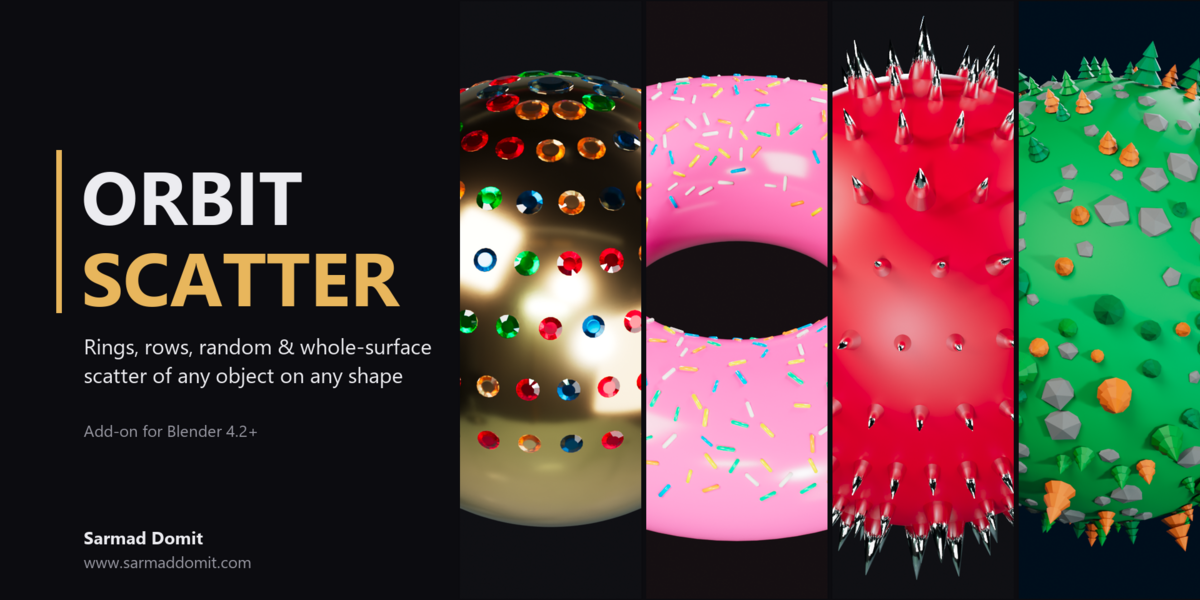

# Superhive Listing - Orbit Scatter
Copy-paste text for the product page. Upload `orbit_scatter-1.0.0.zip` as the product file.
---
## Product name
Orbit Scatter
## Short description (tagline)
Live ring, row, random and whole-surface scatter of any object on any shape.
## Category
Add-ons > Modeling (secondary: Object / Tools)
## Tags
scatter, distribution, surface scatter, jewelry, gems, pave, instances, rings, procedural, live, terrain, planet, studs, spikes
## Blender version
4.2 and newer (tested on 4.5 LTS and 5.2 LTS)
## License
GPL-3.0-or-later (code)
---
## Description
**Orbit Scatter** places copies of any object over any surface, and the result updates live while you drag the sliders. You can set up each ring by hand for precise layouts, use Auto Rows for even coverage, scatter randomly with size variation and overlap prevention, or cover the whole surface of any shape.
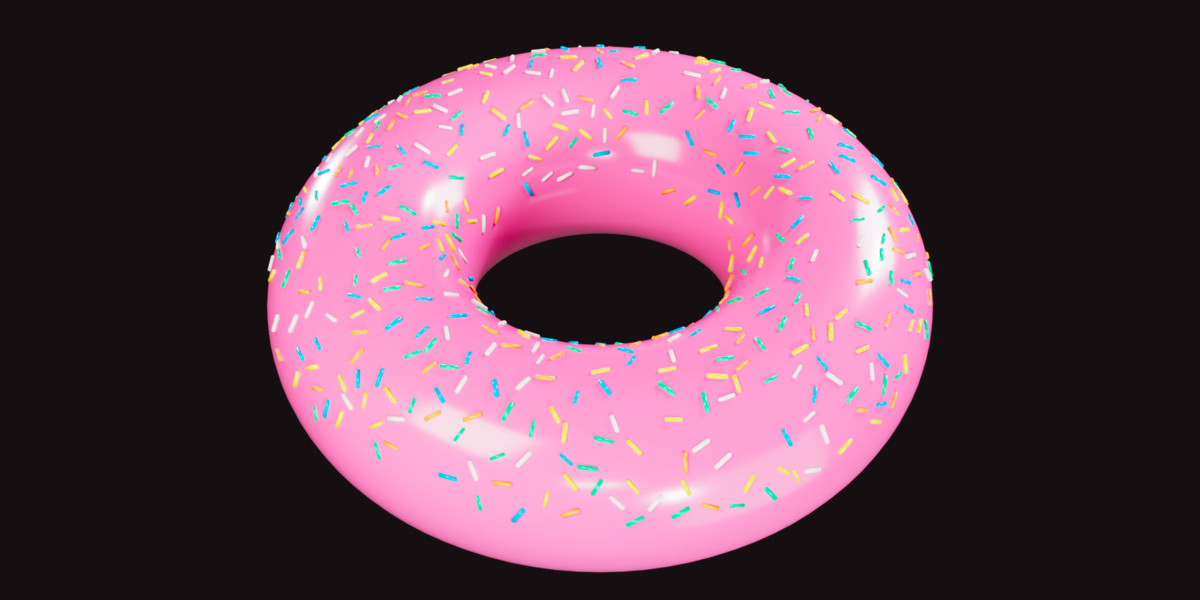
You can use it for gems on jewelry, sprinkles on donuts, studs and spikes on props, rivets on hulls, trees and rocks on terrain or stylized planets, or any other job where you need lots of copies on a surface.
### Highlights
- **Live Update**: placements rebuild a moment after every change. You don't need to press Apply.
- **Scatter anything**: meshes, curves, text, metaballs or hair-curves objects.
- **Collection mode**: point it at a collection and every instance picks a random object from it, so trees, rocks and gems can mix in one pass.
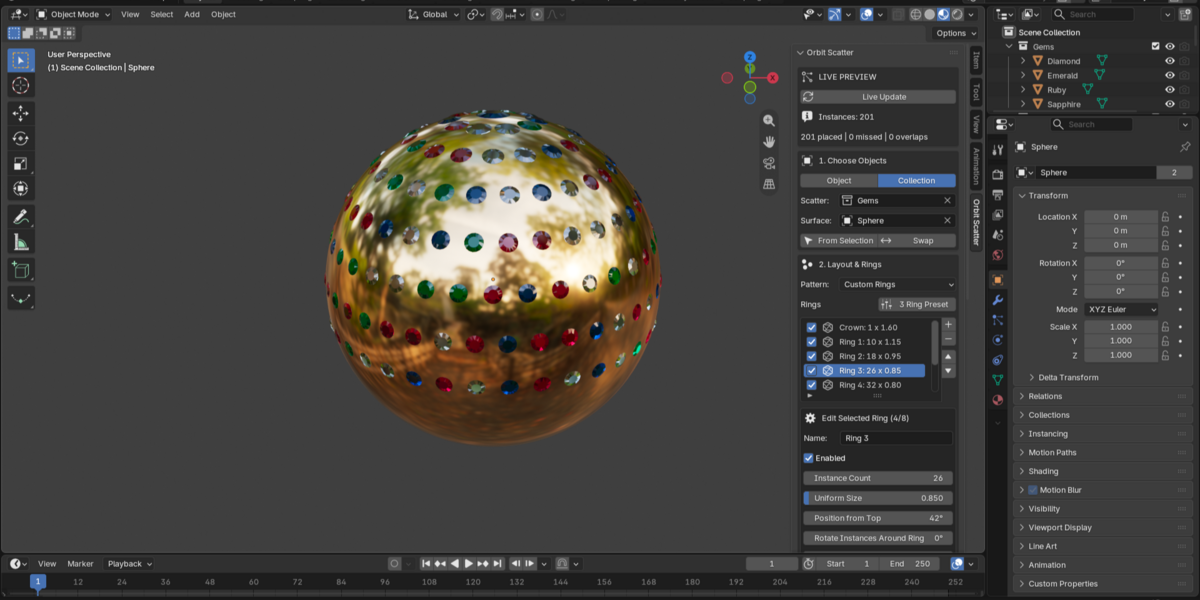
- **Custom Rings**: any number of independent rings, each with its own count, size, latitude, rotation, tilt, offset and twist. Includes a 3-ring starter preset.
- **Auto Rows**: rows that grow in count toward the equator, with stagger and jitter for natural pave-style coverage.
- **Random**: area-uniform random placement inside any angular band.
- **Whole Surface**: points spread over every face of the mesh, so it works on any shape: tori, planes, terrain, characters. An optional slope limit keeps instances on upward-facing areas.
- **Size variation**: small and large size ranges with an adjustable chance of large instances.
- **Overlap prevention**: a fast spatial check with a minimum gap. Larger instances are placed first.
- **Surface fit**: align to the face normal or radially, pick the object's up axis, sink instances into the surface with a negative offset, and add random twist. Modifiers on the surface are respected.
- **Non-destructive**: instances are linked duplicates that share data with the originals. They live in their own collection and can follow the surface object. One click removes them, and your originals are never touched.
### How it works
**Whole Surface** works directly on the mesh faces, so any shape works. **Custom Rings, Auto Rows and Random** cast directions from a center point onto the surface. They give precise latitude-based layouts on closed, rounded shapes such as balls, beads, ring heads, pendants, rocks and planets.
### Workflow
1. Select the object to scatter, then the surface (active).
2. Press N > **Orbit Scatter** > **From Selection**.
3. Pick a pattern and adjust the sliders. The scene updates live.
### What you get
- `orbit_scatter-1.0.0.zip`: install via Edit > Preferences > Get Extensions > Install from Disk, or drag and drop it into Blender.
- README with a quick start and tips.
### Support
Questions, bug reports and feature requests: www.sarmaddomit.com
---
## Images (in `images/`, upload in this order)
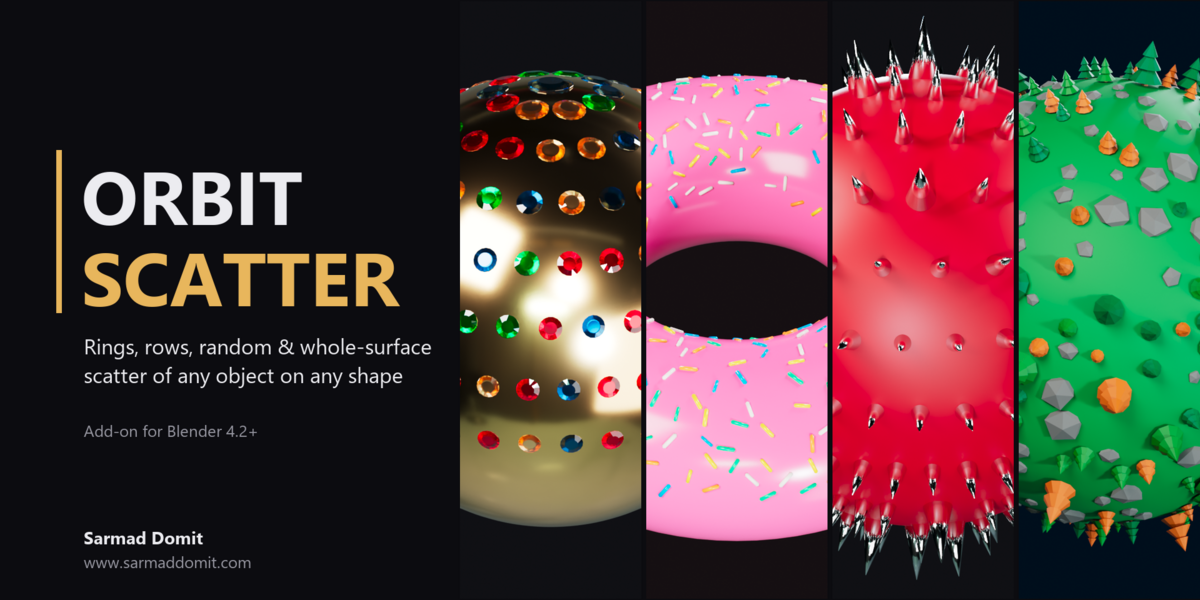
1. `01_cover.png`: main product image (1920x1080)
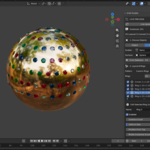
2. `02_custom_rings_jewelry.png`: Custom Rings + collection source (gems on gold)
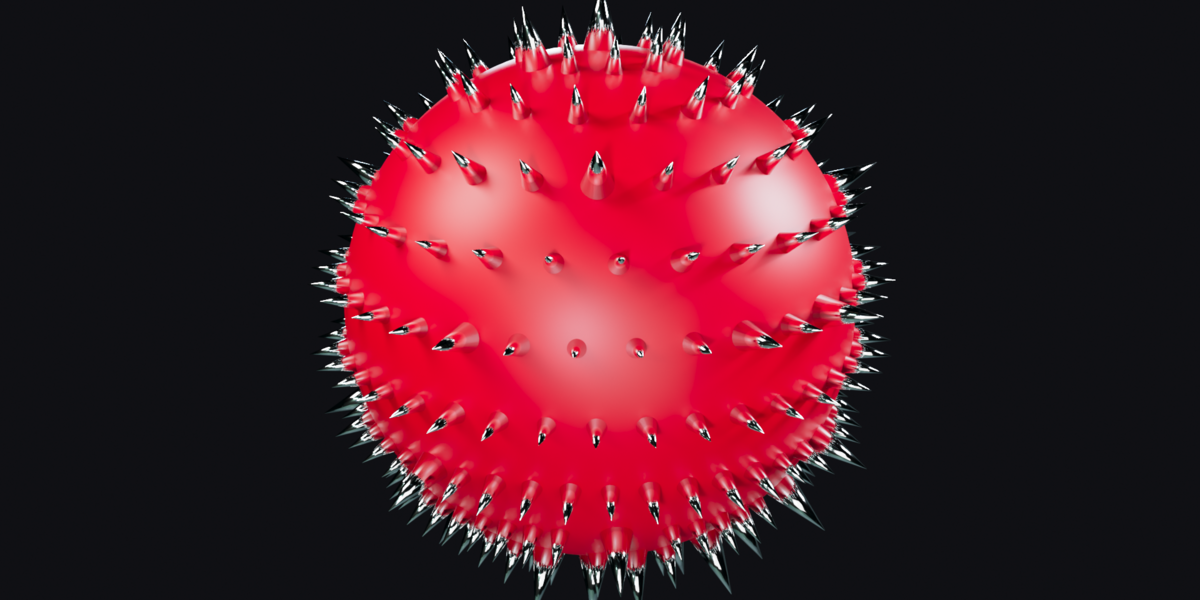
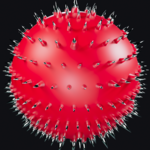
3. `03_auto_rows_spikes.png`: Auto Rows with size variation (spiked ball)
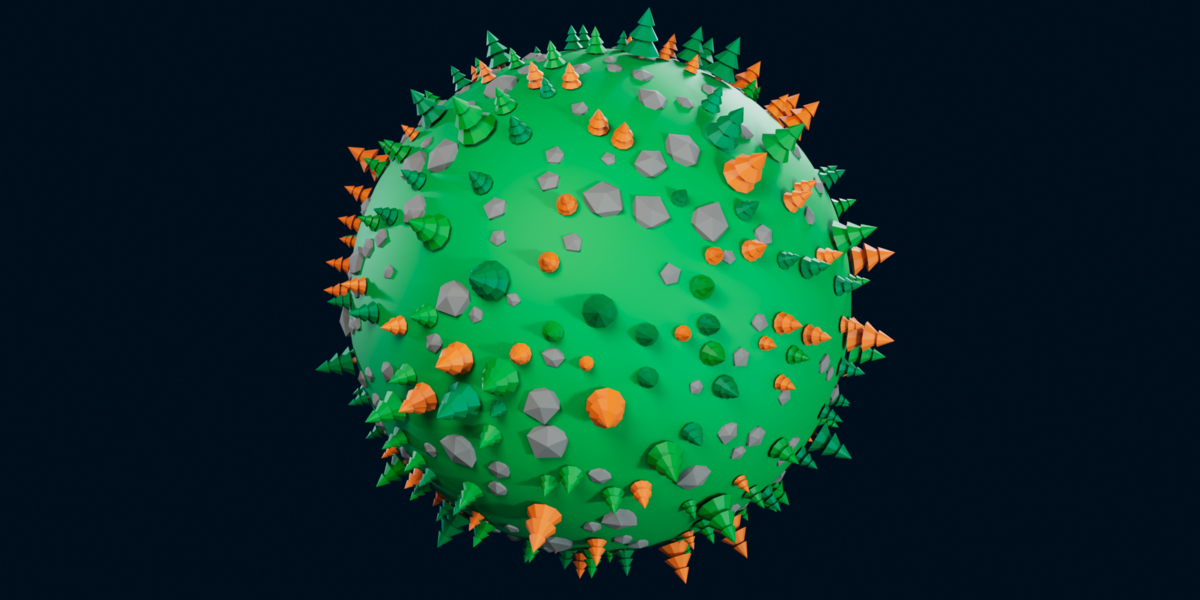
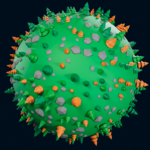
4. `04_random_collection_planet.png`: Random scatter from a collection (trees and rocks)
5. `05_whole_surface_donut.png`: Whole Surface on a torus with a slope limit (sprinkles)
6. `06_interface.png`: add-on in the Blender interface
7. `07_panel.png`: full sidebar panel
- `00_thumbnail_square.png`: square 1080x1080 thumbnail, if a square image is requested
Developed by Sarmad Domit - www.sarmaddomit.com
Have questions about this product?
Login to message
| Blender Extension Compatible | Yes |
| Published | about 8 hours ago |
| Blender Version | 5.0 - 5.2 |
| Extension Type | Add-on |
| Render Engine Used | Cycles, Eevee |
| License | Mit |

Discover more products like this
live planet plane any shape pave gems distribution procedural instances collection surface scatter