 arsha 3D plant designer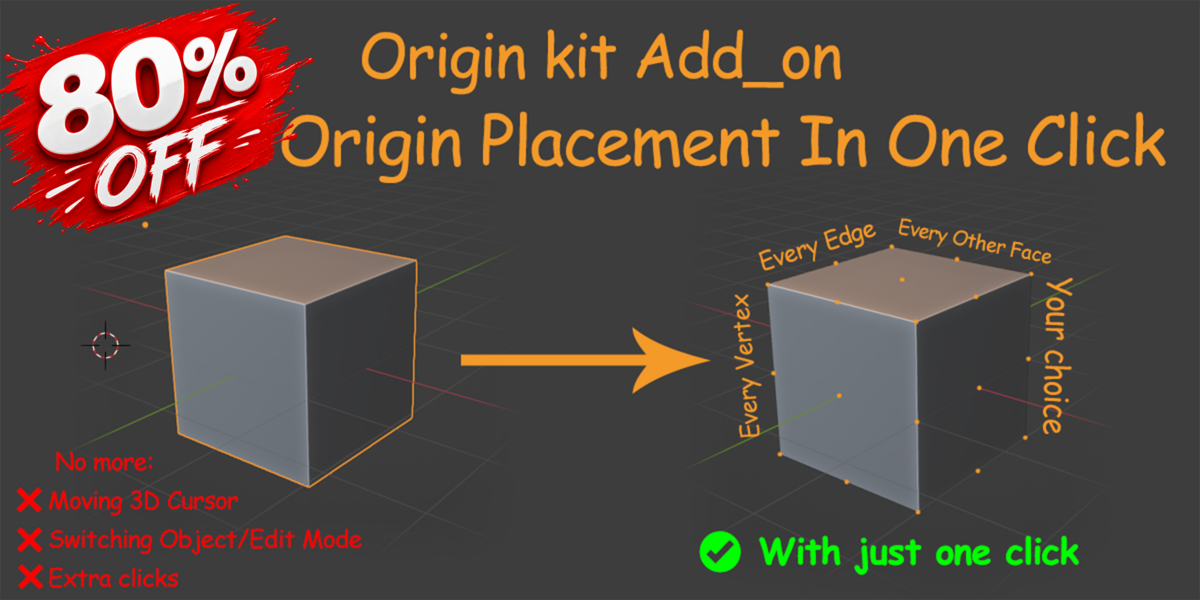


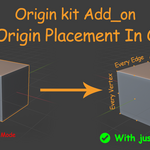
OriginKit
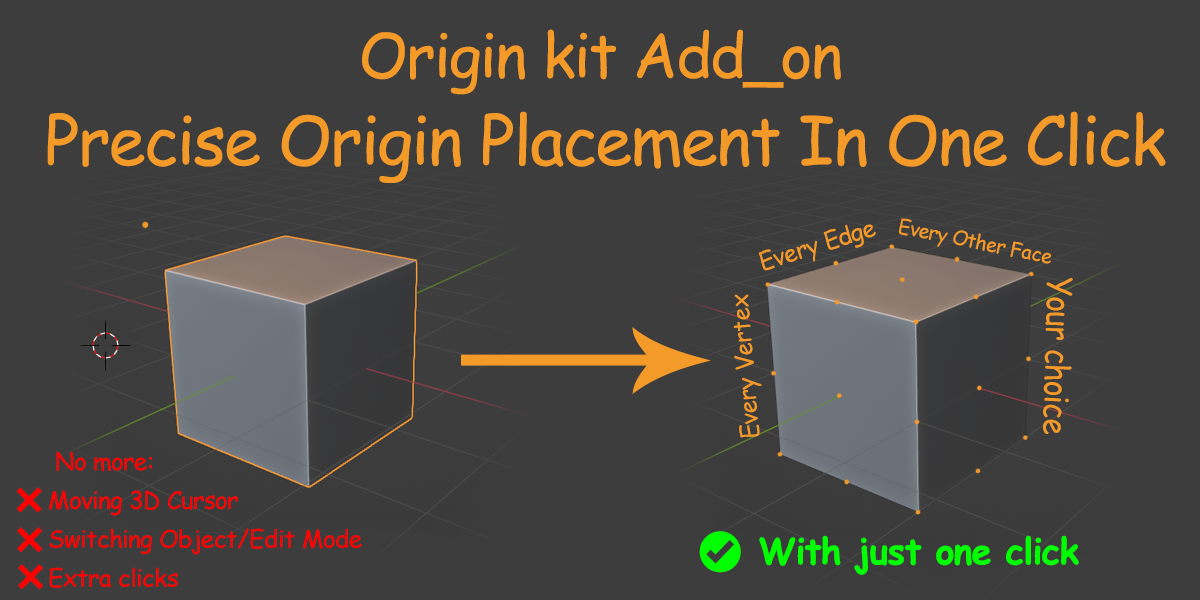
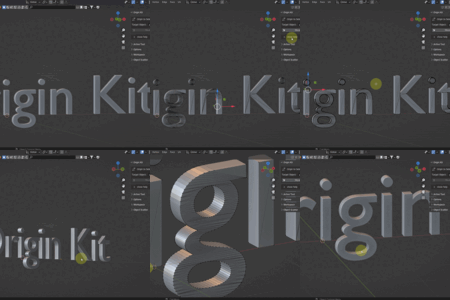
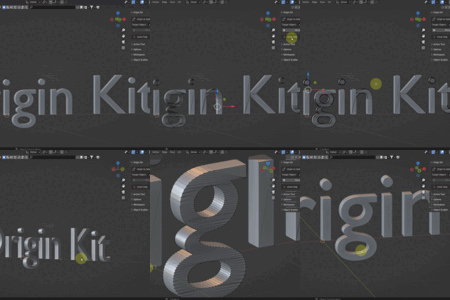
A fast and precise Blender add-on for managing object origins.
Changing object origins can often require multiple steps:
Moving the 3D Cursor, switching between Object Mode and Edit Mode,and manually setting the origin position.
OriginKit simplifies this workflow.
Discover Our New Product
Explore our latest Blender add-on designed for creating beautiful indoor environments.
Indoor Plant Kit

Click the image to view Indoor Plant Kit
Move Origins With Precision
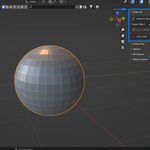
With OriginKit you can move an object's origin directly to:
SELECTED VERTICES
Move the origin to selected vertices.
SELECTED EDGES
Move the origin to selected edges.
SELECTED FACES
Move the origin to selected faces.
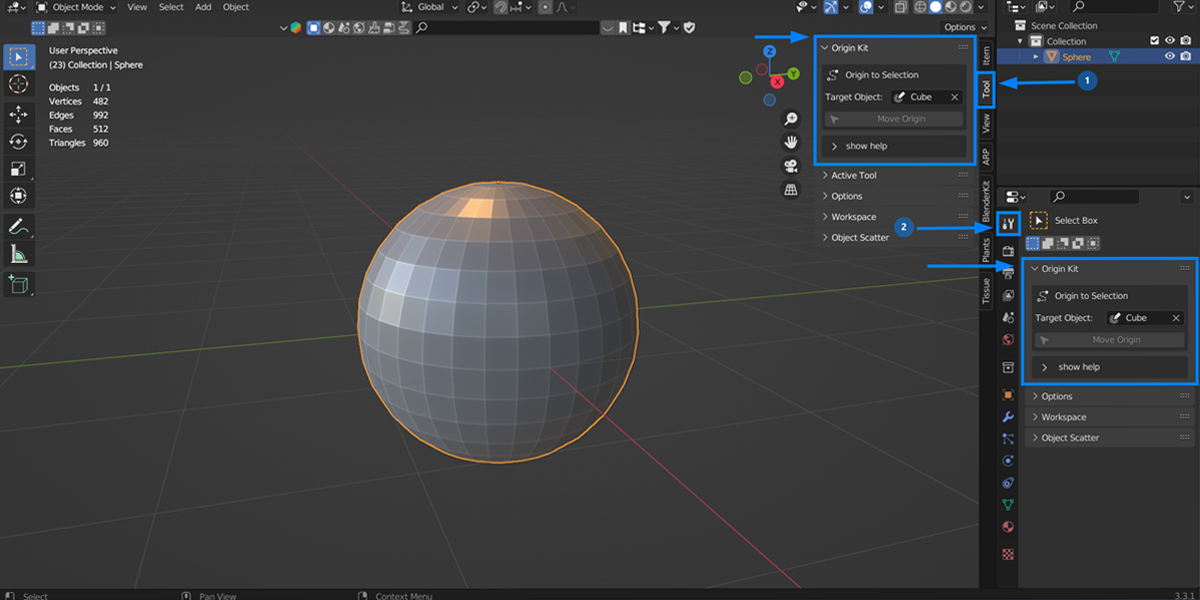
from a clean and simple sidebar panel & Access from two positions in Blender.
Features
- One-click origin placement
- Supports vertex, edge, and face selection
- Works with any mesh object
- Place one object's origin using another object's selected mesh element
- Simple and lightweight interface
- Designed for faster Blender workflows
Perfect For
- 3D Artists
- Blender Modelers
- Asset Creators
- Hard Surface Artists
- Game Asset Development
- Animation Preparation
Spend less time managing origins and more time creating.
Requirements
Blender 3.3+
Installation
Install the .zip file through:
Enable OriginKit and start using it from:
View3D → Sidebar → Tool → OriginKit
or
Properties → Tool
Blender Version Compatibility
Blender introduced changes to the add-on input system in version 4.2 and later.
To make things easier for everyone, we have prepared a separate file for different Blender versions.
Blender 3.3 to 4.2
If you are using an older version of Blender, please install the compatible file.
Blender 4.2 and newer
Use the latest version file designed for newer Blender versions.
Precision. Speed. Better Blender Workflow.
