OriginKit - Smart Origin Placement Tool
 arsha 3D plant designer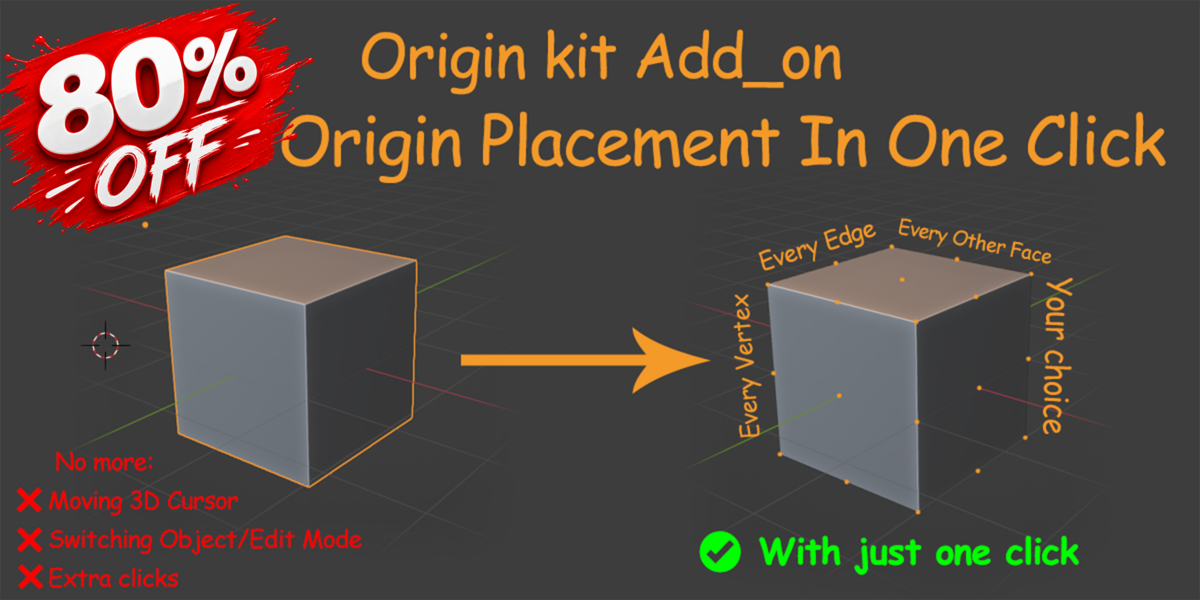


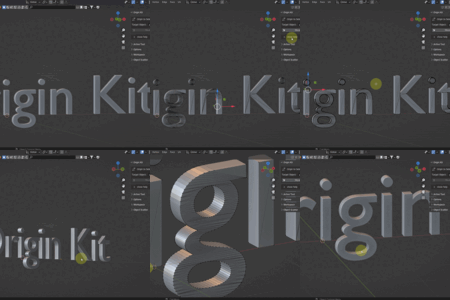
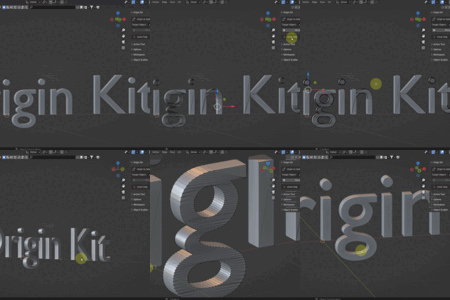
Origin Kit - Documentation
Welcome to Origin Kit! 😊
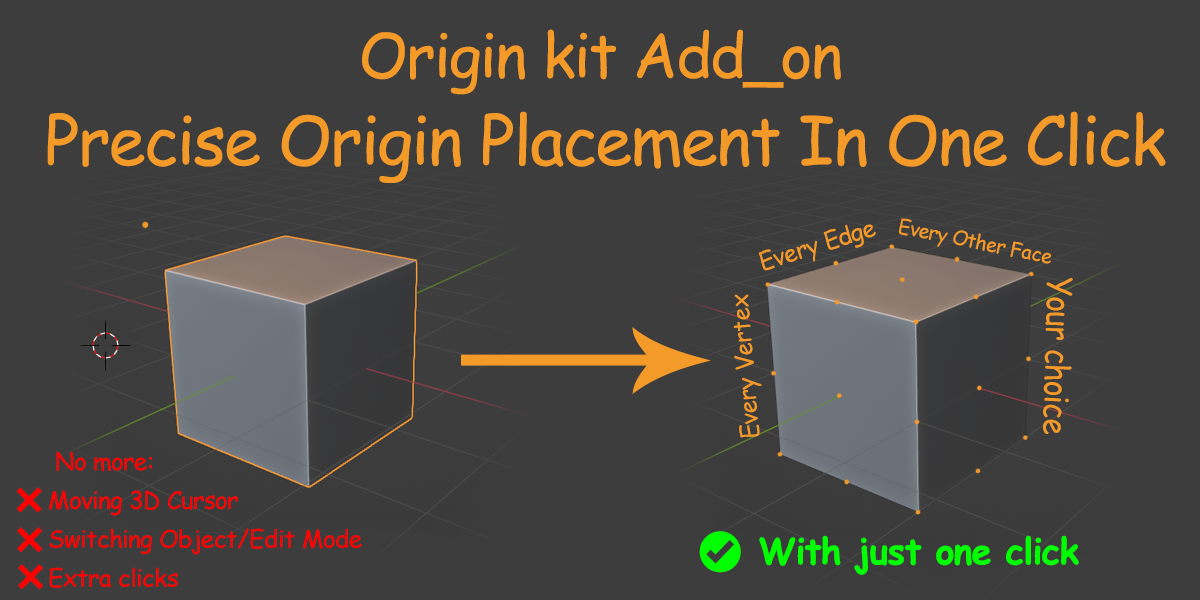
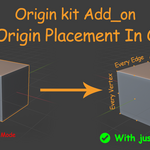
This add-on is designed to make moving object origins faster and easier. No more wasting time moving the 3D Cursor or constantly switching between Object Mode and Edit Mode.
How to Use
1. Select the Target Object — the mesh object whose origin you want to change.
2. Enter Edit Mode and select the desired **vertex, edge, or face** where you want the origin to be placed.
3. Click the Move Origin button, and the origin will be moved to your selected mesh element instantly.
That's it! With just one click, you can quickly place your object's origin exactly where you need it. 🚀
Blender Version Compatibility
Blender introduced changes to the add-on input system in version 4.2 and later.
To make things easier for everyone, we have prepared a separate file for Blender versions 3.3 to 4.2. If you are using an older version of Blender, please install that file.
The other file is designed specifically for Blender 4.2 and newer versions . 😊
Support & Feedback
Your feedback helps improve this add-on!
If you have any ideas, suggestions, feature requests, or if you encounter any issues while using Origin Kit, I’m always happy to hear from you and help.
Feel free to visit my website and get in touch:
Website: https://arsha-flora.github.io/arsha-flora/
Thank you for supporting Origin Kit! 💙
Arsha
 Included
Includes 12 months of
- Support from arsha 3D plant designer
- Product updates
Extend this product’s Support Period +12 months: 50% of product price
Have questions before purchasing?
Login to message
| Blender Extension Compatible | Yes |
| Published | 3 months ago |
| Blender Version | 3.3 - 5.2 |
| Extension Type | Add-on |
| License | GPL |
Discover more products like this
Python animation hard surface modeling modeler origin Origin Manager Add-on Origin Placement 3d-cursor bpy blender tools