Origin Toolkit
 Andreas Boehler Studio
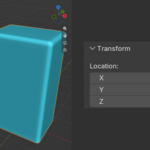
Origin Toolkit 1.1.0 — Installation & Quickstart
By Andreas Boehler. Requires Blender 4.2 or newer. No external dependencies, internet connection or activation key are required.
Install from Disk
- Download origin_toolkit-1.1.0.zip from your Superhive purchase. Keep the ZIP intact.
- Open Blender and go to Edit → Preferences → Get Extensions.
- Open the top-right menu, choose Install from Disk and select the ZIP.
- Enable Origin Toolkit if Blender asks you to.
Find the controls
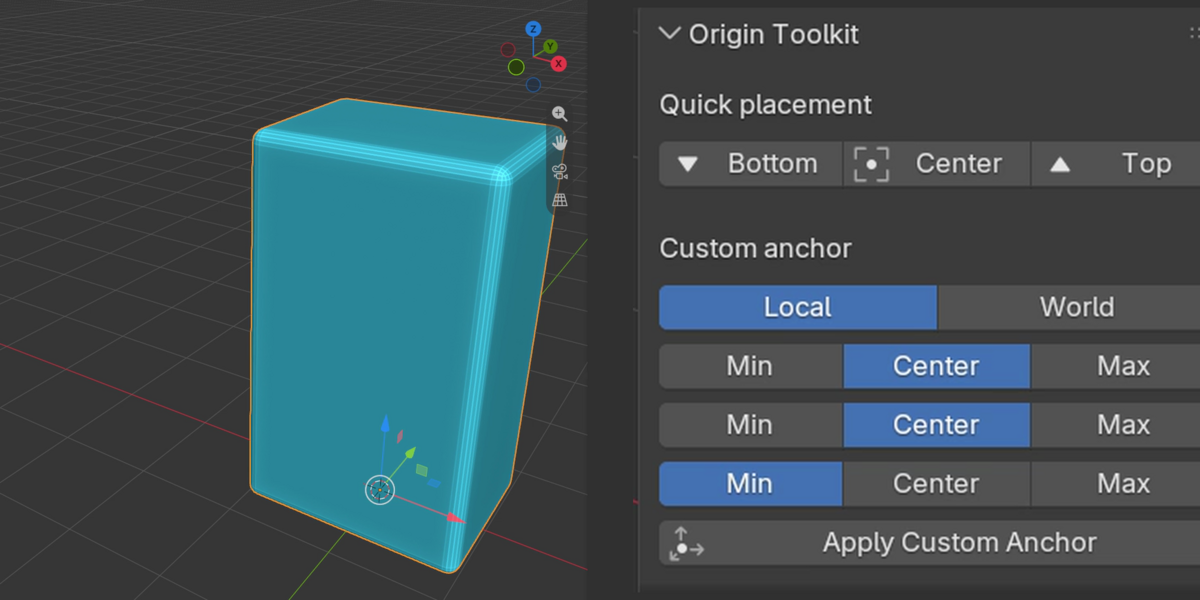
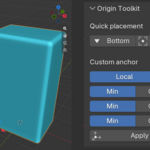
In the 3D View, press N to show the sidebar. Open Item → Origin Toolkit. Select an object in Object Mode before using the anchor and cursor actions.
Bottom, Center, Top
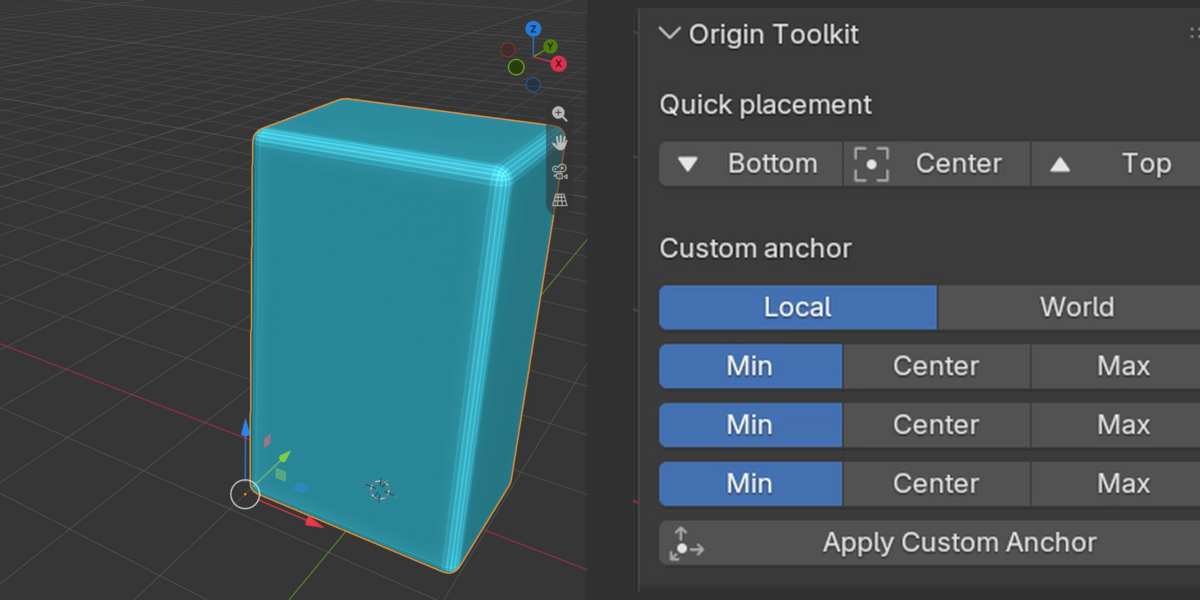
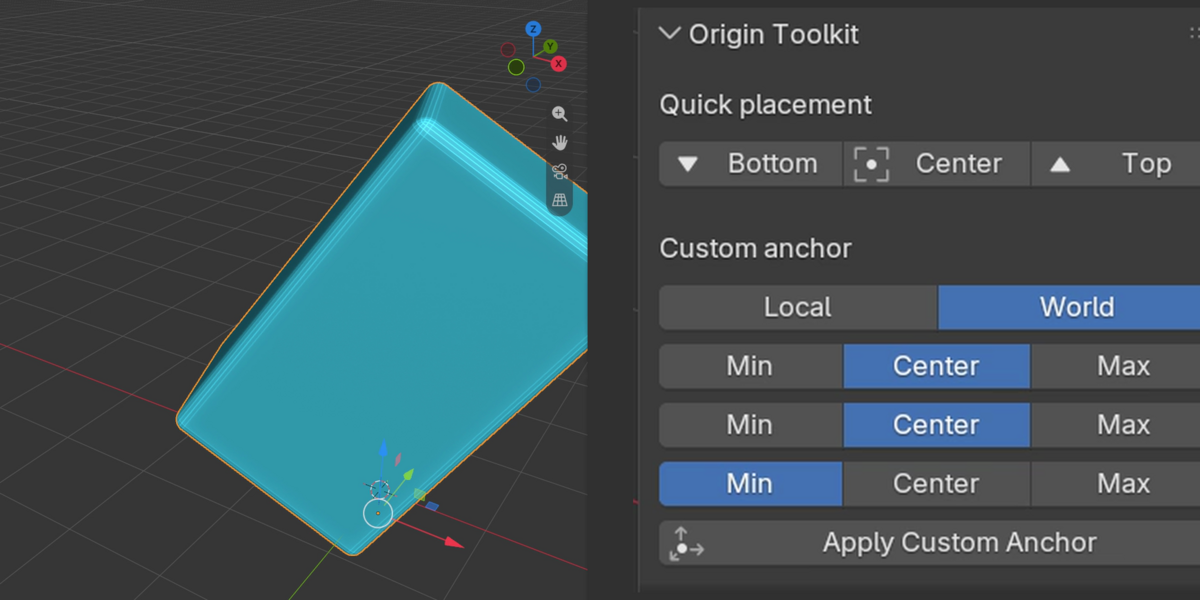
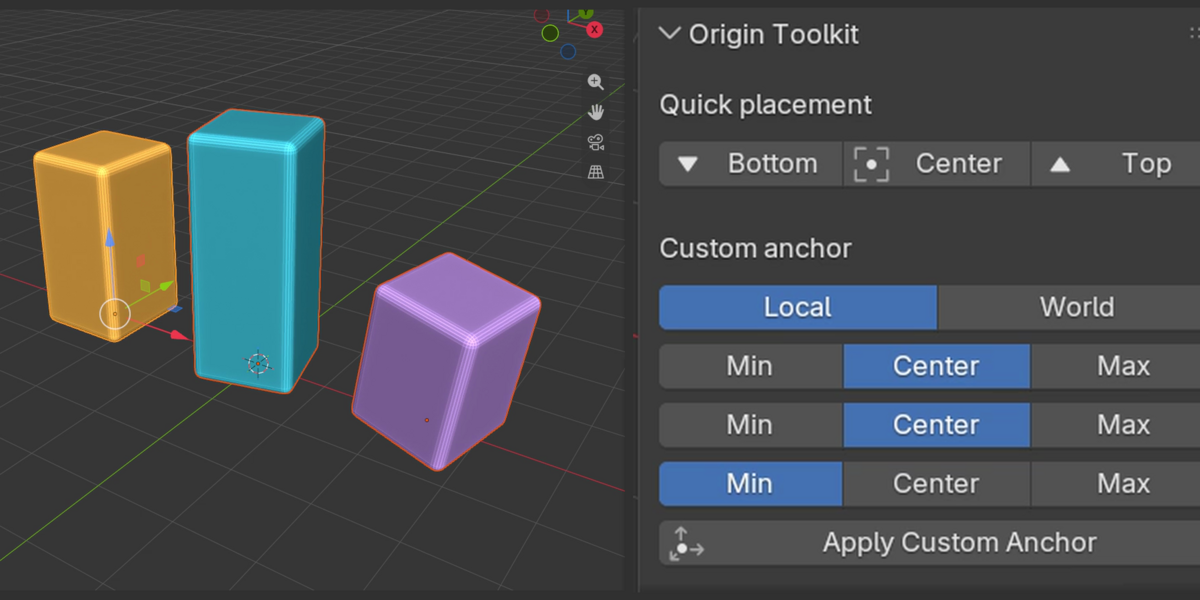
These quick buttons use the object's local bounding box. Bottom means X Center / Y Center / Z Min; Center uses Center on all axes; Top means X Center / Y Center / Z Max. The default Ctrl + Alt + B shortcut applies local bottom-center.
Custom anchors and coordinate spaces
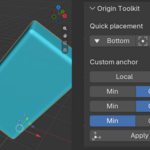
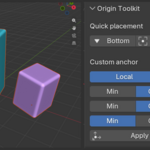
Select Local or World, choose Min, Center or Max for each X/Y/Z axis, then click Apply Custom Anchor. Local follows the object's rotation; World uses global-axis bounds. Each supported object in the selection is processed independently.
3D Cursor and selected geometry
Origin to 3D Cursor: position the cursor where you need the origin, select your objects in Object Mode and use the action.
Origin to Selected Geometry: make a mesh active, enter Edit Mode, select vertices, edges or faces, then use the action. The target is the median position of selected vertices, not an area-weighted face center.
Undo and workflow notes
- Use Blender Undo to revert an operation.
- Anchor placement restores selection, active object and cursor position.
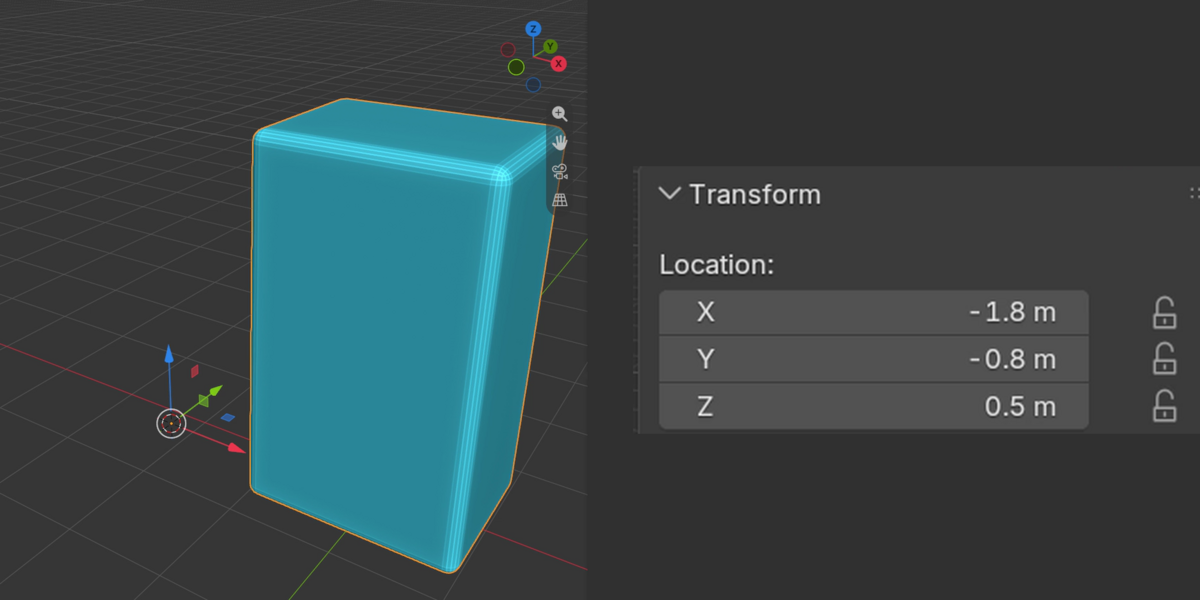
- Origin placement preserves the object's visible world-space position; it does not move the object onto a floor.
- Bounding-box Center is not a center-of-mass calculation.
- Unsupported selected object types are skipped. Work on editable objects and keep a project backup before batch operations.
Troubleshooting
- Panel missing: confirm the extension is enabled, use the 3D View sidebar and open the Item tab.
- Selected Geometry unavailable: use an active mesh in Edit Mode and select at least one vertex.
- Unexpected bottom on a rotated object: compare Local and World alignment; their bounding boxes differ.
- Shortcut conflict: search for Origin Toolkit in Blender's Keymap preferences and reassign Ctrl + Alt + B.
Support and license
Contact Andreas Boehler through the Superhive shop with Blender version, OS, object type, reproduction steps and any console error. Source code, full GPL-3.0-or-later license, changelog and English/German instructions are included in the ZIP.
Have questions about this product?
Login to message
| Blender Extension Compatible | Yes |
| Published | about 5 hours ago |
| Blender Version | 4.2 - 5.2 |
| Extension Type | Add-on |
| Render Engine Used | Cycles |
| License | GPL |
