Origin Toolkit
 Andreas Boehler Studio
Does Origin Toolkit move my object geometry?
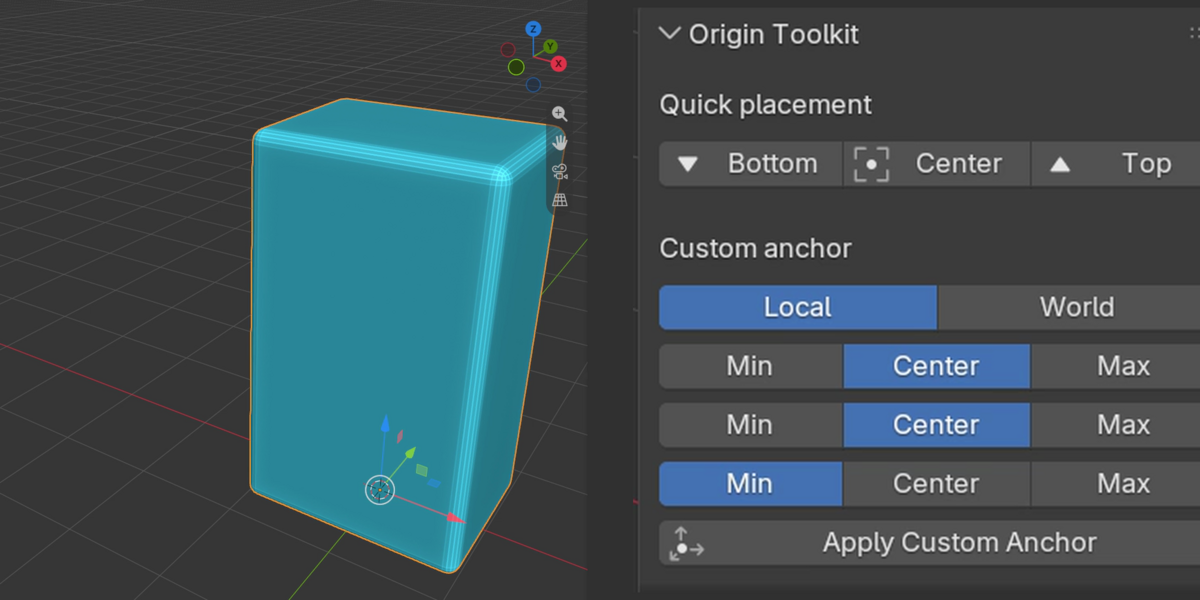
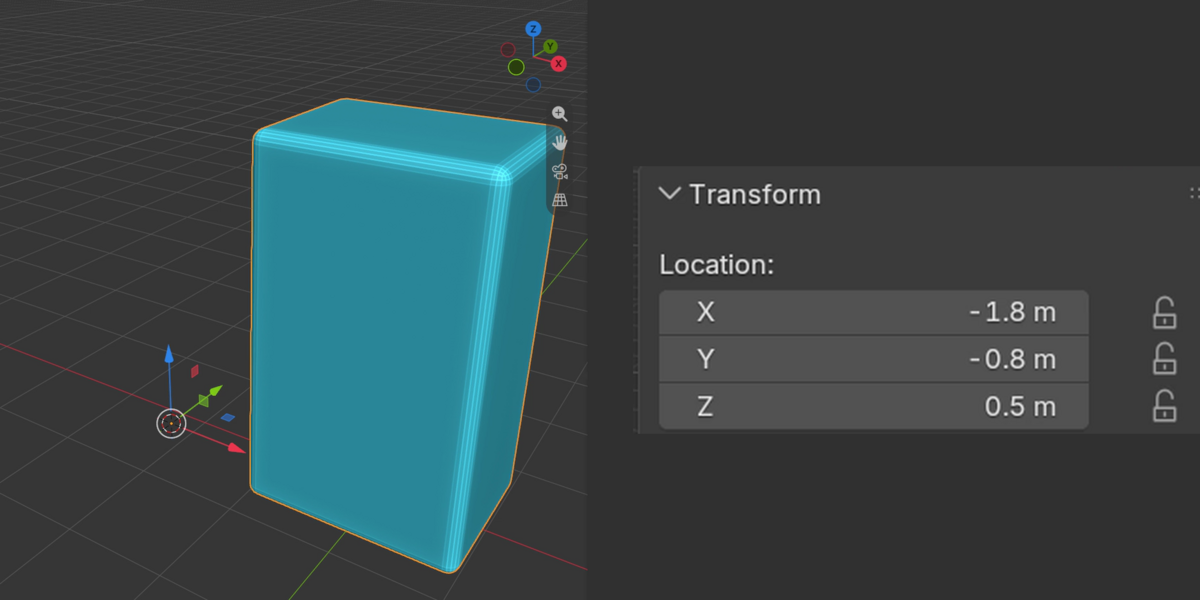
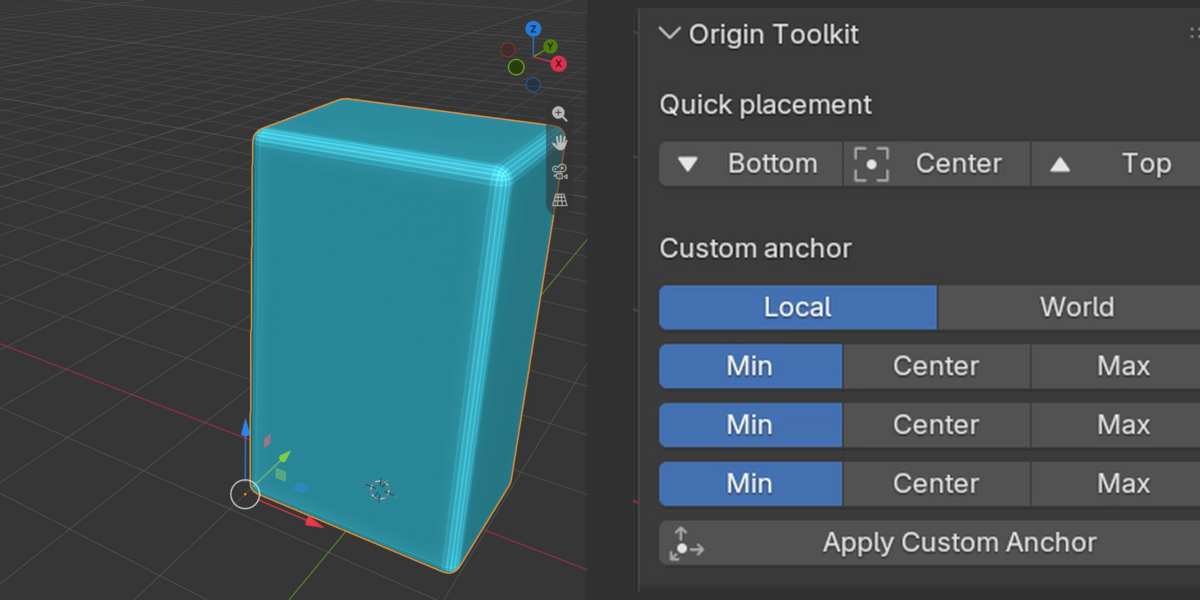
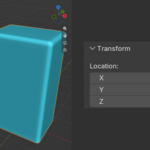
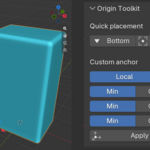
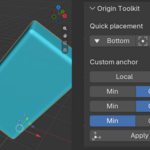
Origin Toolkit places the object origin without visibly moving the object. It supports Blender undo and restores the 3D Cursor and object selection.
What is the difference between Local and World alignment?
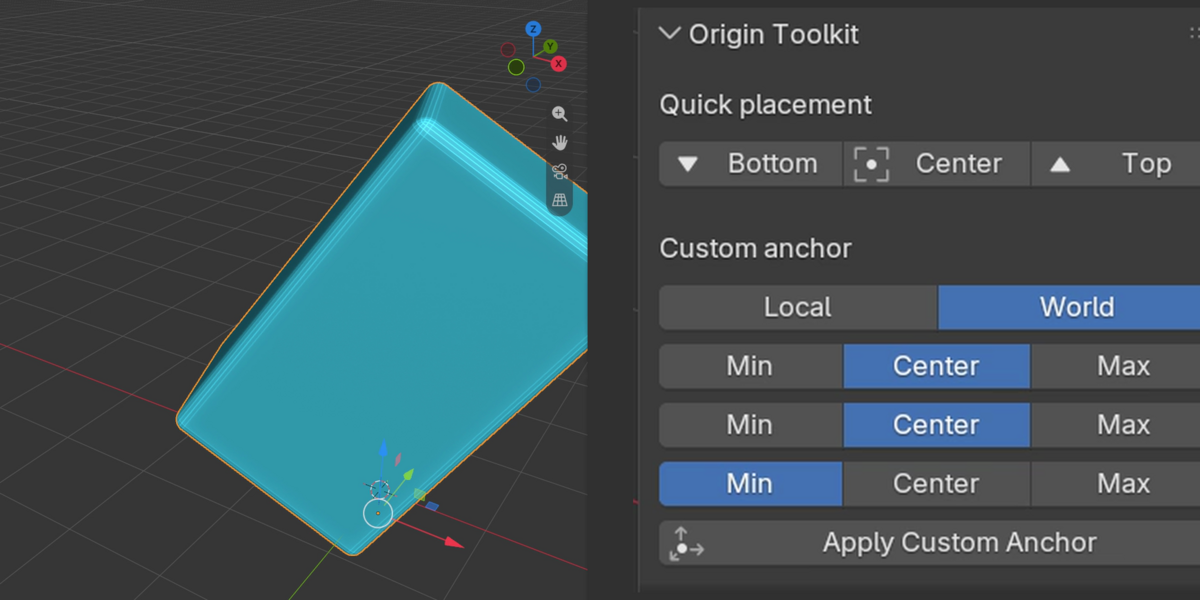
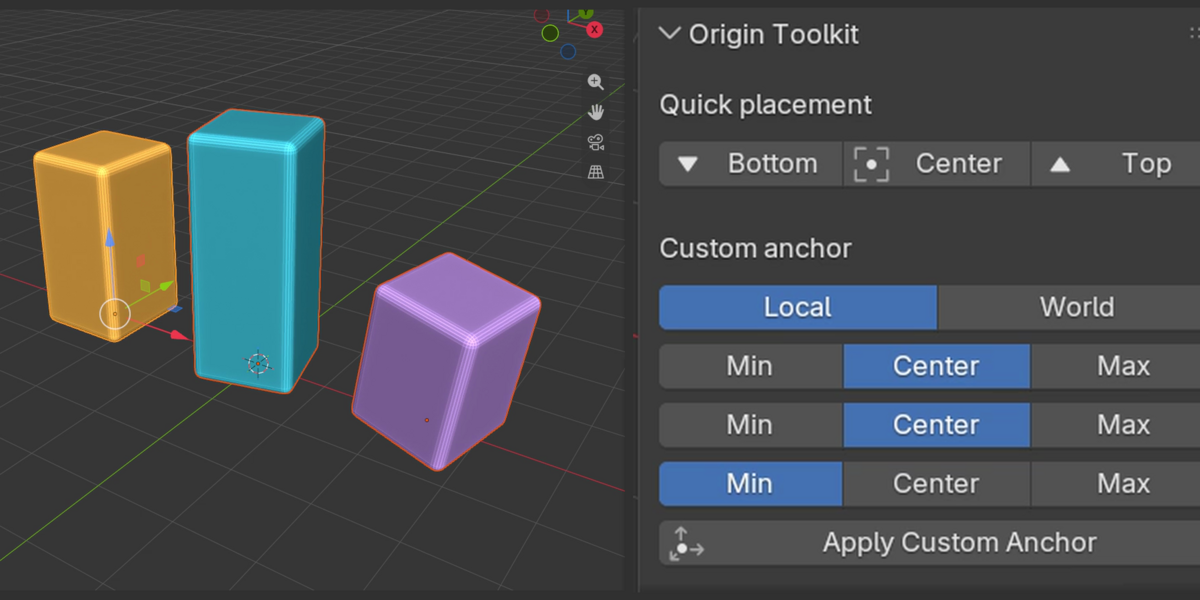
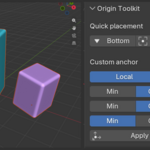
Local follows each object’s rotation. World calculates the anchor using a bounding box aligned to the global axes. Bottom, Center and Top quick buttons use local alignment; choose a space in the Custom Anchor controls for other placements.
Can I process several objects at once?
Yes. In Object Mode, select several supported objects and run an anchor action. Each receives its own calculated origin. Unsupported types are skipped, and selection and cursor position are restored after anchor placement.
How does Origin to Selected Geometry calculate the pivot?
Make a mesh active, enter Edit Mode and select vertices, edges or faces. The origin is placed at the median of the selected vertices, not the area-weighted center of a face or the center of mass.
What are the requirements and how do I install it?
The extension declares Blender 4.2 as its minimum version. Use Edit > Preferences > Get Extensions > top-right menu > Install from Disk, select the downloaded ZIP and enable Origin Toolkit. Find it in the 3D View sidebar under Item. No internet access or external dependencies are required.
Which license is included, and how can I get help?
The Python source and full GNU GPL 3.0-or-later license are included. Purchasing supports Andreas Boehler without restricting the GPL rights. For help, contact the creator through this shop with your Blender version, OS, object type, reproduction steps and console errors.
Have questions about this product?
Login to message
| Blender Extension Compatible | Yes |
| Published | about 5 hours ago |
| Blender Version | 4.2 - 5.2 |
| Extension Type | Add-on |
| Render Engine Used | Cycles |
| License | GPL |
