 JESUS
JESUS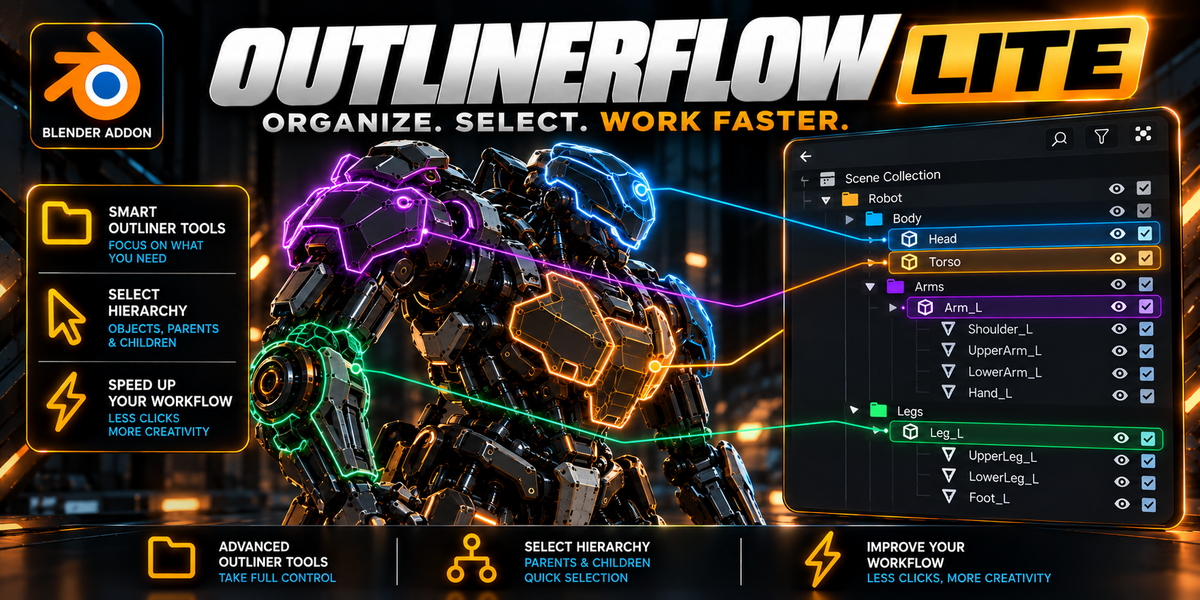
OutlinerFlow Lite
The definitive hierarchy navigation and 3D visual audit extension for Blender. Learn how to install, configure native header controls, utilize smart color outlines, trigger the 1-click Folder Scanner, and navigate armature rigs.
1. Installation & Setup
OutlinerFlow Lite conforms directly to the official Blender 4.2 LTS, 4.5, 5.0 and 5.1+ Extension Standards.
- Open Blender and navigate to Edit → Preferences → Get Extensions (or Add-ons).
- Click the top-right gear icon ⚙ and choose Install from Disk...
- Select the downloaded
outlinerflow_lite_1.0.0.zipfile and click Install from Disk. - Enable the checkbox next to OutlinerFlow Lite. The addon will immediately initialize.
2. Native Outliner Header Integration (Zero N-Panel Bloat)
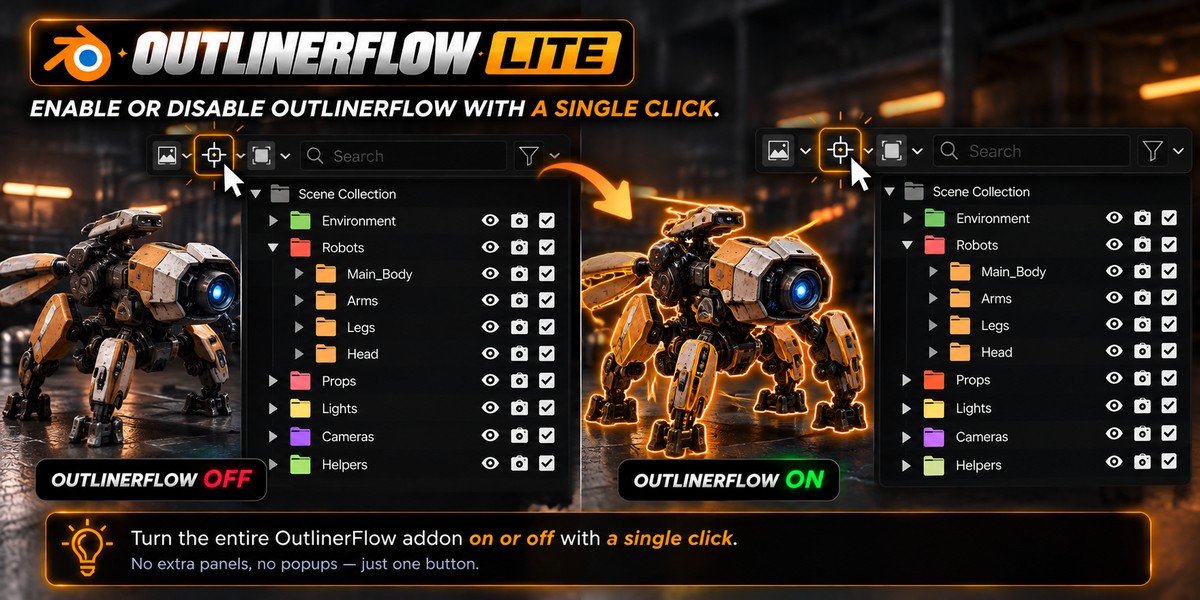
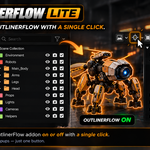
Unlike common tools that clutter your 3D Viewport sidebar with dozens of tabs, OutlinerFlow Lite lives 100% inside the Outliner Editor Header.
Toggles real-time two-way synchronization on or off. When active, selecting any object or bone in the 3D Viewport instantly scrolls to and unfurls it in the Outliner.
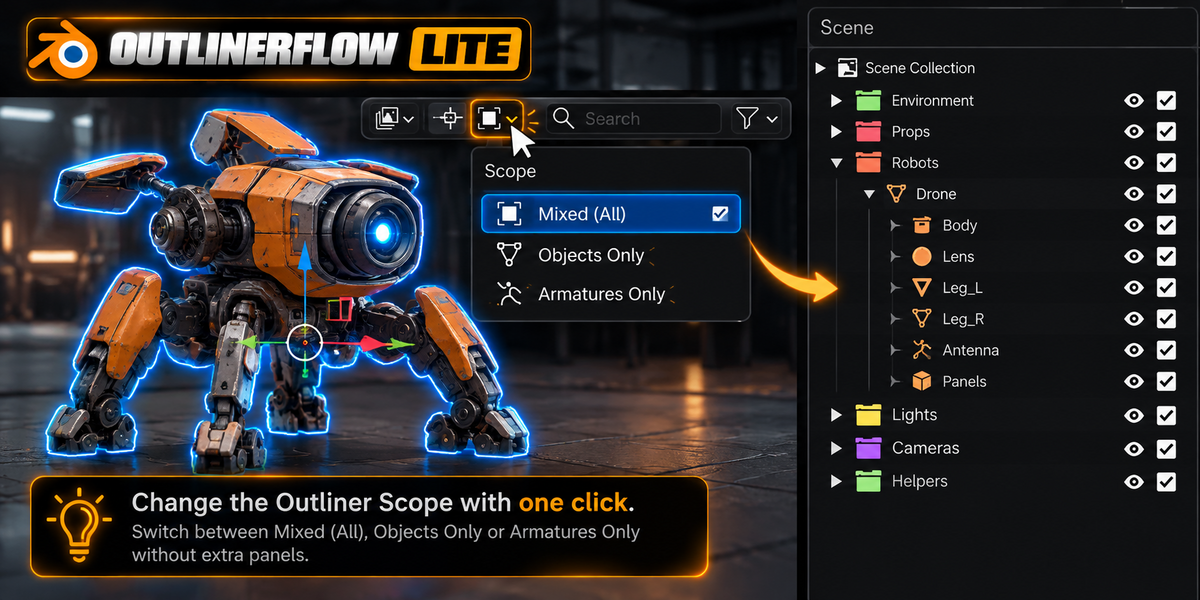
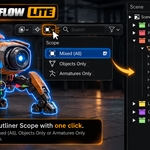
Filters what triggers hierarchy focus:
• All Objects (MIXED): Syncs all meshes, curves, lights, cameras, and armatures.
• Mesh Only: Ignores armatures and bones.
• Armatures Only: Dedicated mode for riggers and animators.
3. Dynamic 3D Selection Color Outlines
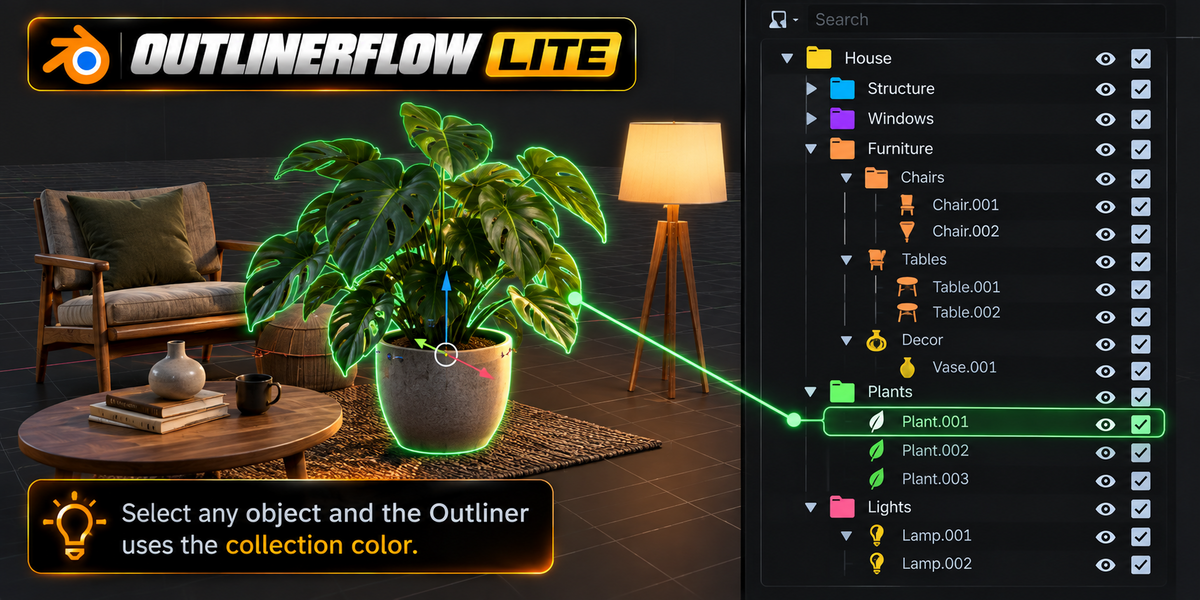
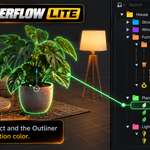
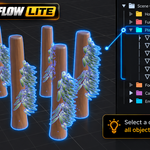
Standard Blender displays all selections with a monotone orange outline. OutlinerFlow Lite dynamically ties the 3D Viewport selection color to the Color Tag of the collection the object belongs to.
- Right-click any Collection folder in the Outliner.
- Select any official Blender Color Tag (Color 01 to Color 08: Red, Orange, Amber, Green, Sky Blue, Purple, Rose, Brown).
- Click any object inside that collection in 3D — its selection outline will immediately illuminate with that color!
✓ 100% Theme-Safe: Your original custom theme active and selected outline colors are cached in memory. As soon as you deselect or disable the option, your original theme colors are restored down to the exact RGB value.
4. 1-Click Folder Scanner (Instant Scene Audit)
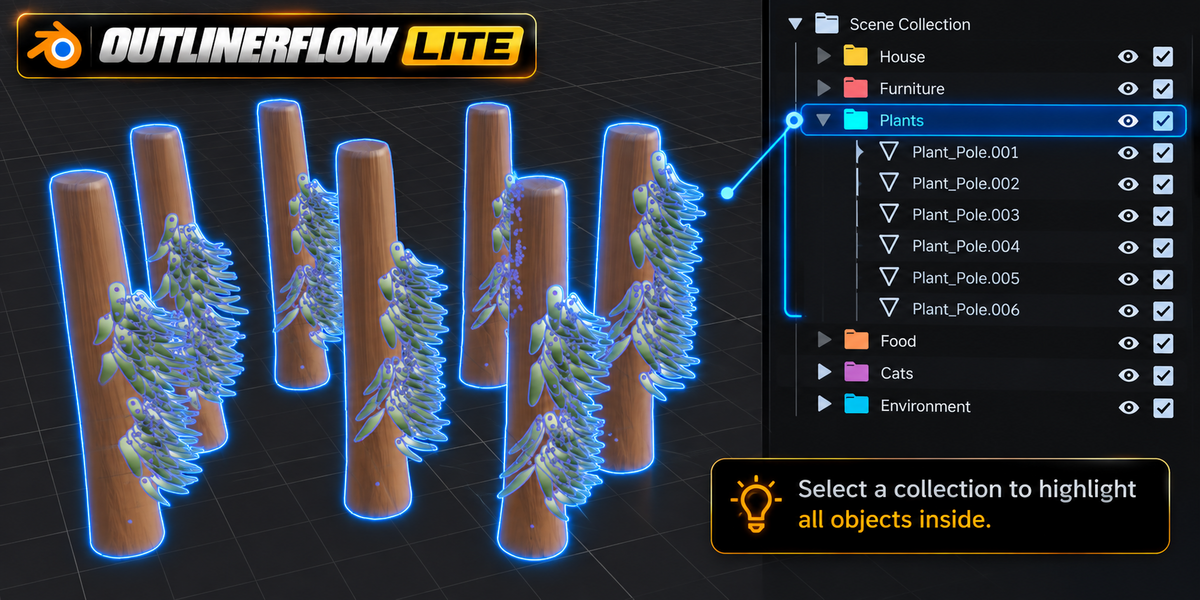
Auditing complex scenes with hundreds of assets has never been faster. Simply click on any Collection folder in the Outliner tree:
- Every object contained within that collection folder lights up simultaneously in the 3D Viewport matching the folder's assigned color tag.
- Instantly detect missing screws, misaligned panels, or unparented objects without inspecting text lists.
- To exit Folder Scanner mode, simply click any individual mesh in 3D or click empty space to return to normal single-object selection.
5. Rig & Bone Hierarchy Synchronization
Built from the ground up to support character animators and technical riggers:
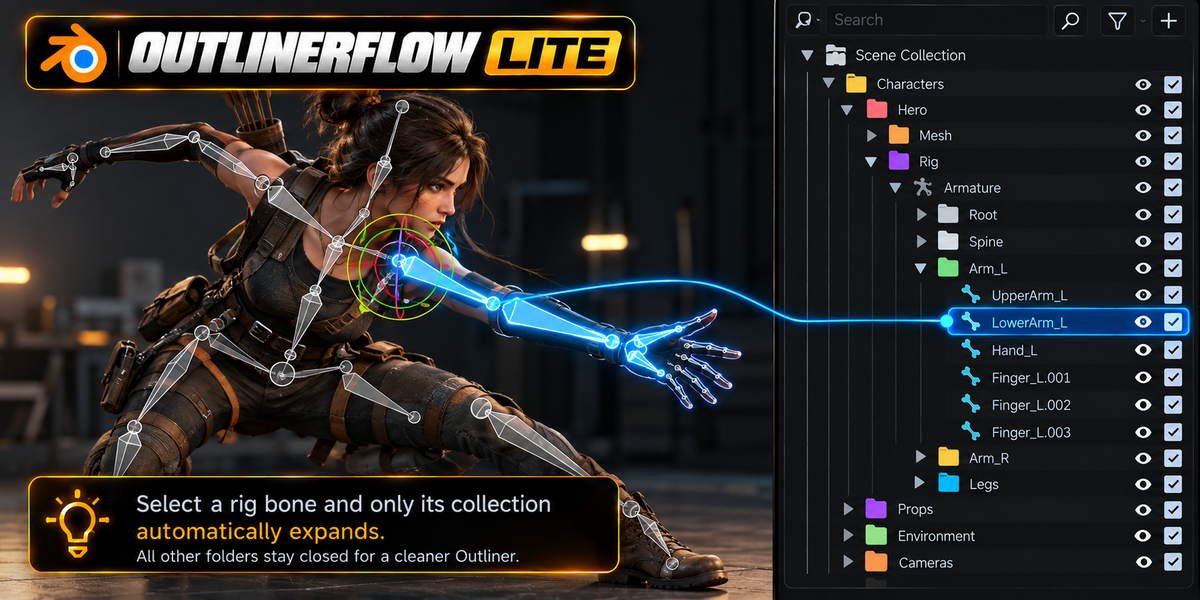
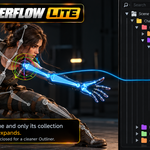
Clicking any bone in Pose Mode automatically unfolds the Outliner through Armature → Pose → Parent Bones → Active Bone.
Selecting edit bones during skeleton creation instantly centers them in the Outliner tree.
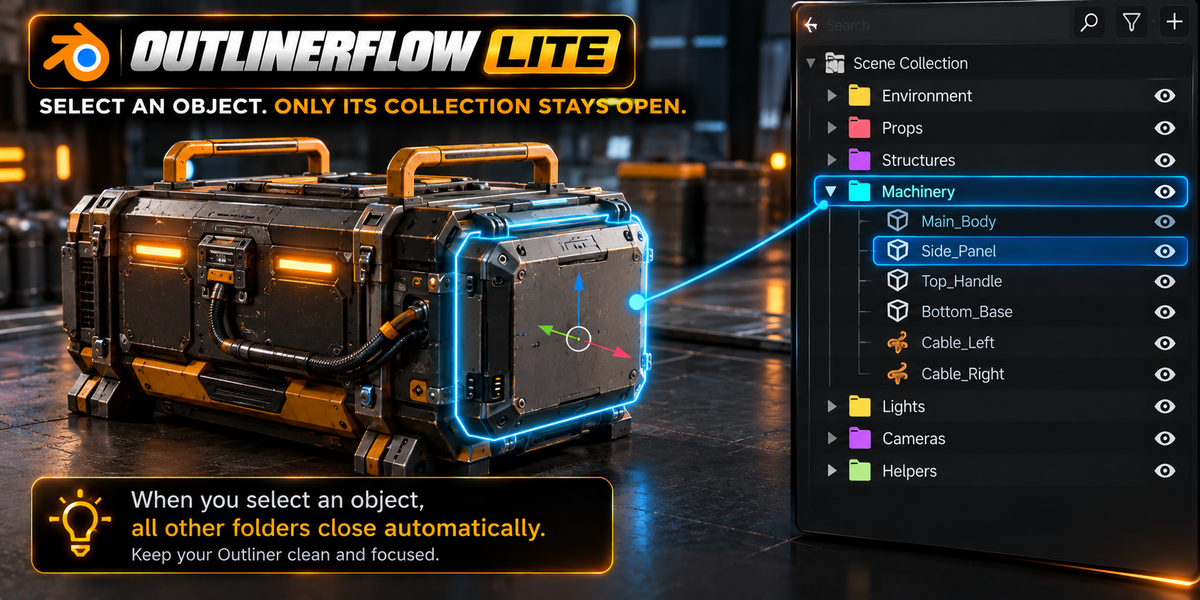
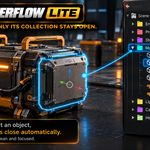
All non-active collections and meshes collapse automatically, keeping your hierarchy tidy and compact.
6. Native Filter Popover Configuration
To customize behavior without leaving the Outliner, click the native Funnel / Filter icon in the top-right corner of the Outliner header:
- 3D Color Outline: Toggle whether selected objects inherit their collection color.
- Folder Scanner Active: Enable or disable 3D illumination when clicking collection folders.
- Auto-Collapse Inactive: Toggle whether inactive branches fold up automatically when a new asset is selected.
 Included
Includes 12 months of
- Support from JESUS
- Product updates
Extend this product’s Support Period +12 months: 50% of product price
Have questions before purchasing?
Login to message
| Blender Extension Compatible | Yes |
| Published | about 12 hours ago |
| Blender Version | 4.2 - 5.2 |
| Extension Type | Add-on |
| Render Engine Used | Blender-Internal, Blender-Game-Engine, Cycles |
| License | GPL |