 JESUS
JESUS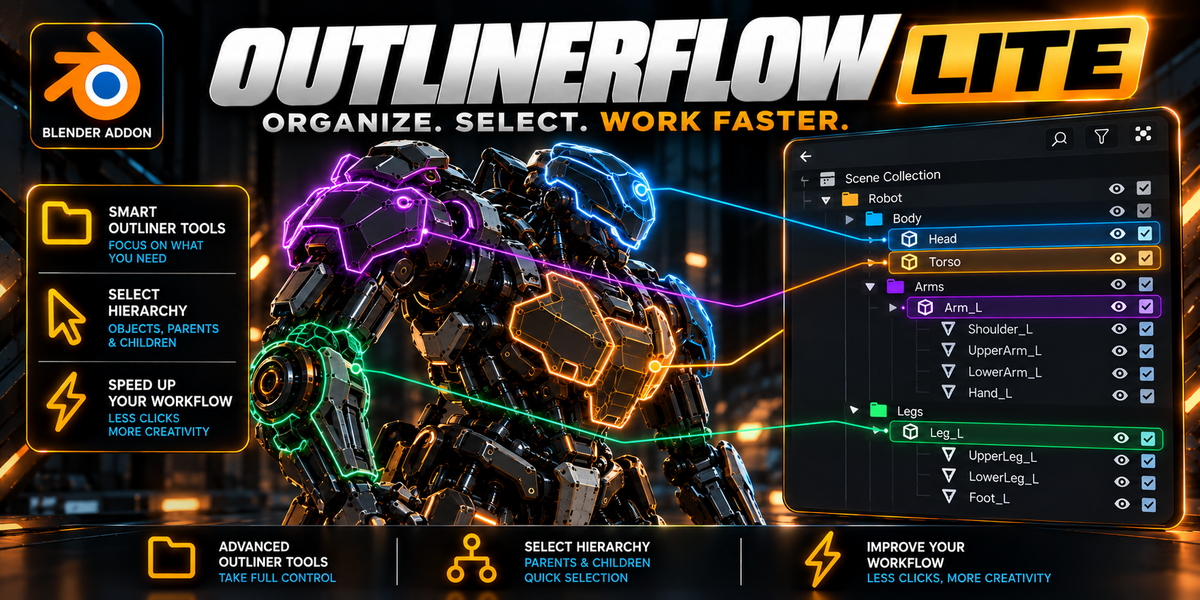
How do I install OutlinerFlow Lite in Blender 4.2 or newer?
Navigate to Edit → Preferences → Get Extensions (or Add-ons), click the gear icon (⚙) in the top-right corner, select "Install from Disk...", choose the outlinerflow_lite_1.0.0.zip file, and enable the checkbox. Setup is 100% automatic with zero required configuration.
Can I turn off auto-collapsing or color outlines if I only want specific features?
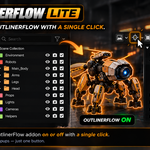
Yes. Simply click the native Funnel/Filter icon in the top-right corner of the Outliner header. A dedicated sub-panel allows you to toggle 3D Color Outlines, the Folder Scanner, and Auto-Collapse independently at any time.
Will this cause lag or drop viewport performance in heavy scenes?
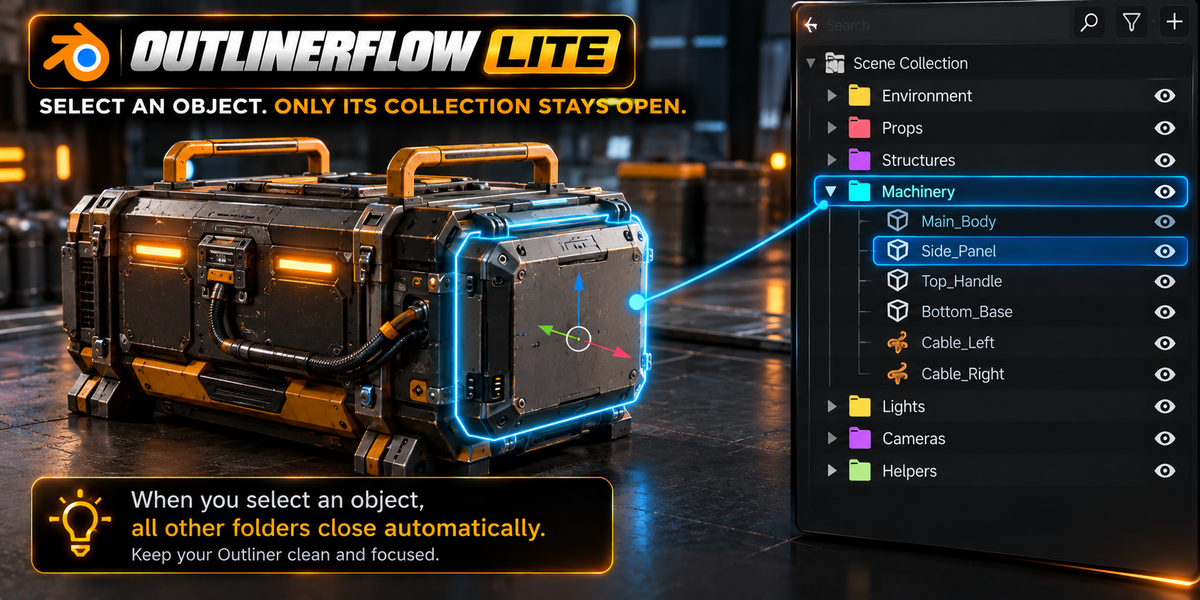
No. OutlinerFlow Lite uses a smart hash-cached memory comparison. When your selection does not change, the background script sleeps with 0% CPU consumption, ensuring silky-smooth navigation even in massive production scenes with thousands of objects.
Does it work with character rigs, armatures, and individual bones?
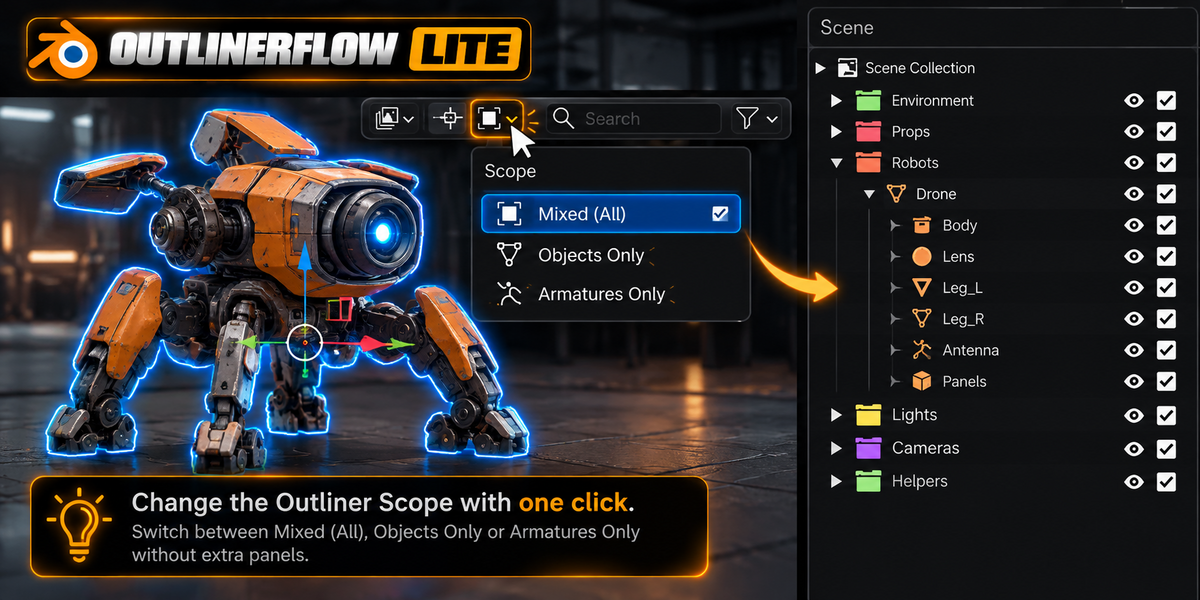
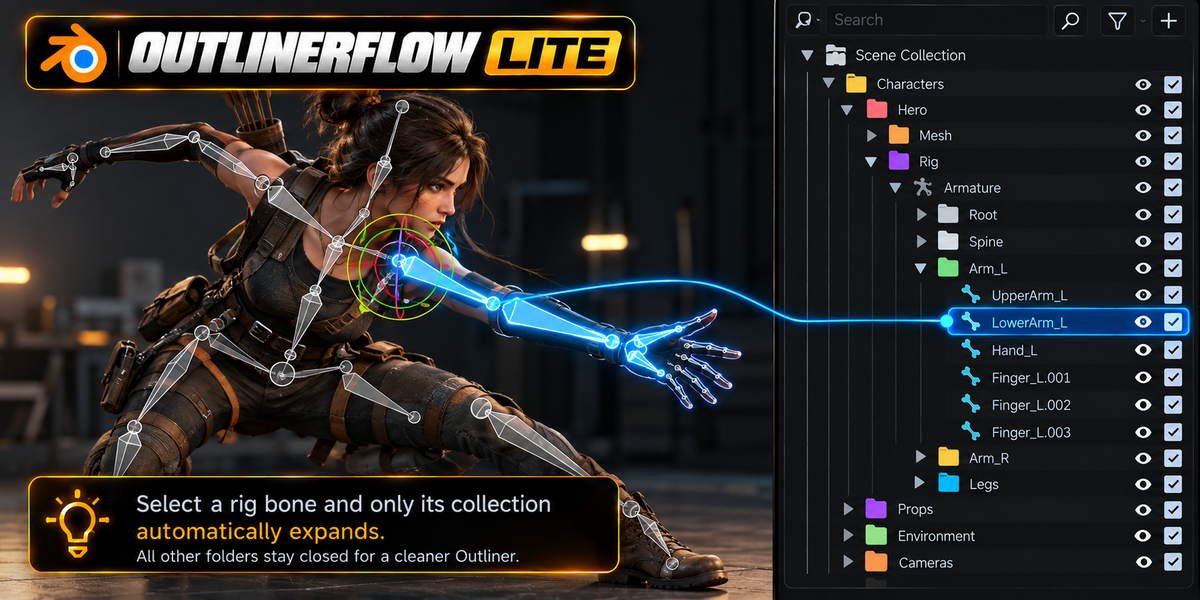
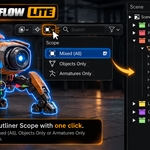
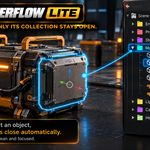
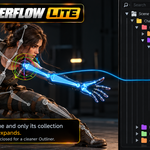
Yes! When working with armatures in Pose Mode or Edit Mode, clicking any bone in the 3D Viewport automatically unfurls the Outliner hierarchy down to that exact active bone, while keeping unrelated branches collapsed. You can also use the header Scope selector to switch between All Objects, Mesh Only, or Armatures Only.
How does the 1-Click Folder Scanner work?
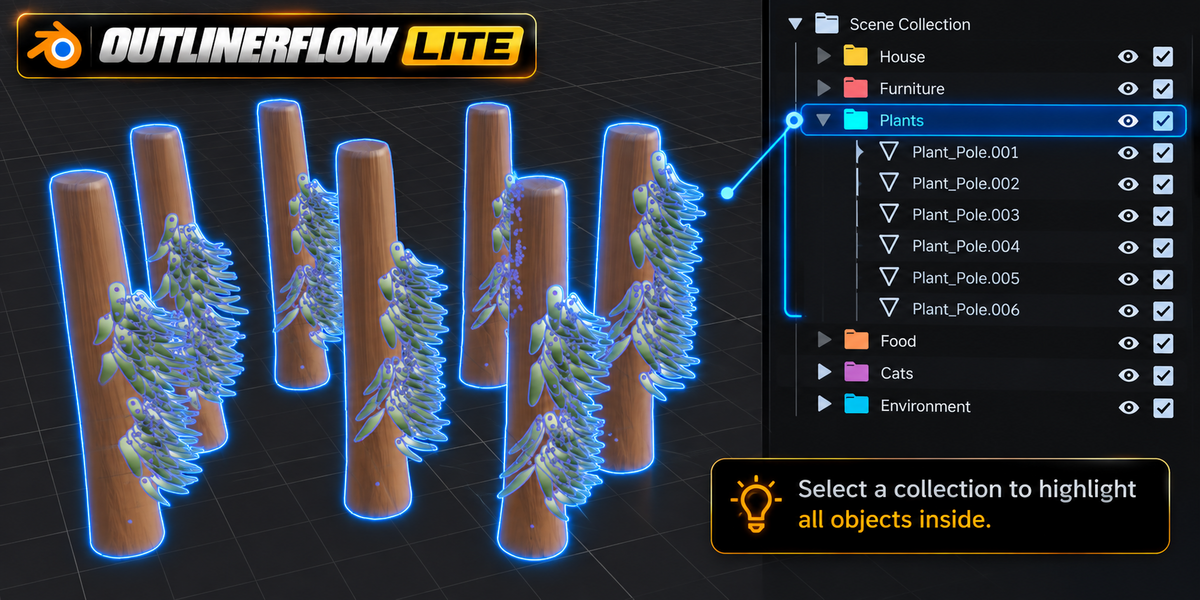
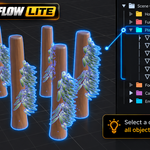
Simply click on any Collection folder in the Outliner tree. OutlinerFlow Lite automatically detects the folder selection and illuminates every single object inside that collection in the 3D Viewport using that folder's assigned color tag. Clicking any individual 3D mesh immediately returns to normal single-object selection.
Which versions of Blender are supported?
OutlinerFlow Lite officially supports Blender 4.2 LTS, 4.3, 4.5, 5.0, and 5.1+ across Windows, macOS, and Linux. It is packaged to modern Blender Extension standards for 1-click installation.
Does it permanently alter my custom Blender theme colors?
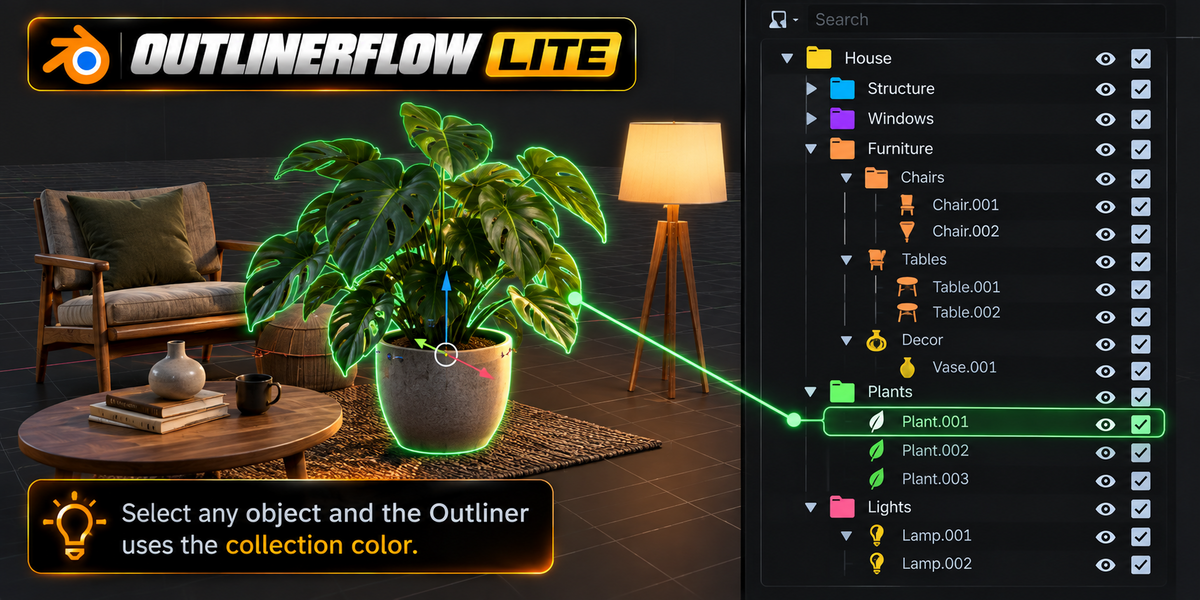
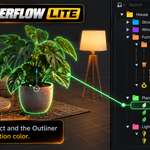
Absolutely not. OutlinerFlow Lite is completely non-destructive and theme-safe. When an object is selected, it temporarily displays its collection's color tag. The moment you deselect or disable the feature, your original theme outline colors are instantly restored down to the exact RGB value.
Does OutlinerFlow Lite add any tabs to my 3D Viewport N-Panel?
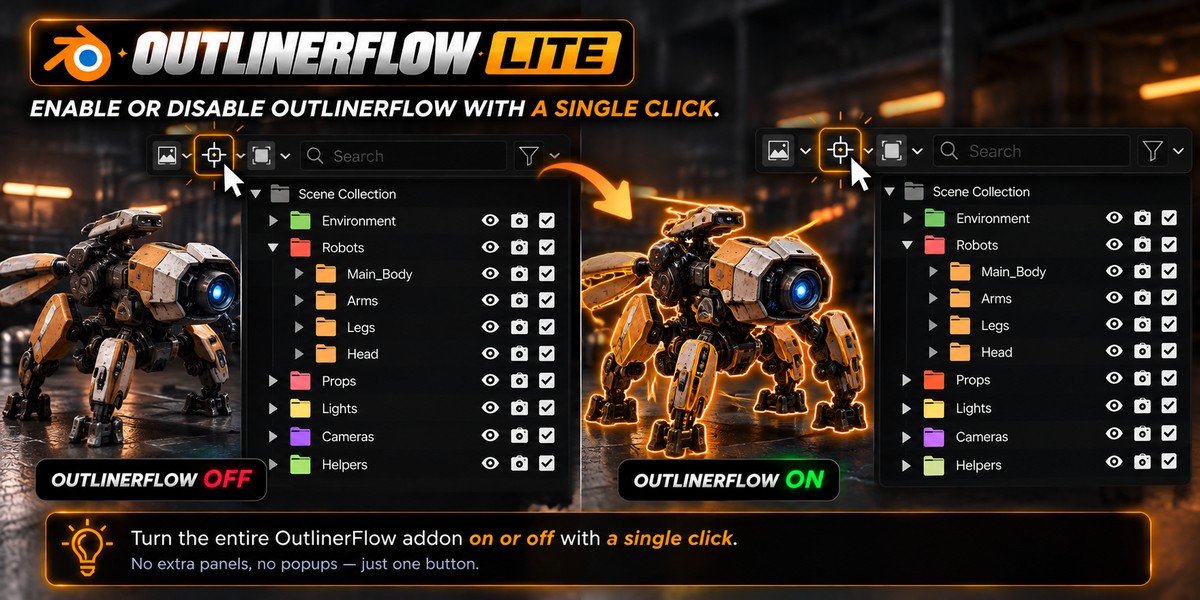
No! OutlinerFlow Lite adheres to a strict Zero N-Panel Bloat policy. All controls (the [ 🎯 AUTO ] tracker toggle and [ 📦 ALL ▼ ] scope dropdown) are injected natively into the Outliner header bar where they belong. Your 3D modeling viewport remains 100% clean and completely unobstructed.
 Included
Includes 12 months of
- Support from JESUS
- Product updates
Extend this product’s Support Period +12 months: 50% of product price
Have questions before purchasing?
Login to message
| Blender Extension Compatible | Yes |
| Published | about 12 hours ago |
| Blender Version | 4.2 - 5.2 |
| Extension Type | Add-on |
| Render Engine Used | Blender-Internal, Blender-Game-Engine, Cycles |
| License | GPL |