 Sonneblom Digitaal
What it does
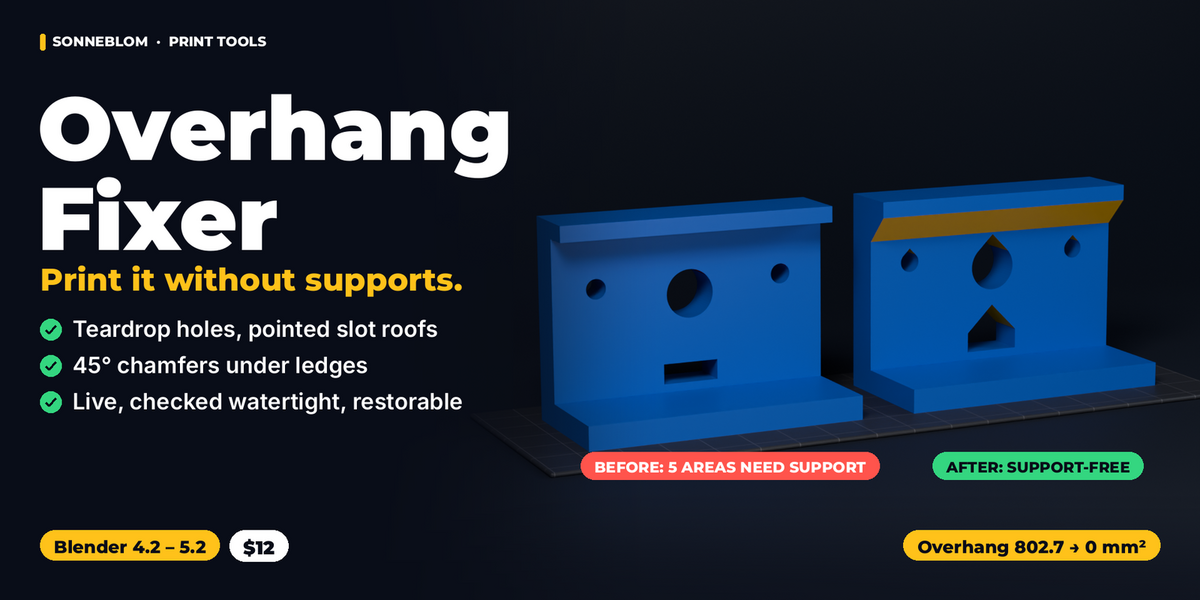
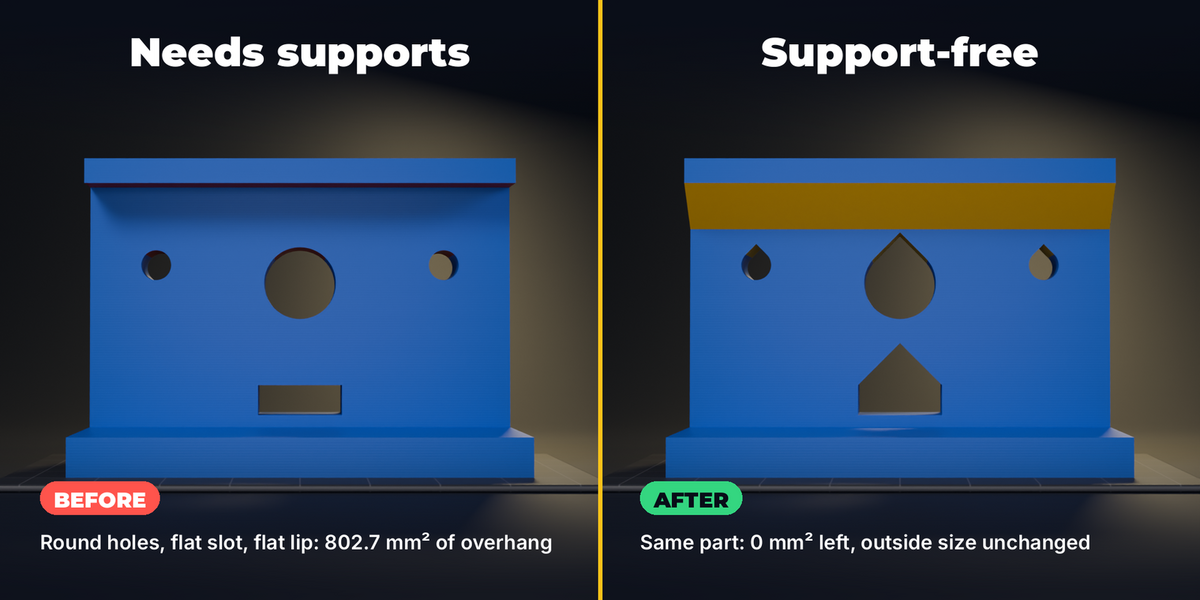
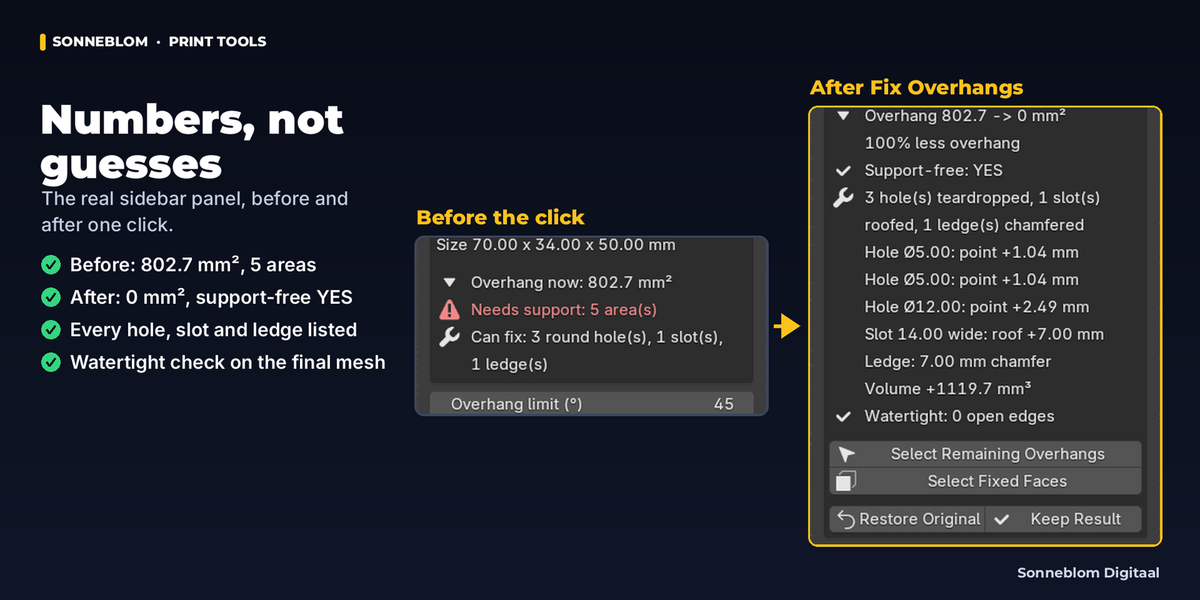
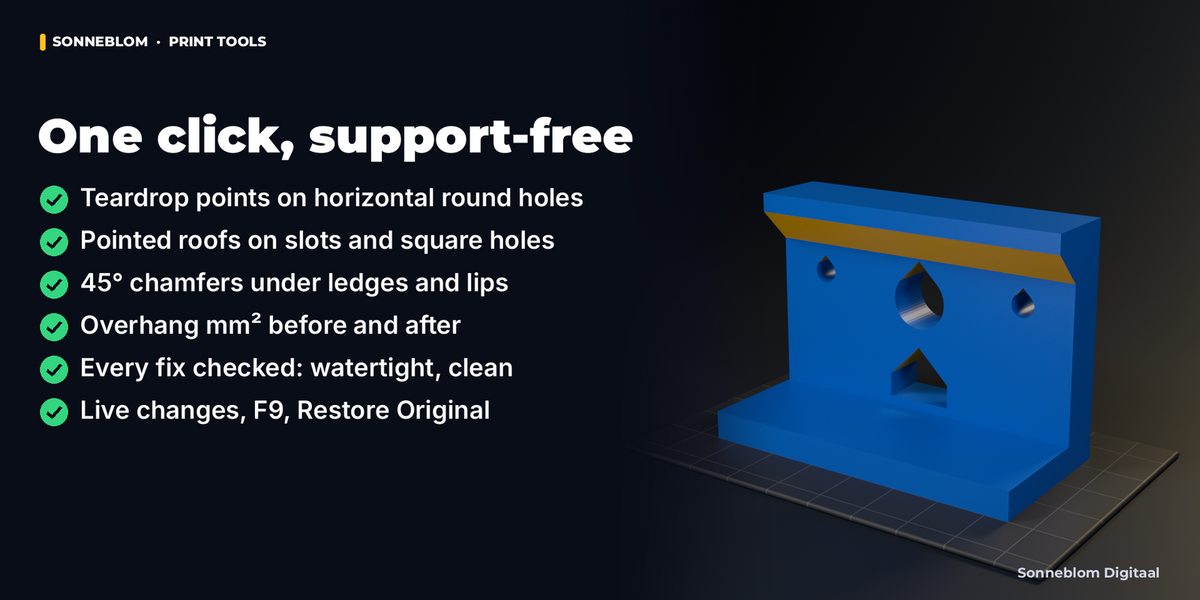
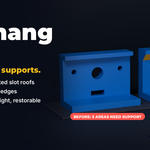
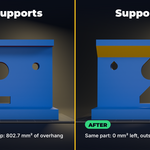
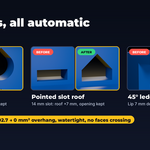
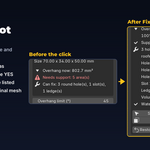
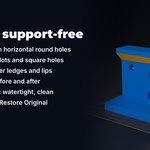
Overhang Fixer finds the parts of a model that would need support on an FDM printer and fixes the common ones in the geometry itself, so the part prints support-free: horizontal round holes get a teardrop point, the flat ceiling of a slot or rectangular hole gets a pointed roof, and the corner under a flat ledge, lip or shelf gets a 45° chamfer. The panel measures the overhang in mm² before and after, says support-free YES or NO, and checks that the result is watertight. It works on a kept copy of your mesh: change any setting afterwards and the part is re-fixed live, or Restore Original puts it back.
Who it's for
Anyone who prints functional parts on an FDM printer - brackets, mounts, enclosures, jigs, spacers, downloaded or exported STL files from a CAD program - and is tired of supports inside screw holes, drooping hole tops, sagging slot ceilings and scarred undersides. The free 3D Print Toolbox only shows where overhangs are; this add-on changes the geometry for you.
Key features
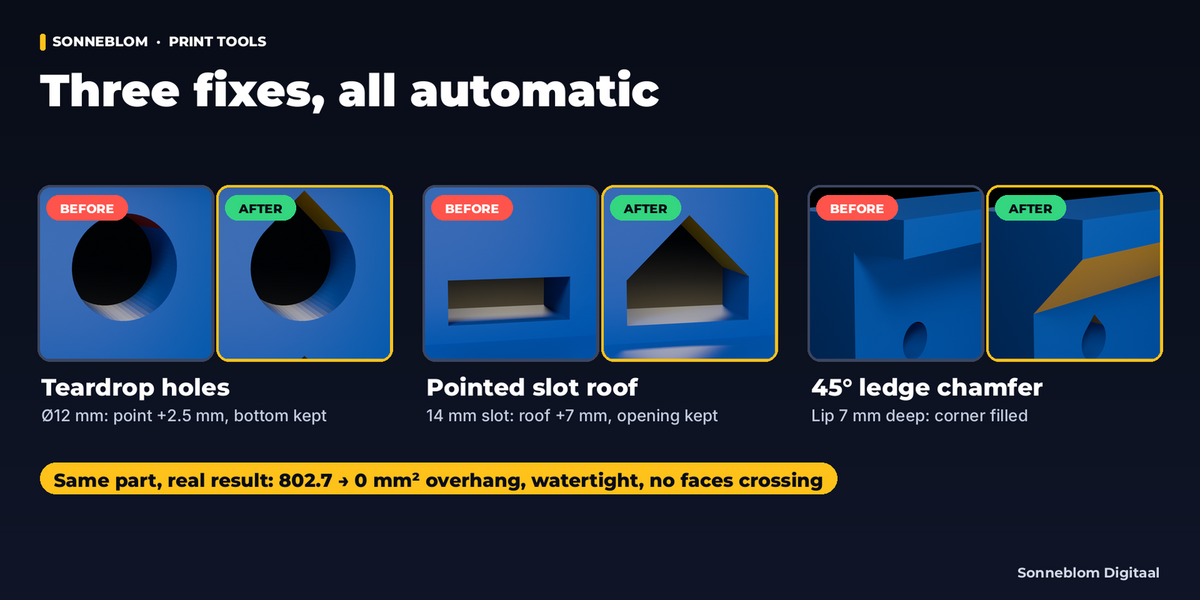
- Teardrop holes: every round hole with a horizontal axis (along X, Y or any direction in between) gets an exact teardrop point with its sides at your overhang limit. A hole with too little wall to an edge or to another hole is left round, and the report says why. The bottom and sides of the hole stay where they were, so bolts and pins still fit; the hole is never made smaller.
- Pointed slot roofs: the flat ceiling between two walls (slots, rectangular holes, through or blind, pockets) becomes a roof at the limit angle. The opening keeps its full width and height.
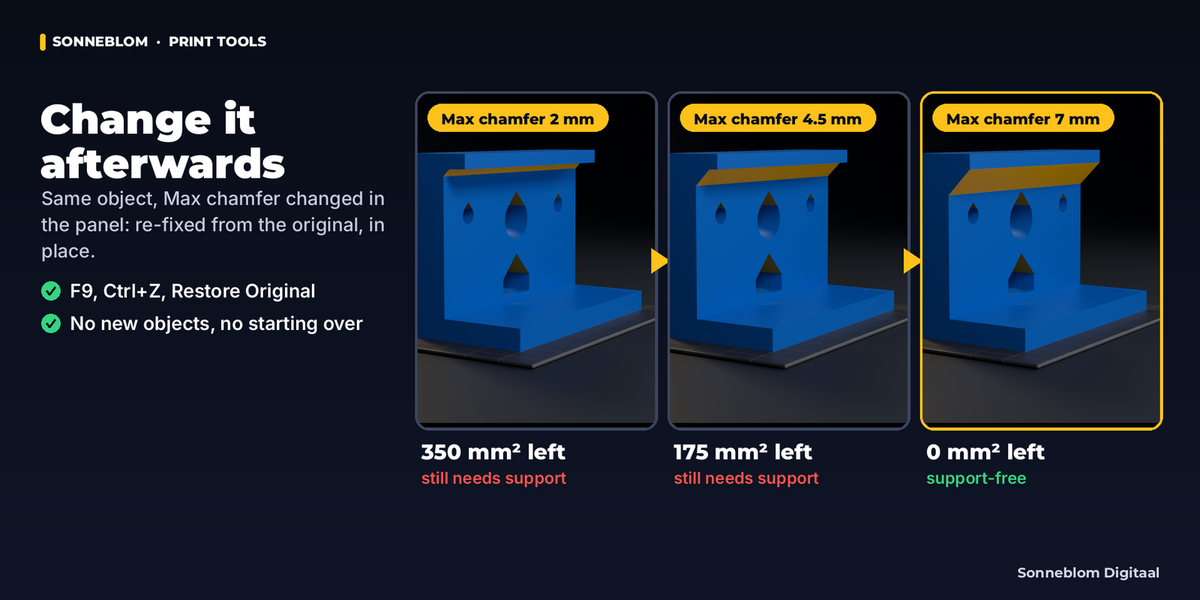
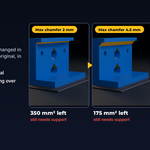
- Ledge chamfers: the corner under a flat ledge, lip, shelf or flange that meets a wall gets a 45° chamfer, as deep as the ledge allows (up to Max chamfer), also around corners and round flanges.
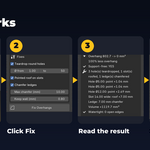
- Before / after report: overhang area in mm² before and after, how many areas still need support, what was fixed (with the point height of every hole and the depth of every chamfer), the volume change in mm³, and why anything was left as it is.
- Clean output, checked: every fix is verified on the final mesh (open edges, faces cutting through each other, zero-area faces) and only kept if it passes. "Watertight: 0 open edges" is shown only when it is true.
- Room above is checked: a hole or slot too close to the top keeps at least 'Keep wall' of material, or is left as it was with the measured numbers.
- Live afterwards: change any value in the panel (or F9) and the part is re-fixed from its kept original, in place. Restore Original gives the exact original back; Ctrl+Z works on every step.
- Check before you fix: the panel measures the overhang of the selected part and lists what it can fix before you click; Select Overhangs shows the faces that need support in Edit Mode.
- Millimetres by default (1 Blender unit = 1 mm, as in STL files), with cm, m, inch or scene units as options.
How to use
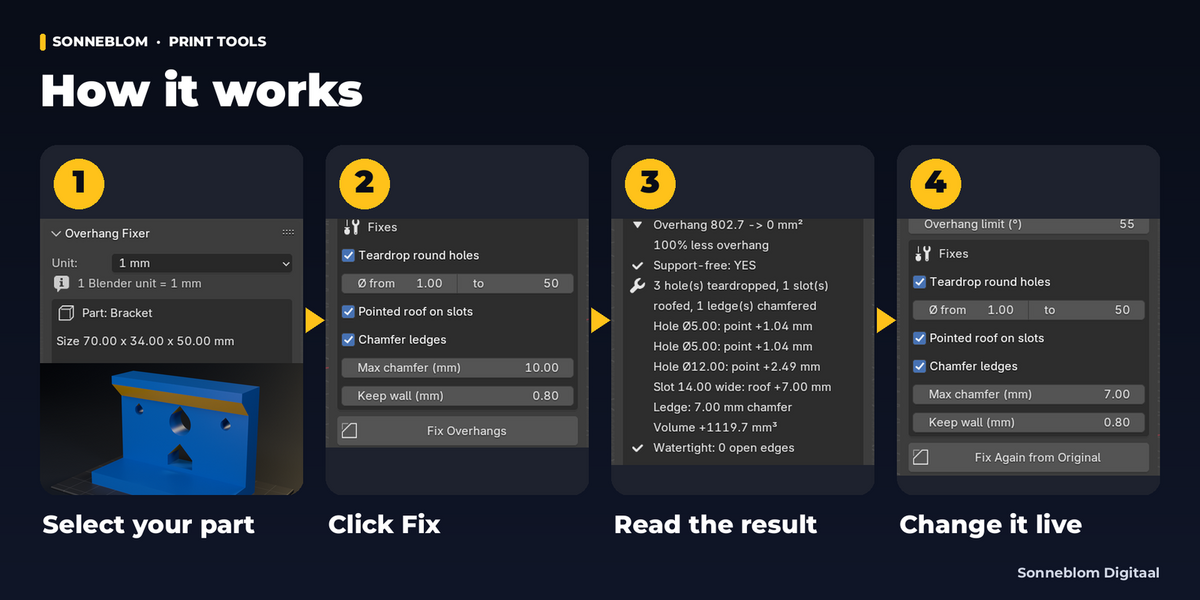
- Install the zip, open the 3D Viewport sidebar (N) and click the Overhang tab.
- Select your part, standing the way it will print (Z up). The panel shows its overhang in mm² and what it can fix.
- Click Fix Overhangs. Holes, slots and ledges are fixed and the result box shows before / after.
- Not quite right? Change the overhang limit, the hole range, Max chamfer or switch a fix off: it updates live.
- Export your STL as usual. Restore Original undoes everything; Keep Result makes it permanent.
Compatibility
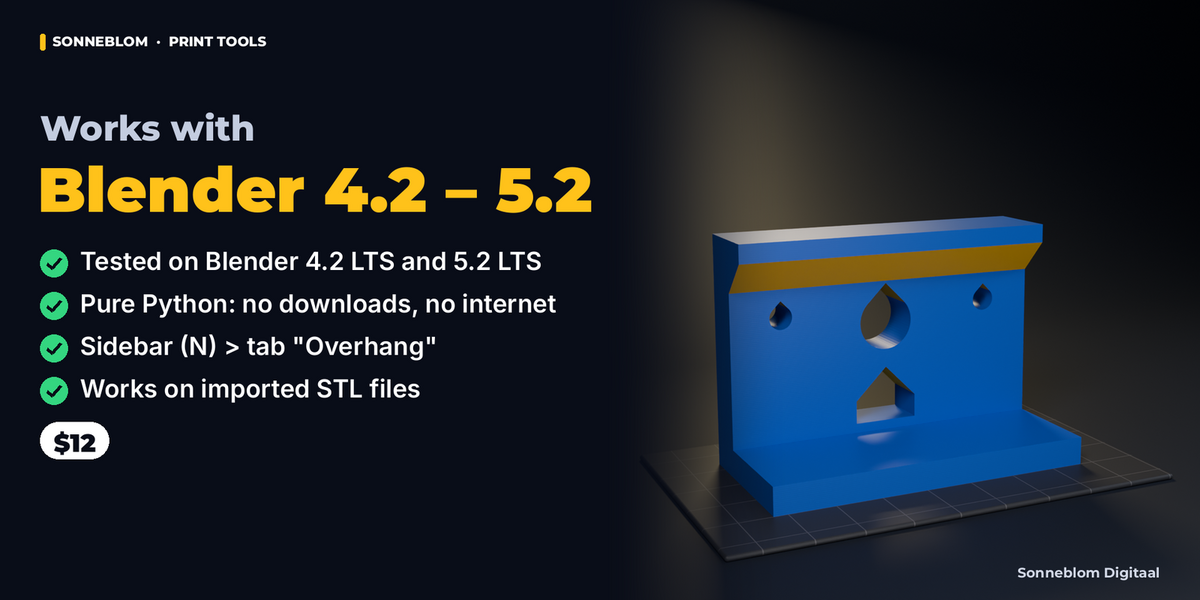
Blender 4.2 LTS or newer, tested on 4.2 LTS and 5.2 LTS. Extension zip for Blender's Get Extensions, plus a legacy add-on zip. Pure Python, no extra downloads, no internet access.
Good to know
- Made for hard-surface parts: round holes, flat ceilings and vertical walls, as CAD programs and Blender modelling make them. Organic overhangs (sculpts, scans, figures) are measured and shown, but not changed - use supports or re-orient them (our Overhang Finder does that).
- Round holes need 8 or more sides and a level axis; hexagonal nut traps, D-shaped and tilted holes are left as they are.
- A slot roof is cut up into the part above the slot. If there is not enough material above it (Keep wall), the slot is left flat and the panel says how much material there is and how much the roof needs.
- Ledge chamfers add material in the corner under the ledge. A ledge deeper than Max chamfer keeps the rest of its overhang (the panel lists it); a ledge with no wall below it is left as it is.
- Holes that cross another hole (cross-drilled) are left round, with the reason; the rest of the part is still fixed.
- It fixes the object's mesh, not the result of its modifiers: apply modifiers first.
- The faces a hole or slot opens on are rebuilt around the new outline; UV coordinates on those faces are not kept (printing does not use them).
- Overhangs narrower than 'Ignore up to' (default 1 mm) count as printable, like a sharp tip or a thin lip.
- The panel keeps your last values for the next part you fix; a fixed part keeps its own values.
Support
Questions or a bug? Use the Superhive product page messages and we reply within a day.