Overhang Fixer - Teardrop Holes and 45 Degree Chamfers
 Sonneblom Digitaal
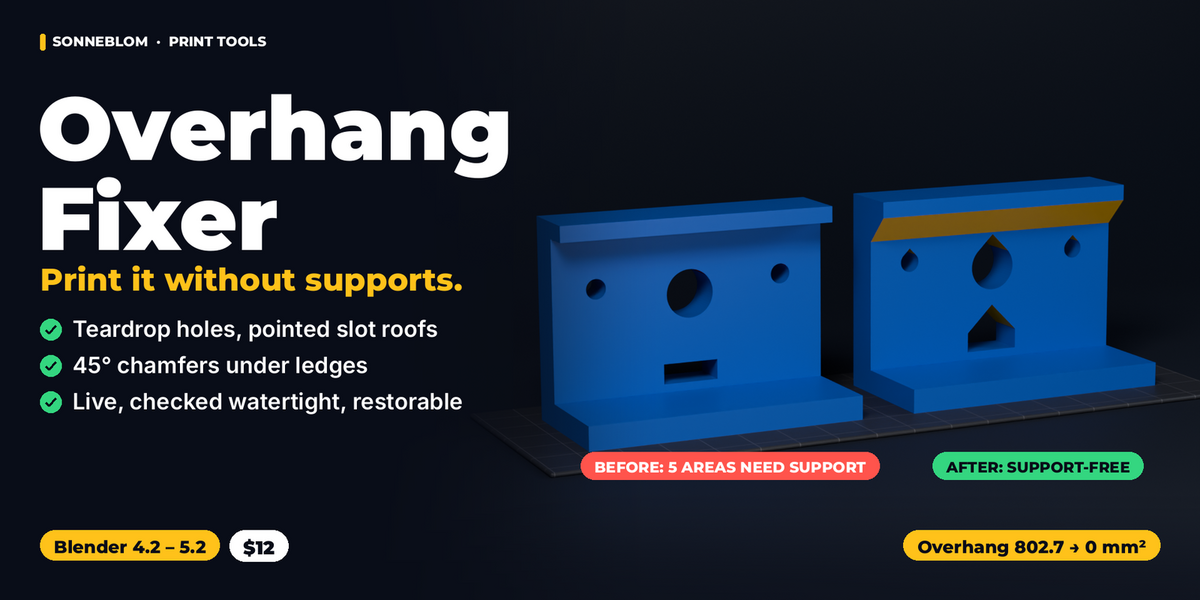
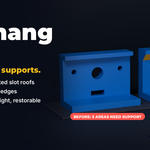
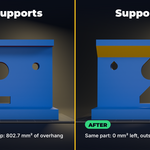
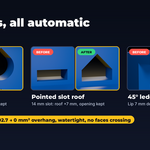
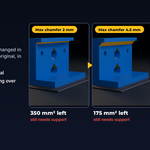
Overhang Fixer 1.0.1 - documentation
Install
- Extension zip (overhang_fixer-1.0.1.zip, Blender 4.2 and newer): Edit > Preferences > Get Extensions > the arrow menu (top right) > Install from Disk, pick the zip. Or drag the zip into Blender.
- Legacy zip (overhang_fixer-1.0.1-legacy.zip): Edit > Preferences > Add-ons > the arrow menu > Install from Disk, pick the zip and tick Overhang Fixer.
- Install only one of the two. To uninstall, remove it in the same Preferences page.
Where it is
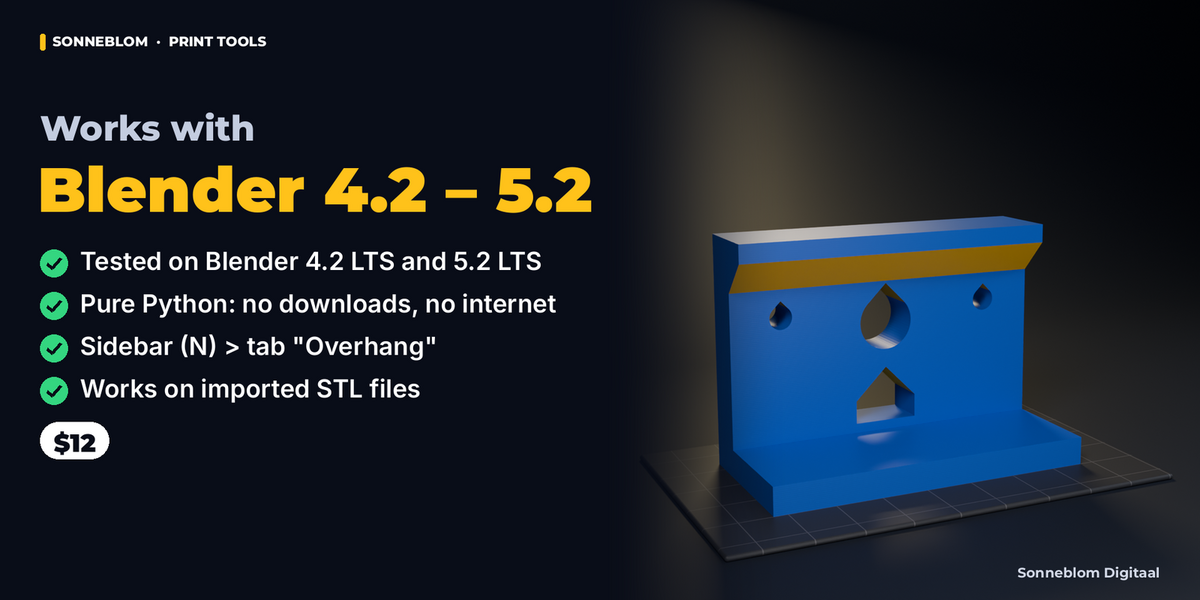
3D Viewport > Sidebar (press N) > tab Overhang. With no mesh selected the panel tells you to select the part.
Step by step
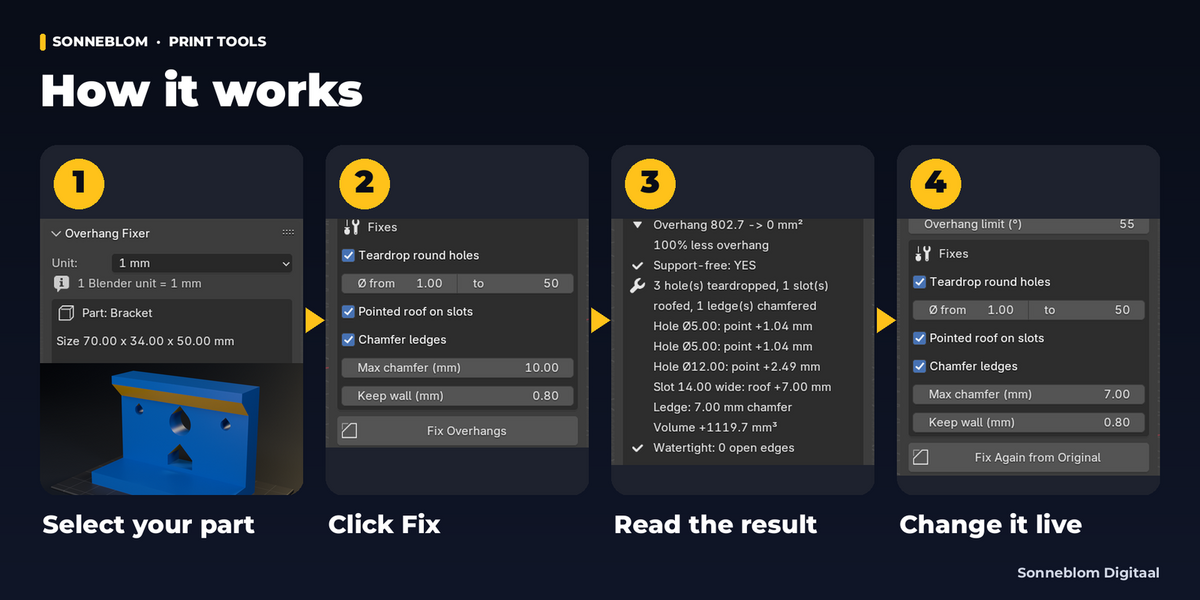
- Import your STL (File > Import > STL) or select a part you modelled. It should stand the way it will be printed, Z up. The lowest point is treated as the print bed.
- Check the Unit at the top of the panel: 1 mm for STL files (default). The panel shows the part's size in mm; if it reads as 0.03 mm or 40 m, the unit is wrong and the panel says so.
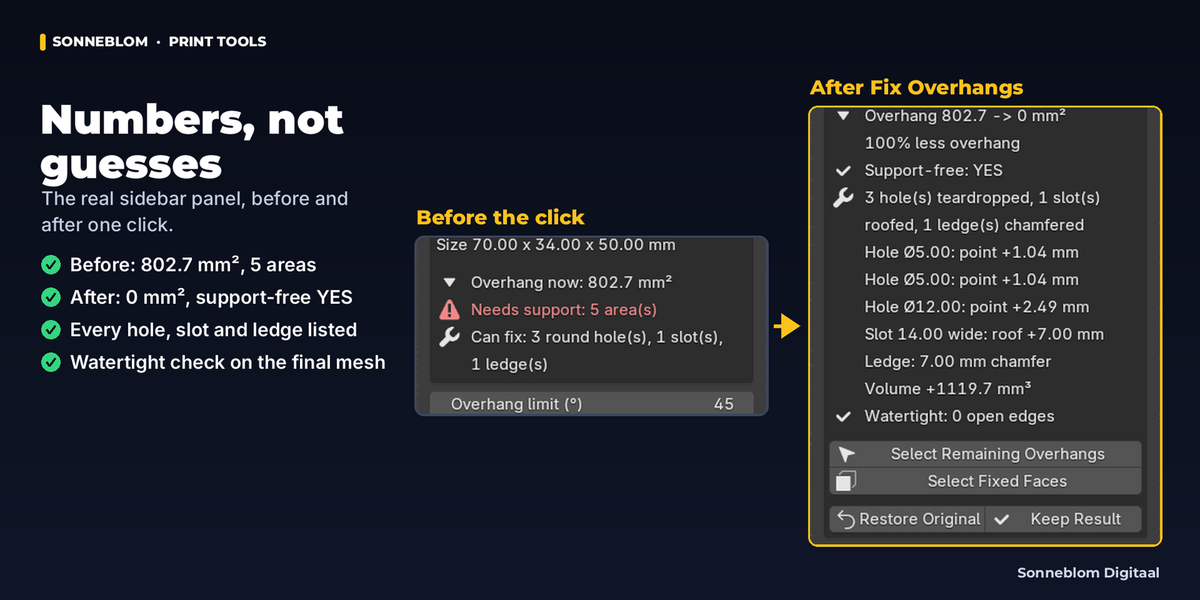
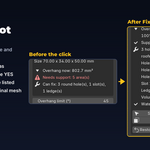
- Read the panel: Overhang now (mm²), Prints without support or Needs support: N area(s), and Can fix: holes, slots, ledges. Optional: Select Overhangs (Edit Mode) selects the faces that need support so you can see them.
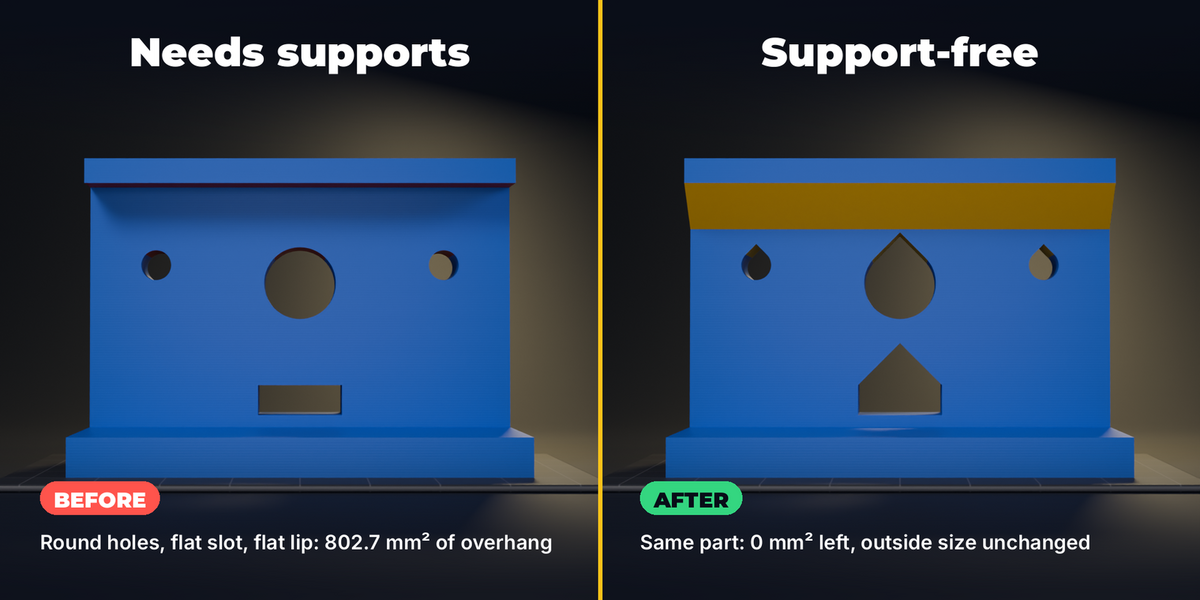
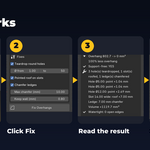
- Click Fix Overhangs. The result box shows: overhang before -> after in mm² and the % less, Support-free YES/NO (with the size of what is left), every hole with the height of its new point, every slot with its roof height, every ledge with its chamfer, the volume change in mm³, and the watertight check. Anything that was left as it is gets one line with the reason.
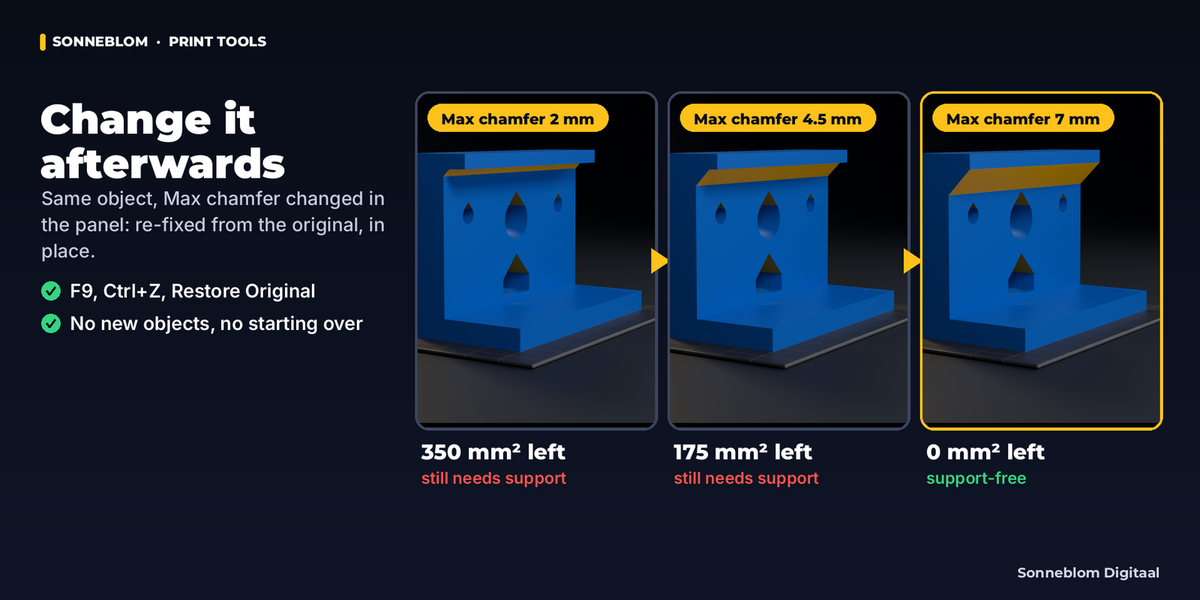
- Change any value: the part is re-fixed from the kept original right away (no new objects). The button becomes Fix Again from Original (it re-reads the values and the original).
- Select Remaining Overhangs / Select Fixed Faces show, in Edit Mode, what still needs support and what the fix made or moved.
- Restore Original puts back the exact mesh from before the first fix. Keep Result makes the fix permanent and drops the kept copy (smaller .blend). Ctrl+Z works on every step.
Settings
| Setting | Default | What it does |
|---|---|---|
| Unit (1 Blender unit =) | 1 mm | How long one Blender unit is. STL/3MF/OBJ files for printing are in millimetres. Auto reads Scene > Units. |
| Overhang limit (°) | 45° | Faces tilted further than this from vertical need support. New teardrop sides and roof slopes are made at exactly this angle. Range 45°-75°. |
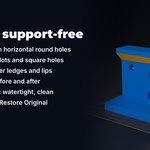
| Teardrop round holes | on | Give horizontal round holes a pointed top. |
| Ø from / to | 1.00 mm / 50 mm | Only holes with a diameter in this range are changed. |
| Pointed roof on slots | on | Replace the flat ceiling between two walls by a pointed roof cut up into the part. |
| Chamfer ledges | on | Fill the corner under a flat ledge, lip or shelf with a 45° chamfer. |
| Max chamfer (mm) | 10.00 mm | Largest chamfer. A ledge up to this deep is filled completely. |
| Keep wall (mm) | 0.80 mm | Material that must stay above a new teardrop point or roof. |
| Bed tolerance (mm) - Check Settings | 0.10 mm | Down-facing faces this close to the lowest point lie on the bed and need no support. |
| Ignore up to (mm) - Check Settings | 1.00 mm | Overhang areas this narrow or narrower count as printable (a sharp tip, a thin lip). |
Every setting is also in the Adjust Last Operation panel (F9) right after Fix Overhangs, and lives on the fixed object afterwards.
How the fixes work
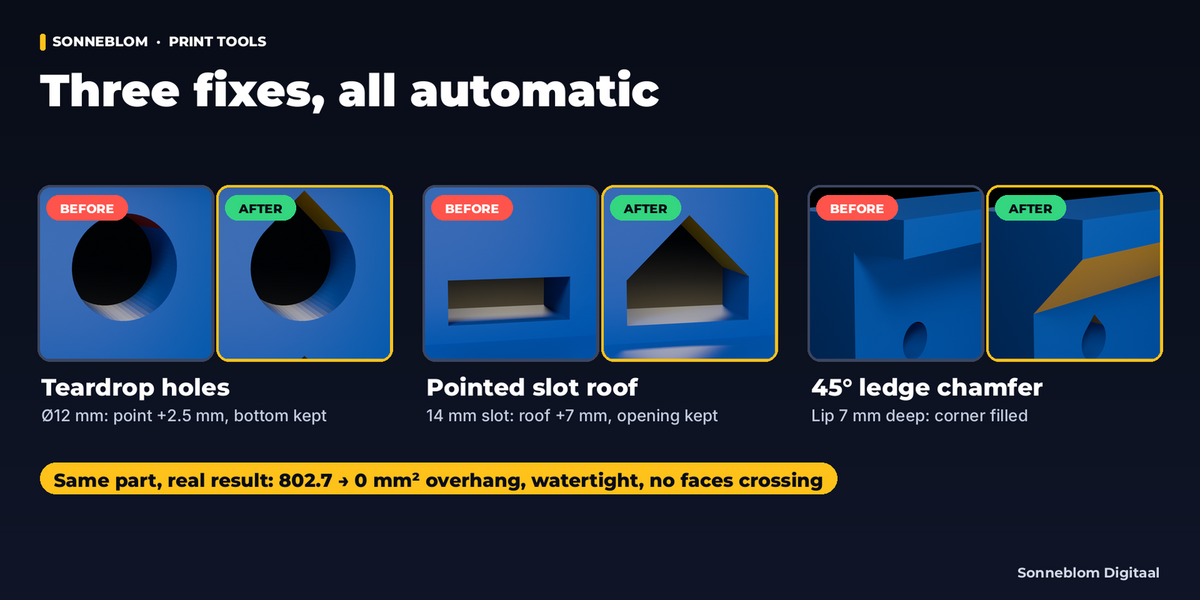
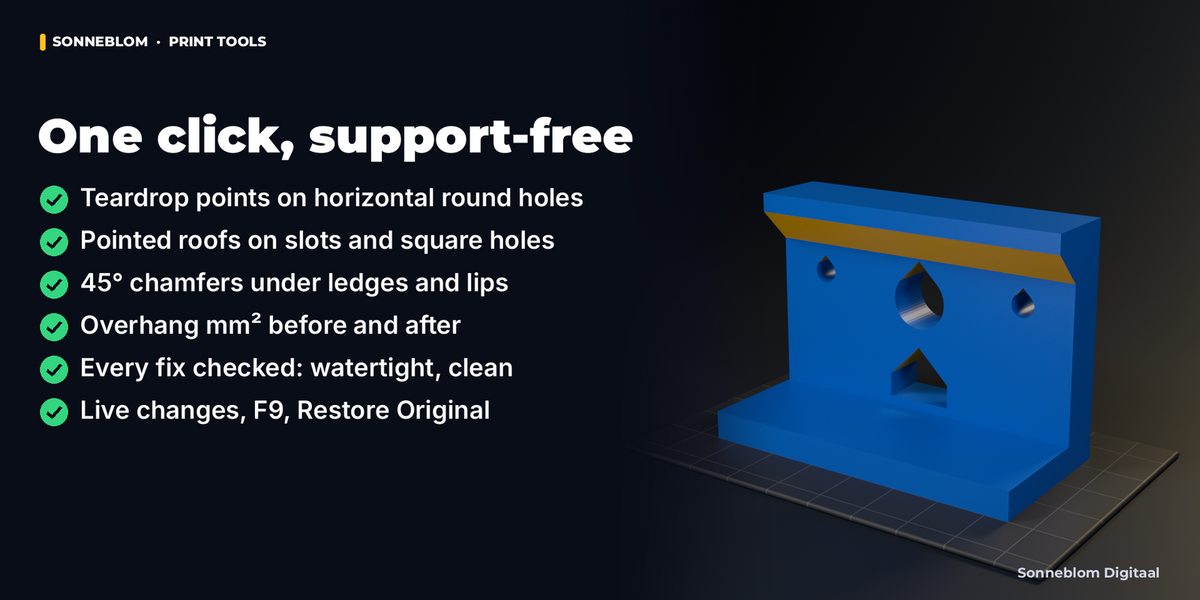
- Teardrop: the add-on finds round holes whose axis is level, fits the circle to the hole's corners, and moves the vertices of the top part of the hole onto two straight lines at the overhang limit that meet in a point above the hole (the classic teardrop). The face the hole opens on is rebuilt around the new outline. The bottom and sides of the hole are not moved.
- Slot roof: a flat ceiling between two parallel walls gets a ridge in the middle, lifted by half the slot width (at 45°), and two flat slopes. Its ends follow the faces the slot opens on.
- Ledge chamfer: the wall under the ledge and the ledge's underside are cut at the chamfer size and the strip between them is replaced by one flat 45° face (straight ledges), or the corner is bevelled (ledges around corners, round flanges). The chamfer stops where the ledge or the wall ends.
- Every fix is first made on a copy and kept only when the result has no new open edges, no faces cutting through each other and no zero-area faces.
Tips
- Orient first, then fix: the fixes depend on which way is up. If the part could stand another way with fewer overhangs, turn it first.
- For holes that must stay exactly round on top (bearing seats), switch Teardrop off or set the hole range so those holes are skipped.
- A raised overhang limit (for example 55° for a well-cooled printer) gives smaller teardrop points and lower roofs.
- Keep wall protects thin tops: raise it if your slicer needs more perimeters above holes.
- Large parts: the check in the panel runs automatically up to 60,000 faces; above that click Check Overhangs.
Troubleshooting
- "Hole ØX mm left round: only A mm of material above it, the point needs B mm" - the hole is close to the top. Lower Keep wall, raise the overhang limit, or accept a supported hole.
- "Slot ... left flat" - not enough material above the slot for the roof, or its ceiling is not a simple flat area between two walls.
- "Ledge left as it is" - no wall below the ledge, or the corner is too irregular for an exact chamfer.
- "the mesh was edited after the fix" - you changed the mesh by hand after fixing; click Keep Result to keep your edits, or Restore Original.
- Modifiers are not included - apply them (Object > Apply) before fixing.
Limits
- Hard-surface parts only: organic overhangs are measured but not changed.
- Round holes with 8+ sides and a level axis that do not cross another hole; slot roofs need a flat ceiling between two parallel vertical walls; ledge chamfers need a vertical wall below the ledge.
- The chamfer is always 45°, whatever the overhang limit.
- Rebuilt faces do not keep UV coordinates.
Licence
GPL-3.0-or-later (see the LICENSE file in the zip). Made by Sonneblom Digitaal.
Have questions about this product?
Login to message
| Blender Extension Compatible | Yes |
| Published | about 21 hours ago |
| Blender Version | 4.2 - 5.2 |
| Extension Type | Add-on |
| License | GPL |