Overhang Fixer - Teardrop Holes and 45 Degree Chamfers
 Sonneblom Digitaal
Will my bolts and pins still fit the holes?
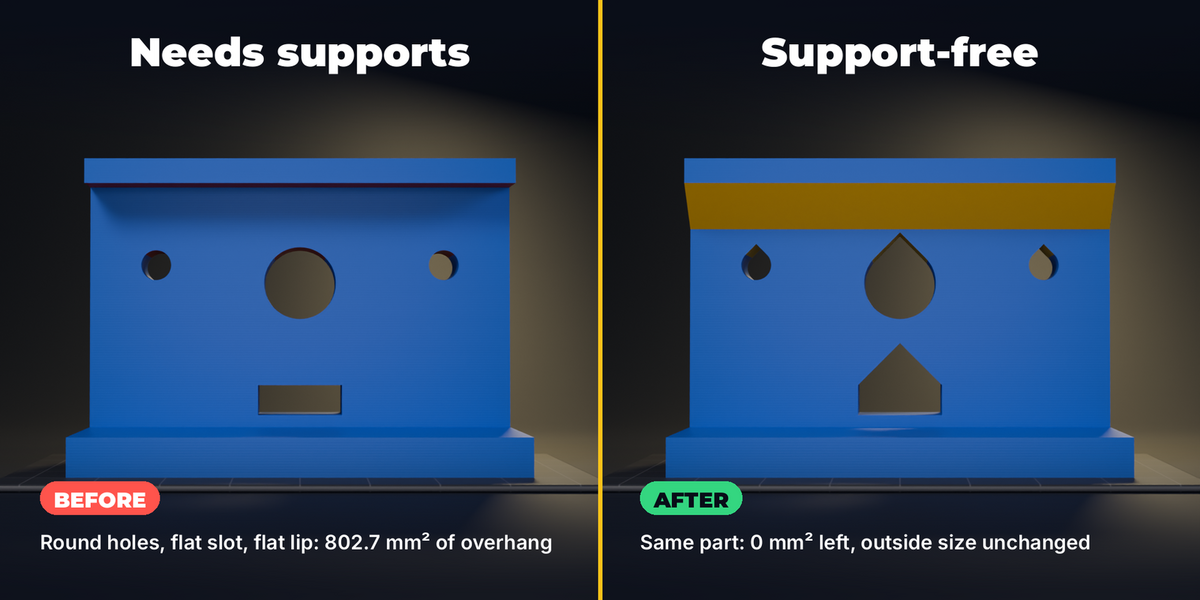
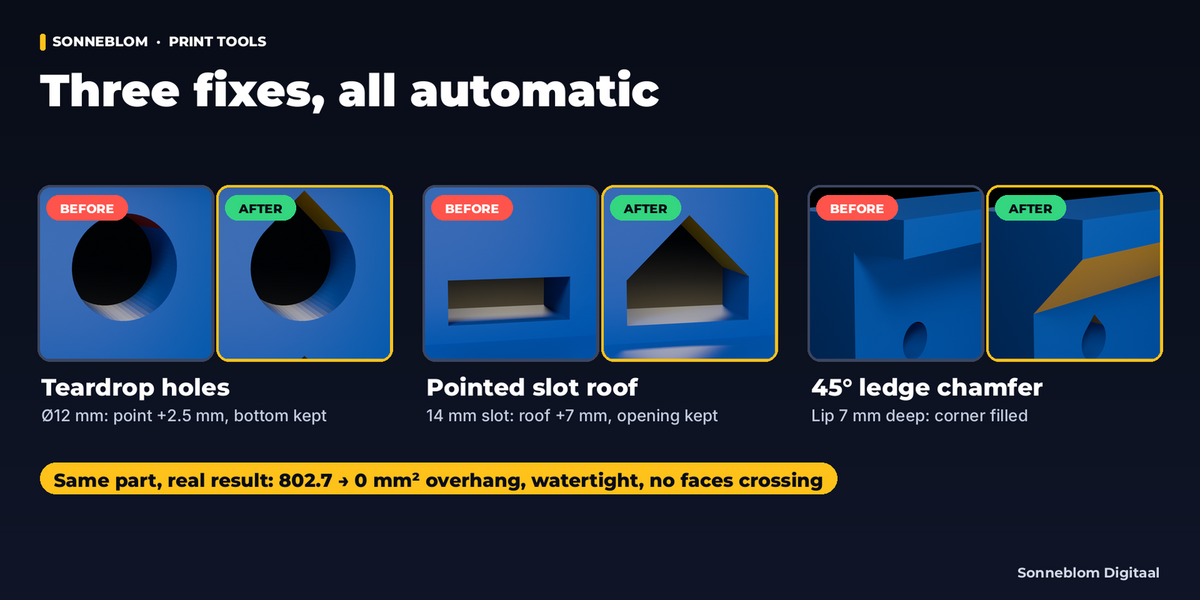
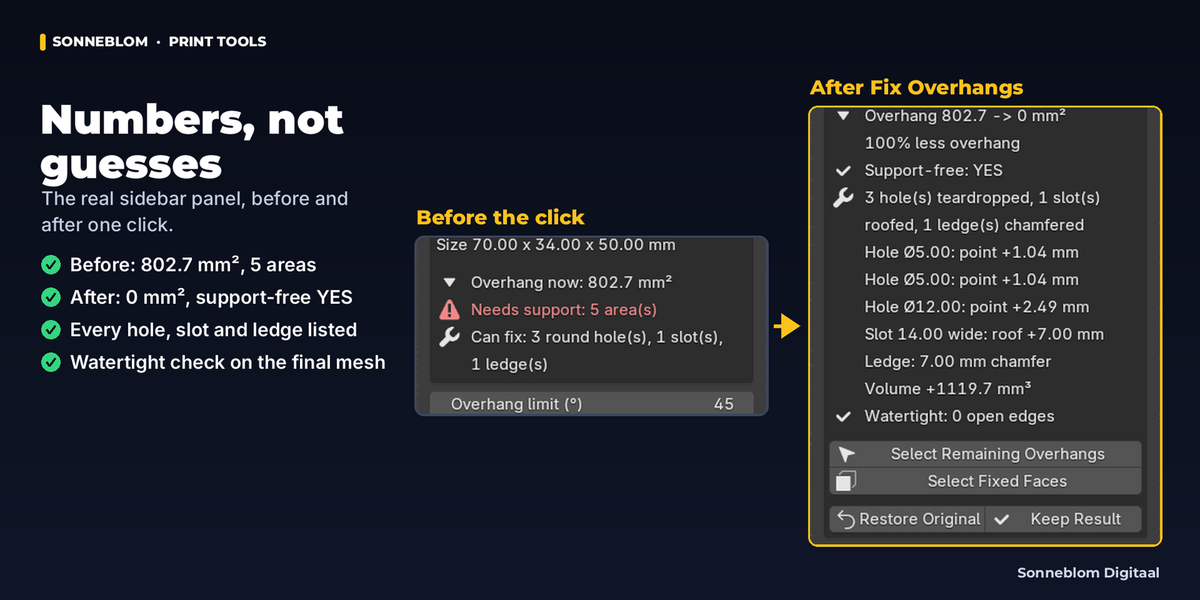
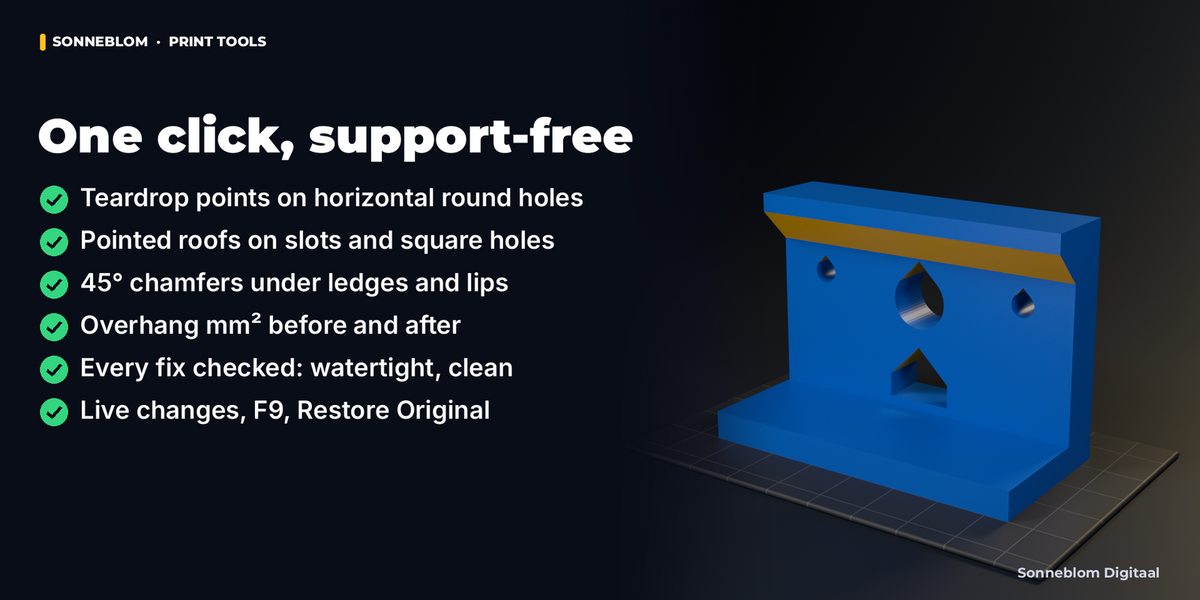
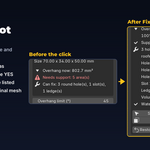
Yes. The teardrop only adds a point above the hole; the bottom and the sides stay exactly where they were, so the hole is never smaller. A 5 mm hole gets its point about 1 mm higher (at 45 degrees), and the panel lists the point height of every hole.
Does it change the outside size of my part?
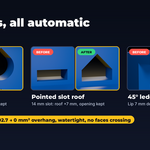
No. Teardrops and slot roofs are cut up inside the part, and ledge chamfers fill the corner under the ledge. The panel shows the size in mm before and after.
Does it work on STL files from my CAD program?
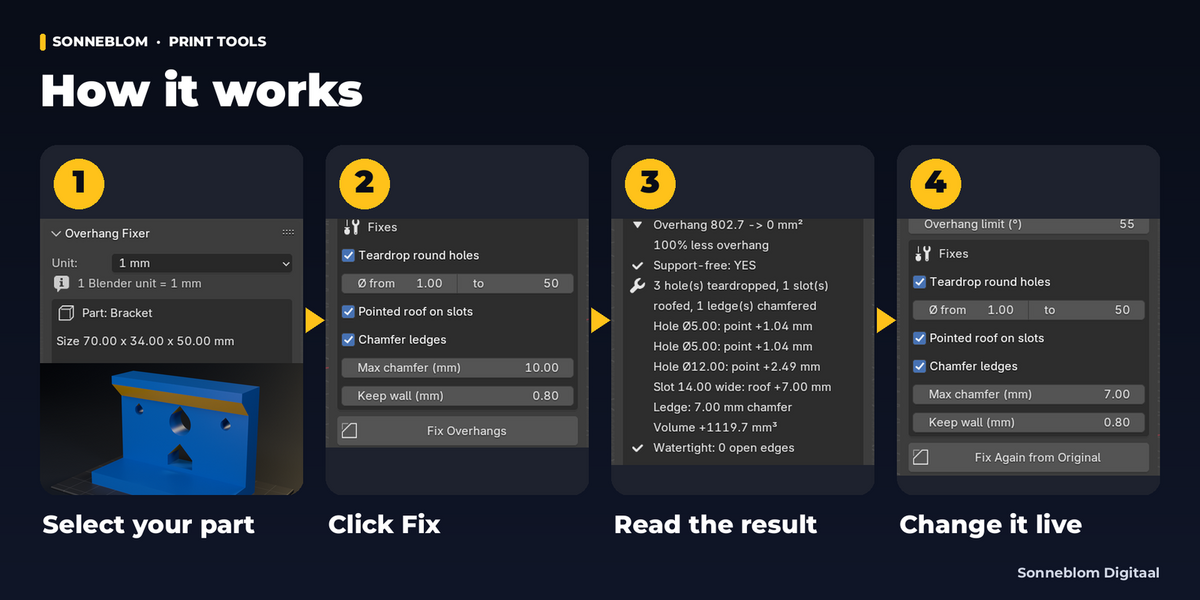
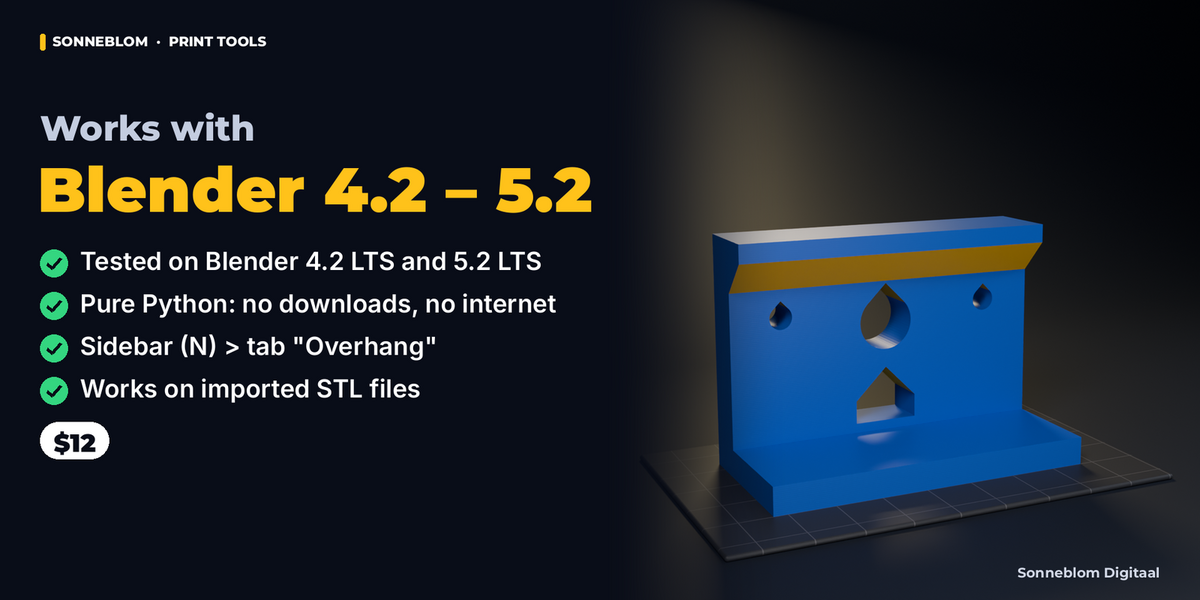
Yes. STL files are all triangles; the add-on works on them directly (we test by exporting and re-importing STL files). Set Unit to 1 mm, which is the default.
Is the result watertight?
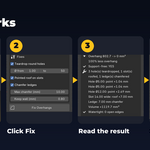
Every fix is checked on the final mesh before it is kept: no new open edges, no faces cutting through each other, no zero-area faces. The panel shows 'Watertight: 0 open edges' only when that is true. If your model already had open edges, the fix does not add any and the panel shows the count before and after.
What is the difference with the free 3D Print Toolbox and with your Overhang Finder?
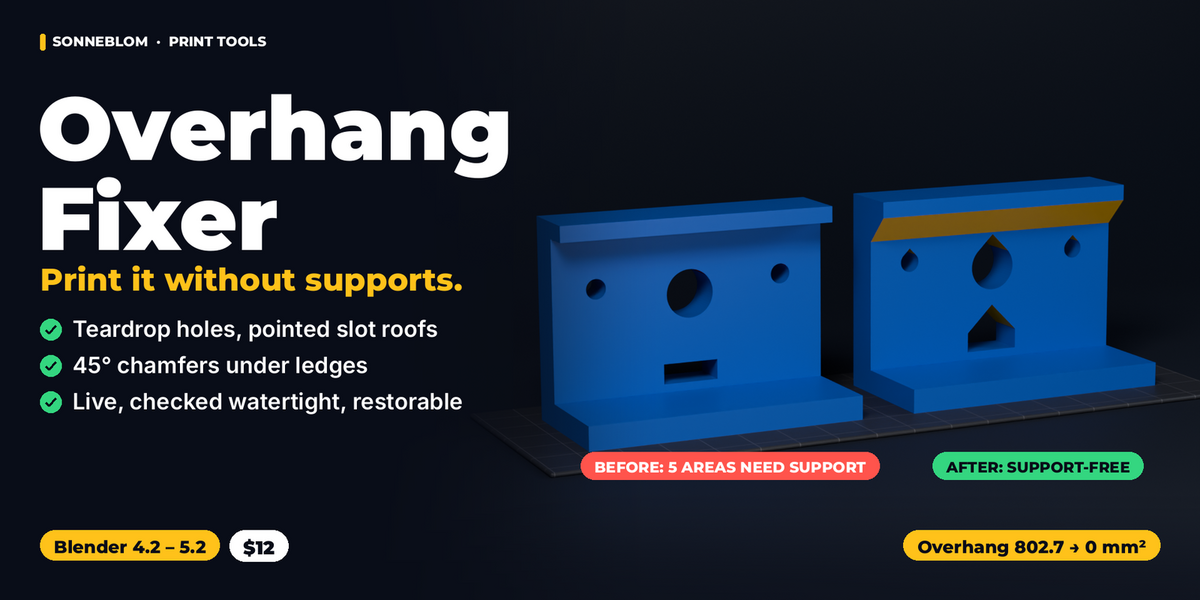
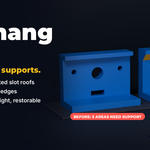
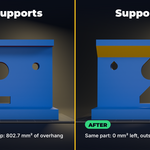
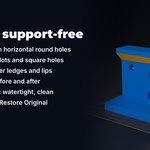
The 3D Print Toolbox only selects overhanging faces. Overhang Finder turns the whole model to the orientation that needs the least support. Overhang Fixer changes the geometry so the part prints support-free the way it stands: teardrop holes, slot roofs and ledge chamfers. They work well together: orient first, then fix.
Can I change my mind after fixing?
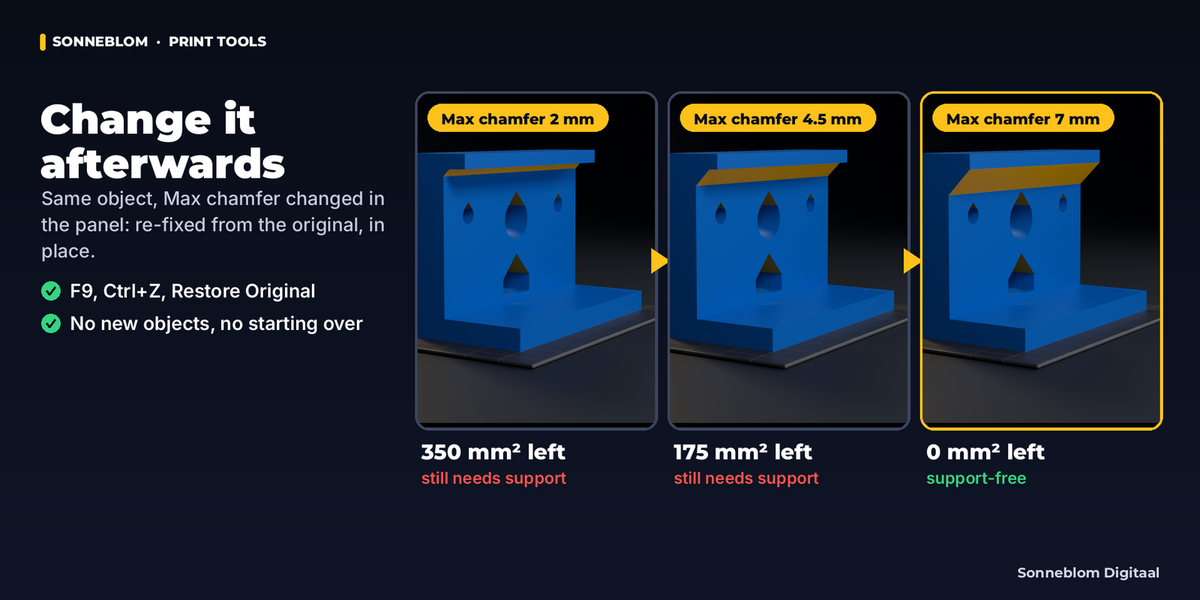
Yes. The original mesh is kept with the object. Change any setting in the panel or press F9 and the part is re-fixed from the original, in place. Restore Original gives the exact original back, and Ctrl+Z works on every step.
Does it add support structures?
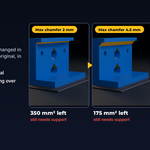
No. It changes the shape of the part so it does not need them. Overhangs it cannot fix (organic shapes, ledges with no wall below) stay as they are and are listed in the panel, so you know what your slicer will support.
Why was one of my holes left round?
The panel gives the reason on its own line, for example 'only 1.00 mm of material above it, the point needs 2.46 mm'. Lower Keep wall or raise the overhang limit to make room, or leave that hole supported.
Have questions about this product?
Login to message
| Blender Extension Compatible | Yes |
| Published | about 21 hours ago |
| Blender Version | 4.2 - 5.2 |
| Extension Type | Add-on |
| License | GPL |