 Factory Tools
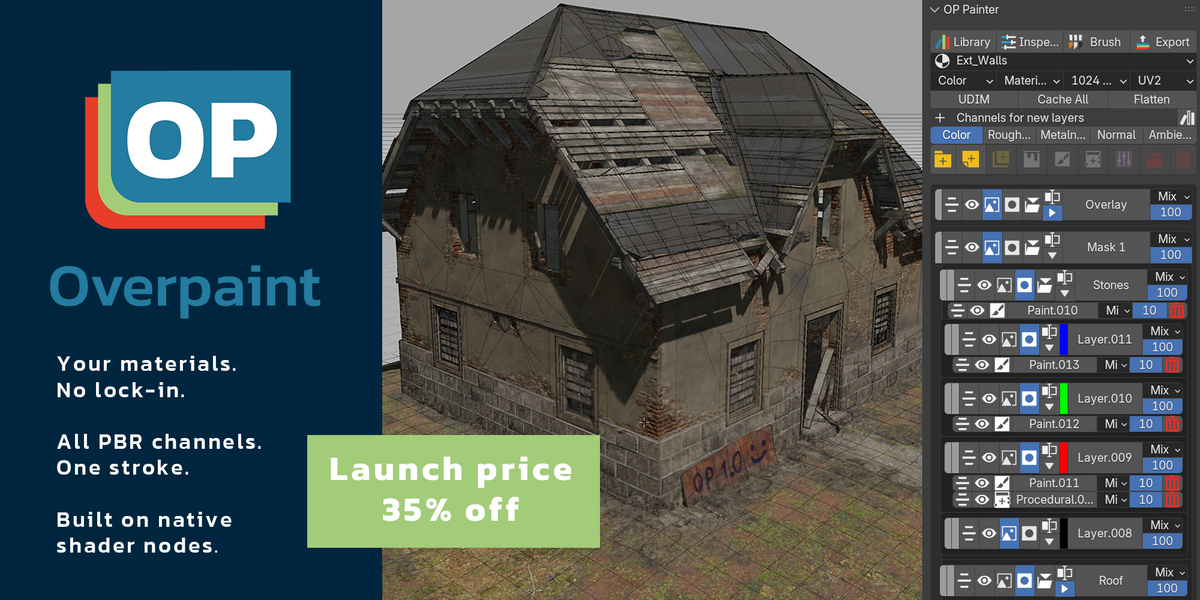
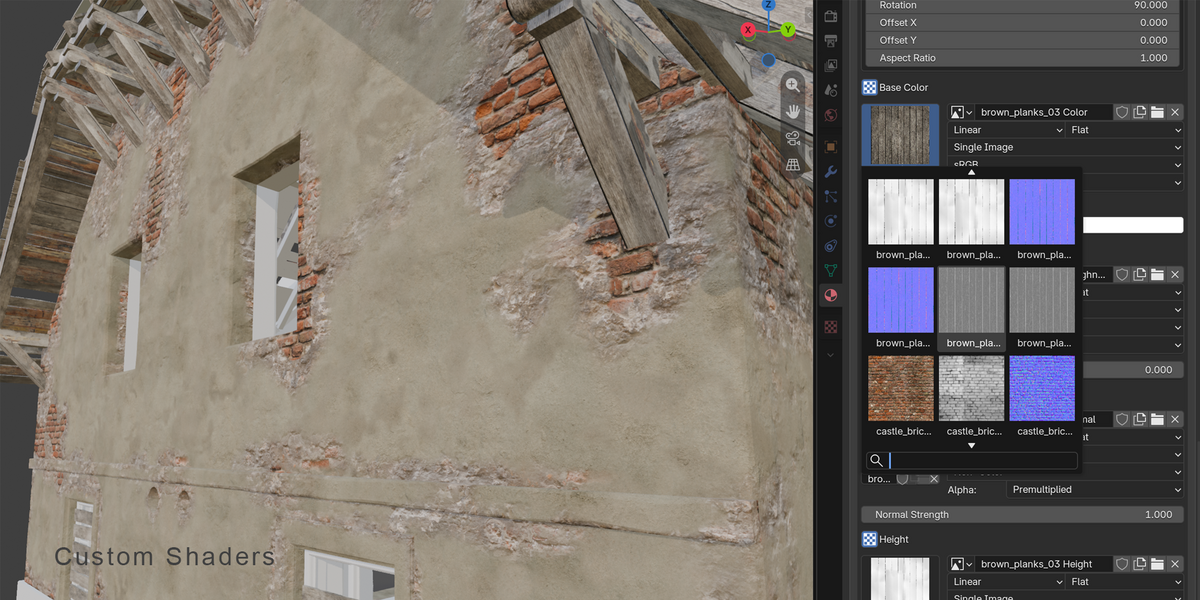
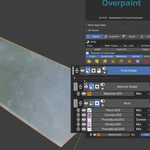
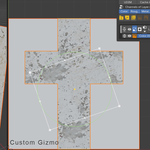
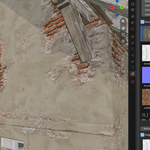
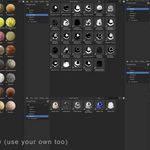
Overpaint brings layered material painting directly into Blender. Use your existing materials, brushes and shader nodes to paint, combine and edit complete PBR materials without leaving Blender. Everything works inside Blender's own material system, with the same materials rendering in EEVEE and Cycles. Paint multiple channels in one stroke, build complex materials with editable layers and masks, apply GPU filters, and export textures for your production pipeline.
Blender 4.5 LTS–5.3 | Windows and Linux (MacOS coming soon)
Your materials. Your libraries. Your workflow.
Use the materials you already own
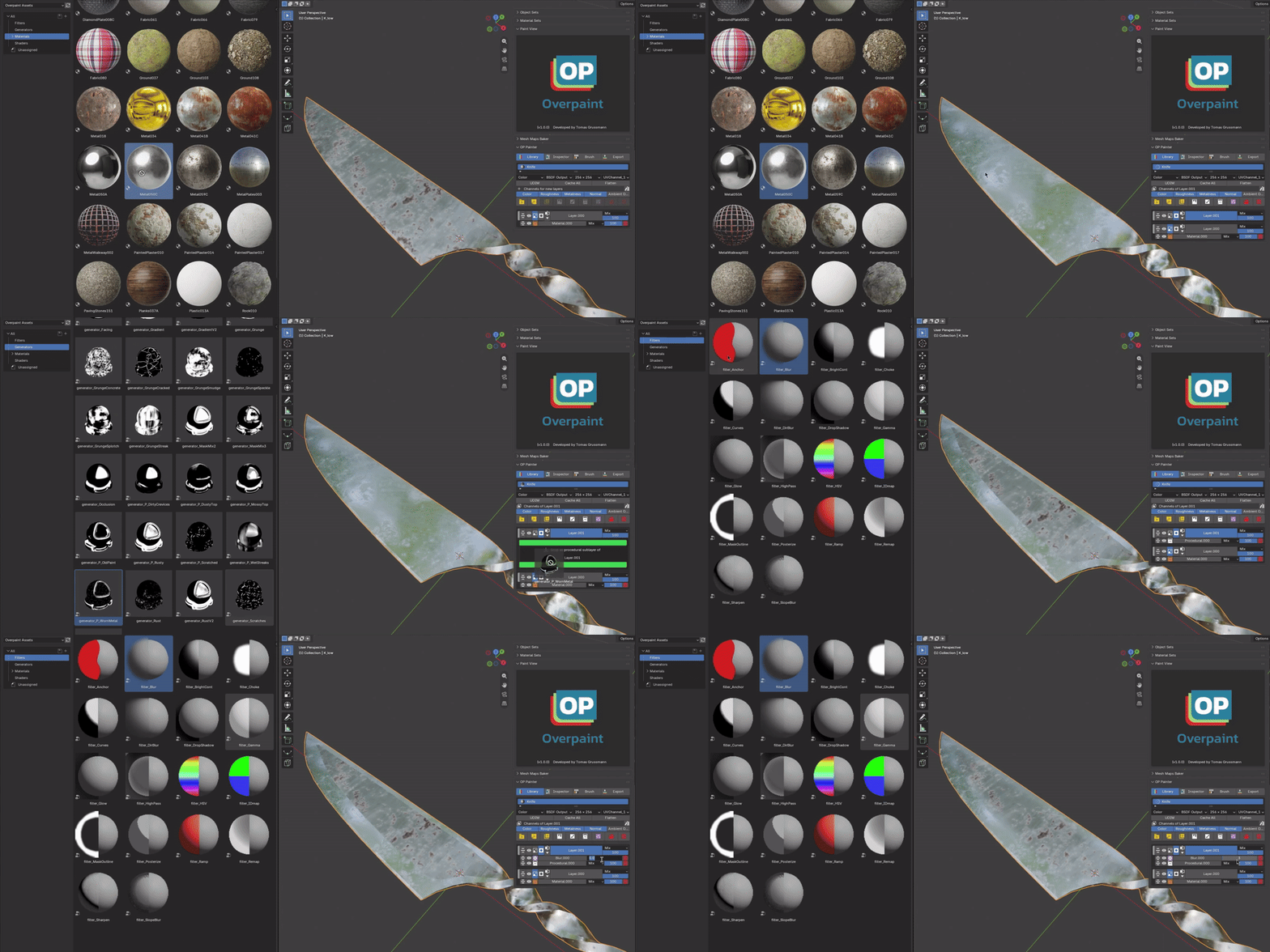
Drag image-based materials straight from Blender's Asset Browser into Overpaint. Textures are connected to their PBR channels, while procedural nodes stay editable. The included Overpaint Library Tools add-on also turns texture folders from Poly Haven, ambientCG and other sources into ready-to-use Blender material assets.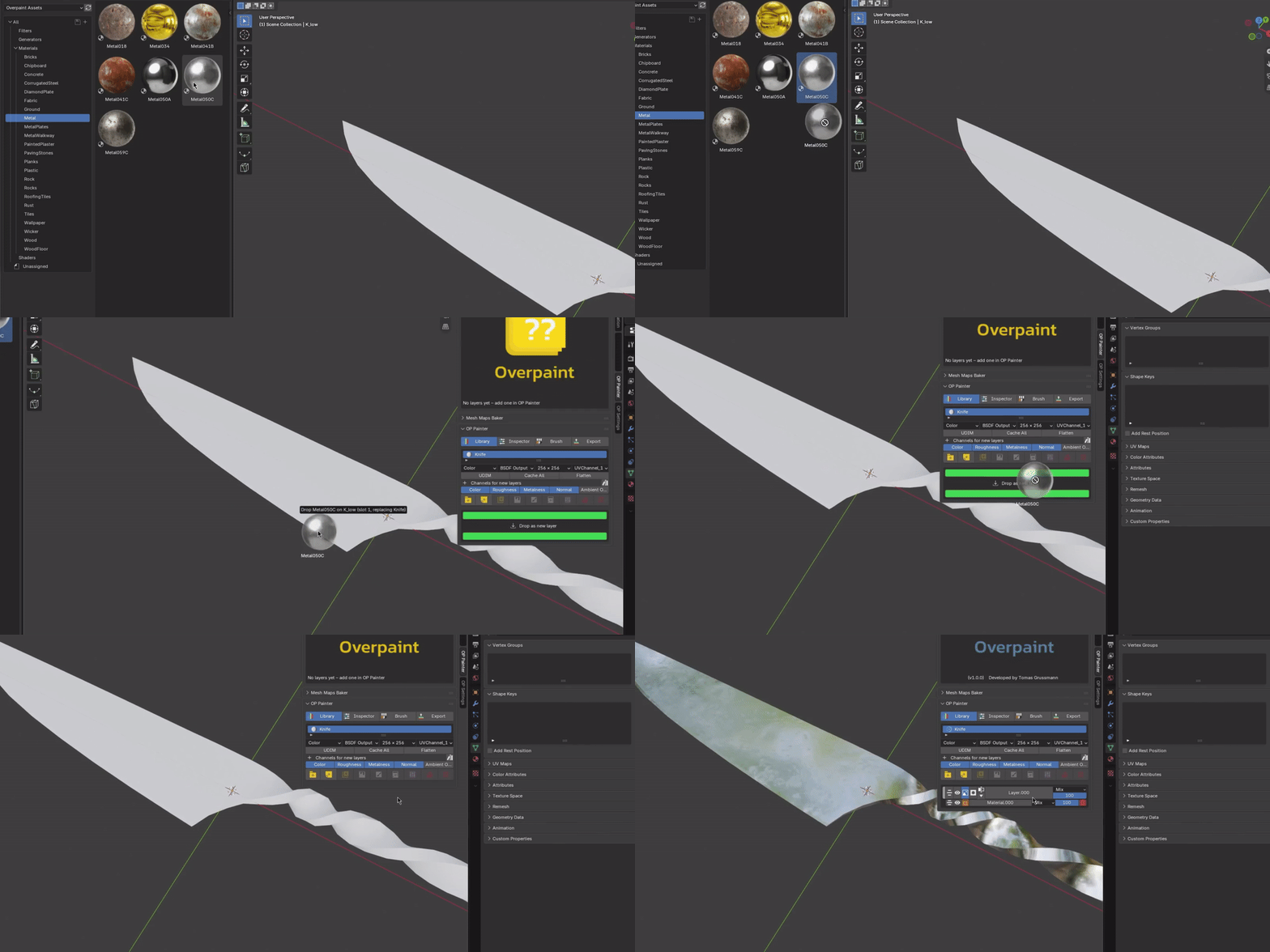
Paint the material, not one map at a time
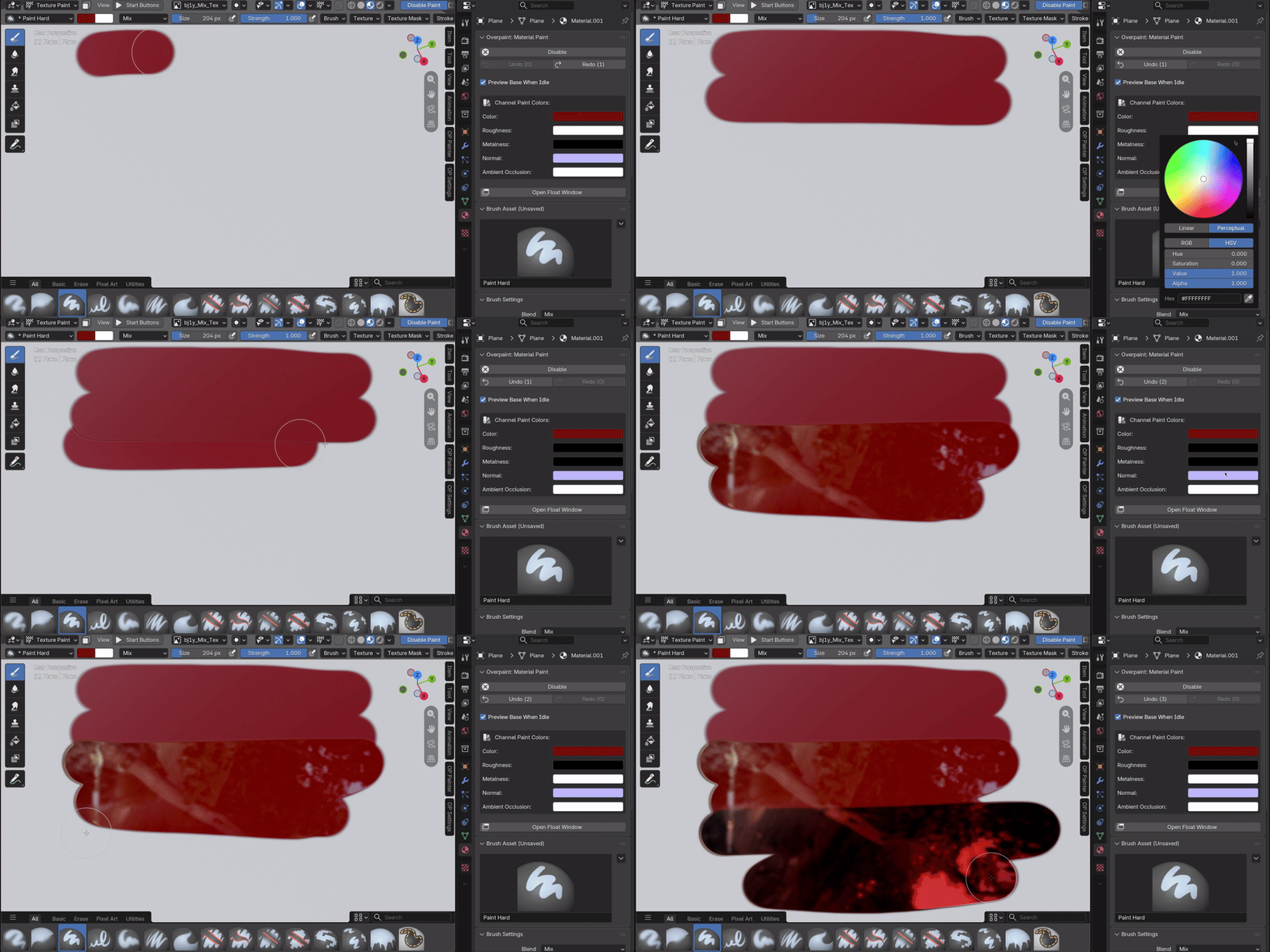
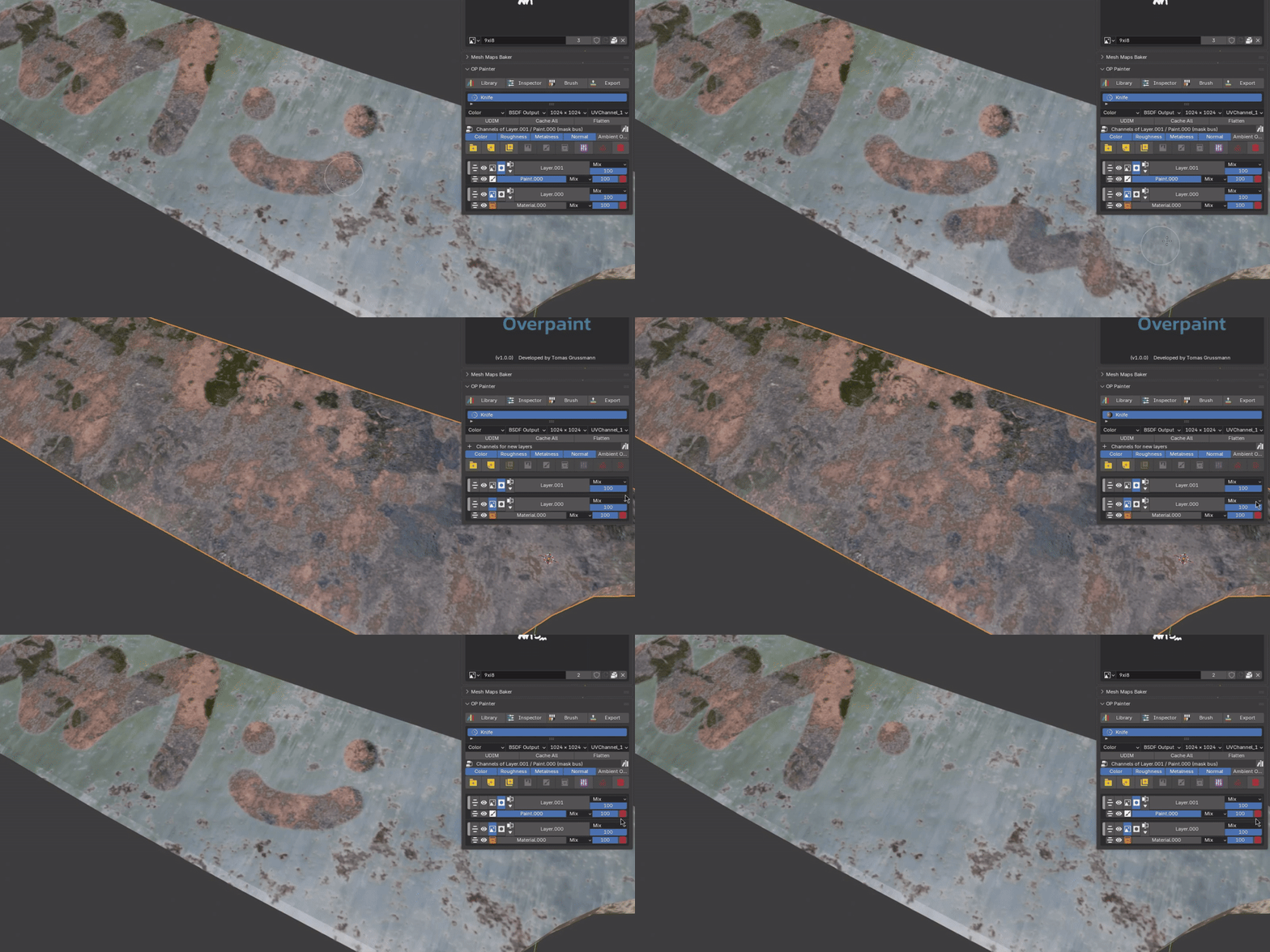
Paint colour, roughness, metalness and other PBR channels in a single brush stroke, each with its own values. Overpaint uses Blender's native brushes, stencils and shortcuts, so you can work with the tools you already know, including across UDIM tiles.
The layer system you're used to
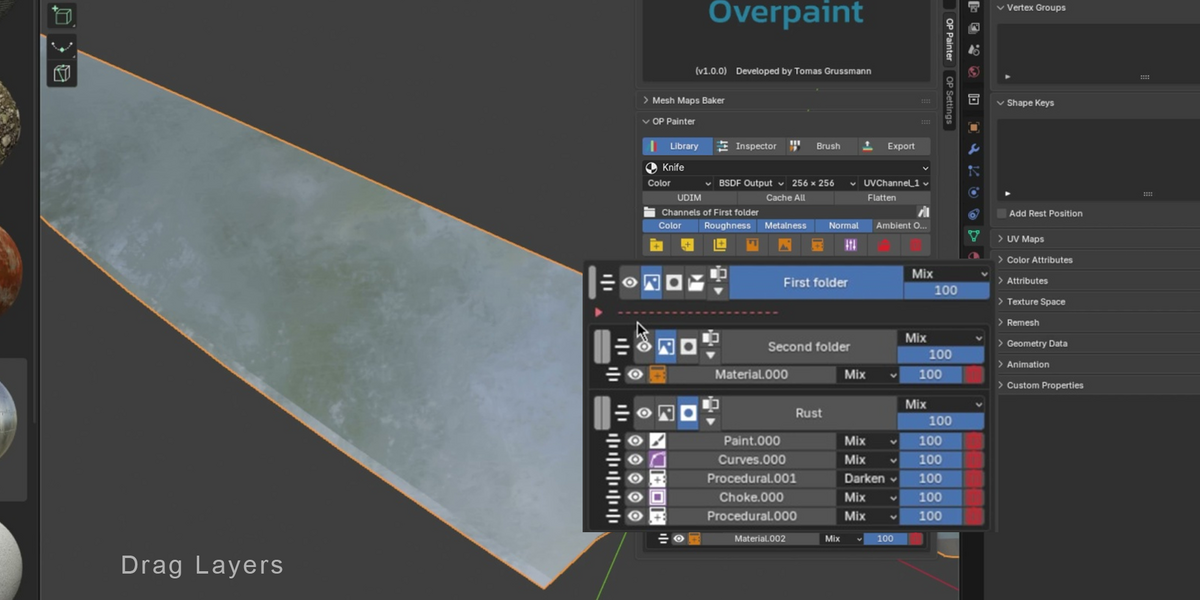
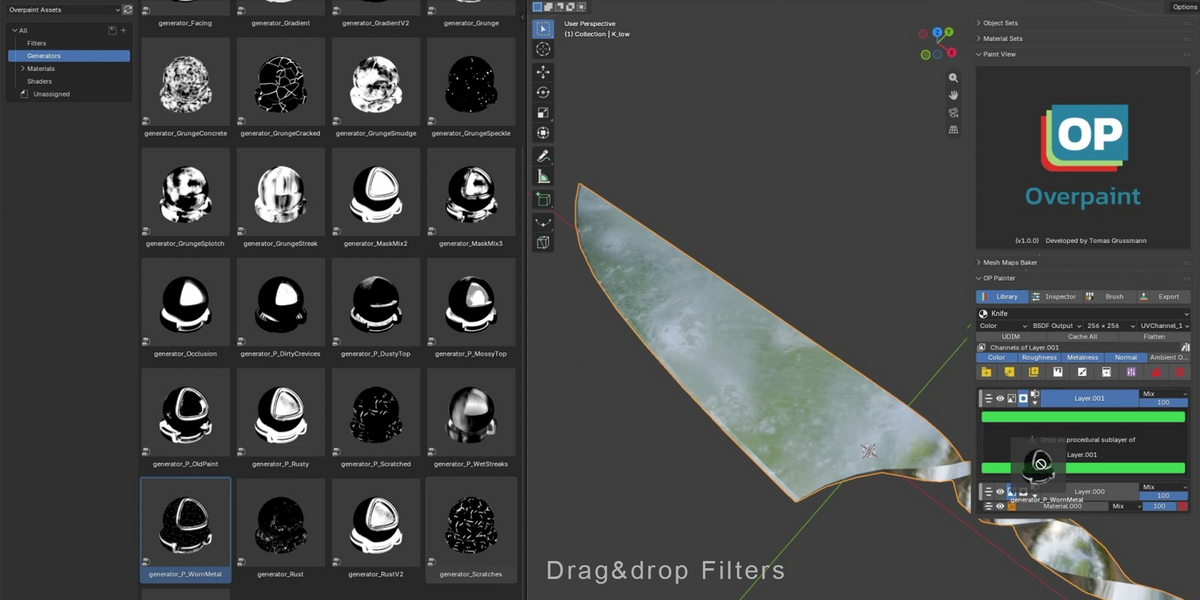
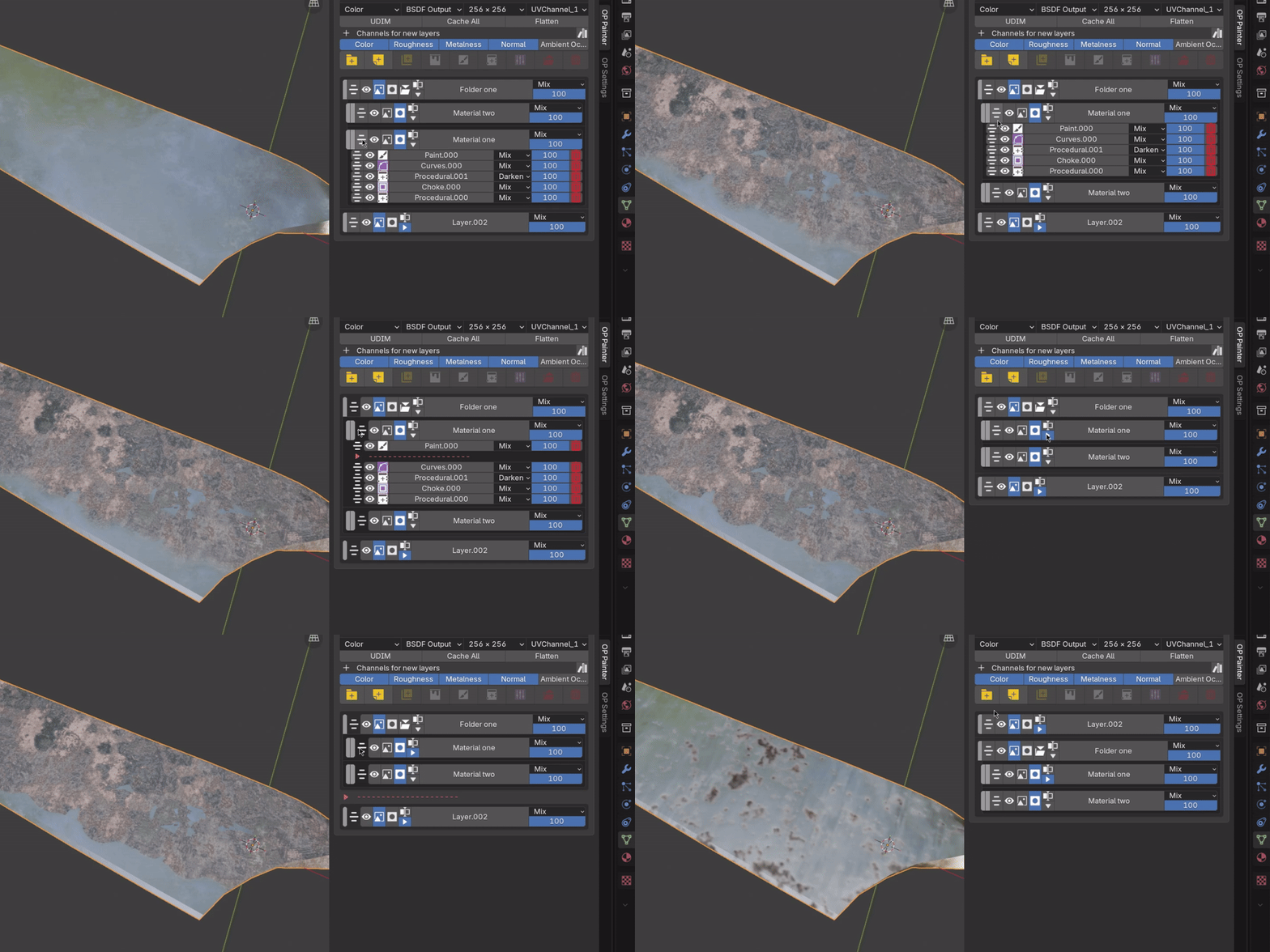
Build materials with layers, folders, nested sublayers, masks and familiar blending controls. Drag to reorder, duplicate or reorganise your stack, and Overpaint handles the connections. Add your own Blender shader nodes anywhere in the stack or cache complex layers for better performance, without losing the original editable setup.
GPU filters and live corrections
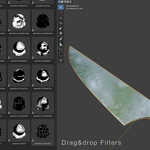
Add Blur, Slope Blur, Sharpen, Choke, Drop Shadow, Glow and other GPU filters directly to your layers and masks. Adjust colours with HSV, Curves, Contrast and other live corrections. Everything stays editable, and Blur and Slope Blur can preview while you paint.
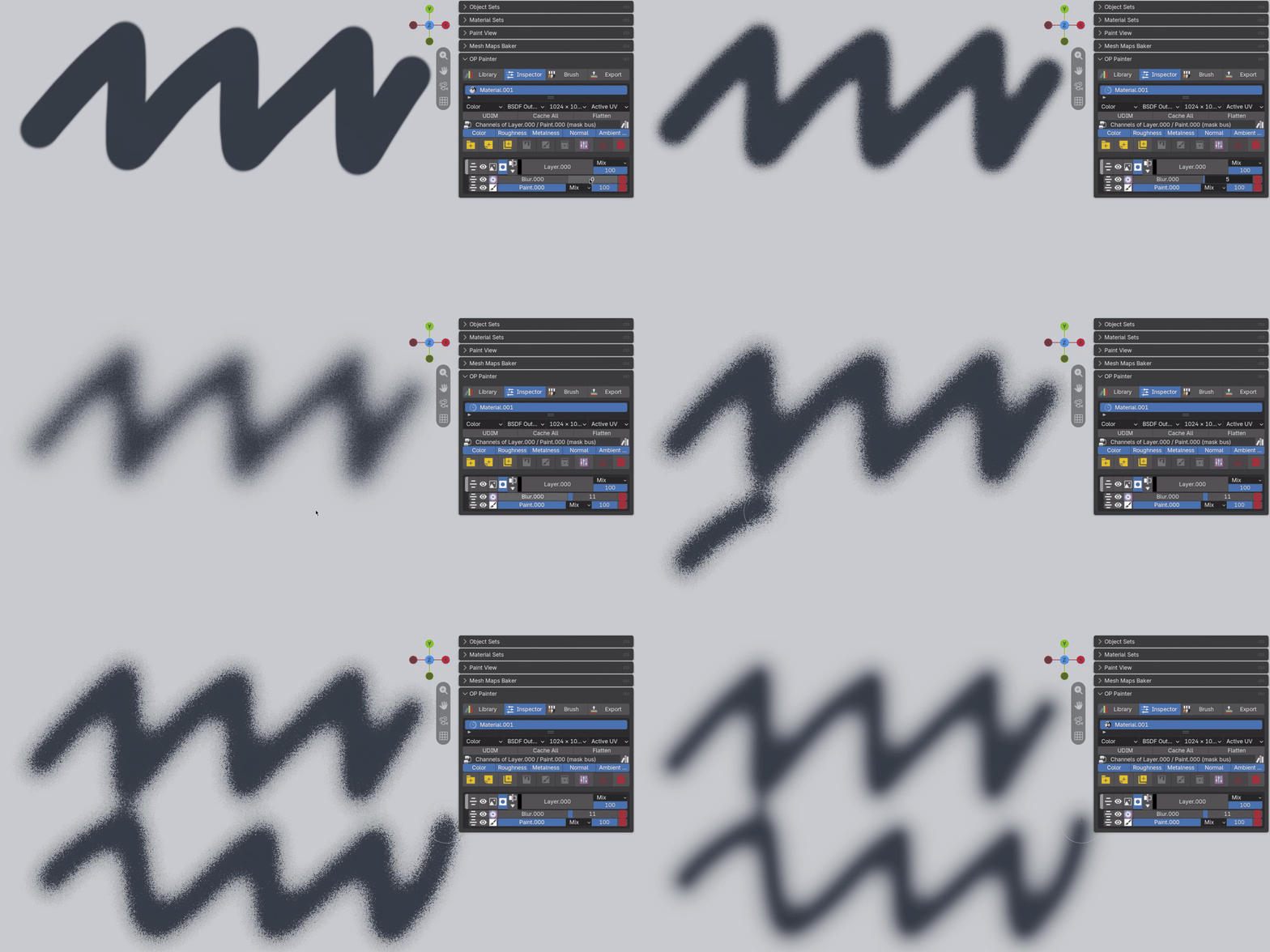
Masks for every situation
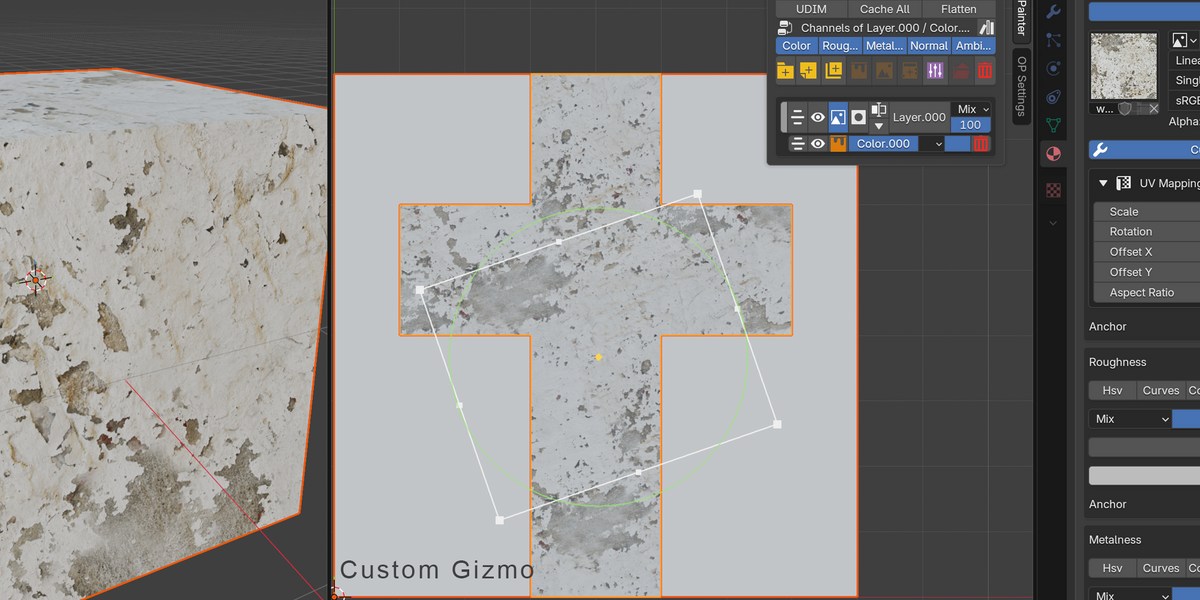
Combine painted masks, procedural generators, ID maps and anchors. Generate ID maps from your mesh and select regions directly in the viewport. Reuse masks and channel outputs through anchors, even across different PBR channels, without duplicating textures.
Undo that remembers your painting
Overpaint includes its own multi-channel painting history, with up to 30 strokes of undo and redo. Smart Undo works alongside Blender's history and can even restore deleted Paint or Image sublayers with their original painted pixels intact.
A library to start with, freedom to build your own
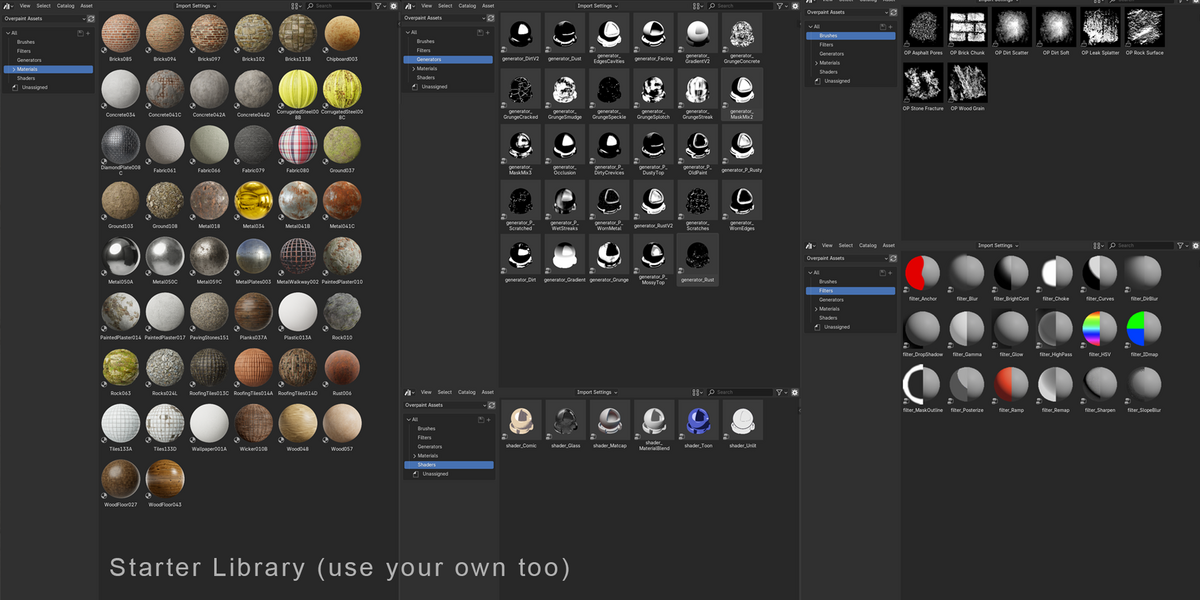
Get started with 50 PBR materials, 29 procedural generators and six shaders, including Toon, Comic and Matcap. Create wear, dirt and edge effects using mesh maps, or build your own generators and shaders using Blender nodes. A built-in Mesh Maps Baker provides AO, curvature, thickness, normal and other maps for procedural texturing.
More than just painting
Overpaint also includes Material Sets for sharing layer stacks across materials, Object Sets for working with multiple meshes, UDIM painting, UV reprojection, baking and custom texture export presets with channel packing. An optional GPU baker, a free separate download from the Factory Tools site, makes bakes and Cache All much faster.
Community & Support
Join the Overpaint Discord to ask questions, share materials, discuss workflows and follow development: https://discord.gg/rCdvfW5eDC
For purchase-related or private support, please use Superhive’s Contact the Creator button.
About Factory Tools
Factory Tools develops practical production tools for Blender artists. Overpaint began in 2023 as a personal project to make material texturing in Blender more practical. I wanted to work with my existing materials and shader nodes, paint several PBR channels at once and keep everything editable without moving between applications.
Three years of development went into making those systems work together, including caching, undo and recovery, UV changes and material synchronisation. AI coding agents helped accelerate final development stage under my direction, building on the workflow and architecture already established.
Overpaint is developed and tested on real production assets. The goal isn't to add another paint panel to Blender, but to make material painting a natural part of its existing workflow.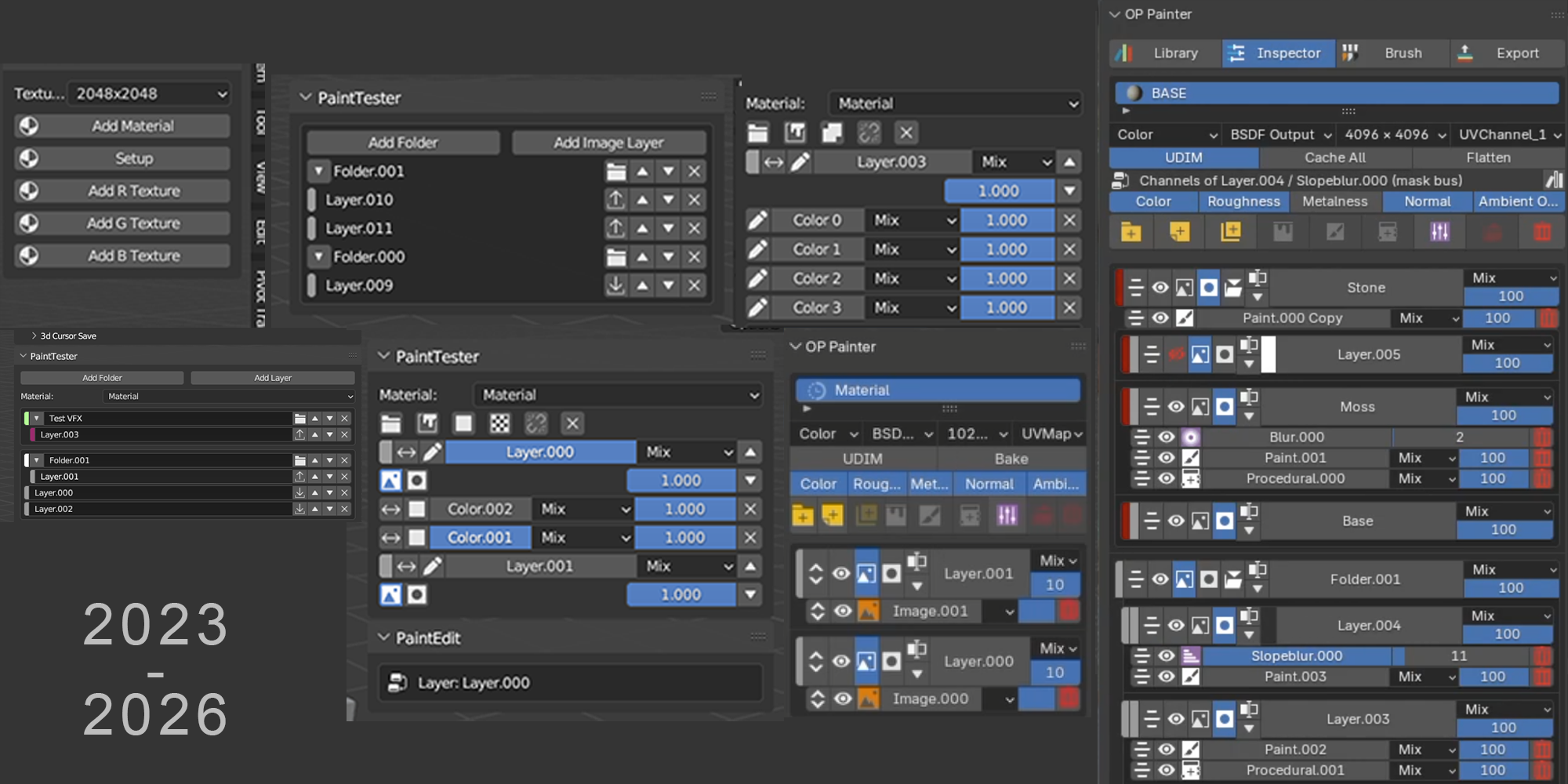
Roadmap
Planned for coming updates:
- macOS support
- A reworked Mesh Maps Baker
Overpaint 1.0 runs on Windows and Linux. It does not run on a Mac yet.
macOS support will come as a normal update. Buy now and you get it the day it is released, at no extra cost.
