Overpaint – Native PBR Painter

What is the optional GPU baker?
The GPU baker is a specialised helper program (an .exe on Windows) that does one thing: it bakes images and node setups together. Thanks to that, bakes go from minutes to seconds and milliseconds. It is optional and free, and it is not inside the Overpaint zip. To get it, open the OP Settings tab and click Get the GPU baker in the box at the top. This takes you to my site, where you download the version that matches your Overpaint. Then click Install from file... in the same box and pick the downloaded zip, without unzipping it. That installs the baker and the box disappears. No account and no restart are needed. Without the baker Overpaint still works, with slower bakes through Blender; For fast Bake you need the baker.
Is it open source?
The add-on is, under GPL-3.0-or-later. The optional GPU baker is not part of the Overpaint zip: it is a separate helper program that the add-on starts as a process of its own, outside Blender. It is a free download from the Factory Tools site, closed source, under its own licence (LICENSE-BAKER inside its package). Use it with Overpaint for any work, commercial included. Overpaint also works without the baker, only slower.
Where can I find the complete documentation?
The full user guide, with screenshots, is at https://overpaint-docs.pages.dev/. The Documentation tab on this page covers installation and first steps.
How do I export textures?
Open OP Export, choose a preset or create your own texture list, set the output path and format, then press Export.
Can I paint several PBR channels at once?
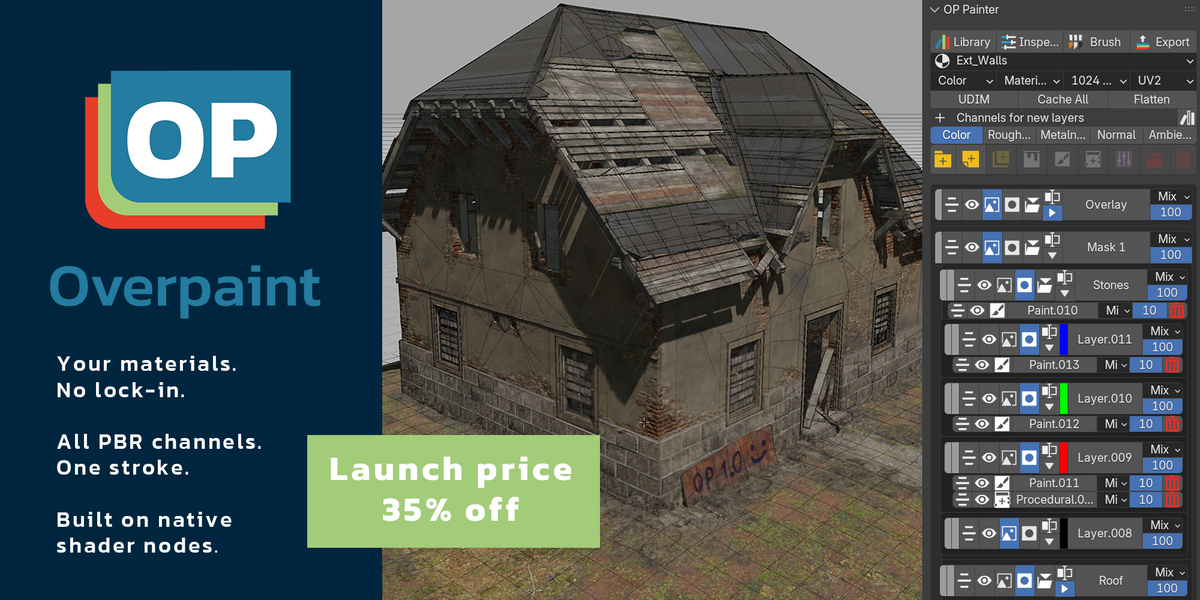
Yes. Material Paint lets one stroke affect multiple channels with separate values for Color, Roughness, Metalness and other supported channels.
Can I use my existing Blender materials?
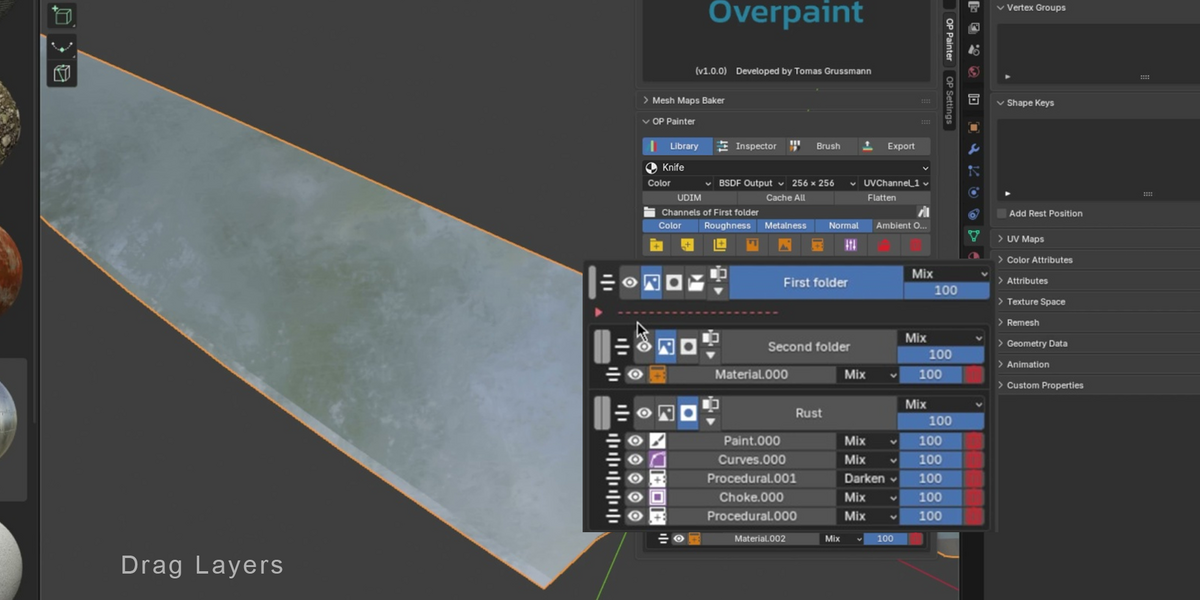
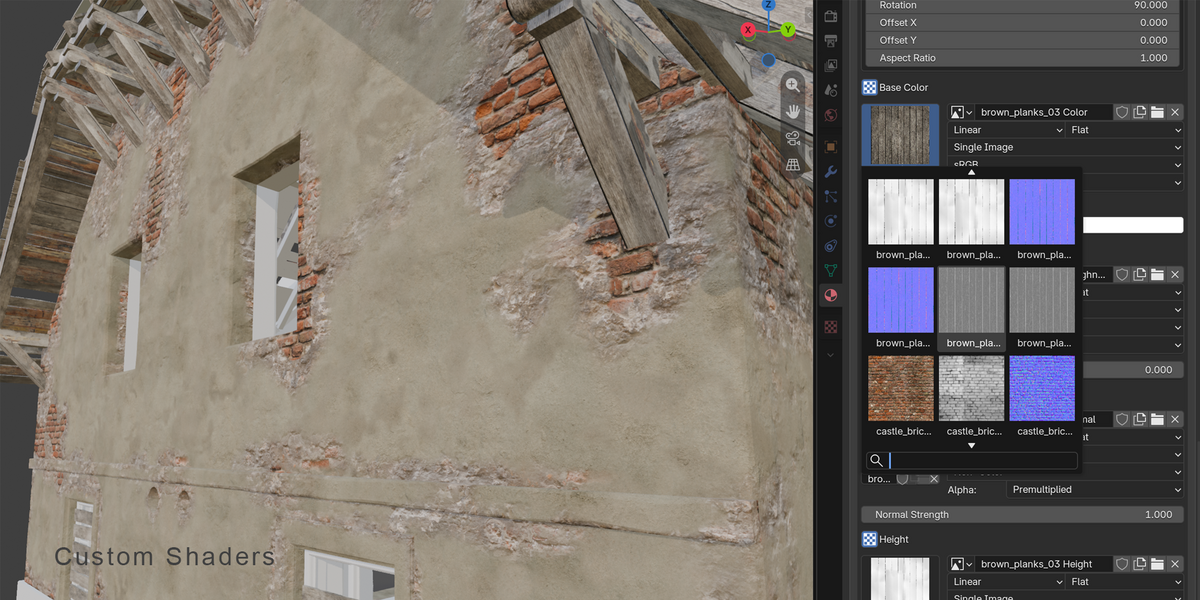
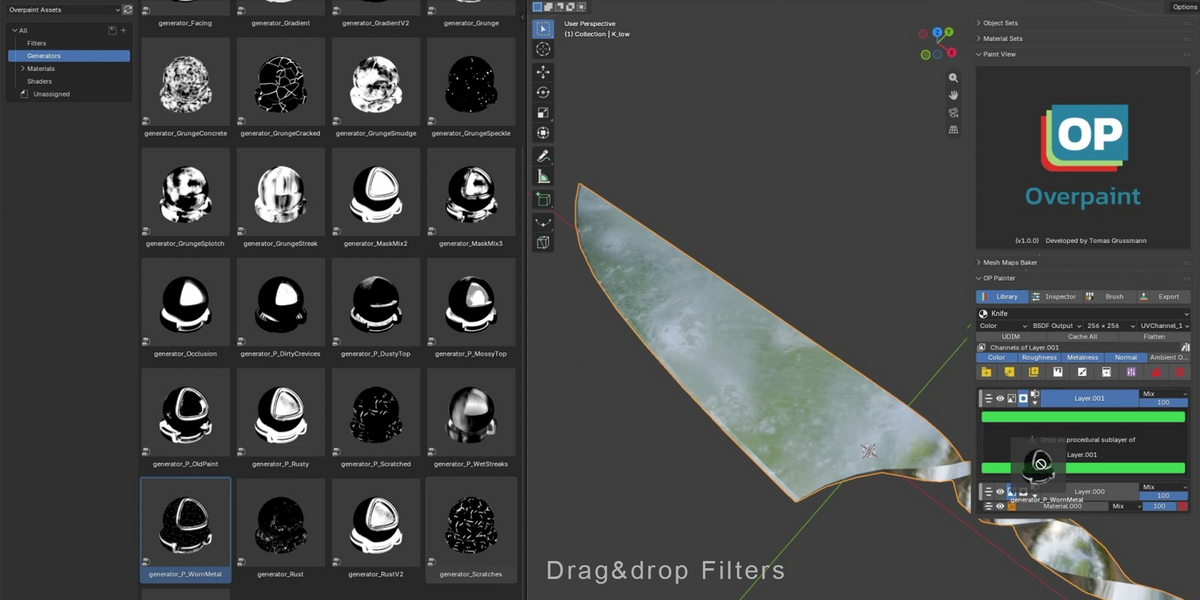
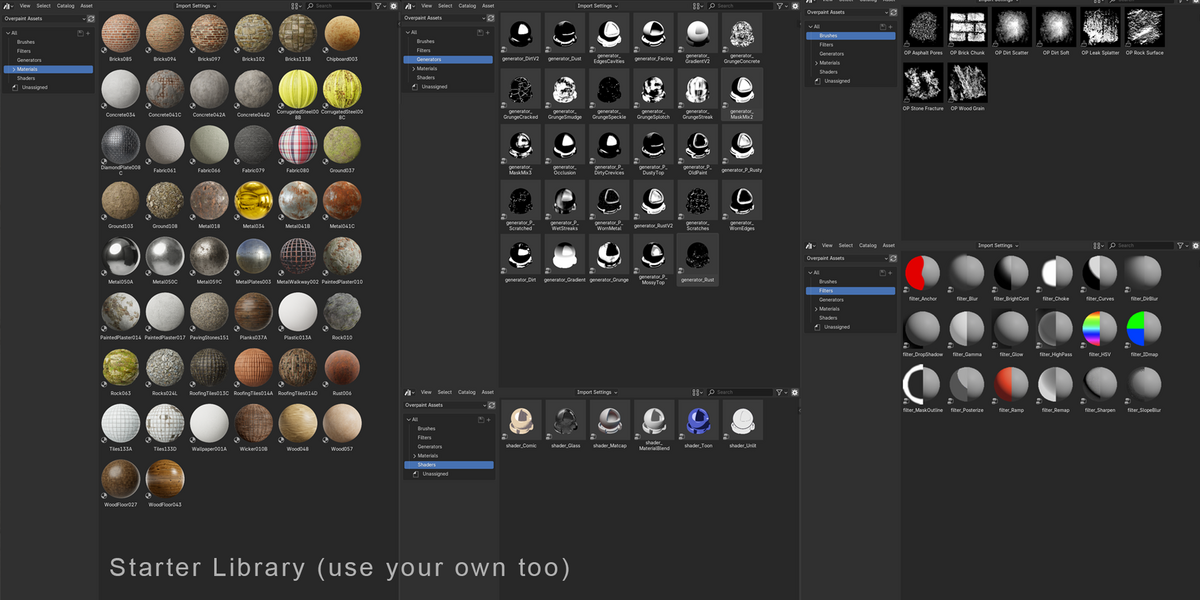
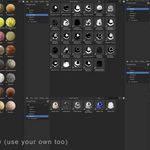
Yes. Drag an image-based material or a compatible procedural material from Blender's Asset Browser into the stack. If your textures are still loose folders on disk, the included Overpaint Library Tools add-on turns them into an asset library first.
Why does Blender say “Overpaint Library missing”?
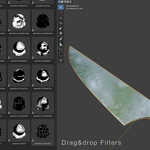
Reinstall the complete Overpaint extension ZIP. It contains the add-on, generators, filters, shaders and GPU baker.
How do I install Overpaint?
In Blender, open Edit → Preferences → Get Extensions, open the top-right drop-down menu, choose Install from Disk…, and select the Overpaint extension ZIP.
Which versions of Blender are supported?
Overpaint requires Blender 4.5 or newer. Windows 10/11 and 64-bit Linux are supported. macOS is not supported in this build.
Discover more products like this
Texturing 3D texturing tool Blender Substance Painter addons for texturing 3D-texture-painting advanced PBR texturing material blending PBR painting 3d character texturing paint layer