 StagArts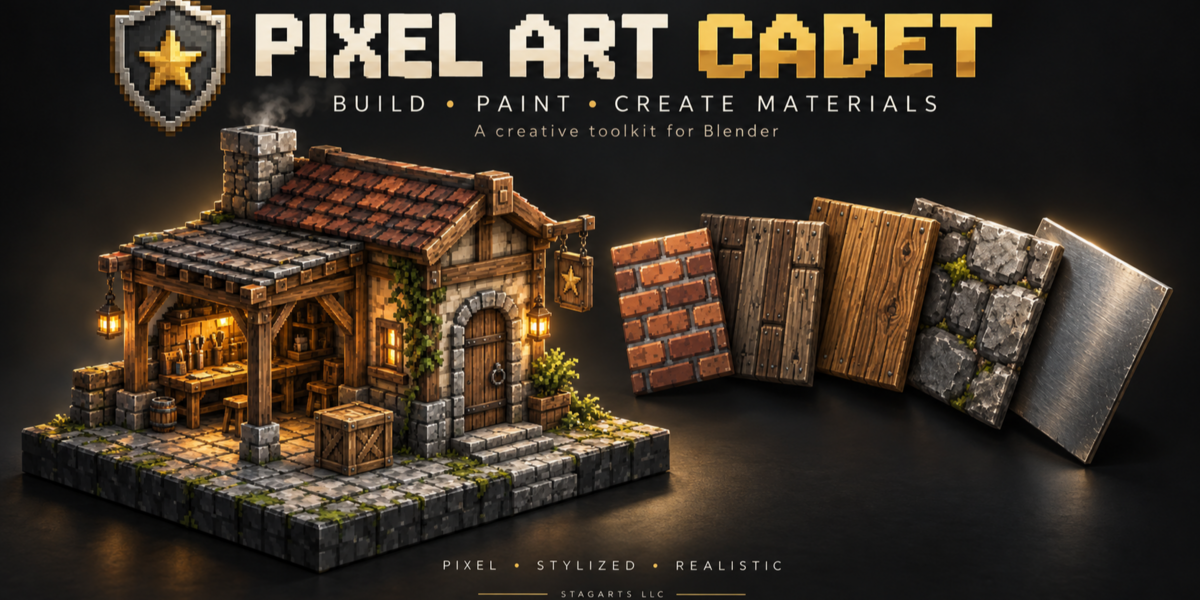
Pixel Art Cadet
Build, paint, and create materials inside Blender.
Don’t let the name limit your imagination. Pixel Art Cadet (PAC) is a versatile toolkit for tile-based modeling, texture painting, and procedural material creation—not just pixel art.
Create crisp low-resolution assets, stylized environments, architectural details, or realistic-looking surfaces. PAC brings geometry, painting, and material tools into one Blender workflow, helping you move from a texture idea to a usable asset.
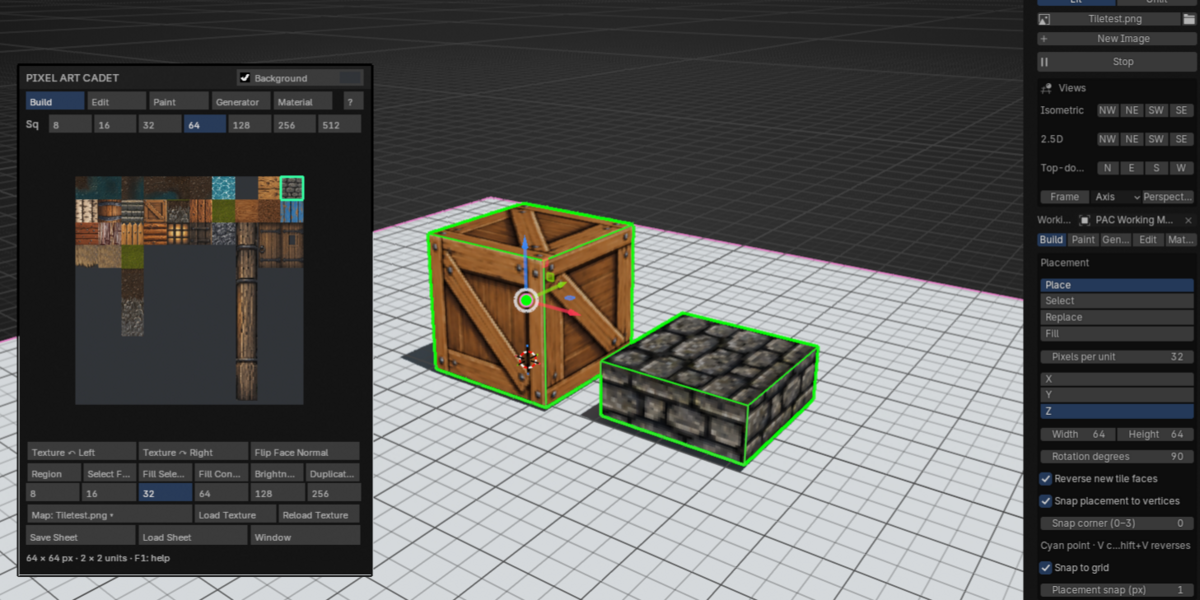
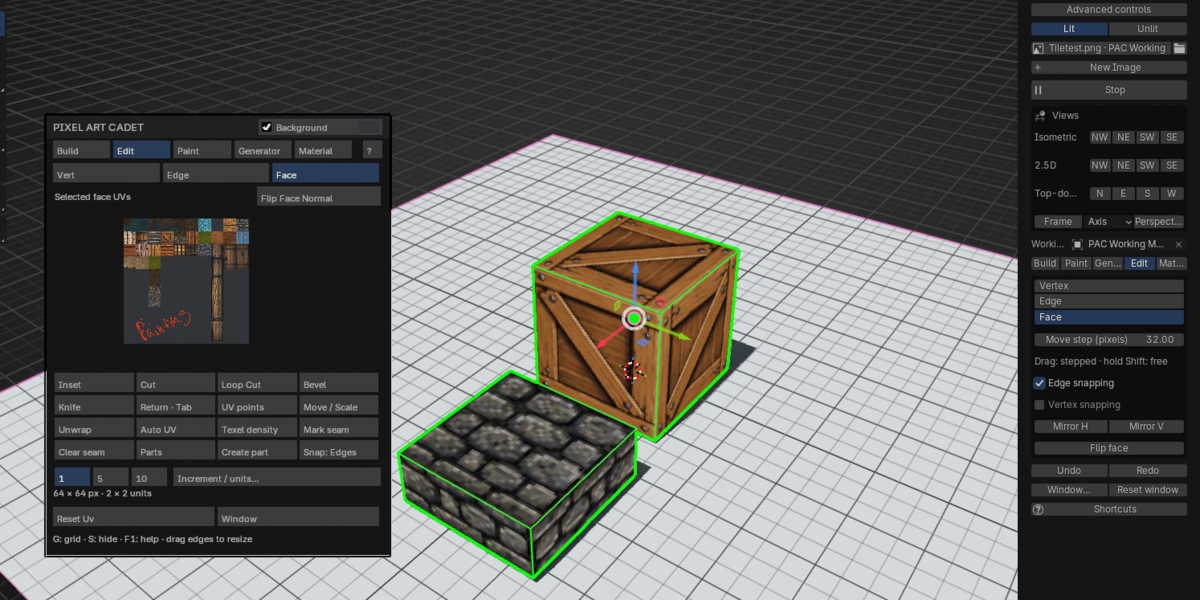
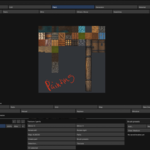
Turn tile sheets into 3D geometry
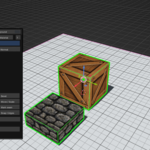
Select a region of an image and place it as a textured mesh tile. Assemble floors, walls, props, and modular environments, then refine their vertices, edges, and faces.
- Choose your placement snap corner with a clear visual indicator.
- Move components in controlled increments, or hold Shift during a drag for free movement.
- Rotate and mirror textures independently of geometry.
- Reverse face direction, weld adjoining tiles, and use live mirroring.
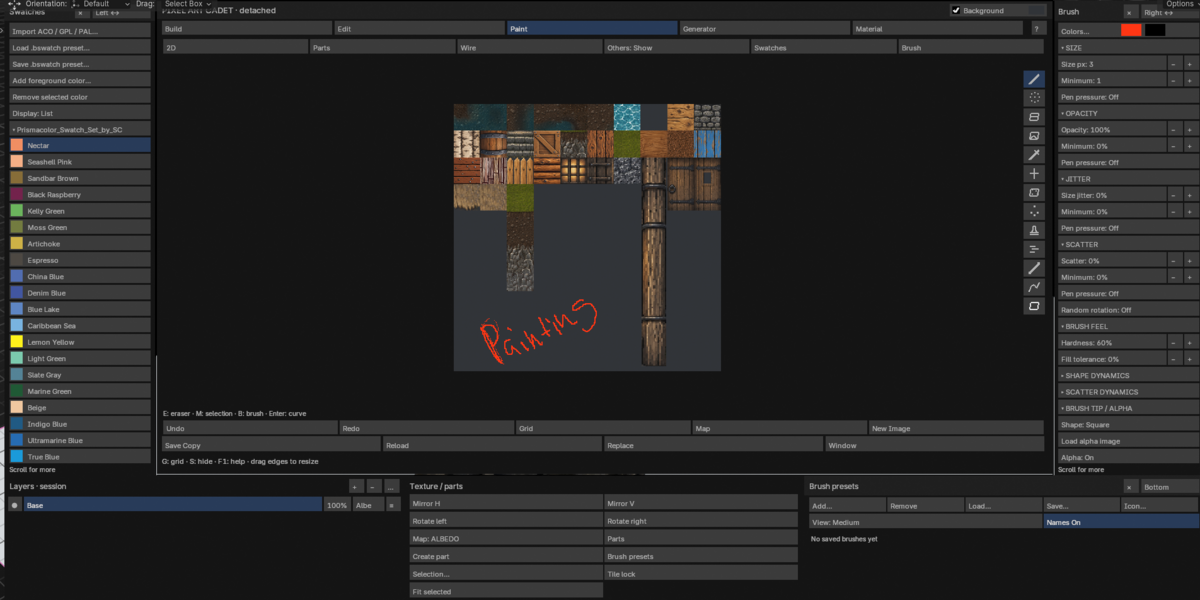
Paint and customize your textures
Create a blank image or open existing artwork and edit it directly in PAC.
Work with layers, swatches, brush presets, and tools including pen, airbrush, eraser, fill, clone, blur, and smear. Paint supported material channels such as albedo, height, normal, roughness, ambient occlusion, and emission.
Export flattened images with Save Copy when you’re ready to use or share your work.
Generate more than pixel art
Explore 18 procedural material recipes with Pixel, Stylized, and Realistic modes.
Create wood, planks, parquet, brick, stone, ceramic-like tiled surfaces, marble, granite, water, lava, metals, rust, and more. Adjust colors, scale, pattern, and seed to develop variations.
Shape the details that give a surface character:
- Wood: grain patterns, knots, cracks, weathering, and board variation.
- Brick and stone: joints, bevels, and uneven edges.
- Individual-piece erosion: apply smooth, ridged, or chipped edge noise to separate bricks, boards, or stones—not just the texture as a whole.
- Companion maps: generate height, normal, roughness, and ambient occlusion where supported.
Select a destination rectangle in Build, switch to Generator, and use Add to Sheet to fill that area.
Build your own procedural materials
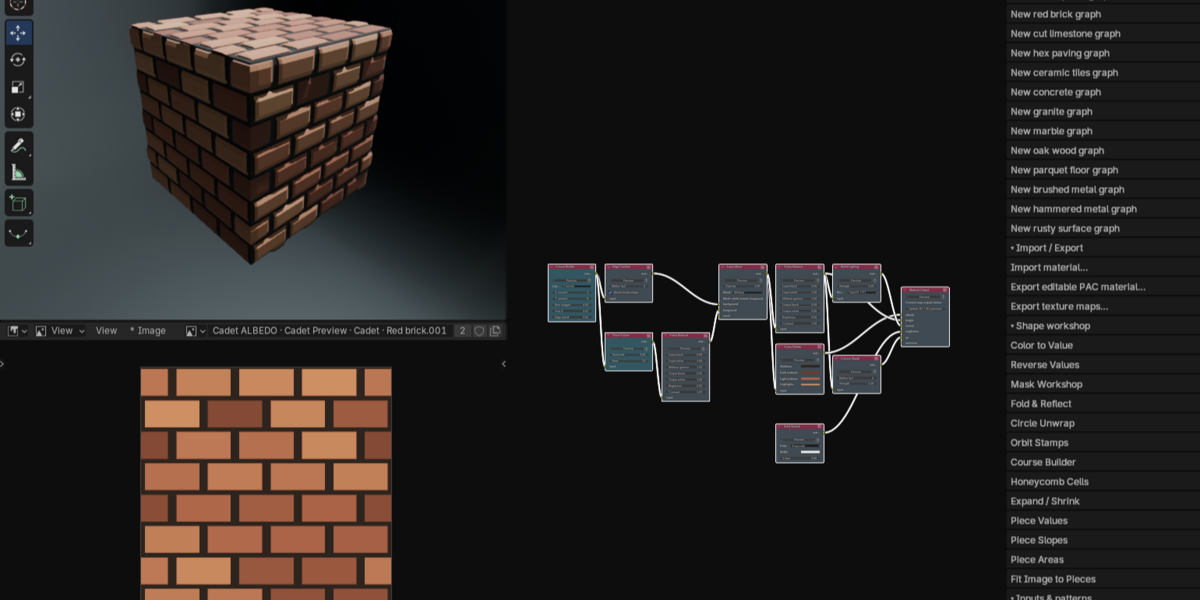
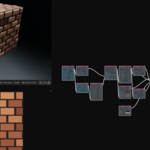
PAC’s Material Node Workshop lets you create editable materials from shapes, patterns, noise, images, and processing nodes.
Create repeated motifs, rectangular layouts, hexagonal patterns, and per-piece variation. Combine masks, reshape outlines, and control how colors and surface details are distributed.
Friendly descriptions and node suggestions help you explore. Drag an output into empty graph space to see suggested next steps. Compatible color-to-height connections made through PAC’s browser automatically insert an editable Color to Value conversion.
Start with a preset, make it your own
Choose from 13 editable material graphs, including:
Worn planks, red brick, cut limestone, hex paving, ceramic tiles, concrete, granite, marble, oak wood, parquet flooring, brushed metal, hammered metal, and rust.
Each preset is a starting point you can inspect, adjust, and expand—not a locked result.
Import, export, and keep creating
- Export and import editable
.pacmatpackages with embedded image dependencies. - Import supported, clearly named texture-map sets.
- Export texture maps for use in other workflows.
- Save portable brush groups and color palettes.
An optional SBS/SBSAR baking bridge is available for users who separately own and install Adobe Substance Automation Toolkit. It imports baked images, not editable Substance source nodes.
Included with PAC 1.0.0
- Blender add-on with no activation requirement.
- Procedural generator and material-node tools.
- Editable material presets.
- Eight-page PDF guide covering installation, shortcuts, tutorials, and troubleshooting.
Requirements and important notes
Requires Blender 5.2.0 or newer. Release checks were performed in Blender 5.2.1.
PAC paint layers are session-only. Export modified images with Save Copy before closing or updating Blender; saving a .blend file does not preserve the editable PAC paint-layer stack.
Generated materials are procedural starting points. Realistic results depend on shader setup and lighting. Metals and transparent liquids require appropriate Blender shader settings; PAC does not currently provide a dedicated metallic output channel.
The optional Adobe bridge requires separately licensed software and has not been end-to-end verified with Adobe’s toolkit in this release.
Pixel Art Cadet 1.0.0 — by Stagarts LLC
A flexible workspace for building geometry, painting textures, and exploring materials—whatever your visual style.
