Pixel Art Cadet
 StagArts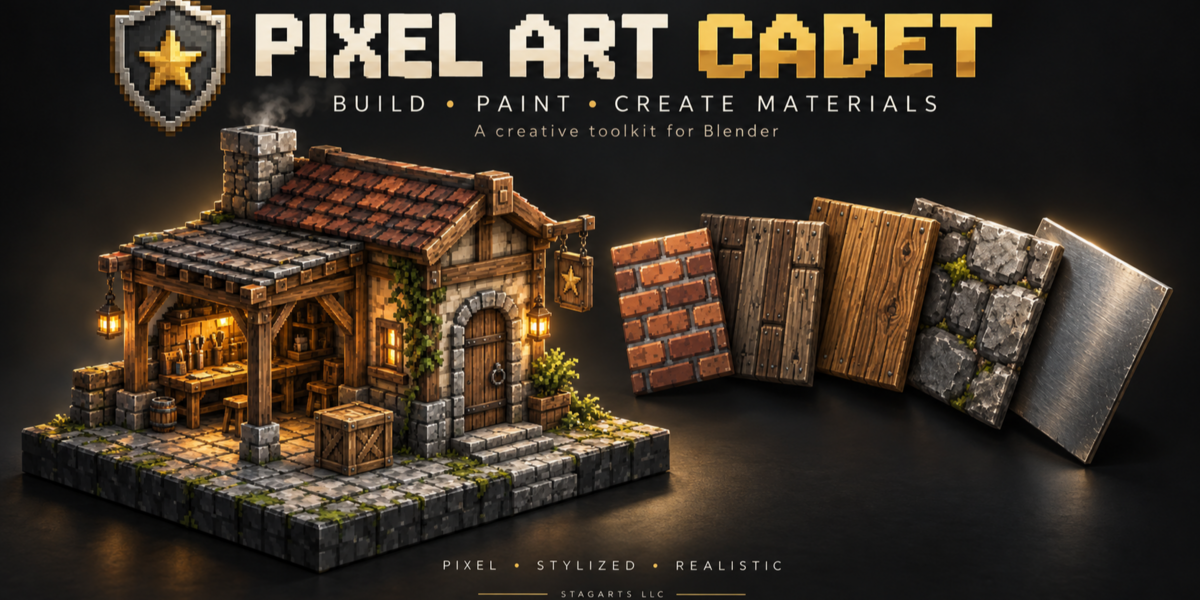
Will saving my Blender project preserve my paint layers?
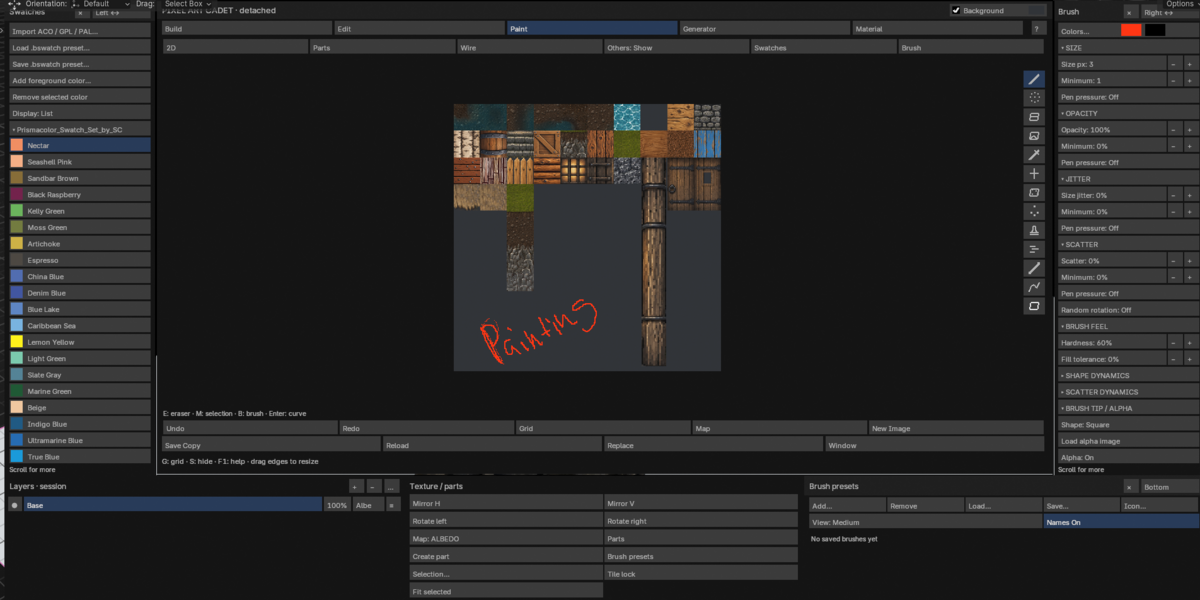
No. In PAC, paint layers are session-only. Export your finished images with Save Copy before closing Blender. Save your Blender project separately. Further PAC offers you the opportunity to save your presets in their custom formats. Example you can save a brush you have created and change its icon in the brush preset panel, saving the file as a *.BBrush will save your brushes that you can reload in another project.
Why is my texture facing the wrong way?
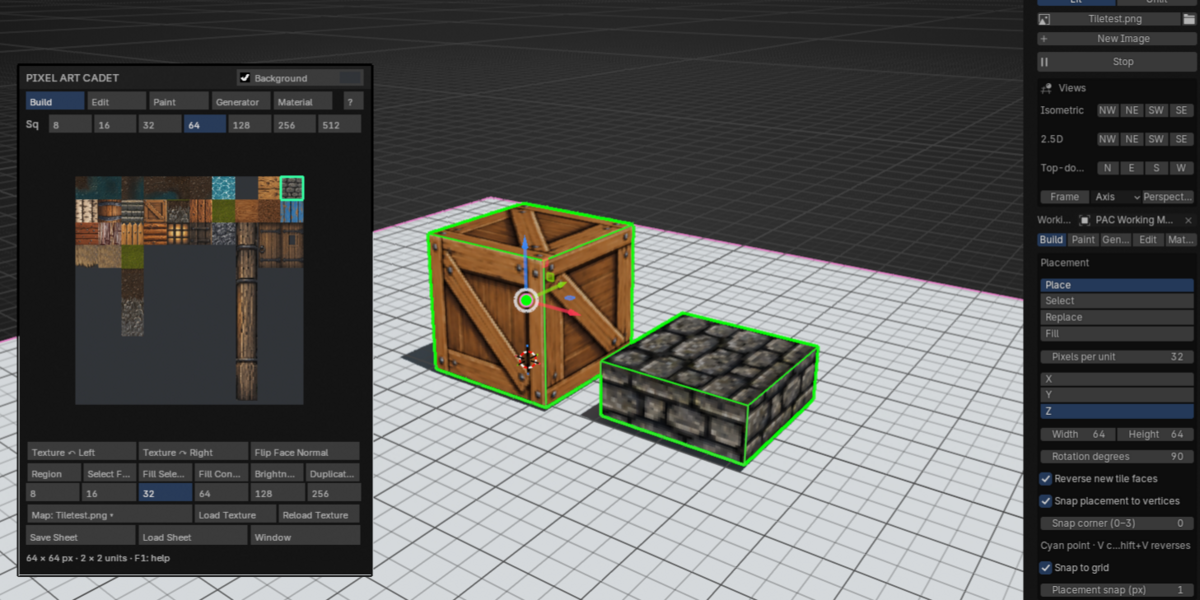
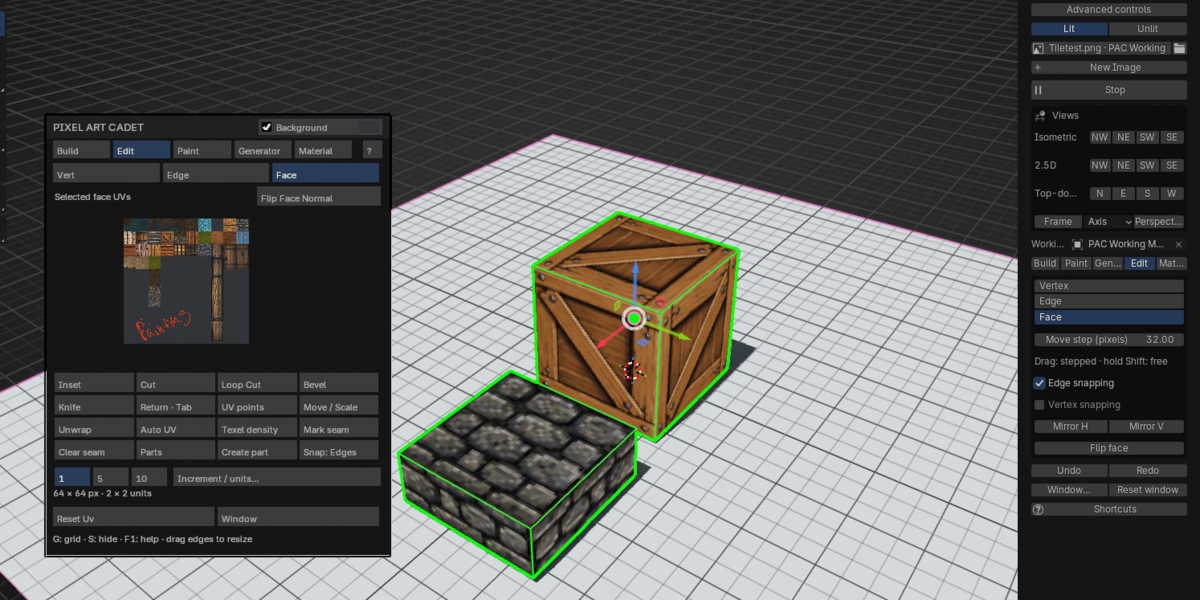
Use texture rotation or mirroring to change the artwork’s orientation. If the geometry itself is facing the wrong direction, use Flip Face Normal instead or use Shift-F.
Does PAC support drawing tablets?
PAC supports pen-pressure controls within its full featured drawing panel. Results can depend on your tablet and driver settings.
Do I need an existing tile sheet?
No. Use New Image to create a blank image, or open an existing texture or tile sheet.
Is Pixel Art Cadet only for pixel art?
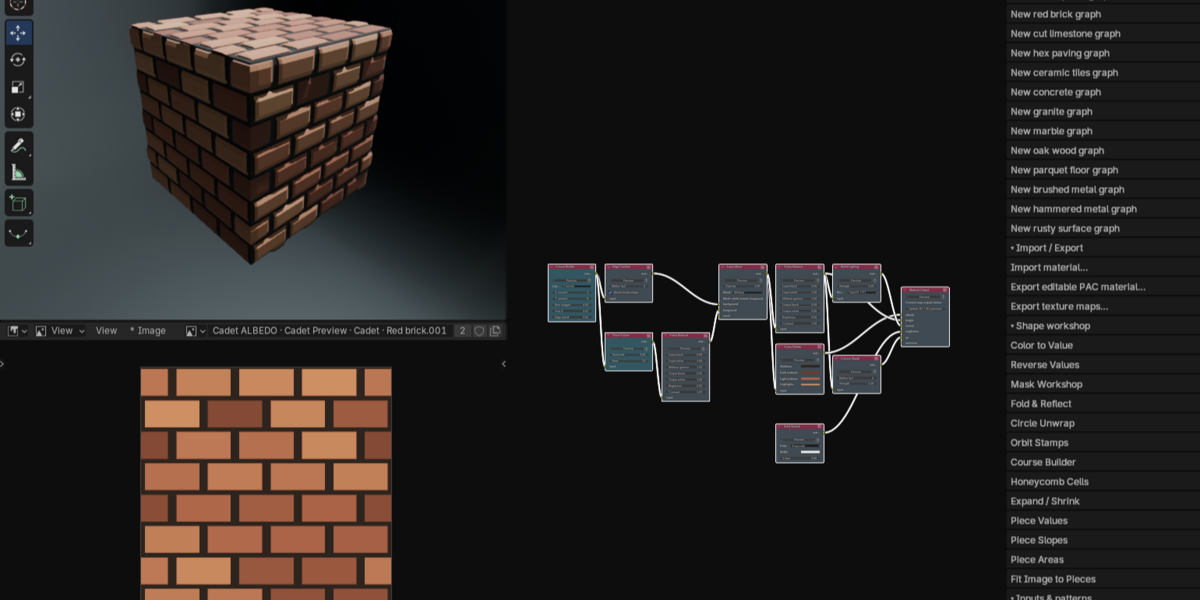
No. PAC supports pixel art, stylized artwork, and realistic texture workflows. You can use it for tile-based modeling, image painting, procedural textures, and material creation.
$45
 Included
Includes 12 months of
- Support from StagArts
- Product updates
Extend this product’s Support Period +12 months: 50% of product price
Have questions before purchasing?
Login to message
| Blender Extension Compatible | Yes |
| Published | 4 days ago |
| Blender Version | 5.2 |
| Extension Type | Add-on |
| Render Engine Used | Cycles, Eevee |
| License | GPL |
Discover more products like this
modeling Texture Painting tile material nodes materials low poly isometric game-dev 2.5d