Pixel Art Cadet
 StagArts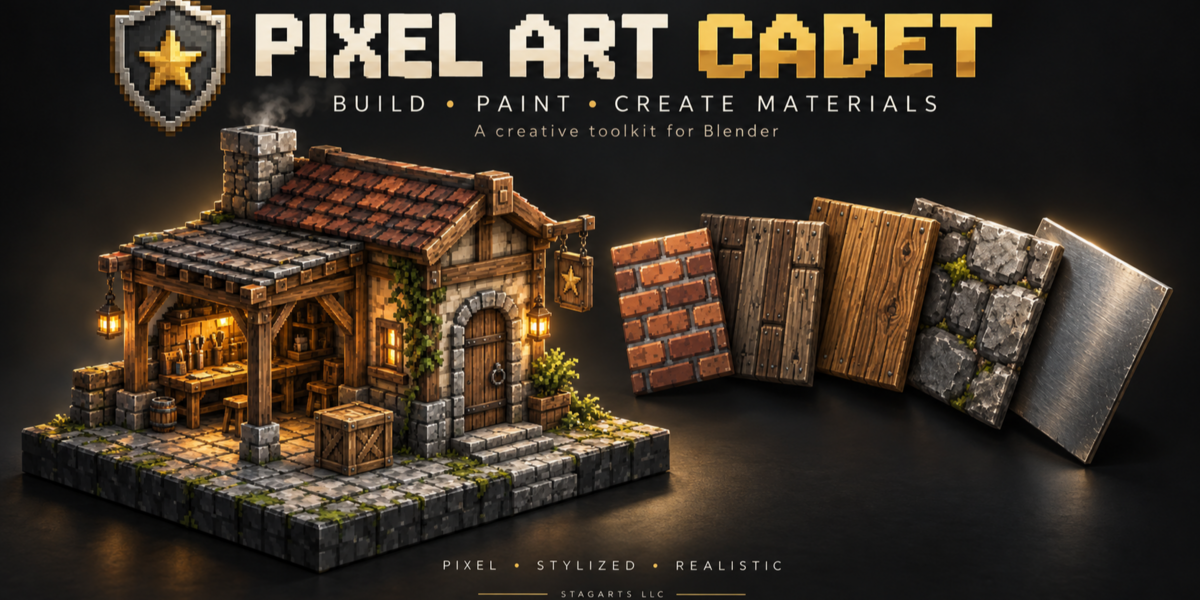
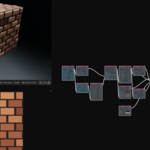
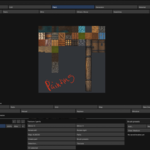
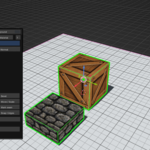
Welcome to Pixel Art Cadet
Pixel Art Cadet (PAC) is a Blender toolkit for building with textures, painting images, and creating procedural materials. Despite the name, PAC isn’t limited to pixel art—it also supports stylized and realistic texture workflows.
This documentation covers PAC 1.0.0. A PDF guide with shortcuts and basic tutorials is included in your download.
Installation
- Download
PAC_1.0.0.zip. - Open Blender’s Preferences and install the ZIP using Install from Disk.
- Enable Pixel Art Cadet if it isn’t already enabled.
- Open the 3D Viewport sidebar and select the PAC tab.
When updating, save your work first, install the replacement ZIP, and restart Blender. Avoid keeping multiple PAC installations enabled.
Getting started
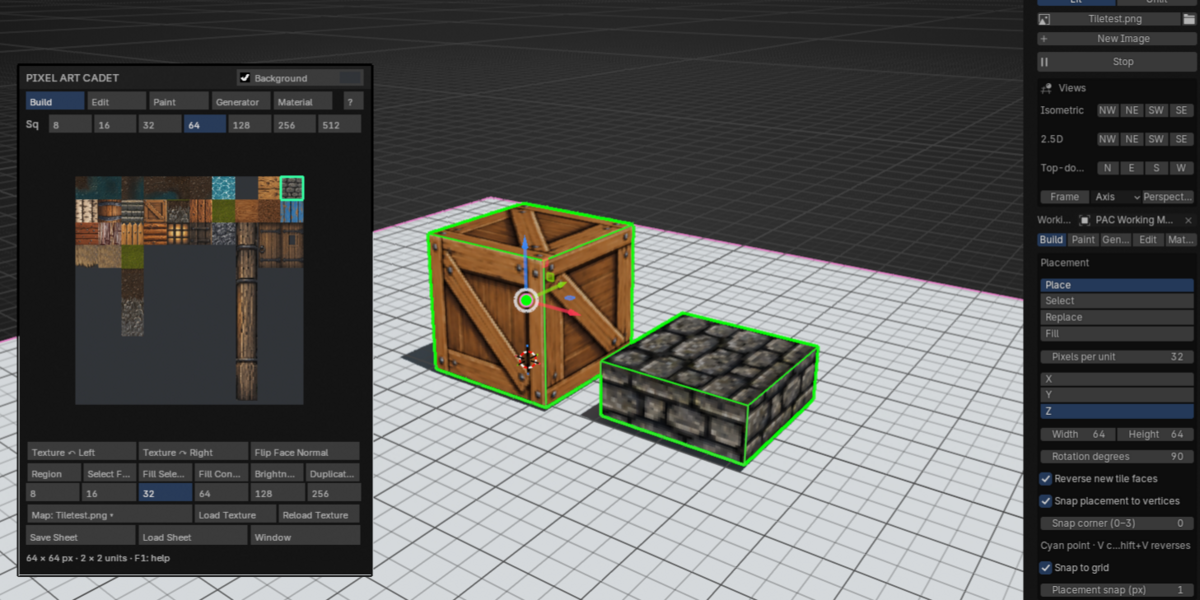
- Open an existing image or use New Image to create a blank one.
- Choose your tile size and select an area of the image.
- Click Start to begin working.
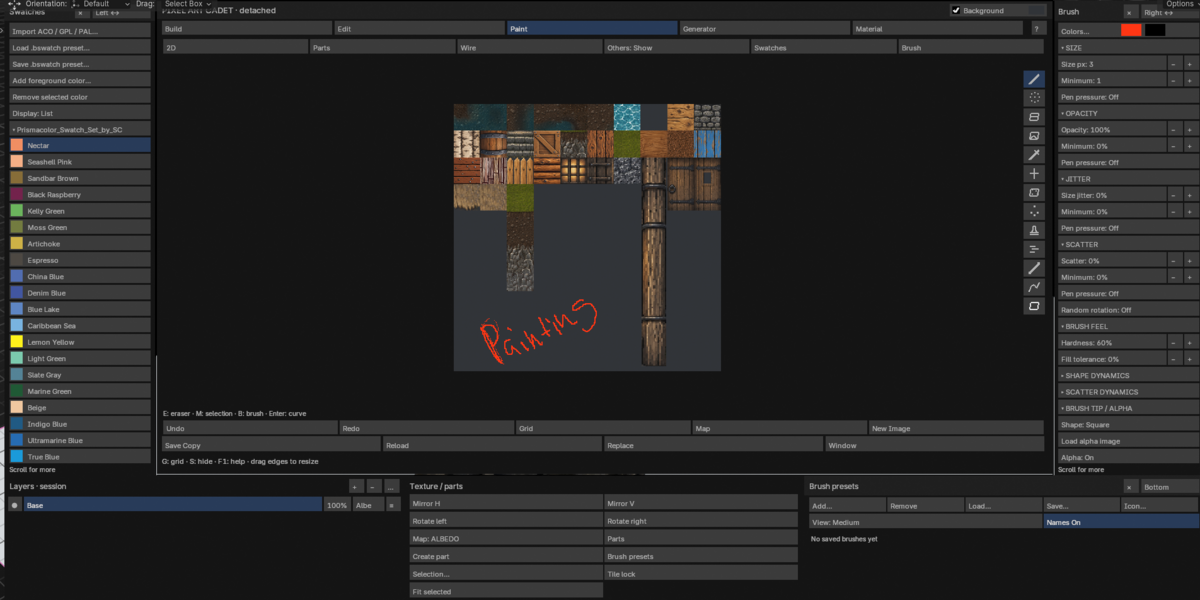
- Switch between Build, Edit, Paint, Generator, and Material as needed.
Build and edit
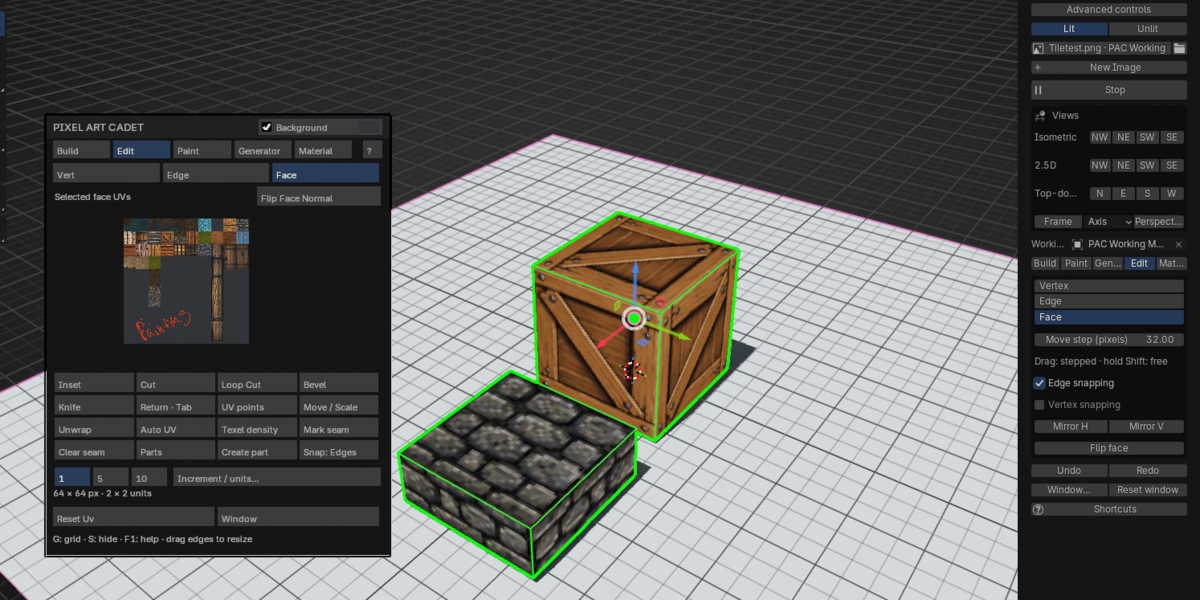
Use selected image regions to create textured geometry. Adjust tile placement, orientation, and snapping to assemble your scene.
- V / Shift+V: Cycle the active snapping vertex in Build. The cyan marker shows the selected corner.
- Edit: 1 / 2 / 3: Switch between vertex, edge, and face selection.
- Edit: Arrow keys / Page Up / Page Down: Move selected elements incrementally.
- Shift during an Edit handle drag: Temporarily switch to free movement. Start dragging before holding Shift.
Texture rotation and mirroring change the artwork’s orientation. Flip Face Normal changes which side of the geometry faces outward.
Paint and alpha brushes
Paint directly in PAC using brushes, alpha images, swatches, and layers.
For scattered alpha stamps:
- Load an alpha under Brush Tip / Alpha and enable it.
- Increase Scatter.
- Enable Random rotation.
- Adjust Rotation ± degrees.
A value of 45 allows each stamp to rotate up to 45 degrees in either direction. A value of 180 allows any orientation. Pen pressure remains available; pen tilt is not used.
Generate textures
Use the Generator to create materials such as wood, planks, stone, bricks, metals, and liquids, with pixel, stylized, or realistic treatments.
For materials made from separate pieces, edge variation can give individual bricks, stones, or planks uneven outlines rather than distorting the entire texture.
To fill a specific area of your tile sheet, select that area in Build, switch to Generator, and check the destination before choosing Add to Tile Sheet.
Material nodes
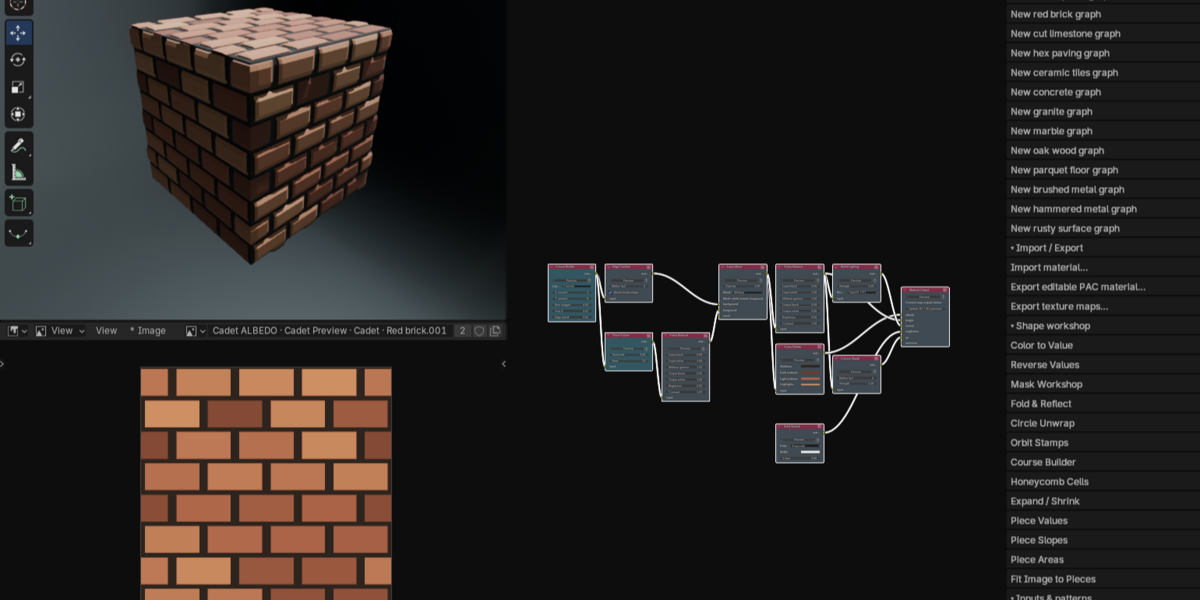
Start with a starter graph or material preset, then adjust its nodes to build your own material.
Node tooltips explain what each node does and suggest ways to use it. Compatible color-to-height connections can insert a grayscale conversion automatically.
Use .pacmat import/export to exchange editable PAC material graphs and their embedded image dependencies.
Views and lighting
The sidebar includes compact controls for:
- Isometric views
- 2.5D views
- Angled top-down / three-quarter views
PAC’s lighting labels mean:
- Lit: Self-lit materials for a consistent appearance without scene lighting.
- Unlit: Materials that use your Blender lighting setup.
These view controls change the working viewport, not your render camera.
Saving your work
Important: PAC paint layers are session-only in version 1.0.0.
Use Save Copy to export your painted image before closing Blender or restarting PAC. Export every modified image channel you need to keep.
Save your .blend file separately for geometry and scene settings. A .blend save does not preserve PAC’s editable paint-layer stack.
For additional shortcuts and walkthroughs, see the included PAC_1.0.0_Guide.pdf.
 Included
Includes 12 months of
- Support from StagArts
- Product updates
Extend this product’s Support Period +12 months: 50% of product price
Have questions before purchasing?
Login to message
| Blender Extension Compatible | Yes |
| Published | 1 day ago |
| Blender Version | 5.2 |
| Extension Type | Add-on |
| Render Engine Used | Cycles, Eevee |
| License | GPL |
Discover more products like this
low poly modeling Texture Painting 2.5d isometric game-dev materials tile material nodes