 Tomás Correa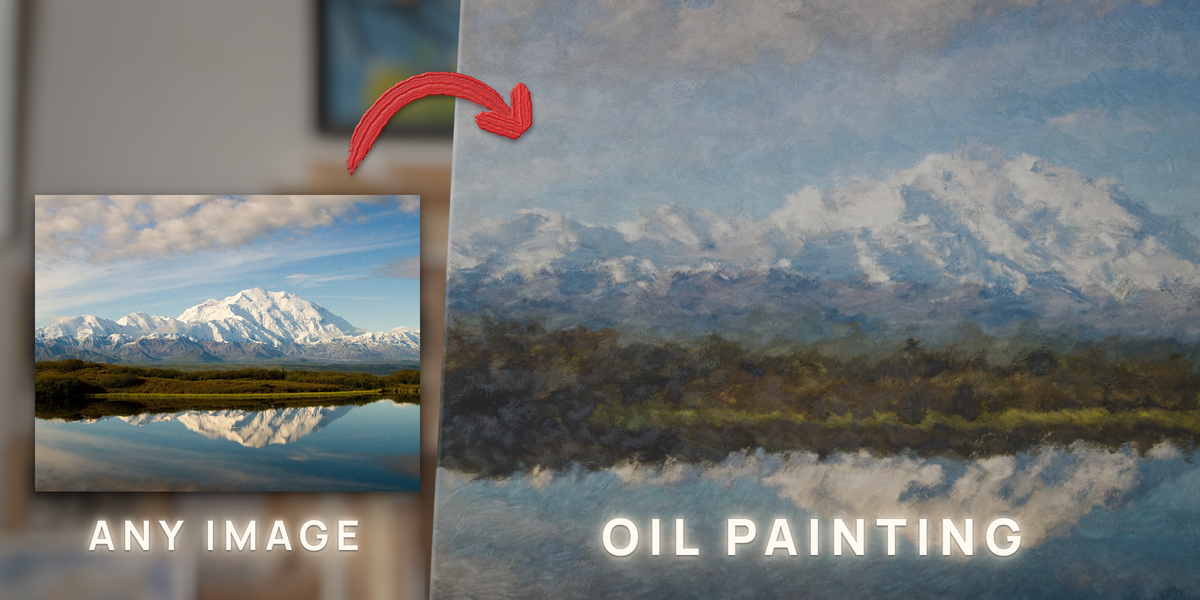
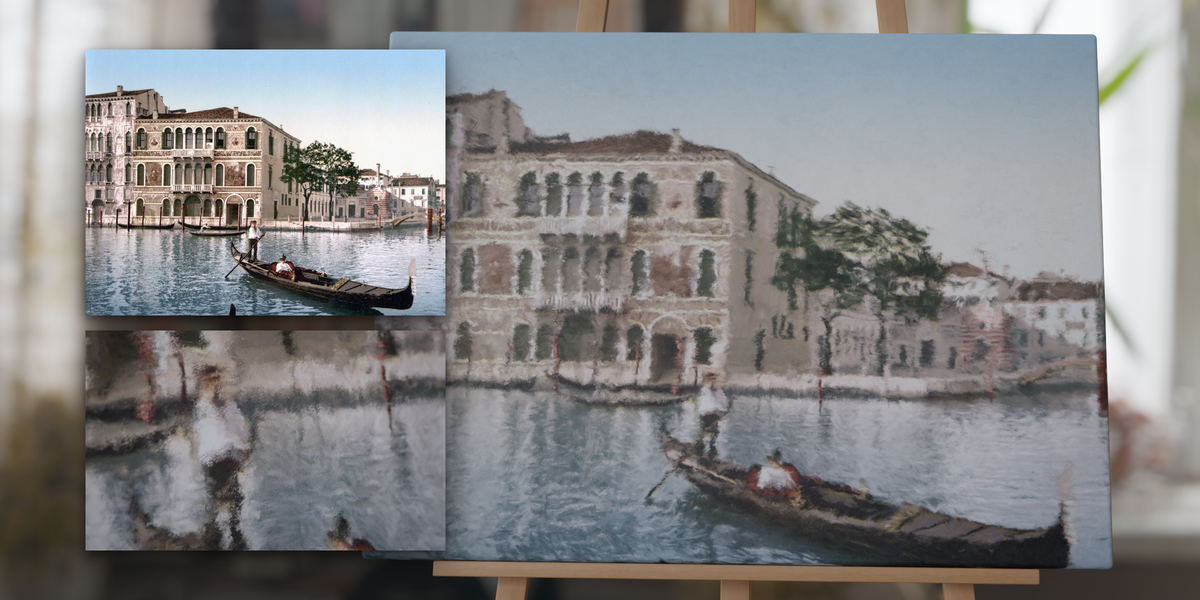
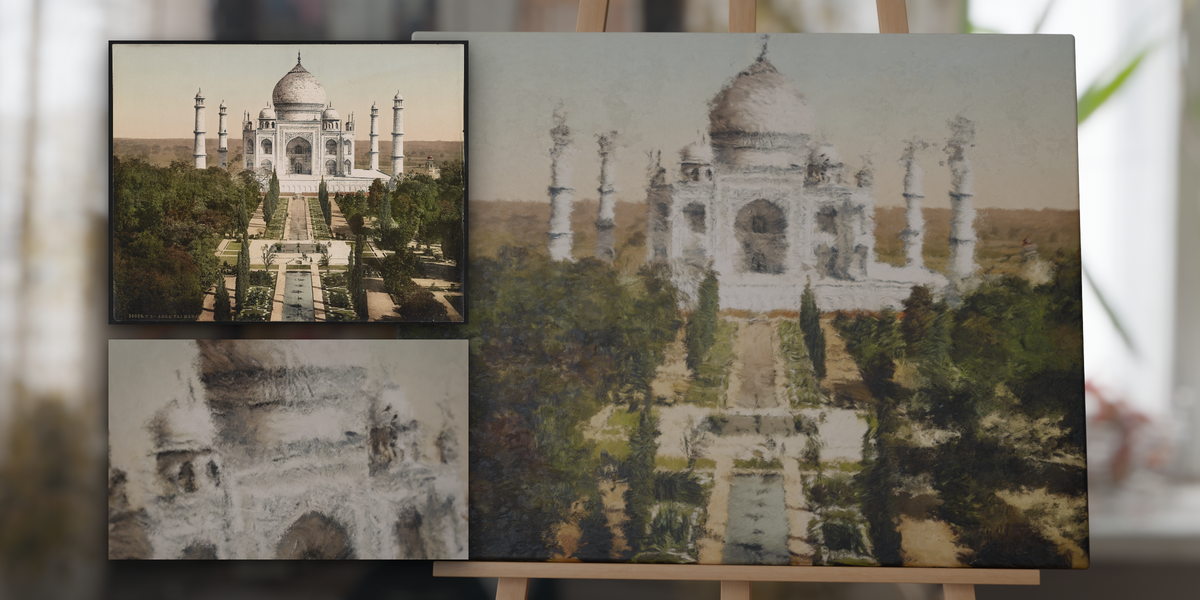
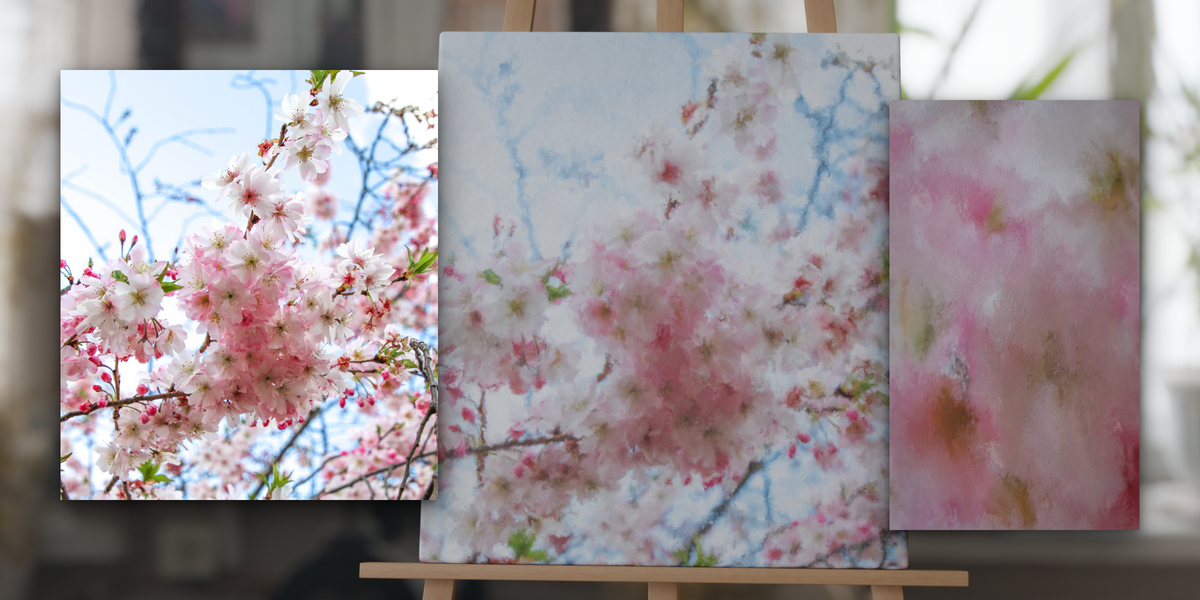
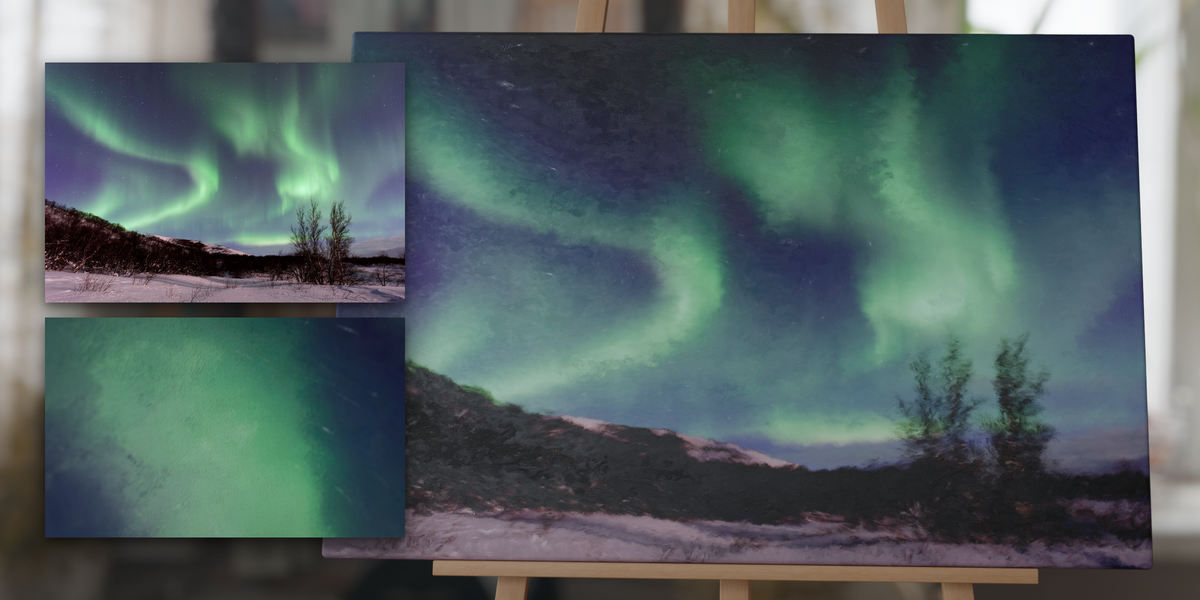
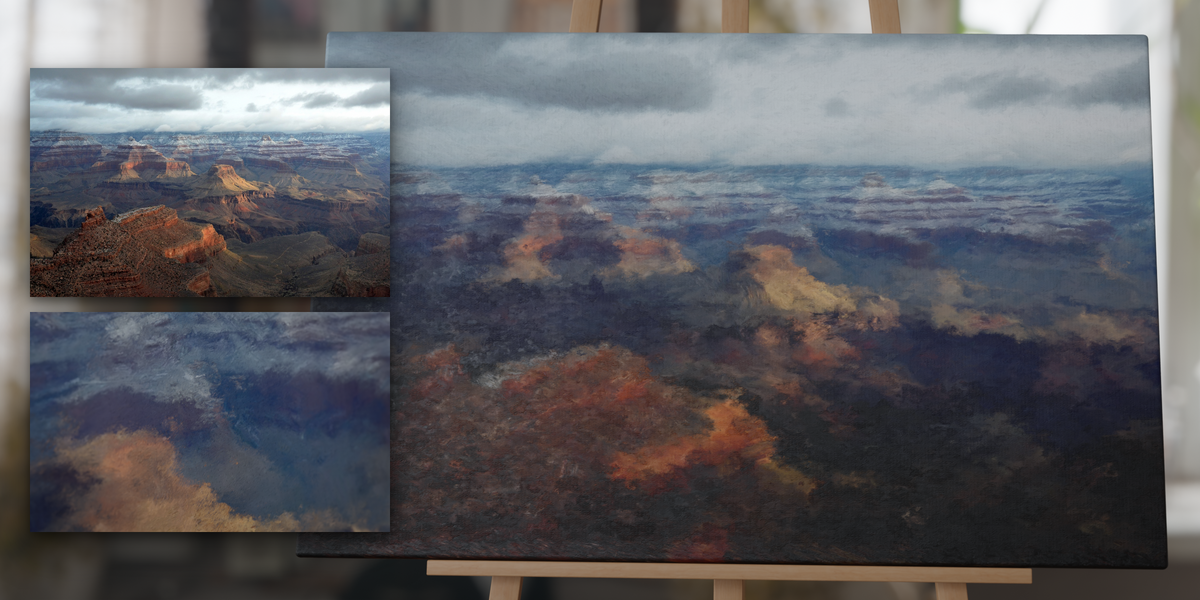
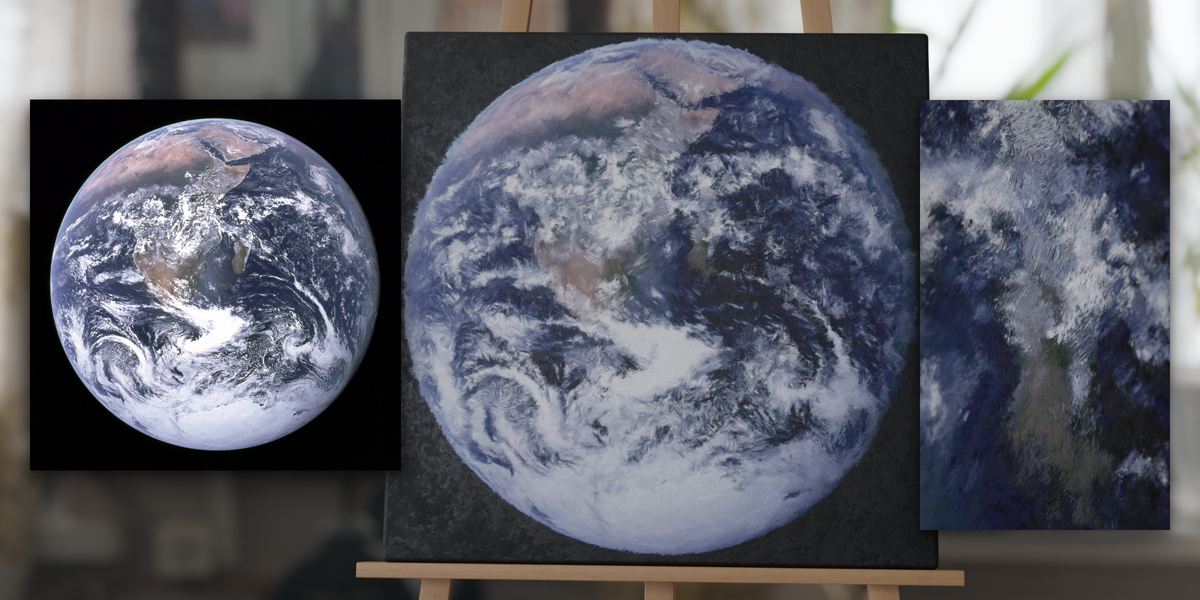
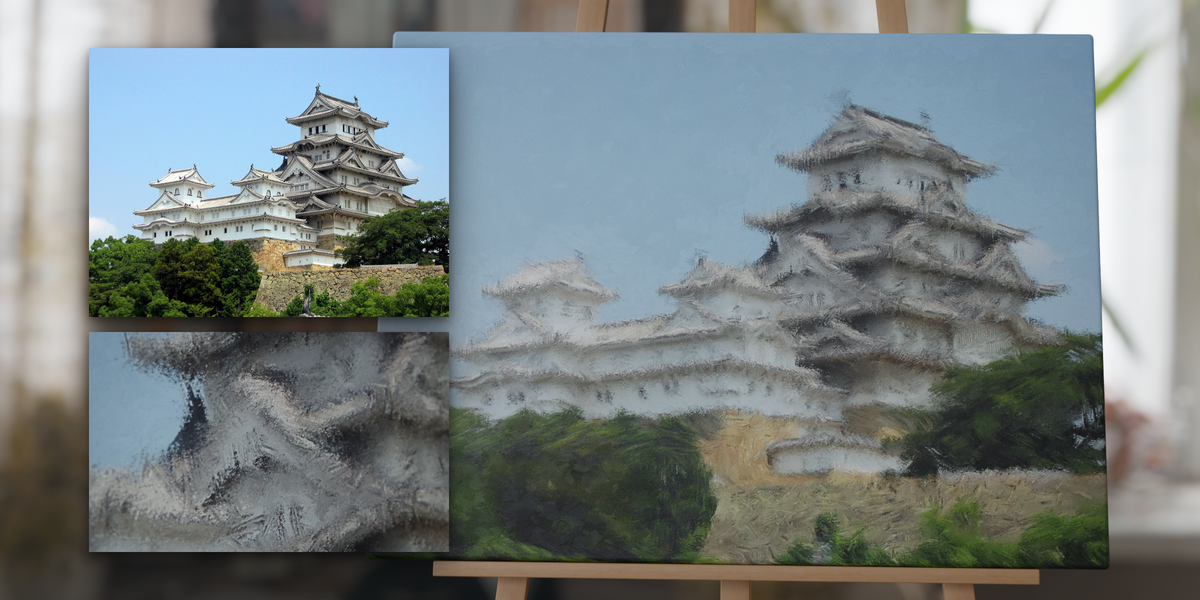
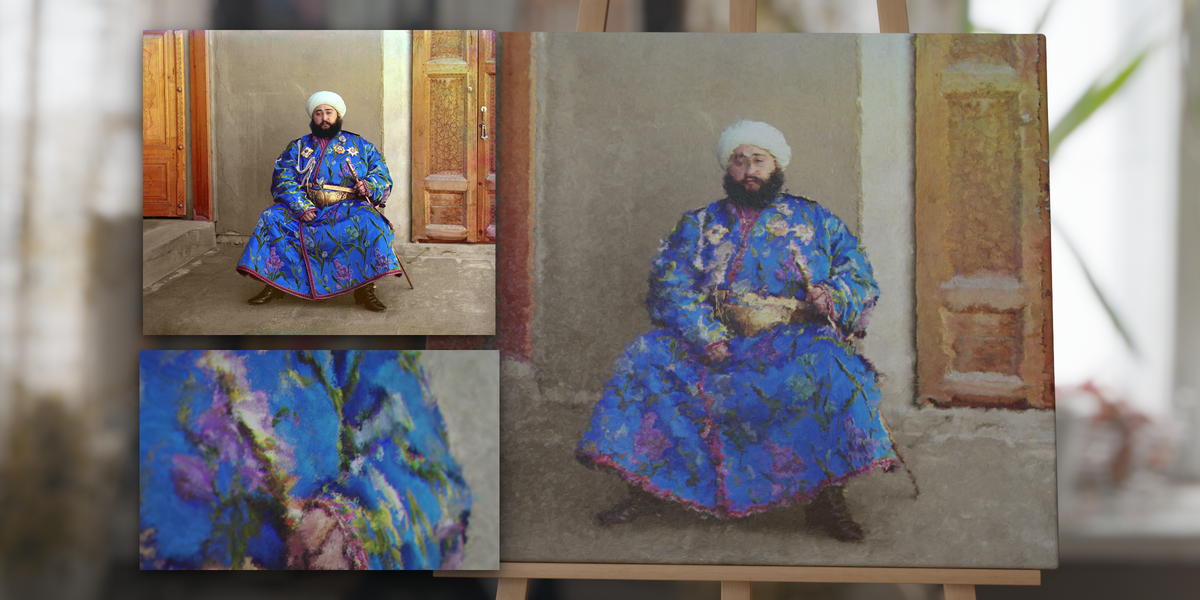
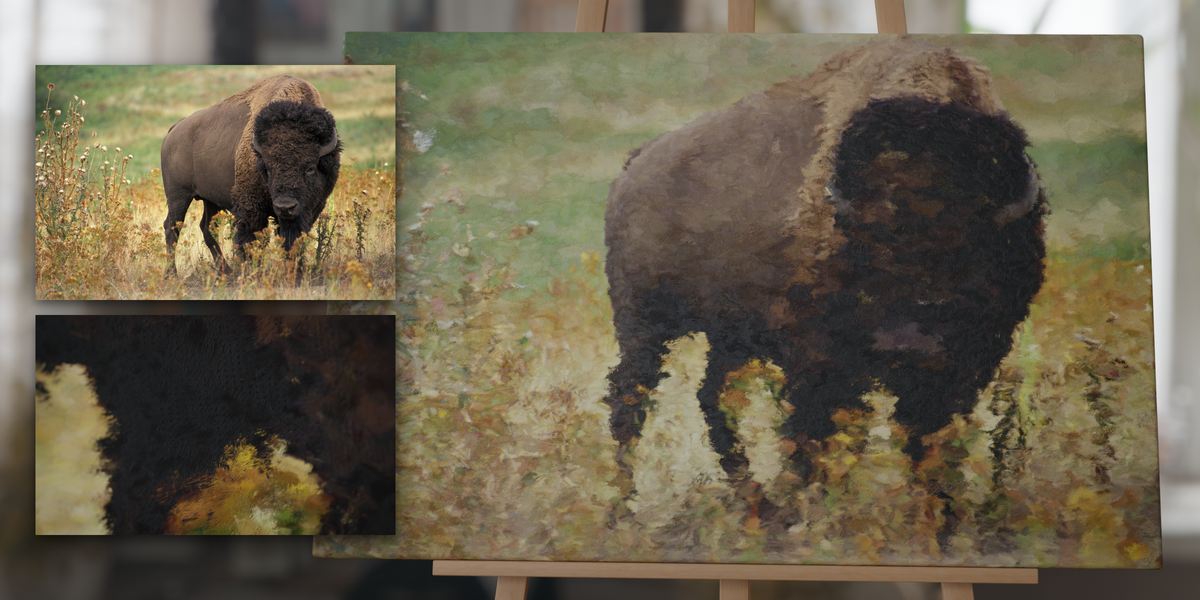
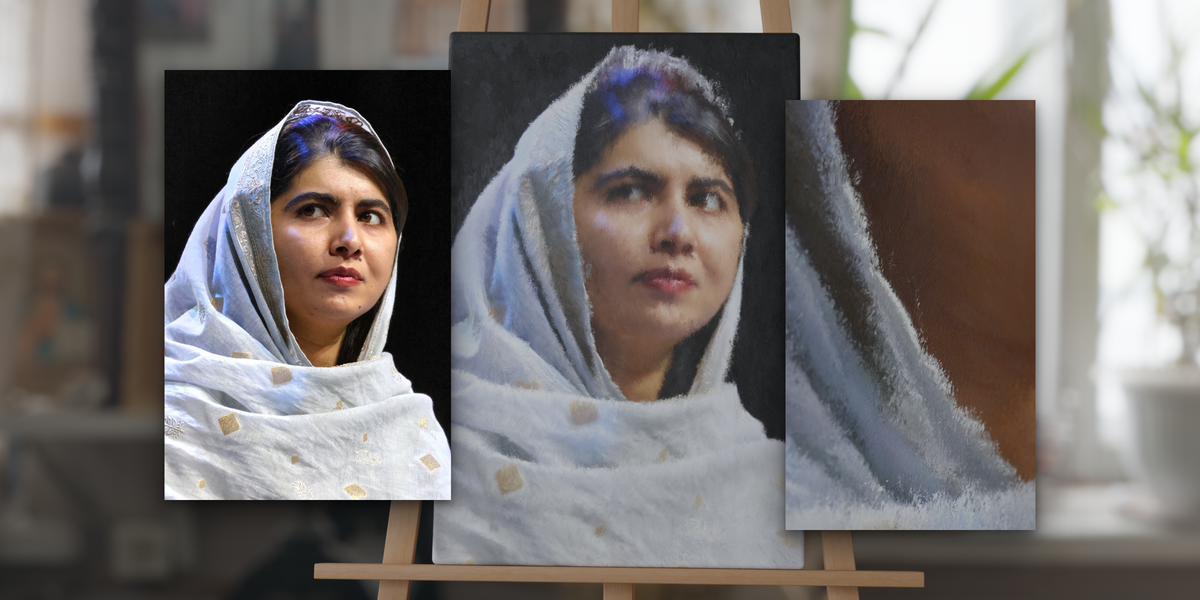
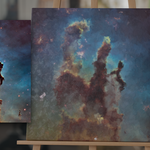
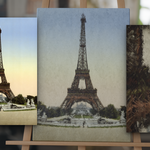
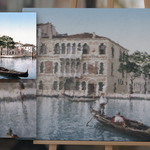
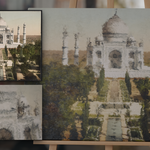
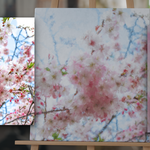
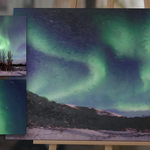
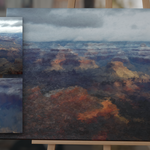
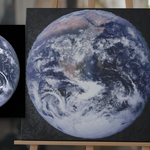
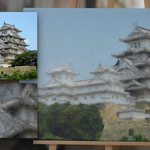
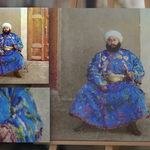
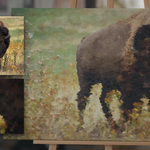
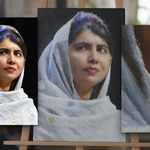
ANY IMAGE, PAINTED ON CANVAS
- 1 image in, 1 painted canvas out; swap the image and the painting follows
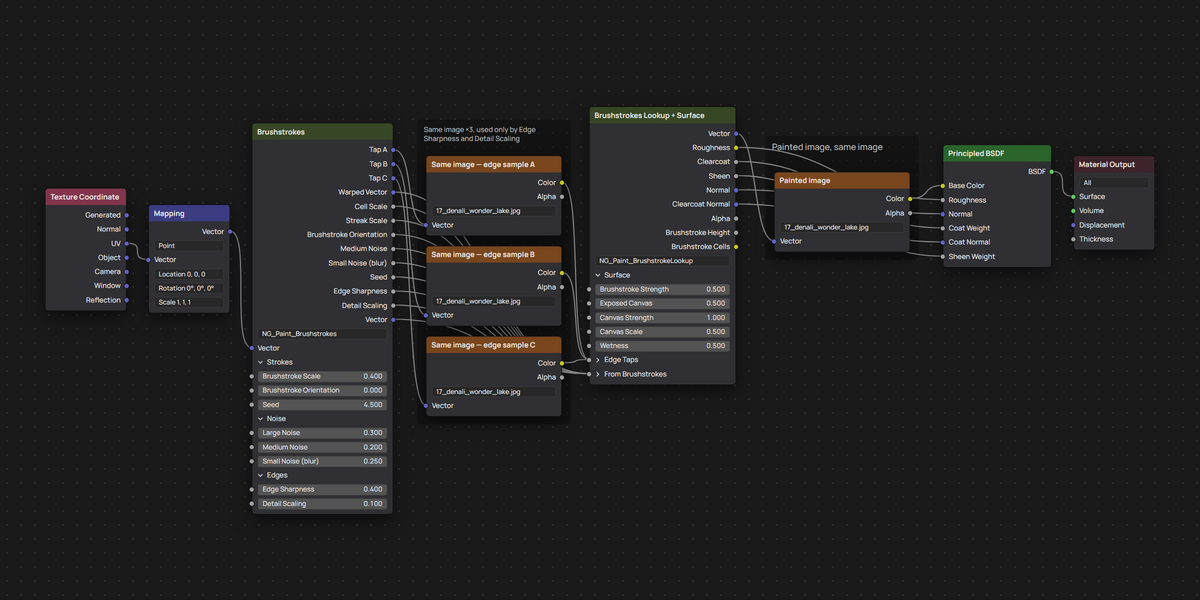
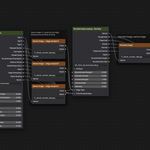
- 13 controls on two node groups
- Cycles and EEVEE
- Blender 3.4+ (one file for 3.4-4.4, one for 4.5+)
- Bump relief only: no displacement or subdivision; needs a UV map, which a default plane has
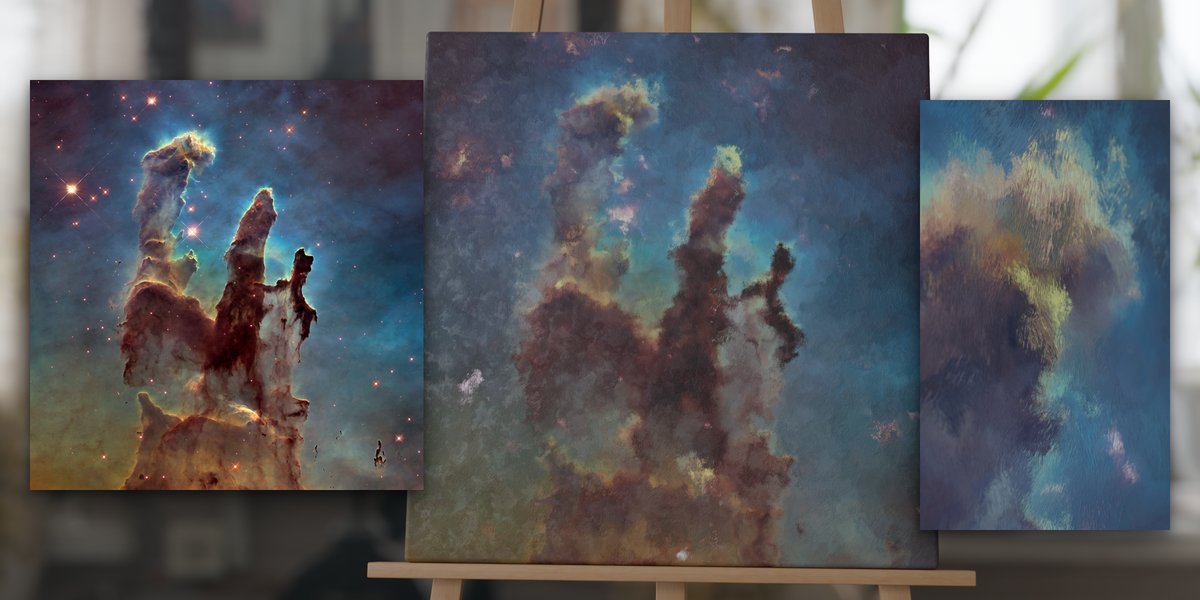
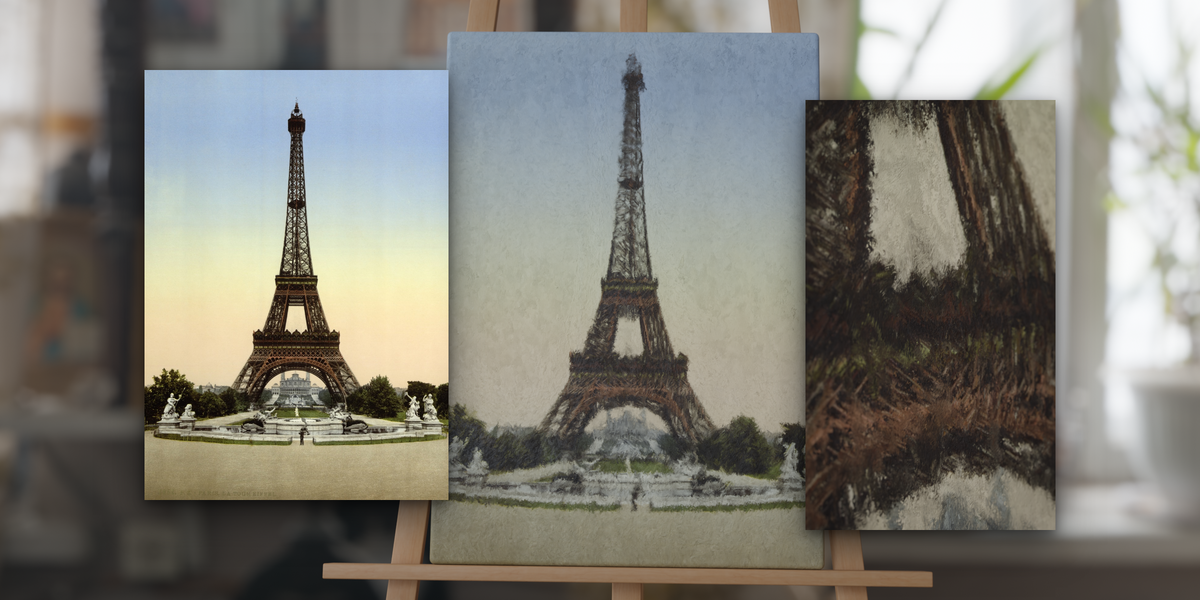
- 12 ready-made canvases from public-domain and CC0 photos
Strokes that follow the picture, from loose sketch to tight study
Brushstroke Scale goes from broad dabs to fine strokes, and Brushstroke Orientation from all horizontal (-1) through random (0) to all vertical (1). New in this version, Edge Sharpness turns strokes along the edge topology under it and stops paint from smearing across that edge, and Detail Scaling makes strokes smaller where edges are strong, so lines and faces stay readable while skies stay loose. Large Noise, Medium Noise and Small Noise (blur) set how wobbly, smeared and blurred the strokes are; 'Seed' re-rolls the layout.
Accurate physical material
Strokes catch light as raised ridges, bare canvas shows its weave with a soft sheen, and the coat picks up reflections. Brushstroke Strength and Canvas Strength set the relief, Exposed Canvas how much canvas shows between strokes, and Wetness goes from glossy fresh paint to matte dry paint.
