Procedural Oil Painting Material For Any Image
 Tomás Correa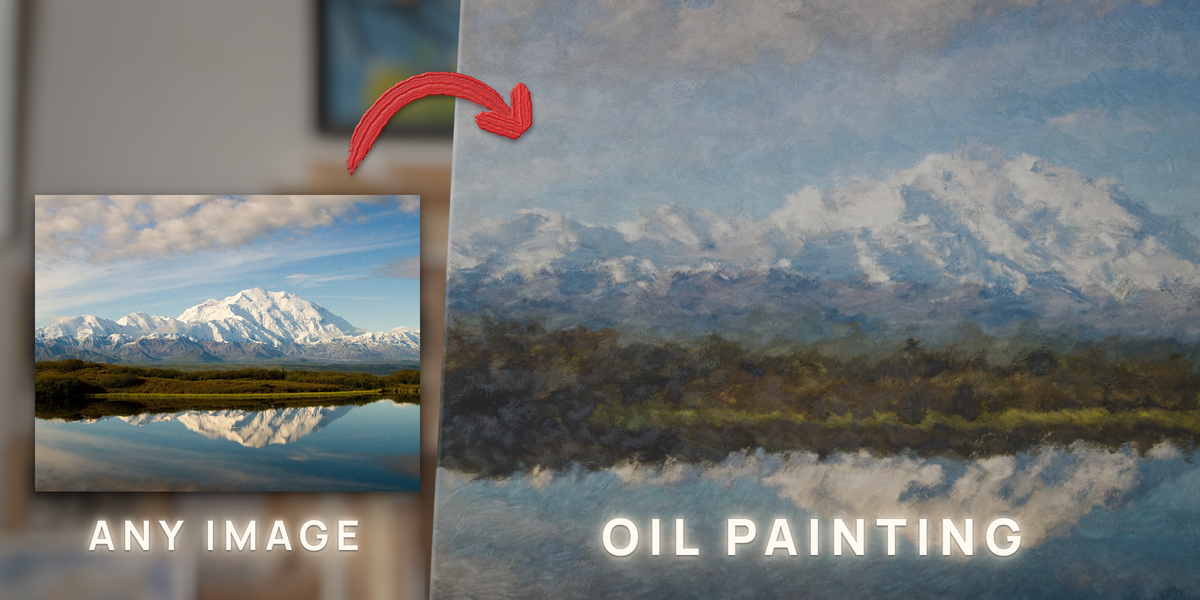
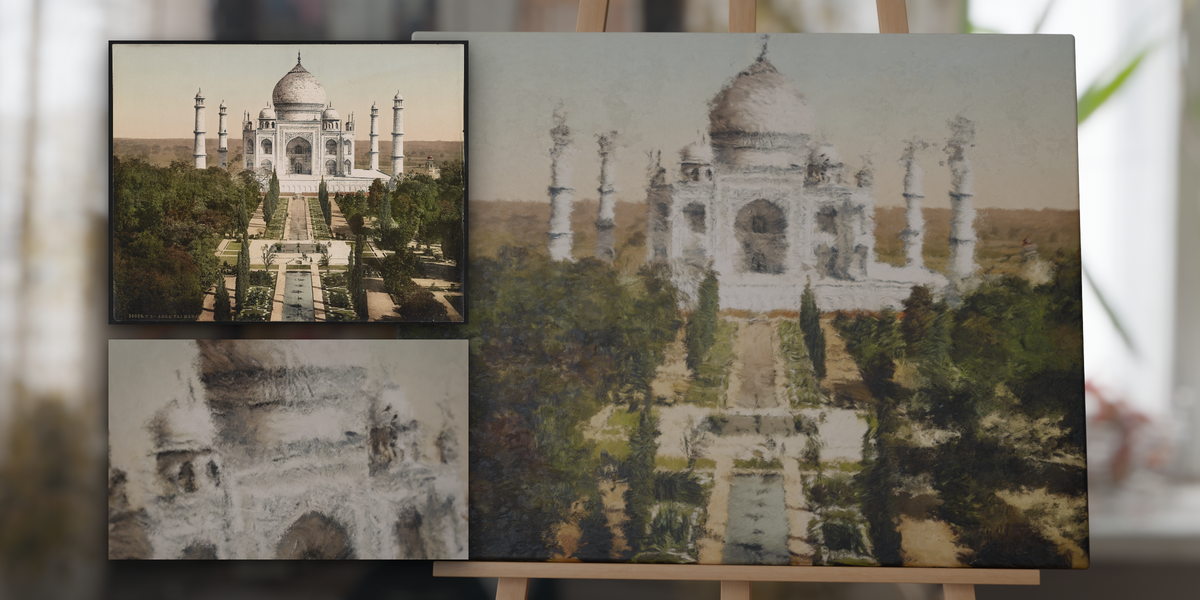
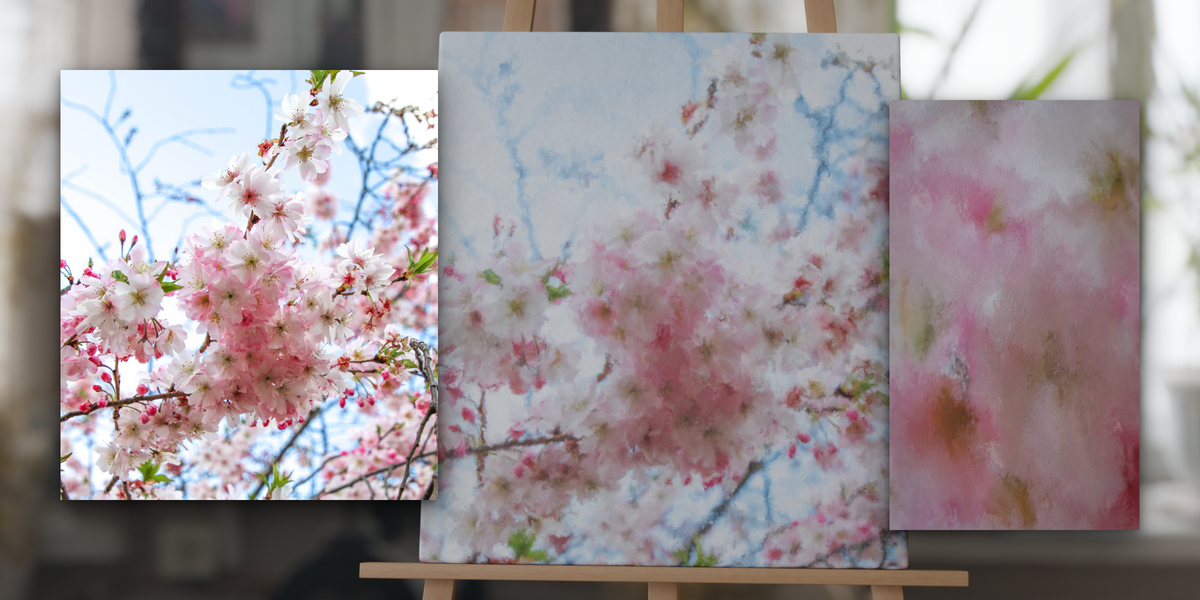
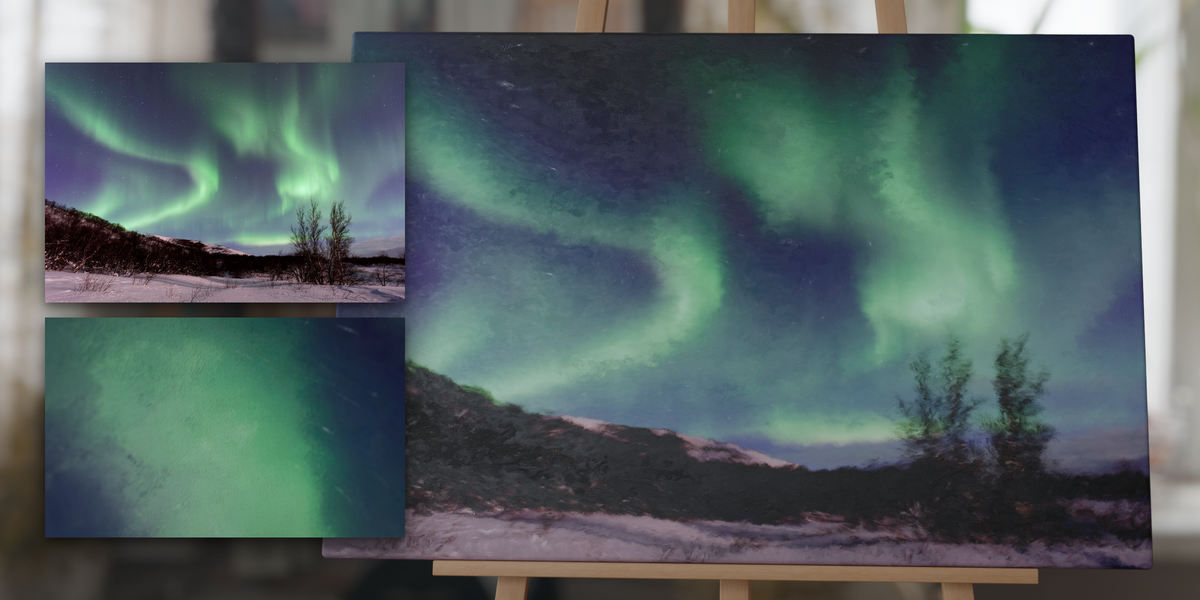
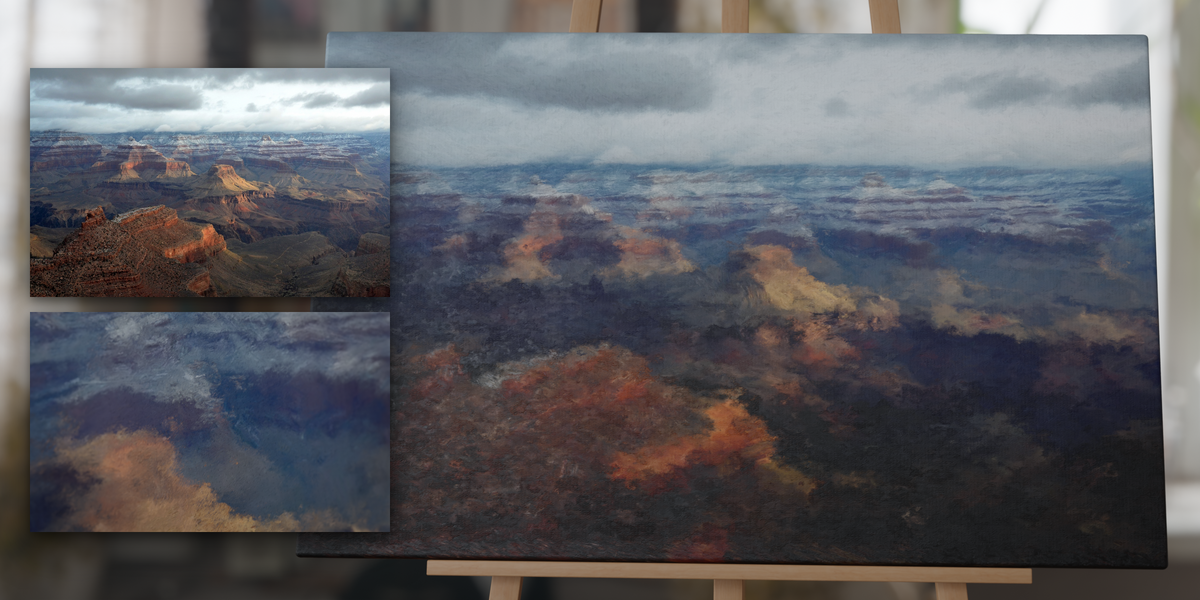
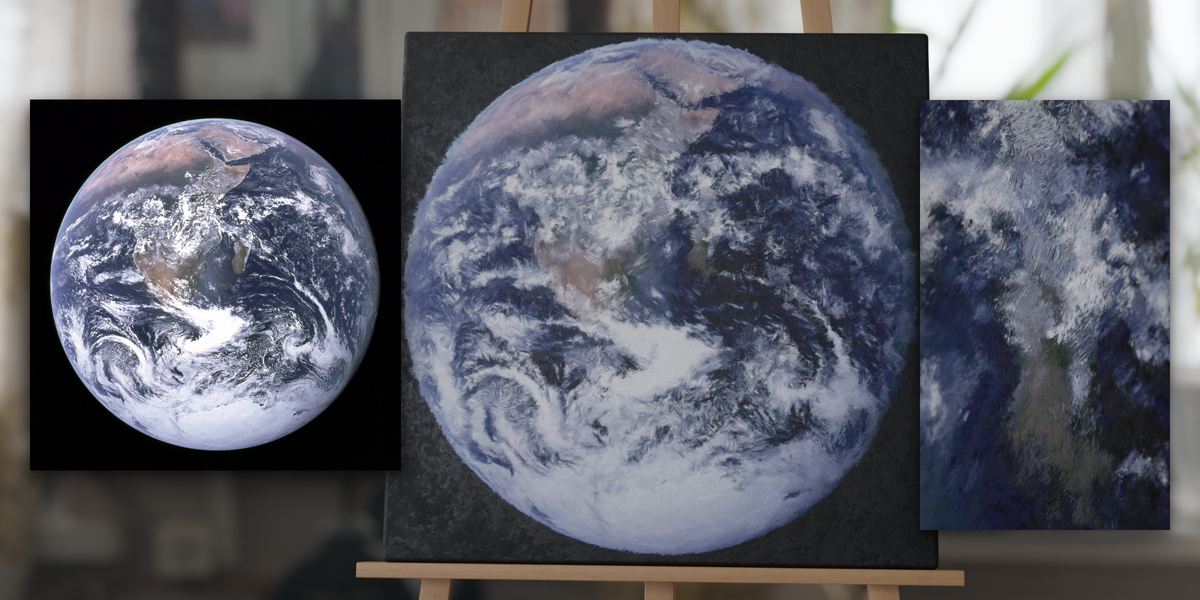
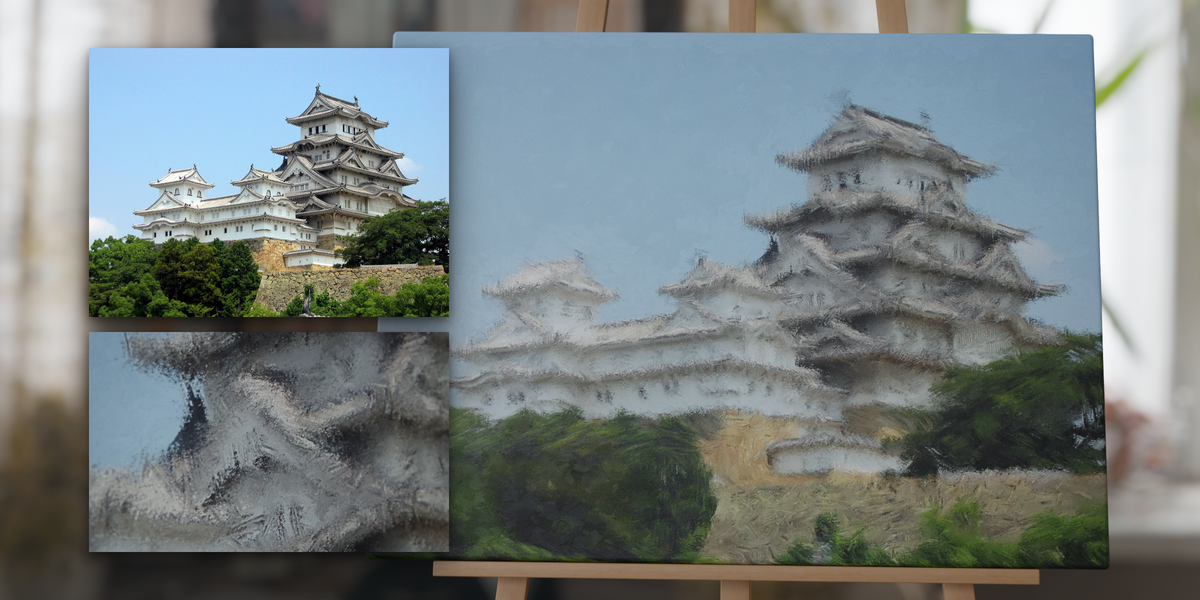
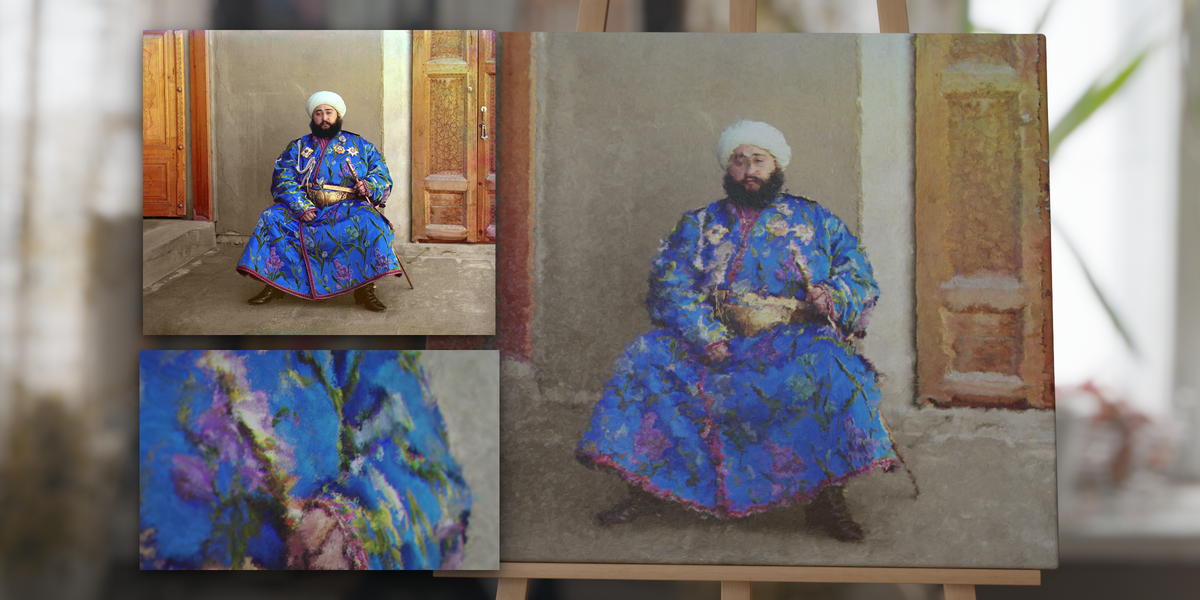
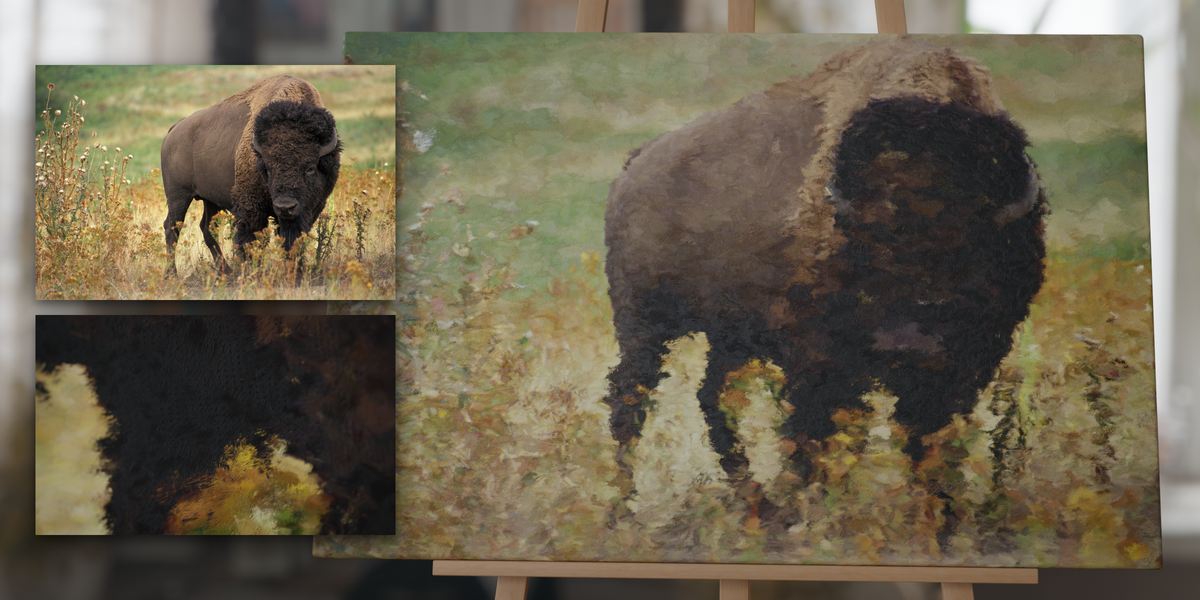
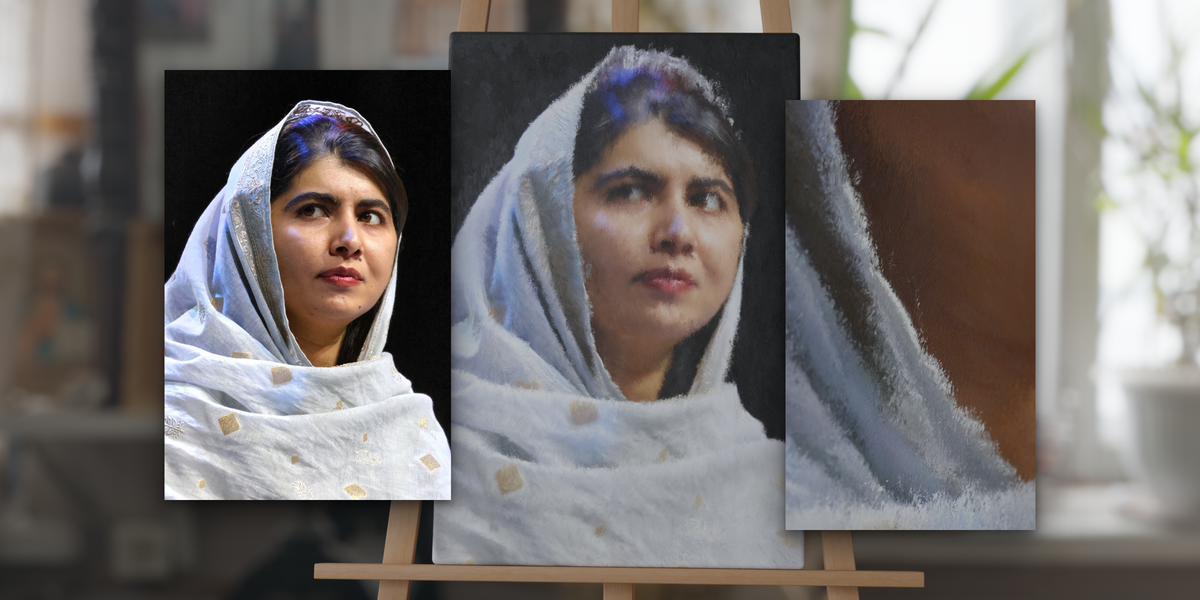
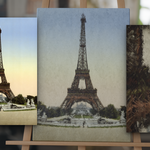
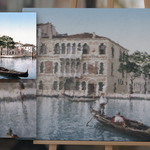
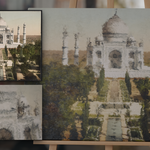
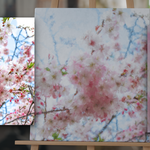
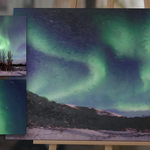
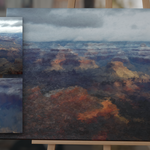
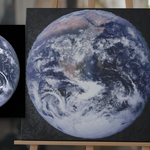
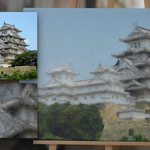
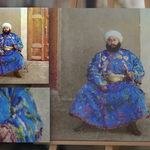
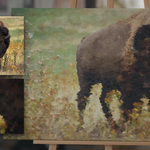
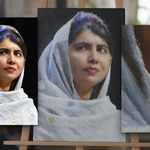
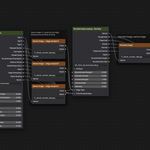
What's included
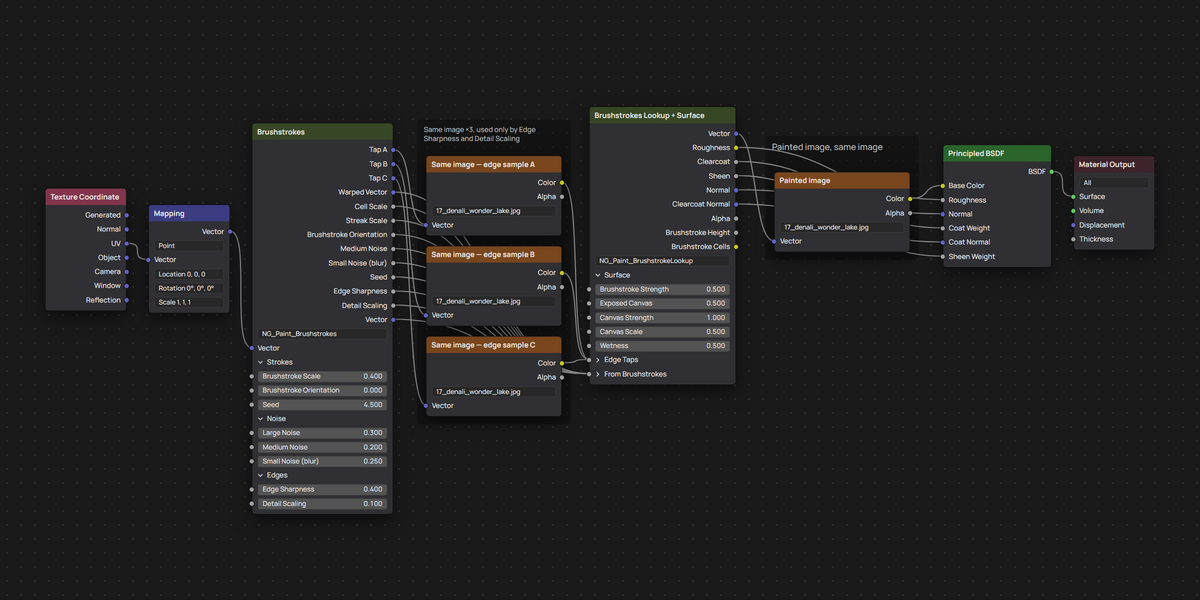
- PAINT_MAT_5.2.blend (Blender 4.5+) and PAINT_MAT_3.4.blend (Blender 3.4-4.4), each with node groups NG_Paint_Brushstrokes and NG_Paint_BrushstrokeLookup.
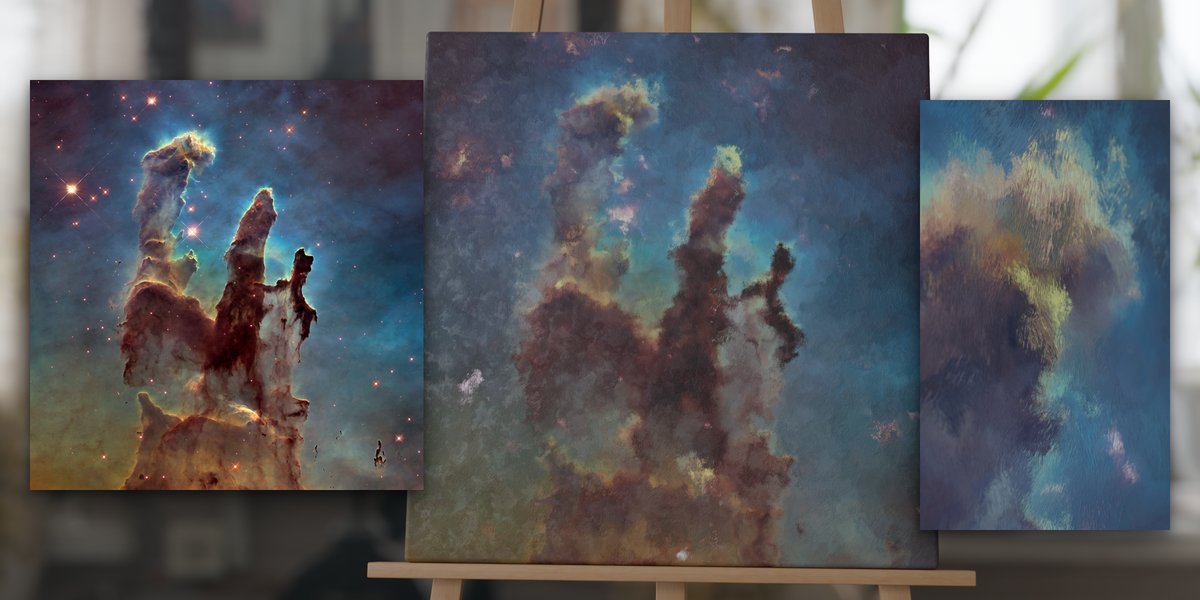
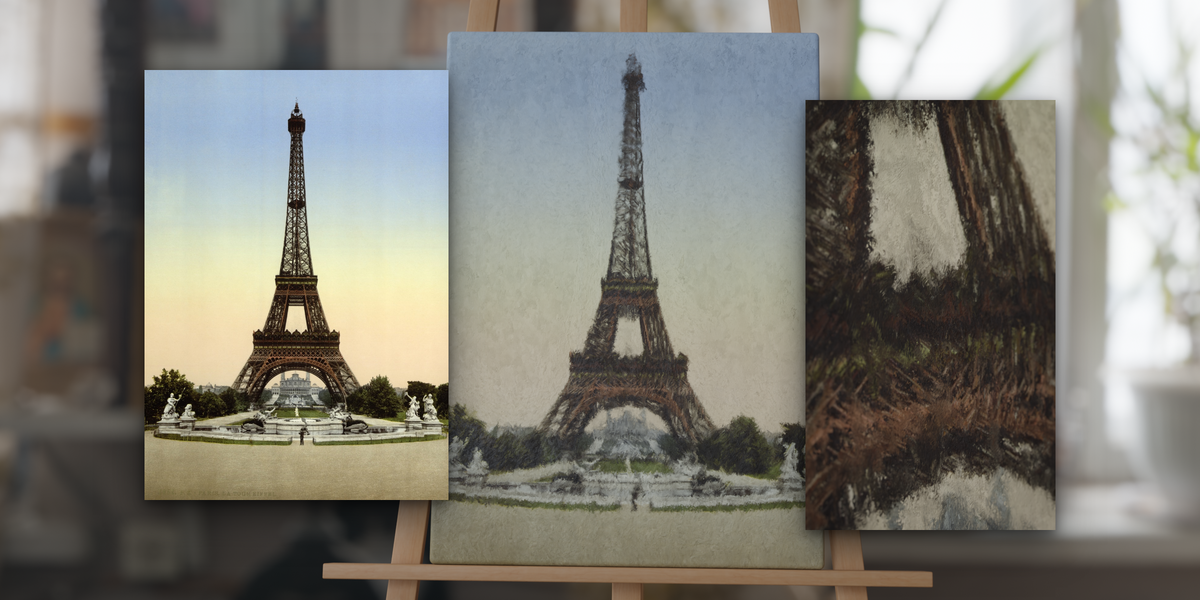
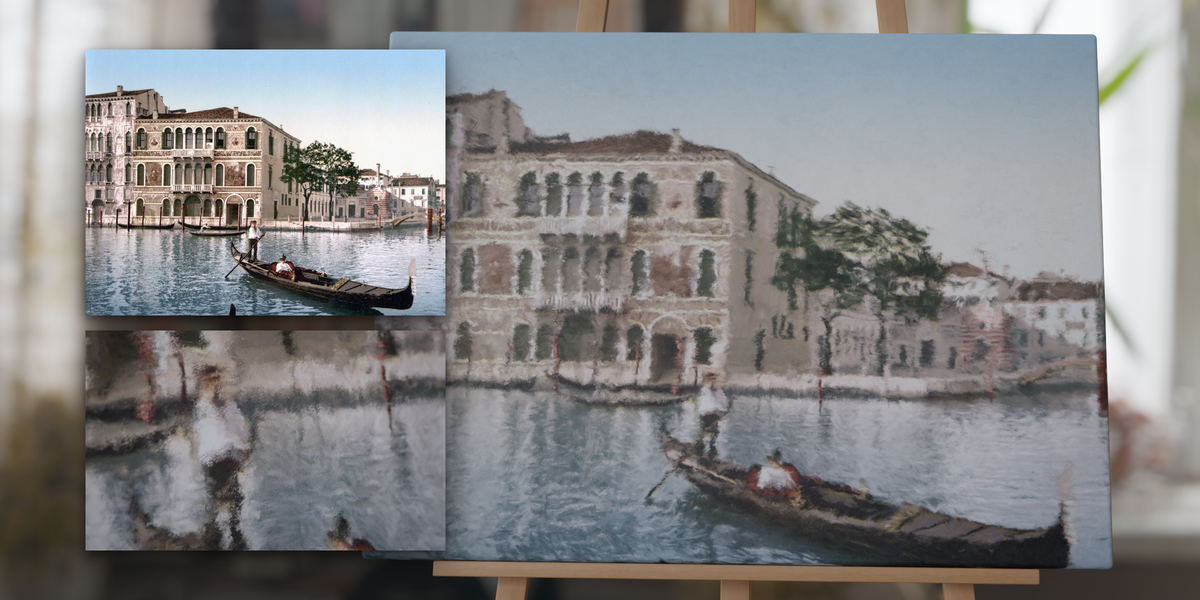
- 12 materials: Painted Canvas on the easel, plus 11 ready-made canvases in the hidden Canvas Variants collection: Eiffel Tower, Venice Grand Canal, Taj Mahal, Cherry Blossoms, Aurora Iceland, Grand Canyon Sunrise, Blue Marble, Pillars of Creation, Himeji Castle, Emir of Bukhara, American Bison.
Importing the material
- File › Append.
- Pick 'PAINT_MAT_5.2.blend' (Blender 4.5+) or 'PAINT_MAT_3.4.blend' (Blender 3.4-4.4), open the 'Material' folder.
- Select 'Painted Canvas' (or one of the 'Painted Canvas - ...' variants) and click Append. The node groups 'NG_Paint_Brushstrokes' and 'NG_Paint_BrushstrokeLookup' come along with it.
Using it on your own mesh
- Use a mesh with a UV map. A default plane works as is; scale it to the aspect ratio of your image (a 3:2 photo on a 3 × 2 plane) so the picture is not stretched.
- Assign the material.
- In the Shader Editor, open your image in all four Image Texture nodes: 'Painted image' and 'Same image — edge sample A', 'B', 'C'. If the edge samples hold a different image, strokes follow that image's edges instead.
- Your image is in!
- You can start with 'Brushstroke Scale' for how coarse the painting is, then 'Edge Sharpness' and 'Detail Scaling' for how closely strokes follow the picture, then other sliders like 'Wetness' for the finish.
- You can move or scale the image with the Mapping node in front of 'NG_Paint_Brushstrokes'.
Compatibility
- Blender 3.4 or newer, two files. 'PAINT_MAT_5.2.blend' for Blender 4.5 and newer (tested in 4.5.1 and 5.2.1). 'PAINT_MAT_3.4.blend' for Blender 3.4 to 4.4 (tested in 3.4.1, 3.6.3 and 4.2.21).
- What 'PAINT_MAT_3.4.blend' does not have: the node group inputs are one flat list instead of the Strokes / Noise / Edges and Surface panels, and the Bump nodes have no Filter Width. In Blender 3.4-3.6 it also uses the older Principled BSDF: the wet coat is the 3.x Clearcoat (fixed coat IOR 1.5 instead of 1.2), the canvas sheen uses the 3.x sheen model, and renders come out slightly brighter. Opened in 4.x, the coat and sheen switch to the 4.x Principled BSDF automatically. Controls, strokes and image handling are the same in both files.
- Cycles and EEVEE. EEVEE test-rendered in 5.2.1: same colour and strokes as Cycles, with softer stroke relief and less fine streak detail. EEVEE Legacy (Blender 3.4-4.1) untested.
- No displacement: relief is bump/normal only, so no subdivision is needed and the canvas silhouette stays flat.
Version history
- 2026-09-23: rebuilt. Edge-following strokes ('Edge Sharpness'), 'Detail Scaling', 'Seed'; controls now split across 'NG_Paint_Brushstrokes' and 'NG_Paint_BrushstrokeLookup'; Blender 3.4+ (two files).
- 2021: first release, Blender 3.0+.
If you have any issues, feel free to message me!
$12
 Included
Includes 12 months of
- Support from Tomás Correa
- Product updates
Extend this product’s Support Period +12 months: 25% of product price
Have questions before purchasing?
Login to message
| Sales | 80+ |
| Dev Fund Contributor | |
| Published | about 5 years ago |
| Blender Version | 3.4 - 5.2 |
| Render Engine Used | Cycles, Eevee |
| Misc Data | Uvs-Unwrapped, Textured |
| License | Royalty Free |
Discover more products like this
image-to-painting oil-paint paintbrush painterly procedural material paint ArchViz oil-painting brushstroke painted-canvas painting canvas