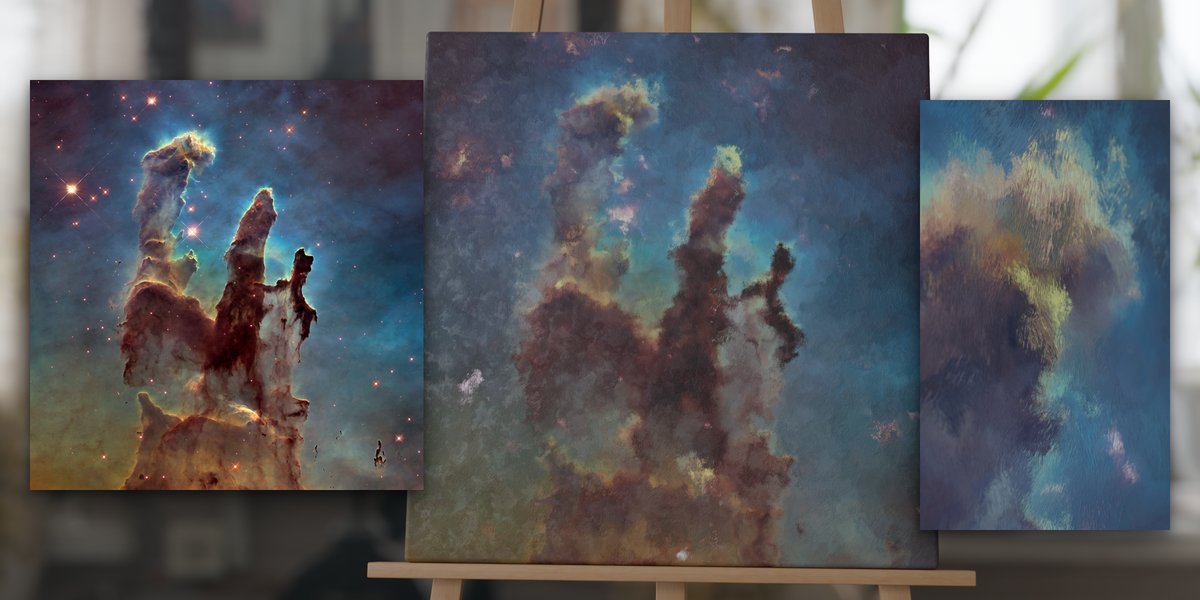
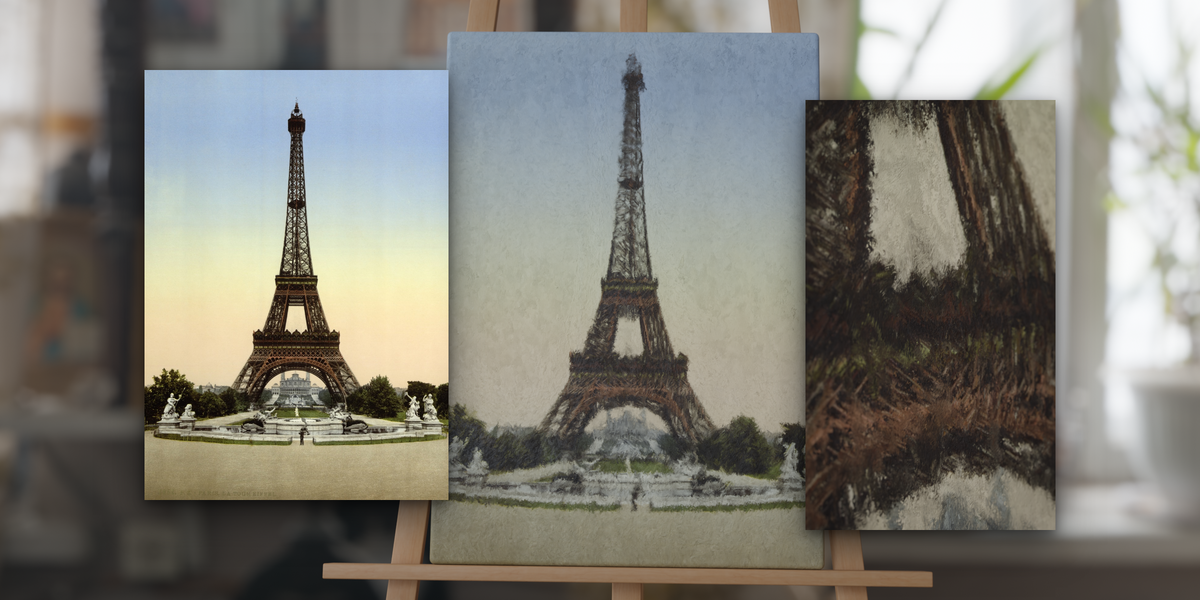
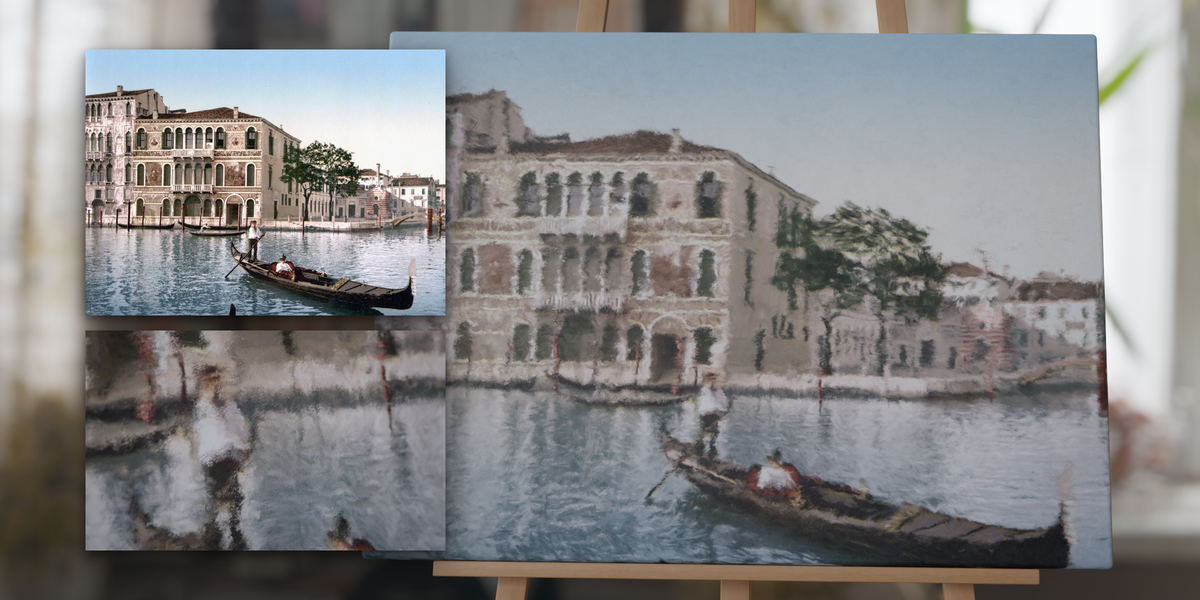
Procedural Oil Painting Material For Any Image
 Tomás Correa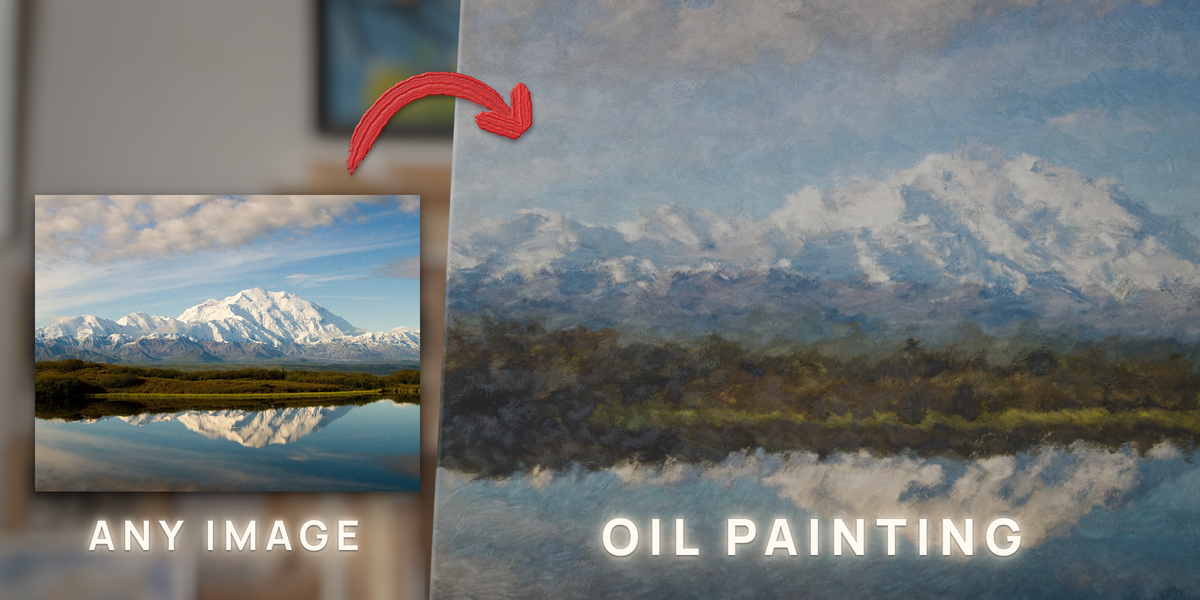
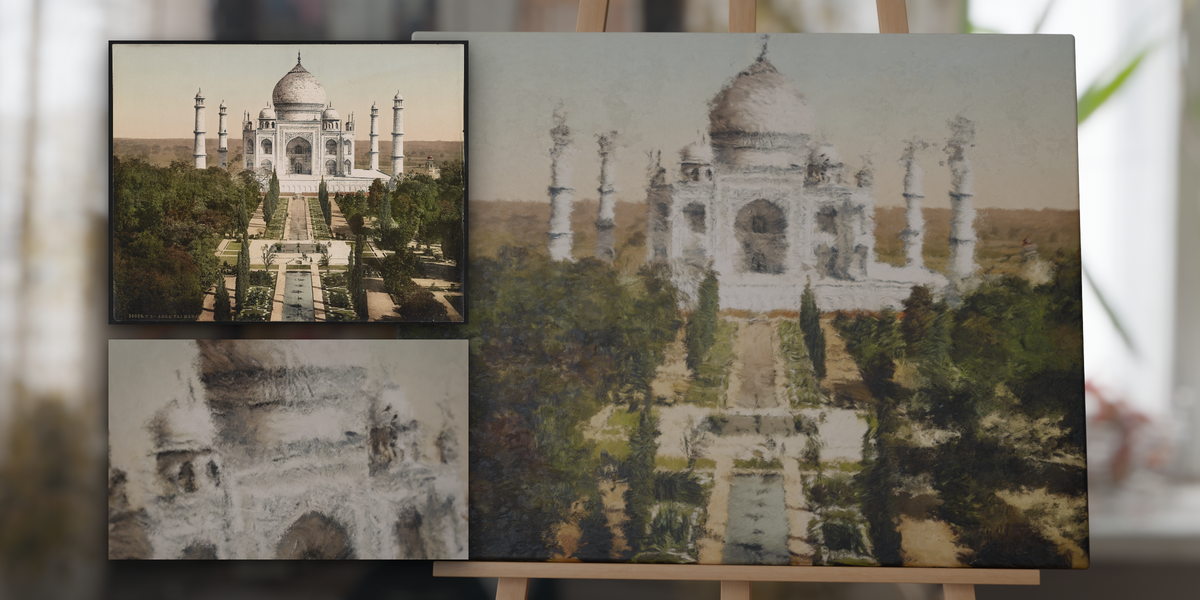
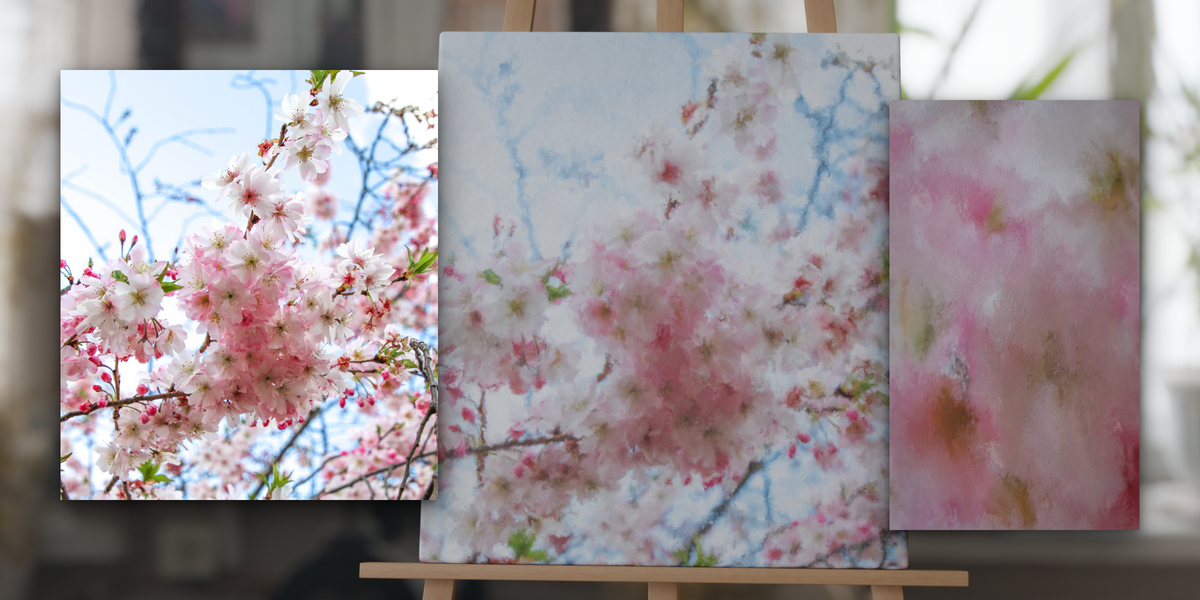
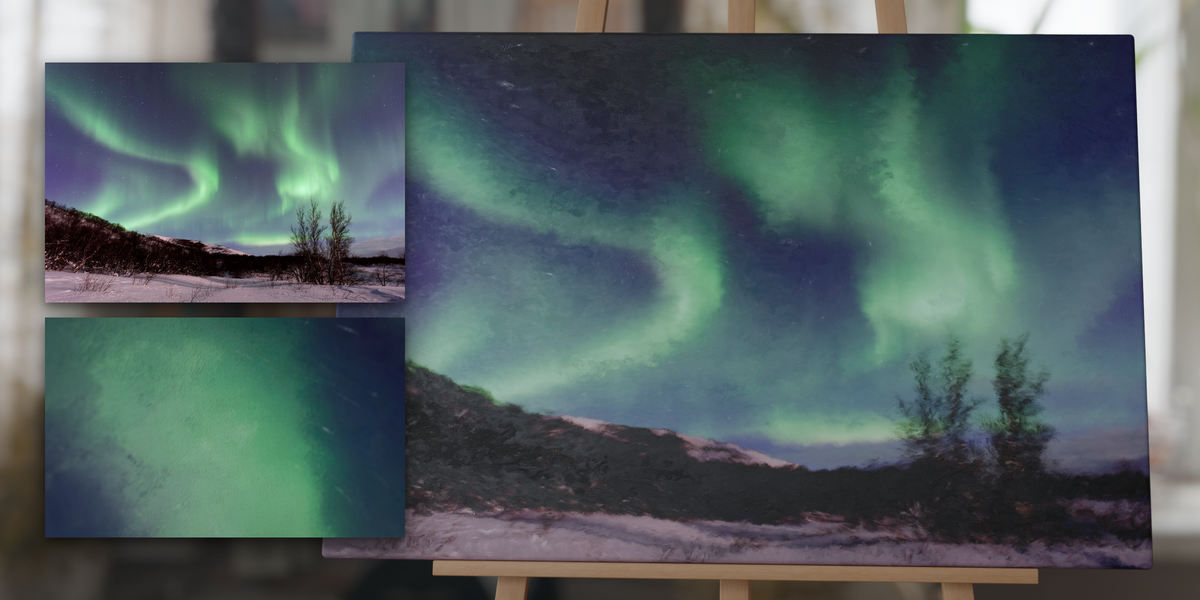
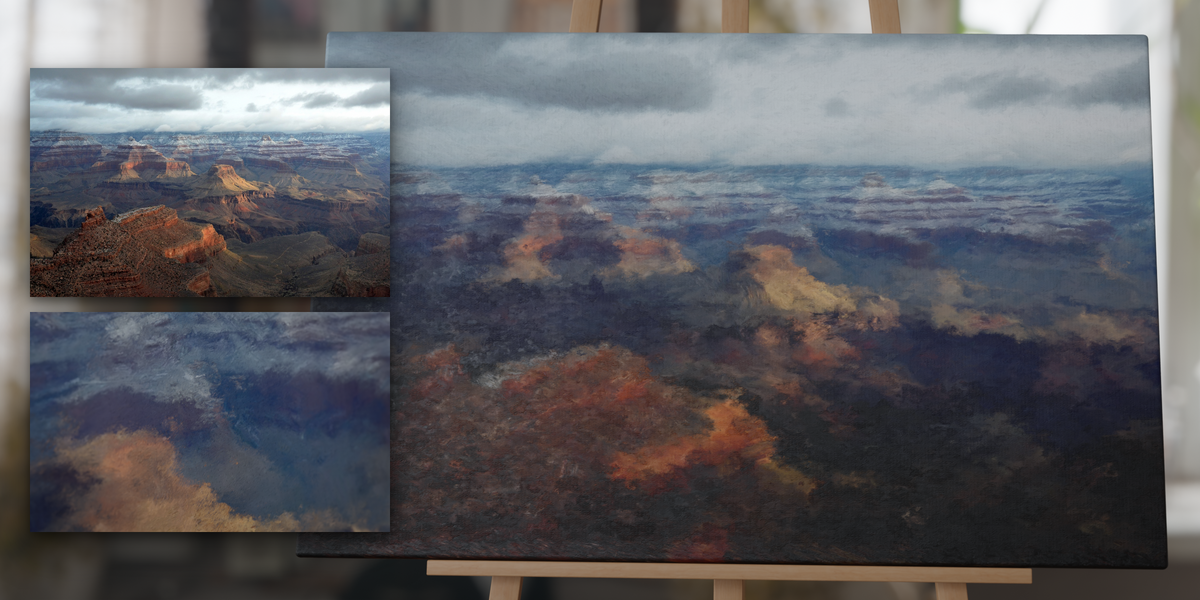
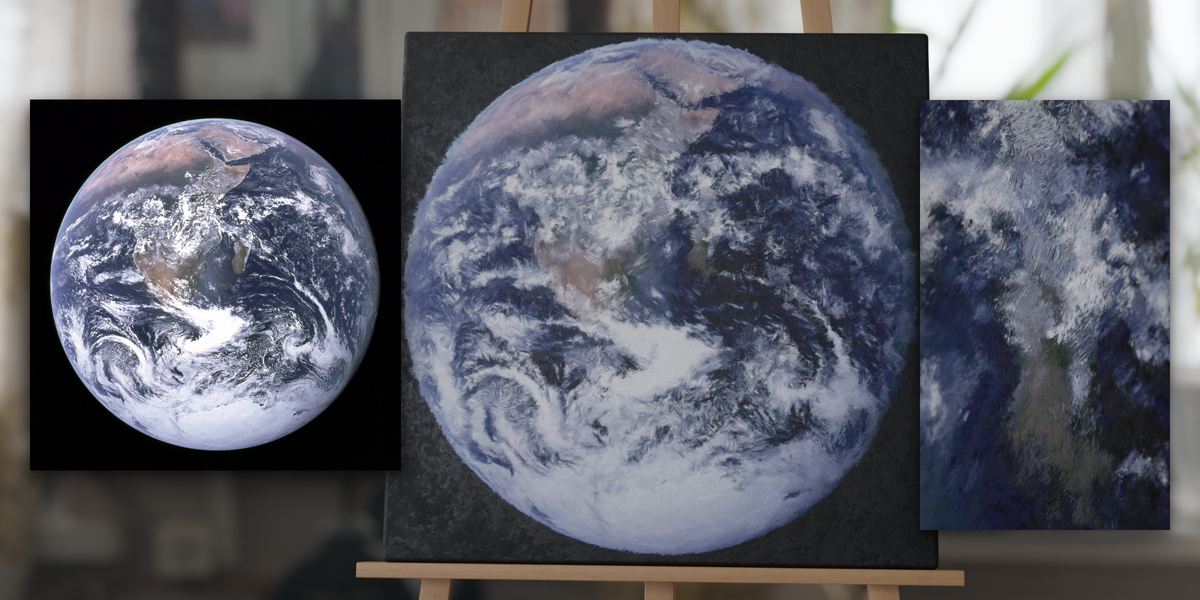
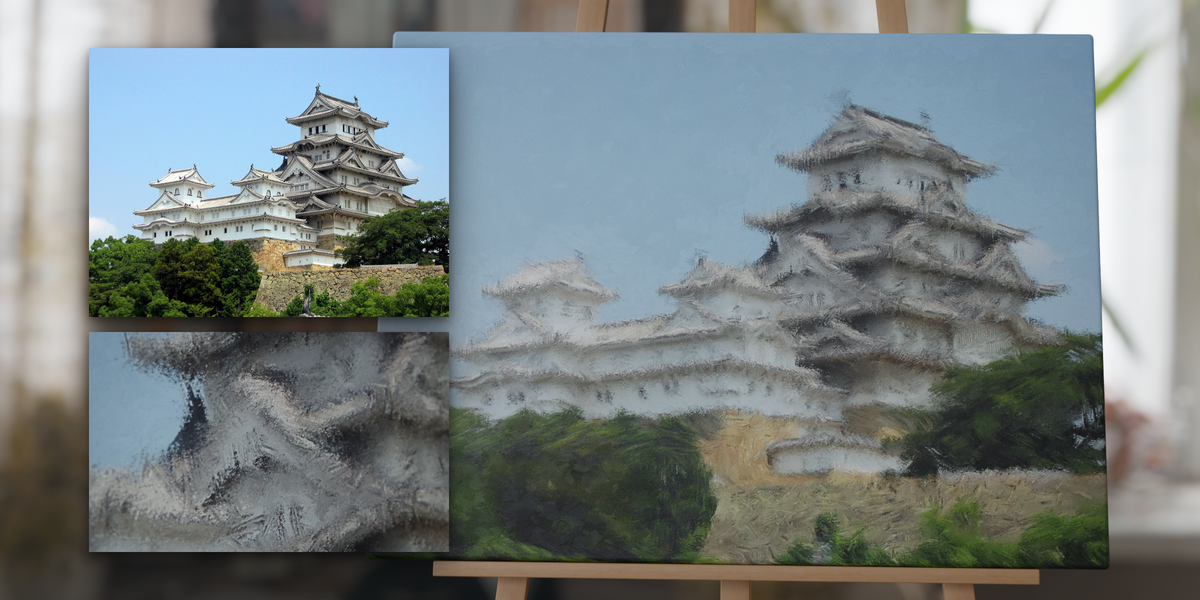
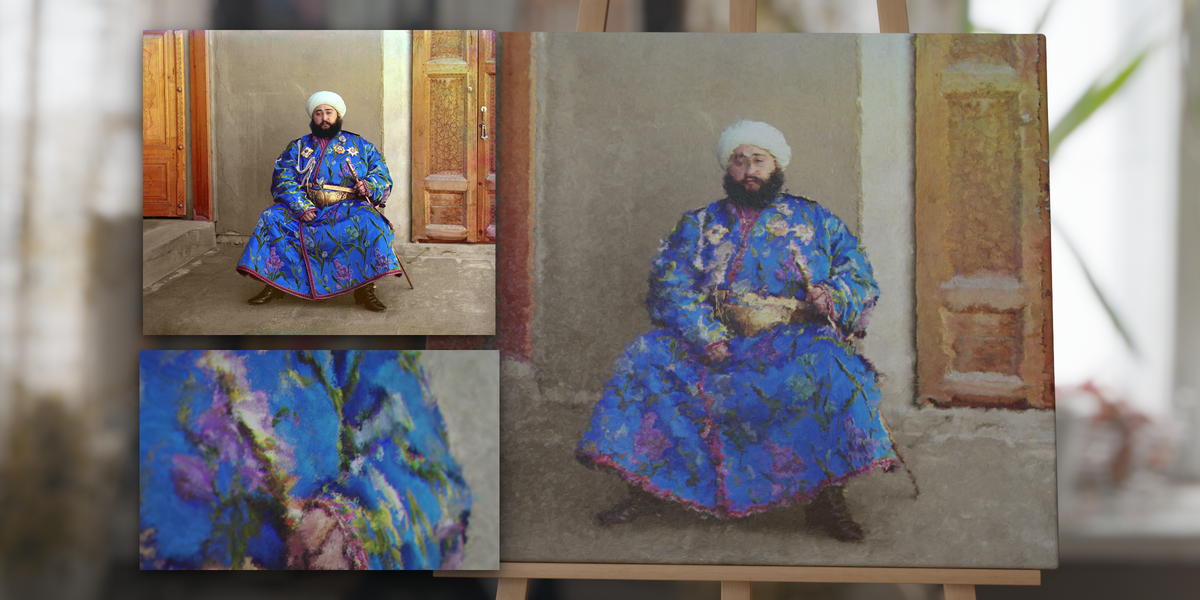
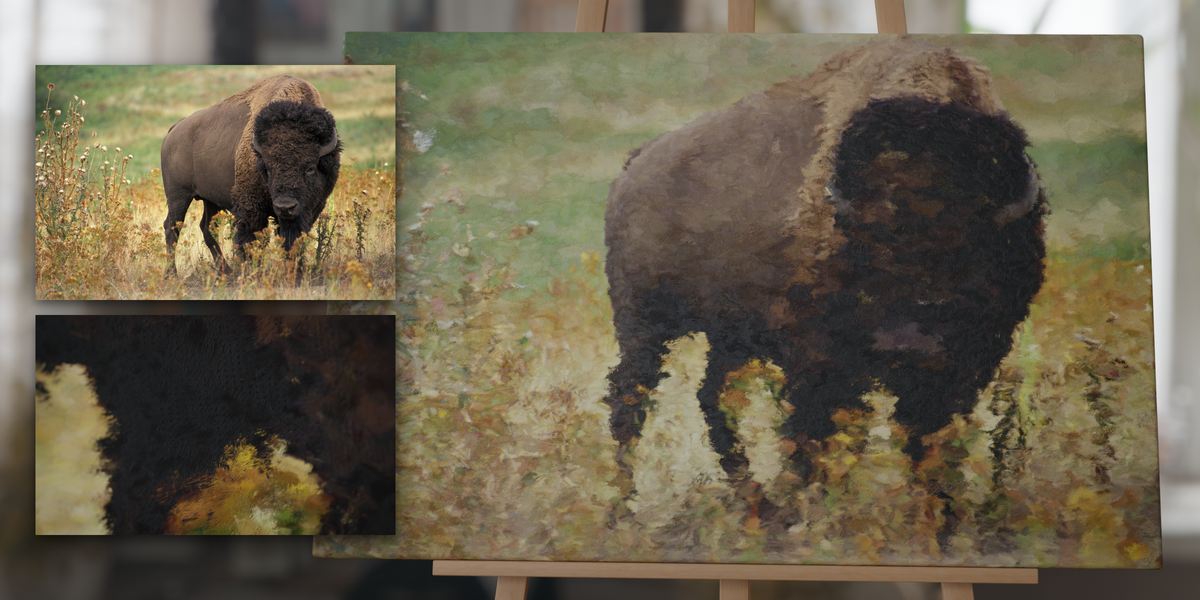
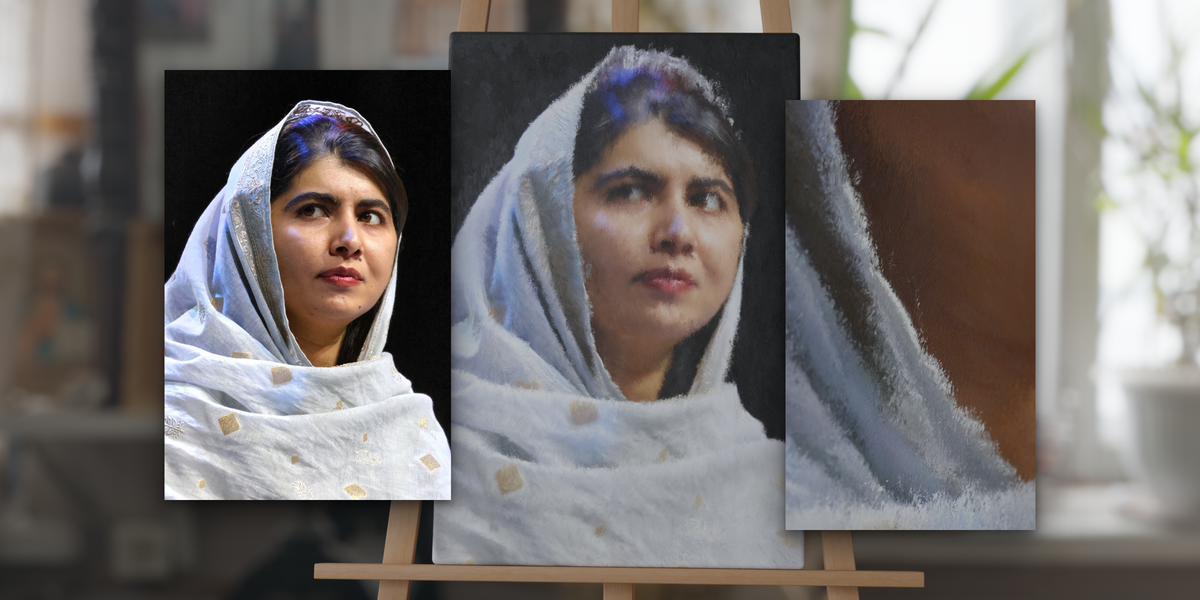
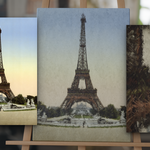
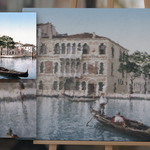
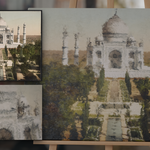
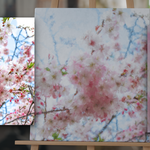
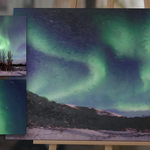
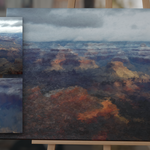
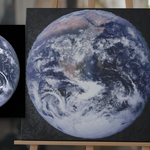
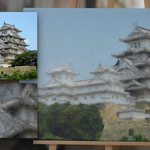
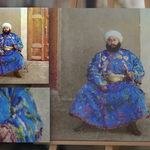
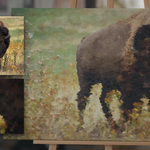
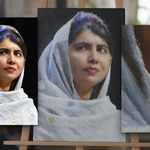
Can I use any image?
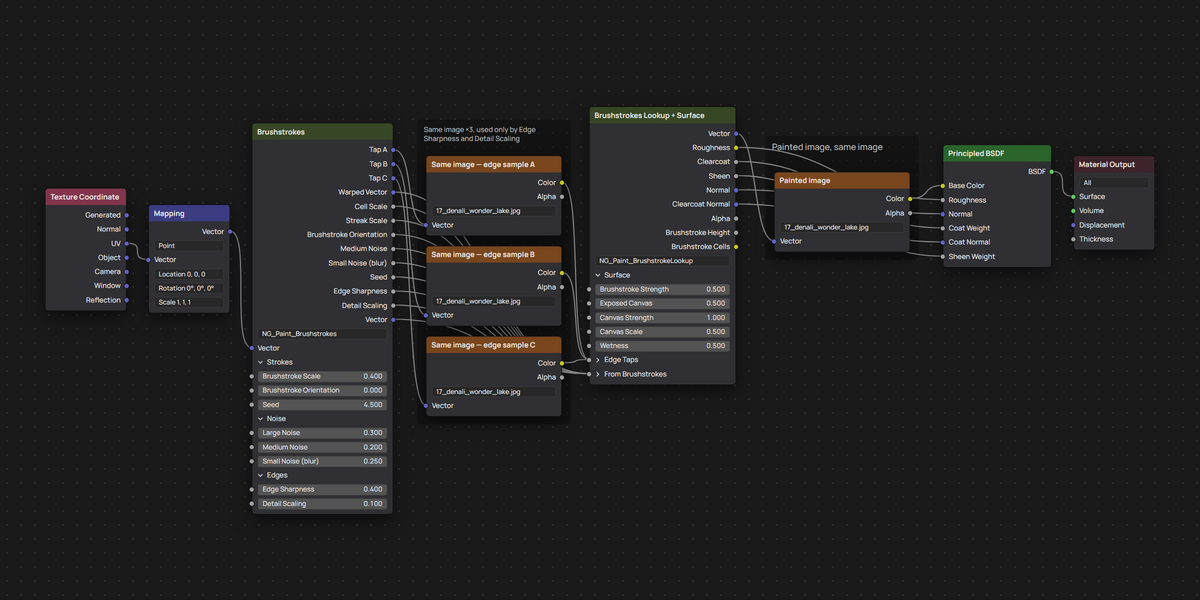
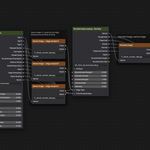
Any image Blender can load in an Image Texture node. Scale the mesh to the image's aspect ratio so it is not stretched. Make sure to select the image in all four Image Texture nodes in the material graph.
Does it need UVs?
It needs a UV mapped object.
How do I bring it into my scene?
File › Append, pick the .blend, open the Material folder and append the material. The two node groups come with it. Check Documentation for more info.
Does it work in EEVEE?
Yes. It was test-rendered in EEVEE in Blender 5.2.1: the painting and its strokes match Cycles, but the stroke relief is softer and fine streaks are less visible. Use Cycles for close-ups.
Which Blender versions does it work in?
Blender 3.4 and newer. Use 'PAINT_MAT_5.2.blend' in 4.5 and newer and 'PAINT_MAT_3.4.blend' in 3.4 to 4.4. The 3.4 file has no input panels, and in 3.x the wet coat and canvas sheen use Blender 3's Principled BSDF, so they look slightly different; see Compatibility in the Documentation tab. Tested in 3.4.1, 3.6.3, 4.2.21, 4.5.1 and 5.2.1.
Can I use it in commercial work?
Yes, royalty free.
I have a different question.
Feel free to message me!
$12
 Included
Includes 12 months of
- Support from Tomás Correa
- Product updates
Extend this product’s Support Period +12 months: 25% of product price
Have questions before purchasing?
Login to message
| Sales | 80+ |
| Dev Fund Contributor | |
| Published | about 5 years ago |
| Blender Version | 3.4 - 5.2 |
| Render Engine Used | Cycles, Eevee |
| Misc Data | Uvs-Unwrapped, Textured |
| License | Royalty Free |
Discover more products like this
canvas oil-paint paintbrush image-to-painting brushstroke oil-painting painting painterly procedural material ArchViz paint painted-canvas