Palette Grabber
 auphinity.tools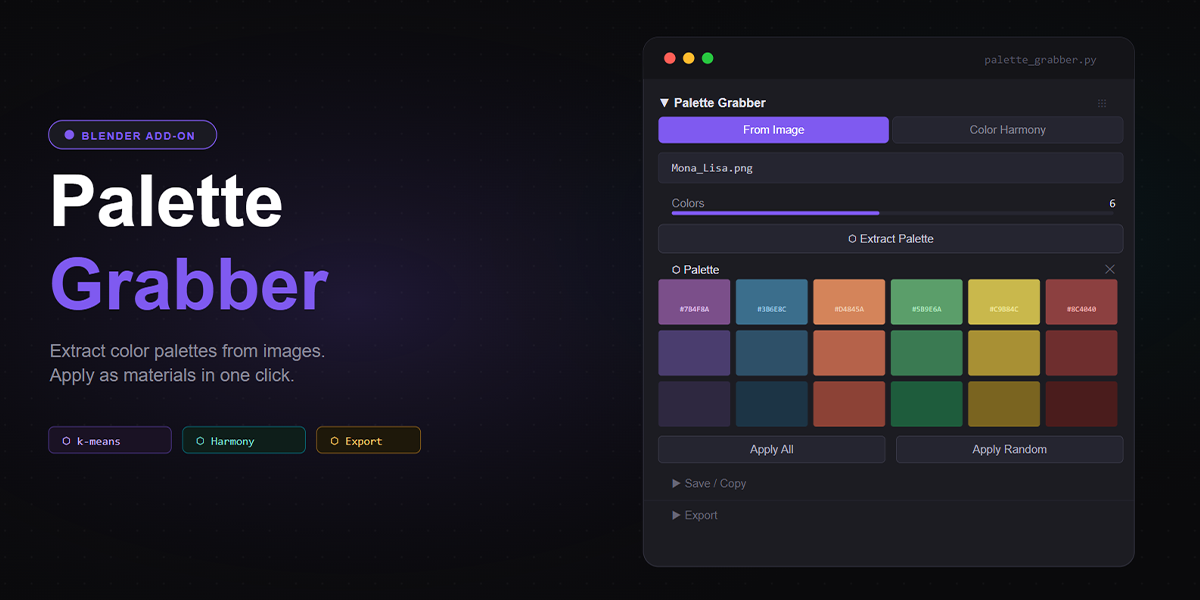
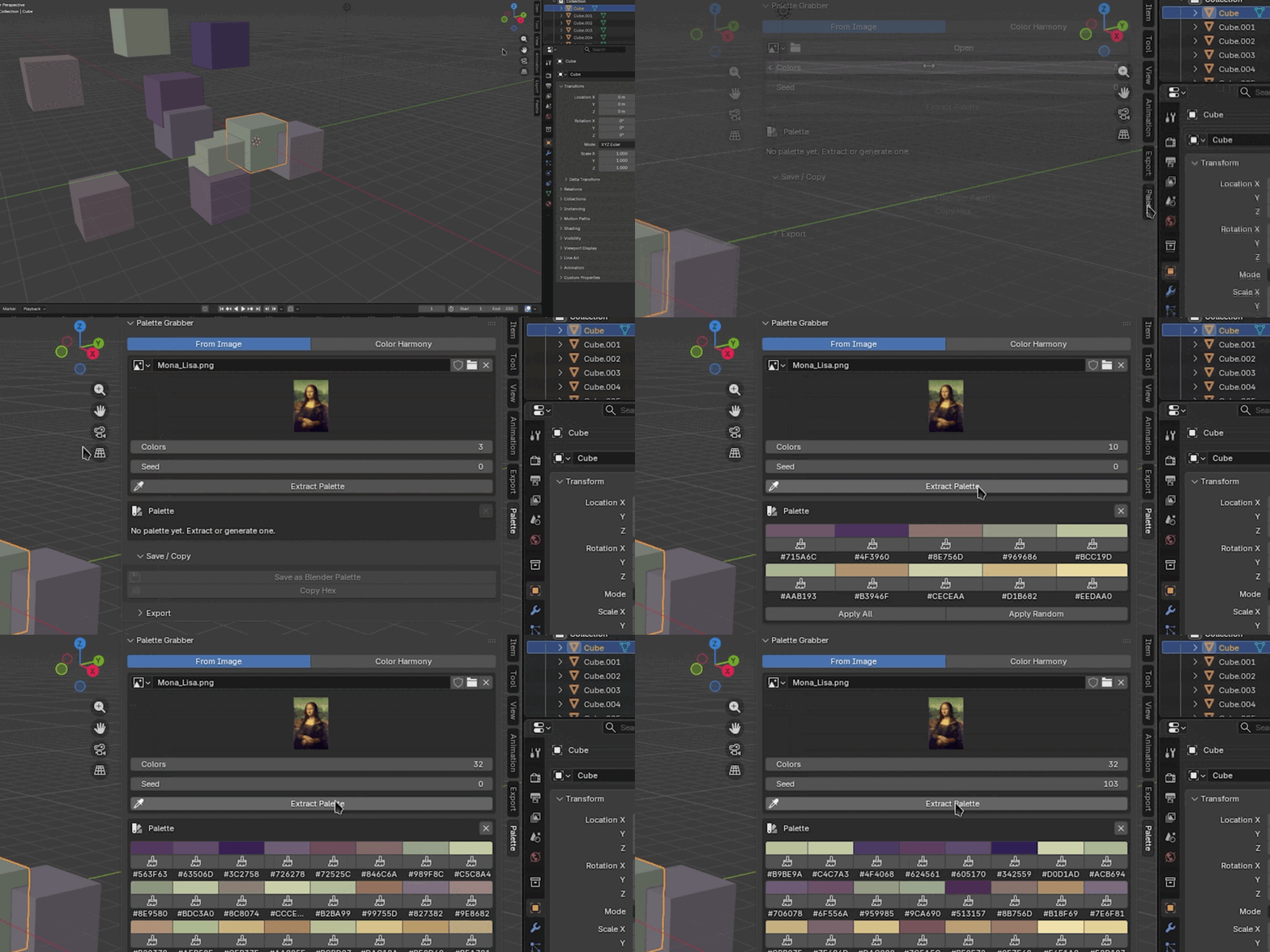
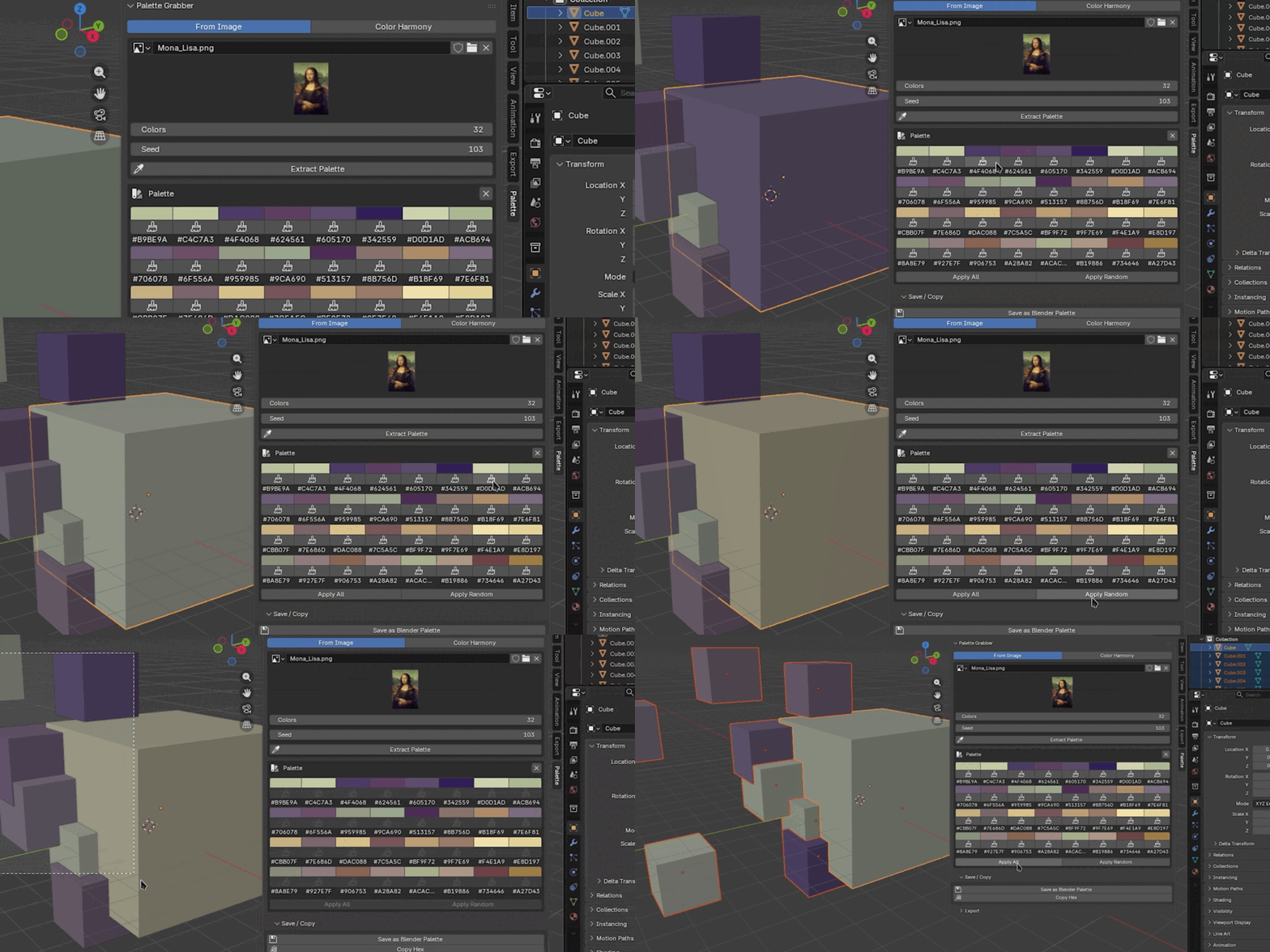

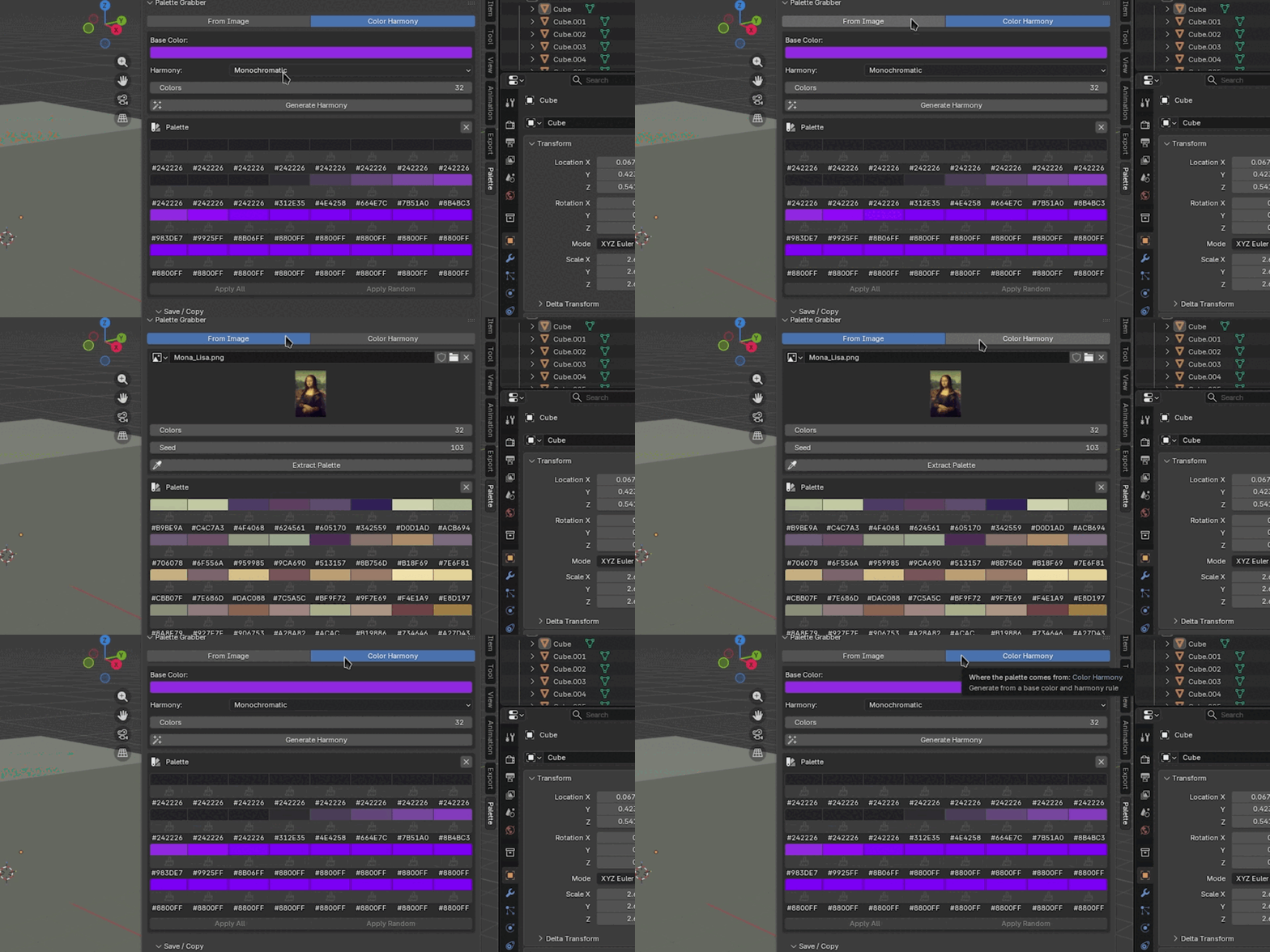
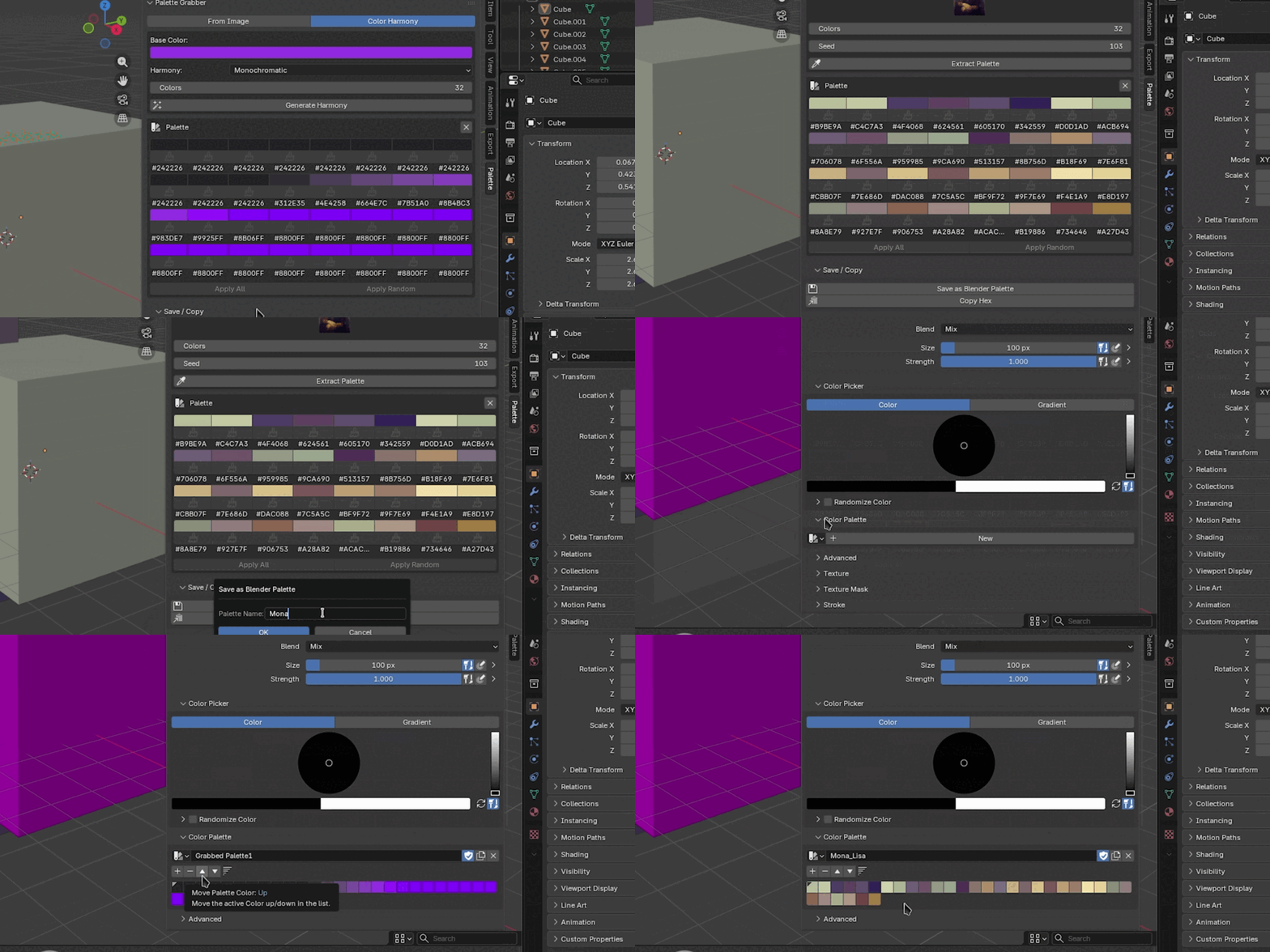
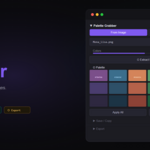

Palette Grabber
Documentation - v1.0.0
Palette Grabber - Documentation
Installation
- Download
palette_grabber.zipfrom your Superhive purchases. - Open Blender and go to Edit → Preferences → Add-ons.
- Click Install… (top right).
- Select the downloaded
.zipfile and click Install Add-on. - Enable by checking the box next to "Palette Grabber".
The add-on is now active. No restart required.
Requirements
| Requirement | Value |
|---|---|
| Blender version | 4.0 or newer (tested up to 5.1) |
| External dependencies | numpy - included in Blender's Python by default, no extra installation needed |
Getting started
- Press
Nin the 3D Viewport to open the sidebar. - Click the Palette tab.
- Choose a source mode: From Image or Color Harmony.
- Extract or generate a palette.
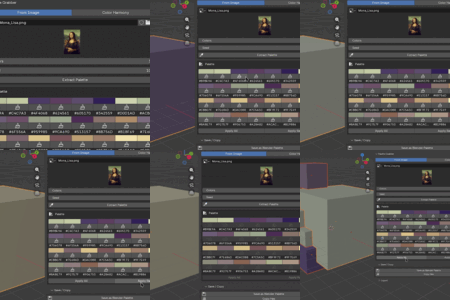
- Select objects in the viewport and click Apply to Selected.
Panel sections
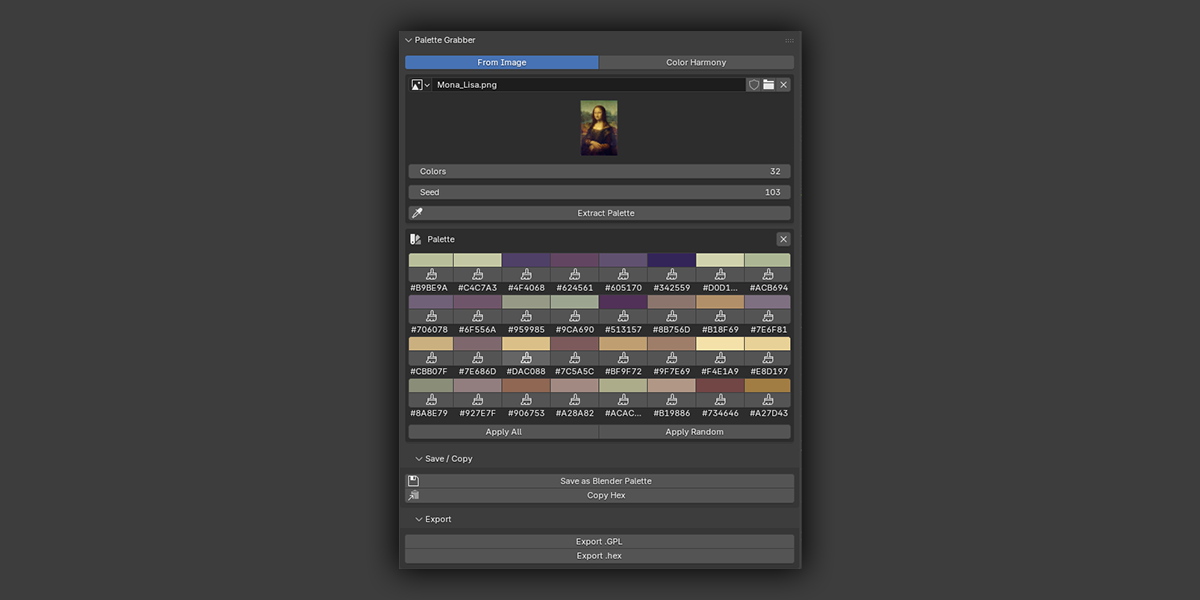
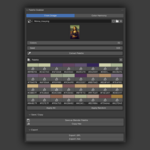
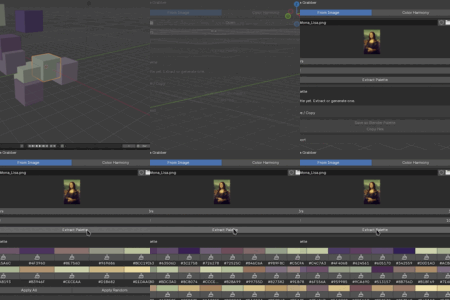
1. Source - From Image
Load any image Blender can open and extract its dominant colors via k-means clustering.
| Setting | Description |
|---|---|
| Image | Reference image to extract from. Use the image picker or click the folder icon to open a file browser. Supports all formats Blender can load: PNG, JPEG, EXR, TIFF, BMP, etc. |
| Colors | Number of dominant colors to extract (3–32). |
| Seed | Random seed for the pixel sampler. Same seed + same image = same palette every time. Change it if you want a different result from the same image. |
Click Extract Palette to run the analysis. Results appear as editable swatches in the Palette section below. Near-duplicate colors are merged automatically based on the Dedupe Threshold set in Preferences.
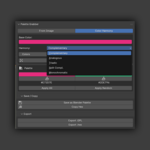
2. Source - Color Harmony
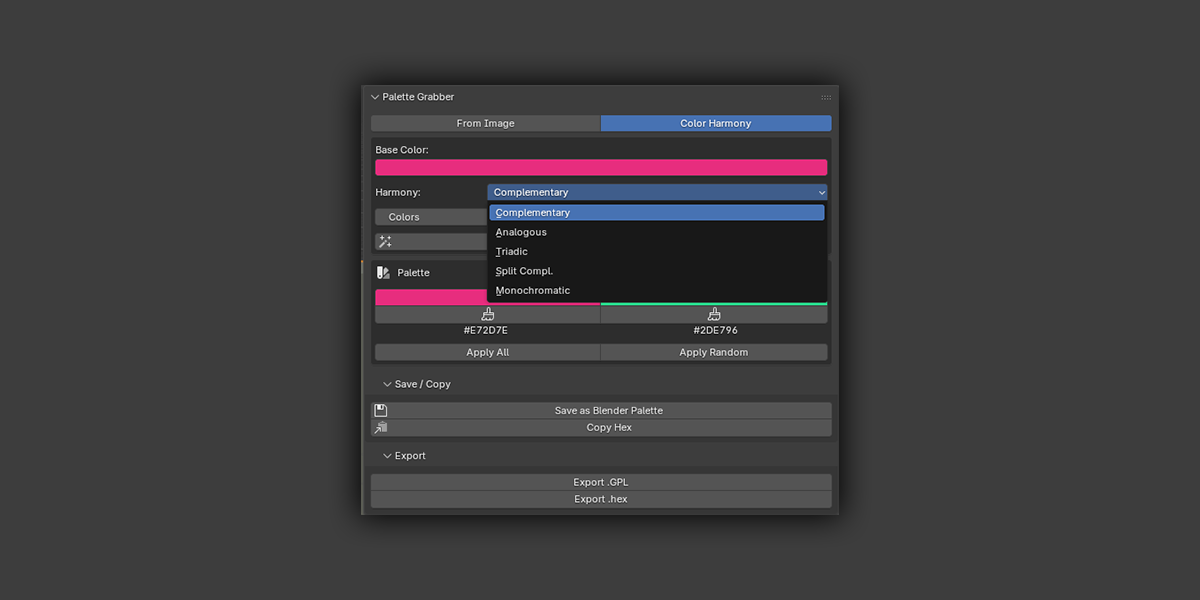
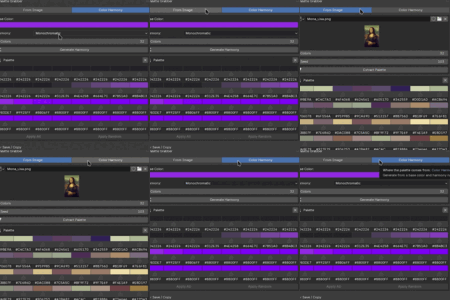
Build a palette from a single base color using color theory rules - no image required.
| Setting | Description |
|---|---|
| Base Color | Starting color. Click to open Blender's color picker. |
| Harmony | Rule used to derive the palette (see table below). |
| Colors | How many colors to generate. Some harmony modes have a fixed maximum. |
Harmony modes:
| Mode | What it produces | Max colors |
|---|---|---|
| Complementary | 2 colors - opposite on the color wheel | 2 |
| Analogous | Adjacent hues with varied saturation/value | N (any) |
| Triadic | 3 colors - evenly spaced at 120° | 3 |
| Split-Complementary | Base + two colors adjacent to its complement | 3 |
| Monochromatic | Same hue, varied saturation and value | N (any) |
Click Generate Harmony to produce the palette. If Colors is set higher than a mode's natural limit, the add-on generates up to the maximum and reports how many were created.
3. Palette
Displays the current palette as a grid of swatches. Each swatch shows:
- A color picker - click to adjust in Blender's native color picker.
- A brush icon - applies that single color as a material to all selected mesh objects.
- The hex value - click to copy that color's hex to clipboard.
Use Clear (✕ button in the palette header) to remove all colors and start fresh.
At the bottom of the palette:
| Button | What it does |
|---|---|
| Apply All | Assigns colors sequentially to selected objects. First object gets color 1, second gets color 2, and so on - wrapping if there are more objects than colors. |
| Apply Random | Shuffles the palette before assigning. Each run gives a different distribution. |
Note: Apply replaces all existing material slots on each mesh object with a single solid-color Principled BSDF material. This is intentional for blockout and color exploration workflows. Press Ctrl+Z to undo.4. Save / Copy
| Action | Description |
|---|---|
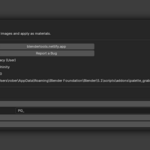
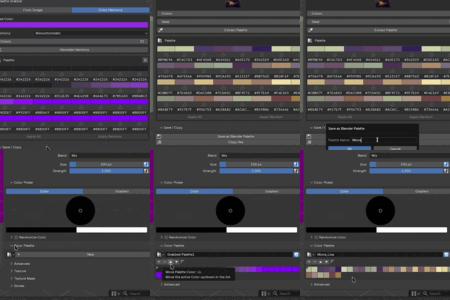
| Save as Blender Palette | Stores the palette in bpy.data.palettes under a custom name you choose in the dialog. Available across Texture Paint, Vertex Paint, and Grease Pencil color pickers. |
| Copy Hex | Copies all hex values to clipboard, one per line (e.g. #B5624A). Paste into any design tool. |
5. Export
| Action | Description |
|---|---|
| Export .GPL | Saves the palette as a GIMP Palette file. A file browser opens - choose any destination. |
| Export .hex | Saves hex values as a plain text file, one per line. |
Action buttons summary
| Button | What it does | Modifies scene? |
|---|---|---|
| Extract Palette | Runs k-means analysis on the source image | No |
| Generate Harmony | Builds a palette from the base color and harmony rule | No |
| Apply All / Apply Random | Assigns palette colors as materials to selected objects | Yes |
| Apply (single swatch) | Applies one color to all selected objects | Yes |
| Save as Blender Palette | Creates a palette in bpy.data.palettes | No (scene data only) |
| Copy Hex / Copy Single Hex | Copies hex values to clipboard | No |
| Export .GPL / .hex | Writes a file to disk | No |
| Clear | Removes the current palette from the panel | No |
Preferences
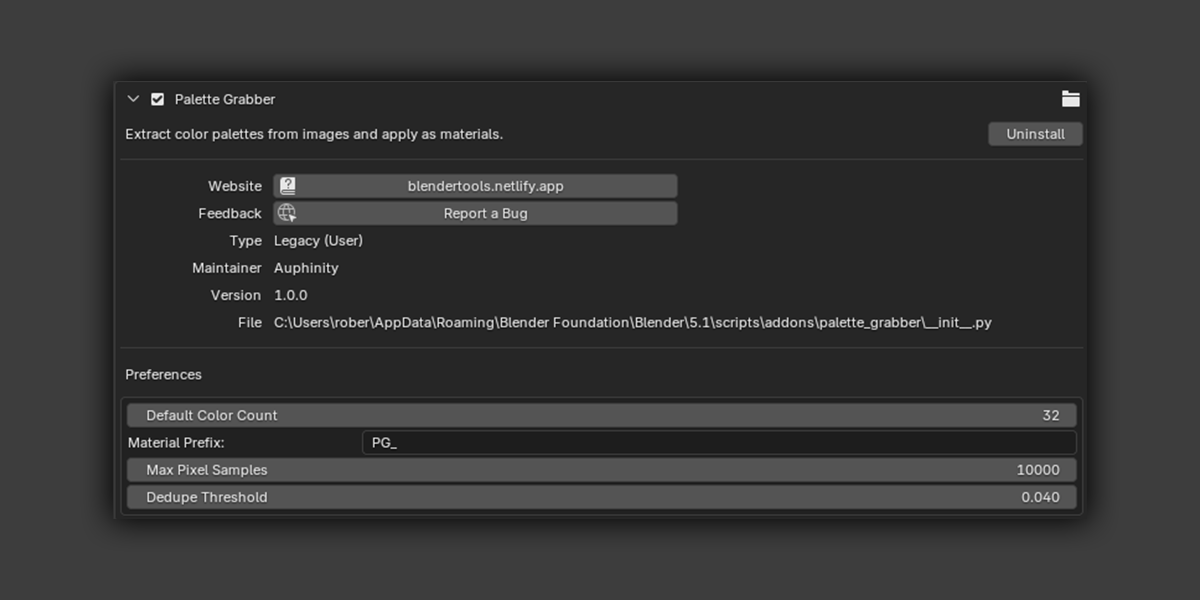
Go to Edit → Preferences → Add-ons → Palette Grabber to configure:
| Setting | Default | Description |
|---|---|---|
| Default Color Count | 6 | Initial value of the Colors slider when the panel opens. |
| Material Prefix | PG_ | Prefix added to material names created by Apply (e.g. PG_B5624A). Change this to keep your material list organized. |
| Max Pixel Samples | 10000 | Pixels sampled for k-means clustering. Higher values are more accurate but slower on large images. 10000 is sufficient for most images. |
| Dedupe Threshold | 0.04 | Minimum distance between palette colors in linear RGB. Colors closer than this are merged into one. Set to 0 to disable deduplication entirely. |
FAQ
Does Apply replace existing materials?
Yes. Apply to Selected clears all material slots on each mesh object and assigns a new solid-color material. This is intentional - the workflow is designed for quick blockout and palette exploration, not editing existing materials. Press Ctrl+Z to undo.
How accurate is the color extraction?
K-means on a sampled pixel set gives statistically dominant colors, not a perceptual ranking. Results are stable for the same seed and image. If the palette doesn't look right, try a different seed or increase Max Pixel Samples in Preferences.
Why did I get fewer colors than I asked for?
Near-duplicate colors are merged based on the Dedupe Threshold. If you want all N colors even when some are similar, lower the threshold in Preferences or set it to 0.
Can I use extracted palettes in Texture Paint or Grease Pencil?
Yes - use Save as Blender Palette. The saved palette appears in the color palette picker in Texture Paint, Vertex Paint, and Grease Pencil draw modes.
Does it work with HDR or EXR images?
Yes. Any image format Blender can load works as a source. EXR images are read in linear color space - the extracted colors will be in linear RGB, which is how Blender materials expect color input.
What's the difference between Apply All and Apply Random?
Apply All assigns colors in order: object 1 gets swatch 1, object 2 gets swatch 2, and so on. Apply Random shuffles the palette first, so the assignment is different each time you click it. Both wrap around if there are more objects than colors.
Known limitations
- K-means extraction requires numpy - included in Blender's Python by default, but if you're using a custom Python environment, ensure numpy is available.
- Harmony modes with a fixed color count (Complementary = 2, Triadic = 3, Split-Complementary = 3) ignore the Colors slider above their maximum.
- Apply replaces all material slots - multi-material objects lose their slot setup. This is by design for blockout workflows.
- Extraction accuracy scales with Max Pixel Samples. Very large images (8K+) sampled at 10000 pixels may miss subtle colors in small image regions.
Changelog
v1.0.0 - Initial Release
- K-means palette extraction from images (PNG, JPEG, EXR, TIFF, BMP, etc.)
- Adjustable color count (3–32) and seed
- Near-duplicate color deduplication
- Editable swatches in the N-panel
- Apply palette to selected objects - sequential and randomized
- Apply single color from any swatch
- Color Harmony generator: Complementary, Analogous, Triadic, Split-Complementary, Monochromatic
- Save as native Blender Palette
- Export to .GPL and .hex
- Copy individual or all hex values to clipboard
- Configurable preferences: prefix, sample count, dedupe threshold
Have questions about this product?
Login to message
| Sales | 10+ |
| Published | 5 months ago |
| Blender Version | 4.0 - 5.1 |
| Extension Type | N/A |
| Render Engine Used | Cycles, Eevee |
| License | GPL |
Discover more products like this
blockout color extraction Workflow texture materials k-means color-harmony Palette concept art color-palette