Palette Grabber
 auphinity.tools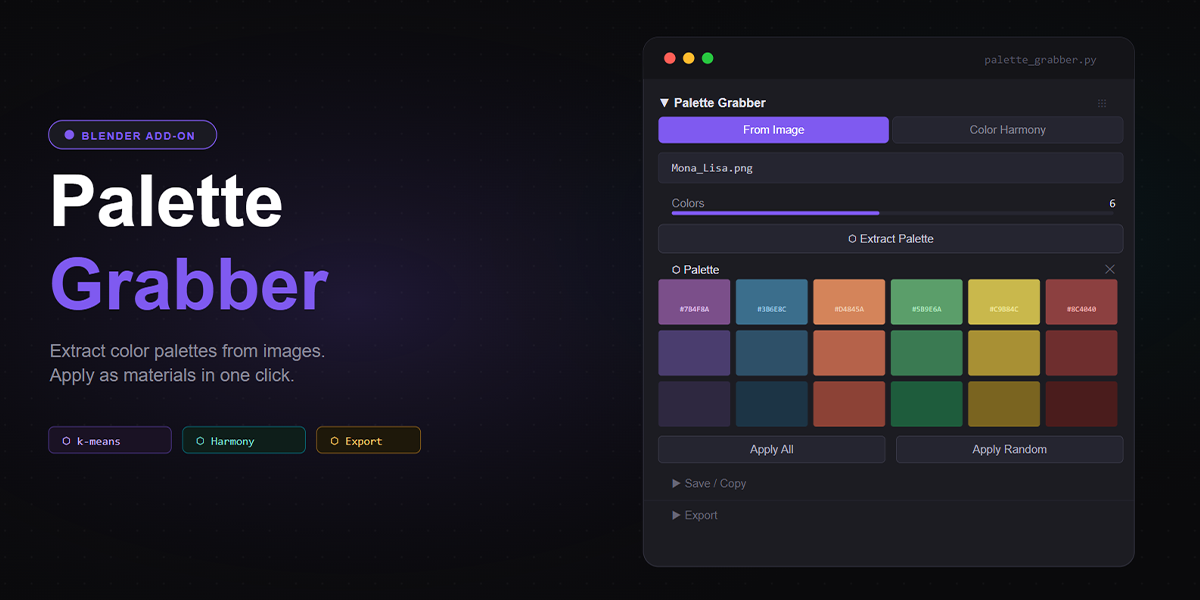
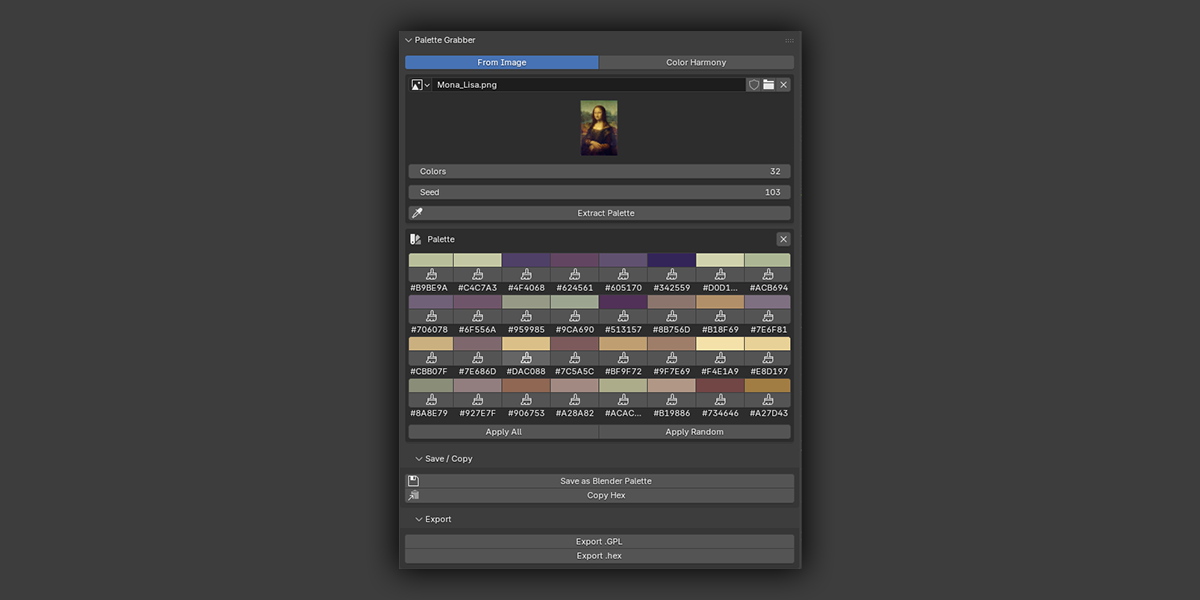
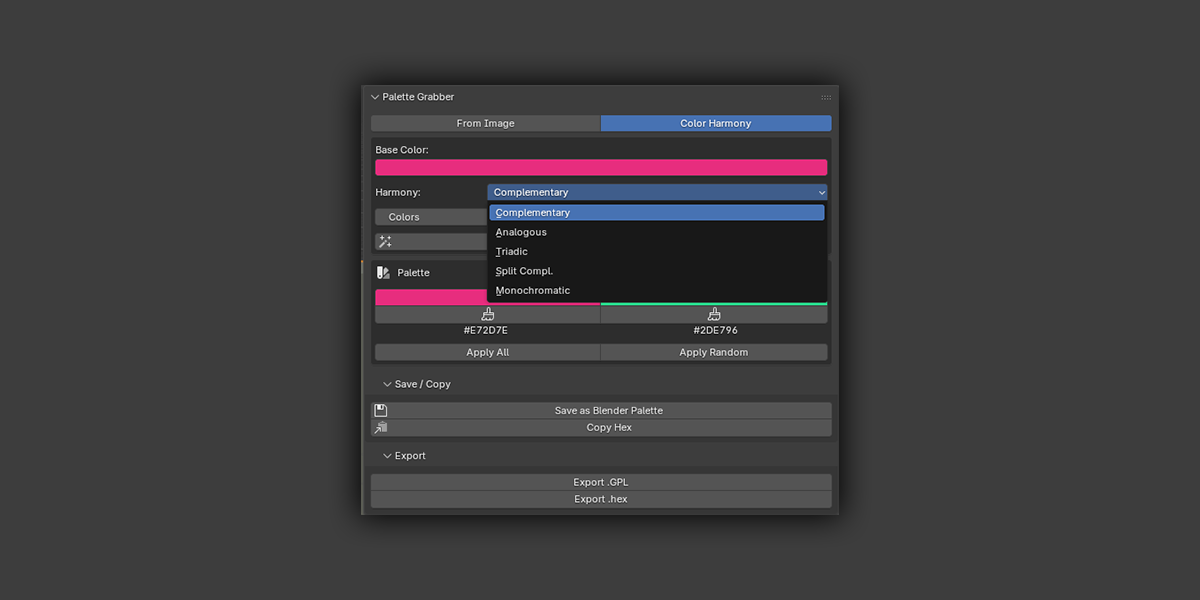
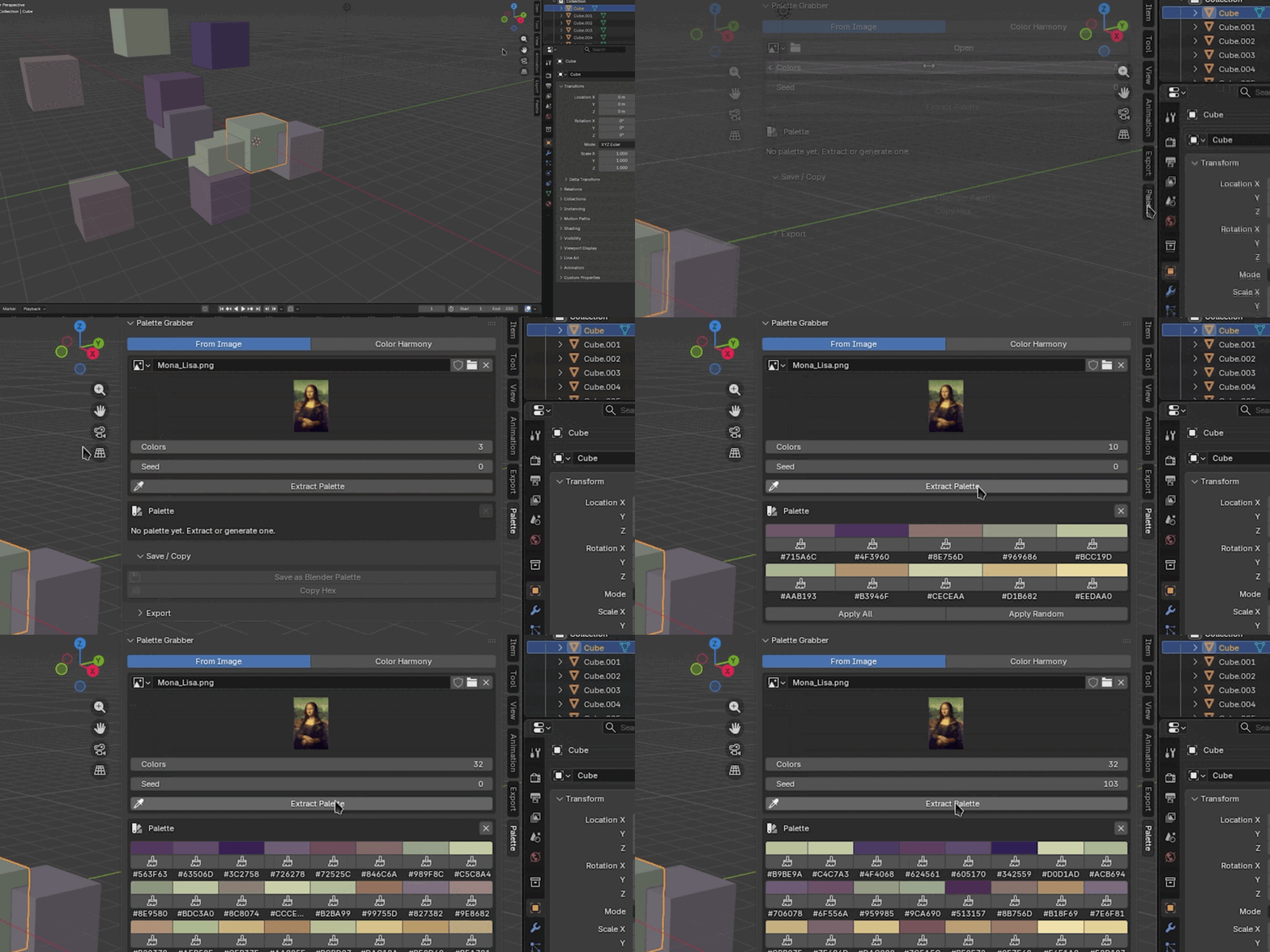
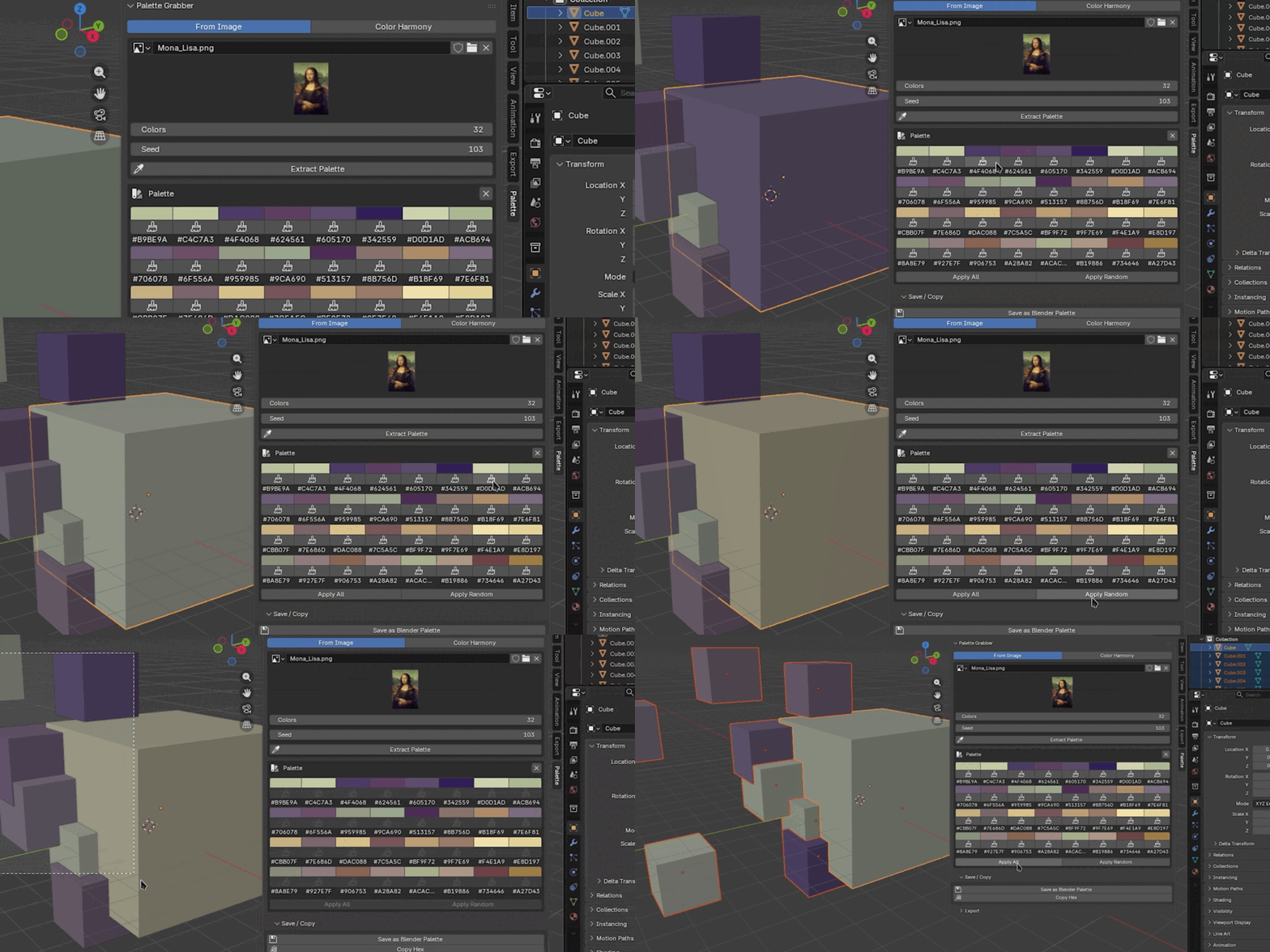


What's the difference between Apply All and Apply Random?
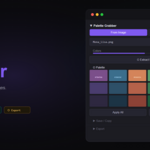
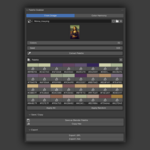
Apply All assigns colors in order: object 1 gets swatch 1, object 2 gets swatch 2, and so on. Apply Random shuffles the palette first, so the assignment is different each time you click it. Both wrap around if there are more objects than colors.
Does it work with HDR or EXR images?
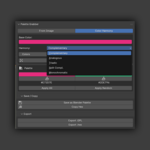
Yes. Any image format Blender can load works as a source. EXR images are read in linear color space - the extracted colors will be in linear RGB, which is how Blender materials expect color input.
Can I use extracted palettes in Texture Paint or Grease Pencil?
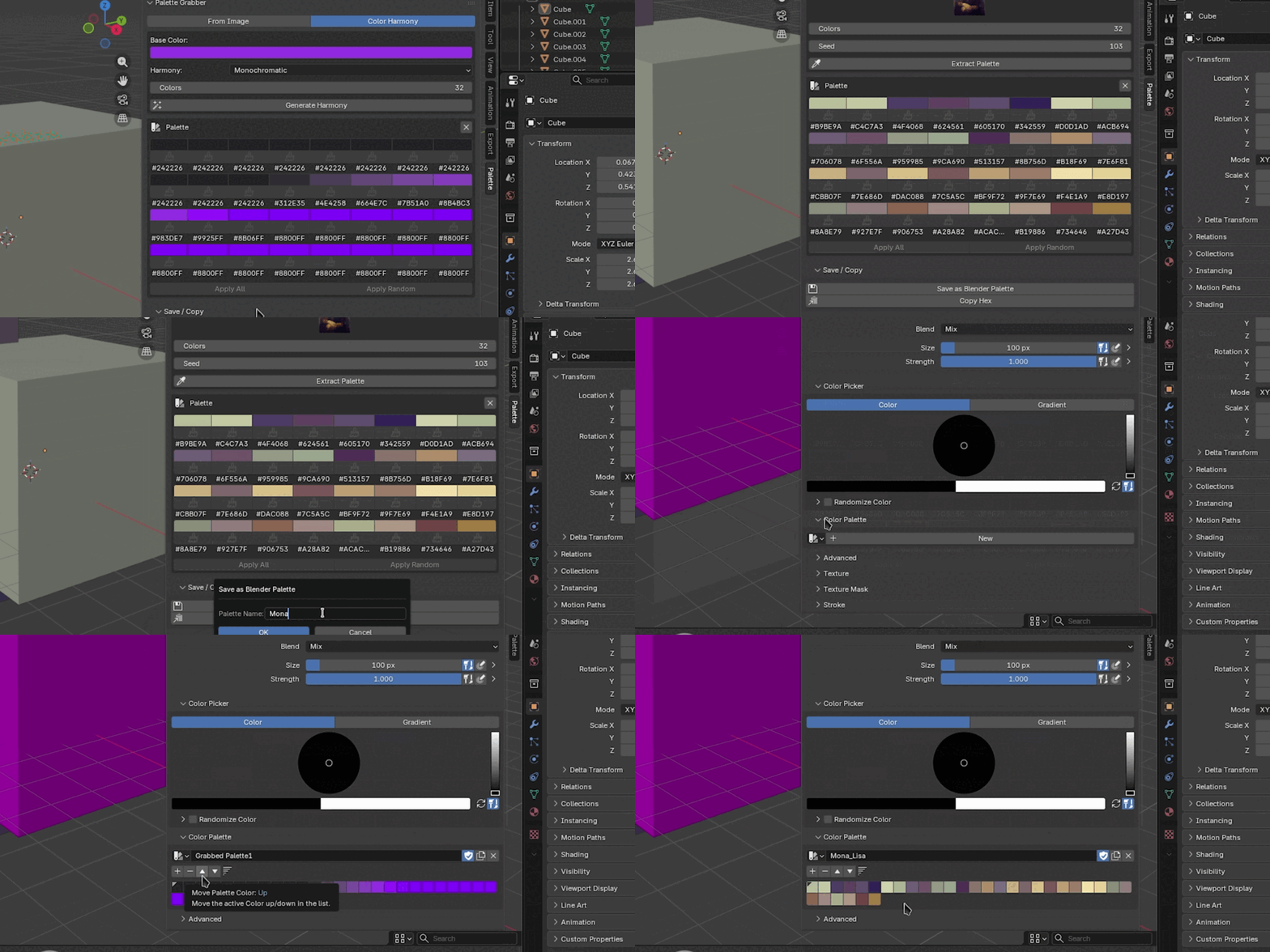
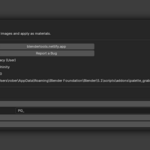
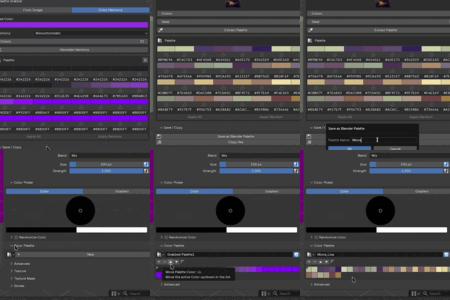
Yes - use Save as Blender Palette. The saved palette appears in the color palette picker in Texture Paint, Vertex Paint, and Grease Pencil draw modes.
Why did I get fewer colors than I asked for?
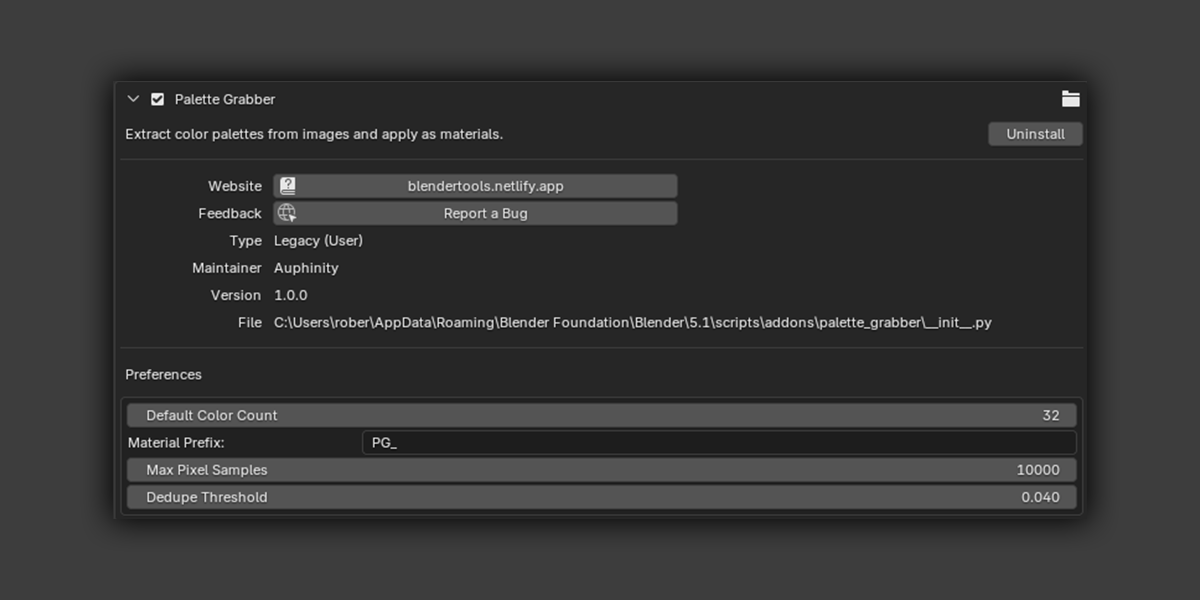
Near-duplicate colors are merged based on the Dedupe Threshold. If you want all N colors even when some are similar, lower the threshold in Preferences or set it to 0.
How accurate is the color extraction?
K-means on a sampled pixel set gives statistically dominant colors, not a perceptual ranking. Results are stable for the same seed and image. If the palette doesn't look right, try a different seed or increase Max Pixel Samples in Preferences.
Does Apply replace existing materials?
Yes. Apply to Selected clears all material slots on each mesh object and assigns a new solid-color material. This is intentional - the workflow is designed for quick blockout and palette exploration, not editing existing materials. Press Ctrl+Z to undo.
$4.99
Have questions about this product?
Login to message
| Sales | 10+ |
| Published | 5 months ago |
| Blender Version | 4.0 - 5.1 |
| Extension Type | N/A |
| Render Engine Used | Cycles, Eevee |
| License | GPL |
Discover more products like this
color-harmony color-palette concept art blockout texture k-means materials Palette color extraction Workflow