Palette Manager Pro — Color Palette System for Blender
 NovaStrikes



Q: Can I share .json palette files with my team?
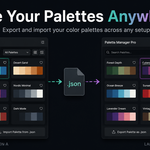
A: Yes — the exported file is plain text. Anyone with Lite or Pro can import it. Great for teams maintaining consistent color language.
Q: Will Apply to Object overwrite my existing material settings?
A: No — only the Base Color value changes. Roughness, metallic, normal maps, and everything else stay untouched.
Q: I opened a new .blend and my palettes are gone. What happened?
A: Palettes are stored per .blend file. This is exactly what the Lite/Pro JSON export solves — export once, import into any project in seconds.
Q: Are my palettes saved automatically?
A: Yes — stored inside your .blend file. Hit Ctrl+S, and they're preserved every time you reopen the file.
Q: Where does the addon appear in Blender?
A: In the Properties panel → Material tab (ball icon on the right). You must have a mesh selected with a material assigned
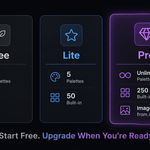
-
$4.99
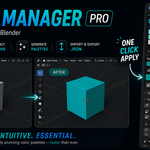
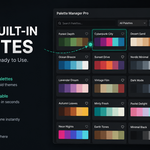
5 palettes, 12 colors each, HEX display, JSON export/import to carry palettes across projects + 50 hand-crafted built-in palettes with live preview. Your colors, everywhere.
-
$9.99
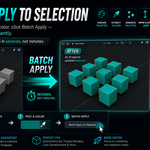
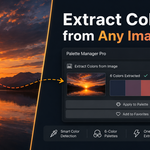
Unlimited palettes, 250 built-in, extract colors from images, batch apply, random generator, Coolors.co import + monthly palette drops. The full toolkit.
Have questions about this product?
Login to message