Palette Master: Color Theory Made Easy
 WSM Game Studio



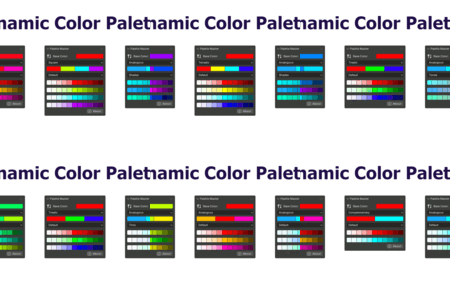
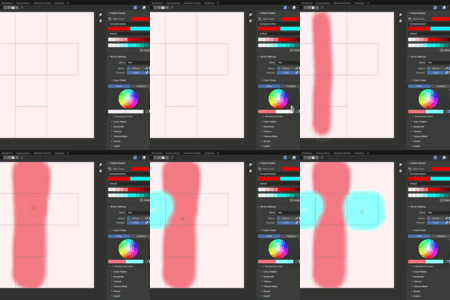

Installation Guide
- Download the addon zipped file (do not unzip it)
- Open Blender (4.5 or later)
- Navigate to Edit > Preferences > Add-ons
- Click on the dropdown arrow on the top right corner of the screen and select Install from Disk...
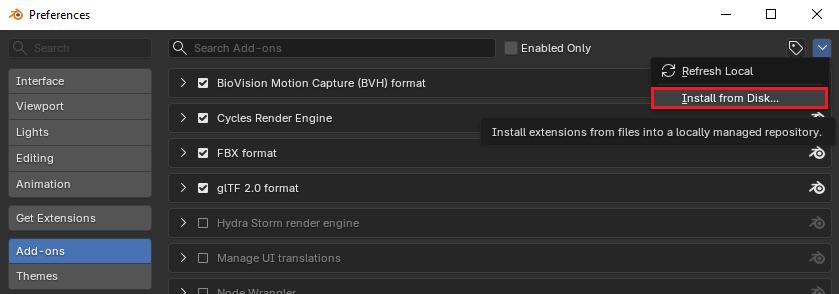
- Select the addon zipped file (wsm_palette_master-1.0.1.zip)
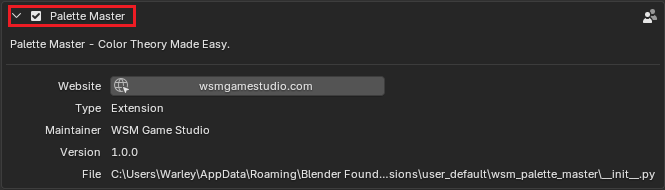
- Enable Palette Master on the Add-on list
Quick Start Guide
Press N to open the the Sidebar menu
Navigate to Tool > Palette Master
On the first access, you'll be greeted with a welcome message.
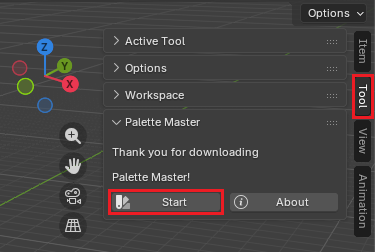
Click on Start to initialize the addon.
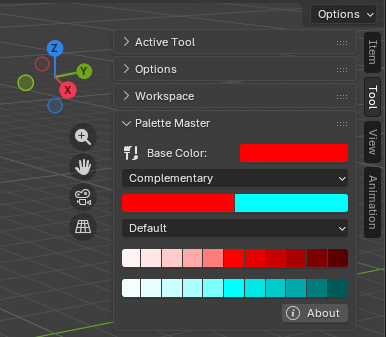
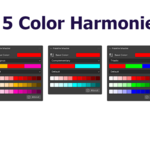
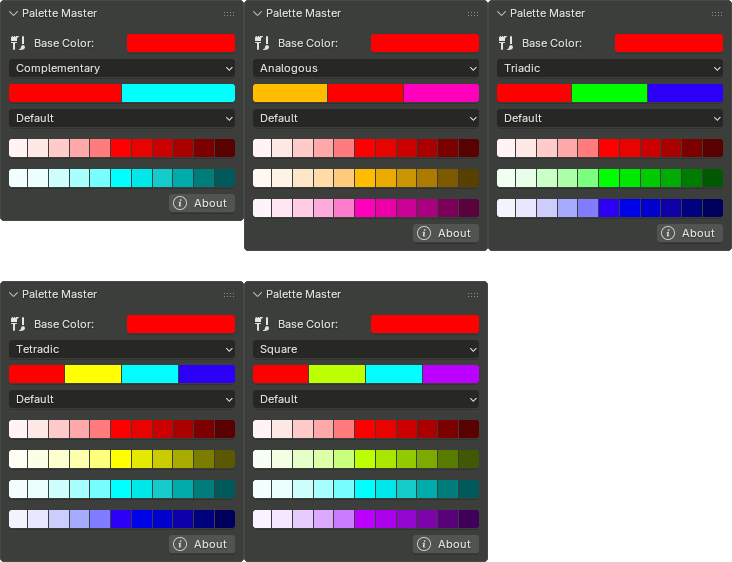
There are 5 Color Harmonies options avaiable
- Complementary
- Analogous
- Triadic
- Rectangular Tetradic
- Square Tetradic
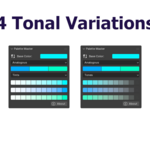
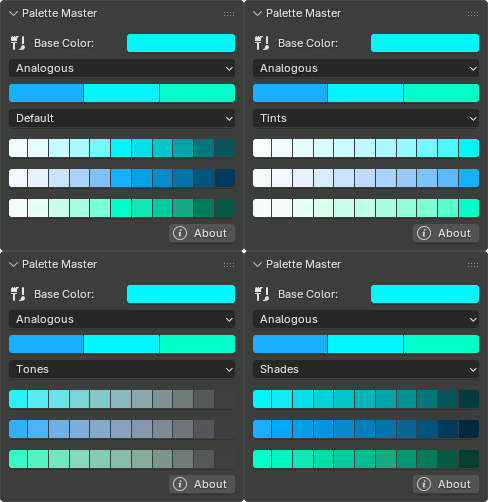
And 4 Tonal Variations options:
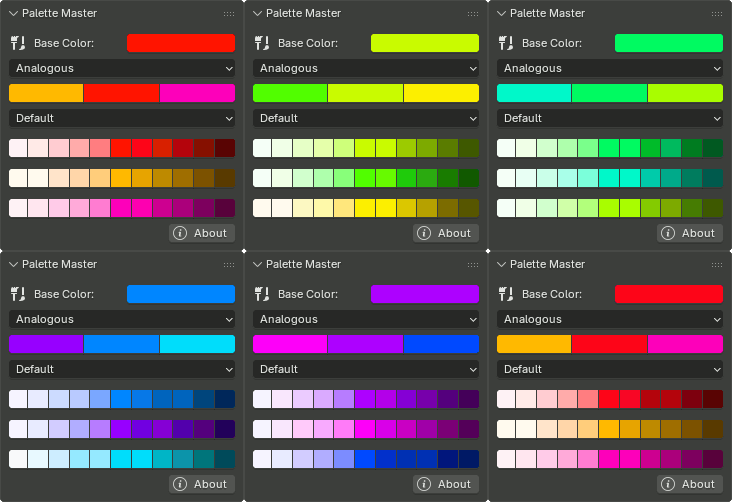
If you change the Base Color the palettes are regenerated dynamically
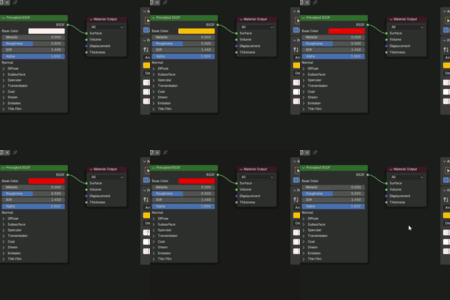
Palette Master is available on the Sidebar menu of following blender workspaces:
- 3D Viewport
- Shader Editor
- Image Editor
- Compositor
Obs: Feel free to suggest more workspaces you'd like to be supported
 Included
Includes 12 months of
- Support from WSM Game Studio
- Product updates
Extend this product’s Support Period +12 months: 50% of product price
Have questions before purchasing?
Login to message
| Blender Extension Compatible | Yes |
| Dev Fund Contributor | |
| Published | 4 months ago |
| Blender Version | 4.5 - 5.2 |
| Extension Type | Add-on |
| Render Engine Used | Cycles, Eevee |
| License | GPL |
Discover more products like this
color-palette Color Palettes color palette tool Texture Paint color-scheme color-harmony painting color theory shader editor Color Scheme Tool Dynamic Color Palette colors