Palette Master: Color Theory Made Easy
 WSM Game Studio


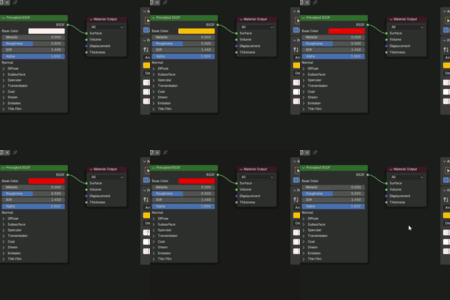
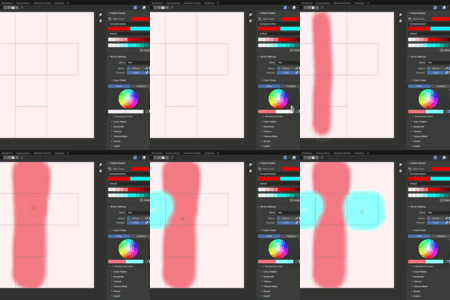

- Download the addon zipped file (do not unzip it)
- Open Blender (4.5 or later)
- Navigate to Edit > Preferences > Add-ons
- Click on the dropdown arrow on the top right corner of the screen and select Install from Disk...
- Select the addon zipped file (wsm_palette_master-1.0.1.zip)
- Enable Palette Master on the Add-on list
- 3D Viewport
- Shader Editor
- Image Editor
- Compositor
Press N to open the the Sidebar menu
Navigate to Tool > Palette Master
Please contact me directly on superhive.
- Navigate to my creator profile and click on Contact Creator
Alternatively, you may also message me on [email protected]
Support request must include the following information:
- Superhive Order ID (Mandatory)
- Blender Version
- Detailed description of the issue (including screenshots if possible)
Obs: Please do not use the review section for questions or support requests, it was not designed for that. If you find any issues, always contact the creator for help before leaving a review.
 Included
Includes 12 months of
- Support from WSM Game Studio
- Product updates
Extend this product’s Support Period +12 months: 50% of product price
Have questions before purchasing?
Login to message
| Blender Extension Compatible | Yes |
| Dev Fund Contributor | |
| Published | 4 months ago |
| Blender Version | 4.5 - 5.2 |
| Extension Type | Add-on |
| Render Engine Used | Cycles, Eevee |
| License | GPL |
Discover more products like this
color theory color-harmony Color Scheme Tool Color Palettes color-scheme shader editor color palette tool colors Dynamic Color Palette color-palette Texture Paint painting