Stylized Sky

Tachyon Studio in Rendering


44 premade sky presets included with every tier

Start with any preset, adjust the clouds and lighting in Blender, then export your sky as a 1K–8K OpenEXR HDRI.

LightingLooksCloudsAnimationOutputCompatibility

LIGHTING   /   ANIME DAY

Follow the light across the meadow

Watch the grass and tree shadows as Time of Day moves through 24 hours. The linked Sun lights the field by day, the Moon takes over at night, and dawn brings the colour back.
Lighting tab demonstration. Follow a full 24-hour cycle. Watch the sunlight move across the meadow, the moon take over at night, and the first light return to the grass.

Day-to-night timelapse

Play the scene on its own to see the whole transition.

TIME OF DAY

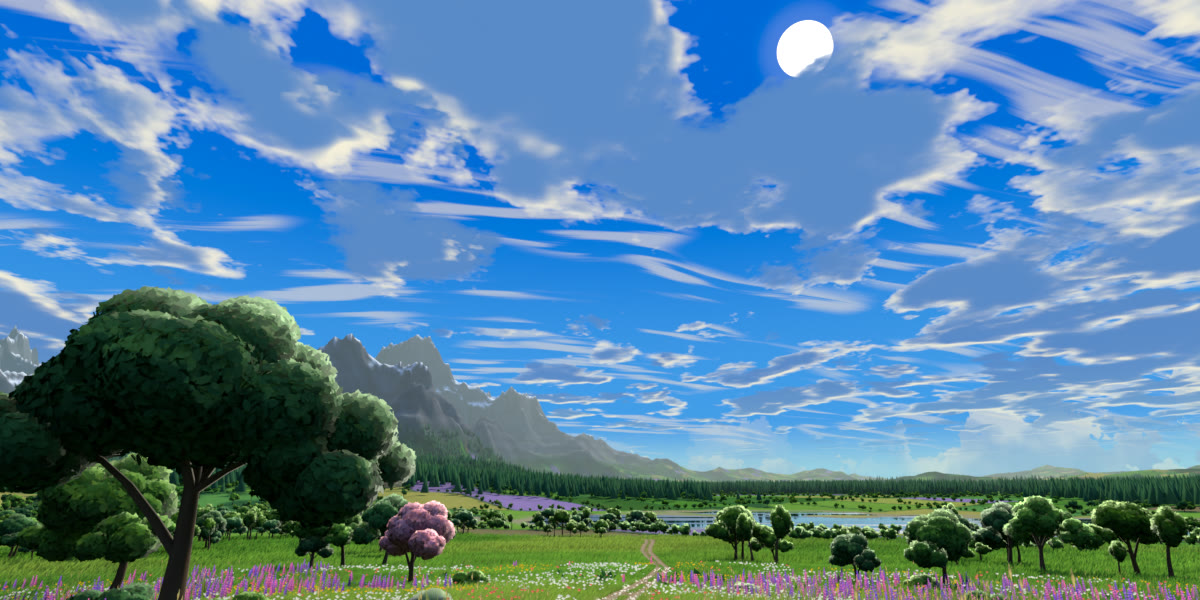
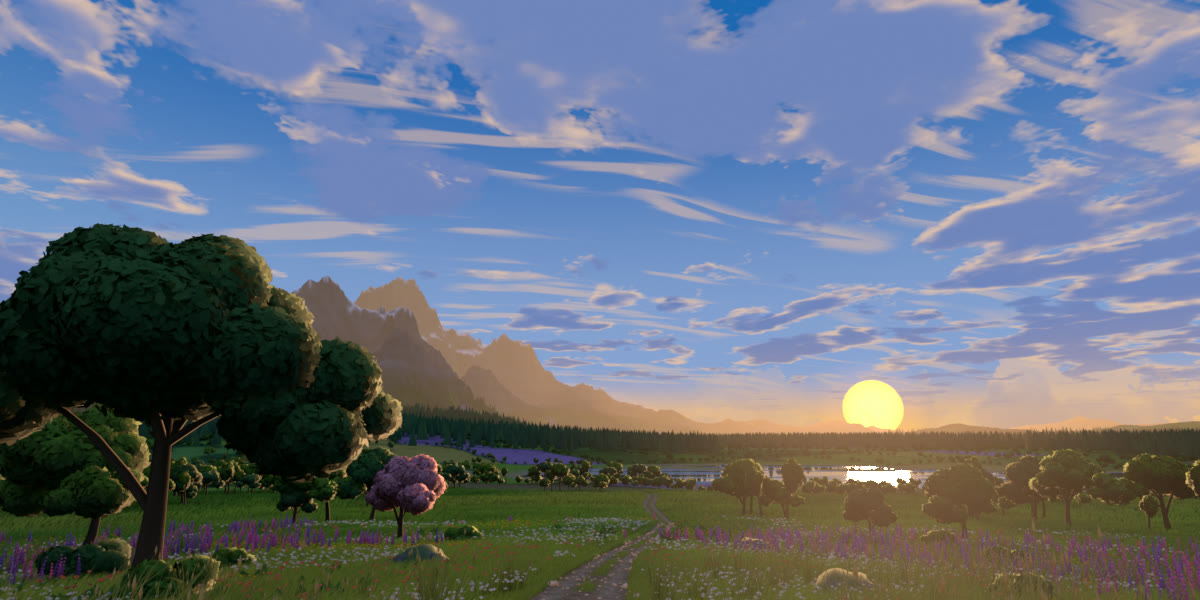
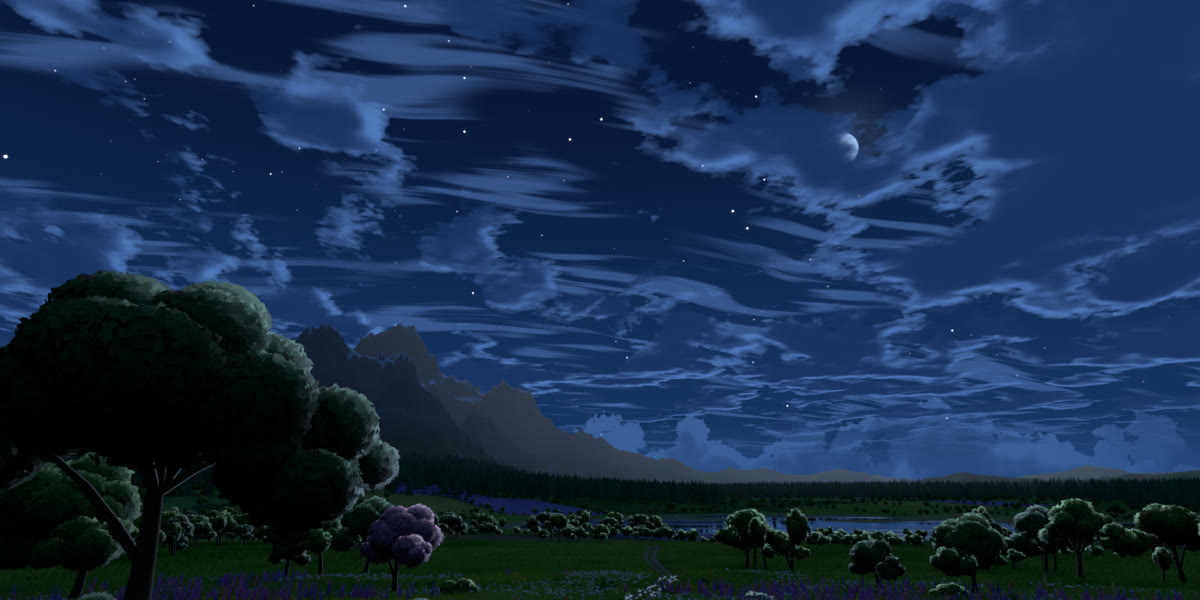
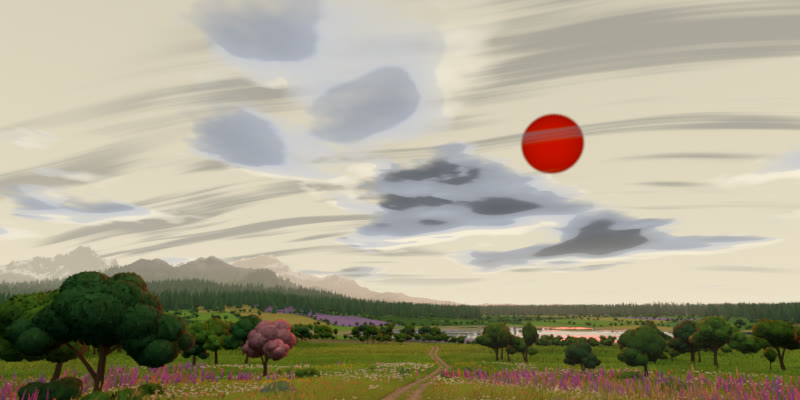
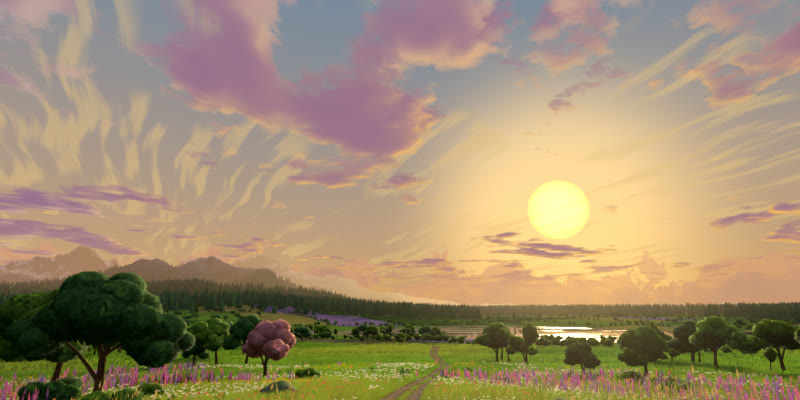
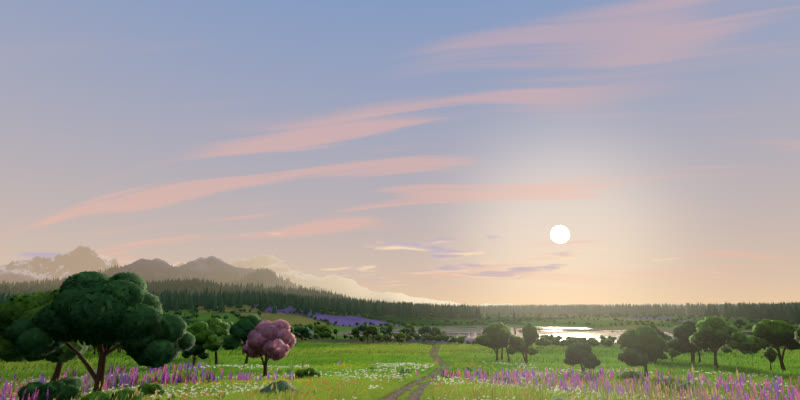
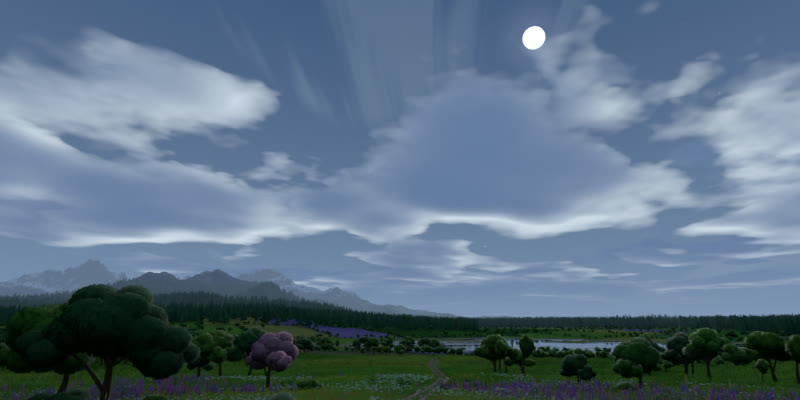
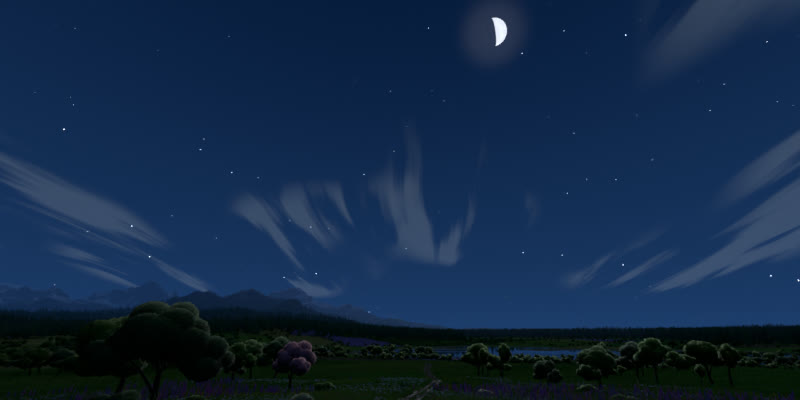
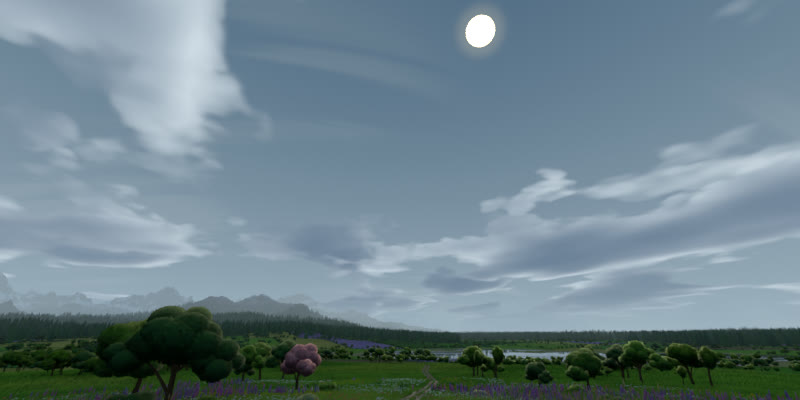
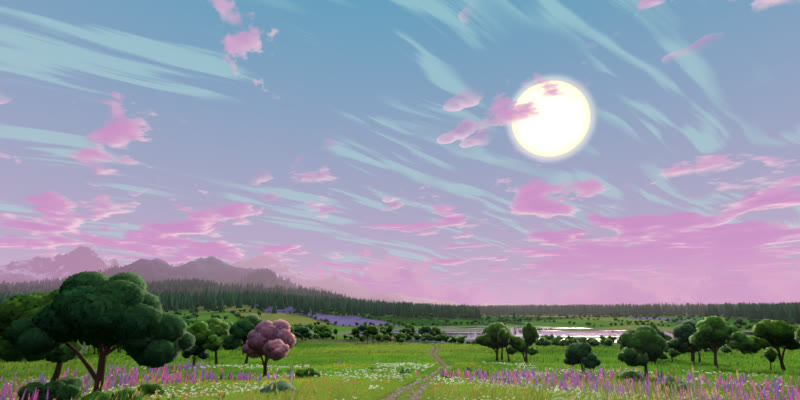
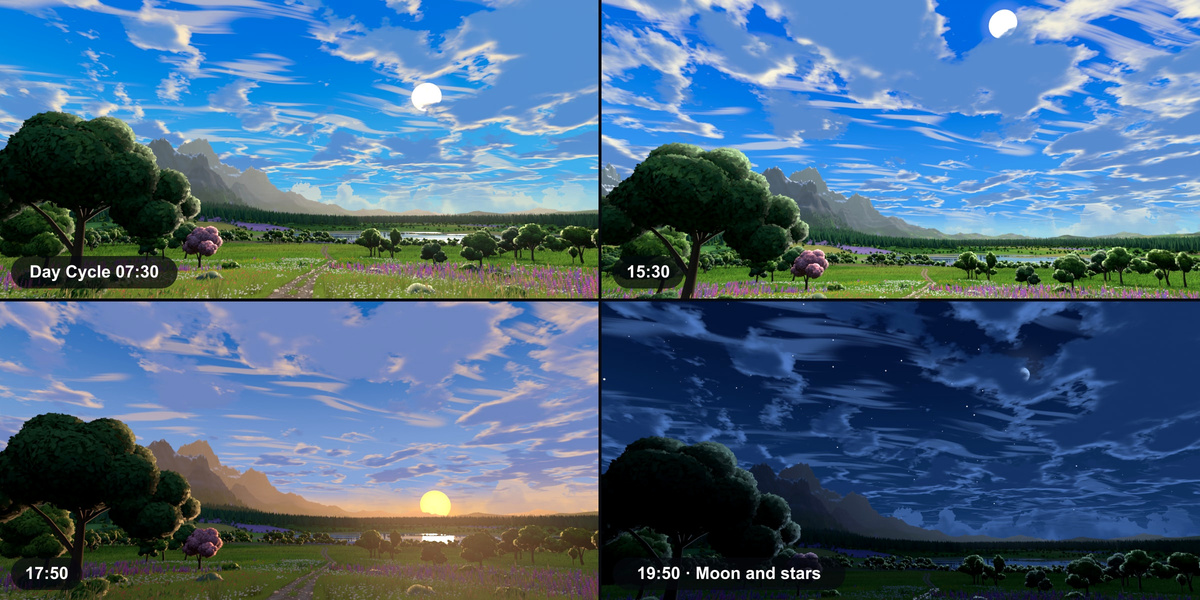
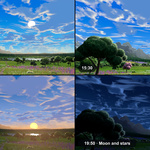
Compare four moments in the meadow

Step through morning, afternoon, evening and moonlight to inspect a single moment at a time.

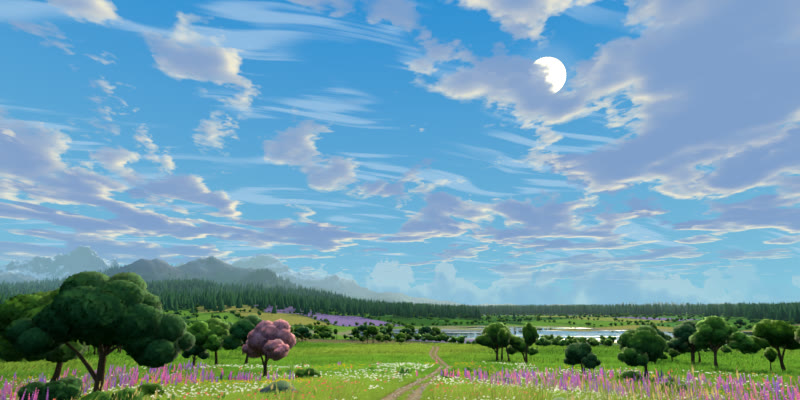
07:30 · Morning
07:30 · Morning · 1 / 4Next →
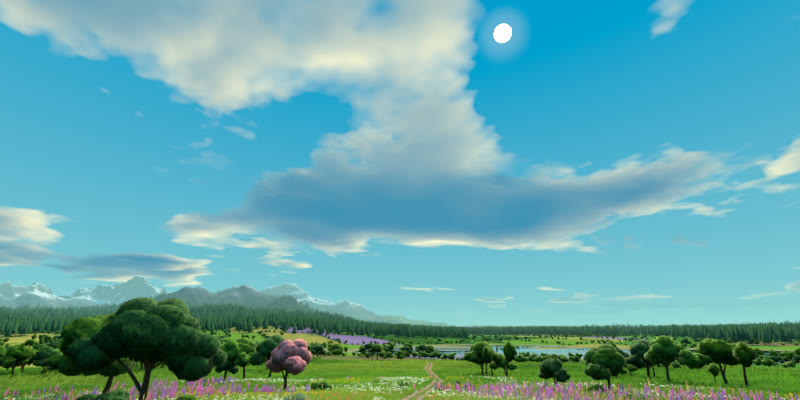
15:30 · Afternoon
15:30 · Afternoon · 2 / 4← PreviousNext →
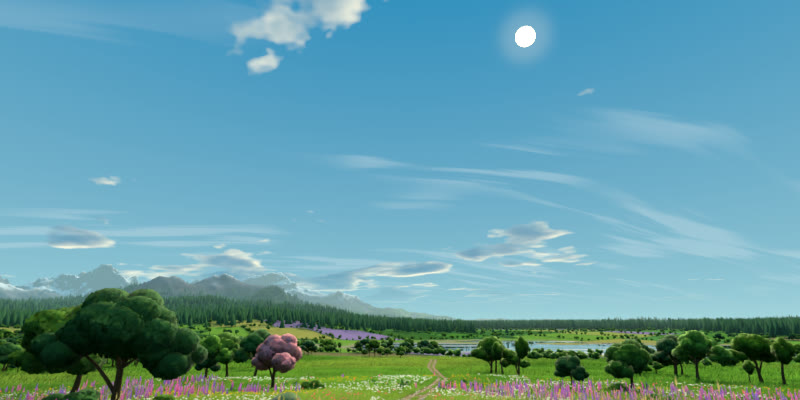
17:50 · Evening
17:50 · Evening · 3 / 4← PreviousNext →
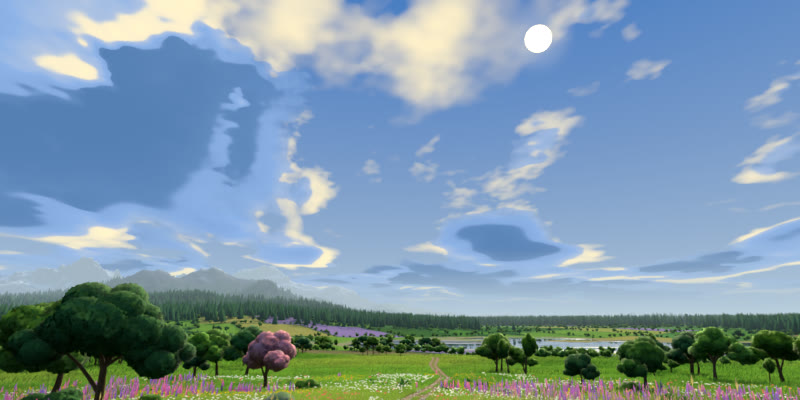
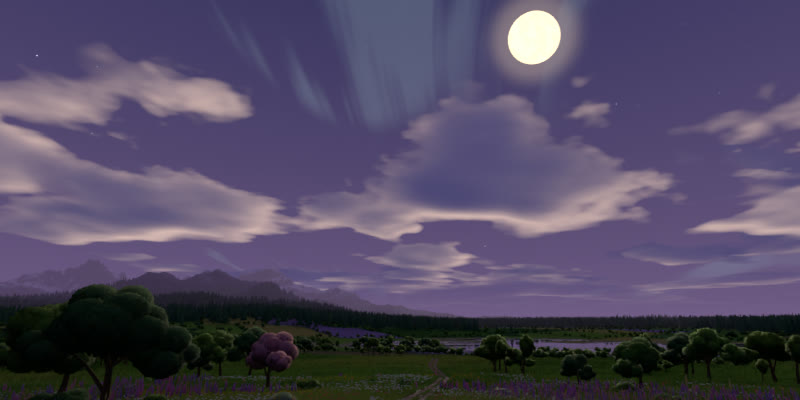
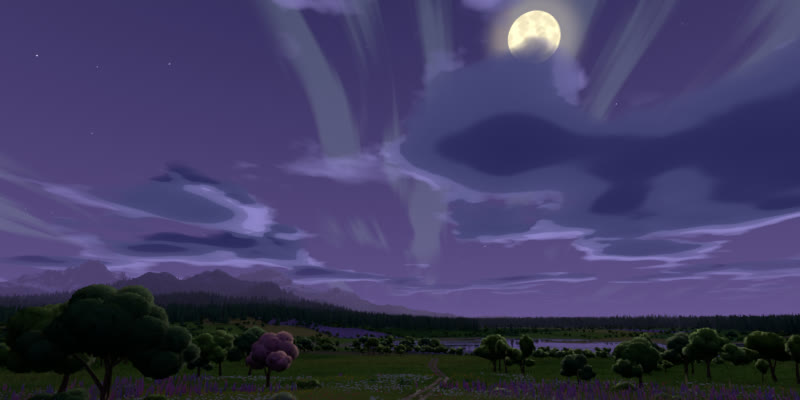
19:50 · Moon and stars
19:50 · Moon and stars · 4 / 4← Previous

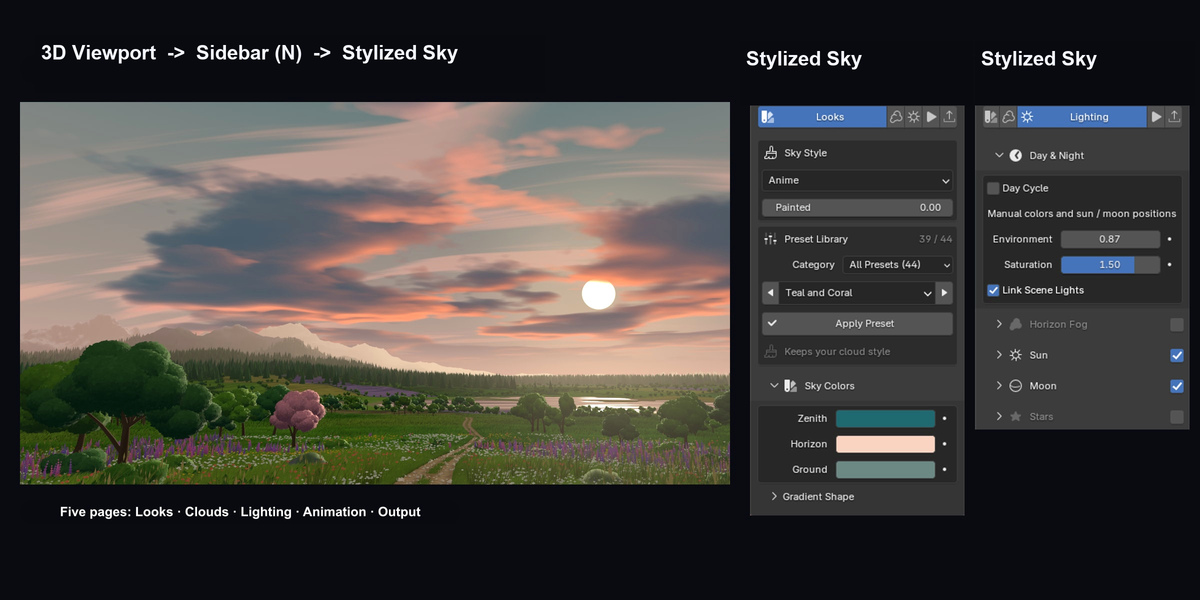
LOOKS   /   ANIME DAY

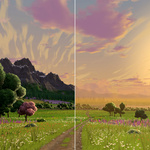
Choose the colours of the sky

Watch the zenith turn violet as the horizon picks up a warmer tone. The camera and cloud shapes stay fixed, so you can see what the two colour controls change.
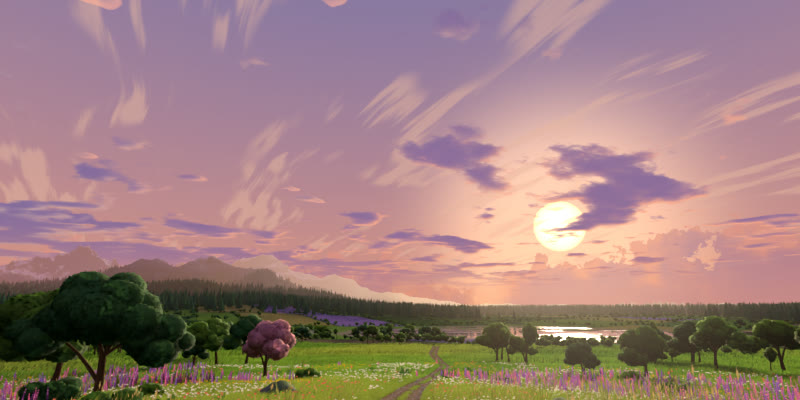
Looks tab demonstration. Start with Anime Day, then change the Zenith and Horizon colors to turn the blue sky violet. The camera and cloud layout stay fixed.

PRESET LIBRARY

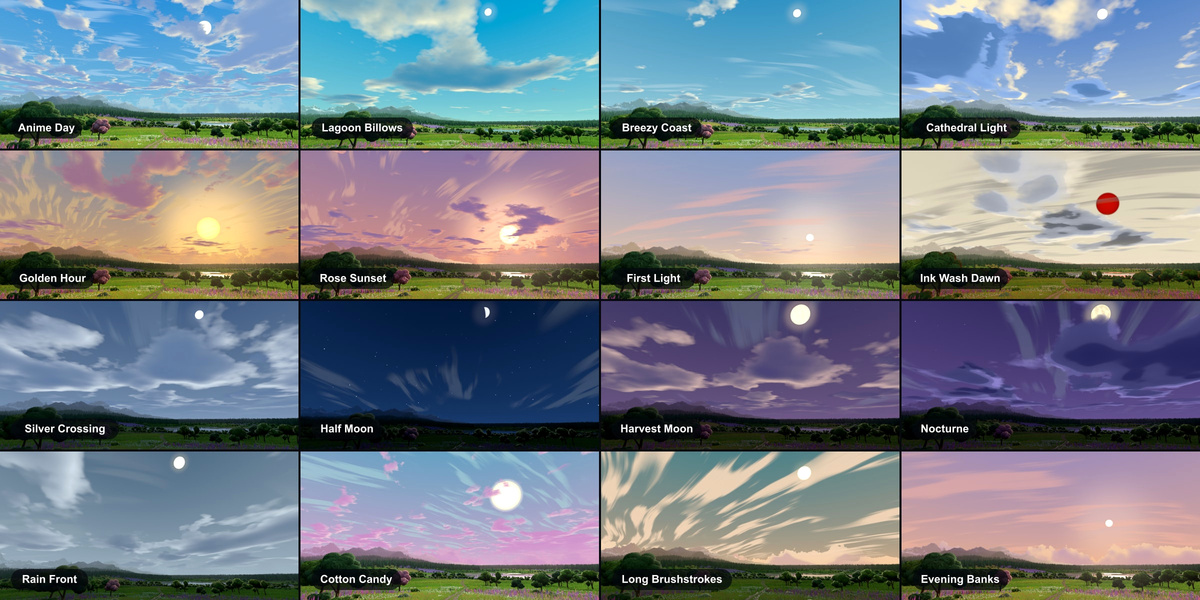
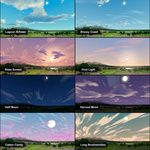
Preview 16 of the 44 included skies

Your purchase includes the entire preset library. Swipe or use the arrows to compare 16 of the skies, from dawn and clear daylight to storms and moonlight.

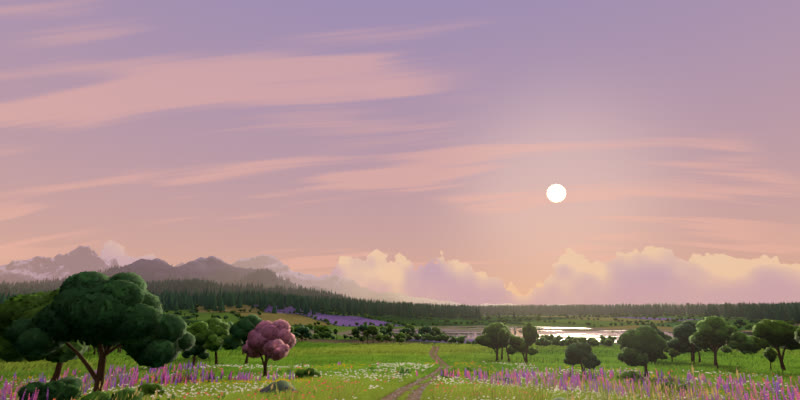
Rose Sunset
Rose Sunset · 1 / 16Next →
Ink Wash Dawn
Ink Wash Dawn · 2 / 16← PreviousNext →
Anime Day
Anime Day · 3 / 16← PreviousNext →
Lagoon Billows
Lagoon Billows · 4 / 16← PreviousNext →
Breezy Coast
Breezy Coast · 5 / 16← PreviousNext →
Cathedral Light
Cathedral Light · 6 / 16← PreviousNext →
Golden Hour
Golden Hour · 7 / 16← PreviousNext →
First Light
First Light · 8 / 16← PreviousNext →
Silver Crossing
Silver Crossing · 9 / 16← PreviousNext →
Half Moon
Half Moon · 10 / 16← PreviousNext →
Harvest Moon
Harvest Moon · 11 / 16← PreviousNext →
Nocturne
Nocturne · 12 / 16← PreviousNext →
Rain Front
Rain Front · 13 / 16← PreviousNext →
Cotton Candy
Cotton Candy · 14 / 16← PreviousNext →
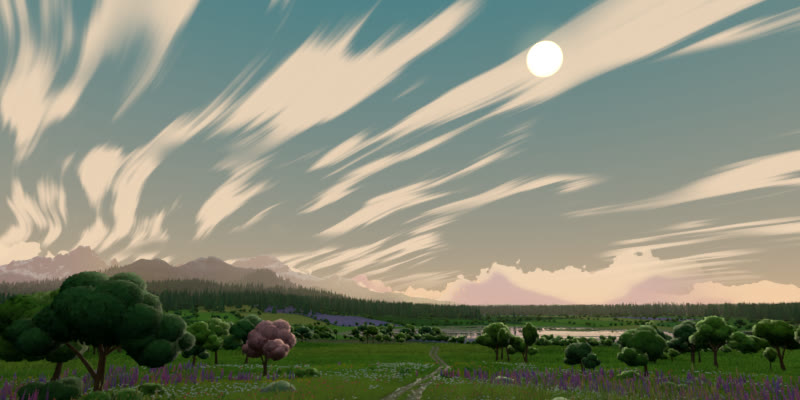
Long Brushstrokes
Long Brushstrokes · 15 / 16← PreviousNext →
Evening Banks
Evening Banks · 16 / 16← Previous

CLOUDS   /   ANIME DAY

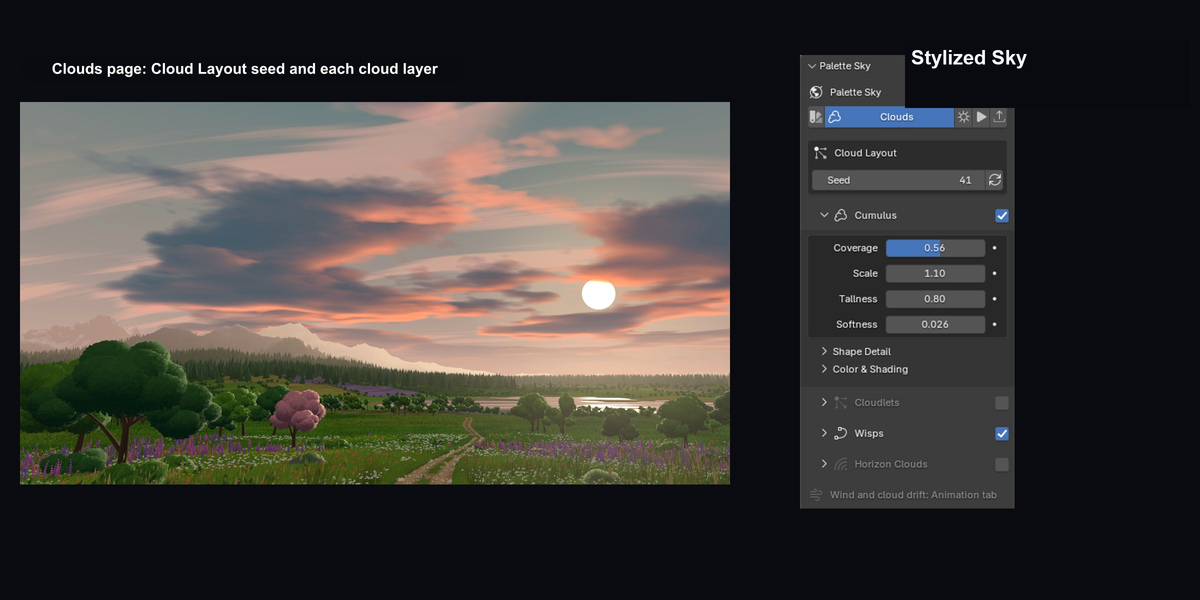
Build up the cloud cover

Follow one cloud bank as Cumulus Coverage rises from 0.15 to 0.80 and returns. Keeping the seed fixed makes the changing silhouettes easy to follow.
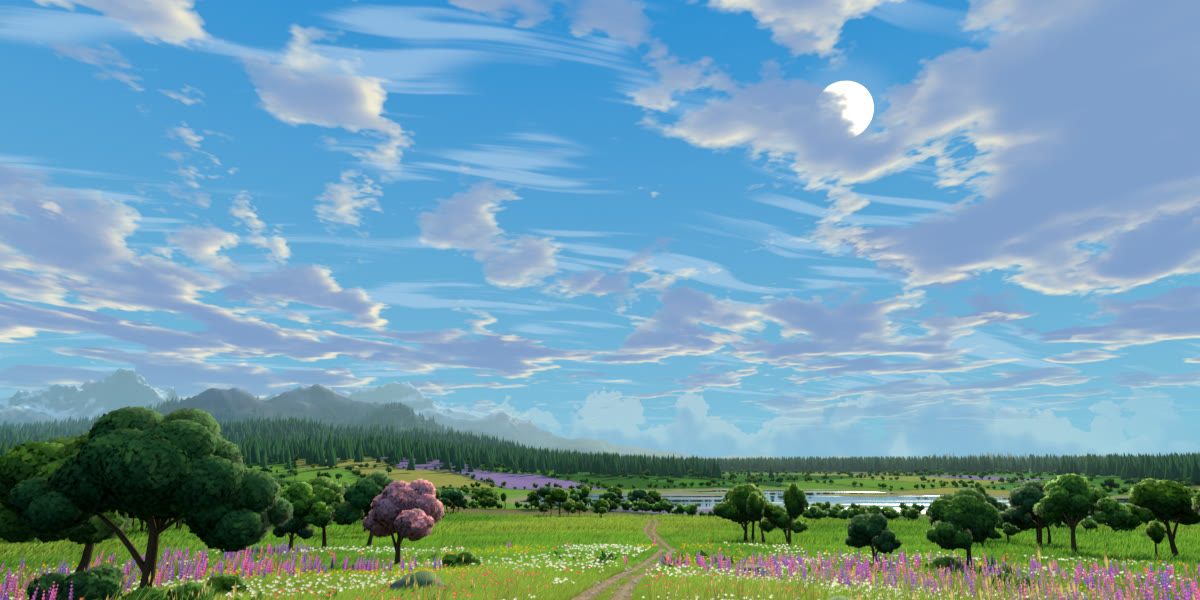
Clouds tab demonstration. Move Cumulus Coverage from 0.15 to 0.80 and back. The seed stays fixed so you can follow the same cloud shapes as they build and dissolve.

CLOUD STYLES

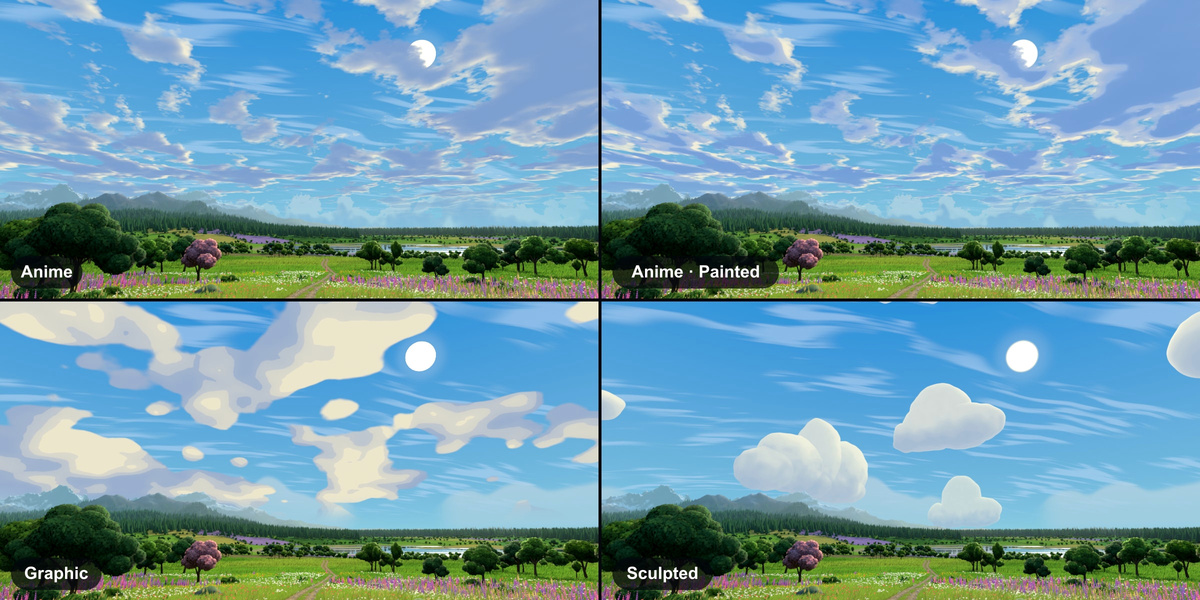
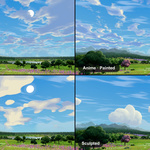
Compare the cloud shapes

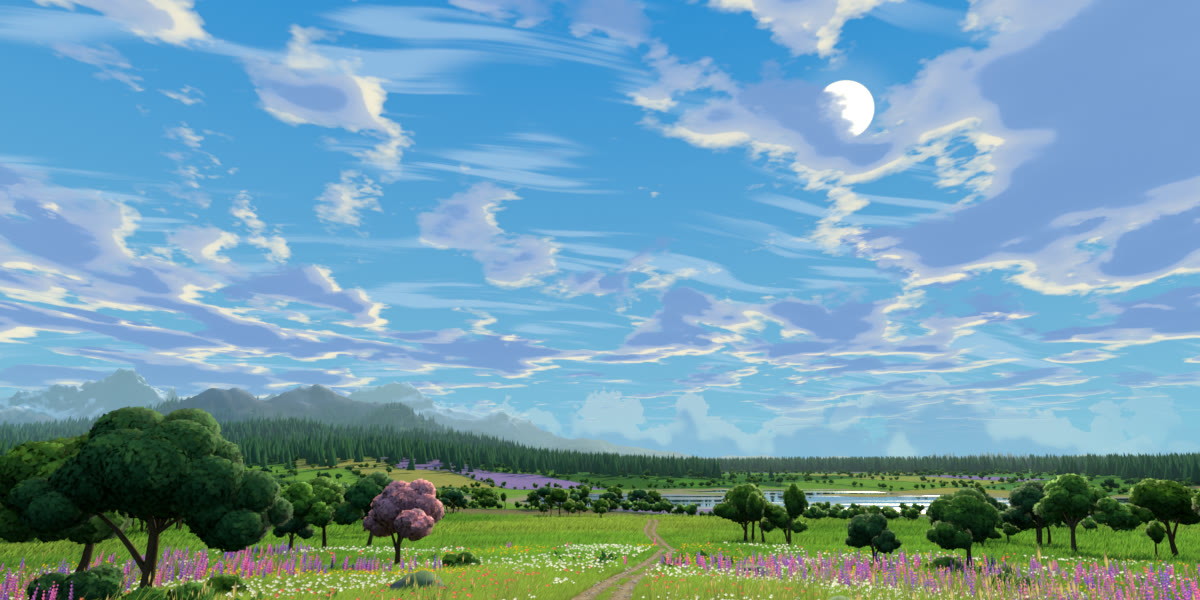
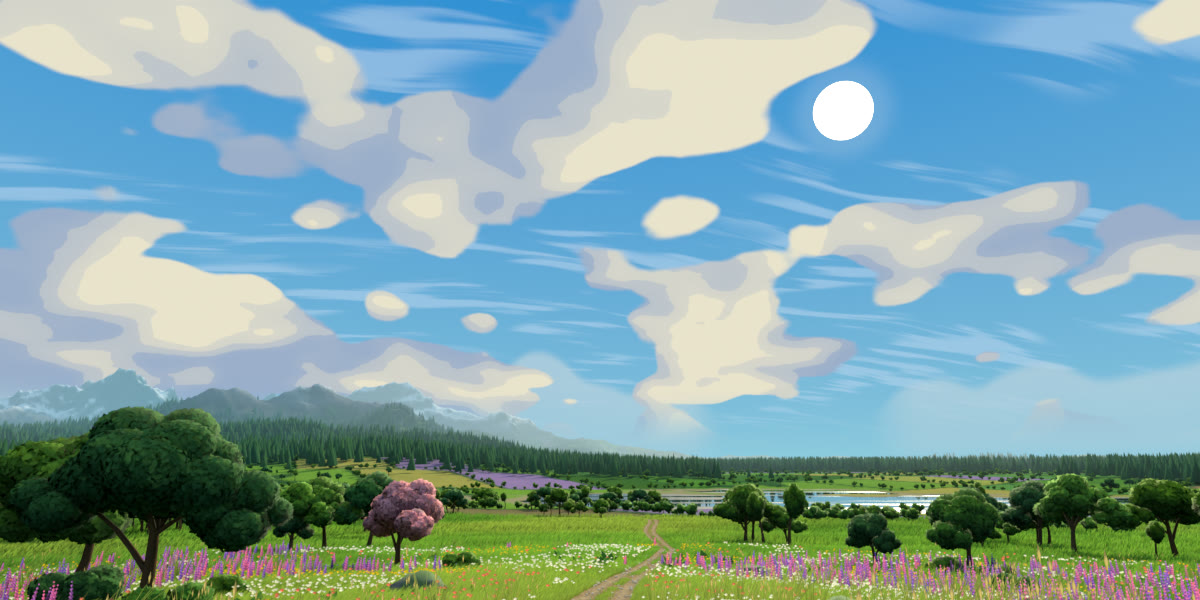
Browse Anime, Anime Painted, Graphic and Sculpted to see how each handles the edges and shadows of a cloud.

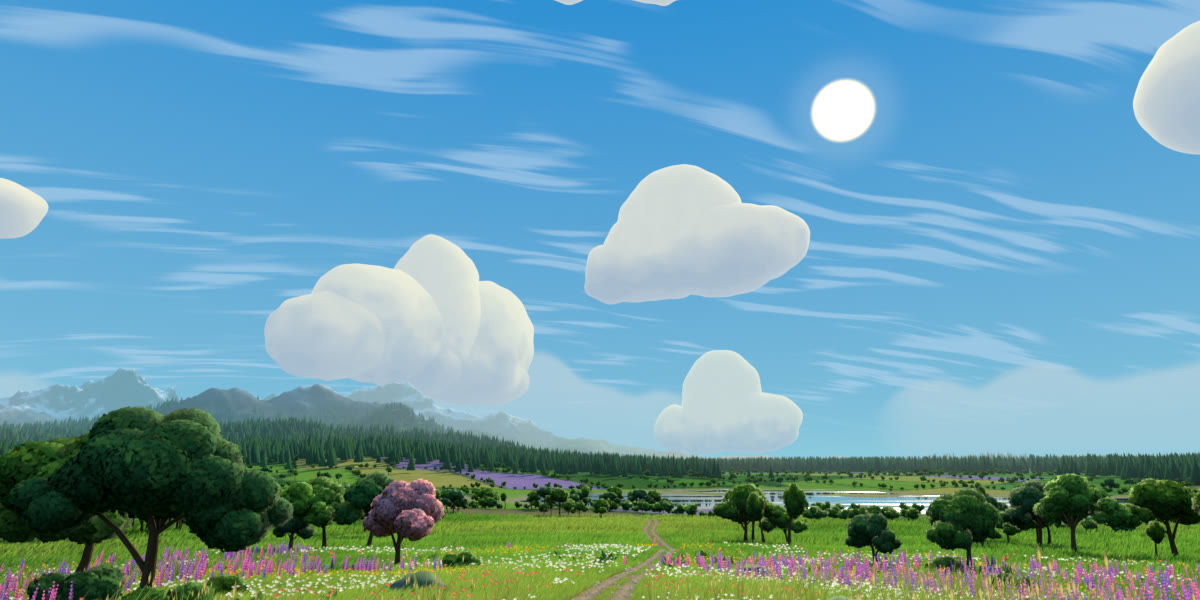
Anime
Anime · 1 / 4Next →
Anime Painted
Anime Painted · 2 / 4← PreviousNext →
Graphic
Graphic · 3 / 4← PreviousNext →
Sculpted
Sculpted · 4 / 4← Previous

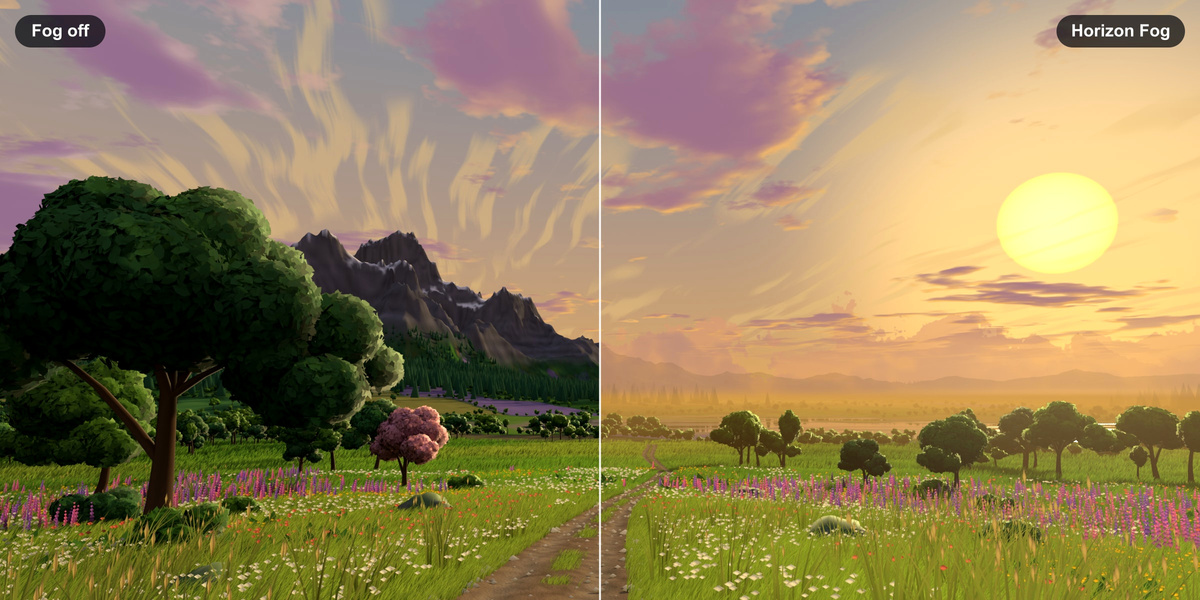
Blend the horizon with fog

Compare the meadow with fog off on the left and on at the right. Start, Distance, Strength and Falloff control how the distant trees fade into the sky.

The same meadow with Horizon Fog off on the left and on on the right

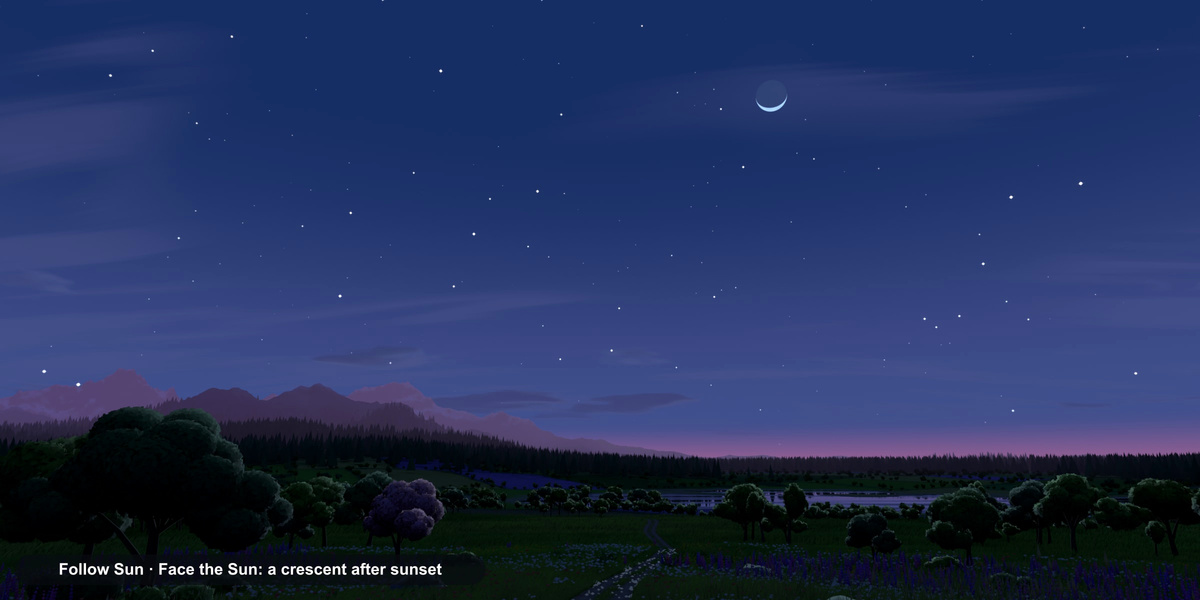
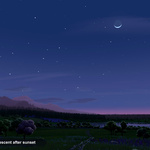
Orient the crescent moon

Follow Sun and Face the Sun keep the bright edge of the crescent pointed toward the setting Sun.

A crescent moon and stars above the meadow at dusk

ANIMATION   /   ANIME DAY

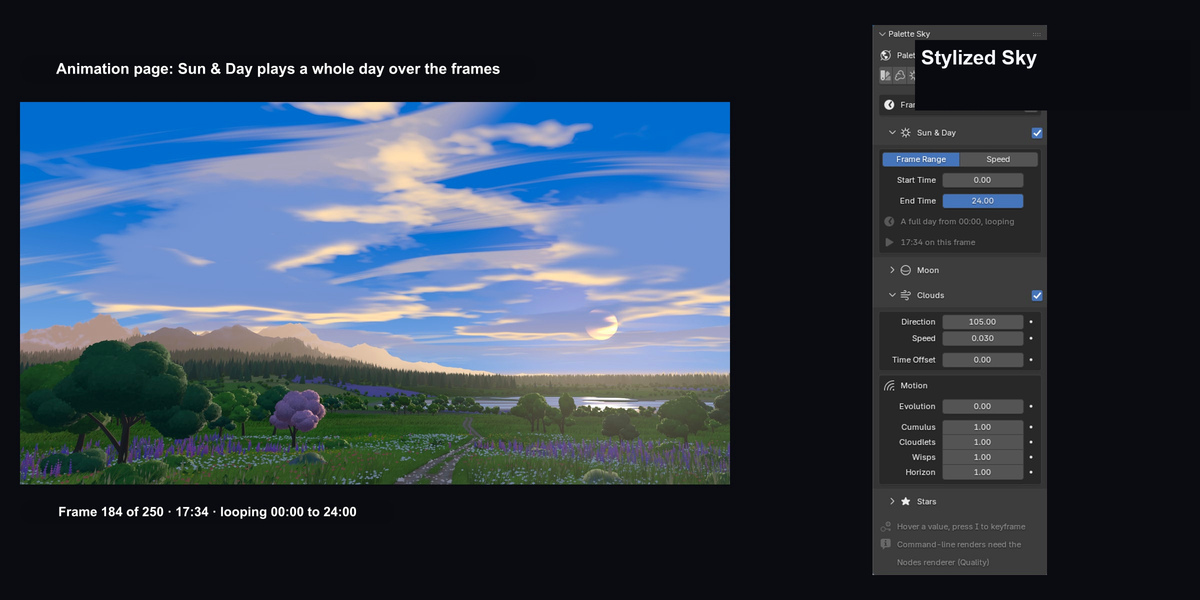
Put the sky on the timeline

Sun & Day moves the sky from 07:00 to 21:00 over frames 1–241. Watch the cloud bank drift as the timeline runs forward and back.
Animation tab demonstration. Scrub frames 1 through 241 and back. The sky moves from 07:00 to 21:00 as the wind carries the clouds across the meadow.

OUTPUT   /   ANIME DAY

Take the sky into another scene

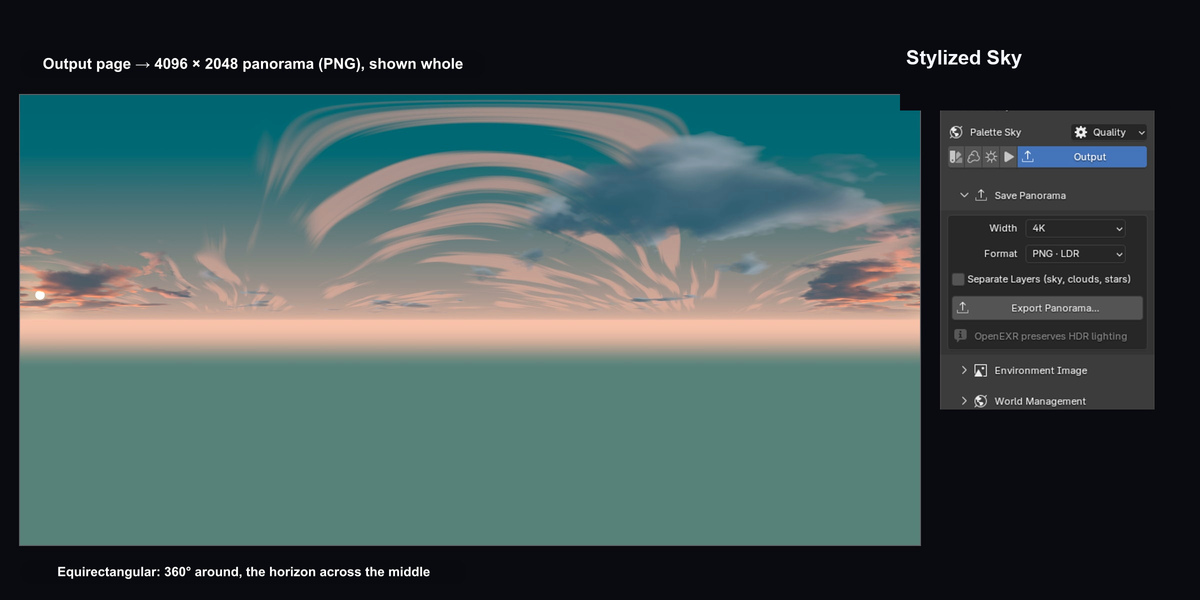
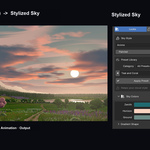
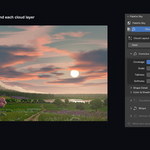
The Output panel switches from a 1K to a 2K PNG while the view pans across the exported panorama. Export at 1K–8K in PNG or OpenEXR, with optional sky, cloud and star layers.
Output tab demonstration. Pan across the exported sky as the Output panel switches from a 1K to a 2K PNG. Both previews use the actual exported panorama.

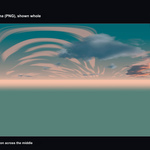
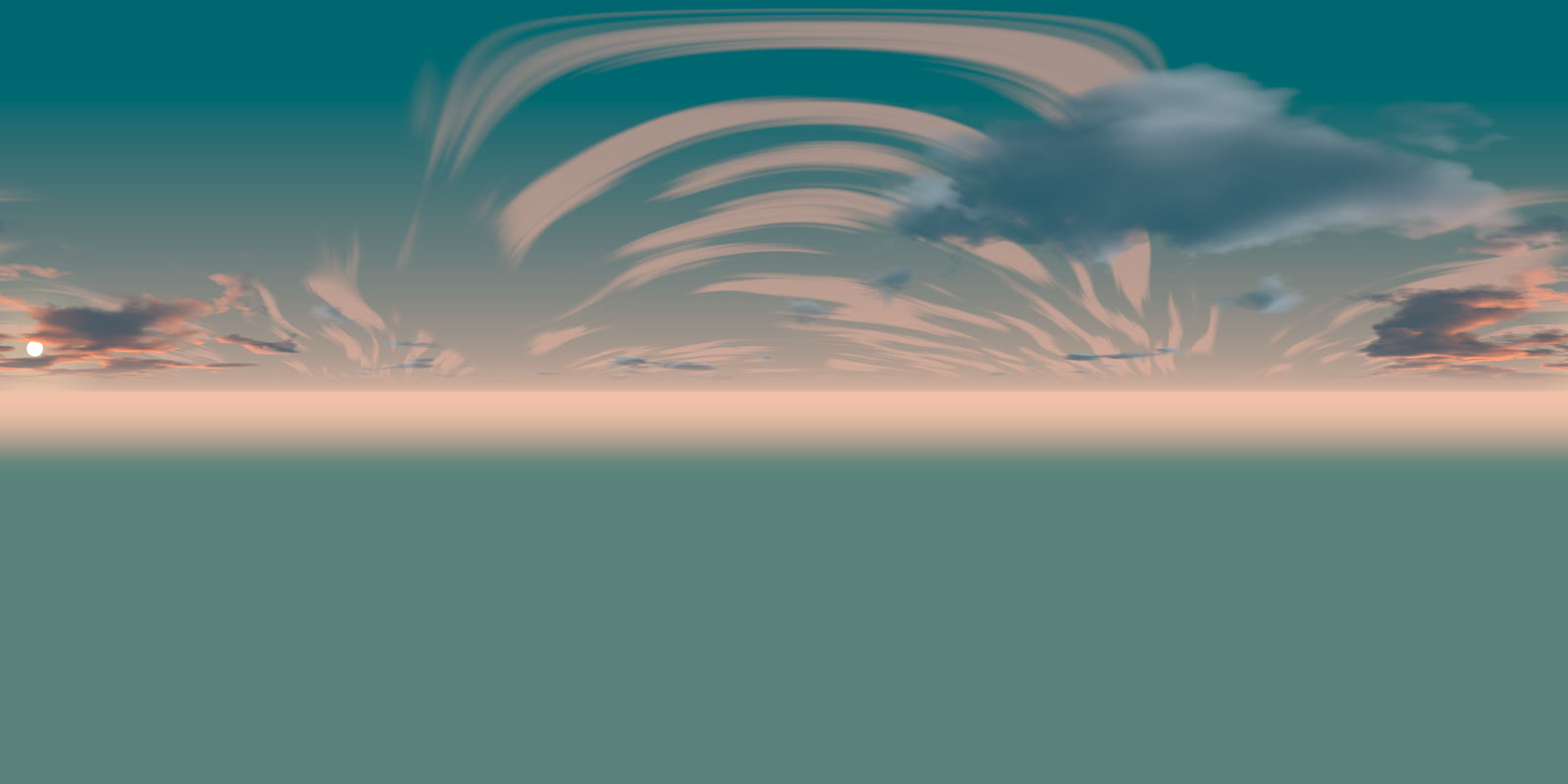
The exported panorama

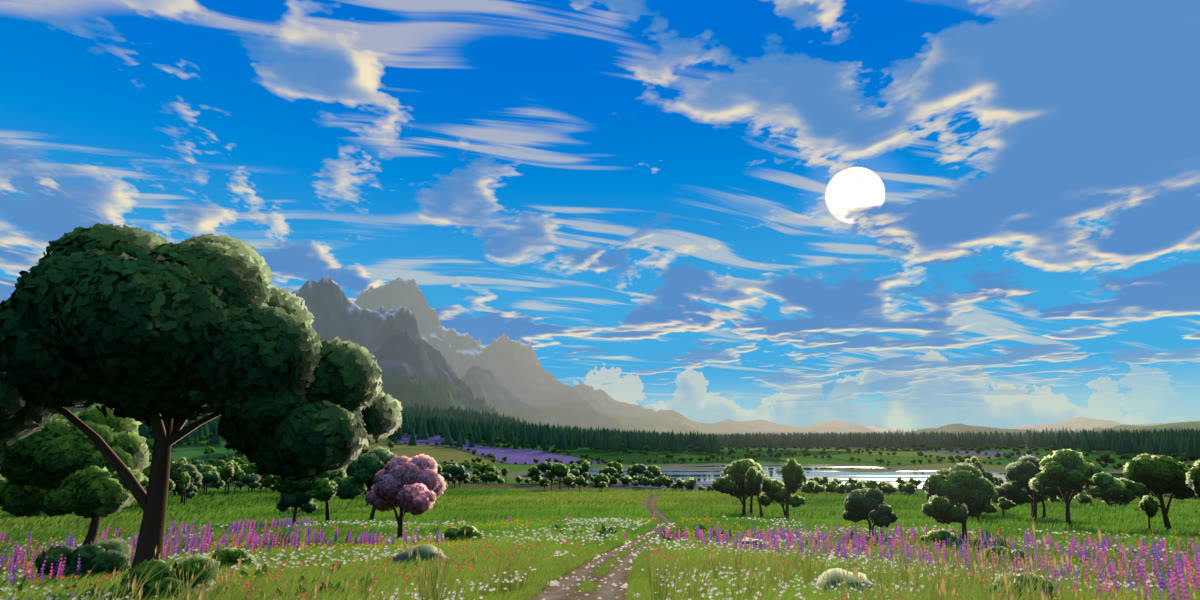
The complete 360° Blender World unwrapped into a single image.

Equirectangular panorama exported from the Blender World

INSTALLATION

What comes with Stylized Sky

Every tier includes the complete add-on, both installers and the offline documentation.

Check your setup

Blender 3.0–5.2 · Cycles and EEVEE.
GPU clouds need Blender 3.2+. Horizon Fog appears in EEVEE Rendered viewports on Blender 4.3 and newer. Windows tested; macOS and Linux are untested.

Downloads and licence

The Extension ZIP is for Blender 4.2–5.2. The Legacy ZIP covers Blender 3.0–5.2. The Documentation ZIP contains the offline manual, FAQ and release notes. GPL-3.0-or-later.

The meadow is a demonstration scene. The download includes the sky add-on and documentation.


Discover more products like this

stylized hdri environment NPR procedural world sky anime clouds day cycle

  • For 1 person (1 seat). Commercial use included. Includes all 44 premade sky presets with HDRI export.

    $24.99
  • For a team of up to 6 people (6 seats). Commercial use included. Includes all 44 premade sky presets with HDRI export.

    $99.96
  • For a studio of up to 20 people (20 seats). Commercial use included. Includes all 44 premade sky presets with HDRI export.

    $249.90
$24.99

Have questions about this product?
Login to message

Details
Blender Extension Compatible Yes
Published 2 days ago
Blender Version 3.0 - 5.2
Extension Type Add-on
Render Engine Used Cycles, Eevee
License GPL