Stylized Sky
 Tachyon Studio
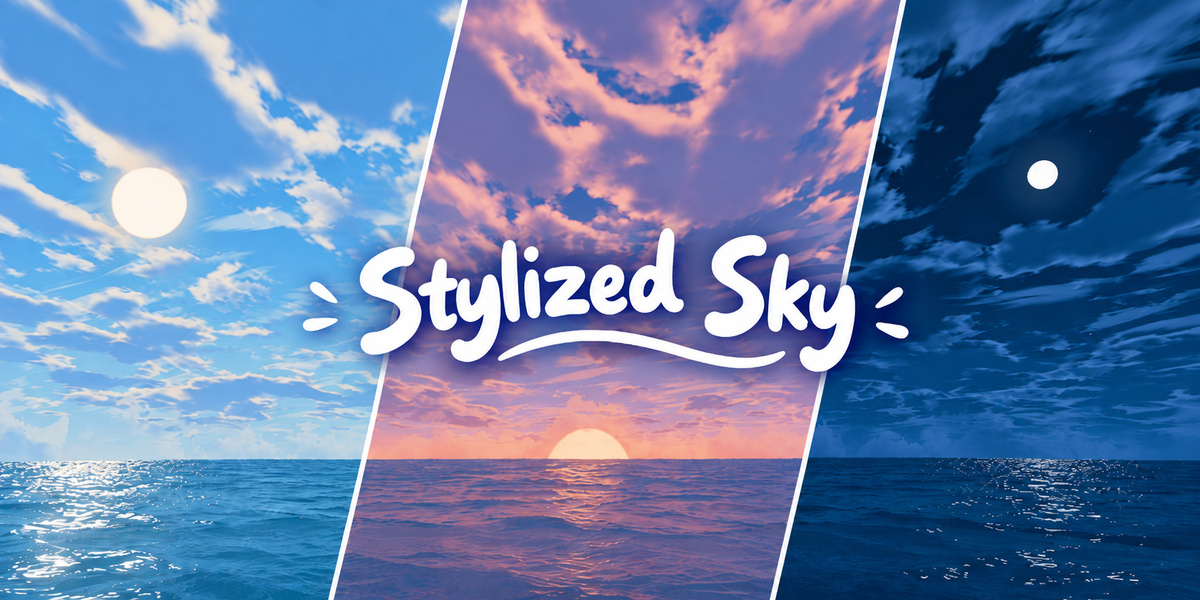
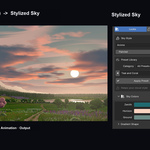
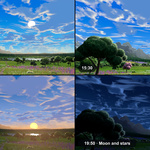
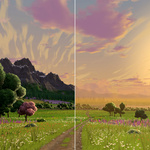
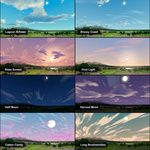
Use Stylized Sky to build an illustrated Blender World that lights your scene in Cycles or EEVEE. Choose a preset, then edit the cloud shapes, colours, Sun, Moon and stars in one panel.
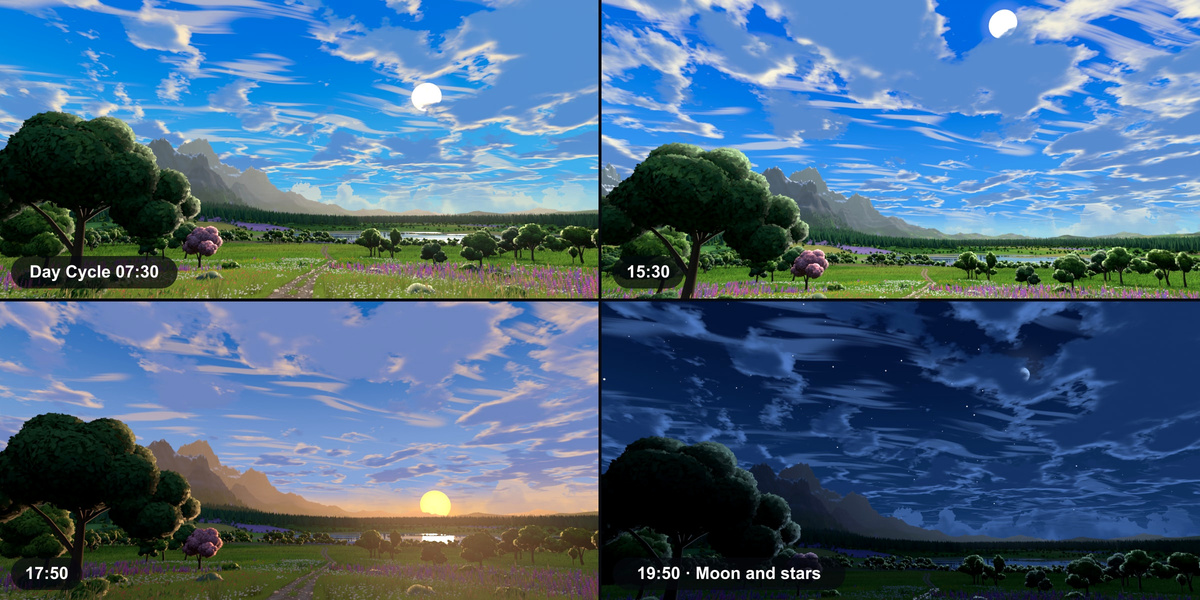
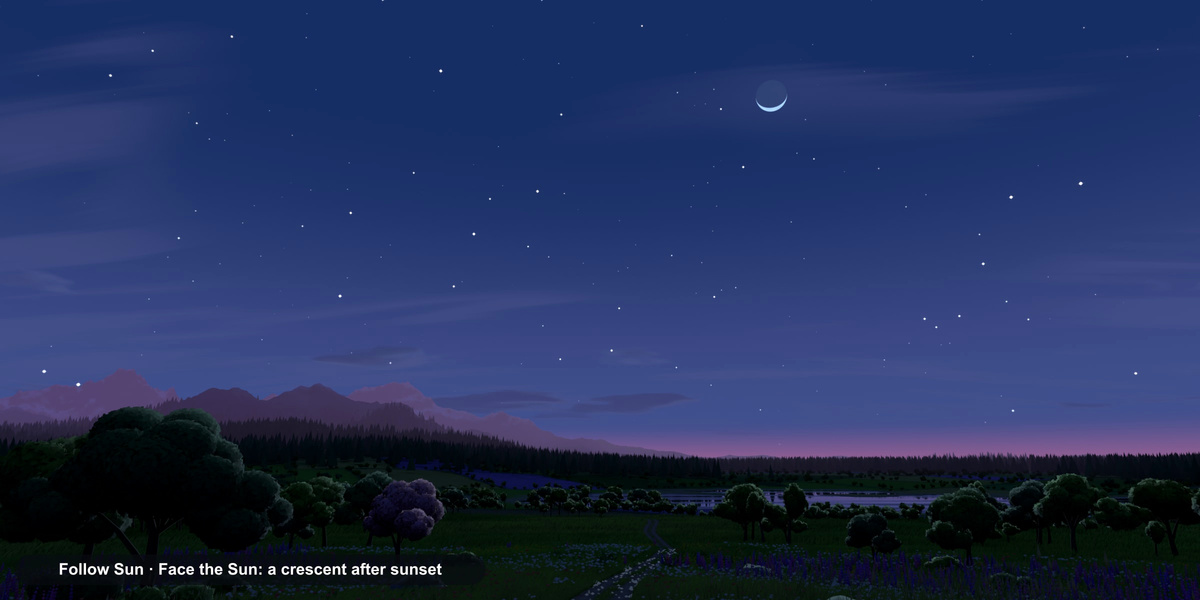
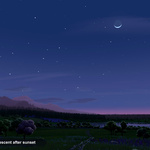
In the Anime Day demo, Time of Day moves the linked lights from sunlight to moonlight and back to dawn.
Quick startWatch the light cross the meadow.
Blender 3.0–5.2. Stylized Sky was tested on Windows across 16 Blender releases. The manual lists each tested version.
The GPU cloud renderer requires Blender 3.2 or newer. On Blender 3.0 and 3.1, use the Nodes renderer for the same cloud shapes.
Version compatibilityTesting covers Windows. macOS and Linux are unverified. The add-on ships as Python source with no compiled binaries.
Platform compatibilityInstall one ZIP. Both installers contain the same add-on.
Blender 4.2–5.2 · Choose the Extension ZIP. In Edit → Preferences → Get Extensions, open the menu and choose Install from Disk.
Blender 3.0–4.1 · Choose the Legacy ZIP. In Edit → Preferences → Add-ons, click Install, select the ZIP and enable Stylized Sky. The documentation ZIP contains the offline guides.
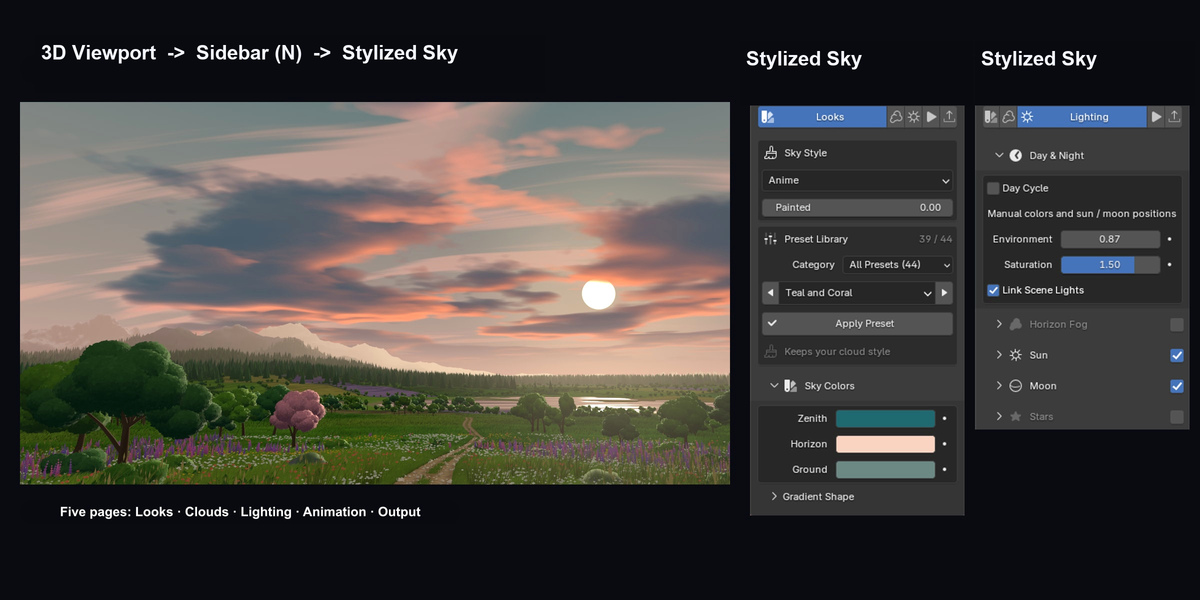
Installer guideIn the 3D Viewport, press N and open the Stylized Sky tab. Click Create Stylized Sky and switch to Rendered shading.
The same panel appears under World in the Properties editor. In the add-on preferences you can change its sidebar tab and choose which page opens first.
Find the panelCreate Stylized Sky assigns a new World and remembers the previous one. Choose Output → World Management → Restore Previous World to switch back.
Link Scene Lights adds linked Sun and Moon lights. Horizon Fog adds a view layer, render passes and compositor nodes, and removes them when switched off. Your existing objects and materials stay intact. Use Ctrl+Z to undo an operation.
Scene changes and restorationA saved sky renders without the add-on in a supported Blender version. Install Stylized Sky when you want to edit its controls.
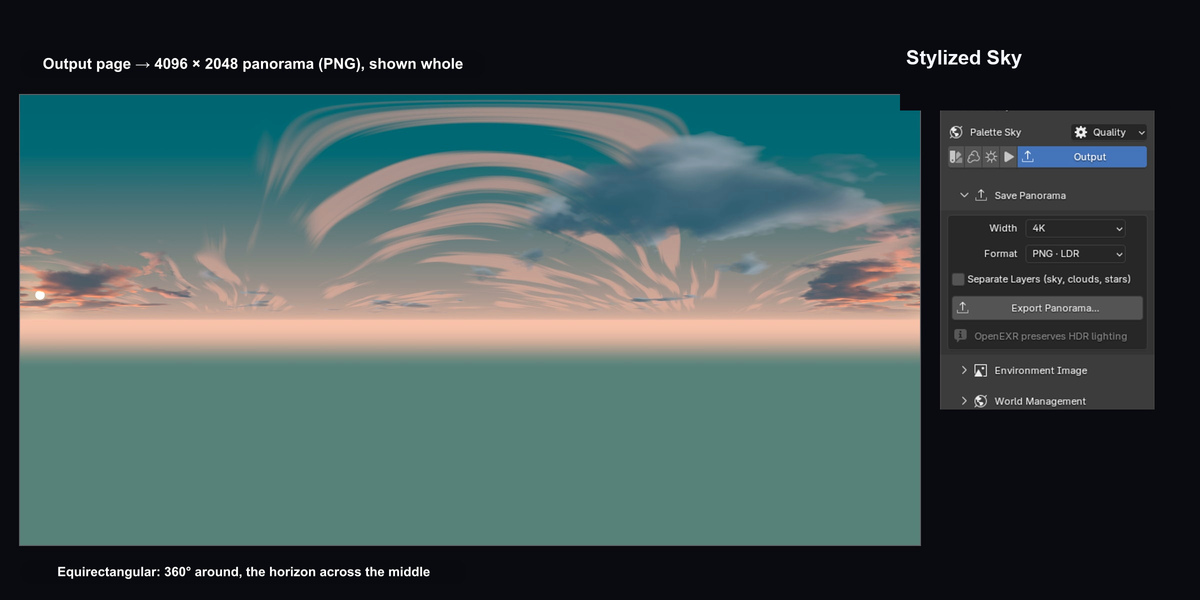
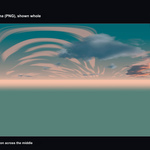
To reuse the sky outside the .blend file, choose Output → Save Panorama. Export a 2:1 panorama as OpenEXR or PNG at 1K, 2K, 4K or 8K. The demo shows the 1K and 2K PNG settings.
Panorama exportSee the exported panorama.
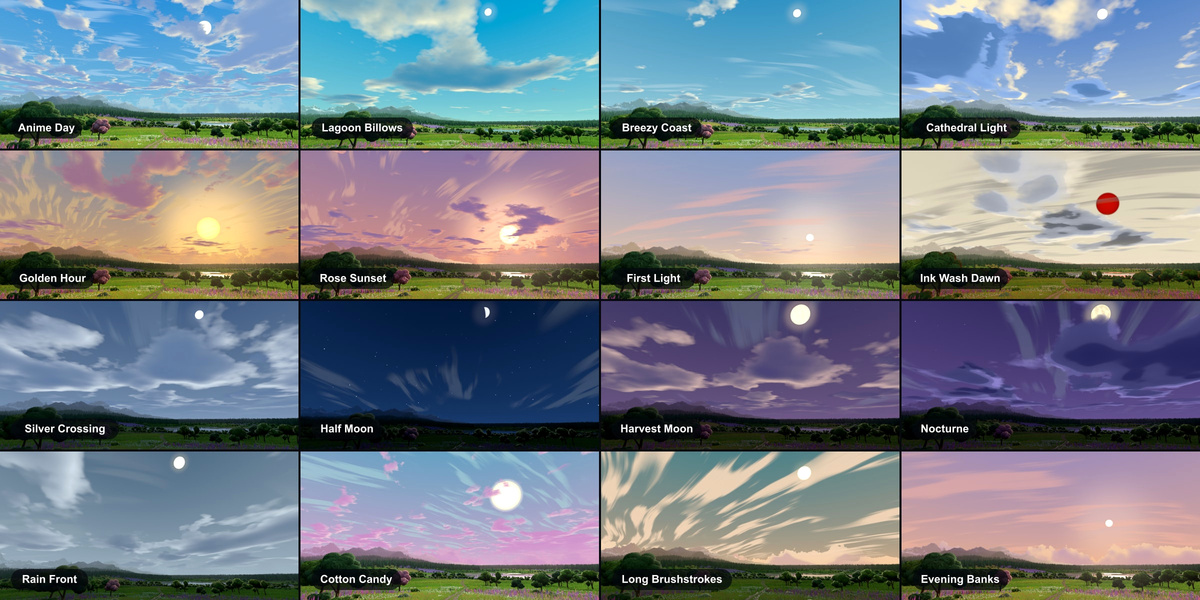
Every tier includes 44 premade sky presets in seven categories. Load one as your Blender World, edit its colours and clouds, or export it as a 1K–8K OpenEXR HDRI. The library covers daylight, sunsets, moonlit nights, storms, pastels, wisps and horizon skies. Each preset shows its Sun or Moon.
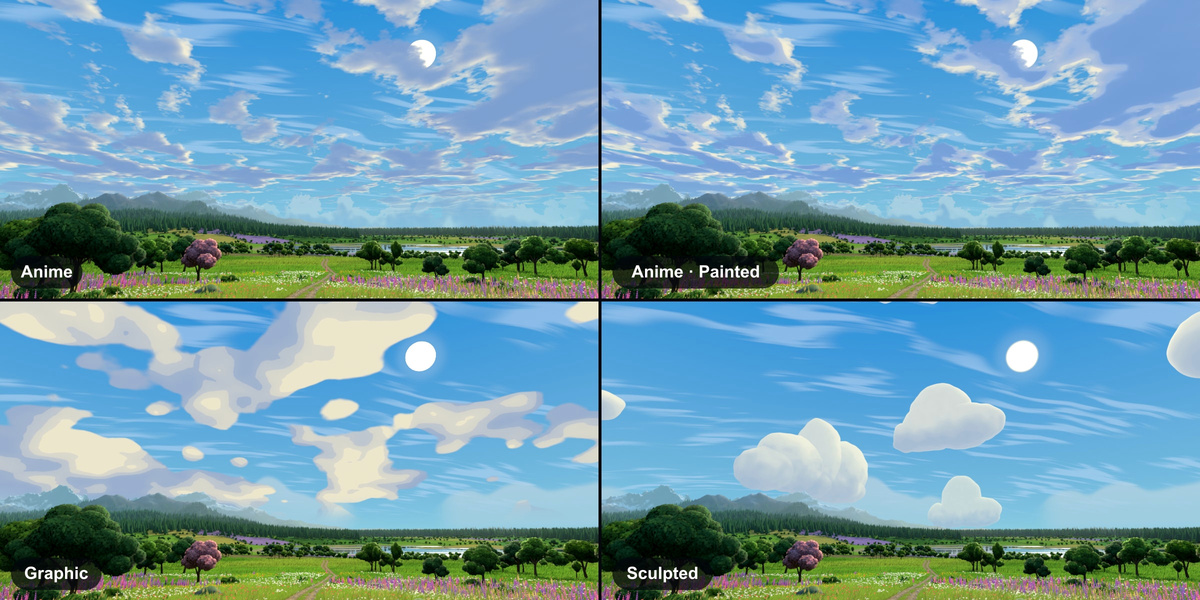
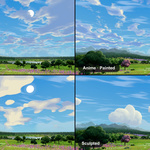
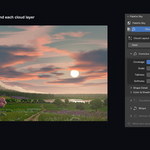
The three cloud styles are Anime, Graphic and Sculpted. Use the Painted slider within Anime for a softer, painted look. In the demo, the Zenith and Horizon controls change the palette while the clouds stay in place.
Styles, presets and coloursEdit the Anime Day palette.
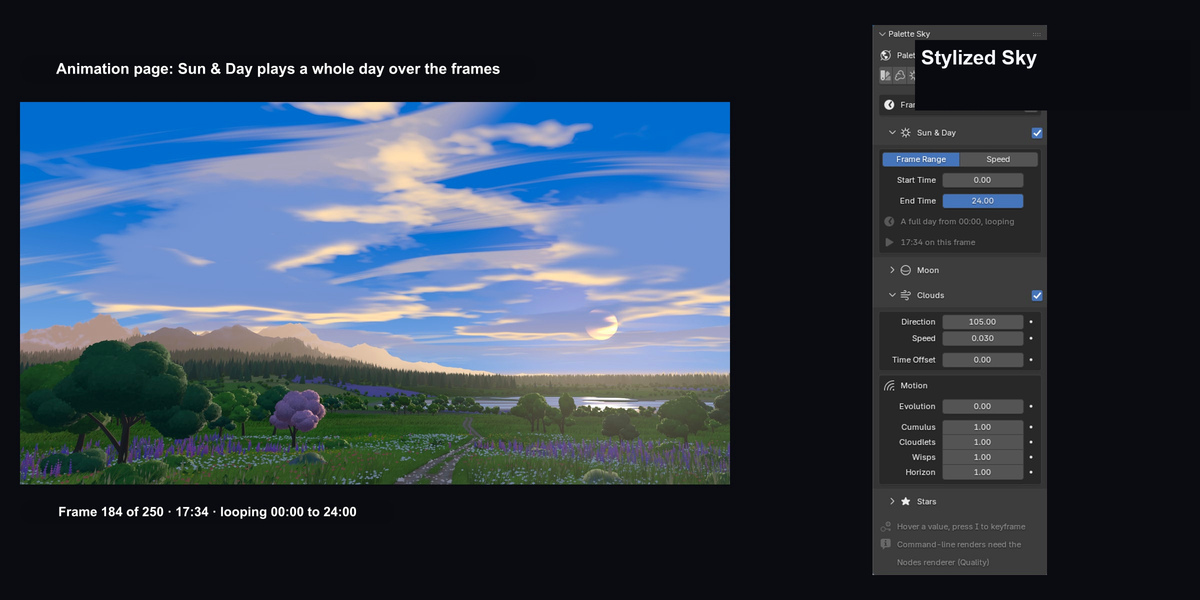
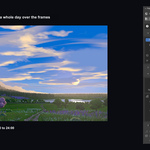
Yes. Enable Animation → Sun & Day and set your frame range. The default 00:00–24:00 cycle loops continuously. You can choose different start and end times or set a speed in hours per second.
The palette, Sun, Moon, stars and linked lights follow the cycle. Cloud wind and star twinkle have their own controls. To keyframe a value, hover over it and press I. For command-line animation renders, choose Nodes in the Quality popover.
Animation controlsFollow Sun & Day on the timeline.
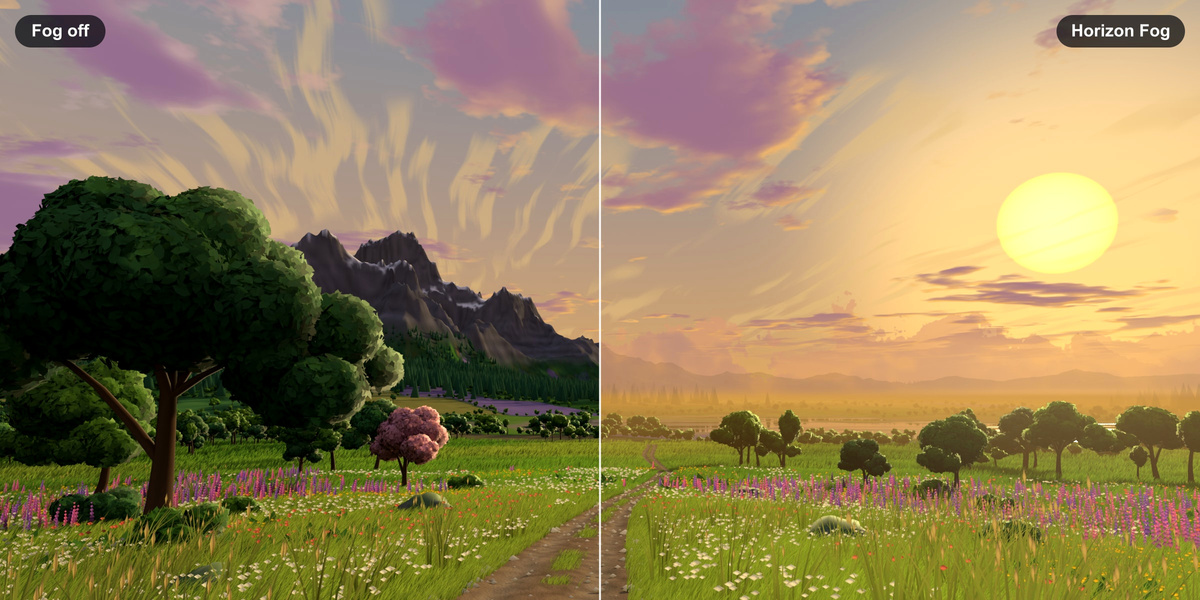
Enable Lighting → Horizon Fog to fade distant objects into the sky colour. Set Start and Distance to place the fade, then adjust Strength and Falloff to shape it.
Fog is a compositor effect in final renders. For a live preview, use an EEVEE Rendered viewport in Blender 4.3 or newer.
Horizon Fog settingsAll 44 premade sky presets come with the add-on and can be exported as OpenEXR HDRIs. Every tier includes the Extension ZIP for Blender 4.2–5.2, the Legacy ZIP for Blender 3.0–5.2, and the Documentation ZIP with the quick start, manual, FAQ and release notes.
Both installers include the Python source, GPL license, third-party notices and README. The meadow is a showcase scene and is separate from the download.
Download and installer guideIndividual covers 1 person, Team covers up to 6, and Studio covers up to 20.
Every tier includes commercial use, the complete add-on and the same downloads. The code is licensed under GPL-3.0-or-later. The purchase tier does not change the rights granted by that license.
License and creditsStylized Sky works offline. You can create, edit and render skies without an account, license key, internet connection or additional Python packages. The documentation ZIP includes an offline manual.
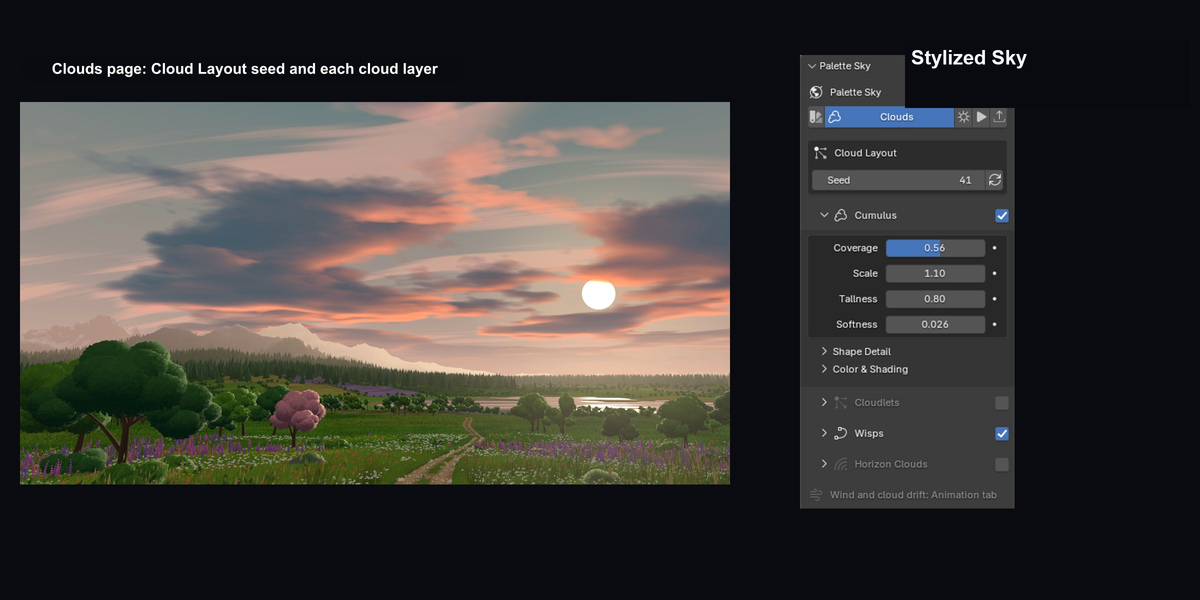
System requirementsClouds live in the World shader. They have no volume or camera parallax and cast no local cloud shadows. The demo shows how increasing Cumulus Coverage changes the cloud silhouettes with the seed held fixed.
Horizon Fog viewport previews require EEVEE and Blender 4.3 or newer. In a Cycles Rendered viewport, the GPU renderer refreshes clouds when you pause an edit. Blender 3.2–5.1 briefly restarts the viewport render. Rich Stars and full-detail Sculpted clouds can increase render time. Testing covers Windows.
Known limitationsSee what Cumulus Coverage changes.
Install the new ZIP in the same format as your current installation, then restart Blender. To switch from Legacy to Extension, remove the legacy add-on first, restart Blender, then install the Extension.
Existing skies keep their look. If the panel offers Update Sky, click it when you are ready to apply the changes to that sky.
Update instructionsMessage Tachyon Studio through Superhive or join the Discord community. Include the steps that reproduce the issue and a screenshot or the error text.
Use Edit → Preferences → Add-ons → Stylized Sky → About → Copy System Information to copy your add-on version, Blender version, operating system and graphics card.
Support details
Have questions about this product?
Login to message
| Blender Extension Compatible | Yes |
| Published | 2 days ago |
| Blender Version | 3.0 - 5.2 |
| Extension Type | Add-on |
| Render Engine Used | Cycles, Eevee |
| License | GPL |
Discover more products like this
anime stylized day cycle clouds NPR environment hdri sky world procedural