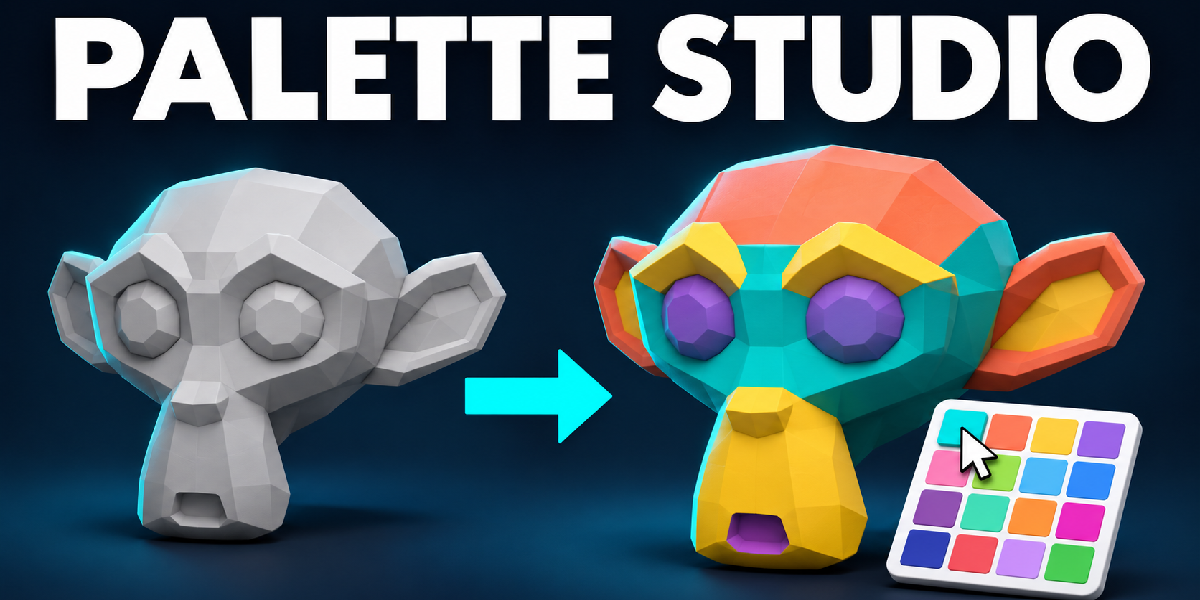
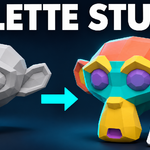
Palette Studio: Color Low Poly Models With Palettes and Gradients
 Salman Animator
Requirements
Blender 4.2 or newer (3.6 to 4.1 as a legacy addon). A mesh object. No internet or extra packages needed.
Install
- Keep the ZIP as it is. Do not unzip it.
- Blender 4.2 and newer: Edit > Preferences > Add-ons, top right menu, Install from Disk. Blender 3.6 to 4.1: Edit > Preferences > Add-ons > Install.
- Enable Palette Studio.
- Press N in the 3D Viewport or UV Editor and open the Palette tab.
First model
- Texture: select your mesh, choose Color Grid or Gradients, then click Open Texture. The UV Editing workspace opens with the palette next to your model.
- Select the faces you want to color in Edit Mode.
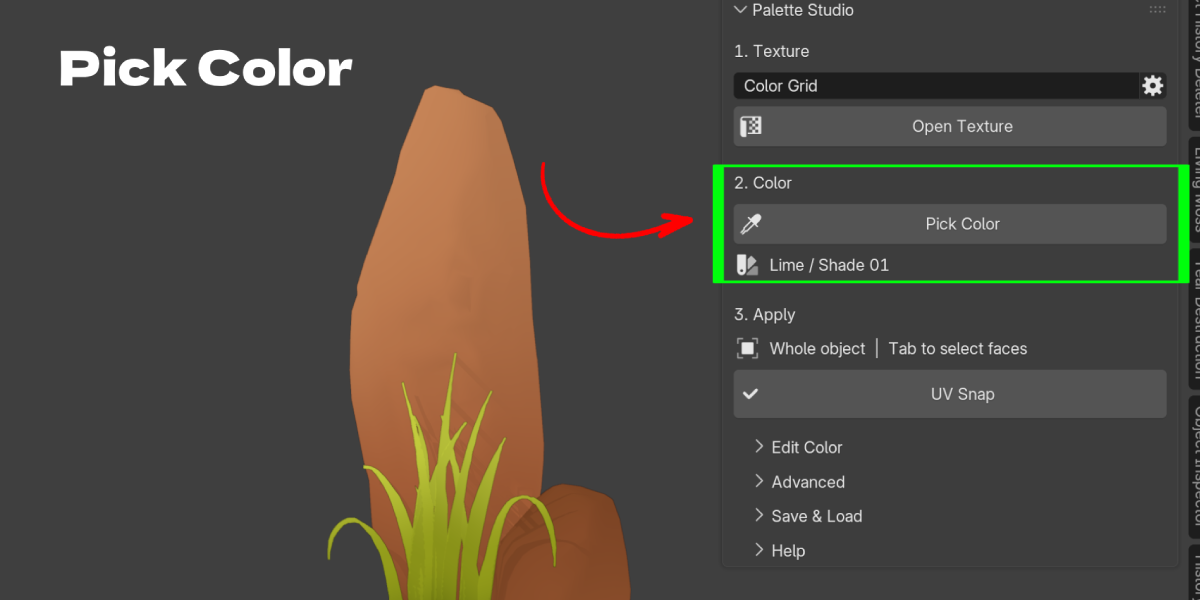
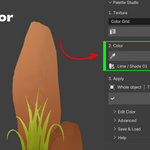
- Color: click Pick Color and click a cell or strip on the image.
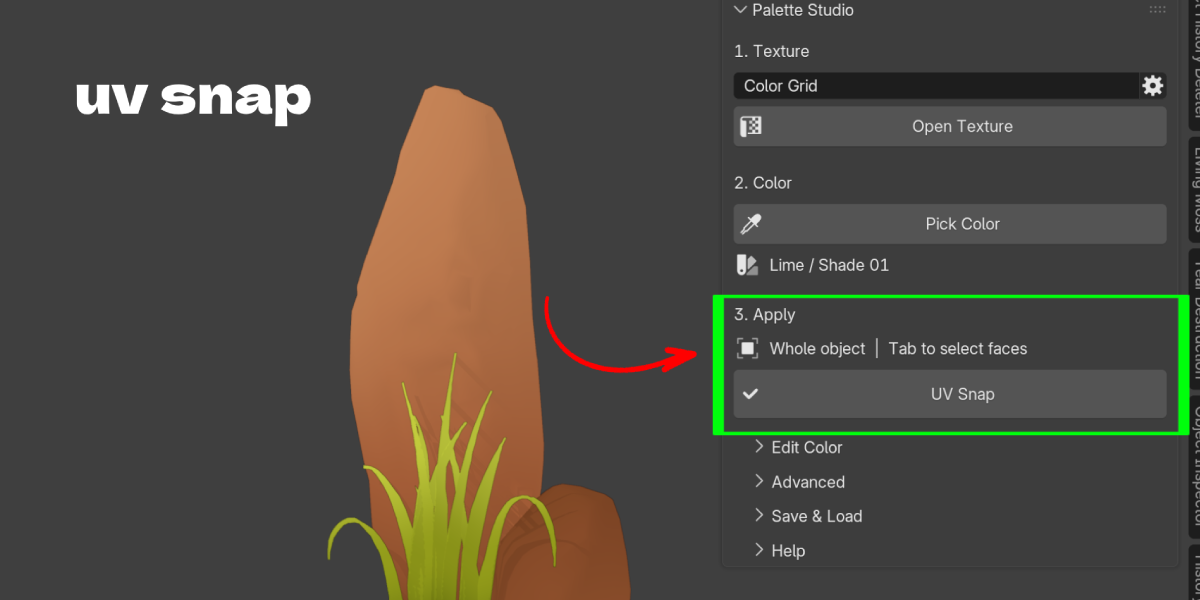
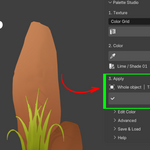
- Apply: click UV Snap. The faces move into that cell and Material Preview turns on.
In Object Mode, UV Snap maps all visible faces of the selected objects.
Gradients
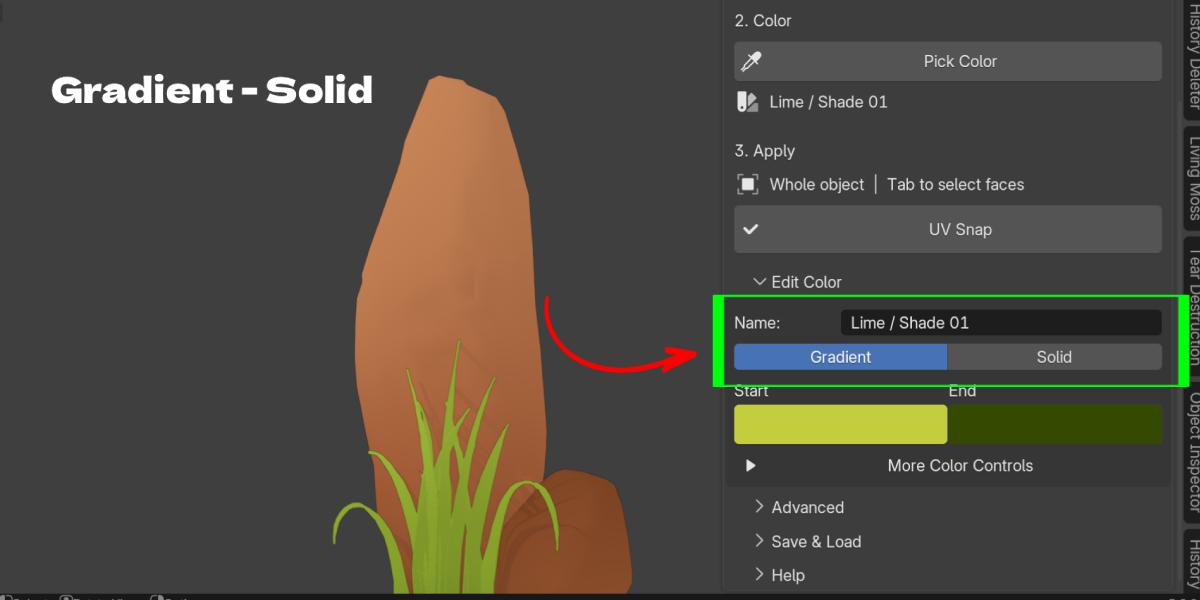
Gradients run bottom to top along world Z by default. Reverse gradient direction swaps start and end.
Advanced methods
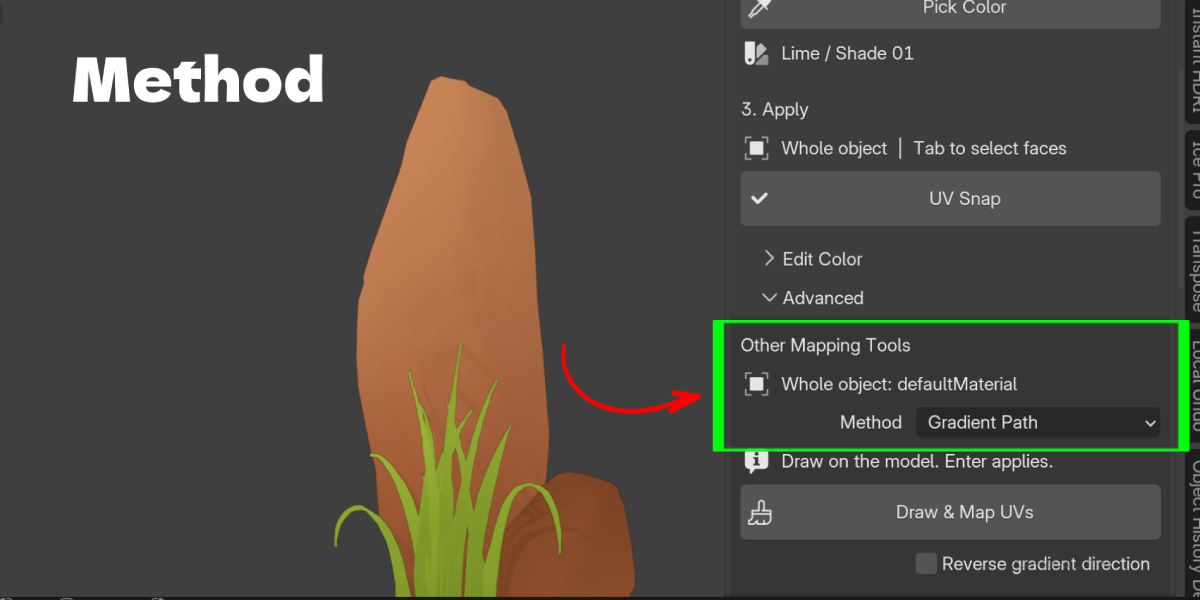
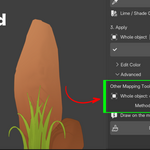
- Project From View: uses your current view angle.
- Radial Snap: fades away from the 3D cursor (Shift + right click to place it).
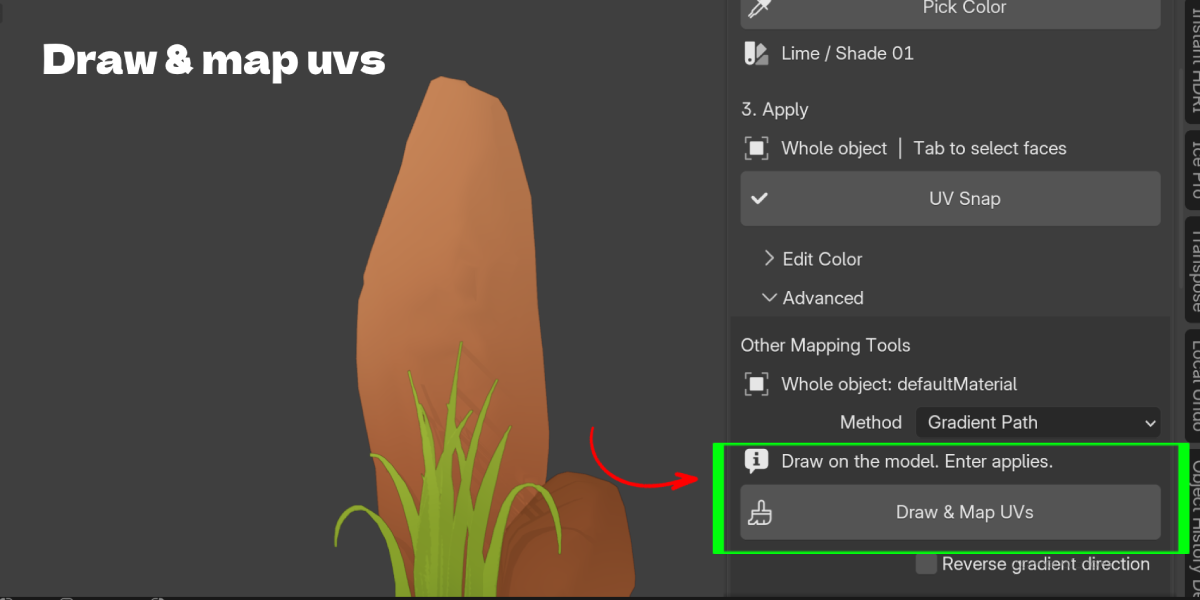
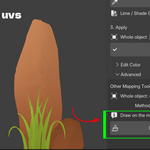
- Gradient Path: draw on the model, press Enter to apply.
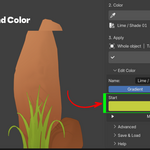
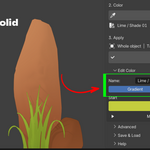
Edit Color
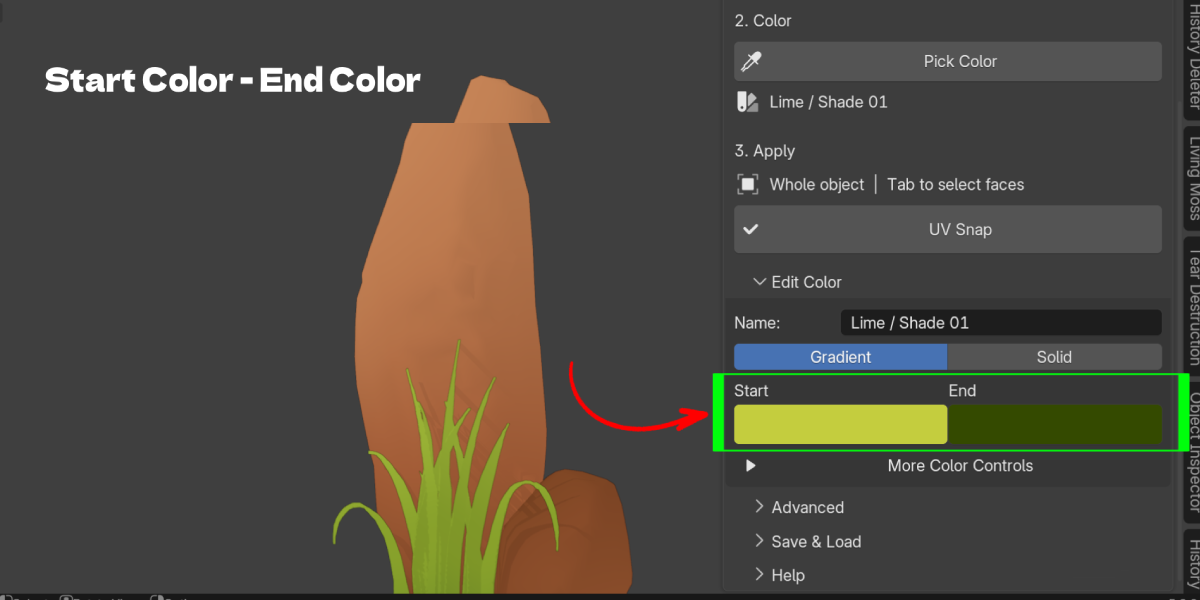
Change the selected solid color or gradient start and end. More Color Controls add stops, interpolation, hex input, copy and paste, hue, gamma, contrast and saturation.
Save & Load
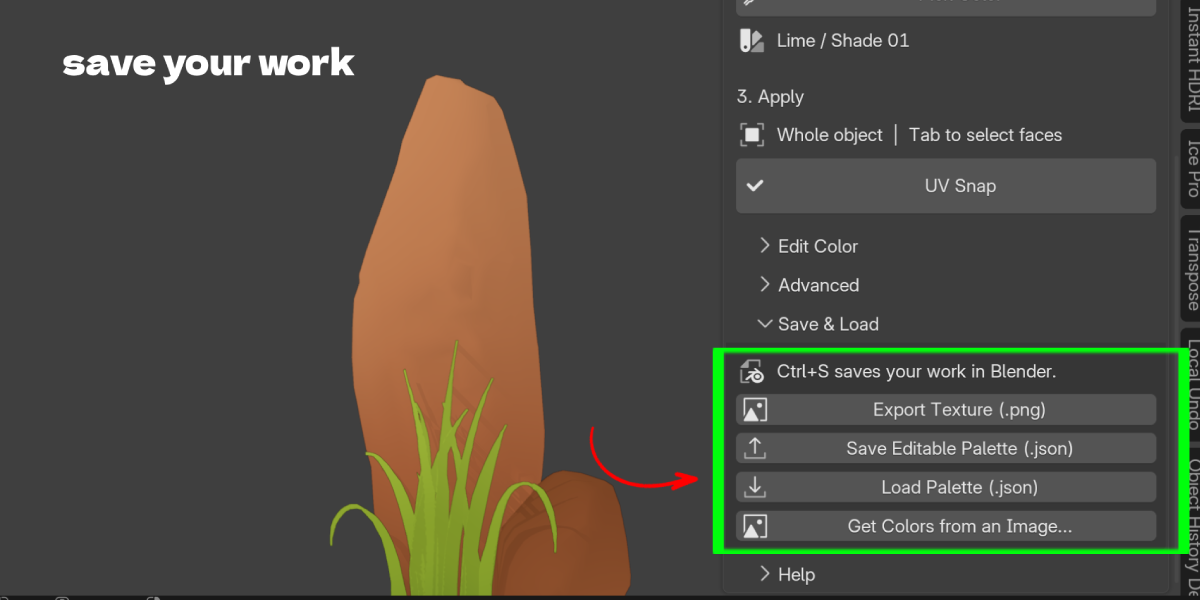
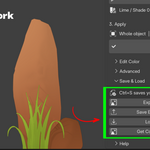
Export Texture (.png), Save Editable Palette (.json), Load Palette (.json) and Get Colors from an Image.
Shortcuts
Ctrl+W opens the palette menu. Ctrl+Shift+W opens the visual picker. Ctrl+Z undoes an application. Ctrl+S saves palettes inside the .blend file.
Limits
Palette Studio moves UVs into palette cells, so existing UV layouts on the mapped faces are replaced. Palette JSON files are Palette Studio's own format.
Troubleshooting
- Colors do not show: switch to Material Preview, or click Show Colors in Viewport in Help.
- Only part of the model changed: UV Snap maps selected faces in Edit Mode. Select all faces or use Object Mode.
- The gradient runs the wrong way: enable Reverse gradient direction.
- Faces bleed into a neighbor color: raise the Inset in Advanced > UV Placement.
- Panel not found: press N in the 3D Viewport or UV Editor and open the Palette tab.
Have questions about this product?
Login to message
| Published | about 7 hours ago |
| Blender Version | 3.6 - 5.2 |
| Extension Type | N/A |
| License | GPL |

Discover more products like this
materials flat shading gradient color low poly game assets stylized Texturing uv mapping Palette color-grid uv