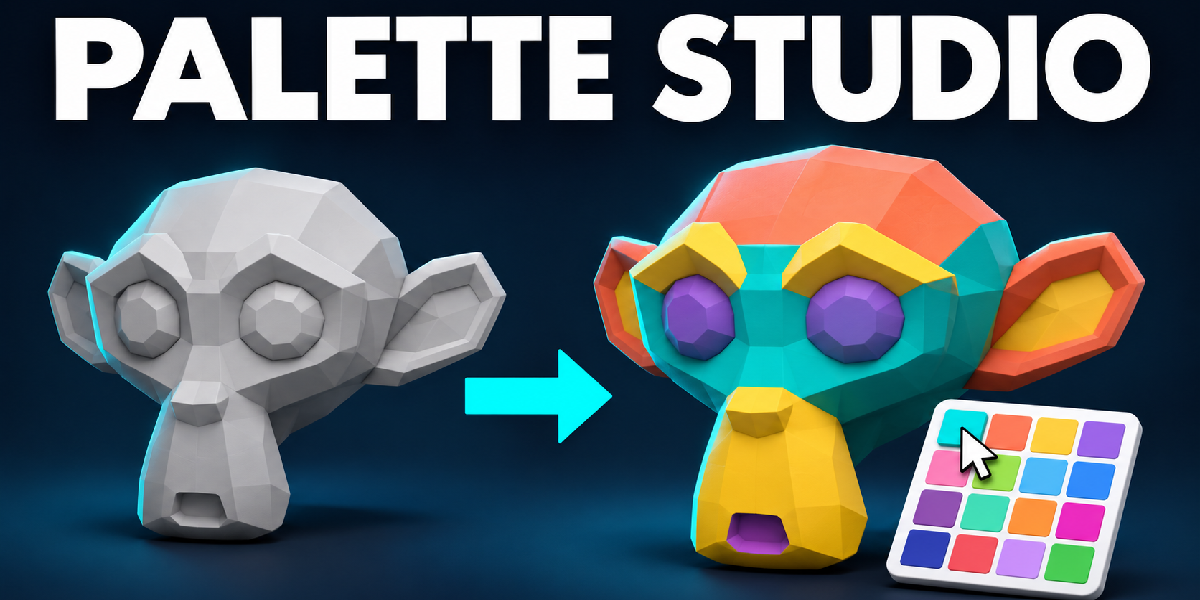
Palette Studio: Color Low Poly Models With Palettes and Gradients
 Salman Animator
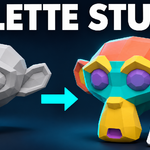
How do I color a low poly model with a palette texture in Blender?
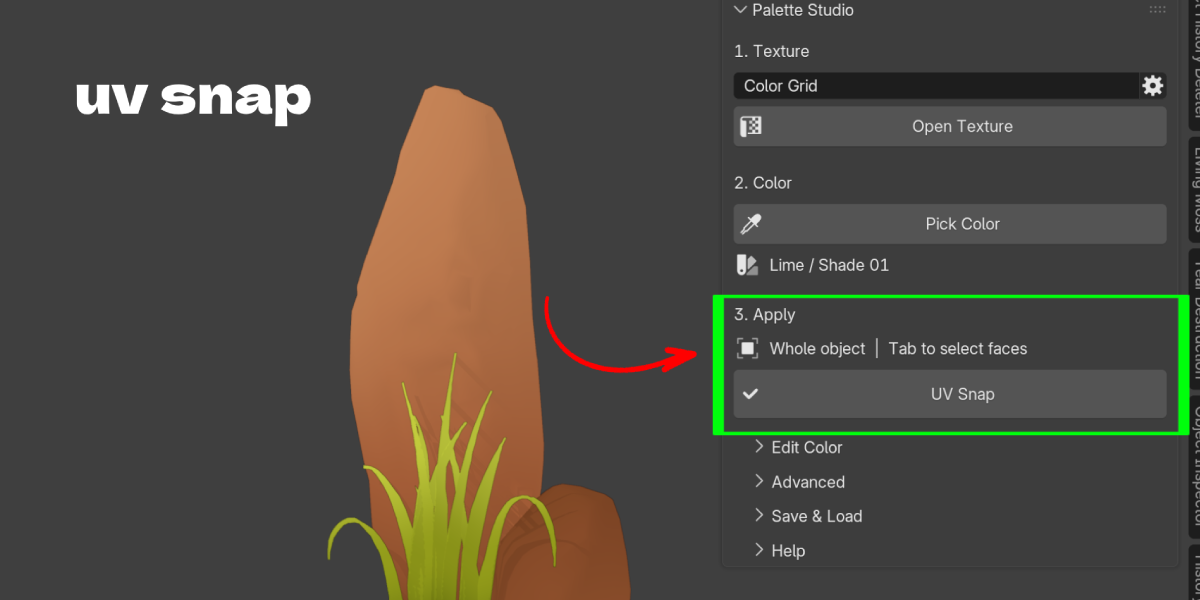
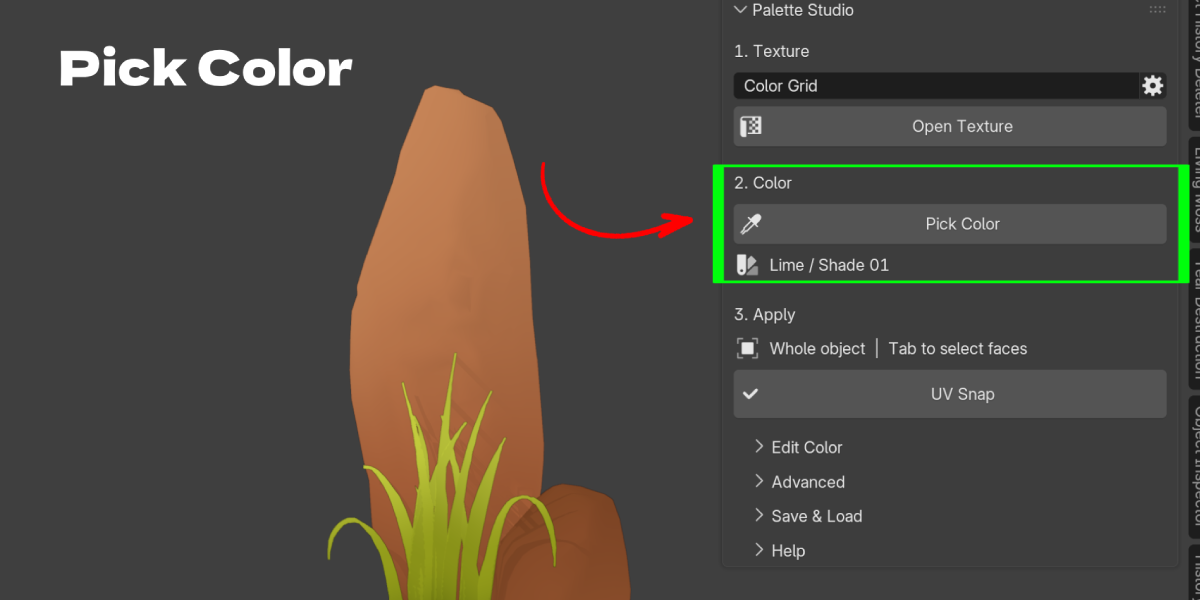
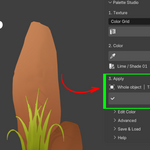
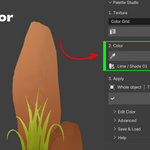
Choose Color Grid, select faces, click Pick Color, pick a cell, then click UV Snap.
Does it create a material for every color?
No. All colors come from one palette texture and one shared material.
Can I use gradients?
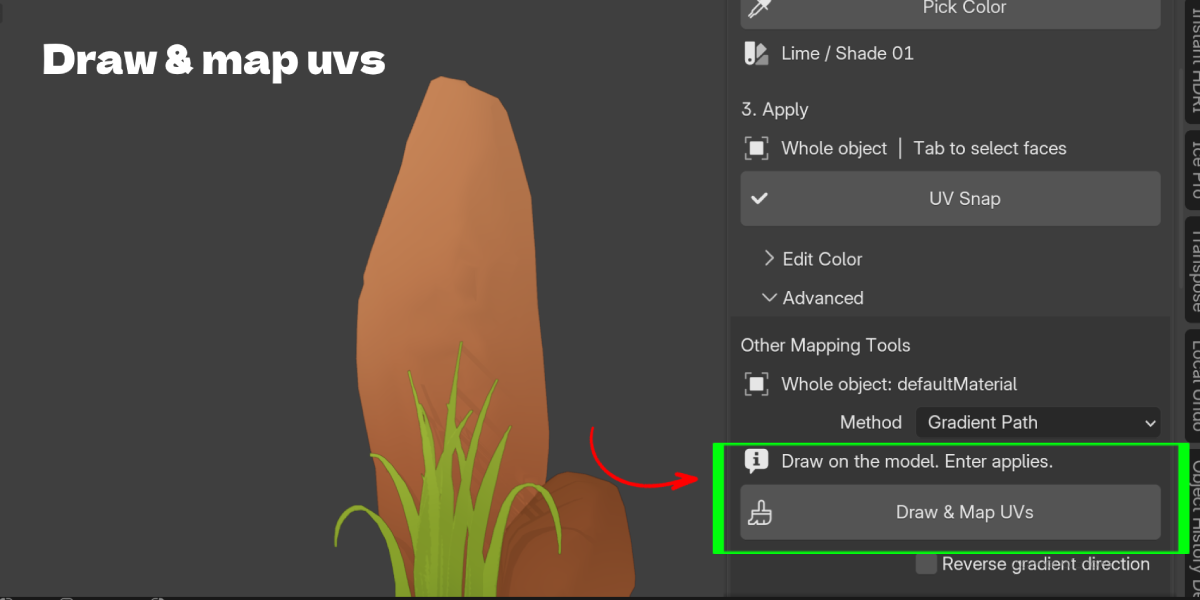
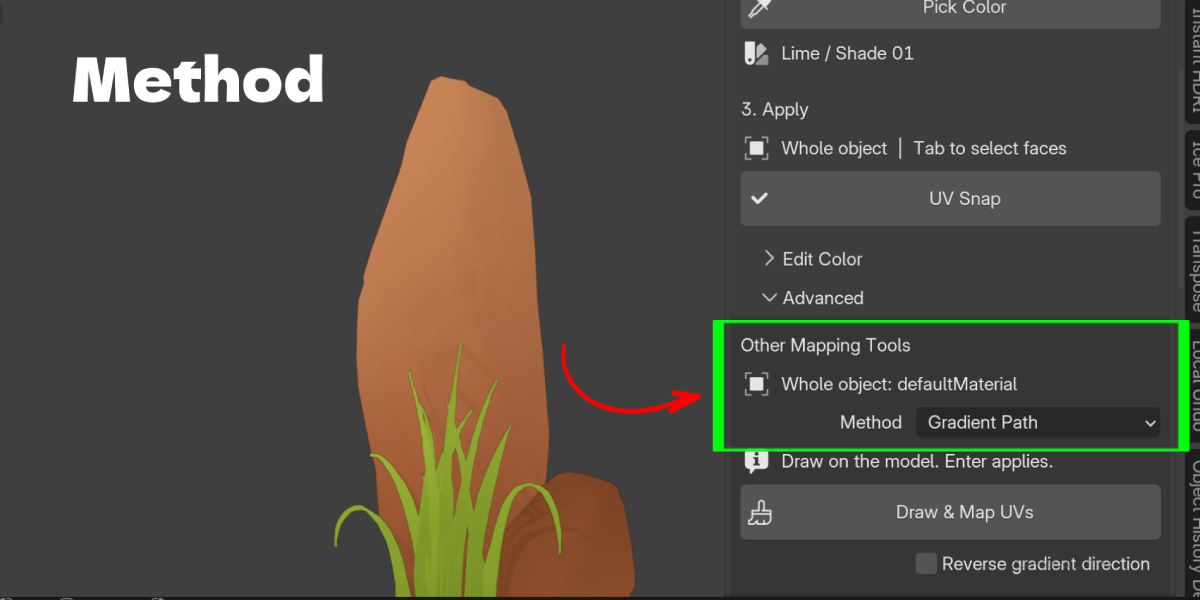
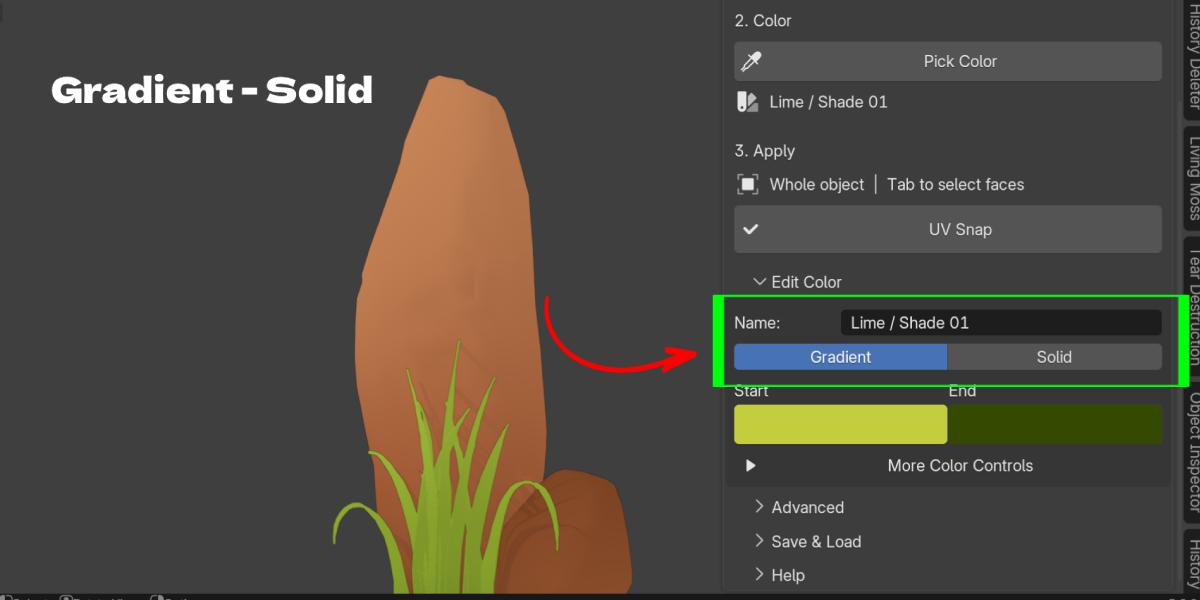
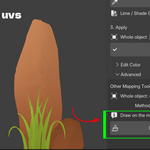
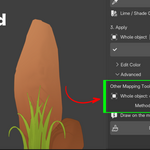
Yes. Choose Gradients and map them vertically, from view, radially or along a drawn path.
Can I change a color after mapping?
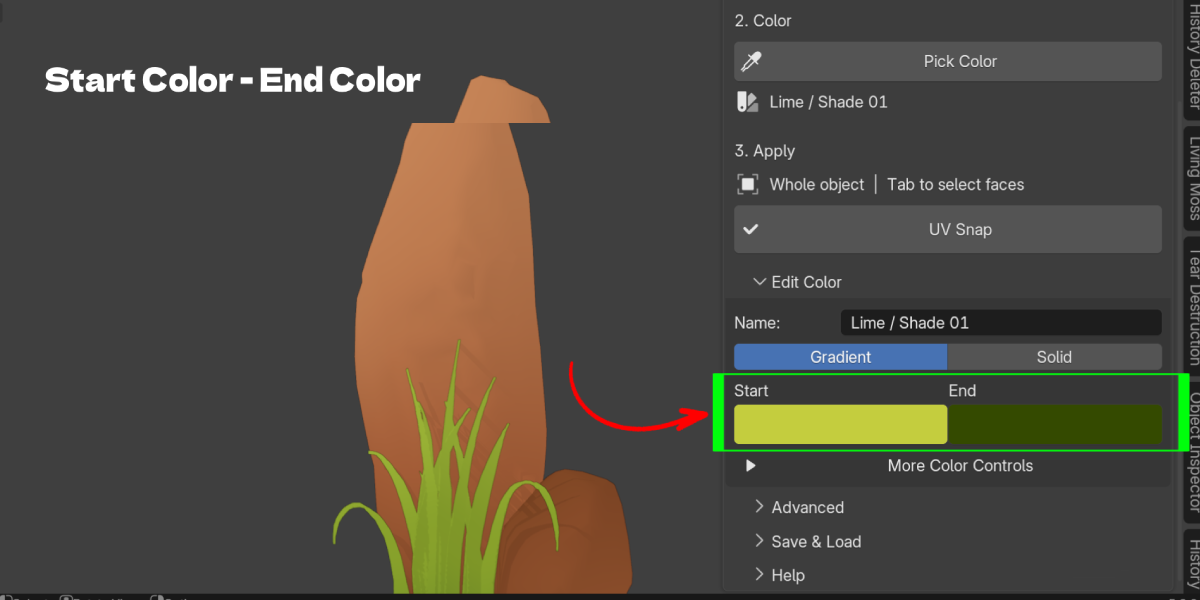
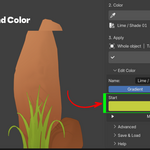
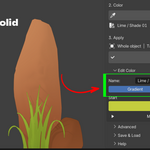
Yes. Edit Color updates every face mapped to that cell.
Can I export the palette?
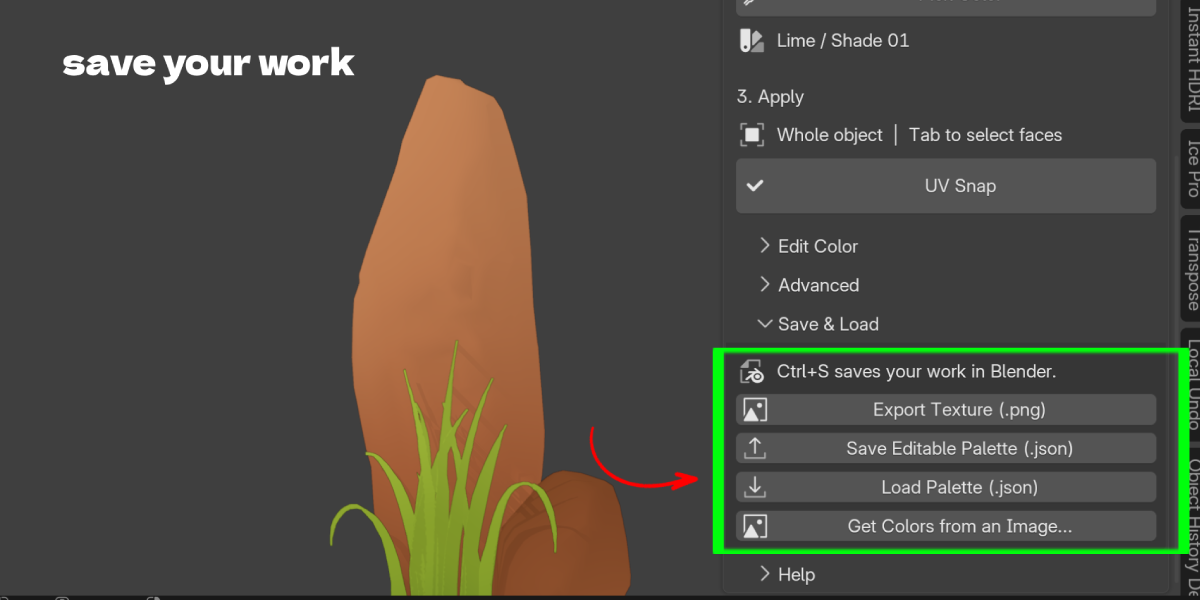
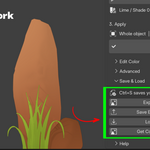
Yes. Export a PNG texture or save an editable JSON palette.
Is it good for game assets?
Yes. One small texture and one material keep assets light.
Which Blender versions are supported?
Blender 4.2 and newer, and 3.6 to 4.1 as a legacy addon.
How do I get support?
Email [email protected].
Have questions about this product?
Login to message
| Published | about 7 hours ago |
| Blender Version | 3.6 - 5.2 |
| Extension Type | N/A |
| License | GPL |

Discover more products like this
Palette color materials low poly flat shading uv mapping color-grid game assets uv gradient stylized Texturing