 Tristan Muzzu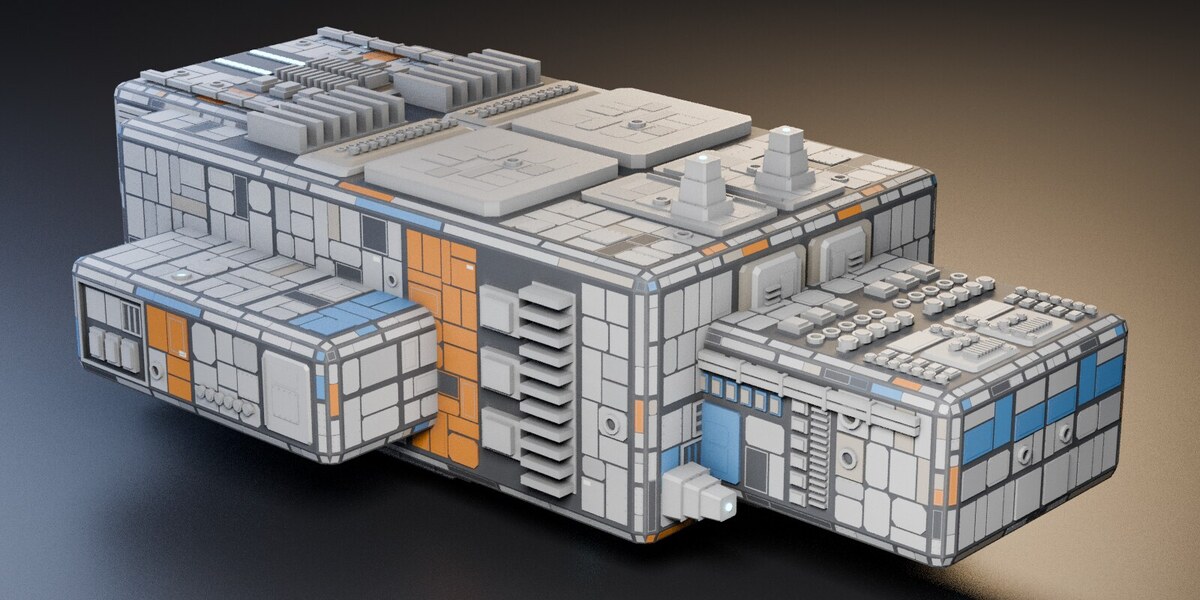
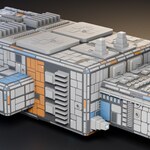
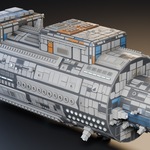
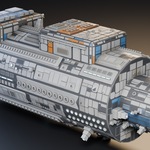
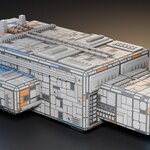
Add plating to a hull or blockout
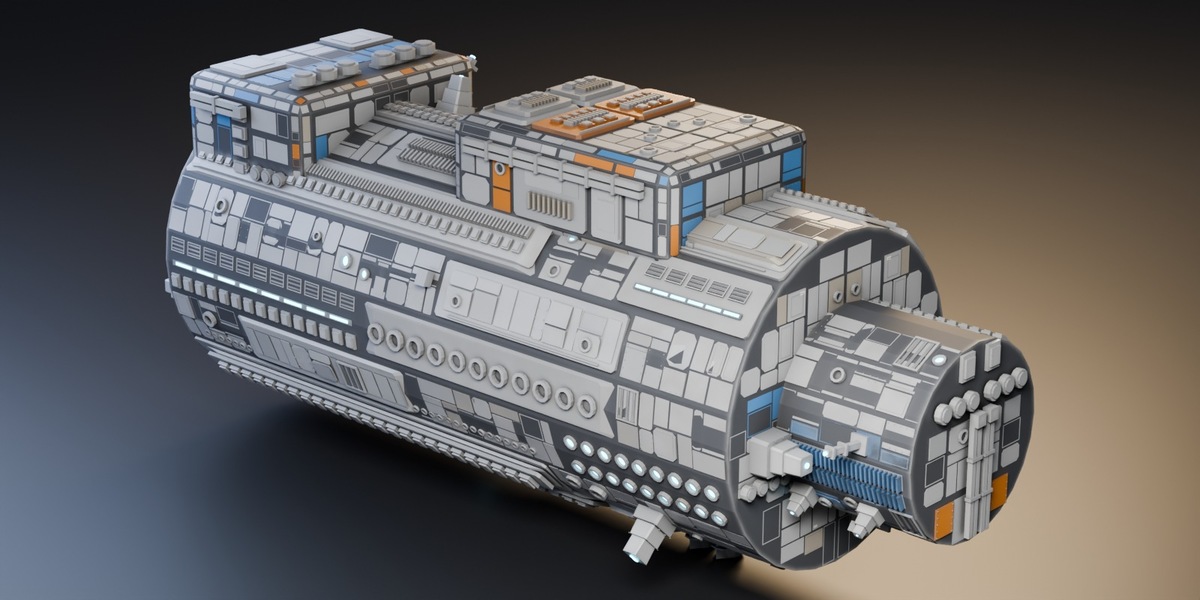
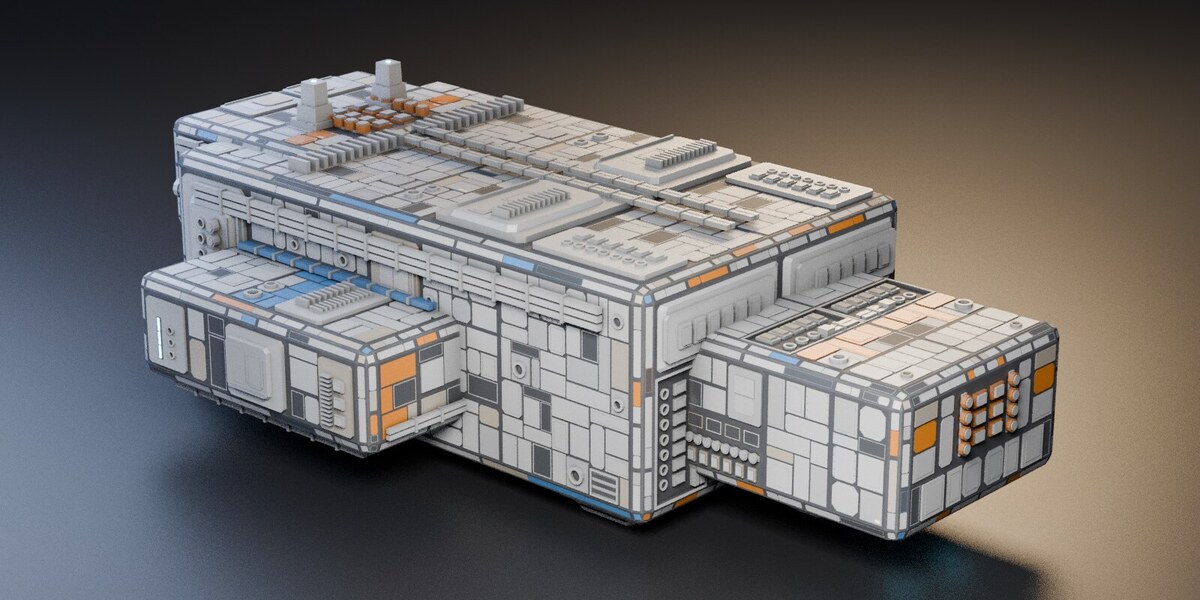
PanelForge builds panelled surfaces on your mesh: plates, recessed bays, rows of mechanical parts, conduit and raised decks. It also adds painted bands, hatch details and eight procedural materials.
Select a hard-surface mesh and press Generate Plating. Adjust the detail size to suit the model. To try another layout, undo the result, change the seed and generate again.
Plating that follows the shape
Flat areas are divided into structural bays, with aligned panel lines and mirrored plating on symmetrical meshes. Larger faces can carry decks, tanks or a mast. Recessed bays cut into the hull and include walls and a floor.
Version 3.2 also plans plating across cylindrical and extruded surfaces. Panels, paint and fittings continue across the facets of a drum or rounded hull instead of starting a new layout on each narrow strip. Cones and spheres still produce small flat plates.
Materials and mesh details
Your existing materials stay on the original faces. PanelForge adds eight material slots for the new geometry, with paint, dirt and surface variation. The material's corner-wear effect needs Cycles; Eevee displays the geometry and the other shading effects.
UVs use a consistent scale in world metres for tiling textures. Generated faces have a PanelForge attribute so you can select them separately. Most geometry sits on top of the hull, but recessed bays cut holes into it. Keep a duplicate of the original mesh if you want to return to it later.
Choosing the amount of detail
Start with Detail Size and Relief, then adjust the bays, decks, conduit and smaller fittings. Lower Detail Size creates more geometry, so a background prop usually needs less detail than a close-up. The included manual explains every setting with example counts.
The result consists of separate mesh shells. PanelForge does not weld them together or bake textures. It works best on hard-surface models with broad areas for plating.
Download and installation
Includes PanelForge 3.2.0 and its manual. Supports Blender 3.6 through 5.2. On Blender 4.2 and newer, drag the ZIP into the Blender window or use Install from Disk. On older versions, install it through Preferences > Add-ons. Licensed under GPL v3.
For help or bug reports, use the contact link on this page. Include your Blender version and the steps that led to the problem.
Also available in the Sci-Fi Hard Surface Bundle: PanelForge, LineForge, WearForge and the six-piece Sci-Fi Corridor Kit for $9.99. The three add-ons alone cost $14.97 bought separately; the corridor kit is included at no extra cost.
