 Nuriddin Khamidov
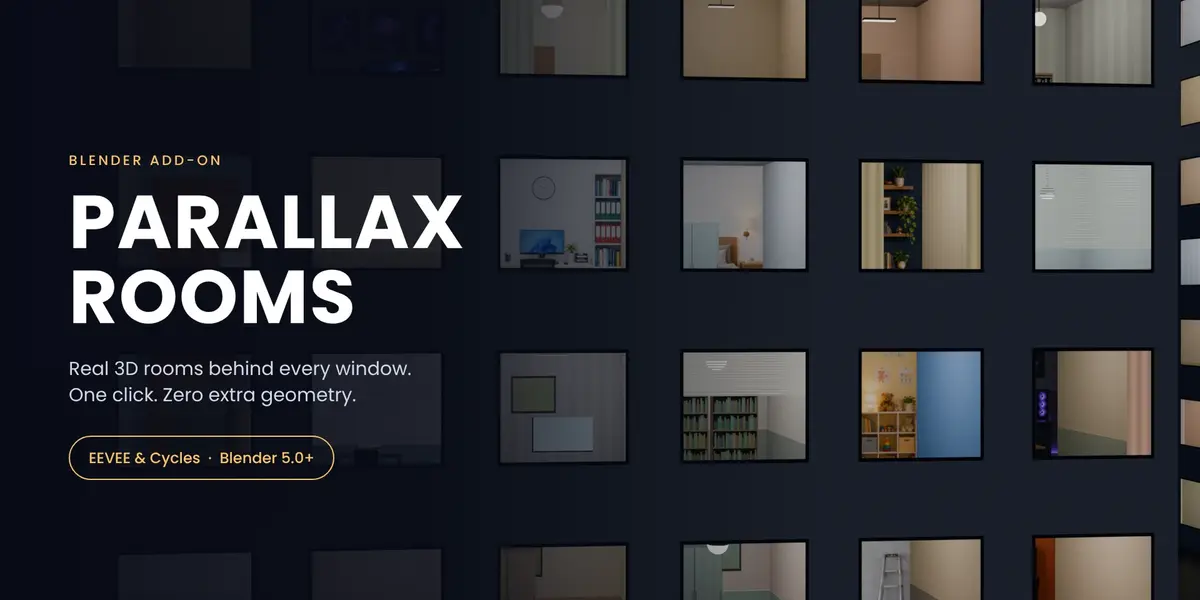
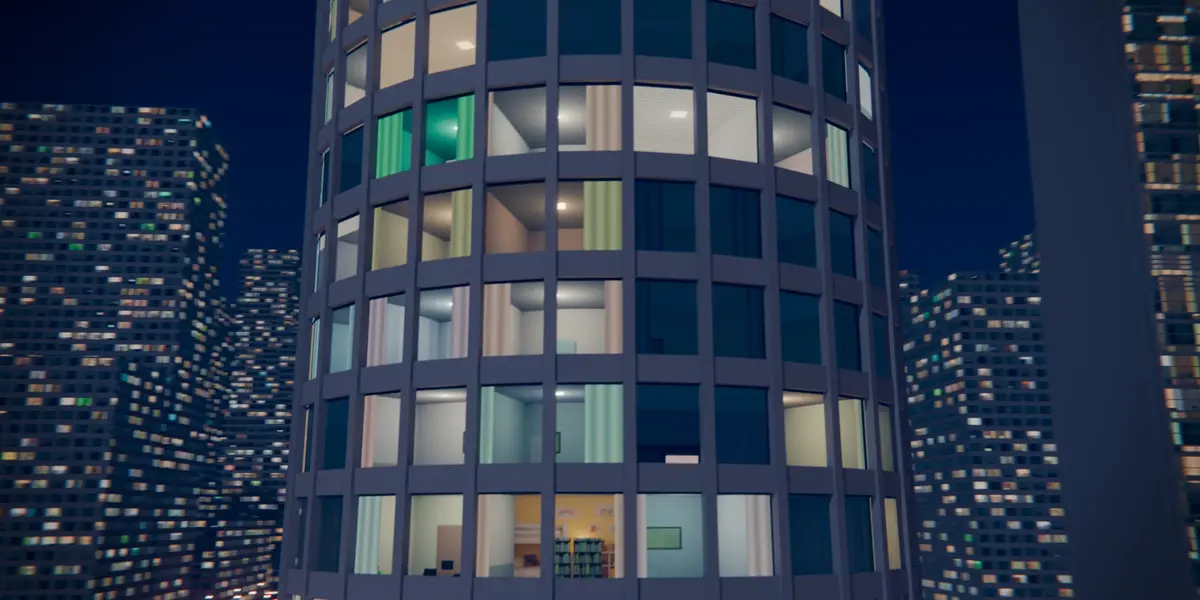
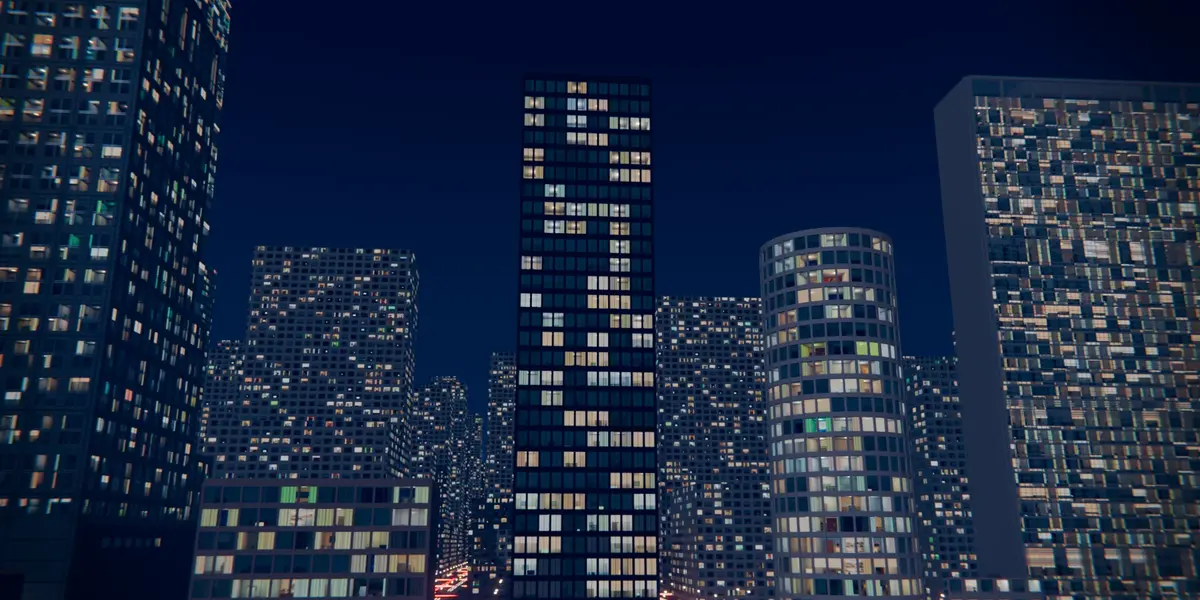




Real 3D rooms behind every window. One click, zero extra geometry.
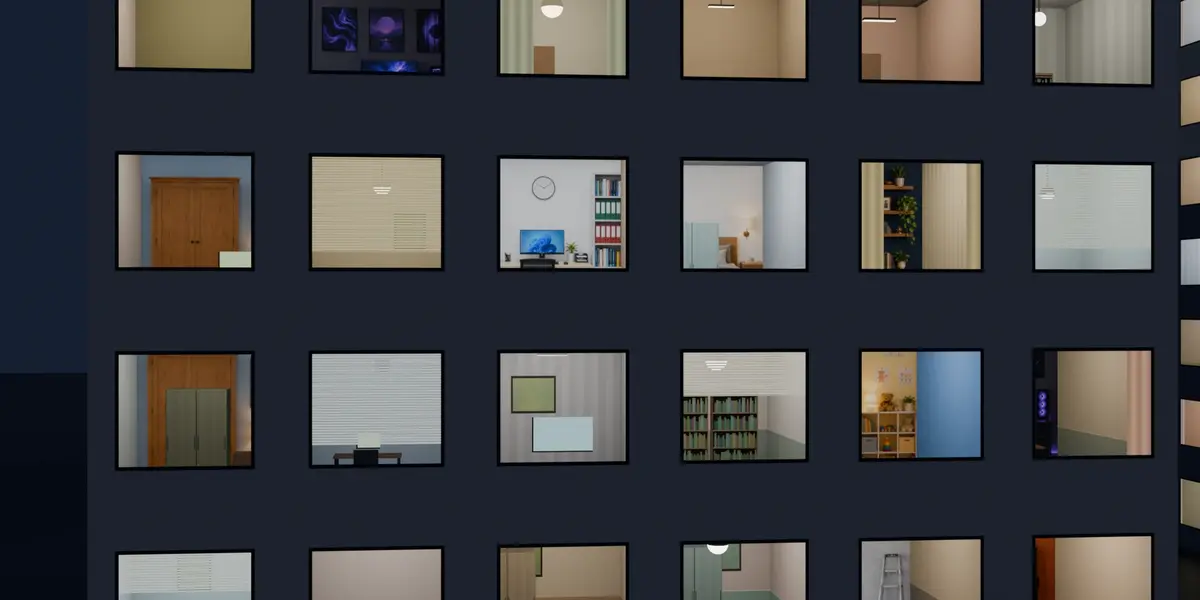
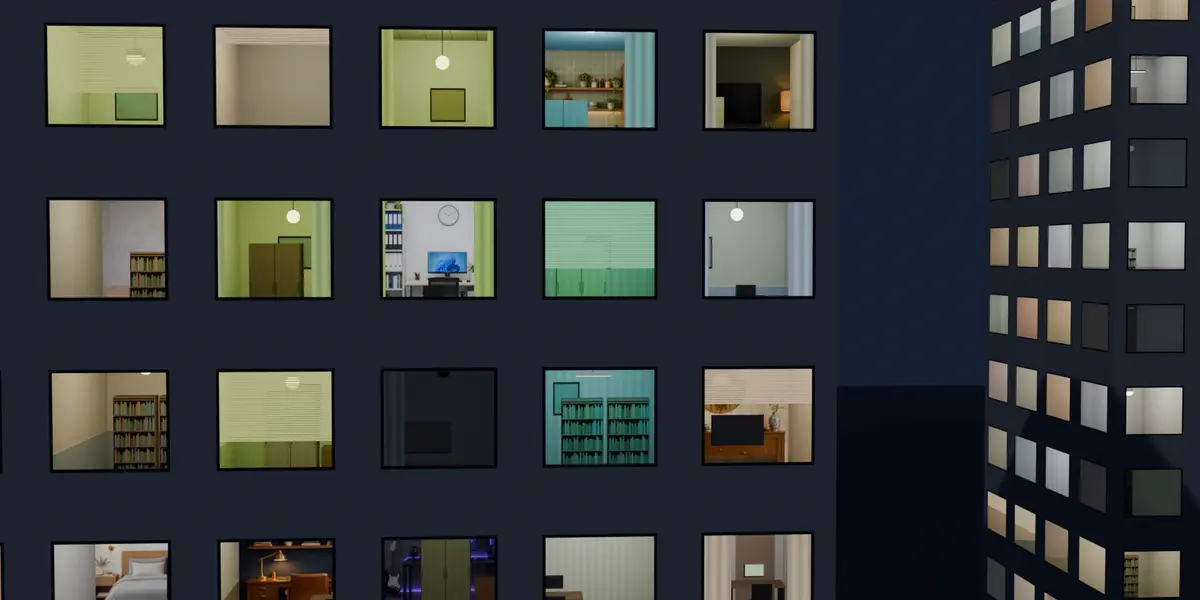
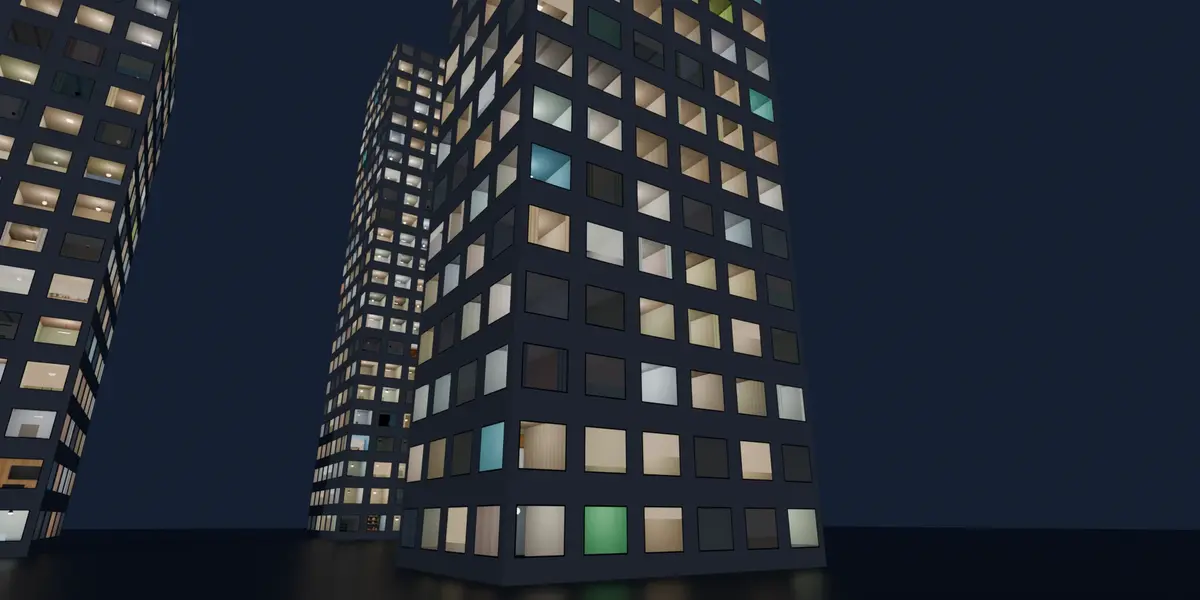
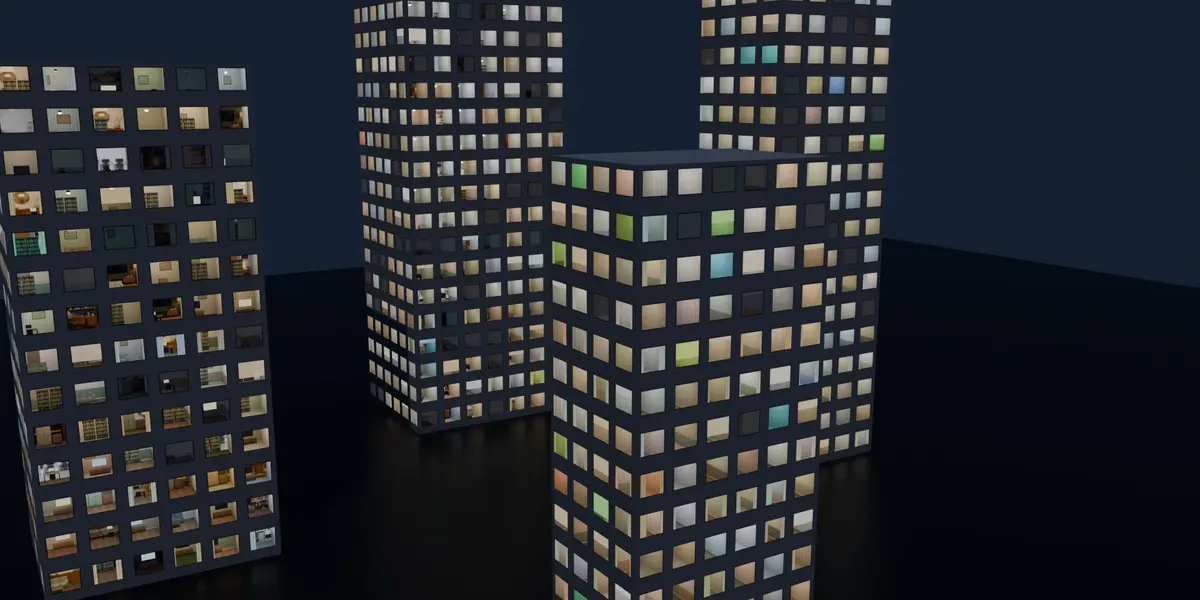
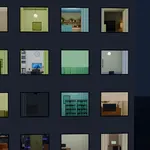
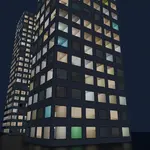
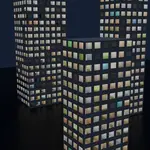
Parallax Rooms fills every window of your building with a unique 3D interior. It uses interior mapping, so each room shifts with the camera angle like a real space, yet the facade stays a single flat face. Thousands of rooms render in EEVEE or Cycles with no extra polygons.
How it works
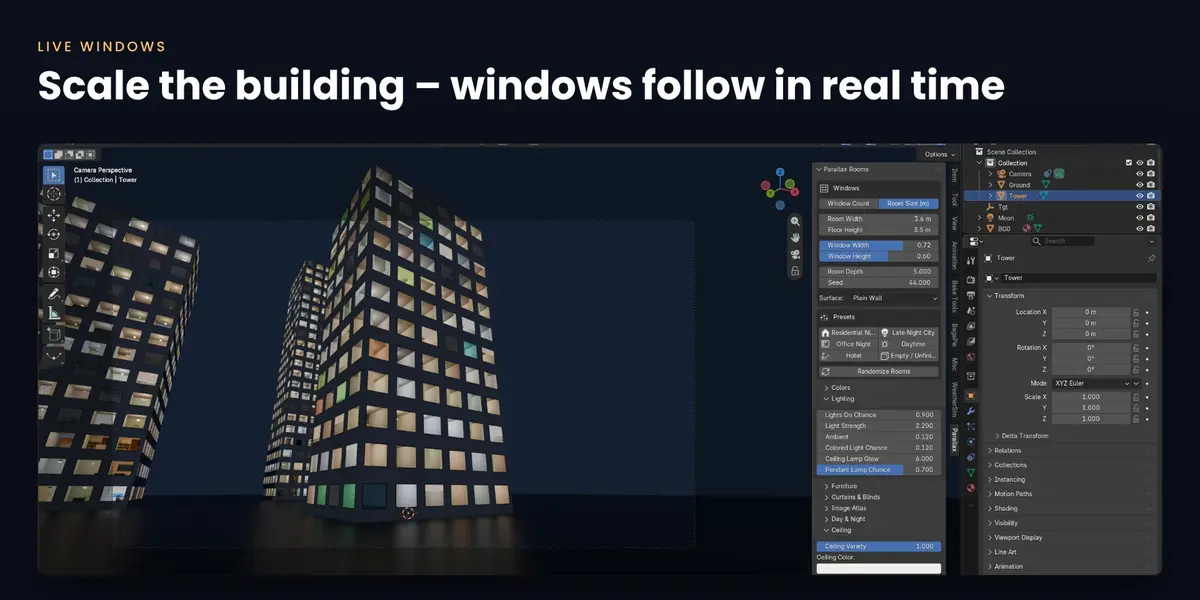
- Select a building (or click Add Facade Plane) and open the Parallax tab in the N-panel.
- Click Apply. Every window becomes a room with walls, floor, ceiling and furniture.
- Pick a preset, press Randomize Rooms, and tweak lights, curtains and colours.
1-minute quick start:
Features
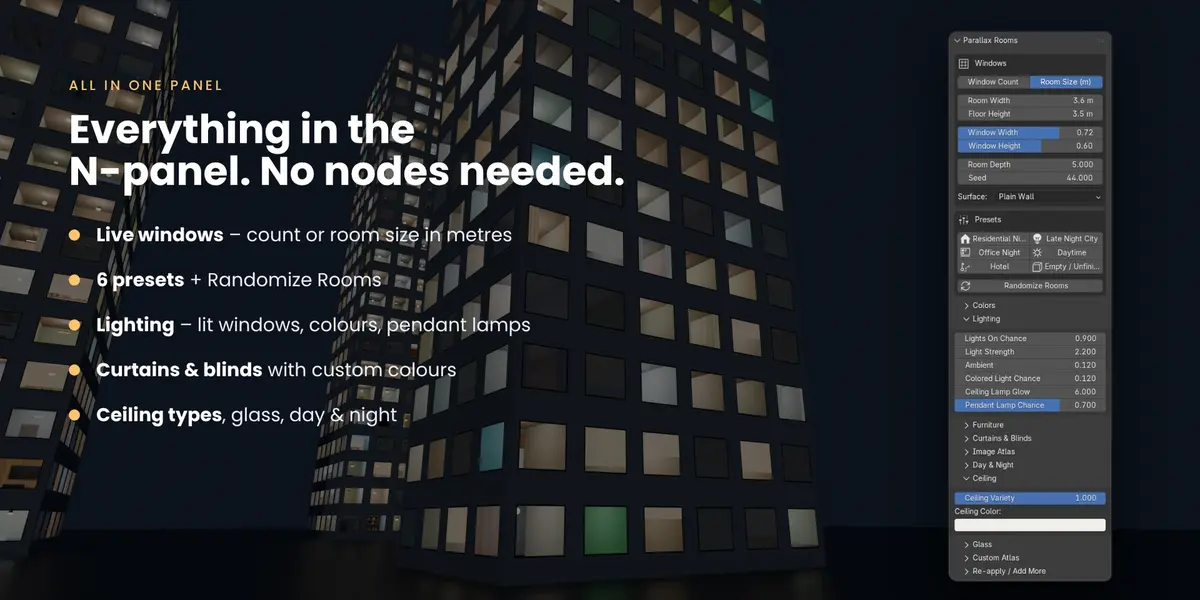
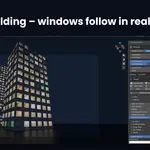
- Live windows: set the count across and floors, or a room size in metres. Scale the facade and windows are added automatically.
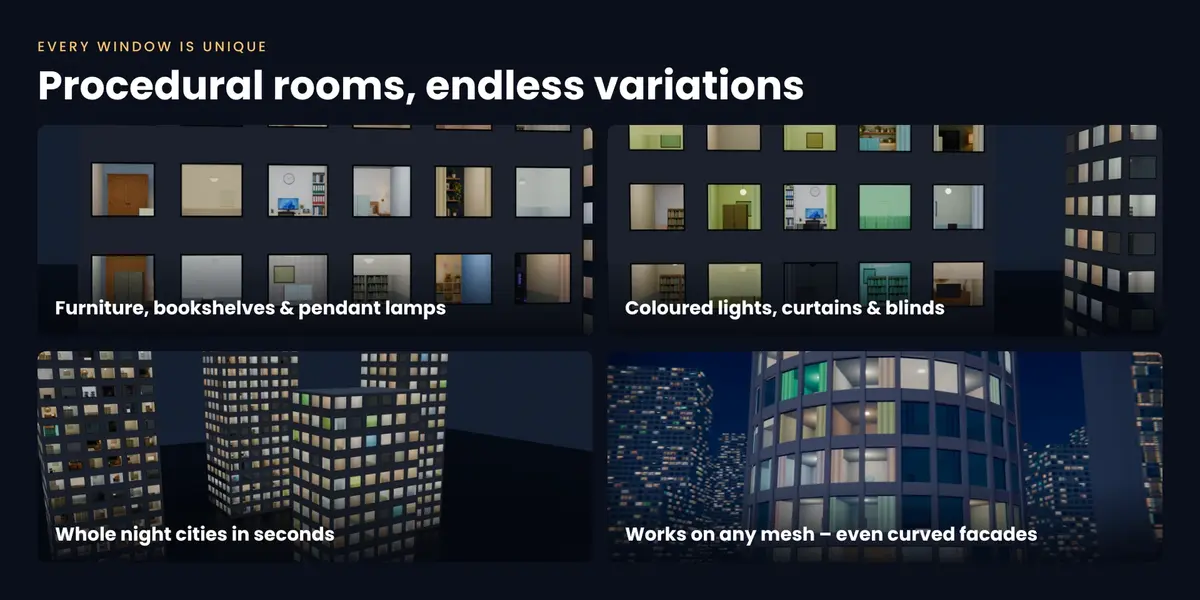
- Procedural rooms: furniture (sofas, desks, wardrobes, bookshelves), TV and PC screens, 4 ceiling types.
- Lighting: control how many windows are lit, light strength and colour; flush ceiling lamps and pendant lamps in 4 shapes and many sizes.
- Curtains & blinds: amount, chance and colours, fixed or random.
- Glass: reflection, roughness, tint and darkening.
- 6 presets: Residential Night, Late Night City, Office Night, Daytime, Hotel, Empty / Unfinished.
- Day & night: one slider takes the whole city from daylight to night.
- Works on any mesh: box towers, cylinders, Array copies, plain walls or modelled glass. Roofs keep their own material.
- Animatable: keyframe Lights On Chance and watch the city wake up.
- Custom atlas: load your own 4×4 back-wall image.
Requirements
Blender 5.0 or newer. EEVEE and Cycles. Windows, macOS and Linux.
What's included
The add-on (Blender Extension .zip) with a bundled shader library, a demo scene, plus free updates for the 1.x line.
FAQ
Can the camera go inside a room? No. Rooms are a shader effect, made for exterior and fly-by shots.
Does it work with my own building? Yes. Select the object (or the faces that should get windows) and press Apply.
Can I export it to a game engine? Not yet. It is a Blender shader.
