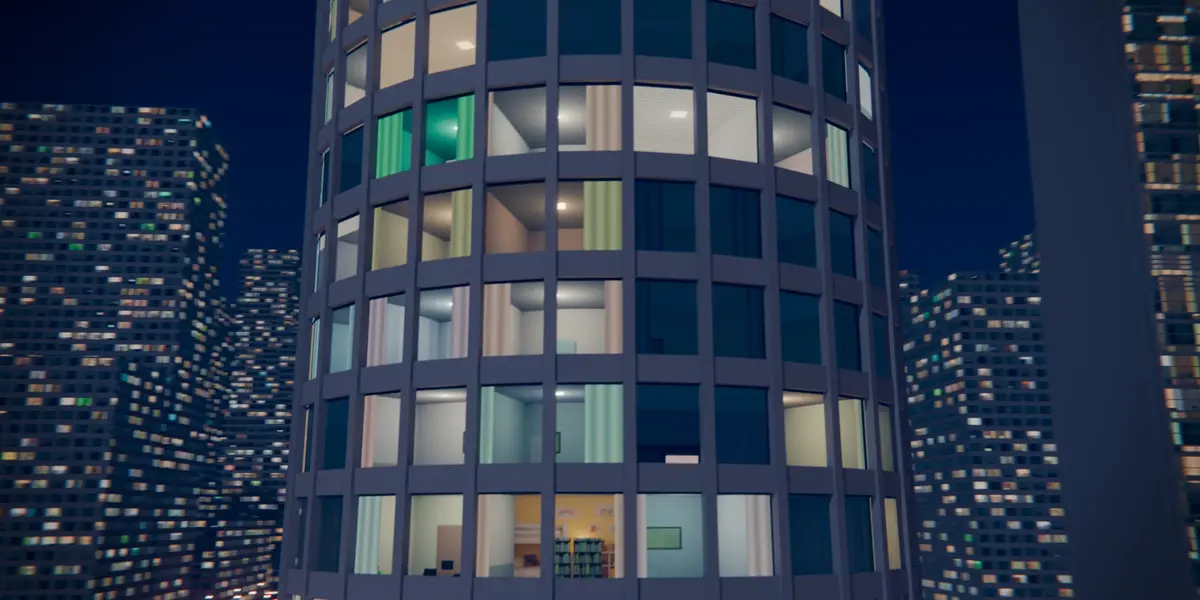
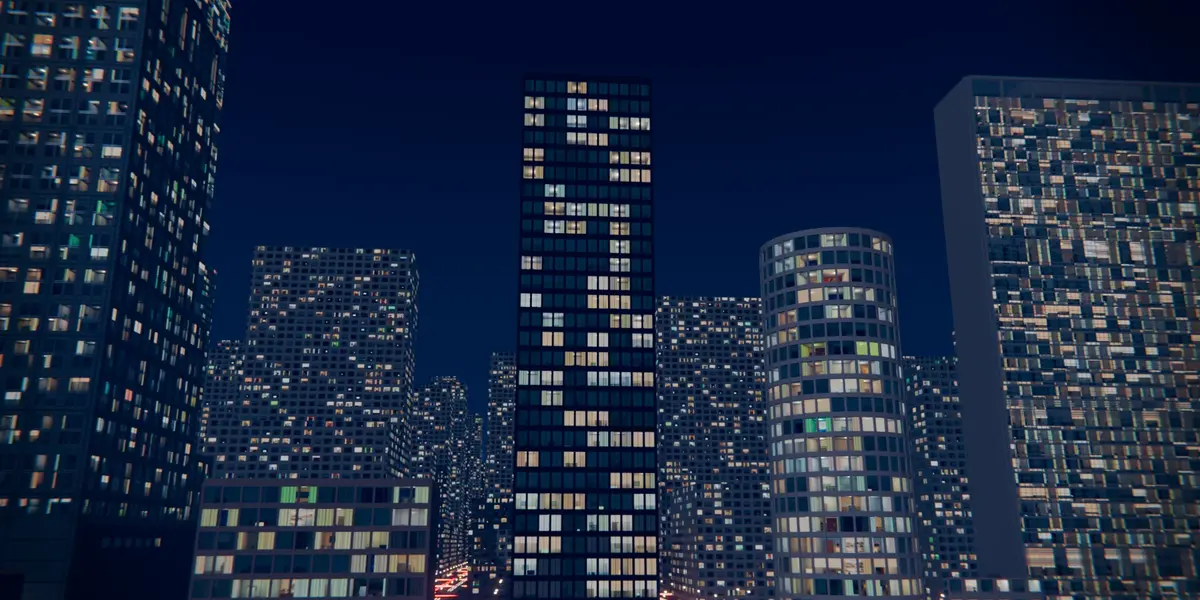
Parallax Rooms – Procedural Building Interiors
 Nuriddin Khamidov
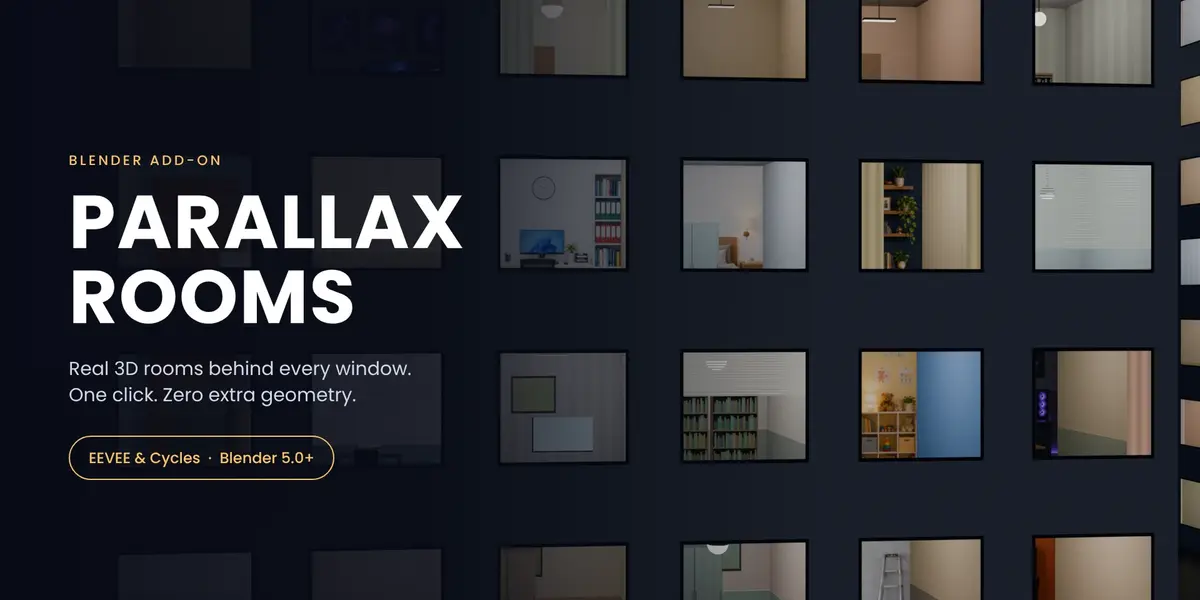
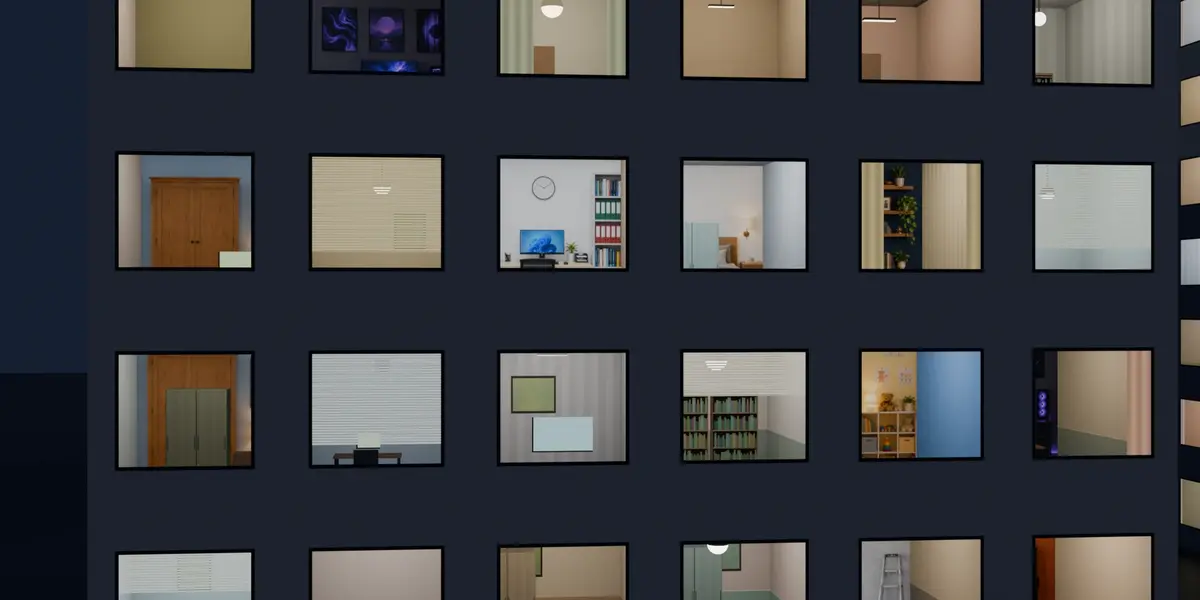
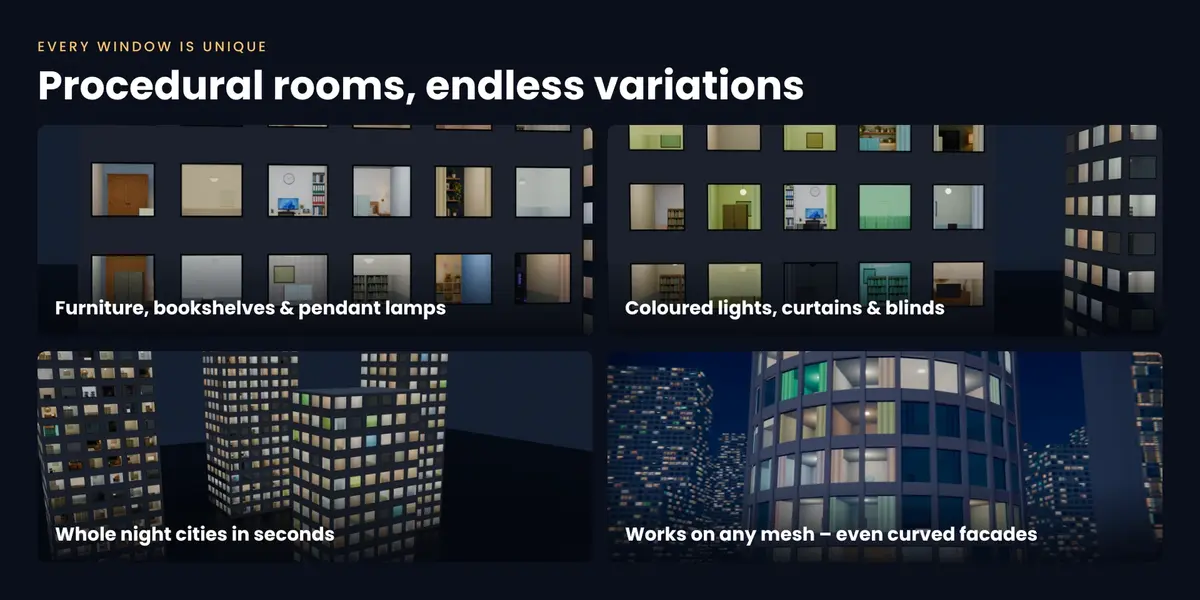
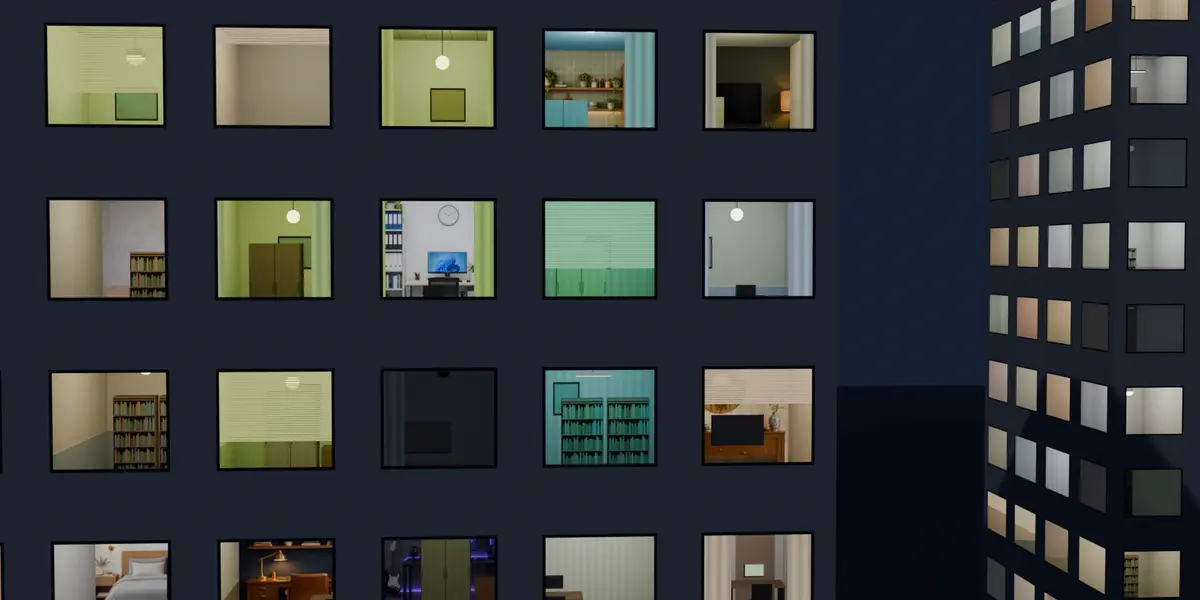
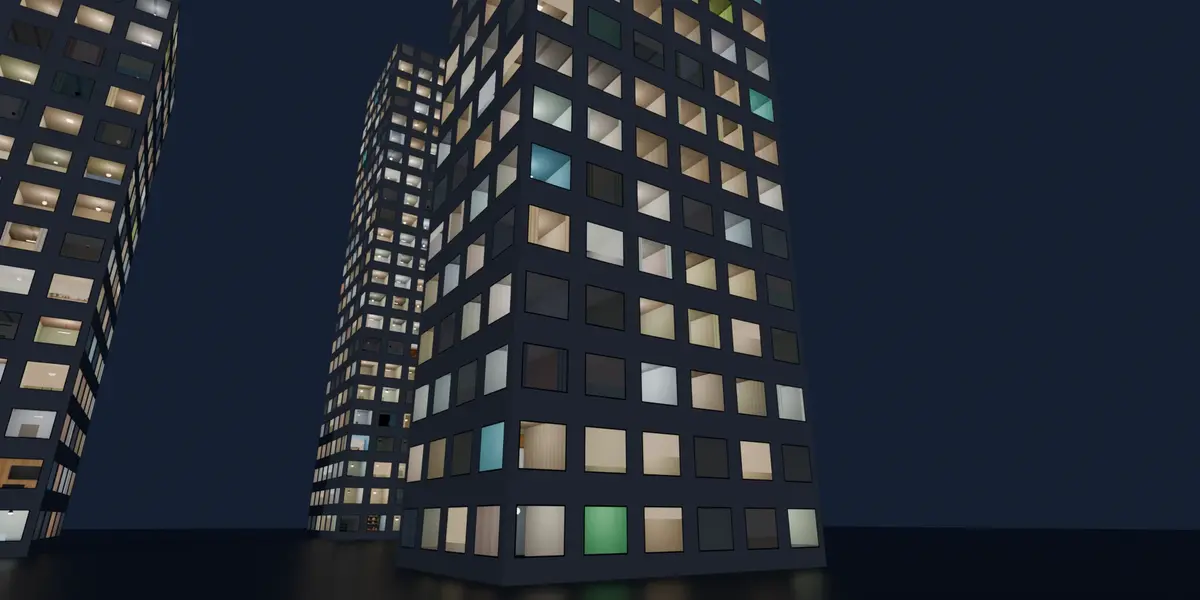
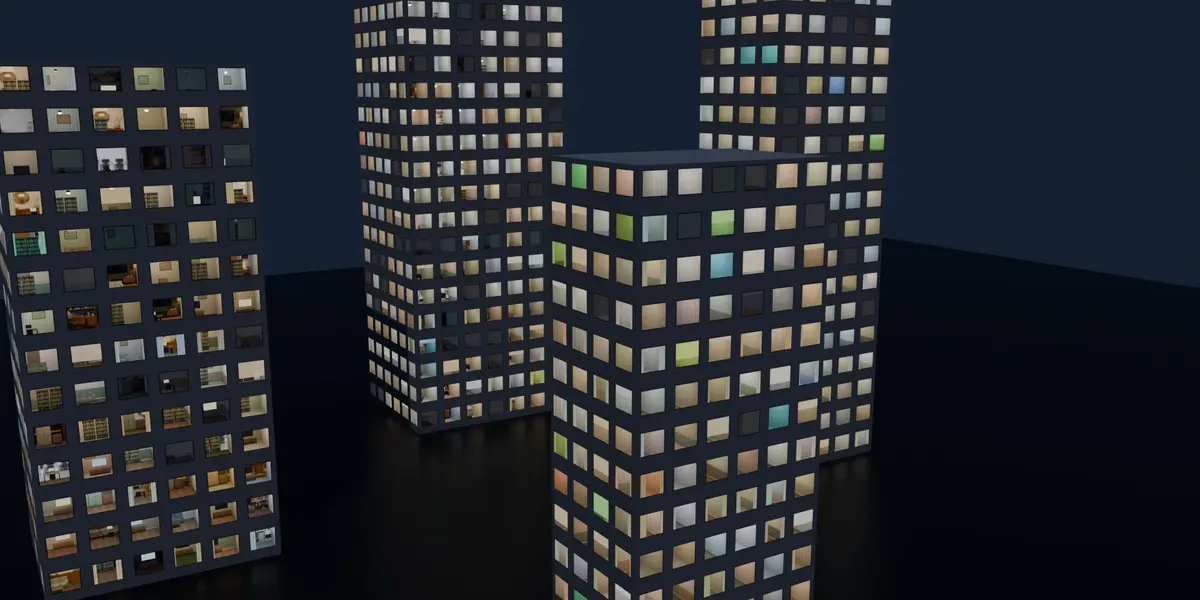
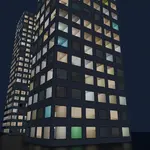
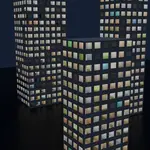
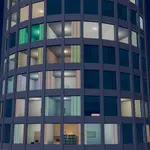
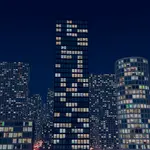
Installation
- Download parallax_rooms-1.1.0.zip (do not unzip it).
- In Blender open Edit › Preferences › Get Extensions, click the ⌄ arrow in the top-right corner and choose Install from Disk…
- Select the zip. The add-on enables itself.
- In the 3D Viewport press N and open the Parallax tab.
Quick start
- New facade: click Add Facade Plane.
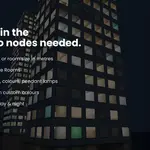
- Your own building: select it, keep Surface = Plain Wall (or Modelled Glass for glass curtain walls) and click Apply Parallax Rooms. Roofs and floors keep their own material.
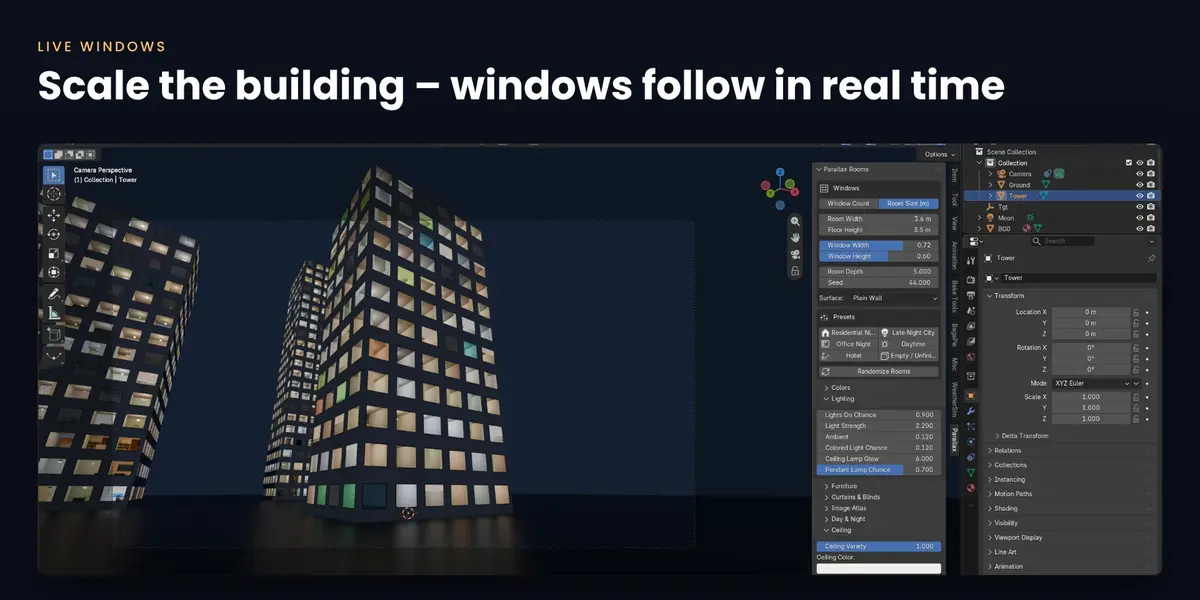
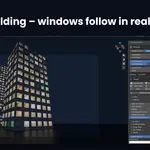
- Windows: change Across / Floors, or switch to Room Size (m) and scale the object – windows are added automatically.
- Presets + Randomize Rooms for instant variations.
Panels
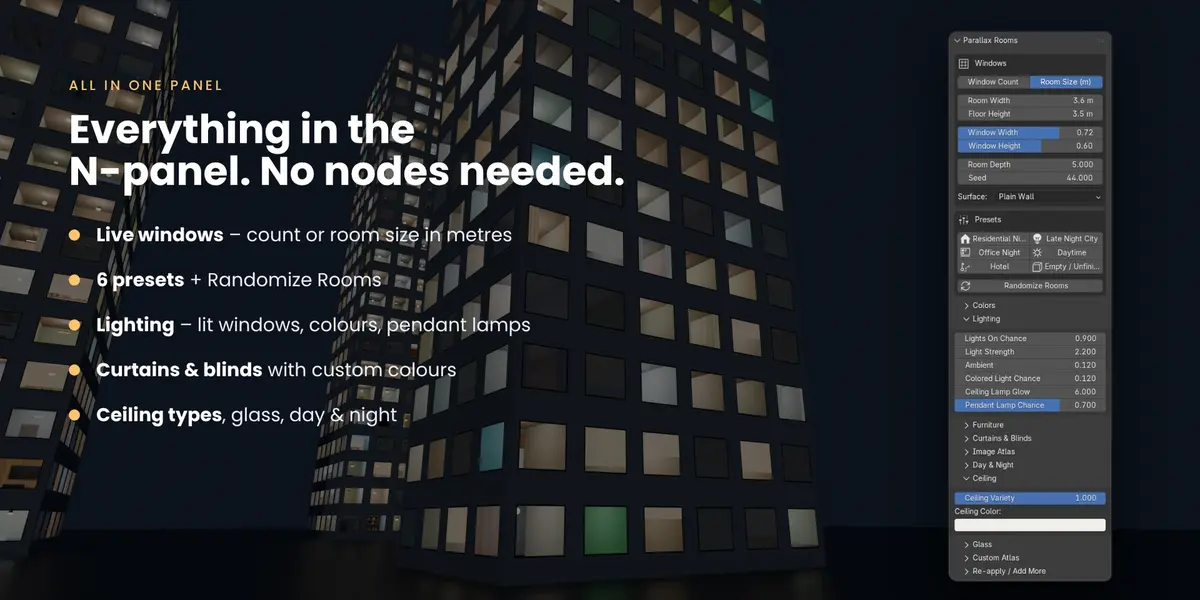
- Colors – facade and window frame colour.
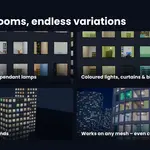
- Lighting – Lights On Chance, Light Strength, Ambient, Colored Light Chance, Ceiling Lamp Glow, Pendant Lamp Chance.
- Furniture – furniture amount, TV/PC screens.
- Curtains & Blinds – chance, amount and colours (fixed or random).
- Image Atlas / Custom Atlas – photo back walls, or load your own 4×4 image.
- Day & Night – Daylight slider for the whole city.
- Ceiling – ceiling variety and colour.
- Glass – reflection, roughness, tint, darkening.
Tips
- Animate Lights On Chance from 0 to 0.6 to make the city wake up.
- Use a different Seed per building so neighbours never repeat.
- Works in EEVEE and Cycles; rooms are a shader effect made for exterior shots.
Video: 1-minute quick start
Have questions about this product?
Login to message
| Blender Extension Compatible | Yes |
| Published | 25 minutes ago |
| Blender Version | 5.0 - 5.3 |
| Extension Type | Add-on |
| Render Engine Used | Cycles, Eevee |
| License | GPL |

Discover more products like this
procedural architecture facade city building windows Interior Mapping parallax Interior night city Shader skyscraper