Parametric Stairs
 3dskybuild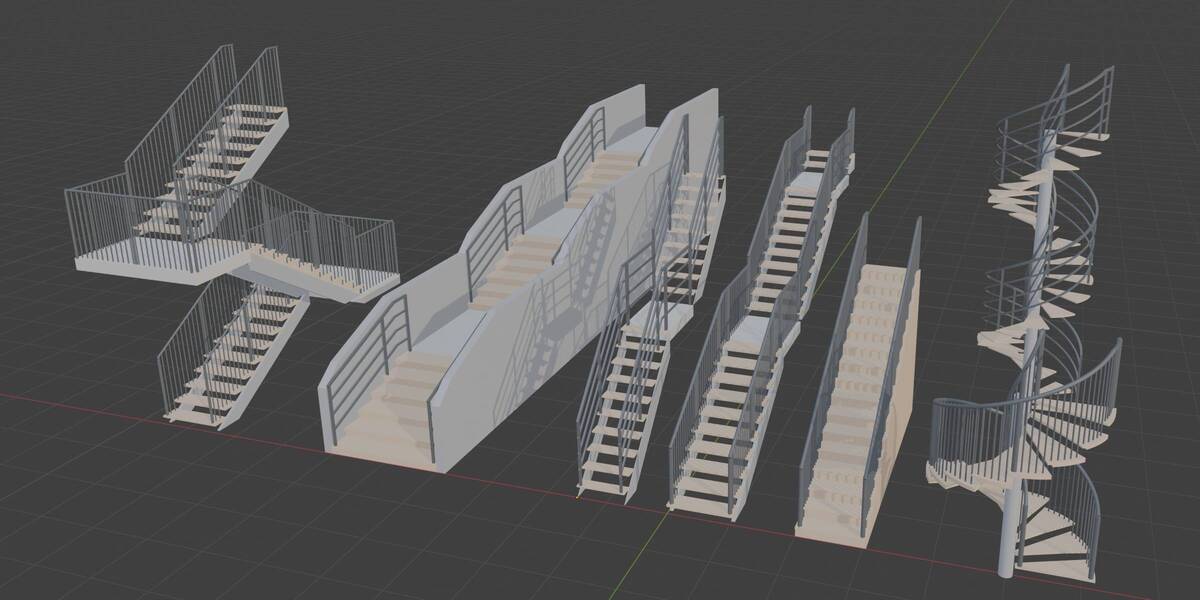
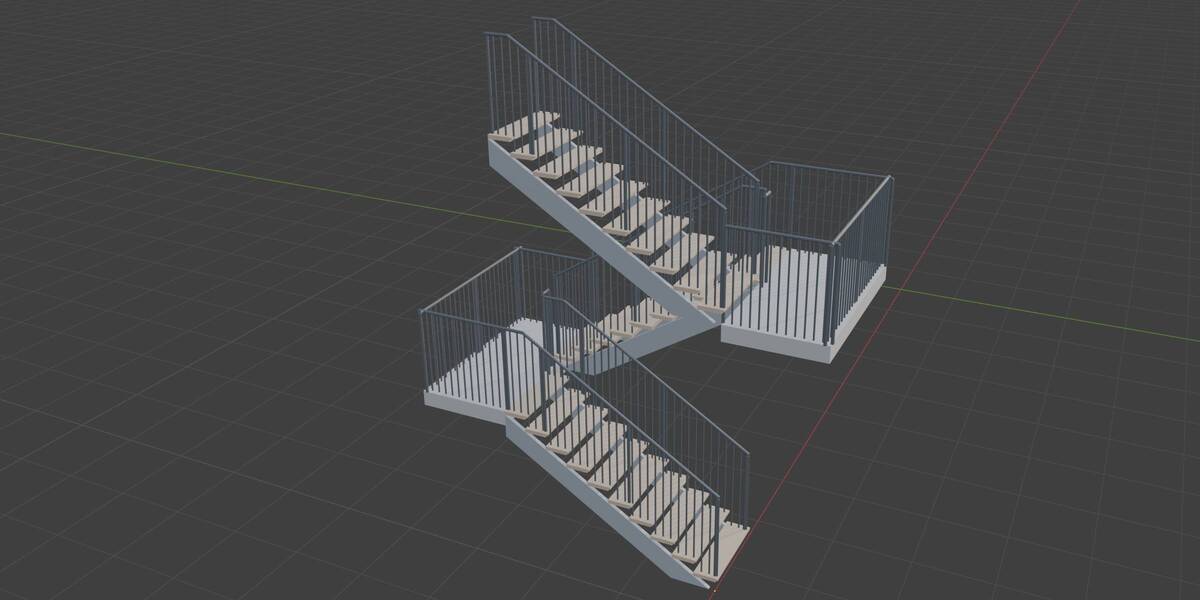
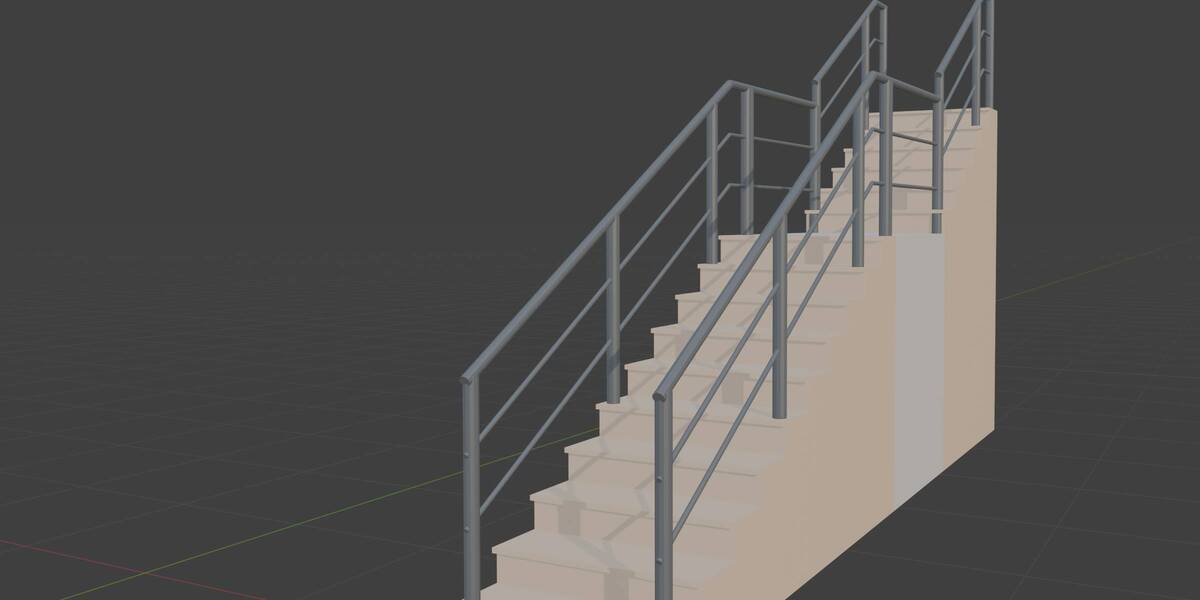
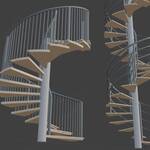
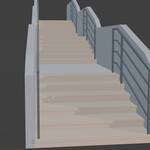
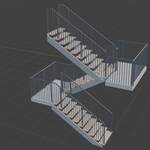
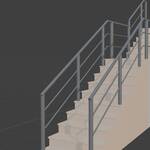
Installation
- Download the
.zipfrom your Superhive library. Do not unzip it.- Open Blender and drag the zip onto the Blender window, then confirm the install. Or go to Edit > Preferences > Get Extensions, open the arrow menu in the top right, choose Install from Disk… and select the zip.
- Make sure the extension is enabled.
- Create a staircase from Add > Mesh > Parametric Stairs, or open the Stairs tab in the sidebar (press N) and click Create stairs.
To update, install the new zip the same way and confirm the replacement.
Quick start
- Create a staircase, then pick a preset or set the number of steps.
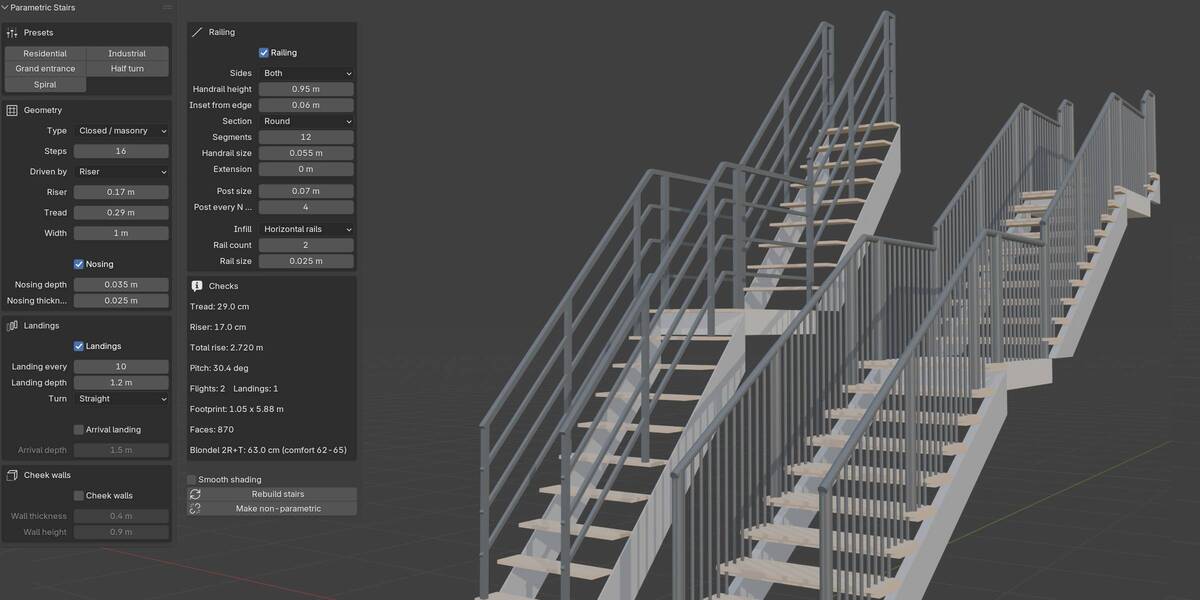
- Set the riser or the total height, the tread and the width.
- Open Landings to break the run, choose the turn type and the depth.
- Open Railing to switch it on or off and set sides, infill and sizes.
- Use Make non-parametric when you are done and want to edit the mesh by hand.
Have questions about this product?
Login to message
| Blender Extension Compatible | Yes |
| Published | 1 day ago |
| Blender Version | 5.0 - 5.2 |
| Extension Type | Add-on |
| Render Engine Used | Cycles, Eevee |
| License | GPL |

Discover more products like this
spiralstaircase stairs railing architecture ArchViz procedural Generator